Ahrefs Site Audit for Beginners: What to Focus On (Without Drowning in Data)
A plain-English guide to using Ahrefs Site Audit for small business owners — what to fix first, what to safely ignore, and how to build a real action list.
# Ahrefs Site Audit for Beginners: What to Focus On (Without Drowning in Data)
You opened Ahrefs Site Audit for the first time. The crawl finished. There are 412 issues. You closed the tab.
If that's roughly how it went, you're not alone. Ahrefs is built for SEO professionals, and the Site Audit module reflects that — it surfaces everything it can find, scored by severity, sorted into categories most small business owners have never heard of. "Orphan pages." "Hreflang conflicts." "Canonical points to redirect."
The good news: most of those issues don't matter for your business right now. Maybe five categories actually move the needle, and you can work through them in an afternoon.
This guide walks through what to look at, what to skip, and how to turn an Ahrefs crawl into a short, useful to-do list — written for someone who runs a business, not a technical SEO agency.
What Ahrefs Site Audit Actually Does
Before you click anything, it helps to know what's happening under the hood.
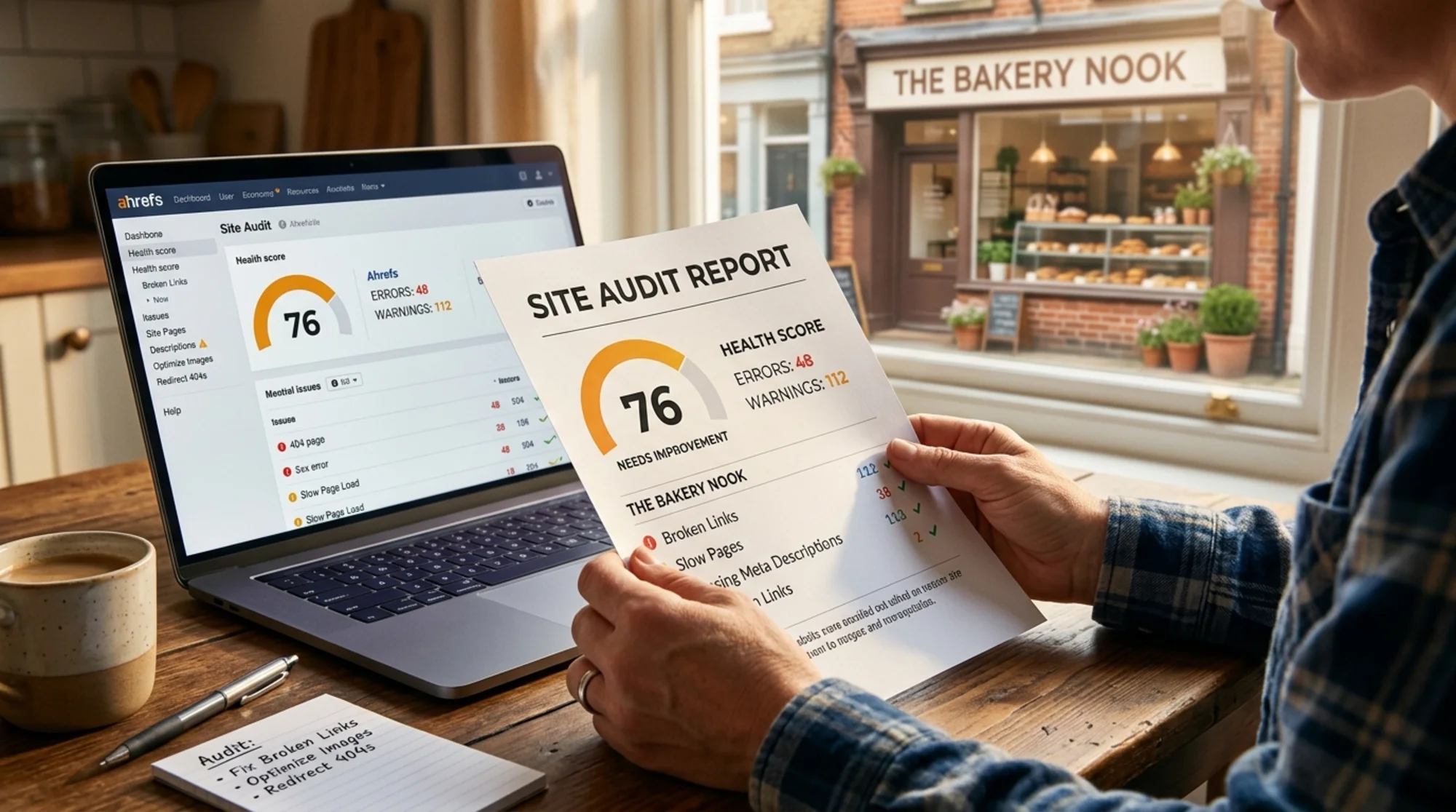
Ahrefs Site Audit launches a crawler — basically a robot browser — that starts at your homepage and follows every internal link it can find. It downloads each page, records the response code, parses the HTML, checks the meta tags, measures page weight, and flags anything that looks broken or suboptimal.
When it's done, you get three things:
- A Health Score (0–100) — a single number meant to summarize the overall technical health of your site.
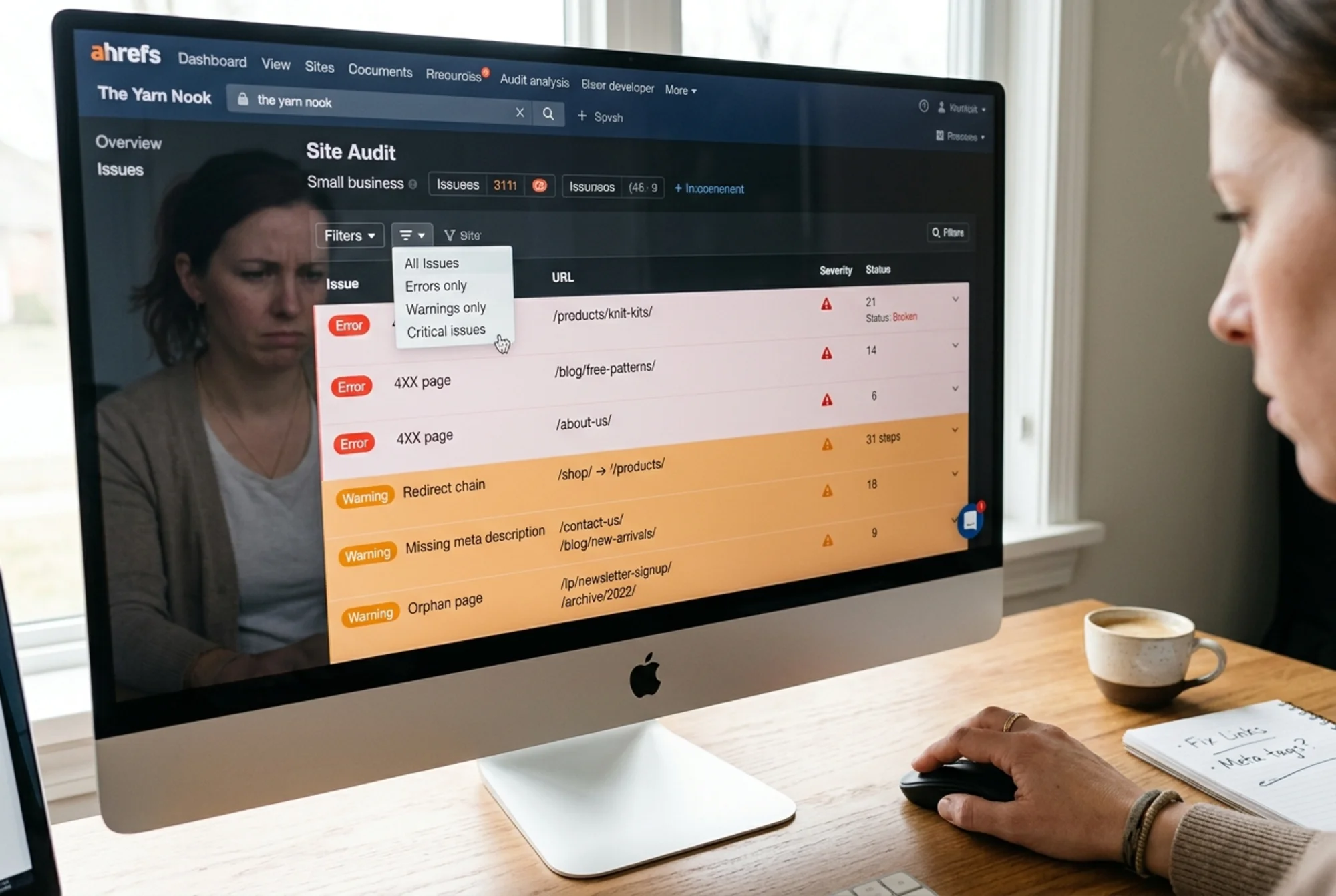
- An Issues list — sorted into Errors (red), Warnings (orange), and Notices (blue).
- A pages report — every URL it crawled, with the issues attached to each one.
The Health Score is a vibe check, not a verdict. A site can sit at 72 and rank just fine. Another can sit at 94 and convert poorly. Don't obsess over the number — use it as a before/after marker once you fix things.
The First Mistake: Treating Every Red Issue as Equal
Ahrefs flags issues by severity, but severity is a generic ranking. It doesn't know your business. A "missing H1 tag" on a forgotten archive page is technically an error. A 500-status response on your pricing page is also an error. Both show up red.
You have to filter through that yourself. Every issue belongs to one of four buckets:
- Costs you customers right now — broken pages, slow pages, pages that won't load on mobile.
- Costs you Google traffic — pages Google can't crawl, can't index, or sees as duplicates.
- Annoys Google but rarely changes anything — missing alt text on a decorative image, lowercase URL inconsistencies.
- Pure noise — minor warnings on staging URLs, weird edge cases on auto-generated pages.
You only need to deal with the first two.
The Five Categories That Actually Matter
Open your Site Audit overview. Ignore everything else. Look for these five.
1. Pages with 4XX status (broken pages)
URLs your site links to that don't exist anymore. Maybe you renamed a product. Maybe you deleted an old blog post. Maybe someone typed a link wrong.
Every broken link is a dead end for a visitor and a wasted crawl for Google. If your "Buy Now" button links to a 404, you don't have a conversion problem — you have an unreachable product.
How to fix: For each broken URL, either restore the page, redirect it to the closest equivalent (301 redirect), or update the link in your site to point somewhere real. Ahrefs shows you which pages contain the broken link under the "Inlinks" tab. That's where you go to fix it.
2. Pages with 5XX status (server errors)
Pages your server failed to deliver. They're rarer than 404s but more serious — they usually point to a misconfigured plugin, a database issue, or a CDN rule going wrong.
If you see any 5XX errors, treat them as your top priority. A 503 on your checkout page is a real revenue leak.
3. Redirect chains and loops
A redirect chain is when URL A redirects to URL B, which redirects to URL C. A loop is when they redirect back to themselves.
Every extra hop slows the page and burns crawl budget. One redirect is fine. Three or four in a row is a problem — and a loop is effectively invisible to Google.
How to fix: Replace the original links so they point directly to the final destination. On WordPress, the Redirection plugin or your SEO plugin's redirect manager usually has a "flatten chains" option.
4. Slow pages and Core Web Vitals issues
Ahrefs measures page weight and surfaces pages that are slow to render. The thresholds it uses come from Google's Core Web Vitals — Largest Contentful Paint (how fast the main content shows up), Interaction to Next Paint (how fast the page reacts to a click), and Cumulative Layout Shift (how much things jump around as the page loads).
Slow pages lose visitors before they read a word. Page experience is a confirmed ranking factor, and on mobile especially, every extra second of load time costs you.
How to fix: The most common culprits are oversized images, too many JavaScript files, and bloated themes. Start by compressing your hero images and removing plugins you don't use. If you're on Shopify, audit your installed apps — each one usually adds scripts to every page.
5. Indexability issues
This bucket covers anything that affects whether Google can see and rank your pages. Look for:
- Noindex tags on pages that should rank — sometimes a developer adds a noindex meta tag to a staging environment, then forgets to remove it at launch.
- Pages blocked by robots.txt that shouldn't be.
- Canonical tags pointing to the wrong URL — telling Google "this isn't the real version" when it actually is.
- Orphan pages — pages with no internal links pointing to them, which means Google can barely find them and visitors definitely can't.
These are quiet killers. The page looks fine when you load it, but it might be completely invisible in search.

A Walkthrough: Sarah's Bakery Audit
Let me make this concrete. Sarah runs a small bakery in Portland. She uses Squarespace, has about 40 pages, and ran her first Ahrefs crawl last week. Health score: 58. She has 187 issues.
Here's how she worked through it in one afternoon.
Step 1 — Filter to errors only. That cut the list from 187 to 41.
Step 2 — Group by category. Most of the 41 were missing meta descriptions and missing alt text — annoying but not urgent. The genuinely useful errors were:
- 6 broken internal links (from blog posts to old product pages she'd deleted)
- 1 redirect chain (her contact page redirected twice because of an old URL change)
- 2 pages with massive hero images (4MB each)
- 3 pages with noindex tags (left over from when her developer was building the site)
Step 3 — Fix the top of the list.
- The 6 broken links pointed to discontinued seasonal items. She updated them to point to her current menu page.
- The redirect chain was a Squarespace setting she fixed in 30 seconds.
- She compressed the hero images using a free online tool — down from 4MB to 280KB each.
- The noindex tags were on her "About," "Catering," and "Wholesale" pages — pages she actually wanted to rank. She removed the tags.
Step 4 — Re-crawl. Two days later, her health score was 81. More importantly, her "Wholesale" page started showing up in search within two weeks, because Google could finally see it.
The whole project took her about three hours. She ignored the other 146 issues.
What to Ignore (Probably)
Some of the loudest issues in Ahrefs Site Audit are the safest to ignore for most small business sites.
- "Page has only one internal link" — fine for most pages.
- "H1 tag missing" on legal pages, search results, or thank-you pages — doesn't matter.
- "Image without alt text" for decorative images — accessibility matters, but alt text on a background pattern is noise. Add it for content images, skip it for decoration.
- "Long meta description" — Google rewrites half of them anyway.
- "Title too short" — only an issue if the title is also vague. "Contact" is fine for a contact page.
- Issues on URL parameters — usually filter, sort, or tracking parameters. Set up canonical tags and move on.
If you spend two hours fixing "missing meta description" on every page, you'll feel productive and your rankings won't budge. Spend that time on actual content quality instead — Google's own helpful content guidance is more useful than chasing any single technical issue.
Where Ahrefs Falls Short for Small Sites
Ahrefs is built for agencies managing many sites. For a small business owner running one site, a few things get in the way:
- Cost. The cheapest plan with meaningful Site Audit access starts at over $100/month. For a one-time check, that's a lot.
- Volume. The tool surfaces every conceivable issue. For a 30-page site, you get the same complexity as a 30,000-page site — minus the team to triage it.
- Limited business context. Ahrefs tells you what's broken technically. It doesn't tell you which broken thing is costing you bookings, customers, or sign-ups.
- No prioritization for non-technical users. A "warning" on your checkout page matters more than an "error" on a tag archive, but Ahrefs sorts them the other way.
For a quick, prioritized read of what's wrong with your site — with plain-English fixes — try a free crawl with FreeSiteAudit. It's built specifically for small business operators who don't have a technical SEO on staff, and it shortlists the issues that actually affect conversions and rankings.
A Mini-Checklist You Can Use Today
If you're about to open Ahrefs (or any audit tool), keep this checklist next to you:
- [ ] Filter to Errors only.
- [ ] Look for 4XX and 5XX status codes first.
- ] Fix [broken internal links on your top 5 pages (homepage, pricing, contact, top blog post, top product).
- ] Flatten any [redirect chains longer than one hop.
- [ ] Check for noindex tags on pages you want to rank.
- [ ] Compress any images over 500KB on your homepage and landing pages.
- [ ] Make sure your XML sitemap exists and is submitted in Google Search Console.
- [ ] Ignore everything else until those are done.

What Comes After the Crawl
A site audit is the easy part. The harder part is treating it as a habit, not a one-off project.
The pattern that works for most small business sites:
- Monthly: Re-crawl. Look for new errors that crept in. Compare your health score to last month.
- Quarterly: Spot-check the basics — page speed on your top 10 pages, broken links across the whole site, indexability of your money pages.
- After any redesign or theme change: Crawl immediately. Most of the worst SEO disasters happen because a launch silently introduces noindex tags, breaks redirects, or changes URL structures.
Also worth doing: if you publish blog posts or detailed product pages, structuring them with proper article schema helps Google understand what you've written. Ahrefs and most audit tools will flag missing structured data — but they won't tell you which pages would actually benefit from it.
The Bigger Point
Ahrefs Site Audit is a powerful tool, but power and clarity are different things. A first-time user can spend a week on the report and still not know what to do Monday morning.
The trick is to refuse to be impressed by the data. Five categories matter. Everything else can wait. Fix the broken pages, the redirect chains, the slow pages, the indexability issues, and the genuinely missing on-page basics on your most important pages. That gets you 90% of the technical SEO benefit a small business site can capture.
Then go back to the work that actually grows the business — writing for your customers, taking care of the ones you have, and making it easier for new ones to find you.
If you want a faster way to get that prioritized list — without paying for an enterprise tool — run a free audit with FreeSiteAudit. You'll get a short, ranked list of what to fix first, written in plain English, with the technical noise filtered out.
Sources
Check your website for free
Get an instant score and your top 3 critical issues in under 60 seconds.
Get Your Free Audit →