Bolt.new Website Audit: Why Your AI-Built Site May Be Invisible to Google (and How to Fix It)
Bolt.new builds polished React sites fast, but most ship with SEO problems that hide them from Google. Here is what to audit and how to fix each issue.
# Bolt.new Website Audit: Why Your AI-Built Site May Be Invisible to Google (and How to Fix It)
Bolt.new is one of the fastest ways to go from idea to live website. You type a prompt, the AI generates a full React application, and you can deploy it in minutes. For a small business owner who needs a site up quickly, it feels like magic.
But there is a catch. Most Bolt.new sites ship with serious SEO problems that their owners never notice — because the site looks perfect in a browser. The issues only show up when you check what Google actually sees. And what Google sees is often an empty page.
This guide walks through the specific problems Bolt.new sites tend to have, how to find them on your own site, and what to do about each one.
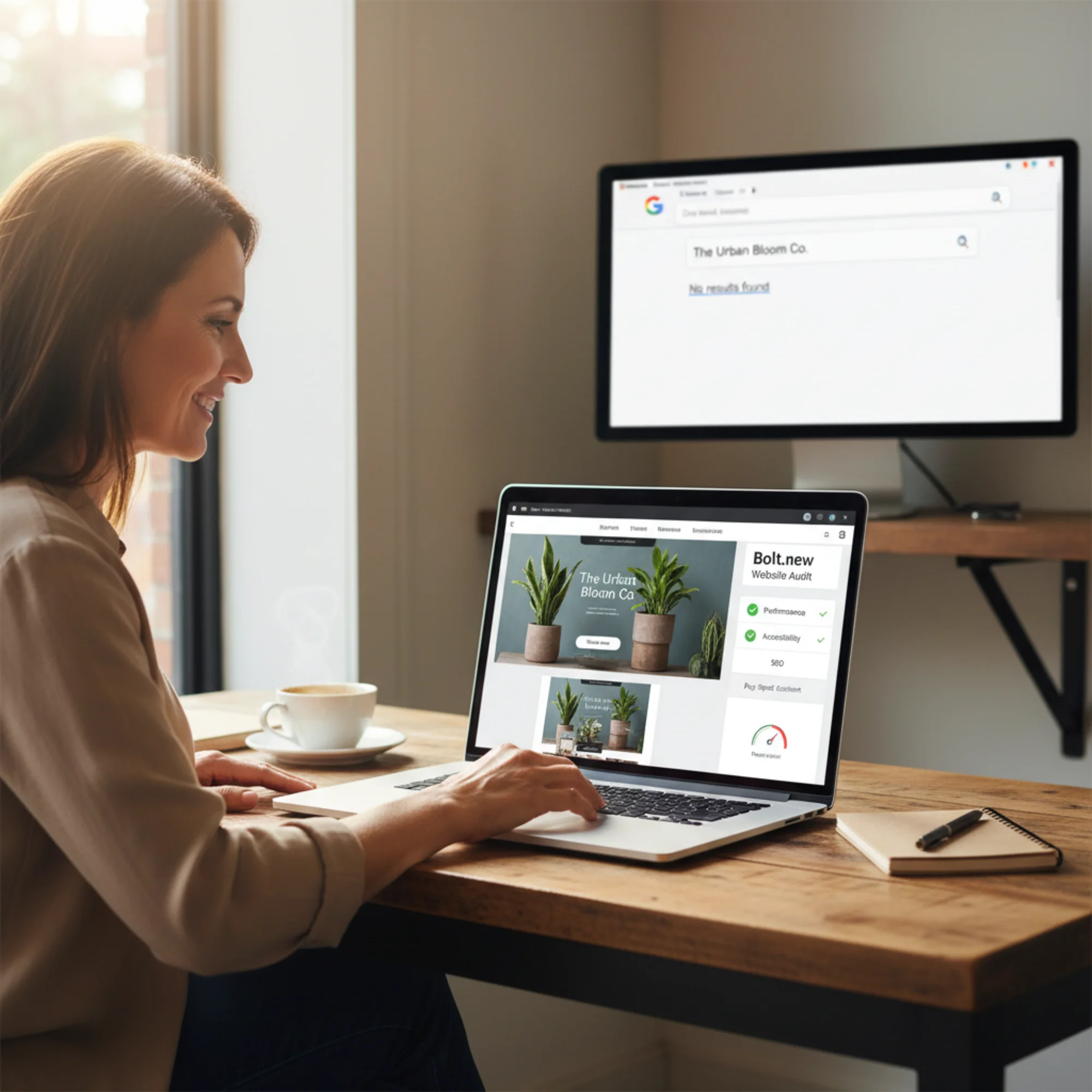
Your Bolt.new site might look great in the browser — but looking great and ranking in Google are two different things.
How Bolt.new Builds Your Site (and Why That Matters for SEO)
Bolt.new uses StackBlitz's WebContainers technology to run a full development environment in your browser. When you describe what you want, it generates a React single-page application (SPA) using Vite as the build tool, typically with Tailwind CSS for styling.
That is a modern, professional tech stack. But it creates a specific problem: React SPAs render content using JavaScript on the client side. When a visitor opens your page, their browser downloads a mostly empty HTML file, then JavaScript runs and fills in the content.
Human visitors never notice this — their browsers execute JavaScript instantly. But Google's crawler does not always execute JavaScript, or it may delay rendering by days or weeks. When Googlebot fetches your page and gets an empty , it has nothing to index.
This is not a theoretical problem. It is the single most common reason Bolt.new sites do not appear in search results.
The Seven SEO Problems Most Bolt.new Sites Have
1. Client-Side Rendering With No Fallback
This is the big one. Your Bolt.new site renders everything in the browser with JavaScript. If you right-click your live site and choose "View Page Source," you will likely see something like this:
html
That is what Google sees too. No headings, no business description, no service pages, no phone number. Just an empty div.
What to check:
- [ ] Right-click your live site → View Page Source
- [ ] Look for your actual business content in the raw HTML
- [ ] If you only see a with no content, you have this problem
How to fix it:
Bolt.new offers an "SEO Boost" feature that pre-renders static HTML for search crawlers. To use it, connect a custom domain to your Bolt Cloud project and enable SEO Boost in your project settings.
If you are deploying to Netlify or another host, you have two options:
- Ask Bolt to rebuild your project using Next.js instead of plain React (Next.js supports server-side rendering out of the box)
- Add a
block in yourindex.htmlwith your core business information as a minimal fallback
The Next.js route is more work upfront but solves the problem properly. The noscript fallback is a band-aid, but better than an empty page.
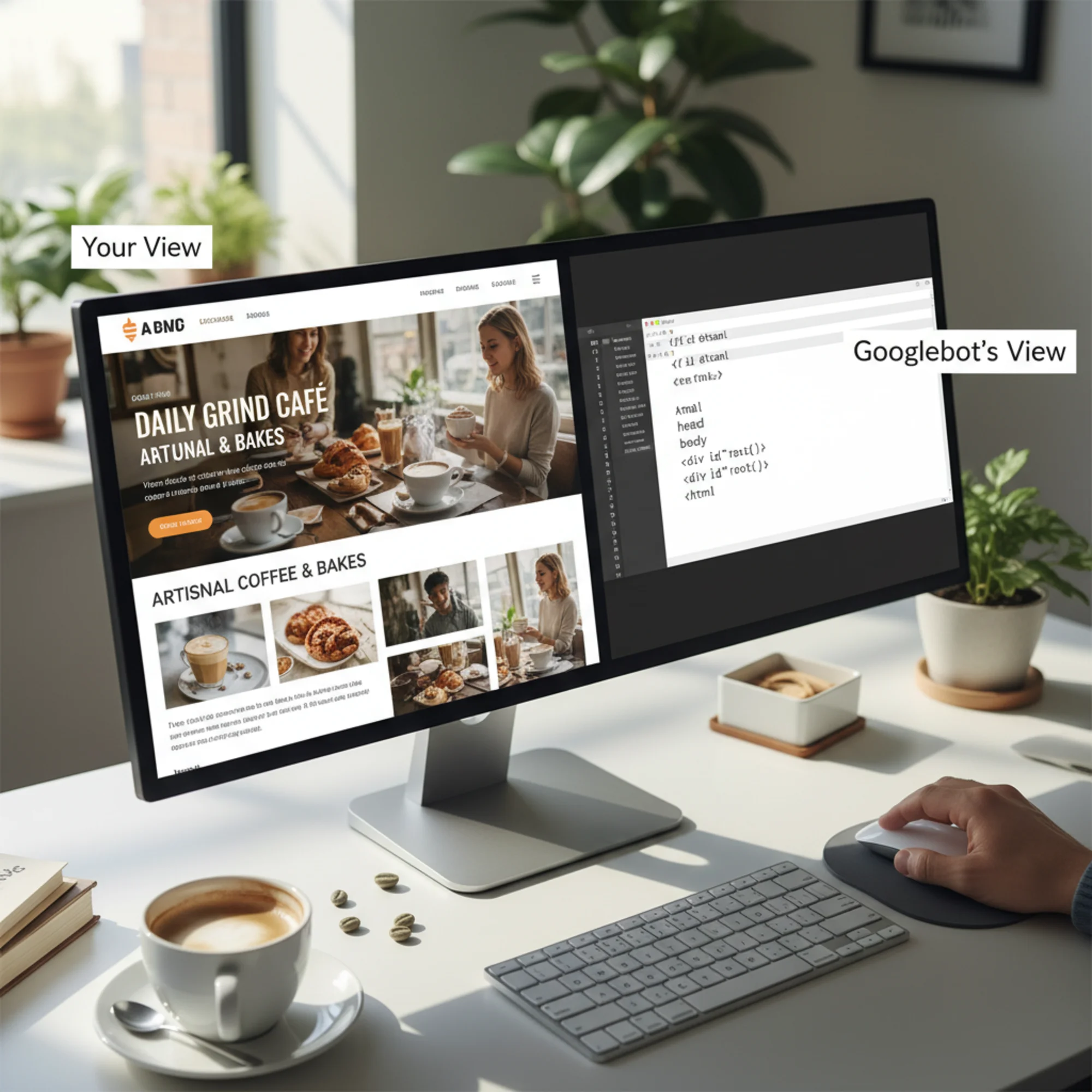
A split-screen showing the same local coffee shop website: on the left the beautiful rendered Bolt.new React page a human sees with images and styled text, on the right the near-empty HTML source with only a div id root tag that Googlebot actually receives What your visitors see versus what Google sees. The left side shows your polished Bolt.new site. The right side shows the empty HTML that search crawlers receive — no content to index.
2. Missing or Generic Meta Tags
Bolt.new generates a basic
</code> tag, but most sites ship without proper meta descriptions, Open Graph tags, or per-page customization. Every page might share the same title, or worse, just say "Vite + React."</p><p class="text-text-secondary leading-relaxed my-4">Your title and meta description are what appear in Google search results. They are your first impression. A listing that says "Vite + React" gets zero clicks.</p><p class="text-text-secondary leading-relaxed my-4"><strong class="text-text-primary">What to check:</strong></p><ul class="list-disc pl-5 space-y-1.5 my-4 text-text-secondary"><li>[ ] Each page has a unique, descriptive <code class="bg-surface-panel px-1.5 py-0.5 rounded text-sm text-accent-strong"><title></code> under 60 characters</li><li>[ ] Each page has a <code class="bg-surface-panel px-1.5 py-0.5 rounded text-sm text-accent-strong"><meta name="description"></code> under 160 characters</li><li>[ ] Open Graph tags exist for social sharing (<code class="bg-surface-panel px-1.5 py-0.5 rounded text-sm text-accent-strong">og:title</code>, <code class="bg-surface-panel px-1.5 py-0.5 rounded text-sm text-accent-strong">og:description</code>, <code class="bg-surface-panel px-1.5 py-0.5 rounded text-sm text-accent-strong">og:image</code>)</li><li>[ ] Your homepage title includes your business name and primary service</li></ul><p class="text-text-secondary leading-relaxed my-4">You can verify these quickly with our <a href="/tools/meta-checker" class="text-accent hover:text-accent-strong underline">meta tag checker</a>.</p><p class="text-text-secondary leading-relaxed my-4"><strong class="text-text-primary">How to fix it:</strong></p><p class="text-text-secondary leading-relaxed my-4">Edit the <code class="bg-surface-panel px-1.5 py-0.5 rounded text-sm text-accent-strong">index.html</code> file directly or ask the AI to add proper meta tags. For a multi-page site, use <code class="bg-surface-panel px-1.5 py-0.5 rounded text-sm text-accent-strong">react-helmet</code> or a similar library to set per-page metadata.</p><p class="text-text-secondary leading-relaxed my-4">Here is what good meta tags look like for a local bakery:</p><p class="text-text-secondary leading-relaxed my-4">html</p><p class="text-text-secondary leading-relaxed my-4"><title>Sweet Rise Bakery | Custom Cakes & Pastries in Portland, OR 3. No Structured Data
Structured data (JSON-LD markup) tells Google exactly what your business is, where it is located, what you sell, and what your hours are. It powers those rich search results with star ratings, price ranges, and FAQ dropdowns.
Bolt.new does not add structured data. You will need to do this yourself.
What to check:
- [ ] Look for a