Building a Brand Facts Page as a Source of Truth for AI
Learn how to build a brand facts page that gives AI search engines one clear, structured source of truth about your business, with a step-by-step template.
# Building a Brand Facts Page as a Source of Truth for AI
AI search engines are answering questions about your business right now. The question is whether they are getting the answers right.
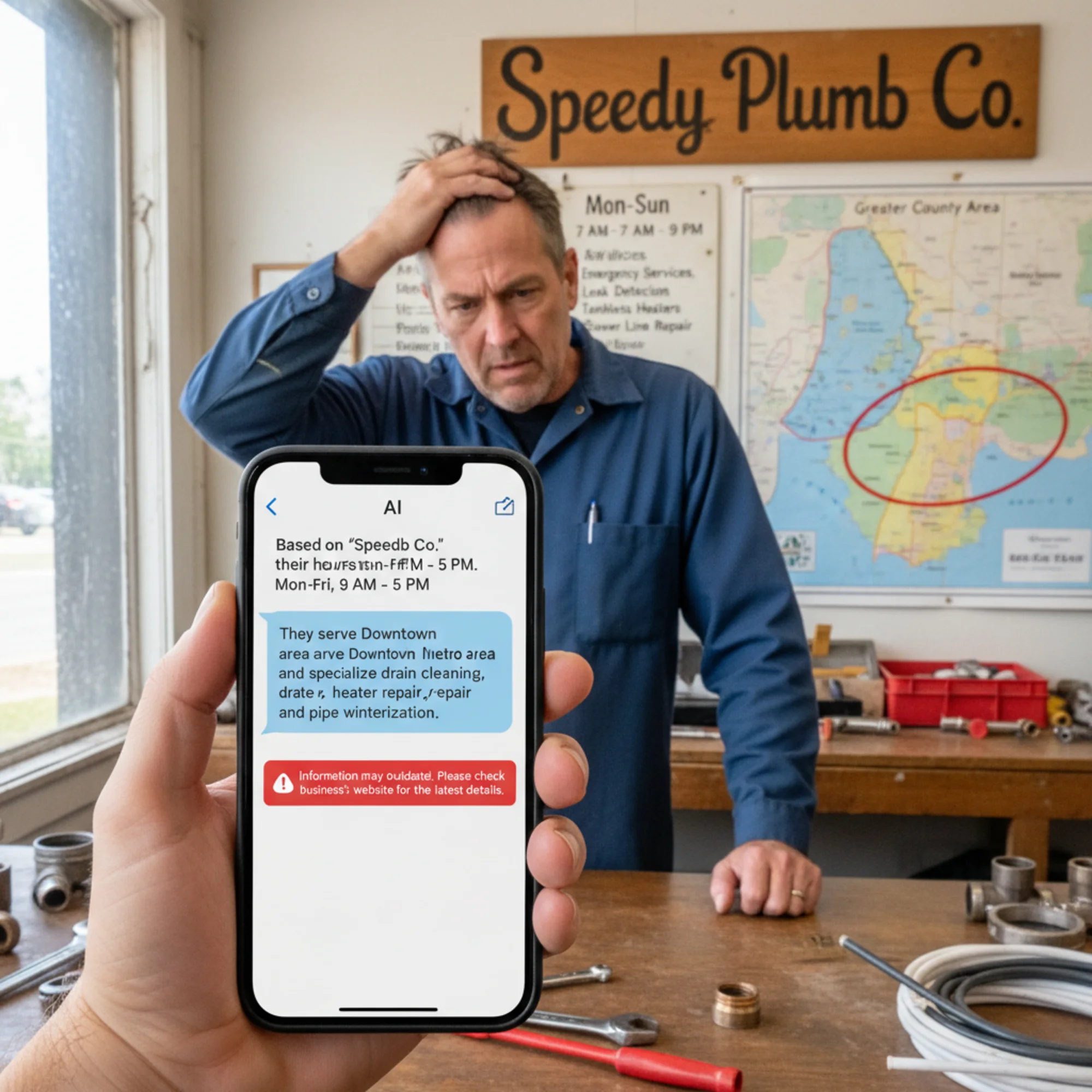
When someone asks ChatGPT, Google AI Overview, or Perplexity about a business like yours, those systems pull facts from whatever sources they can find. If your details are scattered across old directory listings, outdated Yelp pages, and a homepage that buries services under marketing copy, the AI will piece together whatever it can — and often get it wrong.
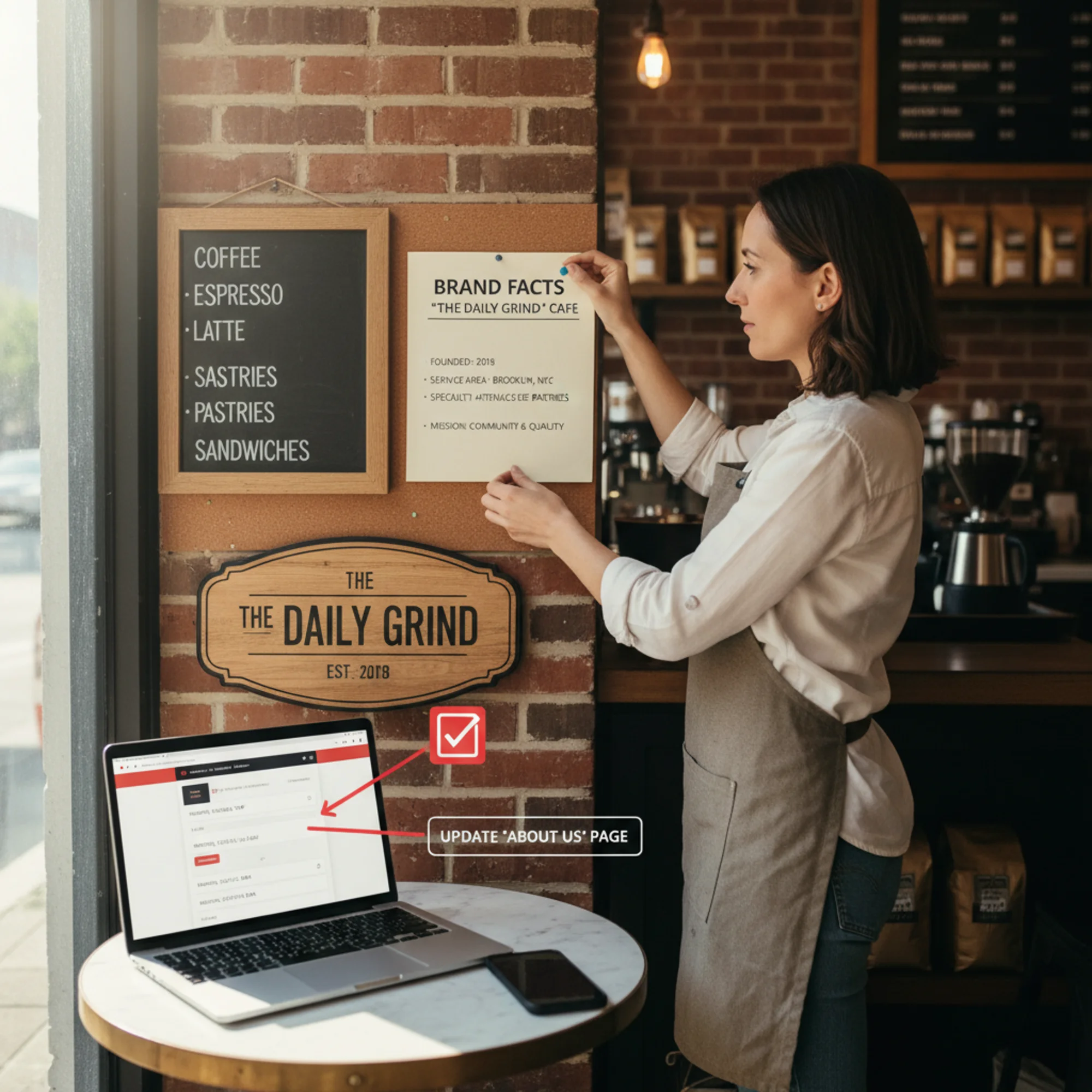
A brand facts page fixes this. It is a single, dedicated page on your website that presents your core business information in a clear, structured, machine-readable format. Think of it as a cheat sheet for AI systems — one authoritative place where every important fact about your business lives in plain sight.
This is not a gimmick. It is a practical response to how AI systems actually gather and cite information. And it takes about an hour to build.
Why AI Gets Your Business Details Wrong
AI language models do not browse the internet the way a human does. They process text at scale, looking for patterns, consistency, and clarity. When they encounter conflicting information — your Google Business Profile says you close at 6 PM, your website says 7 PM, and a two-year-old blog post mentions 5 PM — they have to make a judgment call. Sometimes they pick the wrong source. Sometimes they guess.
The most common errors small businesses see in AI-generated answers:
- Wrong hours or location. Stale data from aggregator sites overrides your actual schedule.
- Outdated service descriptions. You stopped offering catering two years ago, but AI still mentions it because an old page does.
- Incorrect founding dates or ownership. AI confuses you with a similarly named business or pulls from an outdated article.
- Missing specialties. Your best services never get mentioned because they are buried in paragraph text that AI systems skip over.
- Wrong service area. You serve three counties, but AI only mentions one because that is the only one stated clearly anywhere.
The root cause is always the same: there is no single, clear, authoritative source of truth on your own website. Your facts are spread across your About page, homepage, footer, Google listing, and a press mention from years ago. AI has to reconcile all of it, and it often fails.
What a Brand Facts Page Actually Is
A brand facts page is a dedicated page on your website — typically at /about/facts or /brand-facts — that presents your key business information in a structured, scannable format. It is not a marketing page. It is a reference document.
Think of it like a Wikipedia infobox for your business, hosted on your own domain where you control every detail.
A good brand facts page includes:
- Official business name (exactly as registered)
- Business type and category (e.g., "full-service Italian restaurant," not just "restaurant")
- Founding year and founder or owner names
- Physical address(es) and service area (specific cities, counties, or radius)
- Hours of operation (day-by-day breakdown)
- Core services or products (listed individually, not buried in paragraphs)
- Certifications, licenses, or credentials
- Contact information (phone, email)
- Social media profiles (linked)
- Key milestones (awards, notable press, community involvement)
The format matters as much as the content. Use clear headings. Use lists. Use short, factual statements. Avoid marketing language, superlatives, and vague claims.
A brand facts page is not a replacement for your About page (your About page tells your story; your facts page states the facts), not a press kit (press kits include logos and media guidelines), and not only for large companies (a one-person landscaping business benefits just as much as a regional chain).
How to Build Your Brand Facts Page
You do not need a developer for this. If you can add a page to your website, you can build a brand facts page.
Step 1: Gather Your Facts
Before you write anything, collect every piece of business information from these sources:
- Your Google Business Profile
- Your website's About page, homepage, and footer
- Your social media bios
- Directory listings (Yelp, BBB, industry directories)
- Your business registration or license documents
Write down every fact, then look for inconsistencies. If your website says "serving the greater Portland area" but your Google listing only mentions Portland proper, that is exactly the kind of conflict that confuses AI.
Fact-gathering checklist:
- [ ] Official registered business name matches everywhere
- [ ] Address format is identical across all sources
- [ ] Phone number format is consistent
- [ ] Hours of operation are current and specific
- [ ] Service list reflects what you actually offer today
- [ ] Service area is explicitly defined, not implied
Step 2: Create the Page
Add a new page to your website at a clear URL:
yoursite.com/brand-factsyoursite.com/about/factsyoursite.com/business-info
Use a descriptive title like "Brand Facts" or "[Business Name]: Key Facts and Information."
Step 3: Structure the Content
Use this template as your starting point:
# [Business Name]: Brand Facts
Overview
- Business Name: [Full legal name]
- Also Known As: [Any common abbreviations or alternate names]
- Business Type: [Specific category, e.g., "residential plumbing contractor"]
- Founded: [Year]
- Founder(s): [Names]
- Ownership: [Independent / franchise / family-owned, etc.]
Location & Service Area
- Address: [Full street address]
- Service Area: [List specific cities, counties, or describe radius]
- Hours: [Day-by-day breakdown]
Services
- [Service 1]: [One-sentence description]
- [Service 2]: [One-sentence description]
- [Service 3]: [One-sentence description]
Credentials
- [License type and number, if applicable]
- [Certifications]
- [Professional memberships]
Contact
- Phone: [Number]
- Email: [Address]
- Website: [Full URL]
Social Media
- [Platform]: [URL]
Key Facts
- [Notable milestone, award, or achievement]
- [Community involvement]
Last updated: [Date]
That "Last updated" line matters. It signals to AI systems and human visitors that this information is current and maintained.
Step 4: Add Structured Data
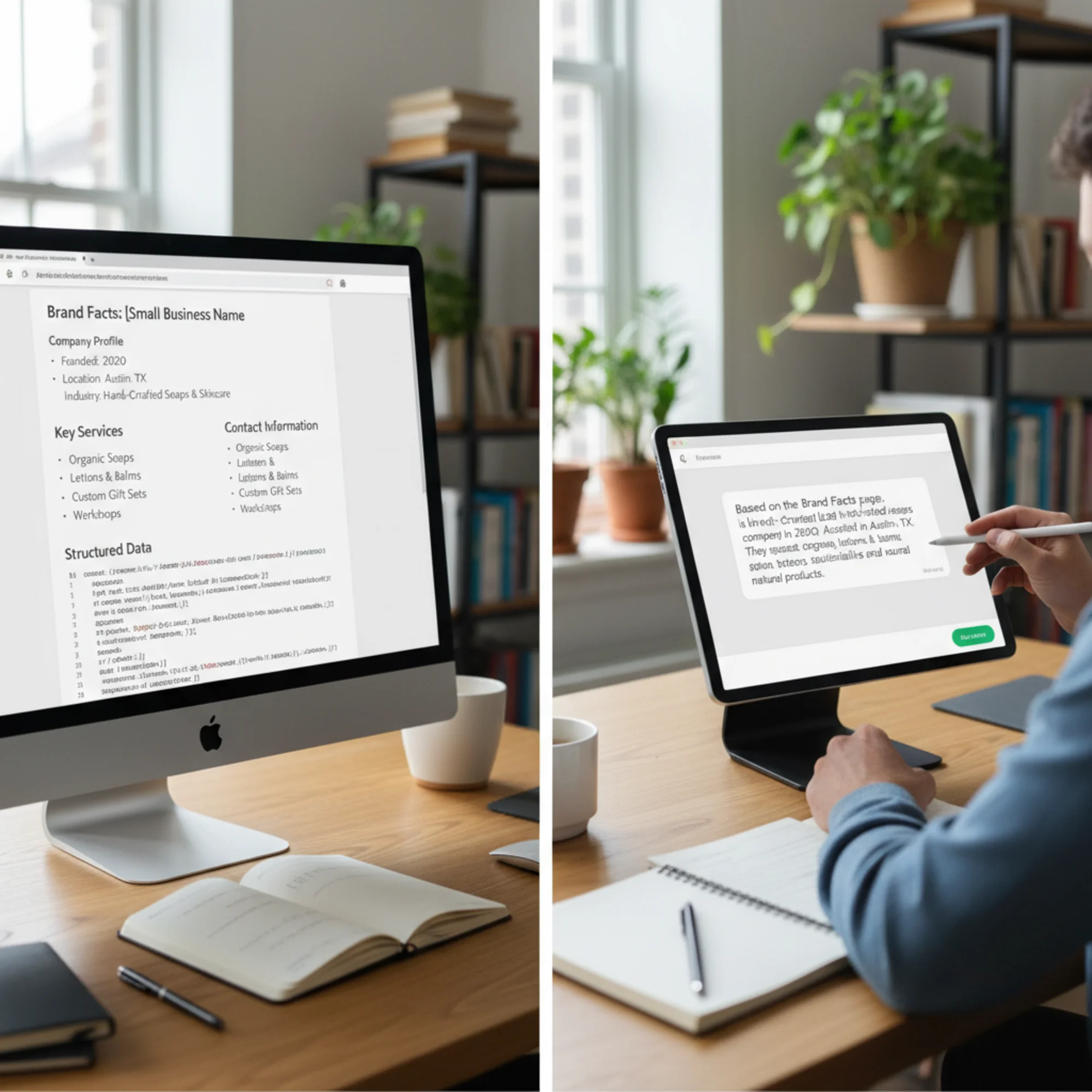
Structured data is code that explicitly labels your information in a format machines understand perfectly. This is what makes your brand facts page especially powerful. Add LocalBusiness schema markup (or the appropriate subtype) to the page. Here is a simplified example:
{
"@context": "https://schema.org",
"@type": "LocalBusiness",
"name": "Riverside Plumbing Co.",
"alternateName": "Riverside Plumbing",
"description": "Residential plumbing contractor serving Clark County since 2012",
"foundingDate": "2012",
"founder": {
"@type": "Person",
"name": "Maria Chen"
},
"address": {
"@type": "PostalAddress",
"streetAddress": "415 Oak Street",
"addressLocality": "Vancouver",
"addressRegion": "WA",
"postalCode": "98660"
},
"areaServed": ["Vancouver", "Camas", "Washougal", "Battle Ground"],
"telephone": "(360) 555-0142",
"email": "info@riversideplumbing.example.com",
"openingHoursSpecification": [
{
"@type": "OpeningHoursSpecification",
"dayOfWeek": ["Monday", "Tuesday", "Wednesday", "Thursday", "Friday"],
"opens": "07:00",
"closes": "18:00"
}
],
"hasOfferCatalog": {
"@type": "OfferCatalog",
"name": "Services",
"itemListElement": [
{"@type": "Offer", "itemOffered": {"@type": "Service", "name": "Drain cleaning"}},
{"@type": "Offer", "itemOffered": {"@type": "Service", "name": "Water heater installation"}},
{"@type": "Offer", "itemOffered": {"@type": "Service", "name": "Pipe repair and replacement"}}
]
}
}
Most modern website platforms (WordPress, Squarespace, Wix) have SEO plugins that let you add structured data through form fields if editing JSON-LD feels too technical. Google's structured data documentation provides testing tools to verify your markup is correct.
Step 5: Link to It
A brand facts page that nobody can find does not help. Link to it from:
- Your main navigation or footer
- Your About page (e.g., "For quick reference, see our Brand Facts page")
- Your sitemap
Internal links signal to search engines and AI crawlers that this page matters. A page with zero inbound links may never get indexed.
Real-World Example: Riverside Plumbing
Maria Chen runs Riverside Plumbing Co. in Vancouver, Washington. She has been in business since 2012, serves four cities, and specializes in residential work.
Before the brand facts page:
- Her homepage says "Serving SW Washington" with no specific cities listed.
- Her Google Business Profile lists Vancouver only.
- An old Angi listing mentions commercial work she stopped doing in 2019.
- Her About page mentions founding the company but never states the year.
- When someone asks an AI "who does residential plumbing in Camas, WA?" Riverside never comes up, even though Camas is one of her primary service cities.
After creating a brand facts page:
- Every service city is explicitly named: Vancouver, Camas, Washougal, Battle Ground.
- The page clearly states "residential plumbing contractor" — no ambiguity about commercial work.
- Founded 2012 is stated as a fact, not buried in a story.
- Structured data labels everything in machine-readable format.
- Her Google Business Profile is updated to match exactly.
Within weeks of AI systems recrawling her site, they have a single, consistent, clearly structured source. The conflicting signals from old directory listings carry less weight against a well-structured, recently updated page on her own domain. When someone asks an AI assistant about plumbers in Camas who handle water heater installation, Riverside Plumbing starts showing up — with accurate details.
Common Mistakes to Avoid
Using marketing language instead of facts. "We are the best plumber in Clark County" is an opinion. "Licensed residential plumbing contractor serving Clark County since 2012" is a fact. AI systems are better at citing facts.
Forgetting to update the page. If you add a new service, change hours, or move locations, the brand facts page must reflect that immediately. A stale facts page actively teaches AI systems wrong information.
Duplicating your About page. If your brand facts page reads like a narrative, you have missed the point. Lists over paragraphs. Structure over storytelling.
Skipping structured data. The visible text helps, but structured data removes ambiguity. Without it, you are relying on AI to correctly parse your formatting. With it, you are telling AI exactly what each piece of information means.
Making the page hard to find. If it takes four clicks to reach your brand facts page, crawlers may not prioritize it. Link to it from your navigation or footer.
How to Verify AI Systems Are Using Your Facts
After publishing your brand facts page, give search engines and AI systems a few weeks to recrawl your site. Then test:
- Ask AI assistants about your business. Use ChatGPT, Perplexity, Google AI Overview, and Bing Copilot. Ask specific questions about your hours, service area, and specialties.
- Check for accuracy. Compare every detail in the AI response against your brand facts page.
- Trace any errors. If AI still gets something wrong, check whether incorrect information exists elsewhere online that might be overriding your facts page.
- Run a site audit. Use FreeSiteAudit to check whether your structured data is valid, your page is indexable, and there are no technical issues preventing crawlers from reading your brand facts page. A thorough audit will flag missing meta descriptions, broken structured data, slow page performance, or noindex tags that could block discovery — exactly the kinds of technical barriers that undermine your efforts even when your content is perfect.

Maintenance Schedule
Your brand facts page is a living document. Review it regularly:
Monthly:
- [ ] Verify hours of operation are current
- [ ] Check that all listed services are still offered
- [ ] Confirm contact information is correct
Quarterly:
- [ ] Test AI assistants for accuracy about your business
- [ ] Update any new credentials, awards, or milestones
- [ ] Review and update the "Last updated" date
- ] Run a [free site audit to catch technical issues
Annually:
- [ ] Review the full page against your current business registration
- [ ] Add or remove service areas that have changed
- [ ] Update founder or ownership information if applicable
The Bigger Picture
Google's guidance on creating helpful content emphasizes demonstrating first-hand expertise and providing genuinely useful information. A brand facts page is the purest expression of this principle applied to your own business. Nobody has more first-hand expertise about your business than you.
As AI search continues to grow, the businesses that make their information clear, structured, and easy to cite will be the ones mentioned accurately. The businesses that leave their facts scattered across a dozen inconsistent sources will keep getting misrepresented — or ignored entirely.
Building a brand facts page takes about an hour. Keeping it updated takes five minutes a month. The payoff is that every AI system, search engine, and directory that encounters your website gets the same accurate picture of your business.
That is a good trade.
Ready to check if your website is set up for AI search? Run a free audit with FreeSiteAudit to see how your site's structure, metadata, and technical health stack up — and find out what might be preventing AI systems from accurately representing your business.
Sources
- Google Search Central: Creating Helpful, Reliable, People-First Content — https://developers.google.com/search/docs/fundamentals/creating-helpful-content
- Google Search Central: Structured Data — Article — https://developers.google.com/search/docs/appearance/structured-data/article
- web.dev: Core Web Vitals — https://web.dev/articles/vitals
Check your website for free
Get an instant score and your top 3 critical issues in under 60 seconds.
Get Your Free Audit →