CLS Explained with Real Small-Business Examples
Learn what Cumulative Layout Shift is, why it makes visitors leave, and how to fix layout jumps on your small-business site with simple, practical steps.
# CLS Explained with Real Small-Business Examples
You have probably visited a website, started reading, and then watched the text jump down the page because an image loaded late. Maybe you tried to tap a button on your phone and hit something else entirely because the layout shifted at the last second.
That experience has a name: Cumulative Layout Shift, or CLS. It is one of three Core Web Vitals that Google uses to measure how your website feels to real visitors. If your small-business site has a CLS problem, it is quietly costing you customers.
This guide explains what CLS is, shows how it hurts real businesses, and walks you through the fixes — no coding degree required.
What CLS Actually Measures
CLS measures visual stability — how much visible content moves around unexpectedly while someone is using your page.
Every time an element shifts position without the visitor causing it, the browser records a layout shift. CLS rolls those shifts into a single score.
Here is how Google grades it:
- Good: 0.1 or less
- Needs improvement: Between 0.1 and 0.25
- Poor: Greater than 0.25
Google measures CLS at the 75th percentile of your real visitors. That means if 25 percent or more of people visiting your site experience excessive layout shift, you have a problem — even if it looks fine when you test it yourself.
The key word is unexpected. If a visitor clicks a button and content appears below it, that is expected and does not count. The shifts that matter are the ones nobody asked for.
Why CLS Matters for Small Businesses
Large companies can absorb the cost of a janky page. Most small businesses cannot.
People Leave Unstable Pages
When content jumps around, visitors lose their place and misclick. On mobile — where most of your traffic likely comes from — this is worse because screens are small and fingers are imprecise. A layout shift of just a few pixels can send someone to the wrong link.
It Directly Costs Sales
Consider this scenario: a visitor on a local shop's site is about to tap "Add to Cart." Right as their finger comes down, a banner loads at the top of the page and pushes everything down. They tap a navigation link instead and get pulled away from the product entirely. This pattern is documented in Google's own CLS case studies.
Google Uses It for Rankings
CLS is one of the three Core Web Vitals, alongside Largest Contentful Paint (LCP) for loading speed and Interaction to Next Paint (INP) for responsiveness. Google has confirmed that page experience signals, including Core Web Vitals, factor into search rankings. A poor CLS score will not tank your rankings overnight, but all else being equal, a stable page outperforms an unstable one.
It Destroys Trust
When a website looks like it is still assembling itself while you are trying to use it, it feels broken. For a small business competing against larger, more established competitors, that perception of unreliability can be a dealbreaker.
The Five Most Common CLS Culprits on Small-Business Sites
Most CLS problems come from a handful of predictable causes.
1. Images Without Dimensions
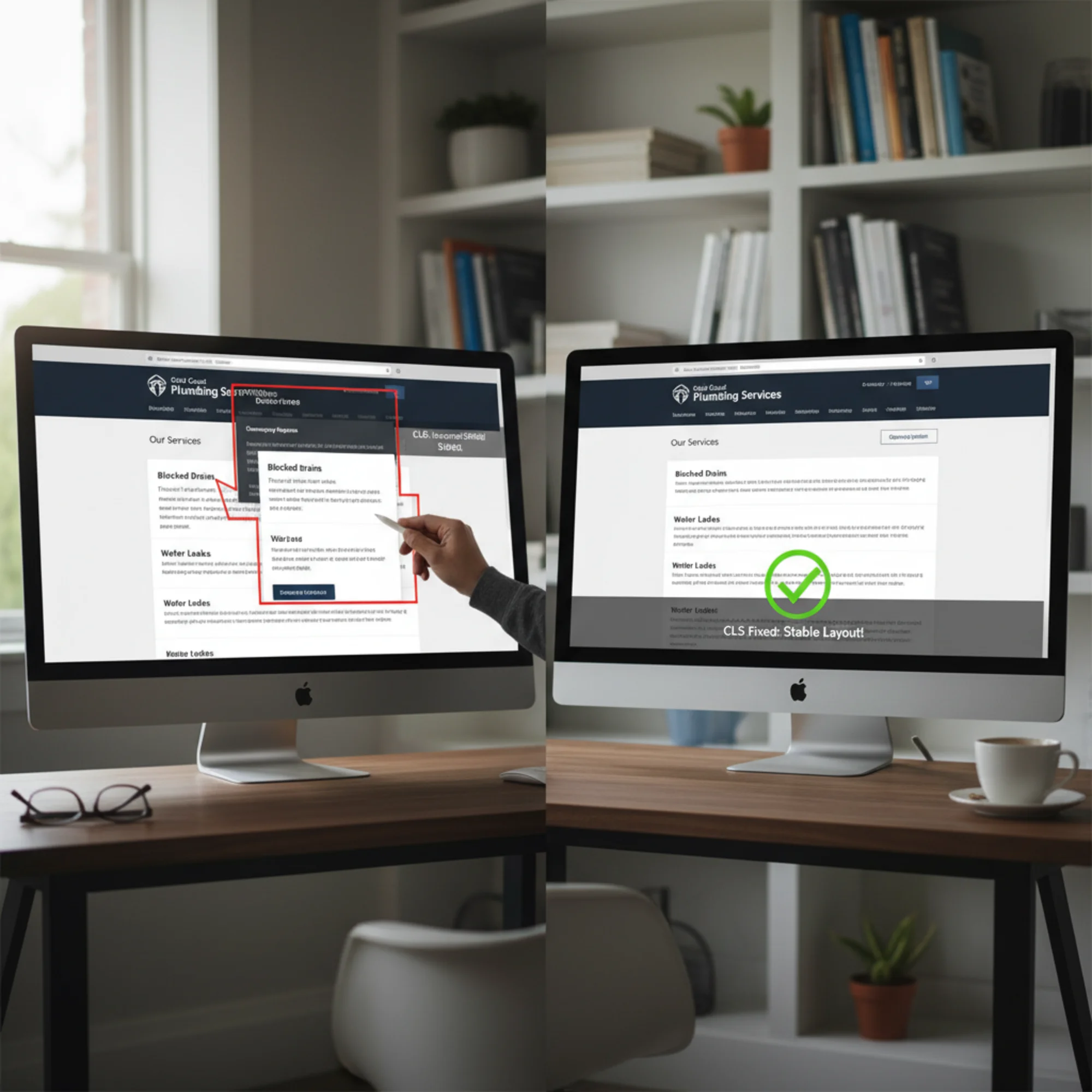
This is the single biggest cause of layout shift on small-business sites. When you add an image without specifying its width and height, the browser does not know how much space to reserve. It renders the text first, then the image loads, and everything below it jumps down.
This happens constantly on sites built with WordPress, Squarespace, Wix, and Shopify when images are added through content editors without proper sizing.
2. Late-Loading Ads and Embeds
Google AdSense ads, YouTube videos, and Google Maps widgets all load after your main content. If the page has not reserved space for them, everything shifts when they appear.
This is especially problematic with ad slots because ad sizes vary. One visit might load a 250-pixel-tall ad, the next a 600-pixel-tall ad, and your layout jumps differently each time.
3. Cookie Consent Banners
Cookie banners that insert themselves at the top of the page and push content down are a major CLS offender. The same goes for promotional banners and notification bars that inject content above what the visitor is already reading.
4. Web Fonts Loading Late
When custom fonts take a moment to load, the browser first shows text in a fallback system font, then swaps to the custom font once it arrives. If the two fonts are different sizes, every line of text on the page shifts. On a text-heavy page, this creates massive layout shift.
5. Dynamically Injected Content
Live chat widgets, review carousels, "related products" sections, or any content inserted after the initial load can cause shifts. If these elements appear between existing content without reserved space, the page jumps.
Real Walkthrough: Fixing CLS on a Local Restaurant Site
Let us walk through a realistic example. A restaurant called Marco's Bistro has a CLS score of 0.38 — well into the "poor" range.
The problems:
- The hero image (1200×800 pixels) has no width or height attributes. When it loads, everything below it jumps down.
- A cookie consent banner appears at the top of every page after a two-second delay, pushing all content down by about 60 pixels.
- The menu page uses Google Font "Playfair Display" that loads late, causing all menu item text to reflow.
- An embedded Google Maps iframe on the contact page has no height set, so the footer jumps when the map loads.
The fixes:
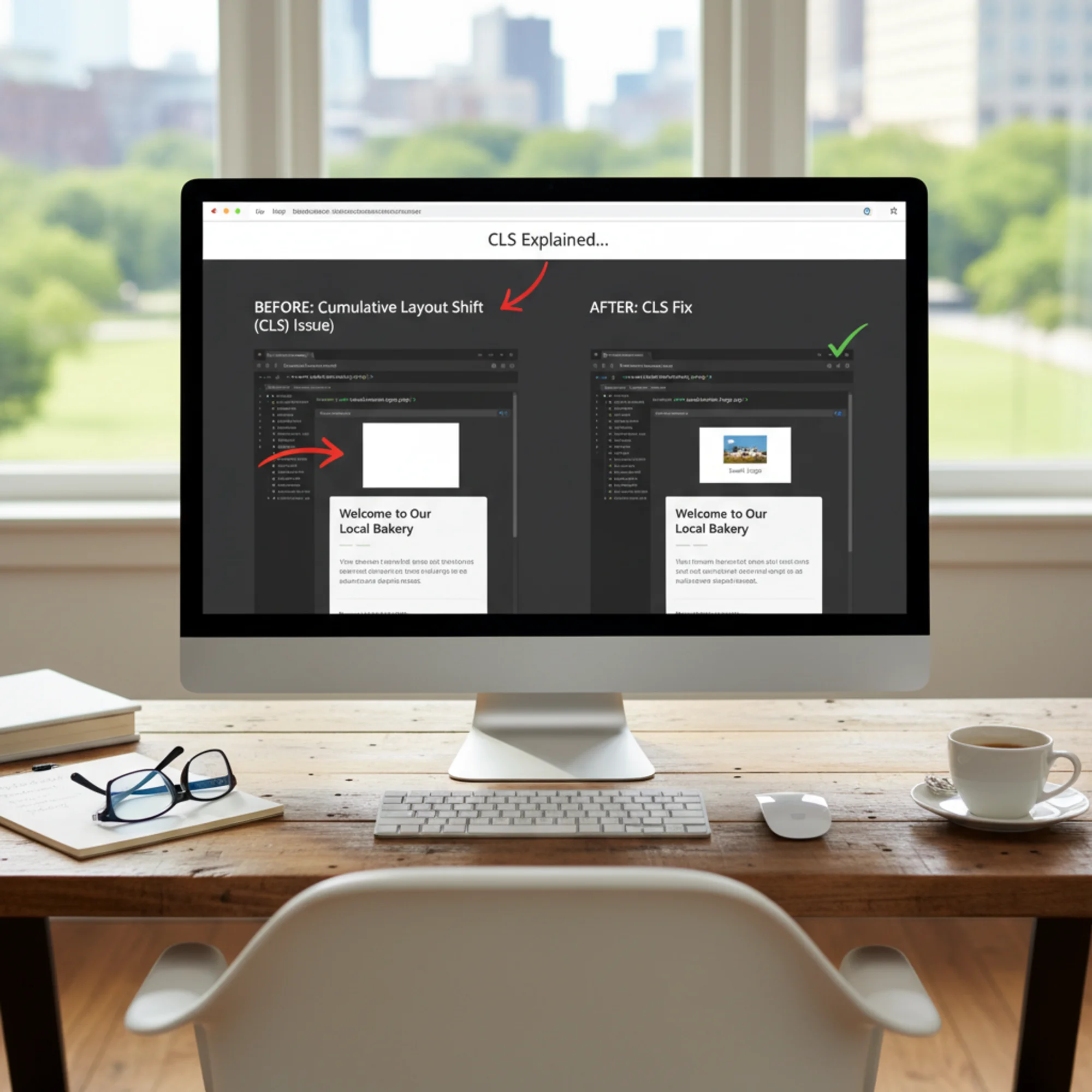
Fix 1: Add dimensions to the hero image.
Set width="1200" and height="800" on the image tag. The browser calculates the aspect ratio and reserves space before the image loads. In CSS, add img { max-width: 100%; height: auto; } so the image still scales responsively.
If you use WordPress, most modern themes handle this automatically. If yours does not, caching plugins like WP Rocket or Autoptimize can add dimensions for you.
Fix 2: Make the cookie banner an overlay.
Change the cookie banner from a top-of-page insertion to a fixed-position overlay at the bottom of the screen. A position: fixed; bottom: 0; banner does not push content around, so it causes zero layout shift.
Most cookie consent plugins (CookieYes, Complianz) have this as a setting — look for "banner position: bottom" or "overlay mode."
Fix 3: Optimize the web font.
Add font-display: optional to the font declaration. This tells the browser: if the custom font is not ready within a short window, keep the fallback font for this page visit. No reflow, and the font caches for the next visit.
Alternatively, preload the font file so it arrives earlier:
html
Fix 4: Set a fixed aspect ratio on the map embed.
Wrap the Google Maps iframe in a container with a set aspect ratio:
css
.map-container {
aspect-ratio: 16 / 9;
width: 100%;
}
The result: Marco's Bistro CLS score drops from 0.38 to 0.04 — well within the "good" range. No redesign. No developer. Just targeted fixes to the actual causes.
Quick CLS Audit Checklist
Use this checklist to find and fix CLS problems on your own site:
Images and Media
- [ ] Every
- [ ] Video embeds have explicit dimensions or aspect-ratio containers
- [ ] Images use
max-width: 100%; height: auto;for responsive scaling
Ads and Third-Party Embeds
- [ ] Ad slots have minimum height reserved in CSS
- [ ] Google Maps, YouTube, and social embeds are wrapped in sized containers
- [ ] Third-party widgets load in reserved space, not injected between content
Banners and Dynamic Content
- [ ] Cookie banners use fixed or overlay positioning, not top-of-page insertion
- [ ] Promotional banners do not push page content down
- [ ] No content is injected above what the visitor is currently viewing
Fonts
- [ ] Custom fonts use
font-display: optionalorfont-display: swap - [ ] Critical fonts are preloaded with
- [ ] Fallback fonts are size-matched to custom fonts where possible
Animations
- [ ] Animations use
transformandopacity, nottop,left, ormargin - [ ] No elements change size in a way that pushes surrounding content
How to Check Your CLS Score
You do not need developer tools to find out if you have a CLS problem.
Google PageSpeed Insights. Enter your URL at PageSpeed Insights and look for the Cumulative Layout Shift metric under both the "mobile" and "desktop" tabs. It shows real-user data (if available) and lab test results.
Google Search Console. If your site is registered, go to Core Web Vitals in the left menu. It shows which pages Google considers good, needs improvement, or poor for CLS across your entire site.
Run a free audit. Use FreeSiteAudit to get a complete picture of your site's performance, including CLS, alongside other issues that affect your search rankings and visitor experience. It takes about 30 seconds and requires no technical setup.
Platform-Specific Tips
WordPress: Use a caching plugin that adds image dimensions automatically. Choose a well-coded theme — GeneratePress, Astra, and Kadence handle CLS well out of the box. Avoid plugins that inject content above the fold after page load.
Squarespace: Image dimensions are generally handled well, but custom code blocks and third-party embeds still need manual sizing. Use the built-in cookie banner, which uses overlay positioning by default.
Wix: Many CLS factors are auto-optimized, but custom elements added through Velo and third-party app embeds can still cause shifts. Test after adding any new app or widget.
Shopify: Product images usually have dimensions set automatically. Watch for late-loading review widgets, upsell pop-ups, and variant selectors that change product image sizes.
The Business Case for Fixing CLS
Fixing CLS is one of the highest-return, lowest-effort improvements you can make to your website:
- Most fixes take minutes. Adding image dimensions, repositioning a banner, and preloading a font can each be done in under 15 minutes.
- The effect is immediate. Once deployed, every visitor gets a better experience. Google typically picks up the improvement within a few weeks.
- It compounds. Fixing CLS often improves LCP too, because properly sized images load more efficiently. Better Core Web Vitals across the board means better rankings and better visitor experience.
- It is a competitive edge. Most small-business websites have not been optimized for CLS. If yours has, you are already ahead of the majority of your local competitors.
Start With a Baseline
You cannot fix what you have not measured. Before making changes, get a clear picture of where your site stands.
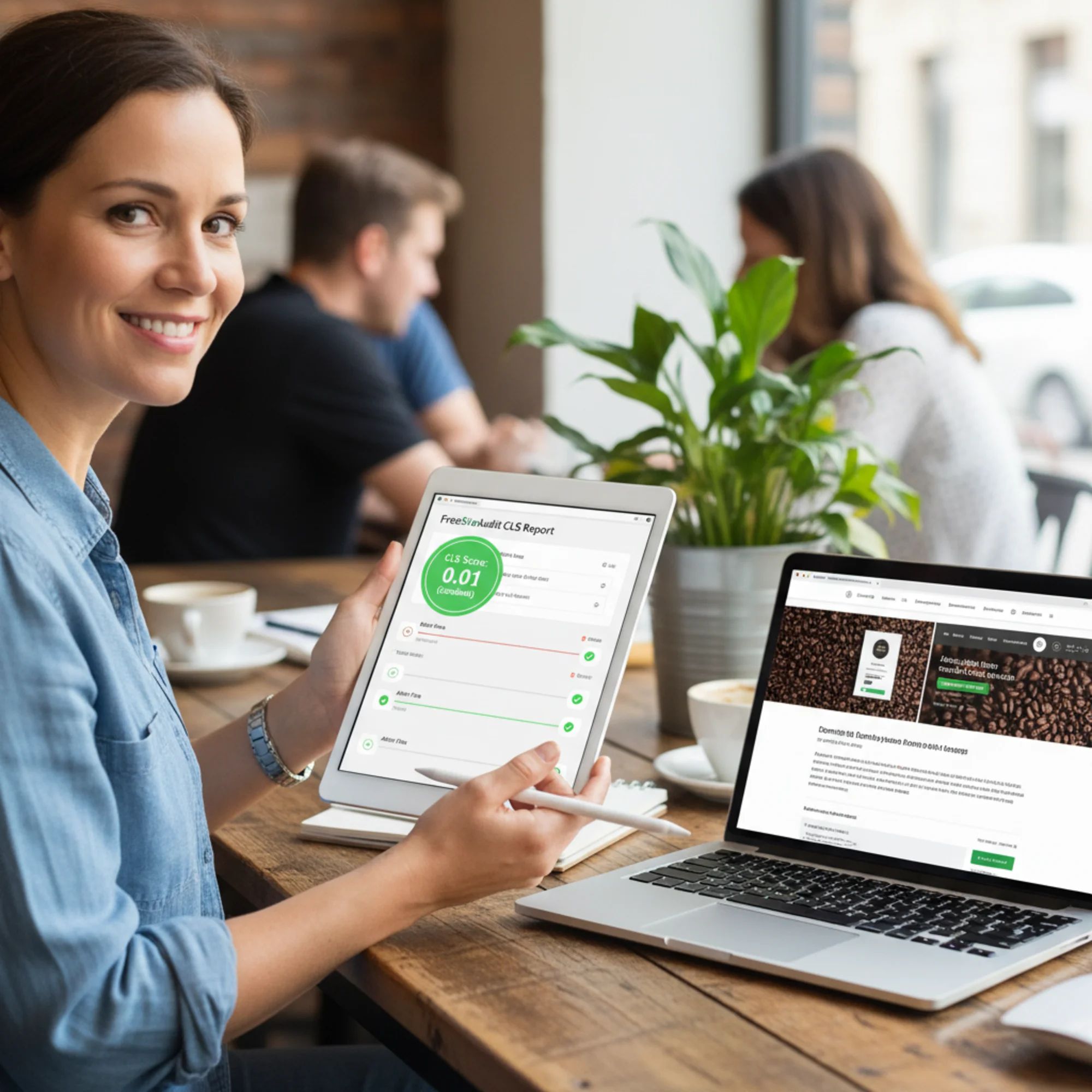
Run a free website audit with FreeSiteAudit to see your CLS score, identify which elements cause layout shifts, and get a prioritized list of fixes. The audit covers all three Core Web Vitals plus dozens of other factors that affect your search visibility.
Most CLS problems can be fixed in an afternoon. The hard part is knowing which problems you have. Start there.
Sources
Check your website for free
Get an instant score and your top 3 critical issues in under 60 seconds.
Get Your Free Audit →