Core Web Vitals for Shopify Stores: Common Issues Fixed
Fix the LCP, CLS, and INP issues that slow down Shopify stores most often, with clear, no-code steps to improve Core Web Vitals and pass the thresholds.
# Core Web Vitals for Shopify Stores: Common Issues Fixed
Shopify makes it easy to launch a store. It does not make it easy to launch a fast one. A fresh theme with three apps installed loads reasonably well. Add a review widget, a popup, a chat bubble, an upsell app, a currency converter, and a couple of analytics scripts, and your Core Web Vitals quietly slip into the red.
If PageSpeed Insights shows "Poor" on mobile, you're not alone. Shopify stores are prone to a handful of recurring problems, and most can be fixed without touching code or hiring an agency.
This guide explains what Core Web Vitals measure, the issues that hit Shopify stores hardest, and how to fix each one. Examples assume an Online Store 2.0 theme like Dawn, Refresh, Sense, or Craft, but the principles apply to any theme.
What Core Web Vitals actually measure
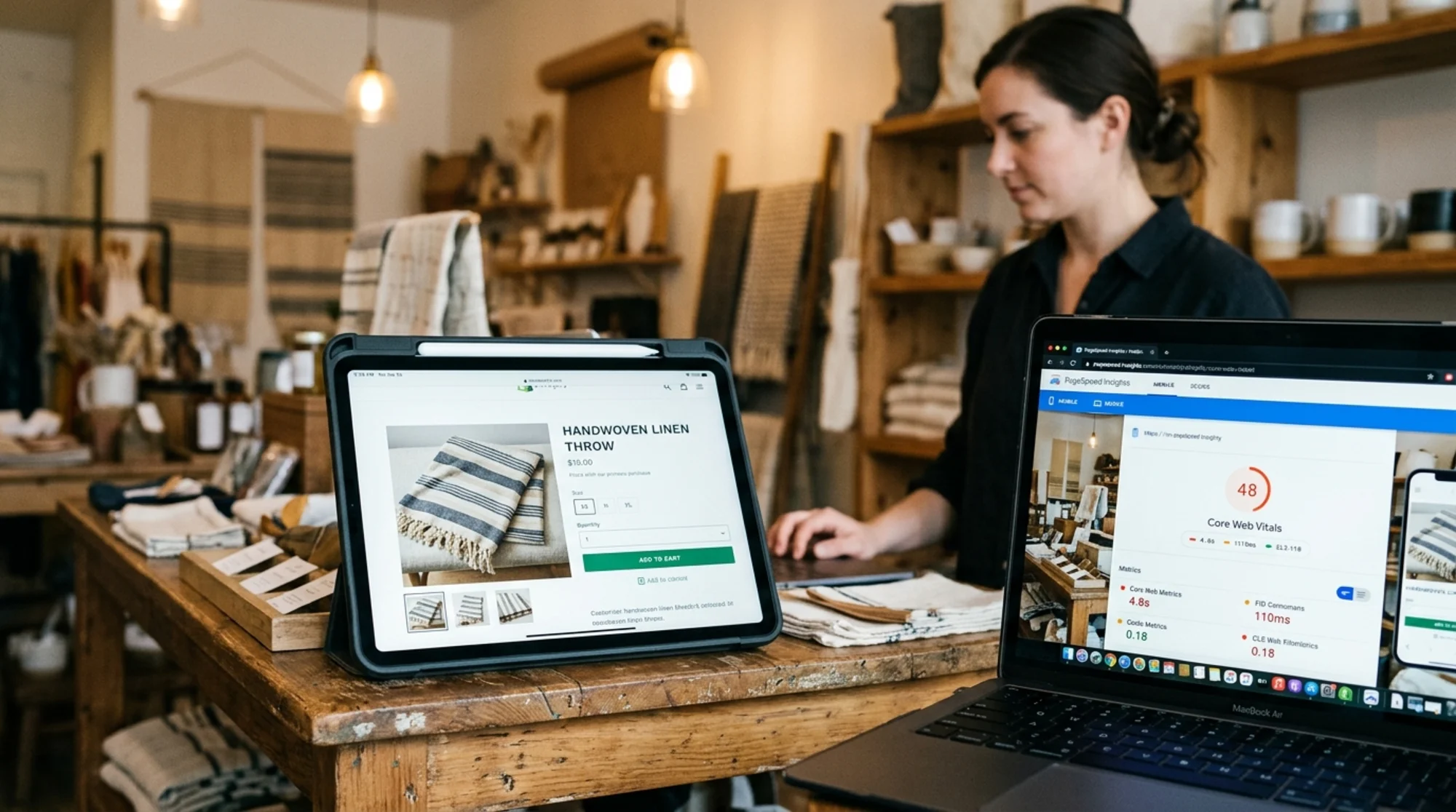
Google tracks three metrics, each capturing something a real shopper would notice.
- Largest Contentful Paint (LCP) — how quickly the biggest visible element loads. On a product page, this is almost always your product image or hero banner. Target: under 2.5 seconds.
- Cumulative Layout Shift (CLS) — how much content jumps around as the page loads. The classic case: you go to tap "Add to cart" and a banner shoves it down a split-second before your finger lands. Target: under 0.1.
- Interaction to Next Paint (INP) — how fast the page reacts when you tap, click, or type. Replaced First Input Delay in March 2024. Target: under 200 milliseconds.
Google uses these as ranking signals, but more importantly they correlate with the things that lose you sales: bounce rate, cart abandonment, and the sinking feeling a shopper gets when a site feels janky.
Why Shopify stores fail Core Web Vitals more than most
Three structural reasons:
- Apps stack up. Every app you install can inject scripts that run on every page, whether you use the app there or not.
- Themes ship with options most stores don't need. Sliders, video heroes, animated sections, and oversized hero images are theme defaults that hurt LCP.
- Image handling defaults are okay, not great. Shopify serves WebP automatically, but it can't fix images you uploaded at 4000px wide or hero sections that don't reserve space.
Each has a fix that doesn't require a developer.
Issue 1: Slow LCP on product pages (the hero image problem)
Symptom: PageSpeed Insights flags LCP at 3–5 seconds on mobile. The element it points to is usually your product's main image or a homepage hero banner.
Why it happens
- The image is much larger than it needs to be (you uploaded a 3000×3000 JPG and Shopify is serving the full thing on mobile).
- The image is lazy-loaded, including the one above the fold. Lazy-loading the LCP image delays it instead of speeding it up.
- A slideshow or video sits in the hero, and the browser doesn't know which slide image to prioritize.
How to fix it
Resize before upload. Shopify can downsize images, but it can't reduce the source file's complexity. Resize hero images to a max of 2000px wide and product images to 1500px wide before uploading. Squoosh or your design tool's export function works fine.
Don't lazy-load above-the-fold images. In Dawn and most modern themes, the first product image and main hero are eager-loaded by default. If you've installed a custom theme, check the image.liquid snippet or hero section for loading="lazy" on the first image and remove it.
Skip the homepage slideshow. Slideshows look great in theme demos and almost always make LCP worse on real stores. Pick one strong hero image instead. If you must keep a slideshow, ensure only the first slide loads eagerly.
Add a preload hint for the hero. In your theme's theme.liquid file, add a tag for the hero image so the browser starts downloading it immediately. Some themes have this built in; if yours doesn't, a Shopify partner can add it in ten minutes.
Mini-checklist for LCP:
- [ ] Hero image is under 200KB after Shopify's compression
- [ ] First product image is not lazy-loaded
- [ ] No slideshow on homepage (or only first slide is eager)
- [ ] Preload hint added for hero image
- [ ] Image dimensions match the size actually displayed
Issue 2: Layout shift from banners, popups, and review widgets
Symptom: CLS above 0.1. The page loads, then visibly jumps as content fills in.
Why it happens
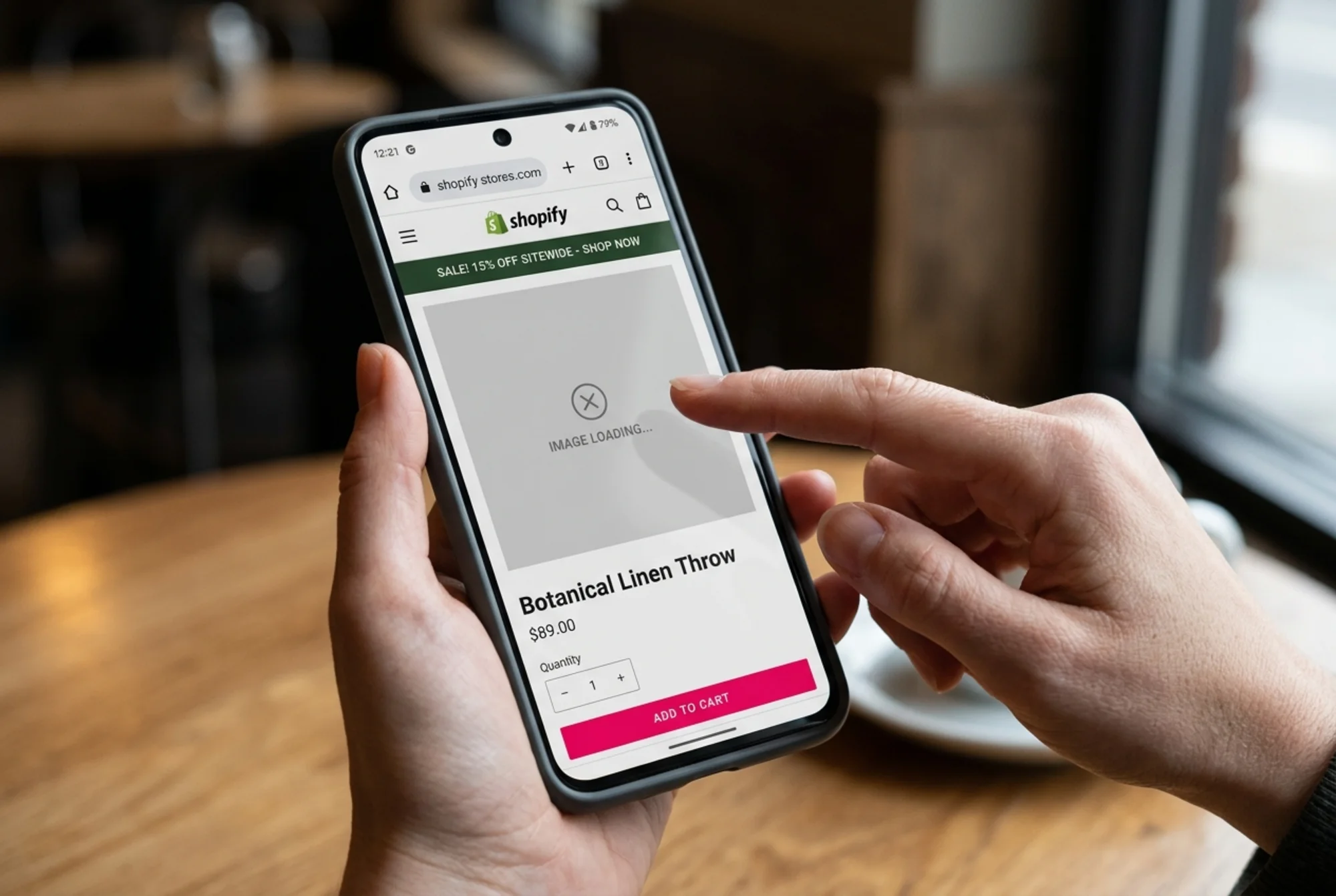
- The free shipping or announcement banner loads after the page renders and pushes everything down.
- Review widgets (Judge.me, Loox, Yotpo) inject star ratings without reserving the space they need.
- Currency or shipping calculator apps swap text after page load, shifting prices.
- Image elements lack width and height attributes, so the browser can't reserve their height.
How to fix it
Reserve space for the announcement bar. If your banner is server-rendered (built into the theme), it shouldn't cause shift. If it's app-injected, ask the app's support whether they support CLS-safe rendering. Many don't, and the cleaner fix is to move the banner into your theme directly.
Set explicit dimensions on review widgets. Most review apps let you set a minimum height for the widget container. Reserve roughly what the widget normally takes — around 24–40px for star ratings, 600–800px for the full review section. The widget then fills the reserved space instead of pushing content down.
Audit your apps for shift. Open your store on a throttled connection (Chrome DevTools → Network → Slow 4G) and watch the page load. Anything that appears more than a second after the rest is a candidate. Either reserve a height for it or remove the app.
Make sure images have dimensions. In Liquid, use markup like {{ image | image_url: width: 800 | image_tag: width: 800, height: 800 }}. Modern themes do this automatically; older or custom-built ones often don't.
Mini-checklist for CLS:
- [ ] Announcement banner doesn't cause page jump on first load
- [ ] Review widgets have reserved minimum heights
- [ ] All product images have width and height attributes
- [ ] No "flash" of currency or shipping text changing after load
- [ ] Popups overlay content instead of pushing it
Issue 3: Slow INP from heavy apps and analytics scripts
Symptom: The site feels laggy when you tap the menu, change a variant, or open the cart drawer. INP shows "Needs improvement" or "Poor."
Why it happens
Every script in your store shares the main browser thread with the code that responds to taps. With 15 apps each loading 200KB of JavaScript on every page, the browser spends so long parsing and executing scripts that it can't respond to user input for hundreds of milliseconds.
The worst offenders, by frequency:
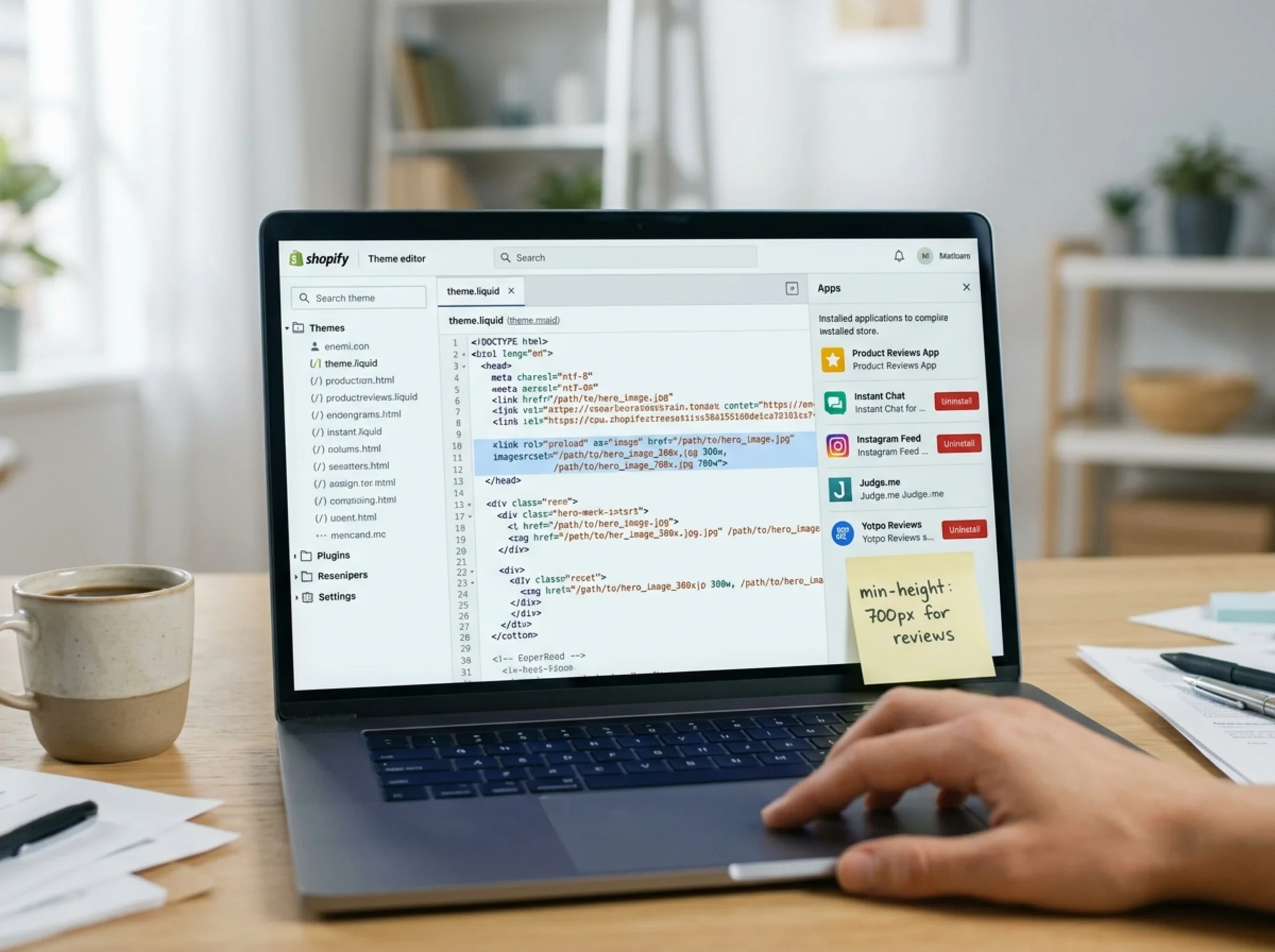
- Chat widgets, especially ones with proactive popups
- Heatmap and session-recording tools
- Multiple analytics scripts (GTM + GA4 + Meta Pixel + TikTok + Pinterest, all firing on every page)
- Personalization and "you may also like" apps
- Currency converters that re-render on every variant change
How to fix it
Uninstall apps you don't use. Disabling an app is not the same as uninstalling it — the script may still load. Open Shopify admin → Apps and remove anything that isn't earning its keep. If you haven't checked the dashboard in 90 days, it goes.
Consolidate analytics through Google Tag Manager. Instead of installing the Meta Pixel app, the TikTok app, and the Pinterest app separately, install GTM once and fire each pixel from there. GTM lets you defer scripts so they don't block interactions.
Delay chat widgets. Most chat apps (Tidio, Gorgias, Shopify Inbox) let you delay the widget by a few seconds or only load it on specific pages. From a customer's perspective, a chat widget that loads 5 seconds in is identical to one that loads immediately — and INP improves dramatically.
Check your variant picker. Some custom themes re-render the entire product page when a customer changes a variant. Modern themes only update the price, image, and availability. If your theme stutters on variant change, that's a theme question worth raising with whoever built it.
Mini-checklist for INP:
- [ ] Fewer than 8 apps installed (aim lower if possible)
- [ ] Marketing pixels consolidated through GTM or Shopify's native pixel manager
- [ ] Chat widget loads after 3+ seconds or on user intent
- [ ] Variant picker updates instantly, not after a noticeable pause
- [ ] No session-recording tools active in production
A concrete walkthrough: a candle shop on Dawn
A small candle store on Dawn has these Core Web Vitals on mobile:
- LCP: 4.1s (Poor)
- CLS: 0.18 (Poor)
- INP: 320ms (Needs improvement)
The audit turns up five issues:
- The homepage hero is a 3500×2000 JPG at 1.2MB. Shopify compresses it, but it still ships as 380KB.
- A free shipping banner from an app loads 800ms after the page, pushing everything down.
- The Judge.me review widget on product pages has no reserved height.
- The store has Klaviyo, Privy, Tidio, Hotjar, Loox, Vitals, and a currency converter installed. Vitals alone loads 240KB of JavaScript.
- Google Tag Manager fires GA4, Meta Pixel, TikTok, and Pinterest with no defer.
Fixes applied, in order:
- Resize hero to 2000×1140 and re-export at 85% quality → 95KB delivered. LCP drops to 2.8s.
- Move the free shipping banner into the theme header and delete the app. CLS drops to 0.09.
- Set Judge.me min-height to 28px for star ratings and 700px for the review section. CLS holds at 0.08.
- Uninstall Vitals (Shopify's native features cover the conversion pieces) and Privy (consolidate into Klaviyo). INP drops to 230ms.
- Delay Tidio by 4 seconds. INP drops to 180ms.
- In GTM, defer marketing pixels until after page interactive. INP holds at 175ms.
Final scores: LCP 2.3s, CLS 0.05, INP 175ms. All three in the "Good" range. About three hours of work, no developer.
What to do this week
If you've never run a Core Web Vitals check on your store, start there. PageSpeed Insights is free, but it only shows you one page at a time and doesn't tell you which app is causing each problem.
Run a free website audit with FreeSiteAudit for a per-page breakdown of LCP, CLS, and INP across your store, plus specific recommendations on which images, scripts, and apps to address first. We flag the easy wins versus the issues that genuinely need developer help.
For deeper dives into any single metric:
For more Shopify-specific guidance and other ecommerce platform tips, see our ecommerce industry resources.
A final note on priorities
Don't try to fix everything at once. This order tends to return the most improvement per hour spent:
- Resize hero and product images. Biggest LCP win, takes 30 minutes.
- Uninstall apps you don't use. Helps INP and often LCP. Takes an hour.
- Reserve space for review widgets and banners. Biggest CLS win, 15 minutes per widget.
- Consolidate marketing pixels through GTM. Helps INP, 1–2 hours the first time.
- Delay chat widgets and non-critical scripts. Easy INP win, 10 minutes.
Done in that order, most Shopify stores can move from "Poor" to "Good" on all three Core Web Vitals in a single afternoon. Shoppers will notice, even if they can't tell you why.
Sources
Related Tools
Check your website for free
Get an instant score and your top 3 critical issues in under 60 seconds.
Get Your Free Audit →