Crawl Budget Optimization for Small and Medium Sites: A Plain-English Guide
Practical crawl budget tips for small and medium websites: guide Googlebot to important pages, skip filter junk, and get new content indexed within days.
# Crawl Budget Optimization for Small and Medium Sites: A Plain-English Guide
If you run a small business website, you have probably heard "crawl budget" thrown around in SEO articles. It sounds technical, vaguely intimidating, and like something only enterprise sites need to worry about. The truth is more useful than that.
Crawl budget matters for small and medium sites too, but not in the way most articles suggest. You are not going to "run out of crawls." Google is not going to refuse to visit your site. The real issue is more subtle: Google might be spending its time on the wrong pages, which means your new product page, your latest blog post, or your updated service description sits there waiting to be noticed.
This guide walks through what crawl budget actually means for a site with anywhere from 50 to 50,000 pages, how to spot when it is being wasted, and the specific, non-scary fixes you can make this week.

What Crawl Budget Actually Is
Googlebot visits your site on a schedule Google decides. It does not visit every page every day. The number of pages it visits in a given period is what people call "crawl budget."
Two things shape that number:
- Crawl capacity: how fast your server can respond without slowing down for real visitors. A slow or unreliable server gets crawled less.
- Crawl demand: how interesting Google thinks your pages are. Pages that change often, get linked to, and earn traffic get crawled more.
For a 100-page plumber's website, the raw number is rarely the problem. The bot can finish your whole site in a few minutes. But here is the catch most small business owners miss: if 60 of those 100 pages are duplicates, broken redirects, or pages that should not exist, Googlebot still has to look at them. That eats time that could go toward your actual service pages.
When Crawl Budget Becomes a Real Issue
You probably do not need to think about crawl budget if:
- Your site has fewer than 500 unique pages
- New pages get indexed within a day or two
- You do not run a store with filters, search results, or tags
- You do not have an old subdomain or staging site leaking into Google
You probably should think about it if:
- You run an ecommerce store with filters (size, color, price)
- Your site has a calendar, search box, or tagging system that creates URLs
- You publish frequently and new posts take a week or more to show up in Google
- You migrated recently and old URLs are still being crawled
- Your hosting is on the cheaper side and your server response is sluggish
The smaller the site, the less the raw number matters. The structure matters more.
How to Tell If Yours Is Being Wasted
You do not need expensive tools for this. Start with what Google gives you for free.
Open Google Search Console and find the Crawl Stats report under Settings. Look at three things:
- Total crawl requests over the last 90 days. Is the line trending down sharply for no reason? That often means Google is losing interest because pages keep failing or duplicating.
- Average response time. If it sits above 1,000 milliseconds, Googlebot will slow down. Hosting or unoptimized images are usually the culprits.
- By response (status codes). A healthy site is mostly 200s. If 20% or more of crawls hit 404s, 301s, or 500s, you are wasting Google's time.
Then open the Pages report. It tells you which URLs Google has crawled but chosen not to index, and why. Hundreds of "Crawled - currently not indexed" or "Duplicate without user-selected canonical" entries means crawl budget evaporating in real time.
The Six Biggest Wasters (and How to Fix Them)
These are the issues that quietly chew through crawl budget on small and medium sites. Tackle them in order.
1. Filter and Sort URLs
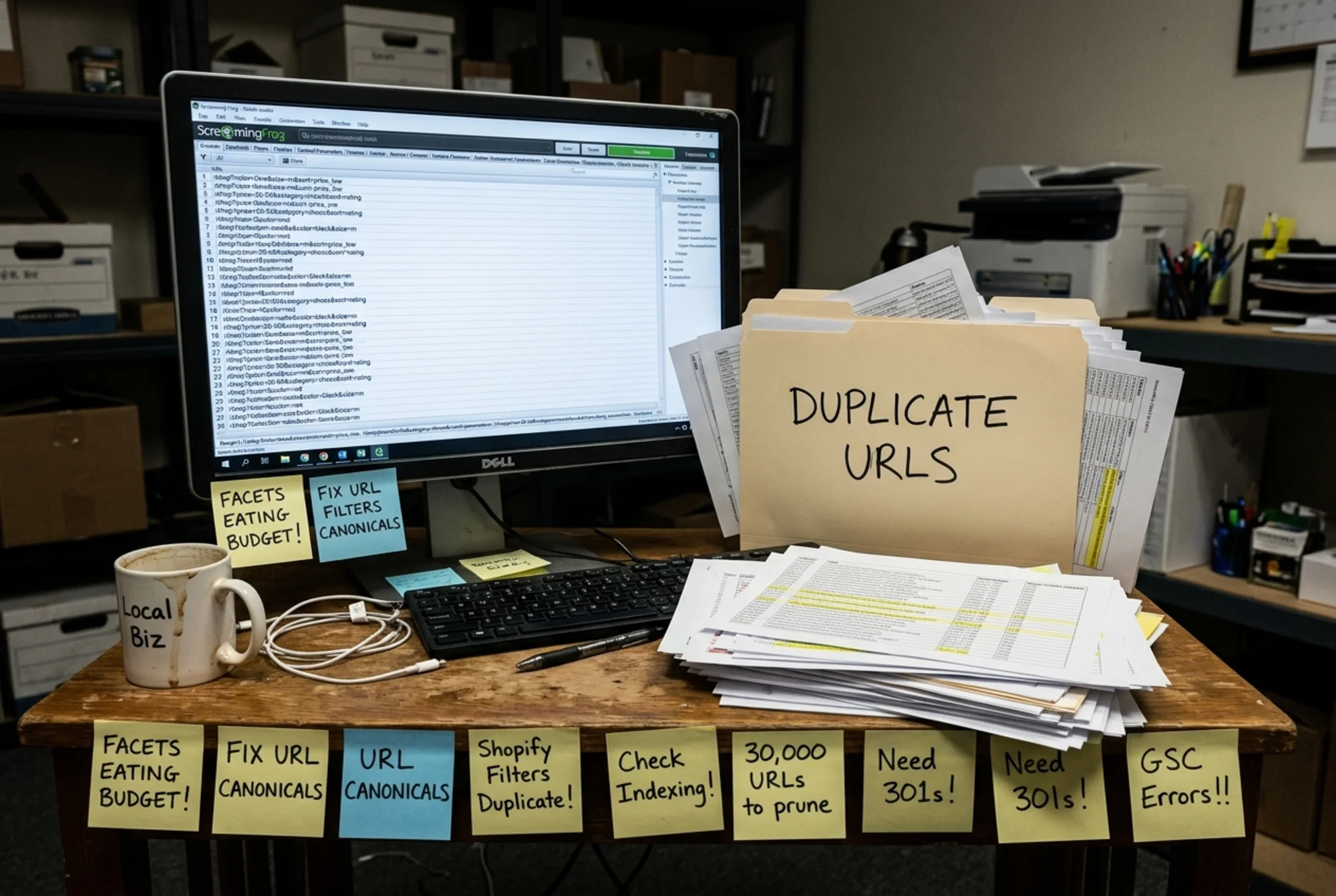
Every click on a filter can generate a new URL: /shoes?color=red&size=10&sort=price. Multiply by every combination and you get thousands of pages showing roughly the same products.
Fix it:
- Add a canonical tag from every filtered URL back to the main category page.
- Block filter parameters in robots.txt if they have no SEO value.
- Use
rel="nofollow"on filter links if you cannot remove them.
2. Internal Search Result Pages
If your on-site search creates URLs like /search?q=blue+widgets, every visitor query becomes a potential crawl target.
Fix it: Add noindex to your internal search results and block /search in robots.txt. There is no good reason for these to be in Google.
3. Tag and Category Bloat
A blog with 200 posts and 400 tags has more tag archive pages than actual content. Most have one or two posts on them.
Fix it: Keep tags only when they group at least five solid posts. Delete or noindex the rest. Same for thin author pages.
4. Redirect Chains
When you redirect Page A to Page B to Page C, Googlebot follows the whole chain and counts each hop. Multiply by hundreds of old URLs and the waste adds up.
Fix it: Update redirects to point directly to the final destination. One hop, not three.
5. Old, Forgotten URLs
That trade show landing page from 2022. The free PDF from a campaign you stopped running. They may still be linked from somewhere, and Google may still be checking them.
Fix it: Either bring them back, redirect them to a relevant current page, or return a clean 410 (Gone) so Google stops asking.
6. Slow Server Responses
If your hosting is slow, Googlebot deliberately throttles itself to protect real users. Your crawl budget shrinks even if everything else is perfect. This connects directly to Core Web Vitals, which Google has documented as a measurable signal of site quality.
Fix it: Move to better hosting, add caching, compress images, and remove unused plugins or scripts that delay your server's response.
A Walkthrough: Maria's Garden Center
Let's make this concrete. Maria runs a regional garden center in Ohio. Her site has:
- 80 product pages
- 12 service pages (delivery, planting, design consultation)
- A blog with 90 posts
- Filters on the shop for plant type, sun exposure, and pot size
When she signs into Search Console, Google has crawled 14,000 URLs in the last month. She only has about 200 real pages.
Looking at the Pages report, she finds:
- Roughly 7,000 filter combinations like
/shop?sun=full&type=annual&pot=small&color=pink - About 3,500 search result URLs from her on-site search
- 200 tag archive pages, most with one post
- 1,800 old blog post URLs from before she renamed her categories, all 301 redirecting in chains
- 300 calendar event pages from a workshop plugin she stopped using two years ago
Here is what she fixes over one weekend:
- She adds a canonical tag from filter pages back to the parent category. Filter combinations stop being treated as separate pages.
- She blocks
/searchand/?s=in robots.txt. - She deletes 180 of her 200 tag pages and noindexes the rest until they accumulate enough posts.
- She rebuilds her redirects so each old URL points directly to its current destination, no chain.
- She returns 410 status codes on all the old calendar URLs.
A month later, Google's crawl is down to about 600 URLs per month, her new blog posts get indexed in under 48 hours instead of the previous week, and three of her service pages have climbed several positions for local searches.
She did not need a developer. She needed to stop wasting Googlebot's time on URLs that did not matter.

A 30-Minute Checklist You Can Run Today
You do not need a full SEO audit to make a dent. Pull up your site and run through this:
- [ ] Open Google Search Console → Settings → Crawl Stats. Note the average response time.
- [ ] Check "By response." What percentage is non-200?
- [ ] Open the Pages report. Sort by "Not indexed." Are there clusters that look like filters, search, or old URLs?
- [ ] View your XML sitemap. Does it only contain pages you want indexed?
- [ ] Search Google for
site:yourdomain.com. Scroll through. Are there pages there that surprise you? - [ ] Look at your robots.txt file. Does it block obvious junk like
/search,/cart,/admin? - [ ] Visit five random old product or blog URLs. Do any redirect more than once?
Two or more checked boxes means you have crawl budget gains waiting.
What About the Sitemap?
Your XML sitemap is your direct hint to Google about what matters. A clean sitemap helps focus crawling on real pages.
A few rules that hold up well for small and medium sites:
- Only include canonical, indexable, 200-status URLs.
- Do not include pages that are blocked by robots.txt or noindexed.
- Update the
lastmoddate honestly when a page changes meaningfully. Do not fake it by touching every page nightly. - Keep it under 50,000 URLs and 50 MB. Most small business sites will never approach this.
- Submit it in Search Console.
If your sitemap is full of garbage, Google trusts it less. If it is clean and accurate, Google uses it as a roadmap.
Content Quality Plays Into This Too
Crawl demand goes up when Google thinks your content deserves attention. Google's helpful content guidance is clear that pages written for real people, with original information and clear expertise, get treated differently than pages that exist just to fill a slot.
Practically:
- Consolidate. Three thin articles on the same topic? Merge them into one strong piece and redirect the others.
- Update. If your "best practices" post is from 2021, refresh it with current information and update the date.
- Prune. Pages that have not earned traffic, links, or any meaningful engagement in two years are usually not helping. Remove them or absorb them into a stronger page.
A smaller, sharper site with 80 strong pages will out-crawl a bloated site with 800 mediocre ones almost every time.
Structured Data Raises the Value of Each Crawl
Google's structured data documentation describes how schema markup helps the crawler understand a page's purpose. For a small business, the easy wins are:
- LocalBusiness schema on your homepage and contact page
- Product schema on product pages
- Article schema on blog posts
- FAQPage schema on pages with a real FAQ section
This is not directly about crawl budget, but it raises the value of each crawl. Google leaves with more useful information per visit, which builds trust in your site over time.

What Not to Worry About
Some things look like crawl problems but are not:
- Googlebot visiting "too often." This is almost always good. It means Google finds your site worth checking.
- A handful of 404s. Real users delete pages. A few 404s are normal and Google handles them fine.
- Pages noindexed but still crawled. Google has to crawl a page to see the noindex tag. That is by design.
Save your energy for the patterns that affect hundreds or thousands of URLs.
When to Bring in Help
You can handle most of this yourself with access to your CMS, robots.txt, and a willingness to read a Search Console report. Consider hiring help if:
- Your site has more than 10,000 pages and you cannot tell which ones matter
- You did a major migration recently and traffic dropped
- Your Crawl Stats show response times above 2,000 ms and you cannot improve hosting
- You see error patterns you cannot identify
Even then, a clear list of issues from your own audit makes the conversation faster and cheaper.
Run a Free Audit on Your Site
If you want a fast read on whether crawl budget waste is hurting your site, FreeSiteAudit's free website audit flags duplicate content, redirect chains, sitemap problems, slow pages, and indexing issues in one report. No login required. It is the same checklist a paid consultant would run through in their first hour, just automated.
Most small business sites have at least three of the six issues described here. Finding them is the easy part. Fixing them, even one at a time, usually moves the needle within weeks, not months.
Sources
- https://developers.google.com/search/docs/fundamentals/creating-helpful-content
- https://developers.google.com/search/docs/appearance/structured-data/article
- https://web.dev/articles/vitals
Check your website for free
Get an instant score and your top 3 critical issues in under 60 seconds.
Get Your Free Audit →