E-E-A-T Audit: How to Build Author Trust Signals That Actually Work
A practical E-E-A-T audit for small business owners: how to add author signals, bios, schema, and trust elements that make your content visibly credible.
# E-E-A-T Audit: How to Build Author Trust Signals That Actually Work
If you run a small business website, you have probably seen the acronym E-E-A-T floating around SEO articles. It stands for Experience, Expertise, Authoritativeness, and Trust. Google uses these concepts when its quality raters evaluate content, and those evaluations shape how Google trains its ranking systems.
Here is the part most articles skip: E-E-A-T is not a single ranking factor you can tweak in five minutes. It is a pattern of signals that tells both Google and your readers that a real, qualified person stands behind your content. When those signals are missing, your pages compete against thousands of indistinguishable blogs and lose.
This guide walks you through a practical E-E-A-T audit you can do on your own site this week. No theory dumps. Just the specific things to check and fix.
What E-E-A-T Actually Means (in Plain English)
Google's guidance on helpful content is clear: content should be written by people, for people, and demonstrate first-hand knowledge. The four pillars break down like this:
- Experience — Have you actually used, tested, or lived the thing you are writing about? A roofer writing about asphalt shingles has experience. A generic content farm does not.
- Expertise — Do you have the knowledge or training to discuss the topic accurately? A CPA writing about small business taxes brings expertise.
- Authoritativeness — Are you recognized in your field? This shows up through citations, mentions, and a documented track record.
- Trust — Is the site safe, accurate, transparent, and reliable? This is the most important pillar, and the one most small business sites neglect.
You do not need to be a global authority. You need to be visibly credible for your niche. A solo bookkeeper in Austin can demonstrate strong E-E-A-T for "small business bookkeeping in Texas" without ever appearing on a national stage.
Why Author Signals Matter
Most small business sites publish content under a generic byline like "Admin" or "The Team" — or with no author at all. Readers do not trust anonymous advice, and Google's quality systems look for signals that an accountable person produced the content. When the author is invisible, the page reads as throwaway, regardless of how well it is written.
The Problem State: What a Low-E-E-A-T Page Looks Like
Before we get to the fix, look at what you are probably starting with. A typical small business blog post has:
- No author name, or a generic "Admin"
- No publish date or last-updated date
- No bio, photo, or credentials
- No links to external sources or research
- No contact information on the site
- No Article or Person schema markup
- No editorial process or review information
The advice on the page might be accurate. The writing might be solid. But to a reader landing from search, it reads as faceless content. To Google's systems, it lacks the signals that distinguish person-authored work from low-quality output.

The 10-Point E-E-A-T Audit Checklist
Walk through this list for any page that targets a competitive query, especially if the topic falls under what Google calls Your Money or Your Life — anything related to health, finance, legal, or major life decisions.
1. Is there a visible, named author?
Open the page. Within three seconds, can you tell who wrote it? If the byline says "Admin," "Team," or is missing entirely, fix this first. Use the real name of the person who wrote or supervised the piece.
2. Is the publish date visible?
Readers want to know if content is current. Show the publish date clearly. If the article has been updated, show a "Last updated" date as well.
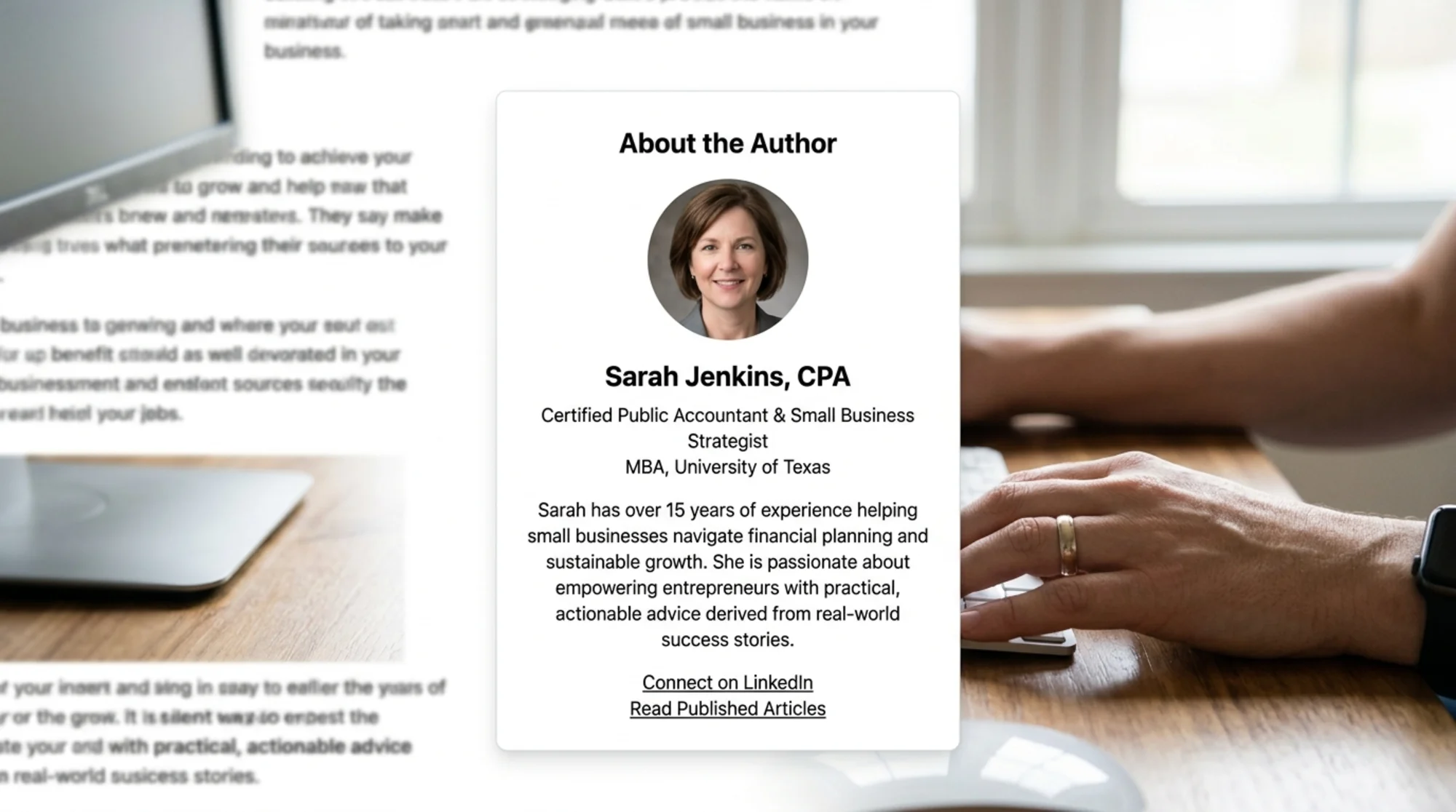
3. Is there an author bio on the page?
Below or near the article, include two to four sentences about the author: their role, relevant experience, and credentials. Link to a fuller author page if you have one.
4. Does the author have a real photo?
Not a stock photo of someone else. Not a corporate avatar. A real headshot of the person. This sounds small, but it is one of the strongest trust signals on a content page.
5. Does your site have a proper About page?
The About page should name real people, show the team, explain how the business operates, and include contact information. If your About page is three paragraphs of buzzwords, rewrite it.
6. Is contact information easy to find?
Phone number, email, physical address (if applicable), and business hours. A footer with a real address does more for trust than another testimonial.
7. Are claims supported by sources?
When you make a specific claim — a statistic, a study result, a recommendation — link to the original source. This is one of the simplest ways to show you did the work.
8. Is the content reviewed by someone qualified?
For YMYL topics, show editorial or expert review. A simple "Reviewed by Dr. Jane Smith, DDS — May 2026" line under the byline does enormous work.
9. Are author profiles linked across the web?
Each author should have a fuller profile page on your site, and that profile should link out to their LinkedIn, professional associations, or published work. This is the authoritativeness leg of the framework.
10. Is structured data in place?
Add Article and Person schema markup so search engines can connect the dots between the author, the content, and the publisher.
A Concrete Walkthrough: Maria's Plumbing Blog
Here is how this plays out in practice.
Maria runs a plumbing business in Phoenix. She has been writing weekly blog posts for two years — "How to unclog a kitchen sink," "When to repipe your home," "Signs of a slab leak" — every word from her 15 years of plumbing experience.
But her traffic is flat. Her audit turned up:
- Byline: "Admin"
- Author photo: None
- Bio: None
- About page: Two paragraphs of generic copy
- Contact info: Buried in footer, no address
- Schema: Generic WebPage schema, no Article or Person
Maria has enormous Experience and Expertise — she is one of the most qualified plumbers in her metro — but none of that shows up on her pages.
Here is the fix list we worked through over a weekend:
- Changed every byline from "Admin" to "Maria Reyes, Master Plumber."
- Added an author card at the top of each post with her photo, license number, and years of experience.
- Built an author profile page at /about/maria-reyes with a full bio, certifications, and links to her LinkedIn and the Arizona Registrar of Contractors.
- Rewrote the About page to include team photos, the business address, license number, and a paragraph on how they handle service calls.
- Added Article and Person schema to every blog post.
- Added a "Last updated" line to seven evergreen posts.
- Added linked sources to any post that referenced building codes or product specs.
Total time: about six hours. Over the next three months, her organic clicks on those pages roughly doubled. None of the content itself changed.
How to Implement Author Schema (Without Breaking Things)
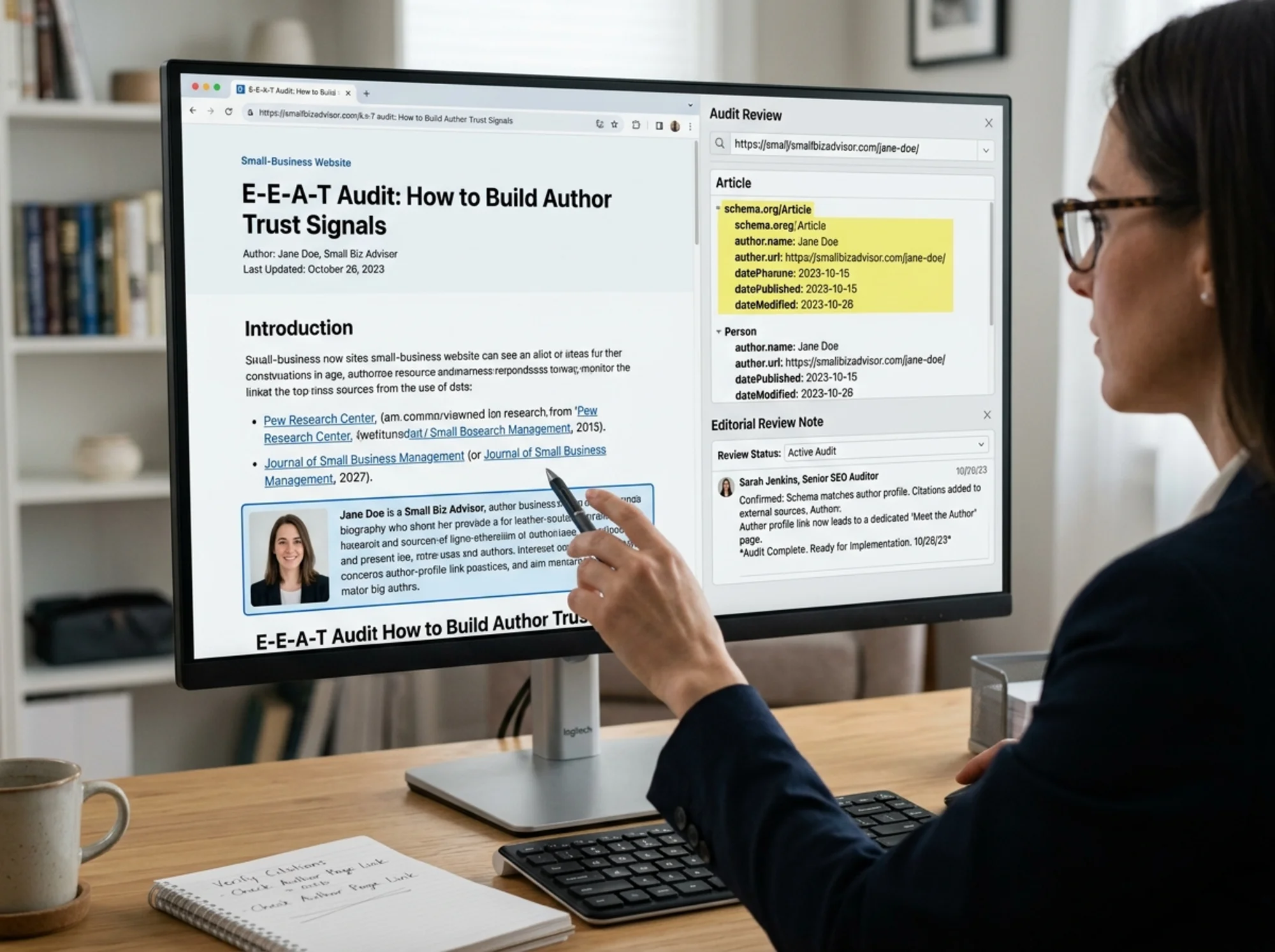
You do not need a developer for this. Most content management systems support schema either natively or through a plugin. The minimum on every article:
- Article schema with
headline,datePublished,dateModified, andauthor authoras a nestedPersonobject withname,url(linking to the author profile), andsameAs(an array of links to LinkedIn, professional profiles, published work)publisheras your business modeled as anOrganization
Google's developer documentation on Article structured data lists the exact required and recommended fields — follow that as the source of truth. After implementing, test the page in Google's Rich Results Test tool to confirm it parses.
A common mistake: setting author to a plain string like "Maria Reyes" instead of a Person object. Use the nested object format. That is what lets search engines associate the content with a specific identifiable person.
The Trust Pillar: What Most Sites Miss
Trust is the foundation, and it includes things that have nothing to do with authors directly:
- HTTPS — A valid SSL certificate is non-negotiable.
- Site performance — Slow, broken pages erode trust before a reader reads a word. Google's Web Vitals guidance covers the specific user-experience metrics that matter here.
- Clear policies — Privacy policy, terms of service, refund or return policy if you sell things.
- No deceptive design — No fake countdown timers, no hidden charges, no popups that hijack the back button.
- Consistent information — If you say you have been in business since 2009, your About page, Google Business Profile, and social bios should all agree.
Inconsistency is what kills small business trust signals. When your website, your Google Business Profile, and your Facebook page each say something different, both search engines and customers notice.
Quick Wins You Can Do This Week
If you want real progress in one work session, prioritize these five:
- Replace every "Admin" byline with a real person's name.
- Add a one-paragraph author bio with a real photo to your most-trafficked blog post.
- Add a "Last updated" line to your three most important pages.
- Make sure contact information is visible in the footer of every page.
- Test one article in Google's Rich Results Test and add Article schema if missing.
Five tasks. Two to four hours. Real movement on E-E-A-T.
What Not to Do
A few patterns look like trust signals but actually backfire:
- Fake authors with AI-generated photos. Quality raters and savvy readers spot these. A bio describing someone who does not exist is a trust liability, not a trust signal.
- Stuffing every page with credentials. A doctor's bio belongs on health content, not on every page of an unrelated business.
- Buying "as seen on" badges for press mentions you do not actually have. If you cannot link to the article, do not claim it.
- Inflated job titles. "Chief Plumbing Officer" instead of "Master Plumber" looks self-conscious. Use the real professional title.
The goal is not to look authoritative. It is to be authoritative — and to make that visible.

Run Your Own E-E-A-T Audit Today
You do not need an SEO agency to find these issues. Most are visible from the front of the page. Open three of your most important articles and run through the 10-point checklist. Note every gap.
If you want to see the technical layer — missing schema, page speed problems, trust signal gaps across your whole site — run a free website audit with FreeSiteAudit. It crawls your pages, checks for structured data, flags trust signal issues, and gives you a concrete list of fixes prioritized by impact.
E-E-A-T is not a trick. It is the boring, durable work of making your business visibly credible online. Most of your competitors are not doing it. That is your opening.
Sources
- Google Search Central: Creating Helpful, Reliable, People-First Content — https://developers.google.com/search/docs/fundamentals/creating-helpful-content
- Google Search Central: Article Structured Data — https://developers.google.com/search/docs/appearance/structured-data/article
- web.dev: Core Web Vitals — https://web.dev/articles/vitals
Check your website for free
Get an instant score and your top 3 critical issues in under 60 seconds.
Get Your Free Audit →