Ecommerce Site Audit Case Study: From 2s to 0.8s Load Time
A walkthrough of how a small ecommerce store cut load time from 2s to 0.8s with a focused site audit — fixes you can copy this weekend, no developer needed.
# Ecommerce Site Audit Case Study: From 2s to 0.8s Load Time
A 2-second load time sounds fast. On paper, it's fine. But for a small ecommerce store selling handmade ceramic mugs, that 2 seconds was quietly costing sales every day. After a focused site audit and a weekend of targeted fixes, the same product pages loaded in 0.8 seconds. Add-to-cart rate went up. Bounce rate dropped. Nothing else about the store changed.
This is the full walkthrough of what we found, what we changed, and what you can copy for your own store.

The store, in plain terms
The store sold around 40 products. Built on a popular ecommerce platform with a custom theme. Roughly 8,000 monthly visitors, mostly from Instagram and Google. The owner ran everything herself: photography, fulfillment, customer support.
Her complaint: "People click my ads, but a lot of them never see the product. My analytics says they leave before anything loads."
That's the giveaway. When shoppers leave before the page paints, you don't have a marketing problem. You have a speed problem.
Why 2 seconds is slower than it sounds
Google's Core Web Vitals set a "good" Largest Contentful Paint (LCP) threshold at 2.5 seconds. So 2 seconds was technically passing. But two things matter here:
- 2 seconds was the median, meaning half the visits were slower, sometimes much slower. On a 4G mobile connection in a low-signal area, it was closer to 4.5 seconds.
- Ecommerce shoppers are impatient by default. They're comparing your product to a tab they already have open. Every extra half-second is a chance to lose them.
The goal wasn't to hit "good." The goal was to make the page feel instant on the device most customers were actually using: a mid-range Android phone on imperfect Wi-Fi.
Step 1: Running the audit
We started with a free site audit to get a baseline. The audit pulled the homepage and three top product pages, then flagged what was slowing them down. The first run surfaced six issues that mattered:
- Hero product images were 2.4 MB each, served as full-resolution JPEGs
- A chat widget loaded a 380 KB script on every page, before anything else
- Three separate analytics scripts ran in the head, all render-blocking
- The theme loaded 11 web fonts. The store used 2.
- Product images had no width or height attributes, causing layout shift
- No caching headers on static assets, so repeat visits re-downloaded everything
None of these issues were exotic. Every one is common on small ecommerce sites, especially ones built on themes that prioritize visual polish over performance.
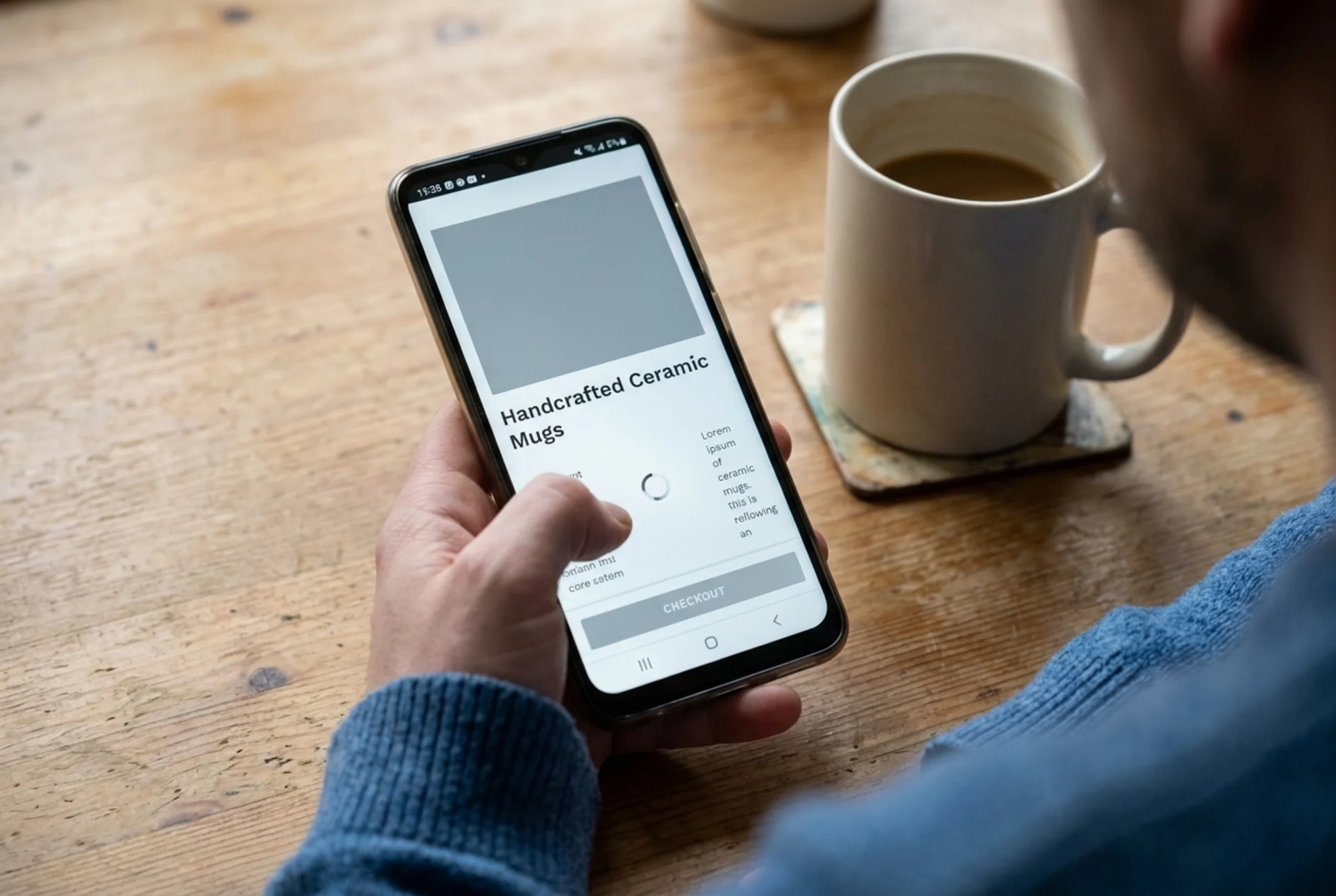
Step 2: The problem state, second by second
Here's what was actually happening when a shopper landed on a product page:
0.0s — Browser requests the page. Server responds in 180ms. Not bad.
0.2s — HTML arrives. Browser starts parsing.
0.3s — Browser hits three analytics scripts in the head. They block rendering. The page stops while they download and execute.
0.9s — Analytics finish. Browser resumes parsing. Discovers 11 font files. Starts downloading them.
1.2s — First content appears, but it's the wrong font. The page reflows when the correct fonts arrive. Users see this as a "flicker."
1.6s — Hero product image starts to download. It's 2.4 MB.
2.1s — Image is partially loaded. The browser doesn't know how tall it'll be, so when it finishes, everything below jumps down. The "Add to Cart" button moves while the user is reaching for it.
2.3s — Chat widget loads. A bubble pops in at the bottom right. Another layout shift.
By the time the page is stable, you've lost the impatient half of your traffic.
Step 3: The fixes, ranked by impact
We didn't fix everything at once. We picked the changes most likely to move the needle and did them in order. On a small business site, you usually have a few hours on a Saturday, not a week of engineering time.
Fix 1: Compress and convert the hero images
The single biggest win. We took every product image and:
- Resized to the largest size actually displayed (most were 1200px wide, not 3000px)
- Converted to WebP format with a JPEG fallback
- Set explicit width and height attributes in the HTML
Hero images dropped from 2.4 MB to about 180 KB. No visible quality loss. This alone cut LCP by nearly a full second. If you want to do this yourself, our guide on image optimization walks through the steps without a developer.
Fix 2: Defer the chat widget
The chat widget was set to load on page load. We changed it to load only after the user scrolled or after 3 seconds of inactivity, whichever came first. The widget still worked. Customers who needed it still got it. But it stopped competing with the product image for bandwidth.
Fix 3: Move analytics scripts out of the way
The three analytics scripts went from the (blocking) to the end of with the defer attribute. Same data collected, no impact on rendering.
Fix 4: Trim the font list
Of the 11 web fonts the theme loaded, the store only used two: one for headings, one for body. We removed the other nine from the theme settings. Saved roughly 600 KB and several blocking requests.
Fix 5: Set image dimensions
Every image got explicit width and height attributes. This tells the browser how much space to reserve before the image loads, so the page stops jumping. Cumulative Layout Shift (CLS) dropped from 0.28 (poor) to 0.04 (good).
Fix 6: Add caching headers
The platform's default caching headers were about 10 minutes. We bumped them to a year for static assets like images, fonts, and CSS. Returning visitors now load almost nothing on a second visit.
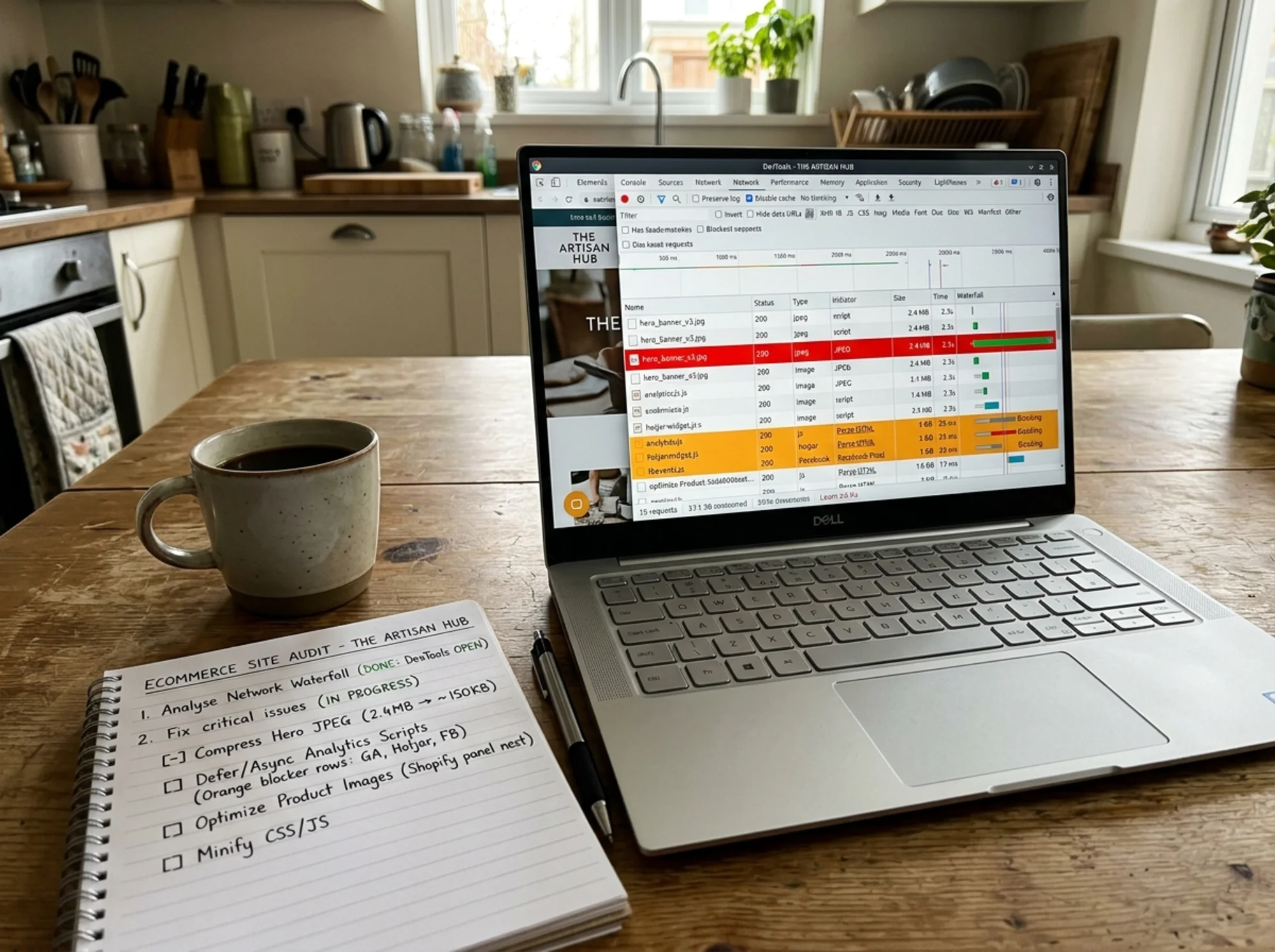
Step 4: Measuring what actually changed
Before and after, on the same product page, same device, same network conditions:
| Metric | Before | After |
|---|---|---|
| Largest Contentful Paint | 2.0s | 0.8s |
| Cumulative Layout Shift | 0.28 | 0.04 |
| Total Page Weight | 4.8 MB | 720 KB |
| Requests | 84 | 31 |
The numbers matter, but what mattered more for the owner: the page now felt fast. She could open it on her own phone and the product appeared before she finished pulling the phone from her pocket. That's the test that counts.
For the definitions behind LCP and CLS, see Web Vitals on web.dev.
A mini-checklist you can use this weekend
If you can't run a full audit yet, here's the shortlist of things that almost always help an ecommerce site:
- Open one of your product pages on your phone, on cellular data. Time how long it takes to see the product image. Anything over 1.5 seconds is worth fixing.
- Check your image file sizes. Right-click a hero image and "Inspect." If it's over 300 KB for a product photo, it's too big.
- Look at how many fonts your theme loads. Most stores need 1 or 2, not 8.
- Check whether your chat widget loads instantly or after a delay. If it pops up the moment the page loads, it's blocking other things.
- Look at whether your images cause layout shift. Scroll quickly through a product page. If things jump as it loads, you're missing width/height attributes.
None of this requires a developer. Most of it can be done through your platform's theme settings or app store.
What we didn't do
It's worth saying what we deliberately left alone:
- We didn't switch platforms. The store stayed on the same ecommerce host.
- We didn't redesign anything. The theme looked identical before and after.
- We didn't touch SEO copy, schema, or backlinks.
- We didn't change pricing, photography style, or product descriptions.
A speed audit is one of the few site improvements you can do without disrupting anything else. The risk is low, the upside is real, and the work fits in a weekend.

The results, two weeks later
After the changes had been live for two weeks, the owner pulled her numbers:
- Mobile bounce rate on product pages was meaningfully lower
- Add-to-cart actions per session went up
- Page views per session went up (people were actually browsing instead of leaving)
- Ad cost per conversion dropped, because more ad clicks stuck around long enough to convert
She didn't run a controlled experiment, so we can't claim a precise percentage. But the direction was clear and consistent across product pages. The audit and the fixes paid for themselves in the first week.
Why this matters for your store
Google has been explicit that page experience is part of how it evaluates pages, and Core Web Vitals are part of that signal. The broader expectation, laid out in Google's guidance on creating helpful, reliable, people-first content, is that the experience should serve the visitor, not the platform.
But ranking is the secondary benefit. The primary benefit is that a faster site converts better, full stop. For small ecommerce stores especially — where you're paying for traffic through ads or social and every visit costs you something — a slow site is a tax on every marketing dollar you spend.
If your store also publishes editorial content like buying guides or how-tos, marking it up with Article structured data helps Google understand and surface it. Speed and structure work together.
Where to start
If you want to know what's slowing your own store down, run a free site audit. It takes about a minute, looks at the same things we looked at here, and gives you a prioritized list of what to fix first.
You don't need to fix everything. You need to fix the two or three things costing you sales right now. An audit will tell you what those are.
Run a free website audit on your store →
For ecommerce-specific fixes, our guides on Core Web Vitals and image optimization cover most of what we did here, step by step. For more case studies on online stores, see our ecommerce resources.
The store in this case study isn't unusual. Most small ecommerce sites have similar issues — often the same exact issues. Fixing them doesn't require a rebuild or a developer. It requires knowing where to look, then doing the boring work of cleaning up image sizes, deferring scripts, and trimming what your pages load.
That's the whole game.
Sources
Check your website for free
Get an instant score and your top 3 critical issues in under 60 seconds.
Get Your Free Audit →