Framer Website Audit: What Small Business Owners Need to Check Before Launch
Audit your Framer site for SEO, performance, and accessibility issues before launch — a practical checklist with fixes small business owners can apply today.
# Framer Website Audit: What Small Business Owners Need to Check Before Launch
Framer has become one of the most popular website builders for small businesses, freelancers, and startups. The templates look sharp, the editor is intuitive, and you can go from blank page to live site in an afternoon.
But looking good and performing well in search are two different things.
Many Framer sites ship with SEO gaps, performance problems, and accessibility oversights that quietly cost their owners traffic and customers. The platform handles a lot — but the defaults are not always enough.
This guide walks through the issues we see most often when auditing Framer websites and gives you concrete steps to fix each one.

Why Framer Sites Need a Dedicated Audit
Framer generates clean, modern websites. But like any builder, it makes trade-offs that affect how search engines see your site and how fast it loads for visitors.
- Client-side rendering: Framer uses React under the hood. While it offers server-side rendering for published sites, some dynamic components still rely on JavaScript to load content.
- Automatic code generation: You design visually, and Framer writes the HTML and CSS. You do not always control what it outputs.
- Template-driven structure: Most Framer sites start from templates that may not have SEO best practices built in.
- Limited server-side control: You cannot add custom server configurations, .htaccess rules, or middleware the way you can with a self-hosted site.
None of these are dealbreakers. But they mean certain things need manual attention.
The 7 Most Common Framer SEO Problems
1. Missing or Duplicate Meta Titles and Descriptions
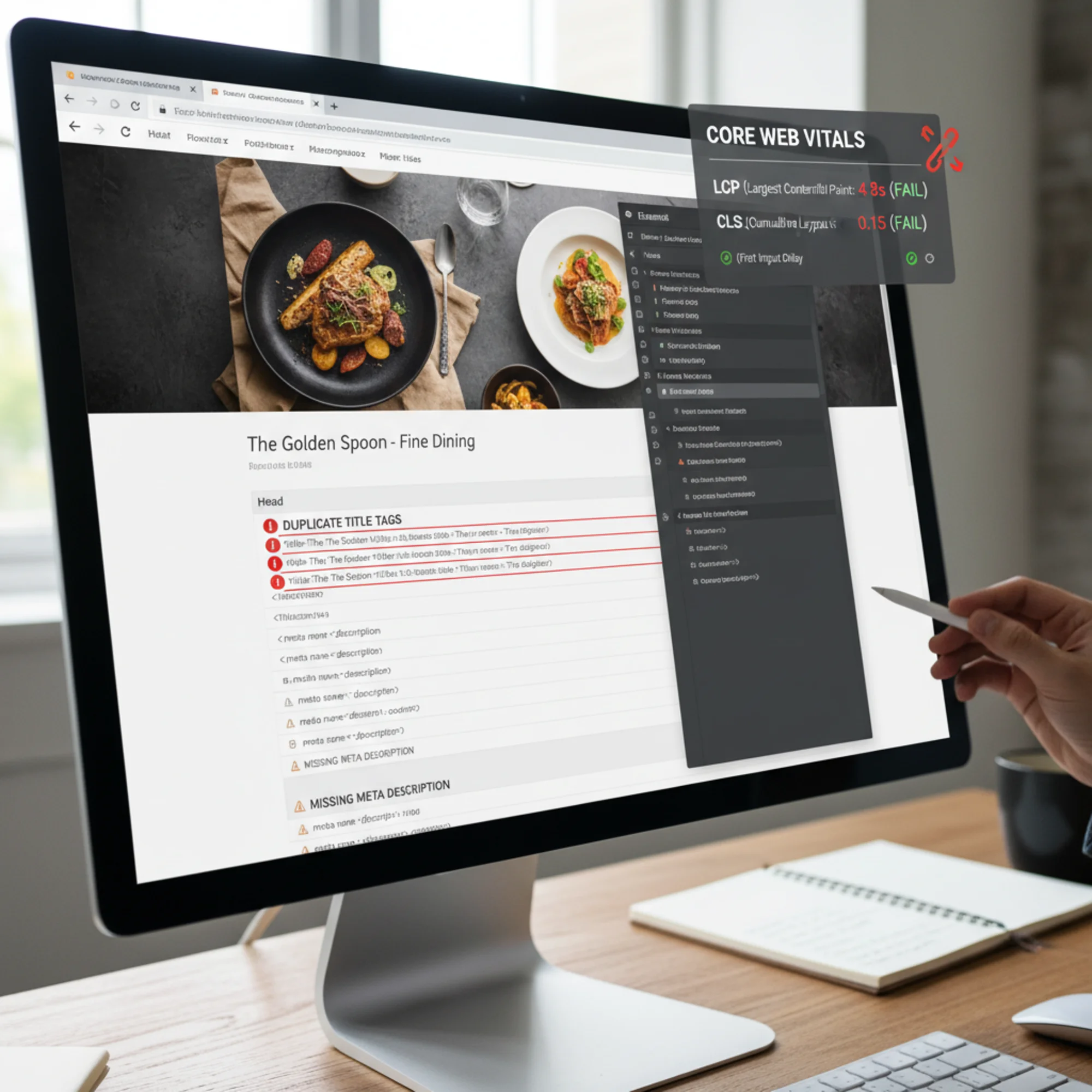
This is the single most common problem we find. Framer lets you set page-level SEO metadata, but it does not require it. Many site owners skip those fields entirely or copy the same description across every page.
What to check:
- Open your Framer project and click on each page
- Look for the SEO section in page settings
- Verify that every page has a unique title tag (under 60 characters) and meta description (under 155 characters)
What goes wrong when you skip this: Google will auto-generate a snippet from your page content — which is rarely what you want — or show your homepage title for every page. Identical descriptions across results reduce click-through rates.
The fix: Write a unique title and description for every page. Include your primary keyword and location if you serve a local market.
For a bakery in Portland, your Services page title might be:
> Custom Cakes & Pastries | Portland Bakery | Rose City Bakes
And the description:
> Order custom wedding cakes, birthday cakes, and French pastries from Rose City Bakes in Portland, OR. Pickup and local delivery available.
2. Poor Heading Structure
Framer makes it easy to style text however you want. But visual size and semantic structure are not the same thing. We regularly see Framer sites where:
- There is no H1 tag on the page (the big headline is styled as a paragraph)
- There are multiple H1 tags on a single page
- Headings jump from H1 to H4 with nothing in between
- Decorative text is tagged as a heading
Search engines use heading hierarchy to understand your page structure. A proper order — one H1 per page, followed by H2s for major sections, H3s for subsections — helps Google determine what your page is about.
How to fix it in Framer:
- Select each text element on your page
- Check the tag setting (not just the visual style)
- Make sure your main headline is set to H1
- Use H2 for section headers, H3 for sub-sections
- Use paragraph tags for body text, even if you want it to look like a heading visually
3. Images Without Alt Text
Framer sites are typically image-heavy. Hero sections, portfolio grids, team photos, product shots — they all need alt text, and most Framer sites we audit have none.
- Every image should have descriptive alt text (not just "image" or "photo")
- Decorative images with no informational value should be marked as decorative
- Product and portfolio images should include relevant keywords naturally
Alt text is not just an SEO signal. It is how screen readers describe images to visitors who cannot see them, and it is what appears when images fail to load on slow connections.
In Framer, set alt text by selecting an image element and filling in the alt text field in the properties panel. Do this for every image on your site.
4. Slow Loading Due to Unoptimized Images and Animations
Framer makes animations and transitions effortless. But every animation, parallax effect, and high-resolution image adds to your page weight.
Google's Core Web Vitals measure three things that directly affect your search ranking:
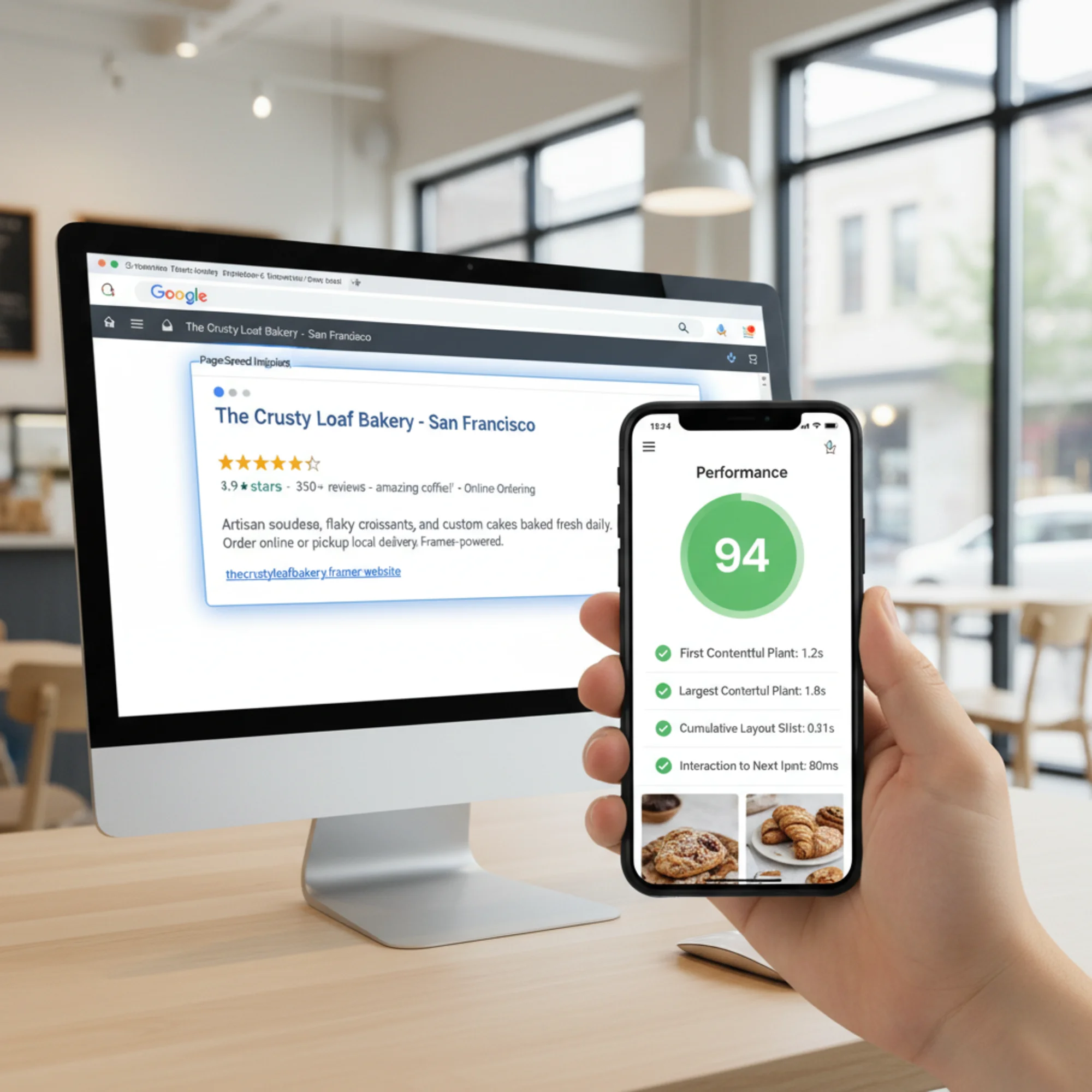
- Largest Contentful Paint (LCP): How fast your main content loads. Target: under 2.5 seconds.
- Interaction to Next Paint (INP): How quickly your site responds to clicks and taps. Target: under 200 milliseconds.
- Cumulative Layout Shift (CLS): How much your layout jumps around during load. Target: under 0.1.
Common Framer performance killers:
- Hero images at 3MB+ because they were uploaded at full resolution
- Scroll-triggered animations on every section, each adding JavaScript overhead
- Video backgrounds that autoplay on mobile
- Custom fonts loaded from external sources without preloading
What to do:
- Compress images before uploading. Use WebP format. A hero image should be under 200KB.
- Limit animations to key moments — hero section, one or two scroll reveals. Not every element needs to fade in.
- Replace video backgrounds with static images on mobile.
- Limit yourself to two font families and two weights.
5. No Structured Data
Structured data tells search engines exactly what your business is, what you offer, and how to display your site in results. It powers rich snippets — star ratings, business hours, FAQ dropdowns — that you see in Google.
Most Framer sites have zero structured data. The platform does not add it automatically.
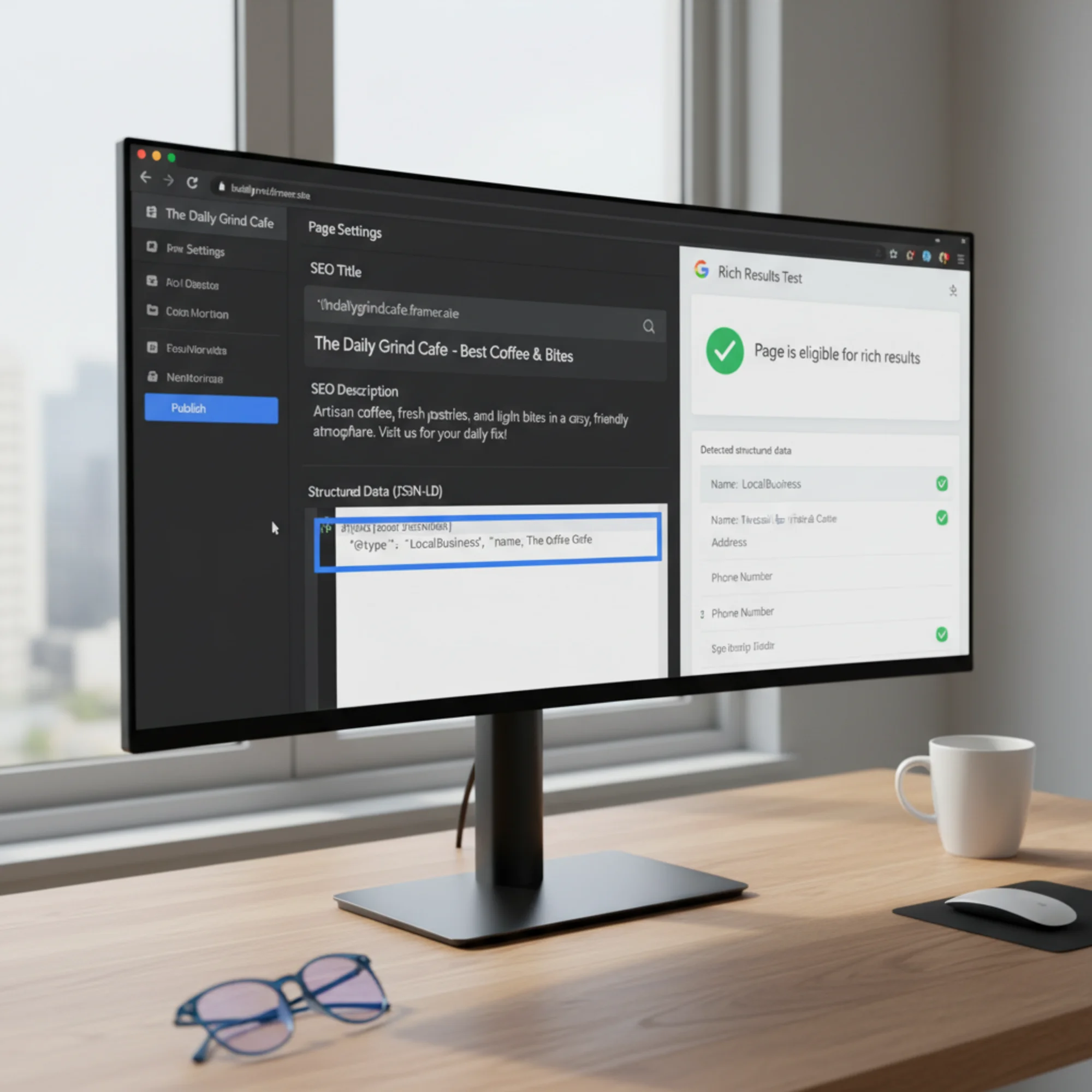
The fix: Add JSON-LD structured data using Framer's custom code injection feature (in page settings, under the Custom Code > Head section).
For a local business, add this to your homepage:
html
Validate your markup with Google's Rich Results Test after publishing. Google's structured data documentation covers the full list of supported types.
6. Missing or Misconfigured Sitemap and Robots.txt
Framer automatically generates a sitemap.xml for published sites. But we frequently find issues:
- Pages marked "hidden" in Framer still appear in the sitemap
- Draft or test pages are indexed because they were accidentally published
- The robots.txt uses Framer's defaults, which may not match your needs
What to verify:
- Visit
yoursite.com/sitemap.xmland check that only live, public pages are listed - Visit
yoursite.com/robots.txtand confirm it is not blocking pages you want indexed - In Framer's page settings, set draft and utility pages (like thank-you pages) to noindex
7. No Internal Linking Strategy
This problem is worse on Framer sites because the visual design process encourages standalone pages. You build a beautiful homepage, about page, and services page — and none of them link to each other beyond the navigation menu.
Internal links help visitors find related content and help search engines understand the relationships between your pages.
Minimum internal links per page:
- Homepage → every main service or product category page
- Each service page → related services, case studies, or testimonials
- Blog posts → relevant service pages and other blog posts
- Every page → clear call to action linking to your contact or booking page
A Real Walkthrough: Auditing a Framer Portfolio Site
Here is a real scenario — a freelance photographer's portfolio built on Framer.
The site: Five pages (Home, Portfolio, About, Pricing, Contact). Clean design, large images, scroll animations on every page.
What the audit found:
- Title tags: All five pages had the same title — "Sarah Chen Photography." No page-specific keywords, no location.
- Heading structure: The homepage had no H1. The About page had three.
- Images: 47 images across the portfolio. Zero alt text on any of them.
- Performance: Homepage LCP was 6.2 seconds. The hero image was a 4.8MB uncompressed JPEG.
- Structured data: None.
- Mobile: Scroll animations caused a CLS of 0.38 — nearly four times the acceptable threshold.
What we fixed, in priority order:
- Compressed all images to WebP. Hero went from 4.8MB to 180KB. LCP dropped to 2.1 seconds.
- Added unique title tags and meta descriptions. Homepage became "Portland Wedding & Portrait Photographer | Sarah Chen."
- Set proper heading hierarchy across all pages.
- Added alt text to all 47 images with descriptive, keyword-relevant text.
- Disabled scroll animations on mobile. CLS dropped to 0.04.
- Added LocalBusiness and Photographer structured data via custom code injection.
Result after 6 weeks: The site moved from beyond page 10 for "Portland wedding photographer" to page 2. Three months later, it ranked in the top 5.
That is not magic. It is fixing the basics that Framer does not fix for you.
Your Framer Audit Checklist
Go page by page through your Framer site using this checklist.
SEO Basics:
- [ ] Every page has a unique title tag (under 60 characters)
- [ ] Every page has a unique meta description (under 155 characters)
- [ ] One H1 per page with proper heading hierarchy (H1 → H2 → H3)
- [ ] All images have descriptive alt text
- [ ] Internal links connect related pages beyond the nav menu
Performance:
- [ ] All images compressed and in WebP format where possible
- [ ] Hero images under 200KB
- [ ] Animations limited to key interactions, reduced on mobile
- [ ] LCP under 2.5 seconds on mobile
- [ ] CLS under 0.1
Technical:
- [ ] Sitemap.xml contains only live, public pages
- [ ] Robots.txt is not blocking important pages
- [ ] JSON-LD structured data added for your business type
- [ ] Draft and utility pages set to noindex
- [ ] HTTPS working on all pages
Content Quality:
- [ ] Every page serves a clear purpose for a specific visitor
- ] Content follows Google's [helpful content guidelines
- [ ] Contact information is consistent across all pages
- [ ] Calls to action are clear and specific
Run a Free Audit on Your Framer Site
Going through this checklist manually works, but it takes time and you will miss things. Automated tools catch issues that are easy to overlook — broken links, missing tags on forgotten pages, performance problems that only appear on mobile.
Run a free website audit with FreeSiteAudit to get a detailed report on your Framer site's SEO, performance, and accessibility. It takes about 30 seconds and covers everything in this checklist plus issues specific to JavaScript-rendered sites like those built on Framer.
You will get a health score, a prioritized list of issues, and specific guidance on what to fix first. No signup required for the basic audit.
The Bottom Line
Framer is a capable platform that produces professional, modern websites. But visual polish does not equal search visibility. Every Framer site we have audited has had fixable issues — most in the same seven categories covered here.
None of these fixes require a developer. You can handle every item on this checklist from within Framer's editor and settings panels. Start with your title tags and image alt text — those two changes alone will make a measurable difference within weeks.
Sources
Check your website for free
Get an instant score and your top 3 critical issues in under 60 seconds.
Get Your Free Audit →