Google Maps Ranking Factors: What Your Website Can Control
A practical guide to the website signals that influence your Google Maps ranking, with checklists, a real walkthrough, and fixes you can ship this week.
# Google Maps Ranking Factors: What Your Website Can Control
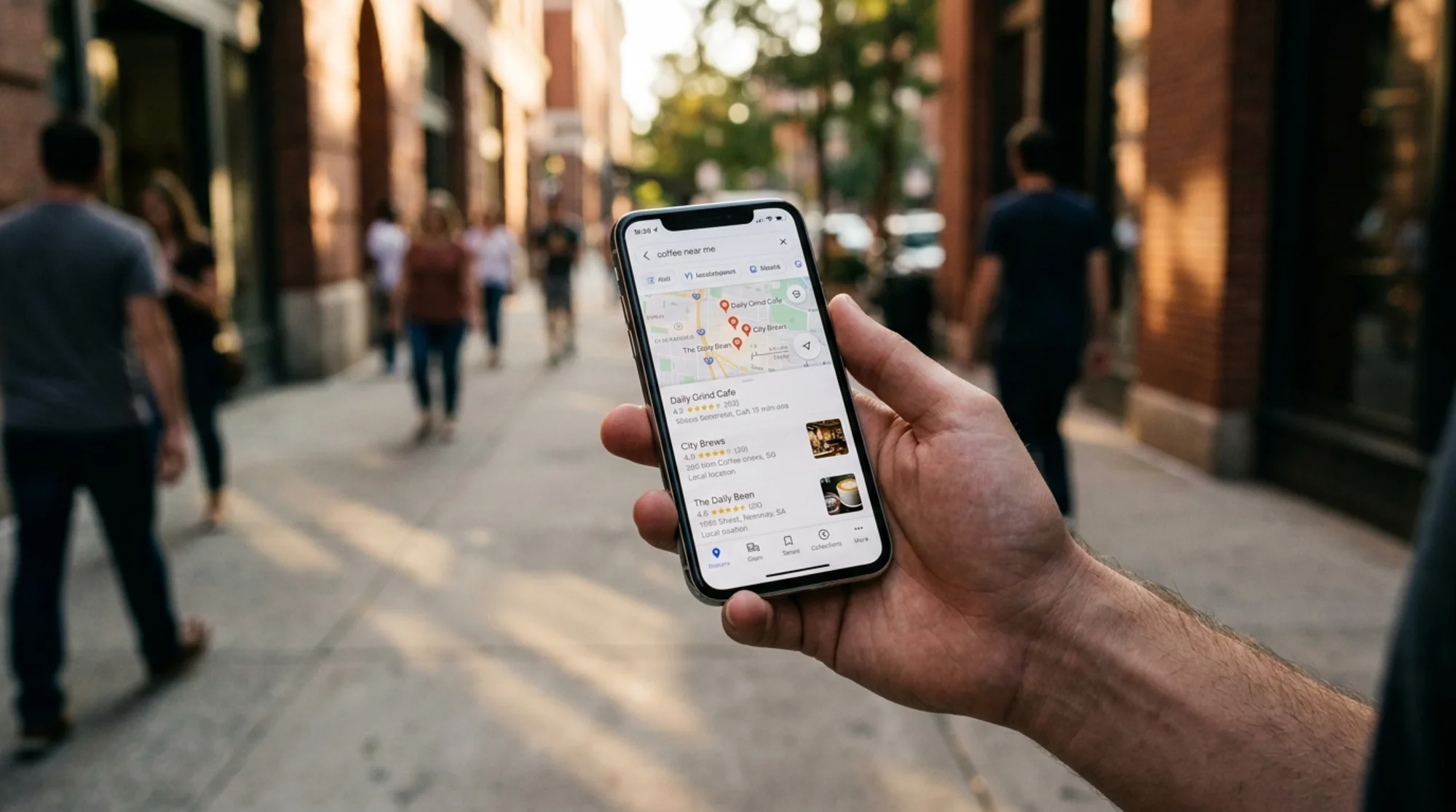
When someone searches "dentist near me" or "best taco truck in Austin," Google shows a map with three businesses pinned at the top. That box is called the local pack, and getting into it is the difference between a phone that rings and a phone that doesn't.
Most advice about Maps ranking focuses on your Google Business Profile: reviews, photos, hours, categories. That's half the story. The other half lives on your website. Google cross-references your Business Profile against your actual site to decide whether you're a real, trustworthy local business and how prominent you are in your area.
This guide covers only the website side: what you can control, what actually moves the needle, and what to ignore.
How Google Maps Decides Who Ranks
Google has been public about three factors for local results: relevance, distance, and prominence.
- Relevance is how well your business matches what someone searched. Your website helps Google understand what you do and who you serve.
- Distance is the proximity between the searcher and your location. You can't control this directly, but you can control how Google understands where you serve.
- Prominence is how well-known your business is. Reviews, mentions, links, and your website's general authority all feed into this.
Your website touches all three. Here's what to fix first.
1. NAP Consistency: The Boring Foundation
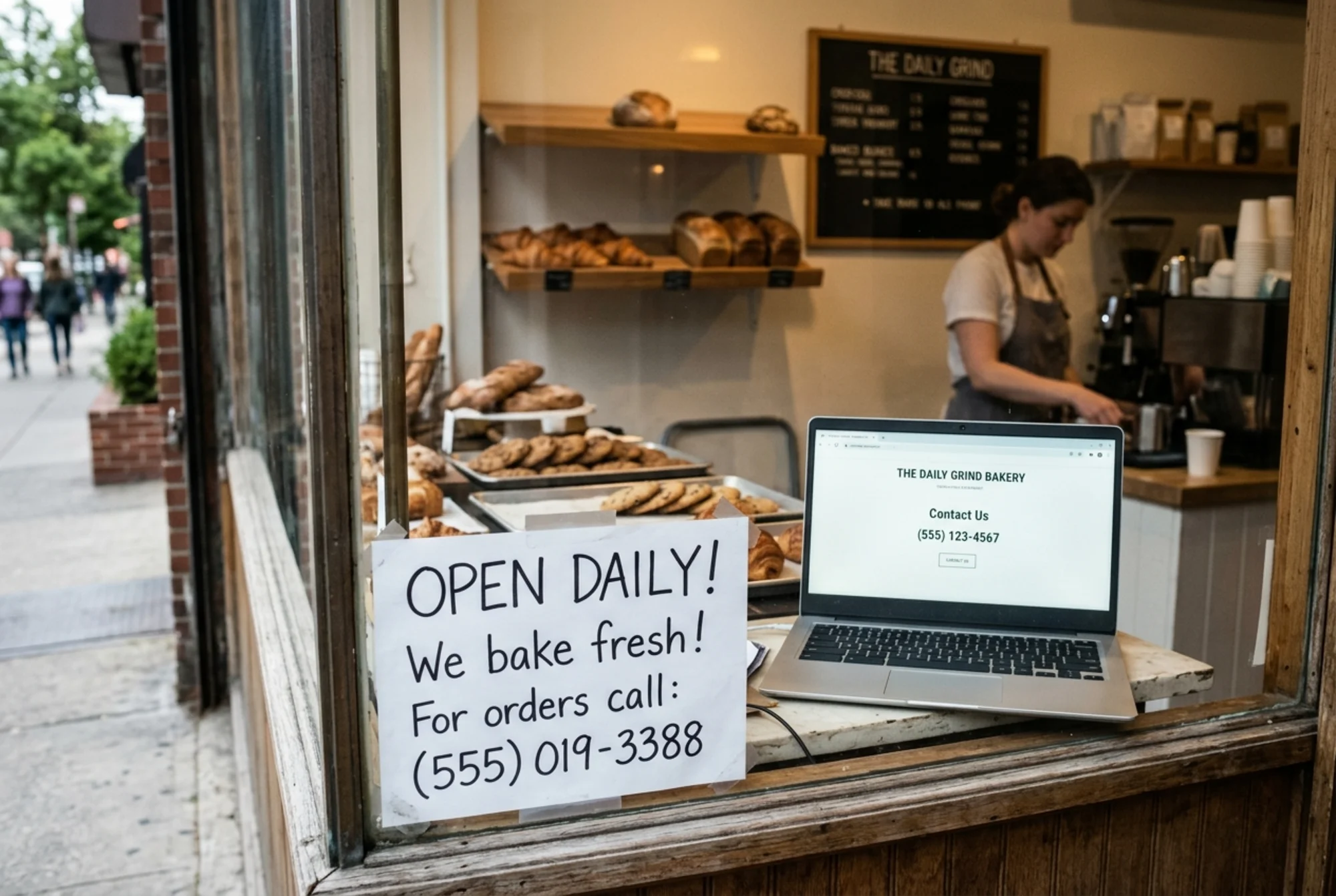
NAP stands for Name, Address, Phone. The single most common reason small business websites underperform on Maps is that the NAP on the site doesn't exactly match the Google Business Profile, or it's missing entirely.
Google reads your homepage, your contact page, and your footer looking for these signals. If your Business Profile says "Joe's Plumbing, 412 Oak St, Suite B" and your website says "Joe Plumbing LLC, 412 Oak Street" — that's a mismatch. Multiply that across 30 directory citations and you've given Google reason to doubt you're the same business.
Mini-checklist: NAP fixes
- Put your full business name, address, and phone in the site footer, on every page.
- Match the formatting exactly to your Google Business Profile (Suite vs Ste, Street vs St).
- Use one phone number across the site. No click-to-call alternates that route elsewhere.
- If you have multiple locations, give each one its own dedicated page with its own NAP block.
- Mark up your NAP with LocalBusiness structured data (next section).
2. LocalBusiness Schema: Tell Google Exactly Who You Are
Structured data is code you add to your pages that tells search engines what something is rather than making them guess. For local businesses, the type you want is LocalBusiness, or a more specific subtype like Restaurant, Dentist, Plumber, or HairSalon.
This isn't optional anymore for competitive local searches. Without it, Google has to infer everything from page text. With it, you're handing Google a structured fact sheet.
A minimal LocalBusiness schema block on your homepage should include:
- Legal business name
- Full street address (street, city, state, postal code, country)
- Telephone
- Opening hours
- Geo coordinates (latitude and longitude)
- URL of the page
- Image URL of your logo or storefront
priceRangeif relevant (e.g., "$$")sameAsURLs pointing to your Facebook, Instagram, Yelp, and other profiles
You don't need to write this by hand. Most modern CMSs and SEO plugins generate it. The important part is verifying it's actually present and that the values match reality. Use Google's Rich Results Test to confirm.
3. Location and Service-Area Pages
If you serve one city, you need one location page. If you serve five neighborhoods or three counties, you need pages that reflect that — but not the way most people build them.
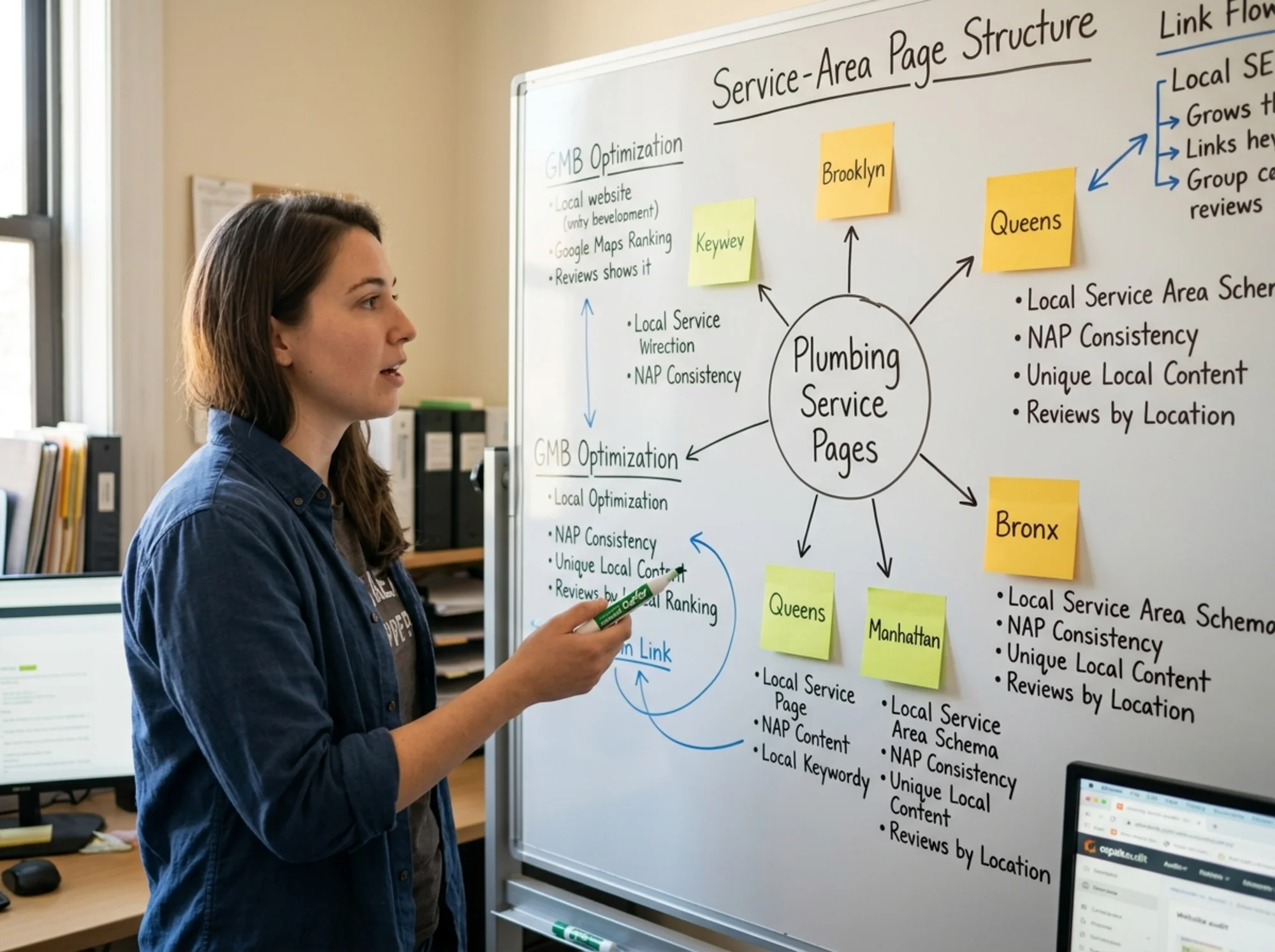
The wrong way: spin up ten near-identical pages that just swap the city name ("Best plumber in Queens," "Best plumber in Brooklyn," "Best plumber in the Bronx"). Google calls these doorway pages, and they can actively hurt you.
The right way: build one genuinely useful page per service area, with content that's actually different.
What makes a service-area page actually different:
- A short note on the neighborhoods and zip codes covered
- Local landmarks or routes mentioned naturally ("we service the area around Atlantic Avenue and west to the BQE")
- A specific case study, photo, or testimonial from a job in that area
- Local pricing, parking, or permit notes if relevant
- Driving directions from a major intersection
- An embedded map of the service zone
4. On-Page Signals That Actually Help
Once NAP, schema, and location pages are in place, the next layer is on-page content that tells Google what you do and signals you're a real operating business.
- Page titles and H1s should include both your service and your primary location. "Emergency Plumbing in Austin, TX | Joe's Plumbing" beats "Welcome to Our Site."
- Embed a Google Map of your location on your contact page. Small but real trust signal.
- Show real photos of your business: the storefront, your team, your work. Stock library photos don't help.
- List service areas in plain text somewhere obvious, not buried.
- Show your hours, and update them when they change. Holiday hours too.
- Internal linking: link from your homepage to your service and location pages with descriptive anchor text. "Roof repair in Cincinnati," not "click here."
5. Reviews on Your Website
Reviews on your Google Business Profile move Maps rankings directly. Your website plays a supporting role: embedding real reviews on your site, marked up with Review or AggregateRating schema, gives Google another consistent signal that the business is active and well-regarded.
Don't fake this. Google has gotten very good at detecting review schema that doesn't match the visible content on the page, and the manual penalty for it is brutal. Only mark up reviews that are actually visible to users.
6. Page Experience: Speed and Mobile
A slow, broken-on-mobile website hurts everywhere, including Maps. The Core Web Vitals — Largest Contentful Paint, Interaction to Next Paint, and Cumulative Layout Shift — are Google's published measurements of page experience.
For a small business site, you don't need to obsess over micro-optimizations. You need to make sure:
- Your homepage loads in under three seconds on a mid-range phone over a typical mobile connection
- Tapping a button or link responds immediately, not after a noticeable delay
- Nothing jumps around as the page loads (the classic example: a button moves just as you go to tap it, and you tap the wrong thing)
Most small business sites fail one or more of these because of oversized images, too many third-party scripts (chat widgets, tracking pixels, fonts), or a bloated theme. Compressing your hero image and removing the three analytics tools you don't actually use will get you most of the way without a developer.
7. A Real Walkthrough: From Page 2 to the Local Pack
Imagine a small flower shop in Portland called Bloomfield Florals. The owner notices she's showing up around position 8 on the Maps list for "florist near me" — never in the three-pack.
She audits her site and finds:
- NAP mismatch. Her footer says "Bloomfield Floral Co." but her Business Profile says "Bloomfield Florals." She updates the footer and contact page to match the profile exactly.
- No schema. Her site has zero structured data. She adds a LocalBusiness schema block to her homepage and contact page, including geo coordinates and hours.
- One-page wonder. She has a homepage and nothing else. She adds dedicated pages for her three biggest service categories: weddings, sympathy arrangements, and same-day delivery. Each one mentions Portland and the specific neighborhoods she delivers to (Pearl District, Hawthorne, Sellwood).
- Slow load. Her hero image is 4.2 MB. She compresses it to 280 KB. Page load drops from 6.1 seconds to 1.8 seconds on mobile.
- No reviews on-site. She embeds her four most recent five-star reviews on her homepage with proper schema and real customer names linking back to the source.
Total time: about six hours over a weekend. Six weeks later, she's ranking third for "florist Portland" in the local pack. Nothing changed about her Business Profile. The signals her website was sending finally matched the business she actually runs.

What to Ignore
A lot of advice out there is outdated or never worked. Don't waste time on:
- Keyword-stuffing your business name. "Joe's Plumbing | Best Plumber in Austin | Cheap Emergency Repairs" violates Google's guidelines and can get you suspended.
- Buying backlinks from cheap directory networks. Most are ignored. Some will actively hurt you.
- Hundreds of city-specific landing pages with thin content. This is the doorway page problem above.
- Hidden text full of city names. A 2010 tactic. Penalized now.
- Updating homepage copy every week to "stay fresh." Google rewards genuinely useful content, not arbitrary edits.
The 30-Minute Self-Check
If you only have half an hour, do this:
- Open your homepage and scroll to the footer. Is your full NAP there, matching the Google Business Profile exactly?
- View page source (right-click → View Page Source) and search for "LocalBusiness." Is your schema present?
- Pull up your site on your phone over cellular data, not Wi-Fi. How long until you can tap something?
- Search for your business name in Google. Does the knowledge panel on the right show the same address and phone as your site?
- Search for "[your service] [your city]" in an incognito window. Where do you actually rank in the Maps pack?
This won't tell you everything, but it'll tell you whether you're starting from a hole or a foundation.
Run a Free Audit
If you'd rather not check all of this by hand, run your site through FreeSiteAudit. It flags missing LocalBusiness schema, NAP inconsistencies in your footer, slow page loads, and the on-page issues most likely to hold back your local rankings. The free report includes the specific fixes in plain English, with no upsell to view your scores.
Local SEO is unusually fair: the small business that gets the website fundamentals right will outrank the bigger competitor that ignores them. Start with NAP, add schema, build genuinely different location pages, and ship a faster site. The map will follow.
Sources
Check your website for free
Get an instant score and your top 3 critical issues in under 60 seconds.
Get Your Free Audit →