How a Dental Practice Increased Appointment Calls With SEO Fixes
Case study: how a dental practice tripled new-patient calls in 10 weeks with SEO fixes covering page speed, schema, Google Business Profile, and local pages.
# How a Dental Practice Increased Appointment Calls With SEO Fixes
Most dental practices share the same problem: a decent website, a few good reviews, and a phone that should be ringing more than it does. The owner is busy doing dentistry. Marketing is part-time or external. The site was built three years ago by someone who has since vanished.
This is how one practice — a two-dentist family clinic in a mid-sized suburb — went from roughly 4 new-patient calls per week from their website to a consistently full new-patient schedule. No paid ads. No new brand. Just structural cleanup of the site and the local listings around it.
If you run a small local business, the order of operations below almost never changes, even if the exact numbers will.
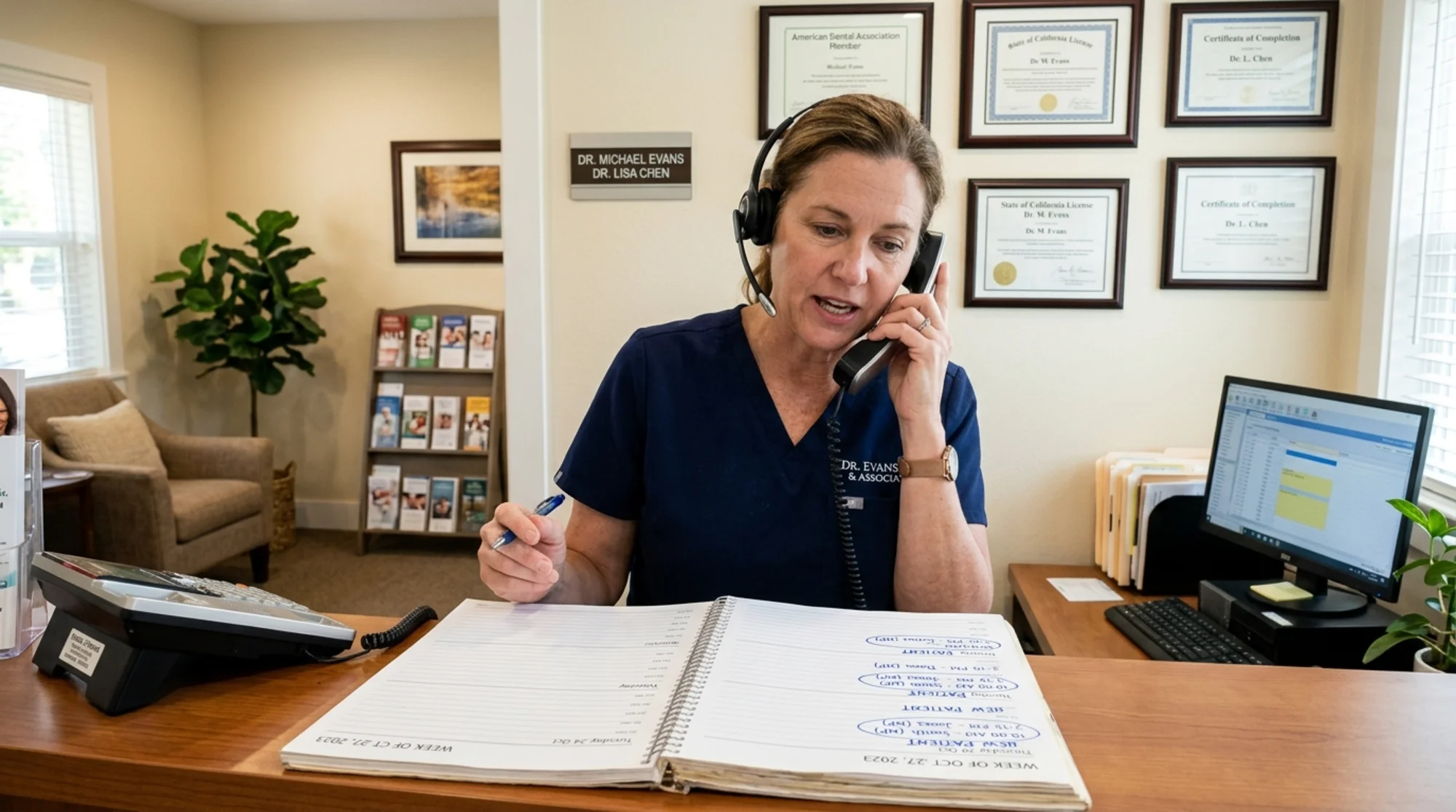
The starting point
When we first looked at the practice's site, here is what was true:
- The homepage took about 6 seconds to become usable on a mid-range Android phone.
- The "Book Appointment" button sat below the fold on mobile, behind a large hero image that loaded slowly.
- A single "Services" page listed every treatment in one long bulleted list.
- The Google Business Profile listed the wrong hours on Mondays — a holiday-week schedule that was never reverted.
- The practice had 47 Google reviews averaging 4.7 stars, but the most recent review was 8 months old.
- Search Console showed the site ranking on page 2 for "dentist [town name]" and not appearing at all for "emergency dentist [town name]", "kids dentist [town name]", or "Invisalign [town name]".
- There was no schema markup anywhere — no LocalBusiness, no Dentist, no FAQ.
None of this is unusual. None of it is catastrophic on its own. Together it adds up to a site that Google does not fully trust for local dental queries, and a site that visitors give up on before they tap the phone number.
The diagnosis, in plain English
Before touching anything, we mapped the problems into three buckets. This is the same structure we use inside FreeSiteAudit, and it works for almost any small local business.
Bucket 1: Can Google understand this site?
Schema markup, page titles, headings, internal links, and whether the most important pages even exist as separate URLs.
Bucket 2: Can a human use this site on a phone in 5 seconds?
Page speed, layout shift, position of the call/book buttons, readable font sizes, and whether hours, address, and phone are visible without scrolling.
Bucket 3: Does the local ecosystem around the site agree with the site?
Google Business Profile, Apple Maps, Bing Places, the practice's name/address/phone on directories, and whether reviews are recent and being responded to.
A practice can score well in one bucket and still lose patients because of the other two. In this case, all three needed work.
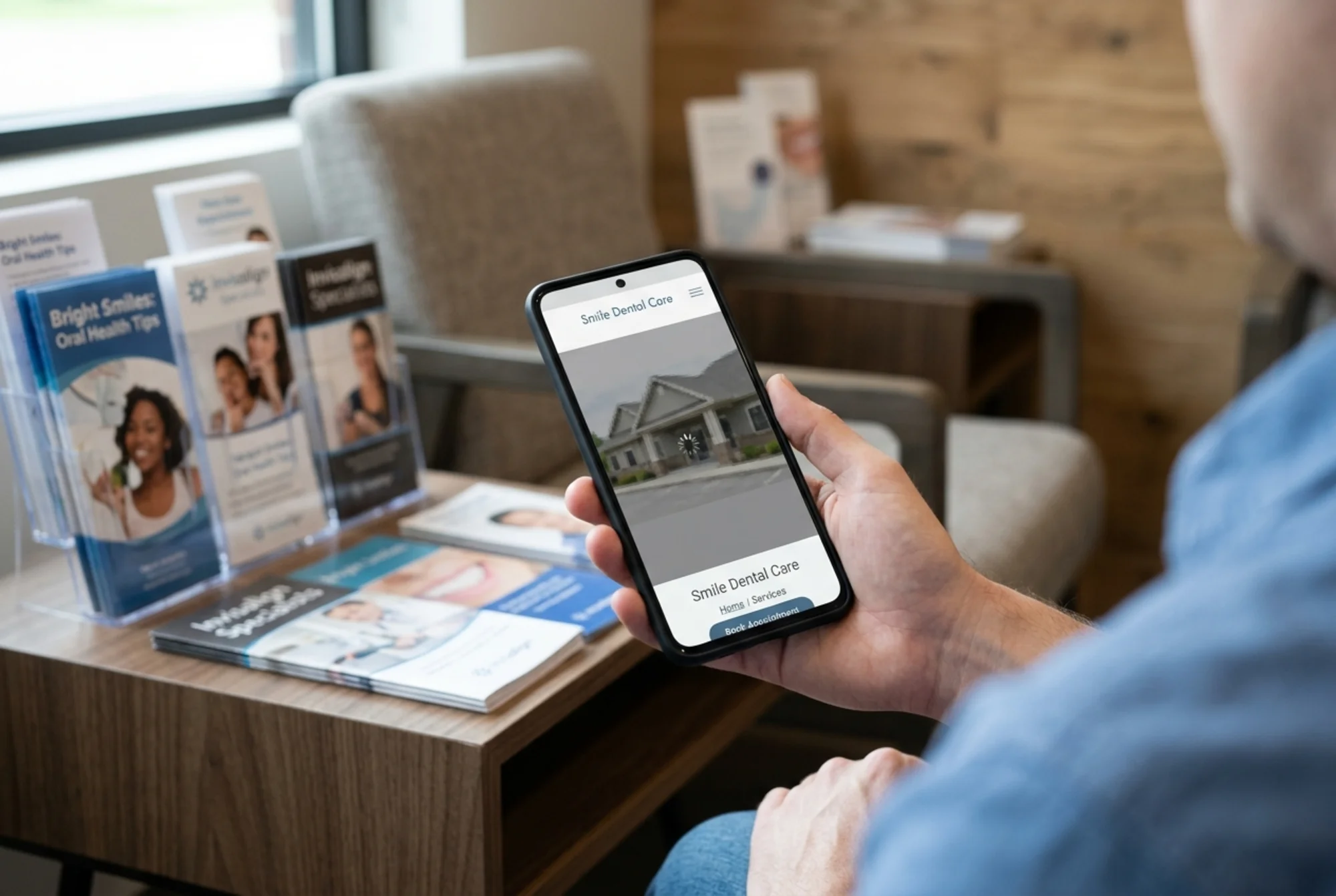
The fixes, in order
We did the work in roughly this sequence over six weeks. The order matters: the things that affect whether visitors actually convert come first, because those pay off immediately even if rankings take longer to move.
Week 1: The phone-in-5-seconds test
The single highest-impact fix was moving the "Call" and "Book Online" buttons above the fold on mobile. Before: a large hero photo of the clinic exterior pushed both calls-to-action off screen. After: a sticky header with a tap-to-call phone number and a "Book Online" button visible the moment the page loaded.
We also:
- Compressed the hero image from 1.8 MB to 180 KB and served it as WebP.
- Set explicit width and height on all hero images so the page stopped jumping around as it loaded — the CLS half of Core Web Vitals.
- Removed an autoplaying background video nobody had asked for.
- Replaced a heavy third-party chat widget with a lighter one that loaded after the page was usable.
Largest Contentful Paint went from about 4.8 seconds to 1.9 seconds on a throttled mobile connection. The page felt instant, which is what matters.
If you want to do this on your own site, the mini-checklist is:
- Phone number and primary booking button visible without scrolling on mobile
- Hero image under 200 KB
- No autoplaying video or audio
- One sticky element max (header OR a floating button, not both)
- Tap targets at least 44 pixels tall
Our Core Web Vitals fixes guide goes deeper on each of these.
Week 2: Service pages that actually exist
The original "Services" page was a wall of text. We split it into individual pages:
- Family & General Dentistry
- Emergency Dental Care
- Children's Dentistry
- Cosmetic Dentistry (Veneers & Whitening)
- Invisalign & Clear Aligners
- Dental Implants
Each page got the same skeleton: a clear heading with the service and town name, a short paragraph explaining what the service is in plain English, what to expect at the appointment, a price range anchor, an FAQ section, and a clear call to book.
This matters for two reasons. Google's helpful content guidance favors pages that answer one question well over pages that try to do everything. And when someone searches "emergency dentist [town]" at 9pm on a Sunday, they need a page that says "Yes, we handle emergencies, here is how to reach us tonight" — not a bullet buried under "Periodontics."
Week 3: Schema markup and the technical layer
We added three types of structured data:
- Dentist / LocalBusiness schema on the homepage and contact page, including opening hours, address, phone, and accepted payment methods.
- FAQPage schema on each service page, using the actual questions patients ask the front desk.
- Article schema on the practice's small blog, following Google's article structured data guidance.
We also fixed the title tags. Before: "Home | Dr. [Name] DDS." After: "Family Dentist in [Town] | [Practice Name]." The town name in the title tag is not a trick — it is a basic statement of fact that helps Google match the page to local queries.
If you want to check your own structured data, our structured data fixes guide walks through what to add and how to validate it.
Week 4: The Google Business Profile
This is the part most small businesses underestimate. The website matters, but for "near me" queries, the Google Business Profile often outranks the site itself. We:
- Fixed the Monday hours — the simple error that had been quietly costing them calls for months.
- Added 12 new photos: the waiting room, two operatories, the kids' corner, the parking lot, the building exterior at street level, and headshots of both dentists and the hygienists.
- Added every service from the new service pages as a separate "Service" entry in the profile.
- Wrote a proper business description that named the town, the surrounding neighborhoods, and the practice's specific niches (family, kids, emergency).
- Set a weekly reminder for the office manager to respond to every new review within 48 hours.
- Asked the front desk to send a short text after each appointment with a direct link to leave a Google review.
Within four weeks the practice added 19 new reviews. Recent reviews are weighted more heavily than old ones, and the volume signal matters too. More on this in our local SEO fixes guide.
A clipboard on a desk holding a printed Google Business Profile insights page and a Google Search Console "Queries" report, handwritten pen marks circling "dentist near me" and "emergency dentist [town]", a marked-up list of service page titles beside it, a dental model in the background
Week 5: Internal linking and neighborhood pages
The practice serves three distinct neighborhoods, each with its own search behavior. We built a small set of location pages — one per neighborhood — that linked to each service page and included specific details: nearest landmarks, parking, public transit, and which insurance plans the practice accepted for residents of that area.
These pages were not stuffed with keywords. They were genuinely useful for someone deciding whether the drive was worth it. That is the distinction the helpful content guidelines keep pointing at: pages that exist for a real reader, not pages that exist to catch a search query.
We also wired up simple internal links: every service page linked to its FAQ, to the booking page, and to the emergency page. Every location page linked to the relevant services. Blog posts linked to the services they mentioned. Nothing fancy — just a clear web of related content.
Week 6: Measurement and small adjustments
We set up:
- A call tracking number on the website (different from the one on the Google Business Profile, so we could measure where calls came from).
- Conversion events in analytics for tap-to-call, online booking form submit, and direction requests.
- A weekly report the office manager could read in 5 minutes.
Then we waited. The first signal of improvement was almost always Search Console: impressions for "emergency dentist [town]" started climbing within 10 days. Then clicks. Then calls. Calls lag the search data by a couple of weeks because most people see you in results several times before they decide to dial.
What changed
After about ten weeks total — six weeks of work, four weeks of letting it settle — the practice was seeing:
- Roughly three times more new-patient calls from the website than before.
- The Google Business Profile appearing in the local 3-pack for "dentist near me" and "emergency dentist [town]."
- A consistent flow of new reviews — usually 3 to 6 per week — keeping the recency signal strong.
- Online bookings becoming a meaningful share of new appointments for the first time.
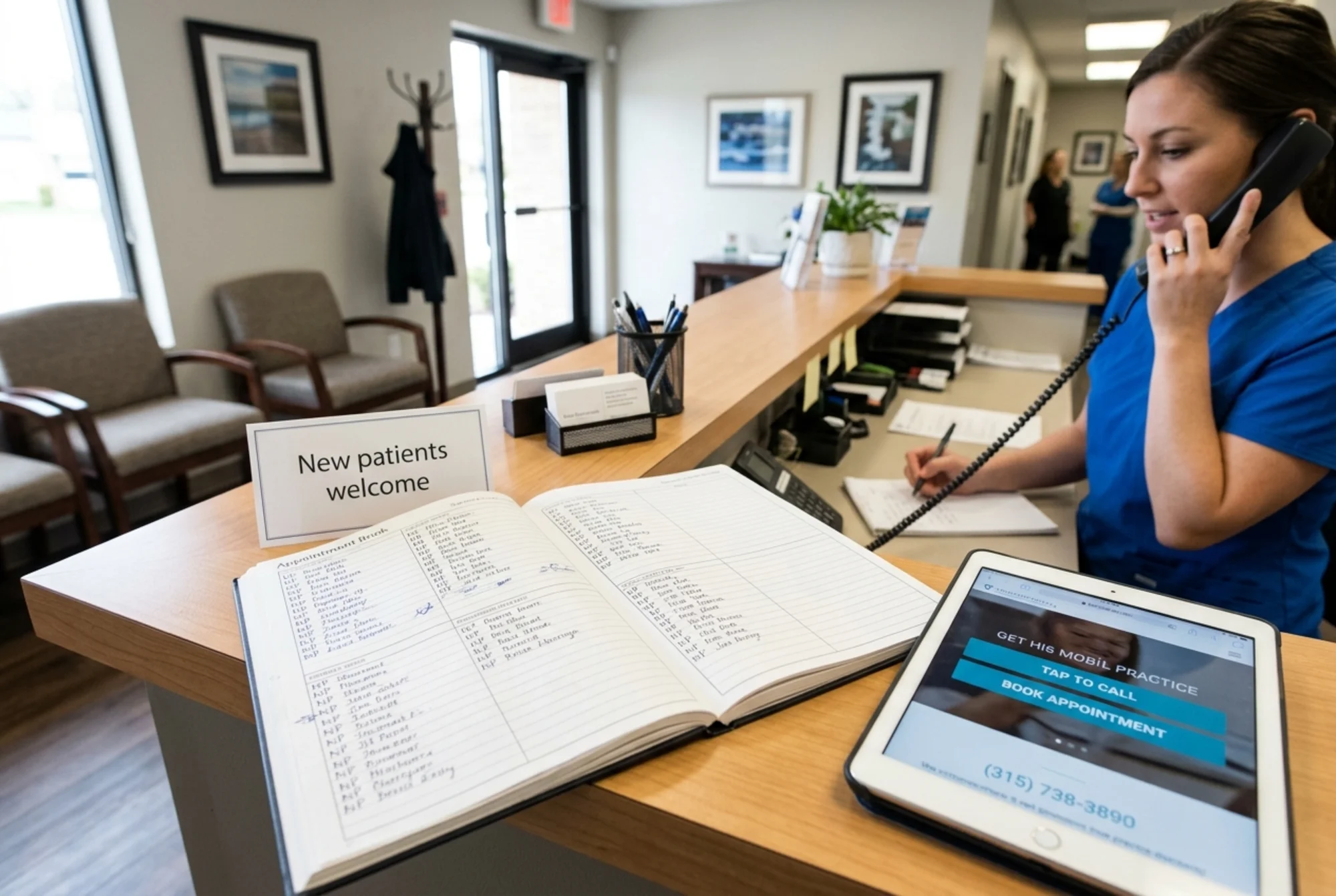
The biggest single contributor was not any one of these fixes. It was the combination. A fast page that loads in two seconds does not help if the booking button is hidden. A perfect Google Business Profile does not help if the site it links to feels broken on a phone. Schema markup does not help if there is no useful content for it to describe.
What to take from this if you run a local business
You probably do not need a redesign. You almost certainly do not need a new logo. You need the same boring sequence:
- Make the phone-in-5-seconds test pass. Open your homepage on a real phone, on cellular data, and time how long it takes to find your phone number and tap it. If it takes more than 5 seconds, fix that before anything else.
- Give Google one page per service or topic. Bundling everything onto a single page is the most common SEO mistake small businesses make.
- Fix your Google Business Profile. Hours, photos, services, description, recent reviews. This alone can move you into the local 3-pack.
- Add the basic schema. LocalBusiness on the homepage, FAQ on service pages, Article on blog posts.
- Measure calls and bookings, not just traffic. Traffic that does not become an appointment is just noise.
If you want a quick read on which of these your own site is failing, run a free audit. It checks page speed, structured data, mobile usability, and the structural issues described above, then gives you a prioritized list of fixes. For dental practices specifically, we keep a more focused checklist on our dentists industry page.
The work in this case study took six weeks of part-time effort. It was not exotic. It was not expensive. It was a small business owner deciding to stop guessing and fix the things that were measurably broken — in the order that made them money the fastest.
Sources
- Google Search Central — Creating helpful, reliable, people-first content: https://developers.google.com/search/docs/fundamentals/creating-helpful-content
- Google Search Central — Article structured data: https://developers.google.com/search/docs/appearance/structured-data/article
- web.dev — Core Web Vitals: https://web.dev/articles/vitals
Check your website for free
Get an instant score and your top 3 critical issues in under 60 seconds.
Get Your Free Audit →