How to Audit Your Google Business Profile Alongside Your Website
A plain-English walkthrough for small business owners on auditing your Google Business Profile and website together so they pull in the same direction.
# How to Audit Your Google Business Profile Alongside Your Website
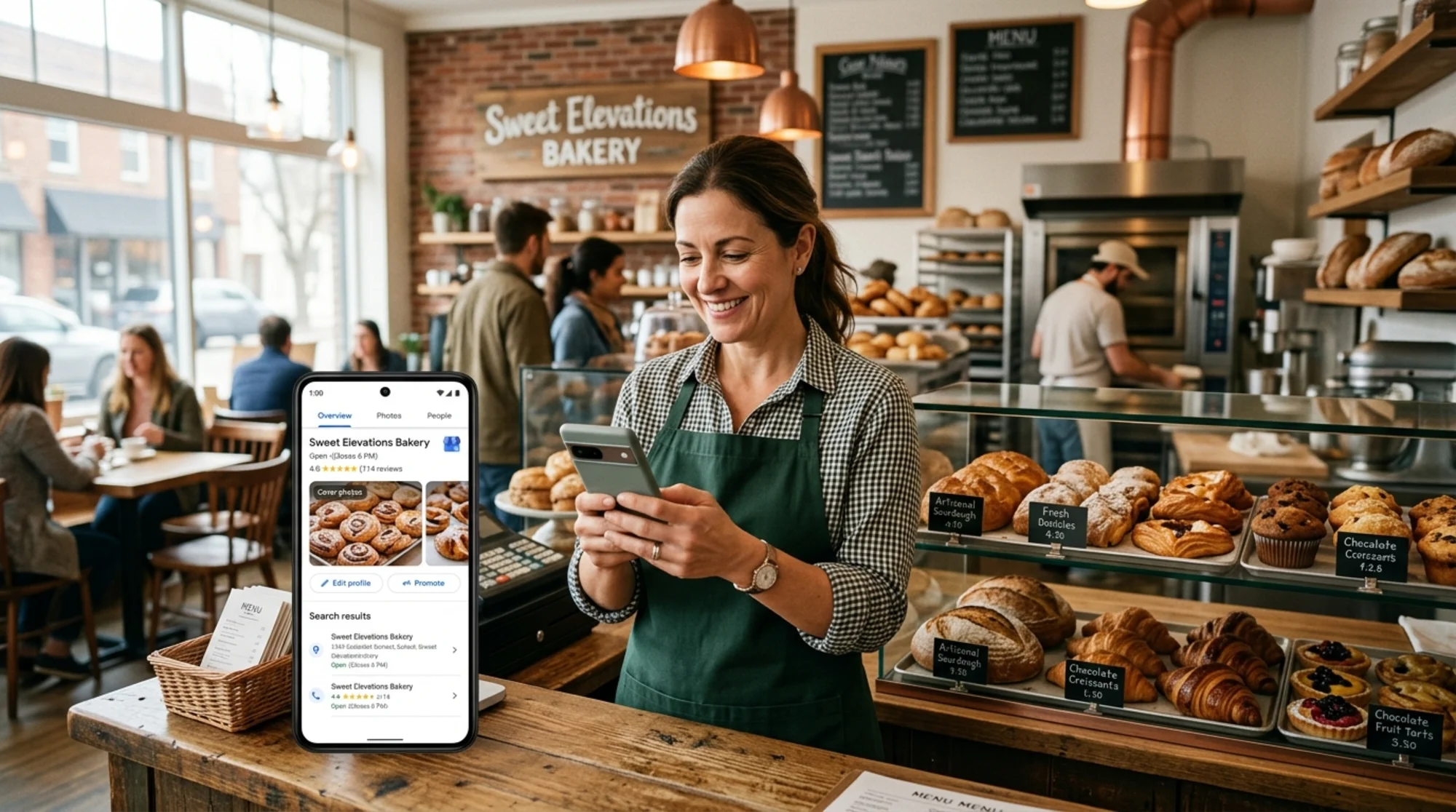
If you run a local business, your Google Business Profile (GBP) and your website are not two separate things. They are one storefront with two doors. When someone Googles your bakery, plumber, dental office, or yoga studio, Google shows them a panel pulled from your GBP, often before they ever click through to your site. If those two sources disagree about your hours, address, phone number, or even your name, you lose trust before the customer has finished reading.
Most owners audit their website once in a while, then forget GBP for months. Or they update GBP constantly and let the website rot. Both habits cost you customers. This guide walks you through auditing them together in one sitting, with checklists you can actually use.
Why audit them together
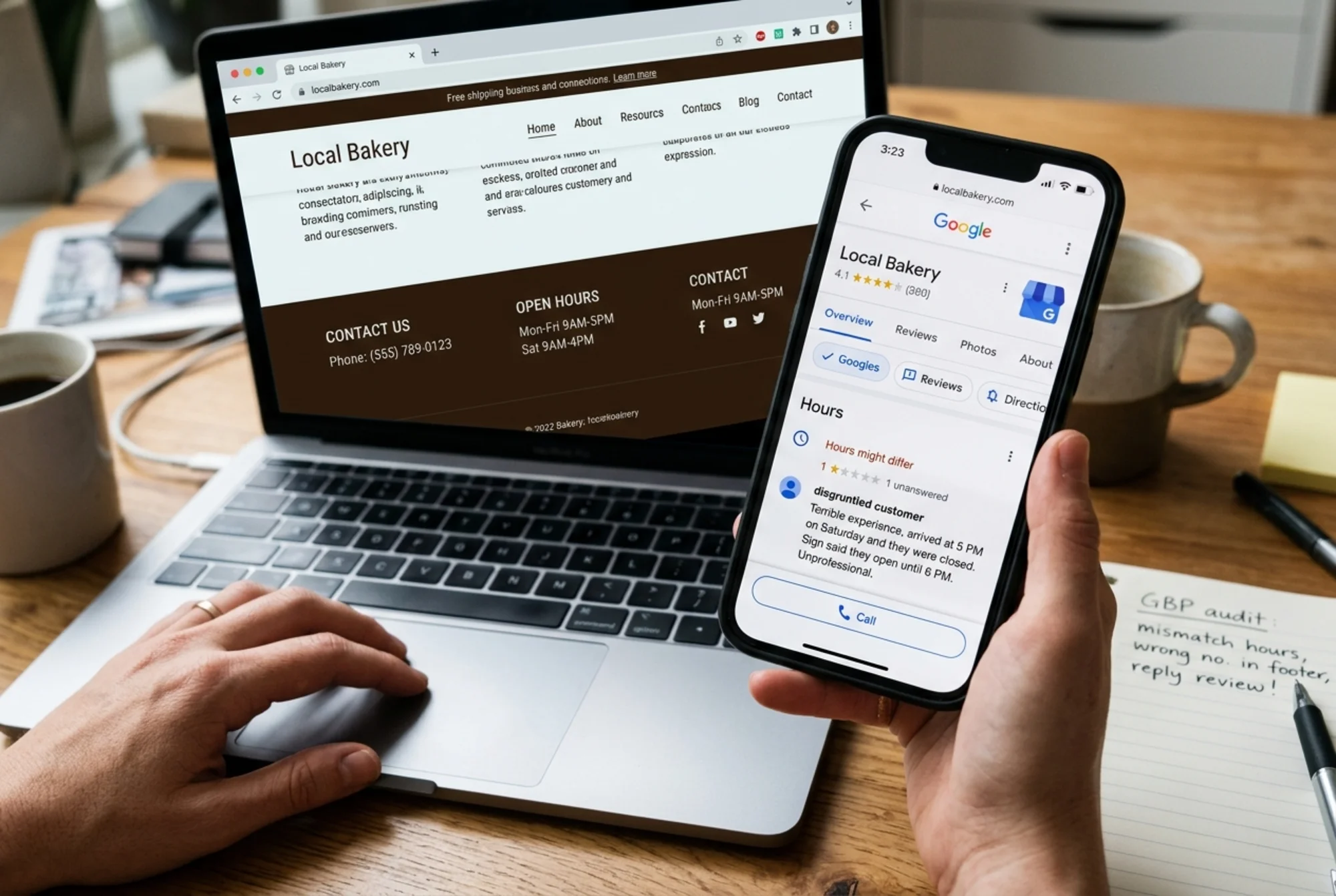
Google cross-checks signals. If your website says you're open until 8pm but your GBP says 6pm, neither Google nor the customer staring at their phone at 7pm knows which to trust. Inconsistencies hurt two ways:
- They confuse customers, who leave and pick a competitor.
- They weaken your local ranking because Google has less confidence in your data.
Auditing them as a pair takes about an hour for a single-location business. Doing it in two separate passes, months apart, takes longer and leaves gaps. Block off the time and do both at once.
The core principle: NAP+H consistency
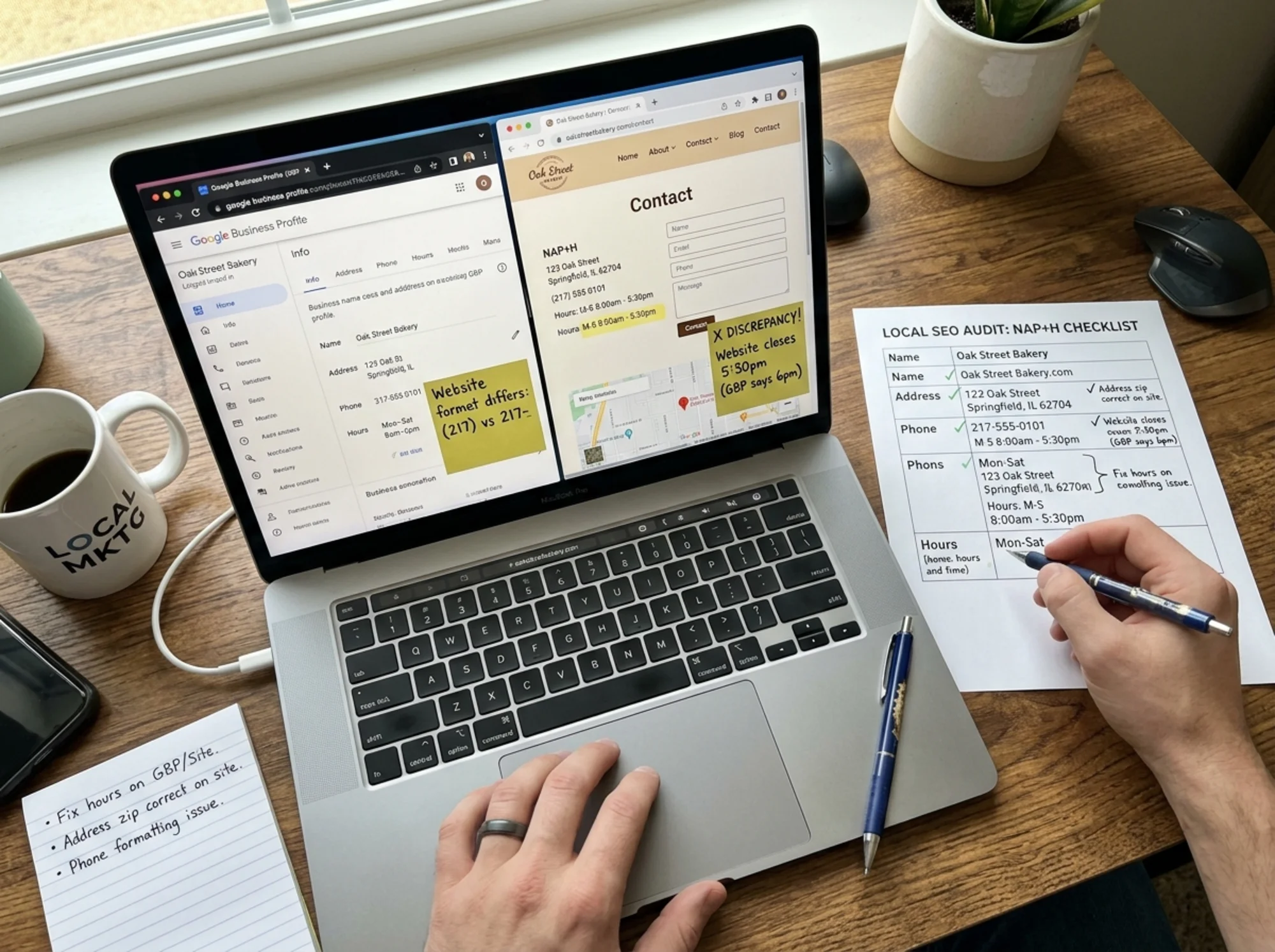
NAP stands for Name, Address, Phone. Add Hours and you have NAP+H. These four fields must match exactly across your GBP, your website footer, your contact page, any schema markup on your site, and ideally any third-party directories you appear in.
"Exactly" matters. "Suite 200" on one and "Ste 200" on the other is a mismatch. "(555) 123-4567" and "555.123.4567" can be read as different by automated systems. Pick one format and use it everywhere.
Step 1: Pull up both sources side by side
Open two browser windows. In one, open your Google Business Profile dashboard. In the other, open your website's homepage, contact page, and footer. If you have a separate "About" page, open that too.
Then run a third tab: search your business name in an incognito window from a location near your business. The knowledge panel that appears is what most customers actually see. You are auditing what they see, not just what your dashboard shows.
Step 2: The NAP+H quick check
Walk through each item on both sources.
- Business name: Exactly the same characters, capitalization, and punctuation. No keyword stuffing like "Joe's Plumbing - Best 24/7 Plumber" on the GBP. Google can suspend listings for that.
- Address: Same street format, same suite designation, same ZIP code style.
- Phone number: Same format and the same actual number (not a tracking number on one and a real one on the other).
- Hours: Match day-by-day. Don't forget holiday hours, which GBP supports and most websites don't bother to update.
- Website URL: Your GBP points to the right page. Most businesses should point to the homepage, but a multi-location chain should point each GBP to its location page.
If any of these disagree, decide which is correct, then update both. Treat the website as the source of truth most of the time, since you control it directly and it's easier to audit programmatically.
Step 3: Check the categories and services
GBP lets you pick a primary category and several secondary ones. This is the single biggest local ranking factor most owners ignore. A "dentist" primary category will not rank for "orthodontist" searches the way a proper "orthodontist" primary would.
Your website's service pages should mirror those categories. If GBP says you offer "teeth whitening," you should have a teeth whitening page that actually describes the service. Google's guidance on helpful content is clear: pages should be written for people who want that specific information, not stuffed with keywords. See Google's creating helpful content guidance for the full framing.
Checklist:
- Primary GBP category matches what you actually do most
- Secondary categories cover real, distinct services you provide
- Every secondary category has a corresponding page on your website
- Service descriptions on GBP and the matching website page tell the same story (price ranges, what's included, who it's for)
Step 4: Photos and visual consistency
Photos drive clicks. GBP listings with recent, real photos get more profile views and more directions requests than ones using only the default Street View image.
Audit your photos:
- Logo: Same logo on GBP and website. Updated within the last year if you've rebranded.
- Cover photo: A high-quality exterior or signature interior shot. Not a stock image.
- Interior, exterior, team, product photos: At least 5-10 real photos taken in the last 12 months.
- Website hero image: Should feel like the same business as the GBP cover. Customers should not feel like they clicked through to a different company.
A specific test: if a customer looked at your GBP, then your website, then walked into your physical location, would all three feel like the same brand? If not, the visual identity is broken somewhere.
Step 5: Reviews and review responses
Your GBP reviews show up before any of your marketing copy does. A small business with 30 reviews averaging 4.6 stars will outperform one with 4 reviews at 5.0 stars in most local searches.
Audit:
- How many reviews do you have? How many in the last 90 days?
- Are you responding to reviews, both positive and negative? Aim to respond to all of them, especially the critical ones, in a calm, professional voice.
- Do your reviews mention specific services? If customers are reviewing things you don't list as services on your GBP or your site, you have a discoverability gap.
Then check your website. Do you display testimonials? Are they from real, named customers? Do they echo the same themes as your GBP reviews? If your website only shows polished testimonials about service A while your GBP reviews are mostly about service B, something is off.
Step 6: Posts, Q&A, and the often-ignored fields
GBP has a Posts feature (updates, events, offers) and a Q&A section. Most owners ignore both. They shouldn't.
- Posts: Add at least one a month. They show up in your knowledge panel and signal that the business is active. Tie them to actual content on your site. If you post about a sale, link to the sale page, not just the homepage.
- Q&A: Anyone can submit and answer questions on your GBP. If you ignore it, random users (sometimes competitors) answer for you. Go through every question. Provide your own answer. Recurring questions are FAQ candidates for your website.
This is where the audit becomes useful: every recurring GBP question that doesn't have a matching FAQ on your website is a content gap. Fill it. Use proper structured data when you do. Google's Article structured data documentation covers the technical side if you want enhanced search appearance for your content pieces.
Step 7: The website performance side
Once GBP looks right, audit the site for the things that affect whether a click converts. Core Web Vitals are the standard here. The Web Vitals overview from web.dev lays out the three main metrics: Largest Contentful Paint, Interaction to Next Paint, and Cumulative Layout Shift.
In plain English:
- Does the main content show up fast? Customers tapping a phone result from GBP will leave a slow page in seconds.
- Does the page respond to taps quickly? Buttons should react immediately. If your "Call now" or "Get directions" button has a delay, you're losing conversions.
- Does the page jump around as it loads? That's a frustration tax, especially bad on mobile, where most GBP traffic comes from.
Also check:
- Mobile-friendly layout: tap targets at least 48 pixels, no horizontal scroll
- Click-to-call phone number on mobile that actually triggers a call
- Click-to-map address that opens the user's default map app
- HTTPS, no broken images, no SSL warnings
A specific walkthrough: a coffee shop in three steps
Imagine Anna owns a coffee shop and hasn't audited anything in six months. Here's her hour:
Step one (15 minutes). She opens GBP and her website side by side and finds:
- GBP hours say she closes at 6pm Saturday. Her website says 7pm. She actually closes at 7pm.
- GBP phone number is the new one she set up. Website footer still has the old one.
- GBP primary category is "Coffee shop." Her website has pages for "espresso bar," "pastries," and "private events" but no service page matching "Coffee shop" directly.
Step two (25 minutes). She fixes the hours in GBP. She updates her website footer with the new phone. She keeps her primary GBP category as "Coffee shop" and adds "Bakery" and "Event venue" as secondary categories to match her actual site pages. She updates her cover photo on GBP to match her current website hero (a recent storefront shot, not the old one from when she opened).
Step three (20 minutes). She checks her GBP Q&A and finds two questions: "Do you have wifi?" and "Is parking free?" She answers both, then adds the same two questions to a small FAQ on her contact page. She writes one GBP Post announcing her new weekend hours and links it to her site's events page.
Total time: about an hour. Result: GBP and website now agree on every visible fact, reflect what she actually offers, and answer the most common pre-visit questions before customers have to ask.
Step 8: Track what changes
Audits only help if you measure the result. Over the next 60 days, watch:
- GBP performance dashboard: profile views, searches, calls, direction requests, website clicks
- Website analytics: organic local landing page visits, contact form submissions, click-to-call events on mobile
- Reviews: new review count, average rating
If you fixed real problems, calls and direction requests usually move first. Website clicks follow. Reviews lag the most because they depend on customer behavior, not just on your fixes.

Common mistakes to avoid
- Keyword stuffing the business name in GBP. It's against Google's rules and risks suspension.
- Using a virtual office or PO Box when your GBP is set up for a storefront category. Read the GBP guidelines for your category type.
- Ignoring negative reviews. A calm, factual response to a one-star review reads well to future customers. Silence reads as guilt.
- Letting the website fall behind GBP. If you add a new service on GBP, add the matching page on the site within a week.
- Auto-responding to every review with the same template. Customers and Google can spot it instantly.
When to do this audit
For a single-location business, run the full audit twice a year. Spot-check NAP+H consistency once a month (five minutes). After any major change (new phone, new hours, new service, new owner), do a partial audit the same day.
Multi-location businesses should audit each location quarterly and keep a single internal source of truth, usually a spreadsheet, that lists every NAP+H detail per location. Both GBP and the website pull from that.
Wrap-up
Your Google Business Profile and your website are two sides of the same first impression. Customers don't see them as separate. Google doesn't treat them as separate. Auditing them together, on the same morning, with the same checklist, is the small habit that quietly improves your local presence over time.
If you'd like a head start on the website side of this audit, run a free scan with FreeSiteAudit. It checks the technical and content basics your GBP can't see, gives you a prioritized list of fixes, and pairs cleanly with the GBP checklist above. Pair the two and you'll have one consistent storefront across both doors.
Sources
- Google Search Central: Creating helpful, reliable, people-first content
- Google Search Central: Article structured data
- web.dev: Web Vitals
Check your website for free
Get an instant score and your top 3 critical issues in under 60 seconds.
Get Your Free Audit →