How to Audit a Multi-Location Business Website Without Losing Your Mind
A practical guide to auditing websites with multiple physical locations, covering location pages, local SEO, schema, and performance across every storefront.
# How to Audit a Multi-Location Business Website Without Losing Your Mind
If your business has more than one physical location — three dental offices, a regional law firm with five branches, a franchise with forty stores — your website is doing a much harder job than a single-location site. It has to rank in every local market, route each customer to the right address, and clear Google's quality bar everywhere.
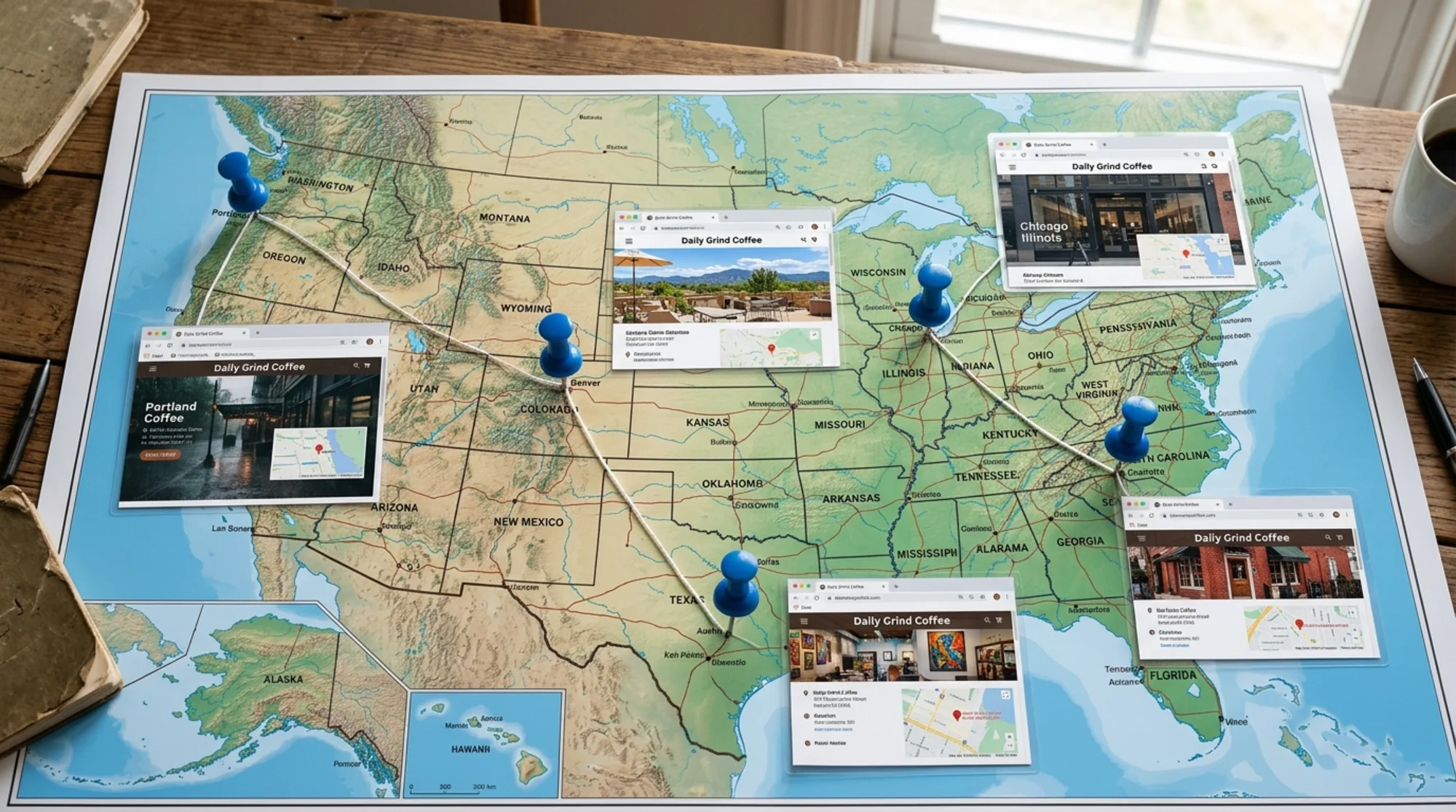
Most multi-location audits go sideways because owners treat the site like one website. It isn't. It's a stack of mini-sites glued to one domain, and each location page has to earn its keep.
This guide walks through the audit in plain English, with a checklist you can run yourself or hand to a contractor.
What makes a multi-location audit different
A single-location site has one homepage, one address, one phone, one set of hours. A multi-location site multiplies all of that. That means:
- Duplicate content risk. Most chains copy-paste a template and swap the city name. Google notices.
- Fragmented local SEO signals. Each location needs its own Google Business Profile, citations, and schema.
- Compounding performance issues. A heavy template means fifty slow pages, not one.
- Thin content. Nobody writes fifty thoughtful "About Our [City] Location" pages, so most end up sparse.
You have to audit the site as a whole and sample location pages individually.
Step 1: Inventory every location page
Before auditing anything, list every location URL. You can't fix what you can't see.
Pull this from your sitemap (yoursite.com/sitemap.xml), your CMS, or by crawling the site. You're looking for the URL pattern, like /locations/chicago or /stores/tx/austin.
Put each into a spreadsheet with columns for:
- URL
- City / state
- Page title and meta description
- Word count
- Indexed in Google? (search
site:yoursite.com/locations/chicago) - Unique photo? (yes/no)
- NAP visible? (Name, Address, Phone)
- Embedded map?
- Schema markup present?
That spreadsheet is the spine of the whole audit. Don't skip it.
If you have more than twenty locations, sample ten — your five highest-revenue locations plus five chosen at random. The patterns you find will apply across the rest.
Step 2: Check NAP consistency
NAP — Name, Address, Phone — needs to match byte-for-byte everywhere it appears: your location page, your footer, Google Business Profile, Yelp, Apple Maps, Bing Places, Facebook.
Common mismatches:
- "Street" on the site, "St." on Google Business Profile
- Suite number on one, missing on the other
- Old phone number still cached on a citation site
- "Joe's Pizza" vs "Joe's Pizza of Brooklyn" vs "Joe's Pizza - Brooklyn Heights"
Pick one canonical NAP per location and enforce it everywhere. This is the most boring part of a local audit and the most impactful — search engines treat consistency as a trust signal.
Per-location checklist:
- NAP matches between footer and location page
- NAP matches Google Business Profile exactly
- Phone is a real local number, not a tracking number that breaks call attribution
- Address links to a working Google Maps pin
Step 3: Audit each location page for unique, helpful content
This is where most multi-location sites fall apart. Google's guidance on helpful content is explicit: pages should be created for people, not search engines, and should demonstrate first-hand experience and genuine value.
A page that's just Our [CITY] Office

What a useful location page actually contains:
- A real photo of that storefront — not a stock interior
- Names and short bios of the actual staff
- Hours, including holiday exceptions
- Parking, transit, and accessibility details
- An embedded Google Map
- Services offered at that specific location (not every location offers everything)
- Reviews tied to that location
- Local context — nearby landmarks, neighborhoods served, languages spoken
- A click-to-call button on mobile
A real example: a four-office dental practice in the Midwest had identical location pages — same paragraph, same stock dentist photo, same "we accept all major insurance" line, only the city name changed. Their Chicago page ranked #14 for "dentist Lincoln Park." After spending one afternoon per location adding real office photos, the actual dentists' names, the specific insurance plans accepted at each branch, and parking notes, three of the four locations moved into the top five within two months. No technical SEO, no link building — just unique, useful content.
Step 4: Verify LocalBusiness structured data
Structured data tells Google what kind of business each location is, where it sits, and what hours it keeps. For multi-location sites, this is non-negotiable.
Every location page should have its own LocalBusiness (or a more specific subtype like Dentist, Restaurant, AutoRepair) JSON-LD with:
nameaddress(withstreetAddress,addressLocality,addressRegion,postalCode)telephoneopeningHoursSpecificationgeo(latitude and longitude)urlpointing to the location pageimage
Test each location's schema with Google's Rich Results Test. With fifty locations, test a sample of ten and fix any pattern errors across the rest.
One pitfall: don't reuse the same @id value across locations. Each location is a distinct entity and needs its own stable identifier.
Step 5: Check performance across location pages
A homepage Lighthouse score tells you almost nothing about a multi-location site. Location pages are usually built from one template — if that template is slow, every location is slow, and location pages are exactly where local searchers land.
Core Web Vitals — Largest Contentful Paint, Interaction to Next Paint, and Cumulative Layout Shift — are real ranking factors and real user-experience factors. A slow location page costs you visibility and conversions.
Sample five location pages from different parts of the site (different states, different template versions if you have them) and run each through your audit tool. Targets:
- LCP under 2.5 seconds
- INP under 200 ms
- CLS under 0.1
- No render-blocking scripts
- Images sized appropriately (a hero photo doesn't need to be 4000px wide)
- Embedded maps loaded lazily, not on page load
Common multi-location performance killers:
- Embedded Google Maps loading eagerly on every location page — use lazy-load or click-to-load
- A "find a location" widget that pulls all fifty locations' data on every page
- Per-location hero images that aren't compressed
- Third-party review widgets that block rendering
Step 6: Audit internal linking and the location finder
Every location page should be reachable in two clicks or fewer from the homepage, ideally through a clean state-by-state or region-by-region directory page.
Audit the finder itself:
- Is it crawlable? If it's a JavaScript-only widget that needs interaction to reveal links, search engines may not see your location pages.
- Does each location have a real
link, not anonclickhandler? - Does the directory page itself rank for the parent search ("dentist offices [state]")?
- Are URLs sensible?
/locations/state/citybeats/loc?id=283.
Step 7: Check for duplicate-content pitfalls
Run a sample of three location pages through a text-diff tool. If 90%+ of the content is identical except for the city name, you have a duplicate content problem.
Fixes, in order of effort:
- Vary the easy stuff first — real photos, real staff names, real reviews.
- Add unique local sections — neighborhoods served, parking, transit, accessibility.
- Add genuinely local content — a paragraph from the local manager about what makes that location's customer base distinct.
- If a location truly has nothing unique to say, consider whether it needs a dedicated page or whether a regional page with a contact form serves customers better.
Step 8: Cross-check Google Business Profile for each location
Your audit is incomplete without checking each location's Google Business Profile. For most local searches, the GBP entry is what searchers see first.
For each location:
- Profile claimed and verified
- Primary category matches the business
- Hours correct and updated for holidays
- Photos uploaded in the last 90 days
- Posts published in the last 30 days
- Reviews are getting responses (yes, even the bad ones)
- Website link points to the specific location page, not the homepage
That last one is the single most common mistake. If a customer searches "[business name] [city]," clicks through, and lands on a generic homepage where they have to find their location again, you've wasted the click.
A 30-minute version for time-pressed owners
If you don't have time for the full audit:
- Pick your three highest-revenue locations.
- Search Google for
[your business] [city]for each. - Click through. Does the right location page load? Is the NAP correct? Is there a real photo and real hours?
- Run each of those three pages through a free audit tool to check performance, schema, and indexing.
- Open each location's Google Business Profile and verify hours, website link, and recent reviews.
That's a real audit. It won't catch everything, but it will catch the issues actually costing you customers right now.

Run it yourself
If you want a starting point that flags performance, schema, indexing, and content issues across your site automatically, run a free website audit with FreeSiteAudit. It will surface the technical issues so you can spend your time on the things only you can do — taking real photos of your stores, writing real local content, and responding to real customers.
For multi-location operators specifically, our multi-location industry guide covers the next layer: rolling audit findings out across dozens of locations without overwhelming your team. And if duplicate content is your biggest issue, the duplicate-content playbook walks through cleanup in detail.
The goal of a multi-location audit isn't a perfect score on every page. It's making sure every location is pulling its weight — that a customer searching from any of your service areas finds the right page, gets the right information, and walks through the right door.
Sources
Check your website for free
Get an instant score and your top 3 critical issues in under 60 seconds.
Get Your Free Audit →