How to Audit Your Site's URL Structure for SEO (Plain-English Guide)
A jargon-free walkthrough for small business owners to audit URLs, fix messy slugs, and clean up structure issues that quietly hurt your search rankings.
# How to Audit Your Site's URL Structure for SEO
Most small business owners never think about URLs. You set up a page, the platform spits out an address, and you move on. That's fine, until you notice a competitor ranks above you for a search you should own, and part of the reason is that their URL says /wedding-cakes and yours says /page?id=4471&cat=2.
URLs are one of the few SEO signals you can see and control without writing code. Google reads them. Customers read them. Other sites copy them into emails and social posts. A clean URL structure makes indexing, click-through, sharing, and future redesigns easier.
This guide walks you through a URL audit you can finish in an afternoon, with no developer required.
Why URL Structure Matters
Google's own guidance recommends "a simple URL structure" because it helps crawlers understand what your pages are about and avoids duplicate content traps. In practice, good URLs do four things:
- Tell people what's on the page.
/services/emergency-plumbingis obvious./p?id=87is not. - Group related content. Pages under
/blog/look like posts. Pages under/services/look like services. Consistent folders create themes. - Prevent duplicates. Without rules, Google may treat
/cakes,/Cakes,/cakes/, and/cakes?ref=fbas four separate pages, splitting your ranking signal across all of them. - Survive site changes. A clean URL is easier to redirect, share, and migrate later.
You don't need perfect URLs. You need URLs that are readable, consistent, and unique.
The Six-Point URL Checklist
Every URL on your site should pass these checks:
- Readable. A human can guess what the page is about from the URL alone.
- Lowercase. Mixed-case URLs cause duplicate issues on some servers.
- Hyphenated. Use
-between words, not_or spaces or%20. - Short and specific. Aim for under 75 characters. Skip filler words like "the" and "and."
- Free of junk parameters. No session IDs or tracking strings as the canonical address.
- One version only. Each page lives at one URL. Everything else redirects to it.
That's the standard. Now let's check your site against it.
Step 1: List Every URL on Your Site
You can't audit what you can't see. Start by pulling a list of every indexable page.
The easy way: Search site:yourdomain.com in Google (with your actual domain). It shows every page Google has indexed. For a site with 10 to 200 pages, scrolling takes 15 minutes.
The thorough way: Open Google Search Console and go to the Pages report under Indexing. You'll see every URL Google knows about, including ones it chose not to index. The "Why pages aren't indexed" section often surfaces URL problems you didn't know existed.
The exhaustive way: A free crawler (Screaming Frog covers up to 500 URLs free) pulls every link on your site. Overkill for most small sites, but worth it if you've been online for years.
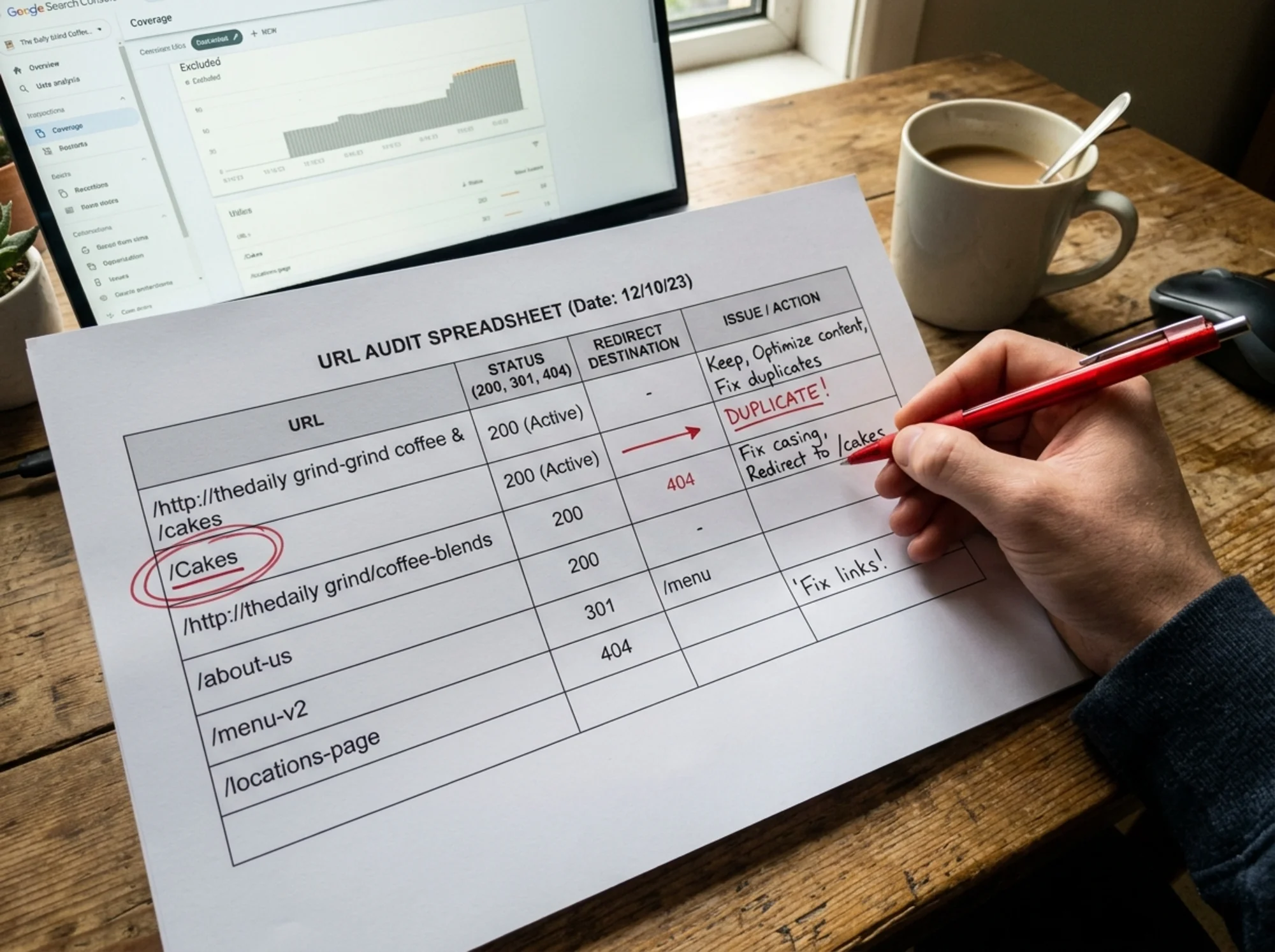
Paste the URLs into a spreadsheet with columns for Status, Issue, and Action. Save it. This is your audit document.
Step 2: Scan for the Five Most Common Problems
Go through your list looking for patterns, not perfection. Most small business sites have one or two of these problems repeated across dozens of pages.
Auto-Generated Junk
Your CMS or e-commerce platform may have created URLs like:
/?p=247/index.php?option=com_content&view=article&id=33/product.aspx?catid=8&prodid=119
These tell Google and humans nothing. WordPress users: go to Settings → Permalinks and switch to "Post name." Shopify, Wix, and Squarespace usually handle this by default, but verify.
Capital Letters
On many server setups, /Services/Plumbing and /services/plumbing are two different pages. Google may index both. Stick to lowercase, and 301 redirect any uppercase versions to the lowercase ones.
Underscores and Special Characters
Google treats hyphens as word separators and underscores as glue. /wedding_cakes reads as one word: weddingcakes. /wedding-cakes reads as two. Same goes for %20 (an encoded space) and accent marks. Use lowercase letters, numbers, and hyphens only.
Multiple Versions of the Same Page
Check whether your site responds at all of these:
http://yoursite.comhttps://yoursite.comhttp://www.yoursite.comhttps://www.yoursite.comhttps://yoursite.com/pagehttps://yoursite.com/page/
Pick one canonical version (typically https://www.yoursite.com or https://yoursite.com with consistent trailing-slash behavior) and 301 redirect the rest to it. Type each variant into a browser. If they don't all collapse to the same final URL, you have a redirect problem.
URLs That Don't Match Your Folder Structure
Your URL should mirror your site's logic. If "Emergency Plumbing" is a service under "Plumbing," the URL should be /services/plumbing/emergency-repair, not /emergency-repair-2024-special. Folders give Google context and make internal linking cleaner. A blog post at /blog-post-final-v2-edited is a red flag, nobody searches for "final v2 edited."

Step 3: Walk Through a Real Example
Say you run a bakery called Sweet Lane and your wedding cake page lives at:
https://sweetlane.com/SL_main.php?page=cakes&cat=wedding&ref=oldsite
What's wrong:
- Mixed case (
SL_main) - Auto-generated parameters
- Tracking junk that should never be canonical (
&ref=oldsite) - No keyword in the URL
- Underscore in the filename
What it should be:
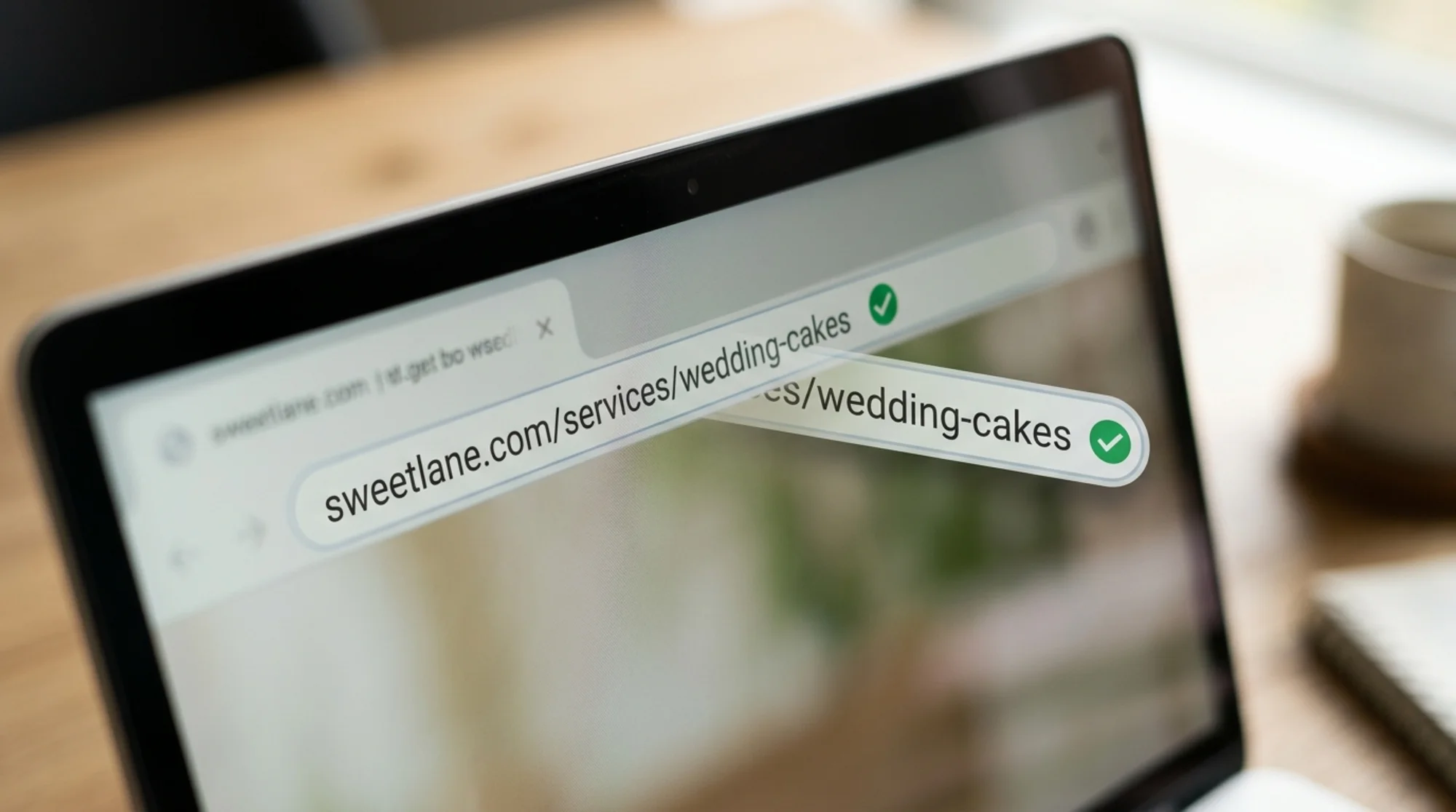
https://sweetlane.com/wedding-cakes
To get there:
- Create the clean URL on your platform (most CMSs let you edit slugs directly).
- Set up a 301 redirect from the old URL to the new one. WordPress users can use the free Redirection plugin; Shopify has built-in URL redirects under Online Store → Navigation.
- Update internal links that pointed at the old URL.
- Submit the new URL in Google Search Console under URL Inspection → Request Indexing.
Within a few weeks the old URL drops out of Google and the new one takes its place, carrying most of the ranking signal.
Step 4: Check Your Redirect Chains
When you've changed URLs over the years, redirects pile up. A page might redirect from /old-page to /newer-page to /current-page. Each hop slows the page down and weakens the signal Google passes through.
Paste 10 to 20 of your older URLs into a free redirect-chain checker. Look for chains longer than one hop, and fix them by pointing the original URL straight at the final destination. For a deeper cleanup process, see /fixes/redirect-chains.
Step 5: Find Duplicates You Didn't Know You Had
Run site:yourdomain.com searches for the title of your top three pages. If the same page shows up twice with slightly different URLs, one with /?utm_source=..., or one with and one without a trailing slash, Google is indexing duplicates.
The cleanest fix is the canonical tag, an HTML tag that tells Google "this is the main version." Most platforms add these automatically, but they often break after a redesign or theme change. See /fixes/duplicate-content if you find multiple copies.
Step 6: Roll It Out Without Breaking Anything
Here's where most audits go wrong: someone rewrites 200 URLs in a weekend, forgets the redirects, and watches traffic crater for three months.
Prioritize instead. A reasonable order:
- Fix the homepage and main service pages this week.
- Fix the next 20 most-visited pages next week.
- Set a rule that every new page follows your URL standard.
- Sweep the long-tail pages over the next few months.
Your top 10 pages by traffic should get fixed first, carefully, with redirects tested before they go live. The pages nobody visits can stay ugly until you have a slow afternoon.
A Quick Note on Speed
URLs don't directly affect page speed, but a clean URL structure usually correlates with a clean site, and Google's Core Web Vitals reward sites that load quickly and stay stable as they render. While you're in audit mode, run your homepage through Google's PageSpeed Insights. It's free, and the report often surfaces fixes worth bundling with your URL cleanup.
What to Avoid
A few common missteps that make things worse:
- Don't keyword-stuff URLs.
/best-cheap-affordable-wedding-cakes-near-me-bakerylooks spammy. One or two relevant words is plenty. - Don't put dates in evergreen URLs.
/2022/wedding-cake-trendsages instantly. Use/wedding-cake-trendsand update the post. - Don't delete old URLs without redirects. Every 404'd page is lost trust, lost backlinks, and a confused customer.
- Don't rewrite URLs for the sake of it. If a page is ranking and the URL is fine, leave it alone. Rewrites carry risk.
The Honest Truth
URL structure is rarely the single reason a site underperforms. It's one of many signals Google weighs, and content quality matters more. But it's one of the easiest signals to fix, and the fix lasts forever. Clean URLs stop bleeding ranking signal into duplicates and start sending clear, confident messages about what your site is about.
If you're not sure where your site stands, the fastest way to find out is to run an audit. Our free tool at /tools/url-audit scans your site, flags messy URLs, redirect chains, duplicates, and the basic SEO health checks covered in this guide. It takes about 60 seconds and gives you a downloadable report. Local service businesses can also check /industries/local-services for sector-specific patterns we see most often.
Run your free website audit at FreeSiteAudit and see exactly which URLs need attention. No signup hoops, no credit card.
The best time to clean up your URLs was when you launched the site. The second best time is this afternoon.
Sources
- Google Search Central: URL Structure Best Practices — https://developers.google.com/search/docs/crawling-indexing/url-structure
- Google Search Central: Creating Helpful, Reliable, People-First Content — https://developers.google.com/search/docs/fundamentals/creating-helpful-content
- web.dev: Core Web Vitals — https://web.dev/articles/vitals
Check your website for free
Get an instant score and your top 3 critical issues in under 60 seconds.
Get Your Free Audit →