How to Fix SEO on a Website Built with ChatGPT or Claude
AI-generated websites often have hidden SEO gaps. Learn how to find and fix the 8 most common technical SEO issues in sites built with ChatGPT or Claude.
# How to Fix SEO on a Website Built with ChatGPT or Claude
AI tools like ChatGPT and Claude can generate a working website in minutes. You describe what you want, and you get HTML, CSS, and even JavaScript back. For a small business owner who needs a web presence fast, that feels like magic.
But there's a catch. The site looks fine in a browser — maybe even professional. Yet weeks go by and it barely shows up in Google. Traffic is flat. Nobody's finding you through search.
The reason: these tools optimize for what you can see — layout, colors, text — and skip what search engines need to see. The result is a site that works for people who already have the URL but is invisible to everyone else.
This guide covers the eight most common SEO problems on AI-built websites and shows you exactly how to fix each one.
Why AI-Generated Sites Have SEO Problems
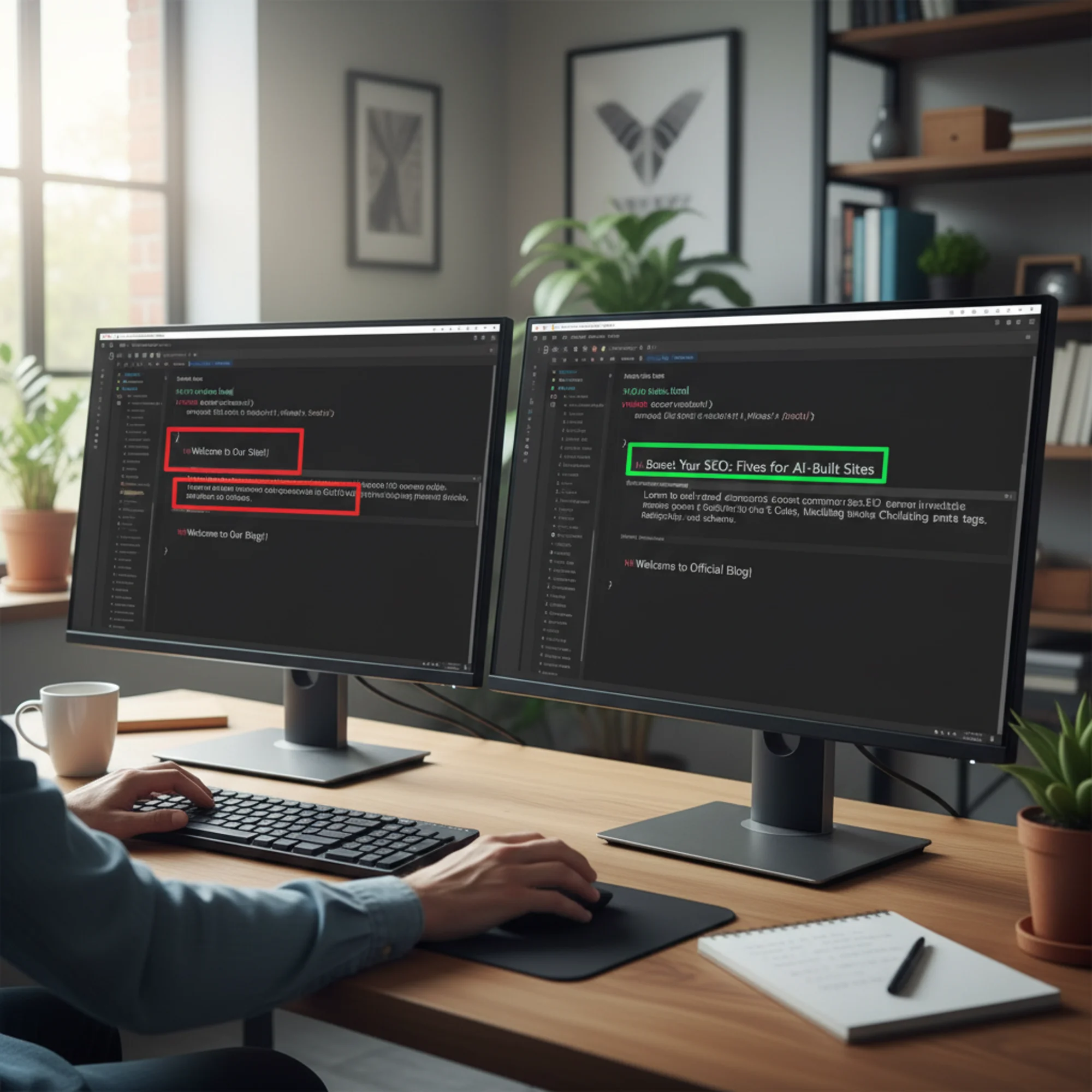
ChatGPT, Claude, and similar tools are trained to produce code that runs correctly and looks reasonable. They're not trained to produce code that ranks. Those are different goals.
The tool doesn't know your business context. When you say "build me a bakery website," the AI generates generic bakery content. It doesn't know you're in Portland, specialize in gluten-free pastries, or that your competitors rank for "custom wedding cakes Portland." Without that context, the content won't match the searches your customers actually make.
SEO requires invisible structure. Meta descriptions, heading hierarchies, schema markup, canonical URLs, alt text — none of these change how your site looks. So when you review the output and say "looks good," you're approving the visual layer while the SEO layer is missing.
AI tools default to placeholders. You'll see title tags like "Welcome to Our Website" or meta descriptions that just repeat the first sentence of body text. These defaults give search engines nothing useful to work with.

The 8 Most Common SEO Problems (and How to Fix Them)
1. Missing or Generic Title Tags
The problem: The
For inner pages, use the pattern [Page Topic] | [Business Name]:
- Services:
Custom Wedding Cakes & Pastries | Sweet Earth Baking - About:
Our Story - Portland's Gluten-Free Bakery | Sweet Earth Baking - Contact:
Visit Us in SE Portland | Sweet Earth Baking
Check your current titles with a meta tag analyzer to see what search engines actually see.
2. Missing or Duplicate Meta Descriptions
The problem: The tag is absent or identical on every page. AI tools frequently skip this or copy the first paragraph of content into it.
Why it matters: Meta descriptions appear as the gray text under your title in search results. A compelling one improves click-through rate. A missing one means Google pulls a random snippet from your page.
The fix: Write a unique description for each page, 120–155 characters, summarizing what the page offers.
html
Start with your homepage and top service pages — those matter most. You can scan for missing meta descriptions across your entire site at once.
3. Broken Heading Hierarchy
The problem: AI-generated pages often use heading tags ( through ) based on visual size rather than meaning. You might see multiple tags, an before any , or headings used just to make text bigger.
Why it matters: Search engines use heading structure to understand content hierarchy. A page with three tags dilutes your focus. A logical structure tells Google exactly what the page is about and how subtopics relate.
The fix: One per page stating the primary topic. Subsections use . Sub-subsections use . Never skip levels.
h1: Gluten-Free Wedding Cakes in Portland
h2: Our Cake Flavors
h3: Chocolate Almond
h3: Lemon Lavender
h2: Ordering Process
h2: Pricing
Run your pages through a heading structure checker to verify.
4. Images Without Alt Text
The problem: AI tools generate alt attributes — alt="" or alt="image" on every photo.
Why it matters: Alt text provides context to screen readers and search engines. Google can't "see" your images. Alt text tells it that a photo shows a three-tier wedding cake with lavender frosting, not just "image-7.jpg."
The fix: Every meaningful image needs descriptive, specific alt text.
html

Decorative images (borders, spacers) should keep alt="" — that's correct. But any image that conveys information needs a real description. Scan for missing alt text to catch every instance.
5. No Internal Linking
The problem: AI-built sites treat each page as standalone. Navigation links exist, but the body content rarely links to other pages on your site.
Why it matters: Internal links help search engines discover pages and understand relationships between them. They also distribute ranking authority. A page with no internal links pointing to it is harder for Google to find and will rank lower.
The fix: Link naturally to other relevant pages within your content. A services page should link to case studies. A blog post about wedding cakes should link to your ordering page.
Aim for 2–5 internal links per page in body content (not counting navigation). Use descriptive anchor text — "our custom wedding cake process" beats "click here."
6. Missing Structured Data
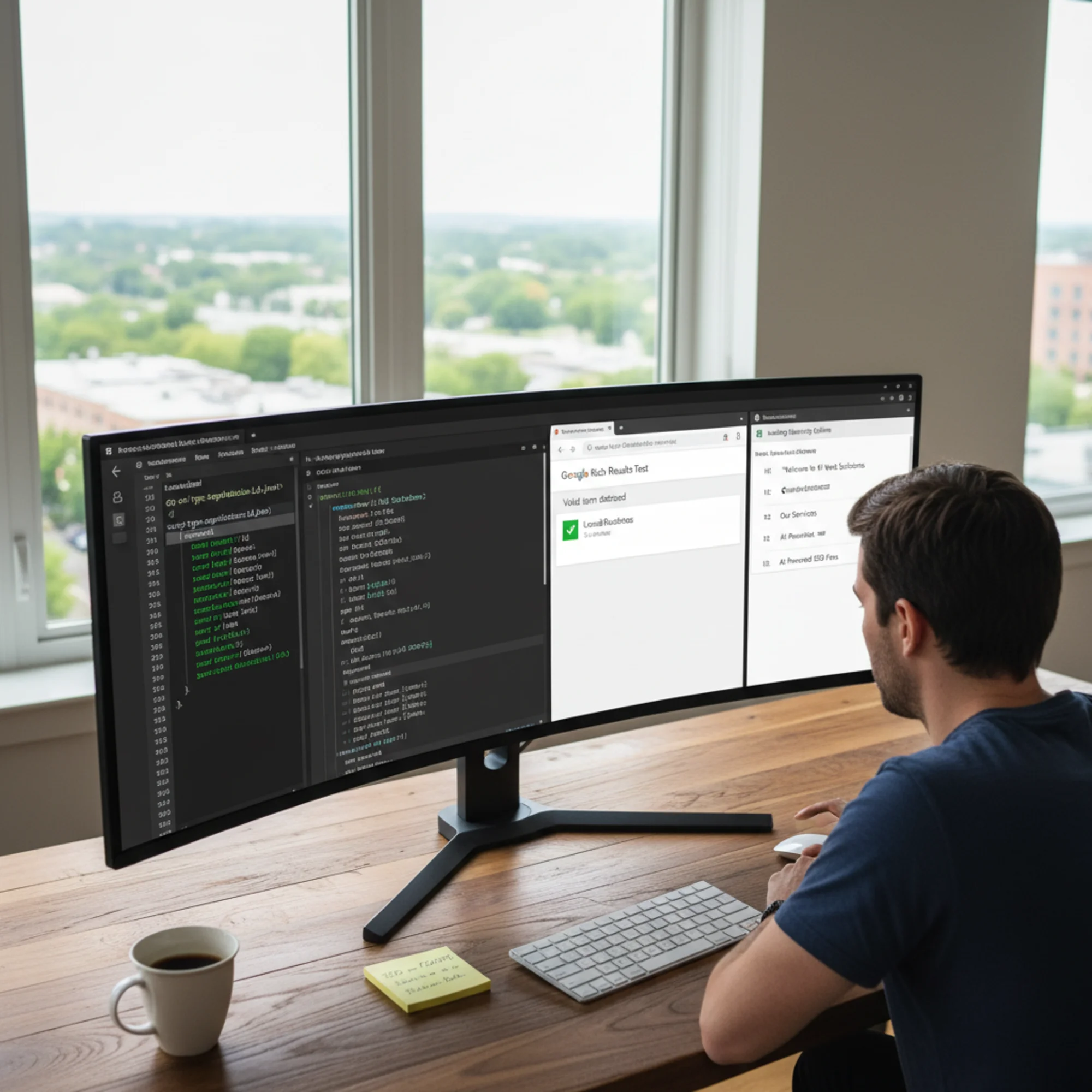
The problem: AI-generated sites almost never include structured data (schema markup) — the JSON-LD code that tells search engines what type of content is on a page.
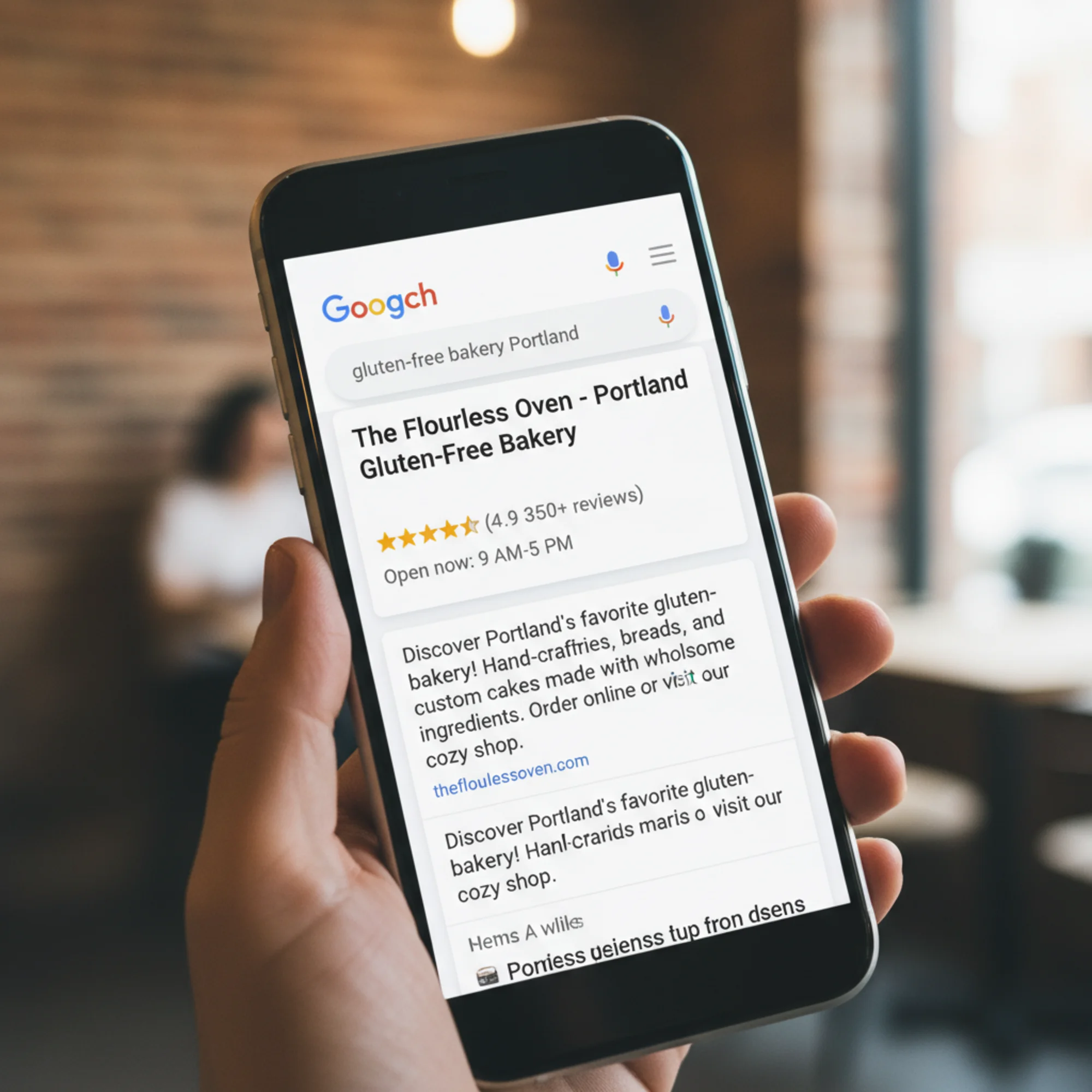
Why it matters: Structured data enables rich results in Google: star ratings, business hours, FAQ dropdowns, recipe cards. Without it, your listing is plain text competing against enhanced results.
The fix: For a small business site, start with LocalBusiness schema on your homepage:
html
For blogs or articles, add Article structured data to each post.
7. Poor Page Speed from Bloated Code
The problem: AI tools sometimes generate verbose CSS and JavaScript — inline style blocks, unused code, and structures heavier than necessary.
Why it matters: Page speed is a direct ranking factor. Google's Core Web Vitals — Largest Contentful Paint, Interaction to Next Paint, and Cumulative Layout Shift — measure real user experience. Slow pages rank lower and lose visitors.
The fix:
- Compress images. Convert to WebP and specify width/height attributes to prevent layout shift.
- Remove unused CSS. If the AI generated a full framework but you only use a fraction, strip the rest.
- Defer non-critical JavaScript. Add
deferorasyncto script tags not needed for initial render. - Minify everything. Run HTML, CSS, and JS through a minifier before deploying.
Test with Google PageSpeed Insights to see exactly what needs attention.
8. No Robots.txt or Sitemap
The problem: AI-generated sites are often bare HTML files with no robots.txt or XML sitemap.
Why it matters: A sitemap tells Google every page you want indexed and when each was last updated. Without one, Google has to discover pages on its own — some may never get indexed.
The fix:
Create sitemap.xml in your root directory:
xml
And a robots.txt:
User-agent: *
Allow: /
Sitemap: https://sweetearthbaking.com/sitemap.xml
Submit your sitemap through Google Search Console to speed up indexing.
Walkthrough: Fixing an AI-Built Landing Page
Let's put this together with a real scenario. You asked Claude to build a landing page for your dog grooming business. It looks professional, but here's what an SEO audit finds:
Starting state: Title says "Dog Grooming Services," no meta description, two tags, four images with alt="image", no internal links in the body, no structured data, no sitemap.
Here's the fix sequence:
- Title tag: Change to
Mobile Dog Grooming in Austin TX | Paws & Refresh - Meta description: Add
Professional mobile dog grooming in Austin. We come to your home for bath, haircut, nail trim, and teeth brushing. Book online today. - Heading structure: Keep the first
and demote the second to - Alt text: Replace each
alt="image"with specifics likeGolden retriever getting a bath in a mobile grooming van - Internal links: Link "our pricing" to your pricing page, "book an appointment" to your booking page
- Structured data: Add
LocalBusinessJSON-LD with your name, address, phone, and hours - Sitemap and robots.txt: Create both, list all pages, submit to Search Console
For a single page, this takes about 30 minutes. For a five-page small business site, plan for an afternoon.
Quick-Reference Checklist
Run through this for every page on your AI-built site:
- [ ] Unique, keyword-rich title tag (under 60 characters)
- [ ] Unique meta description (120–155 characters)
- [ ] Exactly one
per page - [ ] Logical heading hierarchy (h1 → h2 → h3, no skipped levels)
- [ ] Descriptive alt text on all meaningful images
- [ ] At least 2–5 internal links in body content
- [ ] LocalBusiness or relevant structured data
- [ ] sitemap.xml in root directory
- [ ] robots.txt pointing to sitemap
- [ ] Page loads in under 3 seconds on mobile
- [ ] Google Search Console set up and sitemap submitted
How to Prevent These Problems Next Time
When using AI to generate website code, include explicit SEO instructions in your prompt. Instead of "build me a bakery website," try:
> Build a homepage for a gluten-free bakery in Portland called Sweet Earth Baking. Include a unique title tag with the keyword "gluten-free bakery Portland," a meta description under 155 characters, exactly one h1 tag, proper heading hierarchy, descriptive alt text for all images, LocalBusiness schema markup with our address at 3412 SE Hawthorne Blvd Portland OR 97214, and internal links to /menu, /order, and /about.
The more specific your prompt, the fewer fixes you'll need. Google's guidelines on creating helpful, reliable content are worth reading before you start — they'll help you give better instructions to the AI and evaluate its output. The Claude documentation also covers best practices for writing effective prompts that produce complete, well-structured output.
Find Out What Your Site Is Missing
You could work through this checklist manually, or get a full picture in seconds. Run a free audit at FreeSiteAudit and get a detailed breakdown of every SEO issue on your AI-built site — missing meta tags, heading problems, image alt text, page speed, and more. It takes 30 seconds, and you'll know exactly what to fix first.
Sources
Check your website for free
Get an instant score and your top 3 critical issues in under 60 seconds.
Get Your Free Audit →