How to Optimize Your Website for AI Overviews in Google
A plain-English guide for small business owners on getting cited in Google's AI Overviews — practical content, schema, and speed fixes that actually work.
# How to Optimize Your Website for AI Overviews in Google
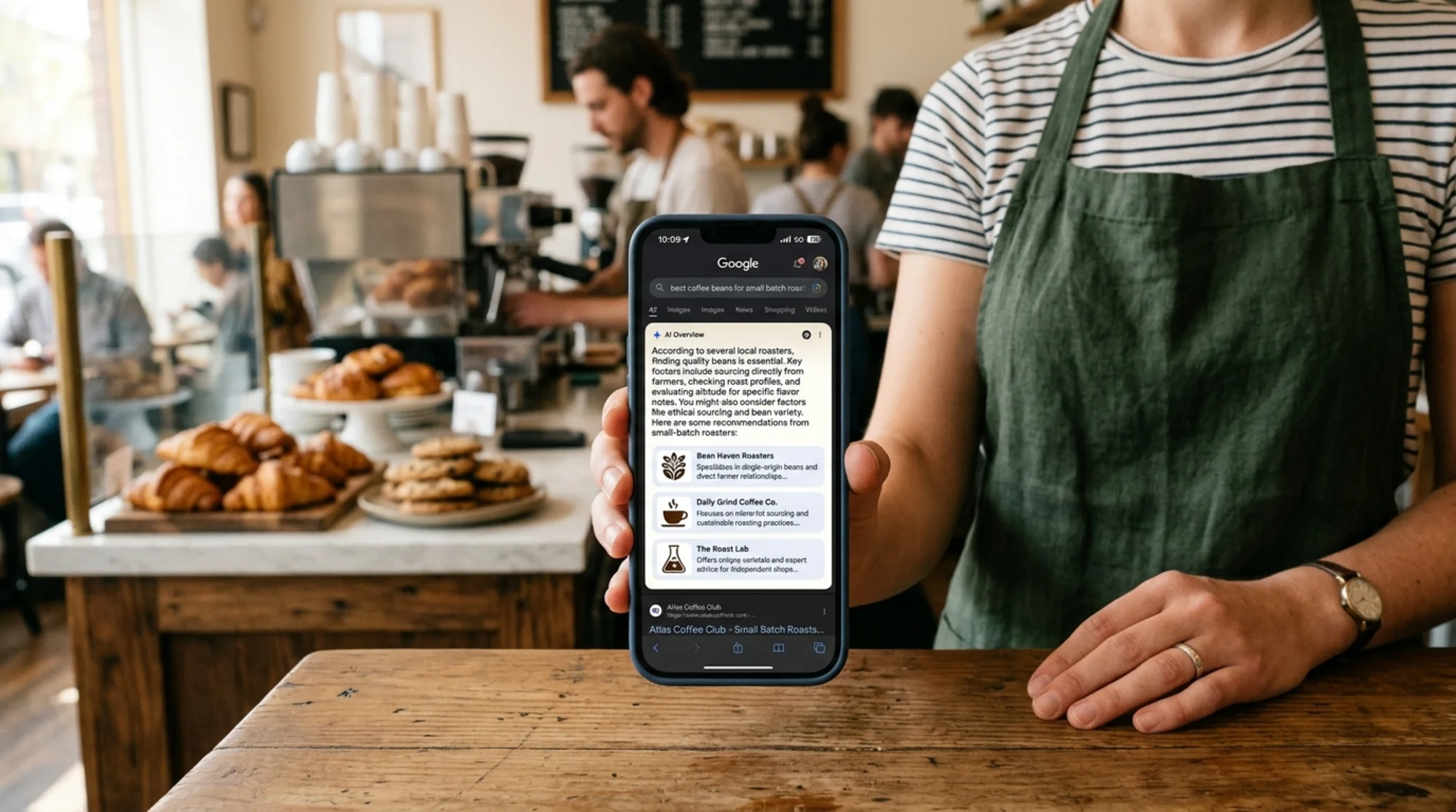
If you've searched Google recently, you've probably seen it: a chunky answer box at the top of the results, often with a few website citations stacked beside it. That's an AI Overview. For a lot of small business owners, those overviews are eating clicks that used to land on regular blue links.
The good news: getting cited inside an AI Overview is the same game as regular SEO, played with cleaner rules. If your page clearly answers a real question, with evidence and structure a machine can parse, you have a shot. If it's a wall of marketing fluff, you don't.
This guide walks through what AI Overviews actually pull from, what to fix on your site, and a specific walkthrough you can copy this week. No fake stats, no hype.
What an AI Overview Actually Is
An AI Overview is Google's generated summary that appears above the traditional ten blue links for certain queries. It pulls from several sources, paraphrases them, and lists the source pages as small clickable cards.
A few things to understand before you change anything:
- It's not random. Google picks pages it already ranks well for the query, then chooses which ones to quote.
- It's a citation, not a ranking. Being cited doesn't mean you're position one in the regular list. It's a parallel slot.
- Click-through happens, but less. People do click the citations, especially for "compare," "best," "how to," and local queries. But many users get their answer and leave. Plan for both.
So the goal isn't to "trick" the overview. It's to be the page Google trusts enough to paraphrase, with structure clean enough to lift cleanly.
The Three Things AI Overviews Reward
A clear pattern shows up across small business queries. AI Overviews reward pages that demonstrate three things at once:
- A direct answer in plain language, near the top of the page.
- Evidence that the answer is real — first-hand experience, specifics, named examples, prices, dates, numbers.
- Clean structure — headings that match real questions, short paragraphs, lists where appropriate, and schema markup where the page type supports it.
These map almost exactly to Google's own helpful-content guidance: content written for people first, by someone who actually knows the topic, with enough specifics to be useful.
Where Most Small Business Sites Fail
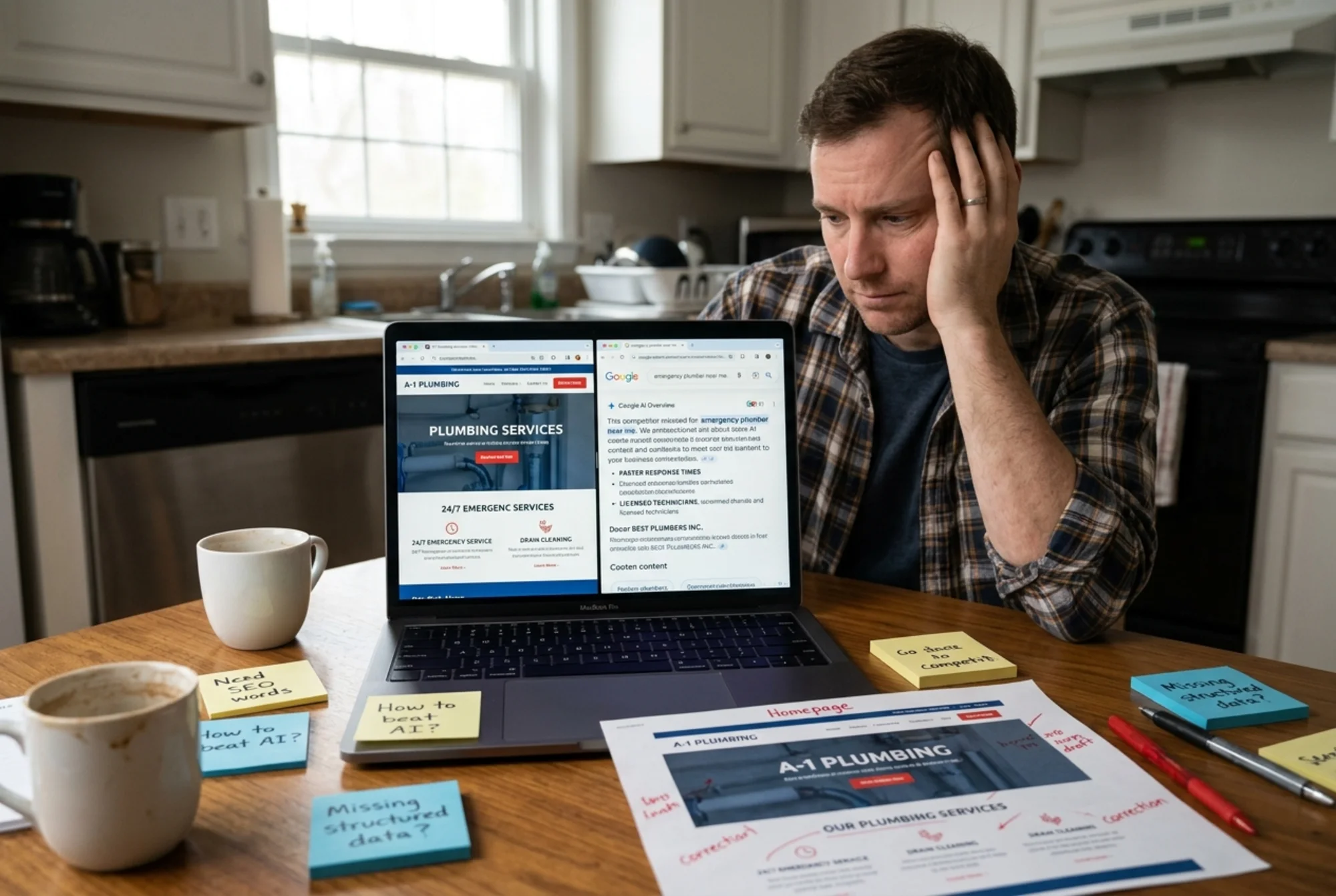
Before fixing anything, look at your top five pages — the ones that already get traffic. Most small business sites fail in predictable ways:
- The page opens with a paragraph about the company's "passion for excellence" before answering anything.
- Headings are decorative ("Welcome to our world") instead of question-shaped ("How much does a roof inspection cost in Tucson?").
- Prices, timelines, hours, and service areas are buried at the bottom or hidden behind a "Contact us" form.
- The same generic content appears on a thousand competitor sites because everyone used the same template.
- No schema markup, or schema that doesn't match what the page is really about.
If your page has any three of those, it's invisible to an AI Overview no matter how well it reads.
The Page-Level Checklist
Run each of your important pages through this list.
Above the fold:
- [ ] The page's main question is answered in the first 1–2 sentences.
- [ ] The H1 names the topic clearly, not a slogan.
- [ ] The first 100 words include the actual answer, not throat-clearing.
Body:
- [ ] H2s are real questions or specific subtopics ("How long does the audit take?" not "Our Process").
- [ ] Each H2 is followed by a 2–4 sentence direct answer before any expansion.
- [ ] Lists are used where the content is genuinely list-shaped (steps, options, requirements).
- [ ] Specifics are present: prices, hours, neighborhoods, timeframes, materials, brand names.
Evidence:
- [ ] The page shows first-hand knowledge: a story, a case, a photo of your actual work, a named client.
- [ ] Claims have sources, dates, or examples. If you say "fast," say how fast.
- [ ] The author is named, with a real bio link, for posts that benefit from expertise signals.
Structure for machines:
- [ ] The page has an appropriate schema type (LocalBusiness, Article, FAQPage, Service, Product).
- [ ] The schema reflects what's actually on the page — no fake reviews, no invented hours.
- [ ] Core Web Vitals are healthy enough that the page isn't deprioritized.
If you can check most boxes on a given page, you're in the running.
A Specific Walkthrough: The Bakery FAQ
Let's get concrete. Say you run a small bakery and one of your best margin products is wedding cakes. People search things like "how much does a wedding cake cost in [city]" and "how far in advance should I order a wedding cake."
Right now, your wedding cake page probably reads like this:
> "At Sunrise Bakery, we believe every wedding deserves a cake as unique as your love story. Our master pastry chefs craft each cake with passion and the finest ingredients..."
That paragraph is invisible to an AI Overview. It answers nothing.
Here's the rewrite framework:
New H1: Wedding Cakes in Asheville — Pricing, Timeline, and Tasting Info
First paragraph (this is what the AI lifts):
> Wedding cakes at Sunrise Bakery start at $4.50 per serving for buttercream tiered cakes and go up to $9 per serving for fondant or sugar-flower work. Most couples order 3–6 months ahead, and we hold a tasting at our Biltmore Avenue shop the week you book.
Three sentences. Price, timeline, location. A model can lift any of those cleanly.
H2: How much does a wedding cake cost at Sunrise Bakery?
A 3-sentence answer expanding the pricing, with a short bullet list:
- Buttercream tiered: $4.50–$5.50 per serving
- Fondant with hand-piped details: $6.50–$7.50 per serving
- Sugar-flower or sculptural designs: $8–$9 per serving
- Delivery and setup within 25 miles of downtown Asheville: $75 flat
H2: How far in advance should I order?
"For Saturday weddings between April and October, book at least 4 months ahead. November–March weddings often have 6–8 weeks of availability. Tastings are by appointment Tuesday through Thursday."
H2: Do you accommodate allergies?
Real answer. Real specifics. Not "we work hard to accommodate."
H2: Can I see real examples?
Six photos of actual cakes you've made, with the couple's first names, the venue, and the month.
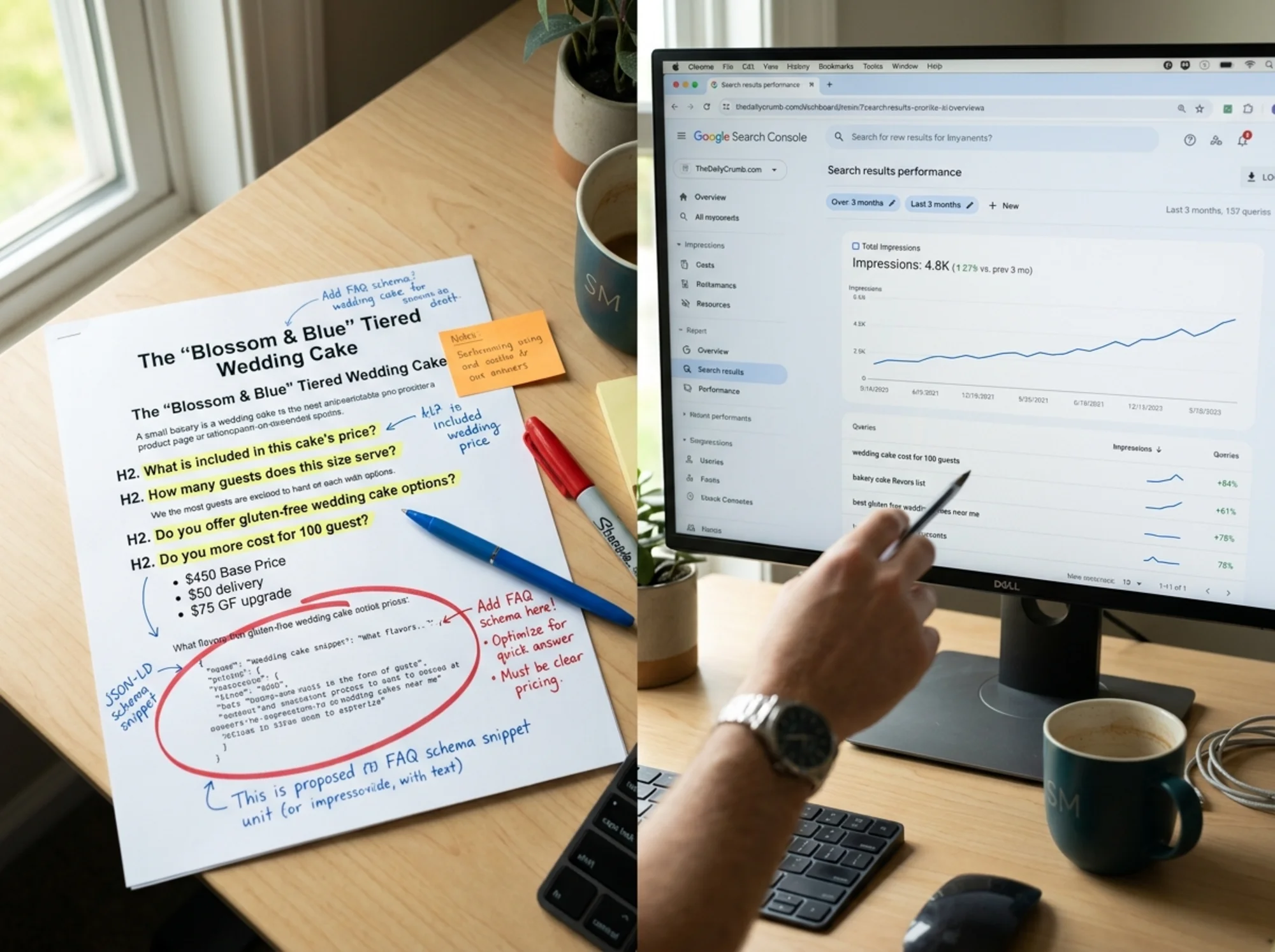
Schema: Service or Product schema for the cake offering, plus FAQPage schema for the question/answer pairs. LocalBusiness schema sitewide. All matching what's visible on the page — no invented reviews, no padded hours.
Which version do you think an AI Overview will quote when someone searches "wedding cake cost Asheville"? Right.
Structured Data Without Overdoing It
Schema markup is the part most small business owners either skip entirely or wildly overdo. Both extremes hurt.
What's worth adding for most small business sites:
- LocalBusiness (or a more specific subtype like Restaurant, Plumber, Dentist) on the homepage and contact page.
- Service schema on each individual service page.
- Article schema on blog posts — see Google's Article structured-data documentation for the required fields like headline, author, and datePublished.
- FAQPage schema on pages that genuinely contain a FAQ section. Don't bolt fake FAQs on just to grab the markup.
- Product schema for e-commerce items, with honest price, availability, and review data.
What to avoid:
- Schema that doesn't match the visible content (Google flags this as a manual-action risk).
- Review schema for reviews you collected on a third-party site and reproduced without context.
- FAQ markup stuffed onto pages where the questions are obviously written to game the overview.
Use Google's Rich Results Test on every page after you change schema. If it shows errors or warnings, fix them before assuming the markup is helping.
Core Web Vitals: The Boring Floor
You can have a perfectly structured, beautifully written page and still get skipped if it's slow or janky. Google's performance guidance covers the three core metrics: loading speed (LCP), interactivity (INP), and visual stability (CLS).
For AI Overview purposes, you don't need a perfect score. You need to not be in the red on mobile. Most small business sites fail because of:
- One huge un-optimized hero image
- A third-party chat widget that loads before the content
- Fonts that block rendering
- A page builder that ships 800KB of unused CSS
Run your top pages through PageSpeed Insights. If LCP is over 4 seconds on mobile, fix that first. Everything else can wait.
If you want a faster route, the free website audit at FreeSiteAudit will flag the highest-impact performance and structure issues on any page in a couple of minutes, no signup required.
What to Do This Week
If that feels overwhelming, here's the minimum useful version. Pick one page that already gets some Google traffic — check Search Console for which ones — and do these five things:
- Rewrite the first paragraph to directly answer the page's main question, with specifics.
- Rename the H2s to actual questions people ask, in the words they use.
- Add real numbers somewhere visible: price ranges, timeframes, service areas, materials.
- Add or correct schema appropriate to the page type, and validate it.
- Run the page through a speed test and fix anything in the red.
That's a half-day of work for one page. Do it on your three most important pages and you'll start showing up in places you weren't before.
What Not to Chase
A few things waste small business owners' time:
- AI Overview "tracking tools." Most don't have stable access to what triggers an overview. Watch Search Console impressions and clicks, and notice which queries shift, instead.
- Writing for the AI. Don't dumb your content down or stuff it with synthetic Q&A. Pages that read like they were written for a robot get treated like spam.
- Comparison posts you can't back up. "Best 10 plumbers in Chicago" written by a plumber in Chicago won't be cited. Cover your own work, your own pricing, your own customers — first-hand experience is the moat.
- Deleting pages because they "don't rank yet." Pages need time, internal links, and real depth. Delete dead weight, not pages that are simply new.

How to Tell It's Working
Track these signals over 60–90 days, not over a weekend:
- Search Console impressions rising on question-shaped queries even if clicks don't move proportionally. That's often an AI Overview citation.
- Branded search volume growing — people search your business name after seeing you cited.
- Direct/organic conversions from new geographies or service types you weren't ranking for before.
- Time-to-conversion shrinking. People who arrive having already seen your pricing convert faster.
If none of those shift after a few months of real work on your top pages, the issue is usually content depth or technical health, not the AI Overview system itself.
A Quick Word on E-E-A-T
You'll see the acronym E-E-A-T (Experience, Expertise, Authoritativeness, Trustworthiness) all over SEO writing. The practical translation for small businesses:
- Put your name and face on the site. Real bio. Real photo.
- Show your work. Photos of actual jobs, with dates and locations where possible.
- Get reviews on Google Business Profile and let them be honest.
- Be specific about what you do and don't do. Niching down helps.
- Keep contact info, hours, and service areas accurate and consistent everywhere.
That's the floor that lets the AI feel okay quoting you.
The Honest Bottom Line
AI Overviews changed where Google puts the answer. They didn't change what makes a page worth answering with. If you write clearly, prove what you say with specifics, and structure your pages so a person or a machine can find the answer fast, you'll show up.
The small business owners winning here aren't the ones with the biggest budgets. They're the ones who finally killed the "passionate about excellence" intro and replaced it with the price.
Ready to see where your site stands? Run a free website audit — it'll flag your weakest pages on structure, schema, helpful-content signals, and performance, and tell you which fixes to do first. No account needed for the first report.
If you want a starting place after the audit, the structured data fixes and helpful content fixes pages walk through the most common gaps page by page.
Sources
Check your website for free
Get an instant score and your top 3 critical issues in under 60 seconds.
Get Your Free Audit →