Hyperlocal SEO: City Neighborhood Pages That Actually Work
A practical guide to building city neighborhood pages that rank in local search, convert real visitors, and avoid being flagged as thin or doorway content.
# Hyperlocal SEO: City Neighborhood Pages That Actually Work
Most neighborhood pages are bad. You know the kind: "Plumber in Lincoln Park," "Plumber in Lakeview," "Plumber in Wicker Park" — same paragraph, same photos, just the neighborhood name swapped in. Google sees through it. So do the people who land on them.
Done correctly, though, neighborhood pages are still one of the highest-leverage moves a local business can make. A bakery in Brooklyn isn't competing with a bakery in Queens. A plumber in Capitol Hill isn't competing with one in West Seattle. If you can show Google — and the customer — that you genuinely operate in a specific place, you get a fair shot at ranking when someone searches near where they are.
This piece walks through how to build neighborhood pages that don't get flagged as thin, don't read like templates, and actually pull in calls and bookings. No tricks, no AI-spam scaling, no "programmatic SEO." Just the work.
What "hyperlocal" actually means
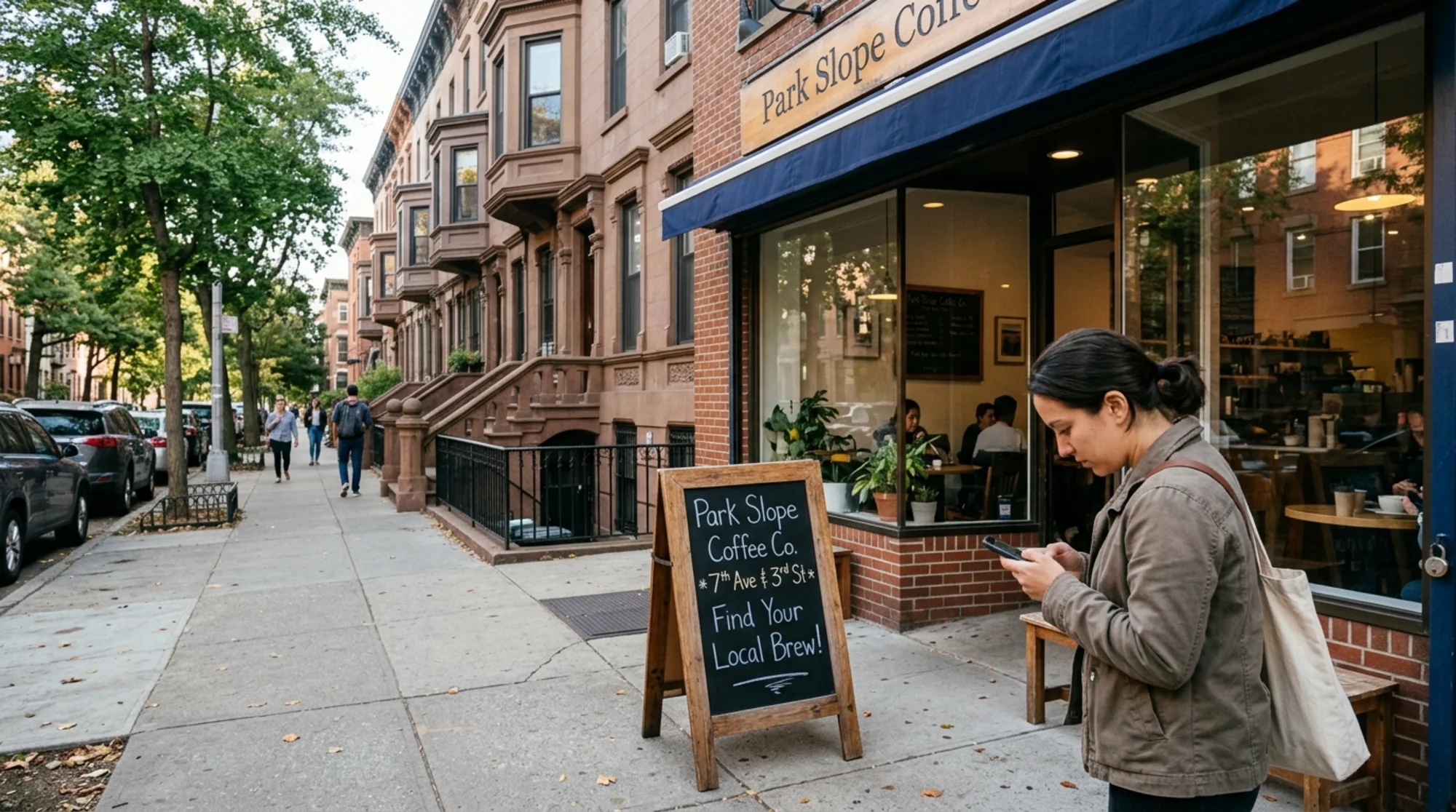
Hyperlocal SEO targets search intent tied to a specific neighborhood, district, or even a few blocks — not a whole city. The query is "coffee shop in Capitol Hill," not "coffee shop in Seattle." The user is making a small, immediate decision and they want a specific answer.
City-level competition is brutal. There are thousands of plumbers in Chicago. There are maybe forty in Bucktown. If you genuinely serve Bucktown and can prove it on a page, you have a real chance.
Why it goes wrong: most businesses treat neighborhoods like a list to be churned through. They build twenty pages, swap the place name, and hope. Google's helpful content guidance is explicit that pages produced primarily for search engines — without unique value for the visitor — don't perform. Neighborhood pages are the canonical example.
The thin-page trap
Here's the test. Open three of your neighborhood pages side by side. Cover the title and the H1. Can you tell which neighborhood each one is about, just from the body?
If you can't, you have a problem. Not just a ranking problem — a credibility problem. A customer who clicks through from "dentist in Park Slope" and lands on a page that mentions Park Slope once and then describes generic dentistry is gone in eight seconds.
Common symptoms of the thin-page trap:
- Identical body copy across pages, only the neighborhood swapped in
- A footer list of twenty neighborhoods linking to near-duplicate URLs
- Templated meta descriptions ("Looking for [service] in [neighborhood]? Call us today.")
- Stock imagery or shop photos instead of neighborhood photos
- No mention of local landmarks, streets, transit, parking, or anything proving you've been there
If three or more apply, the pages are working against you. They dilute domain authority and may be flagged as doorway content.
Laptop screen showing a CMS page list with twenty nearly identical "Plumber in [Neighborhood]" page titles across Boston neighborhoods, duplicate meta descriptions highlighted in red, a "thin content" warning visible in a side panel
The "would a local read this?" test
Before writing a neighborhood page, ask: would someone who lives there find this useful, or roll their eyes?
A useful neighborhood page knows things. Specific things. The Bucktown plumber knows the row houses on Hoyne Avenue have galvanized supply lines from the 1920s that fail at the elbow joints. The Park Slope dentist knows which schools are within walking distance and offers Saturday morning slots because parents are at the Seventh Avenue farmers' market.
That kind of detail can't be templated. It has to come from someone who works there. The good news: you only need a handful of these details per page. Five concrete, local-specific facts beat a thousand words of generic filler.
How many neighborhood pages should you build?
Fewer than you think.
A reasonable rule: build a neighborhood page only when you can write 400–600 words of genuinely unique, locally-specific content for it, and when you do meaningful business in that area. Two jobs in Edgewater in three years doesn't earn an Edgewater page. It earns a sentence on your service area page.
For most small businesses the sweet spot is three to eight neighborhood pages. Not thirty. The businesses ranking well for hyperlocal terms almost always have a small number of deeply-built pages, not a sprawling collection of thin ones.
Scoping checklist before creating a new page:
- Do you regularly serve customers from this neighborhood (at least monthly)?
- Can you name three streets, landmarks, or buildings off the top of your head?
- Do you have at least one photo, testimonial, or job example tied specifically to this area?
- Can you describe something about the housing stock, commercial mix, or customer base that affects how you serve here?
Three yes answers minimum. If you can't hit that, the page won't be defensible.
The anatomy of a page that works
Here's what goes on a strong neighborhood page. Treat this as a template for structure, not copy.
1. A specific, honest H1. "Window Cleaning in Beacon Hill" beats "Beacon Hill Window Cleaning Services for Boston Homes." Be plain.
2. An opening paragraph with proof of presence. Mention a specific street, building type, or local detail in the first sixty words. "We've cleaned the bay windows on the brownstones along Mount Vernon Street for the better part of a decade" tells Google and the reader more than a paragraph of "serving the Beacon Hill community with pride."
3. Service-specific local context. What's different about doing your work here? Old wiring? Steep driveways? Parking permits? Heritage building rules? Name it.
4. A real example or case study. Not "Sarah from Beacon Hill said we did a great job." A short, concrete walkthrough: what the customer needed, what you found, what you did. Two paragraphs. Identifying details optional; specificity is not.
5. Photos that prove you've been there. Your actual work in that neighborhood, ideally with recognizable context — a street sign, a known building, a typical local feature. One real photo beats five stock images.
6. Practical local information. Hours, response times, service boundaries, parking notes for service vehicles — anything true and useful.
7. Testimonials from people in that neighborhood. Two or three, with first names and the neighborhood. Pull from real reviews when possible.
8. A clear next step. Phone number, booking link, or quote form. Don't bury it.
Notice what's not on it: walls of generic industry copy, "why choose us" lists, padded FAQ written for keywords.
A walkthrough: from blank page to published
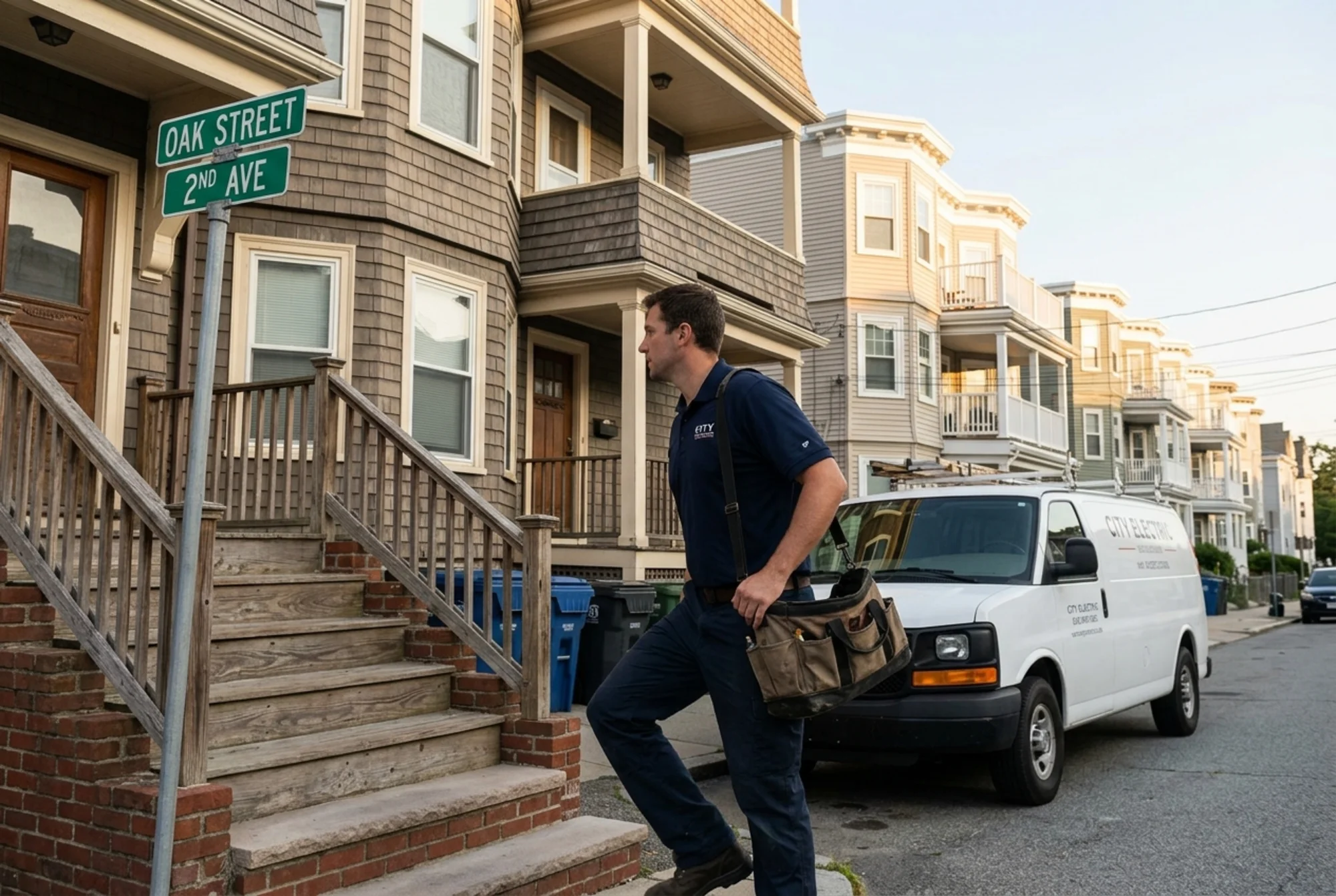
Say you're a residential electrician in Boston and you want a neighborhood page for Jamaica Plain.
Step one: confirm you do real business there. Pull job records. 30+ jobs in JP over two years means you're good. Pull the three most representative — a panel upgrade in a triple-decker, a knob-and-tube replacement, an EV charger install in a driveway off Centre Street.
Step two: list five locally-specific things you know. Housing stock is mostly 1900–1930 triple-deckers. Knob-and-tube is still common. Permits go through City of Boston ISD. Many homes have street-only parking, which affects unloading. Forest Hills T stop is the eastern anchor.
Step three: draft in this order — opener with proof of presence, what's specific about JP electrical work, a real example, photos, testimonials, FAQ with two real questions from JP customers, contact.
Step four: write the meta description manually. One sentence, specific. Not "Looking for an electrician in Jamaica Plain?"
Step five: link to it from your homepage and main service area page. Don't link from twenty other neighborhood pages — that creates a doorway pattern.
Step six: keep it alive. New job photo each quarter. Refresh the testimonial. Update anything that changes — permit fees, response time, service boundaries.
That's the work. It's not glamorous and it doesn't scale to a hundred pages, which is exactly why it works.
Technical details that quietly matter
A few things that don't show up in the copy but affect performance.
Page speed. Neighborhood pages are often image-heavy, and image-heavy pages on small business sites are often slow. Core Web Vitals — particularly Largest Contentful Paint — are a real ranking and conversion factor. Compress photos. Lazy-load anything below the fold. If the page takes four seconds on a phone, you've lost the call.
Schema markup. A LocalBusiness schema block on each neighborhood page, with the correct service area, helps. If you're publishing genuinely useful long-form content — say a buying guide tied to that area — Article schema is appropriate too.
URL structure. Keep it predictable: /service-areas/jamaica-plain/ or /electrician-jamaica-plain-boston/. Don't bury neighborhood pages under three folders.
Internal linking. Link from your homepage to a service area hub, and from the hub to each neighborhood page. Don't link every neighborhood page to every other one in the footer — that's a classic doorway signal.
Unique titles and metas. Every page gets its own. If your CMS uses templates, make sure you can override.
Pre-publish checklist
- [ ] H1 mentions the neighborhood plainly
- [ ] First paragraph contains a specific local proof point
- [ ] At least 400 words of genuinely unique content
- [ ] At least one real photo from work in the area
- [ ] At least one specific local example or case study
- [ ] Title tag and meta description written manually
- [ ] LocalBusiness schema with correct service area
- [ ] Page loads in under three seconds on mobile
- [ ] Phone number and CTA visible without scrolling
- [ ] Linked from the service area hub, not from every other neighborhood page
If you can check every box, the page is ready. If you can't check half, don't publish yet.
What to do with thin pages you already have
If you have twenty thin neighborhood pages right now, you have three options.
Consolidate. Merge the weakest fifteen into a single, well-built service area page that lists each neighborhood with one or two useful sentences. Redirect old URLs to the new page.
Rebuild. Pick the five neighborhoods where you do the most business and rebuild those pages to the standard above. Delete or noindex the rest.
Leave and improve. If consolidation is too disruptive, upgrade two pages a month until each one passes the checklist. Noindex the worst offenders in the meantime so they don't drag down the rest of your site.
Any of these is better than leaving twenty near-duplicates live and hoping.
The honest expectation
Neighborhood pages aren't a quick win. A well-built page typically takes two to four months to start ranking, and ranking isn't the same as converting. You'll know it's working when customers start saying "I found you when I searched for X in my neighborhood" — that's the signal you're capturing hyperlocal intent rather than vanity terms.
The businesses winning at hyperlocal SEO aren't the ones with the most pages. They're the ones whose pages read like they were written by someone who actually works in that neighborhood — because they were.
Audit your existing pages
If you're not sure how your current neighborhood pages stack up — whether they read as thin, whether they load fast enough, whether the schema is even firing — run a free website audit with FreeSiteAudit. You'll get a page-by-page breakdown of duplicate content risk, Core Web Vitals, schema coverage, and the specific issues most likely to be hurting your local rankings. It takes about a minute and you'll know exactly where to start.
For more on fixing pages flagged as low-value, see our guide to thin content fixes. If you run a service business, the local service businesses playbook walks through the rest of the local SEO stack.
Sources
Check your website for free
Get an instant score and your top 3 critical issues in under 60 seconds.
Get Your Free Audit →