llms.txt Audit: Does Your Small Business Website Need One?
A plain-English guide to llms.txt for small business owners — what it is, whether your site actually needs one, and how to create it in under 10 minutes.
# llms.txt Audit: Does Your Small Business Website Need One?
There is a new file websites can add — called llms.txt — that helps AI tools understand your business. If you run a bakery, plumbing company, or consulting firm, this guide explains what it is, whether you need one, and exactly how to create it.

What Is llms.txt?
The llms.txt file is a simple text file you place on your website (at yoursite.com/llms.txt) that gives AI tools a curated summary of what your business is and which pages matter most.
It was proposed in September 2024 by Jeremy Howard, co-founder of fast.ai. The problem it solves is straightforward: when an AI assistant like ChatGPT, Claude, or Perplexity tries to answer a question about your business, it has to scrape and interpret your entire website — navigation menus, pop-ups, JavaScript, cookie banners, and all. The result is often messy or incomplete.
An llms.txt file lets you say: "Here is exactly what my business does, and here are the pages that matter most."
A quick comparison to files you may already know:
- robots.txt tells search engine crawlers what they are not allowed to look at
- sitemap.xml lists every page on your site for search engines to discover
- llms.txt curates the best content for AI tools — a highlight reel, not a complete index
The official specification describes it as a Markdown file — just formatted plain text, no coding required.
Why Should a Small Business Owner Care?
AI assistants are becoming a real way people find businesses. When someone asks ChatGPT "What is a good plumber near me?" or asks Perplexity "Which bakeries in Portland have gluten-free options?", the AI pulls information from various sources. If the AI cannot easily read and understand your website, your business might get left out entirely.
That traffic is still small compared to Google Search, but it is growing. Businesses that make their information easy for AI to consume will have an advantage as this trend accelerates.

The Reality About Adoption
Before you drop everything to create this file, here is what you should know:
Adoption is very early. As of early 2026, roughly 1,000 domains have published llms.txt files, mostly technology companies and developer tools — not local businesses.
Major AI tools do not actively consume it yet. Testing by Semrush found that AI crawlers (GPTBot, ClaudeBot, PerplexityBot) did not specifically request llms.txt files during their monitoring period.
Google has compared it to the keywords meta tag — a standard proposed decades ago that never became a meaningful ranking factor.
So why consider it? Because the effort is about 10 minutes, the downside is zero, and if AI tools start using it, you are already ready. This falls firmly in the "low effort, potential future upside" category.
What Goes in an llms.txt File
The format is simple Markdown:
- A heading with your business name (required)
- A short summary in a blockquote (recommended)
- A few paragraphs describing what you do (optional)
- Links to your most important pages organized by category (optional)
No complex syntax, no technical configuration, no server setup.
A Real Example for a Local Business
Say you run a bakery called "Sunrise Bakery" in Portland, Oregon:
markdown
# Sunrise Bakery
> Sunrise Bakery is a family-owned bakery in Portland, Oregon,
> specializing in sourdough bread, pastries, and custom cakes.
> We offer gluten-free and vegan options.
Sunrise Bakery has been serving the Hawthorne neighborhood
since 2018. We bake everything from scratch daily using
locally sourced ingredients.
Key Pages
- Menu: Full menu with
prices, dietary labels, and seasonal specials
- Order Online: Online
ordering for pickup and local delivery
- About Us: Our story,
team, and sourcing philosophy
- Catering: Catering
packages for events and corporate orders
Contact
3456 SE Hawthorne Blvd, Portland, OR 97214.
Open Tuesday-Sunday, 7am-3pm.
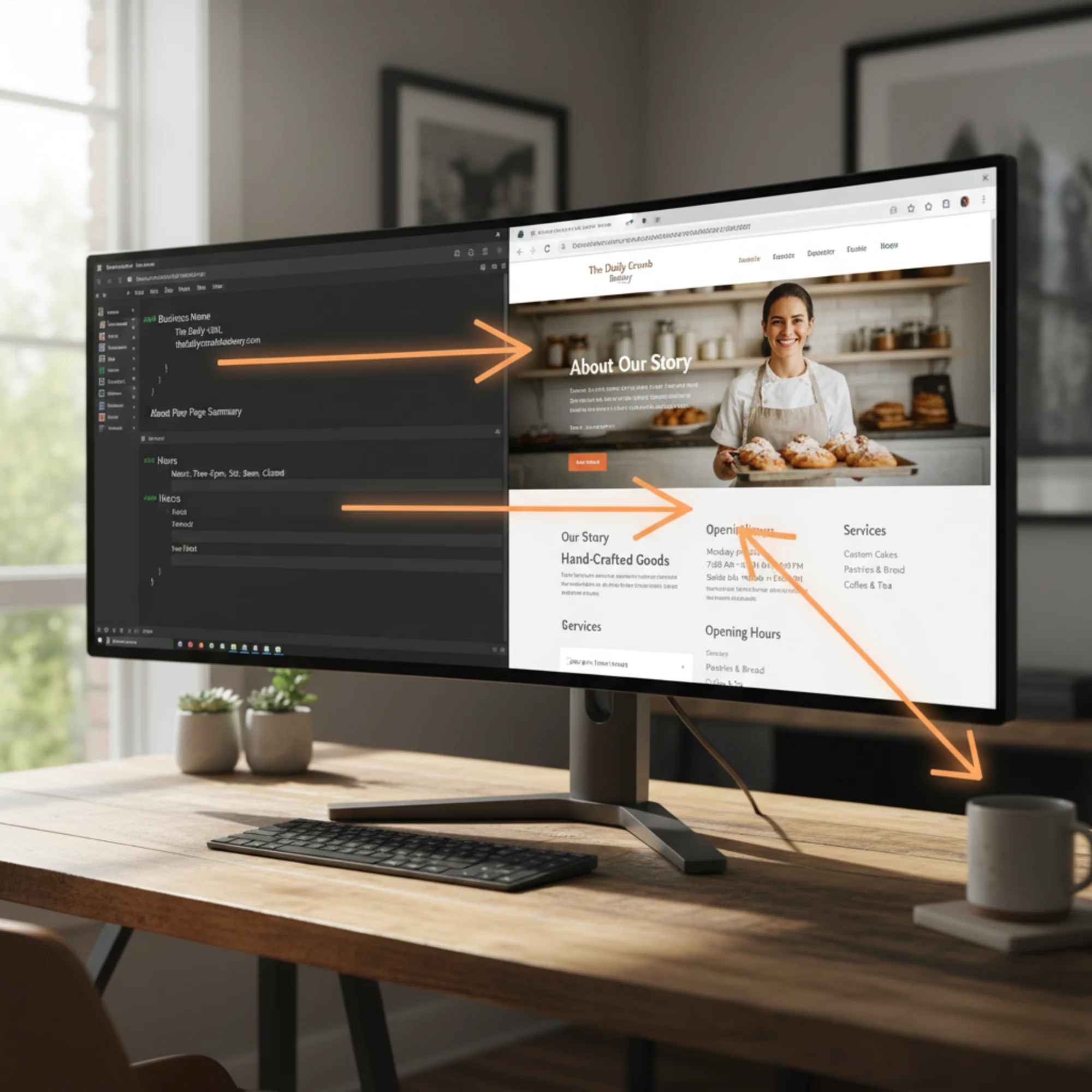
An AI reading this file gets your name, location, hours, specialties, and where to find more detail — all without parsing your entire website.
How to Create Your llms.txt File
Follow these steps in under 10 minutes.
Step 1: Write Your Summary
Open any text editor. Start with:
markdown
# Your Business Name
> One or two sentences describing what your business does,
> where it is located, and what makes it different.
Be specific. "We are a great business" helps nobody. "We are a licensed electrician serving residential customers in Austin, Texas, with 24-hour emergency service" gives an AI exactly what it needs.
Step 2: List Your Important Pages
Pick the 4-8 pages on your site that answer the most common questions:
- What do you sell or offer?
- How do people contact you or place an order?
- Where are you located and when are you open?
- What do customers say about you?
Format each link like this:
markdown
- Page Name: Brief description
Step 3: Upload the File
This step depends on your website platform:
WordPress: Use a plugin like "File Manager" to upload llms.txt to your site's root directory, or ask your web developer to place it there via FTP.
Squarespace, Wix, or similar: These platforms generally do not let you upload files to the root directory. You may need to check if your platform has added llms.txt support, use a custom redirect workaround, or wait for native support.
Static sites or self-hosted: Drop the file in your public/root folder alongside robots.txt.
Step 4: Verify It Works
Open your browser and go to yoursite.com/llms.txt. You should see your Markdown content displayed as plain text. A 404 error means the file is not in the right location.
Quick Checklist
- [ ] File is named exactly
llms.txt(lowercase) - [ ] Accessible at your site's root URL (
yoursite.com/llms.txt) - [ ] Starts with an H1 heading (
# Your Business Name) - [ ] Includes a blockquote summary
- [ ] Lists your most important pages with working links
- [ ] Each link includes a short, useful description
- [ ] All information is accurate and current
- [ ] No sensitive or private information included
What About llms-full.txt?
The companion file llms-full.txt contains your entire site's content compiled into one Markdown document. For most small businesses, this is overkill. It was designed for large documentation sites with hundreds of help articles. Unless your site has extensive technical content, skip it.
llms.txt vs. Things That Actually Matter Right Now
If your website has fundamental issues, llms.txt will not help. Here is how to prioritize:
Fix these first (high impact today):
- Slow page load times (poor Core Web Vitals)
- Site is not mobile-friendly
- Missing meta titles or descriptions
- Incomplete Google Business Profile
- Broken links or missing pages
- No structured data (schema markup) for your business type
Then consider these (medium impact):
- Content does not match what customers search for
- No internal linking strategy
- Images lack alt text
Then, if you have time (future-proofing):
- Add an llms.txt file
A fast, well-structured website with good content will serve you better in both traditional search and AI discovery than a slow, broken site with a perfect llms.txt file.
Not sure where your site stands? Run a free audit with FreeSiteAudit to see what needs attention first.
A Practical Example: The Consulting Firm
Imagine a small HR consulting firm, "ClearPath HR," with a 12-page website. Their founder spends 15 minutes creating an llms.txt:
markdown
# ClearPath HR
> ClearPath HR provides outsourced HR services for mid-size
> companies (50-500 employees) in the Chicago metro area.
> Services include compliance audits, employee handbook
> development, and HR technology implementation.
Services
Federal and Illinois state compliance reviews
Custom handbook development and annual updates
HRIS selection, implementation, and training
Resources
- Blog: Practical HR
guides for Illinois employers
25-point Illinois employer compliance checklist
Three months later, when a business owner in Chicago asks an AI assistant "Who can help us with an HR compliance audit?", ClearPath HR is better positioned than competitors whose websites are harder for AI to parse. The cost of the bet: 15 minutes. The potential upside: visibility in a channel that grows every quarter.

Common Mistakes to Avoid
Do not stuff it with keywords. This is not an SEO trick. AI tools are sophisticated enough to see through keyword stuffing. Write naturally and accurately.
Do not list every page on your site. The value of llms.txt is curation. Pick your 5-10 most important pages. Listing 200 links turns it into a second sitemap, not a useful summary.
Do not include private information. This file is publicly accessible. No client names, internal processes, or financial details.
Do not forget to update it. If you change hours, add services, or redesign your site, update llms.txt too. Outdated information is worse than no file — it could cause AI tools to give wrong answers about your business.
Do not neglect the basics. As the Google helpful content guidelines emphasize, your website content needs to be helpful and well-structured first. An llms.txt file on a poorly built website is putting a nice label on a messy box.
Should You Do This Today?
Yes, go ahead if:
- You can spare 10-15 minutes
- Your website platform lets you upload files to the root directory
- Your site's fundamentals are already in good shape
Wait if:
- Your site has major SEO or performance issues to fix first
- Your platform does not support root file uploads yet
- You are in the middle of a redesign
Skip it if:
- You do not have a website yet
- Your website changes so frequently that maintaining the file would be a burden
For most small business owners with a stable website and a few minutes to spare, our recommendation is: go ahead and create it. The effort is trivial, there is no downside, and you will be ready if AI tools start using these files.
Check Your Site's AI Readiness
Whether or not you create an llms.txt file, the bigger question is whether your website's fundamentals are solid. AI tools and traditional search engines both reward sites that are fast, well-structured, and filled with genuinely useful content.
Run a free website audit with FreeSiteAudit to find out where your site stands. You will get a clear report covering page speed, mobile usability, meta tags, structured data, and more — the building blocks that matter for both search and AI discovery.
Sources
- llms.txt Official Specification — The original proposal and format spec by Jeremy Howard
- Semrush: What Is LLMs.txt & Should You Use It? — Independent testing of AI crawler behavior and adoption data
- Search Engine Land: llms.txt Isn't robots.txt — It's a Treasure Map for AI — Analysis of how llms.txt differs from existing web standards
- Google Search Central: Creating Helpful Content — Google's guidelines on people-first content quality
Check your website for free
Get an instant score and your top 3 critical issues in under 60 seconds.
Get Your Free Audit →