Local SEO Audit Checklist for Multi-Location Businesses
A step-by-step local SEO audit checklist for multi-location businesses — covering Google Business Profiles, NAP consistency, location pages, and reviews.
# Local SEO Audit Checklist for Multi-Location Businesses
Managing local SEO for one location is straightforward. Managing it for three, ten, or fifty locations is where things break down. Information drifts. One location has the wrong phone number on Yelp. Another lists Sunday hours on Google that haven't been accurate since 2023. A third location's website page is a copy-paste of another with only the city name swapped.
These inconsistencies hurt search visibility. Google uses location data from dozens of sources to decide which businesses appear in the local pack — those three map results at the top of local searches. When your data conflicts across sources, Google loses confidence in your listing. The result: fewer impressions, fewer calls, fewer customers walking through the door.
This checklist walks you through a full local SEO audit for multi-location businesses. It's built for business owners and marketers who need to find problems fast and fix them systematically.
Why Multi-Location SEO Breaks Down
Single-location businesses have one Google Business Profile, one address, one phone number. Multi-location businesses multiply every potential point of failure.
Here's what typically goes wrong:
- NAP drift: Name, Address, and Phone number inconsistencies across directories. One location might be listed as "Joe's Auto Repair" on Google but "Joe's Auto Repair LLC" on Yelp and "Joes Auto" on Apple Maps.
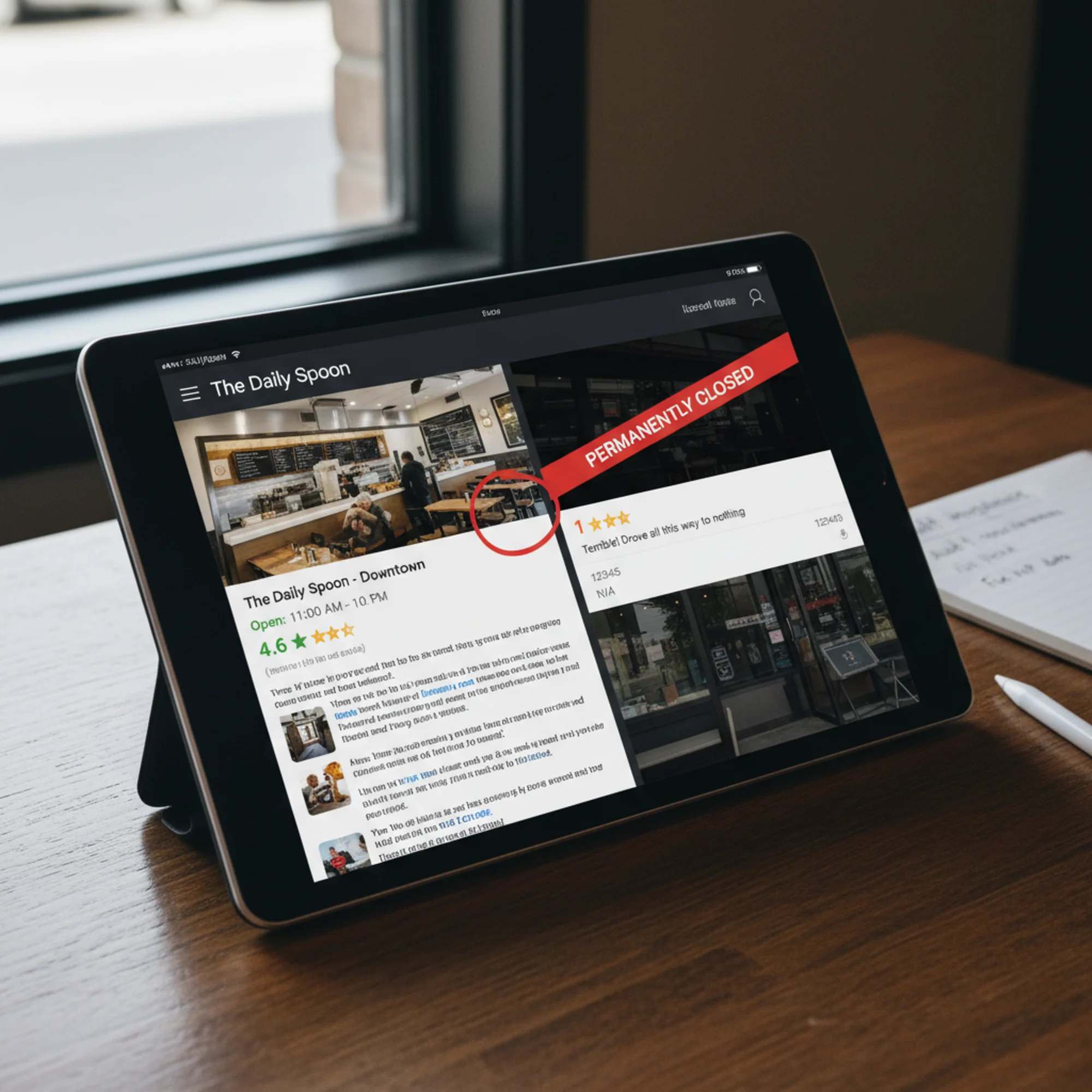
- Duplicate listings: Former employees or automated systems create duplicate Google Business Profiles for the same location.
- Thin location pages: Website location pages are identical except for the city name — no unique content, no local relevance signals.
- Review neglect: Your flagship location has 200 reviews. Your newest location has four, two of which are negative and unanswered.
- Stale data: A location moved eighteen months ago. Google still shows the old address because nobody updated the citations.
Each problem compounds across locations. An audit catches them before they cost you customers.

Part 1: Google Business Profile Audit
Your Google Business Profiles are the foundation of local visibility. Start here.
For every location, verify:
- [ ] The listing is claimed and verified
- [ ] Business name matches your actual signage (no keyword stuffing)
- [ ] Address is correct, complete, and formatted consistently
- [ ] Phone number goes to that specific location (not a central number, unless that's your model)
- [ ] Business hours are current, including holiday hours
- [ ] Primary category is accurate and specific
- [ ] Secondary categories are relevant — three to five is usually enough
- [ ] Business description is unique to each location
- [ ] Photos are recent and show that specific location
- [ ] No duplicate listings exist for the same location
How to check for duplicates: Search Google Maps for your business name plus the city. If you see two pins for the same address, you have a duplicate. Request removal through Google Business Profile's "Suggest an edit" feature or through the Google Business redressal form.
The phantom duplicate problem
A dental practice with four offices noticed their Westside location had dropped from local searches. After auditing, they found three Google Business Profiles for that address — one from when the practice operated under a previous name, one created by a staff member who didn't know the original existed, and the current verified listing. Google was splitting ranking signals across all three. After merging the duplicates into the verified listing, the location reappeared in the local pack within three weeks.
Part 2: NAP Consistency Audit
NAP — Name, Address, Phone — consistency across the web is one of the strongest local ranking signals. For multi-location businesses, inconsistencies multiply fast.
Check these sources for each location:
- [ ] Google Business Profile
- [ ] Your website's location page
- [ ] Your website's footer and contact page
- [ ] Apple Maps / Apple Business Connect
- [ ] Bing Places
- [ ] Yelp
- [ ] Facebook business page
- [ ] Industry-specific directories (Healthgrades, Avvo, TripAdvisor, etc.)
- [ ] Local chamber of commerce listings
- [ ] BBB listing
- [ ] Data aggregators (Foursquare, Data.com)
What counts as inconsistent
These are all different in Google's eyes:
- "123 Main St" vs "123 Main Street"
- "Suite 4B" vs "Ste 4B" vs "# 4B"
- "(555) 123-4567" vs "555-123-4567" vs "5551234567"
- "Joe's Auto Repair" vs "Joe's Auto Repair, Inc."
Pick one canonical format for each location and use it everywhere. Create a spreadsheet with every location's canonical NAP data. This becomes your source of truth for every directory submission.
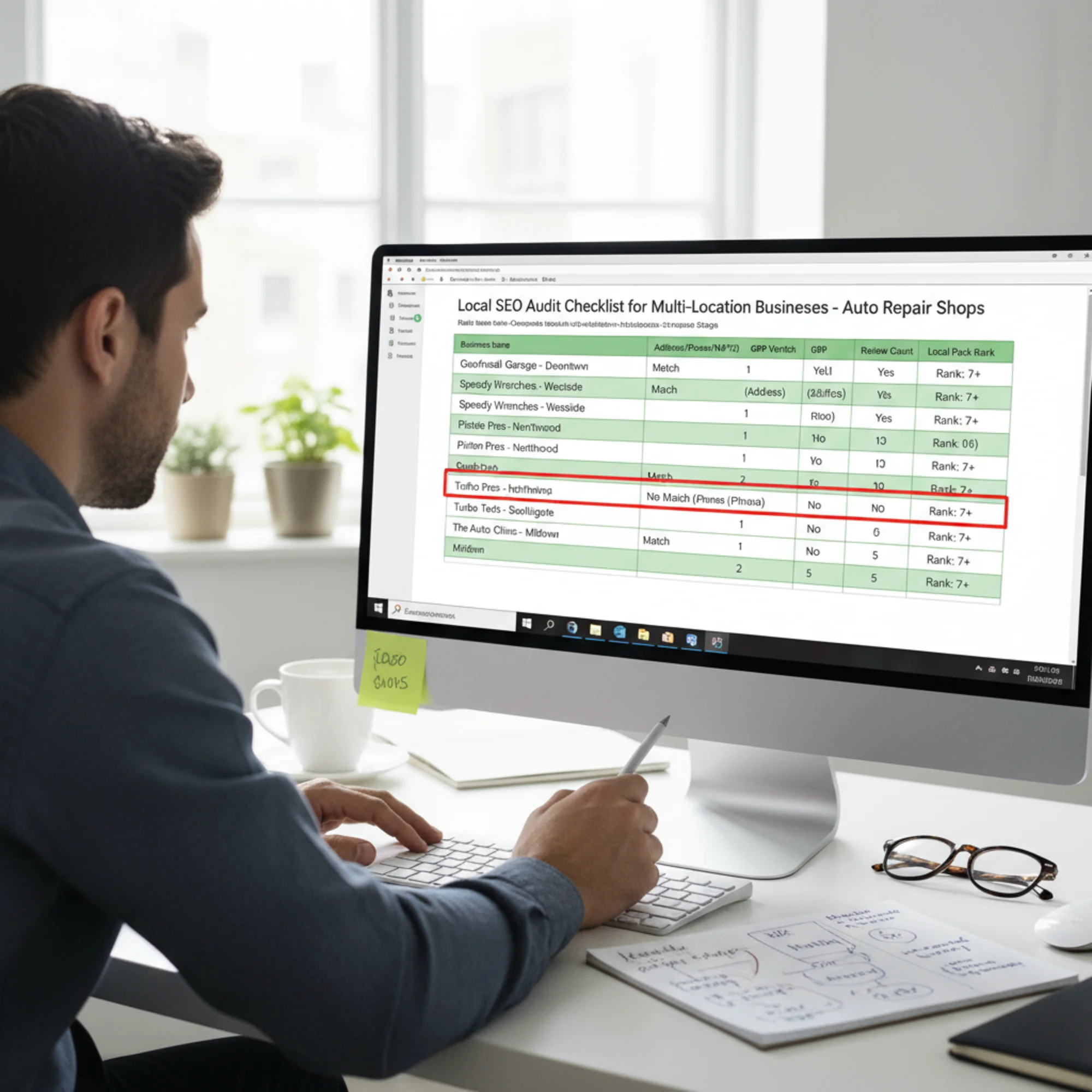
NAP cleanup process
- Export all current listings from major directories
- Compare each against your canonical format
- Flag mismatches
- Update each directory directly (some take weeks to process changes)
- Re-check in 30 days to confirm updates went through
Part 3: Website Location Pages Audit
Every physical location needs its own dedicated page on your website — not a shared page with all addresses listed.
Each location page should include:
- [ ] Unique URL (example: yoursite.com/locations/austin-tx)
- [ ] Full NAP data matching your canonical format
- [ ] An embedded Google Map for that specific address
- [ ] Unique content about that location (staff, services, neighborhood details, parking)
- [ ] LocalBusiness structured data markup specific to that location
- [ ] Location-specific meta title and description
- [ ] Customer reviews or testimonials from that location
- [ ] Clear calls to action (call, get directions, book online)
What to avoid
Boilerplate location pages are the most common problem. If your Austin page and your Dallas page are identical except for the city name, Google may treat them as thin or duplicate content. According to Google's helpful content guidelines, pages should provide substantial value to users. A location page with nothing unique about that location doesn't meet that bar.
Doorway pages are another risk. Dozens of pages targeting "plumber in [city name]" with minimal differences may be classified as doorway pages and penalized. Each page needs to genuinely serve visitors looking for that specific location.
Good vs. bad location page content
Bad: "Welcome to Joe's Auto Repair in Austin. We offer oil changes, brake repair, and tire service. Contact us today."
Good: "Our Austin location on South Lamar has served the Zilker and Barton Hills neighborhoods since 2015. We're in the same lot as Wheatsville Co-op — street parking is available on Lamar, or use our small lot behind the building. This location specializes in hybrid and electric vehicle service, with two certified EV technicians on staff. Open seven days a week, with Saturday appointments available for state inspections."
The second version answers real questions a local searcher would have. It mentions neighborhoods Google can associate with local queries. It describes something genuinely different about this location.
Part 4: Structured Data Audit
Structured data (Schema.org markup) helps Google understand your location information precisely. For multi-location businesses, this is where technical details matter.
For each location page, verify:
- [ ] LocalBusiness (or a more specific subtype like Restaurant, Dentist, AutoRepair) schema is present
- [ ] The
@idis unique per location - [ ]
name,address,telephonematch your canonical NAP - [ ]
openingHoursSpecificationis accurate for that location - [ ]
geocoordinates (latitude/longitude) are correct - [ ]
areaServedis specified if you serve beyond the physical address - [ ]
sameAslinks point to that location's social profiles and directory listings
Validate your markup using Google's Rich Results Test by pasting each location page URL.
If your business has a parent organization, use the parentOrganization property to link individual locations to the parent brand:
{
"@context": "https://schema.org",
"@type": "AutoRepair",
"name": "Joe's Auto Repair - Austin",
"@id": "https://joesauto.com/locations/austin-tx#location",
"url": "https://joesauto.com/locations/austin-tx",
"telephone": "(512) 555-0147",
"address": {
"@type": "PostalAddress",
"streetAddress": "123 South Lamar Boulevard",
"addressLocality": "Austin",
"addressRegion": "TX",
"postalCode": "78704"
},
"parentOrganization": {
"@type": "Organization",
"name": "Joe's Auto Repair",
"@id": "https://joesauto.com/#organization"
}
}
Part 5: Reviews Audit
Reviews influence local rankings and click-through rates. For multi-location businesses, review distribution is often wildly uneven.
For each location, check:
- [ ] Total review count on Google
- [ ] Average star rating
- [ ] Review velocity (new reviews per month)
- [ ] Response rate and response time
- [ ] Reviews on other platforms (Yelp, Facebook, industry-specific)
- [ ] Whether negative reviews mention fixable operational issues
Review benchmarks
- Minimum: 20+ Google reviews per location to appear credible
- Competitive: Match or exceed the review count of businesses ranking in your local pack
- Response rate: 100% of negative reviews responded to within 48 hours
- Star rating: Below 4.0 needs attention; below 3.5 is urgent
Build a review system, not a campaign
Campaigns are one-time pushes. Systems are repeatable. For each location, establish a consistent process for requesting reviews — after service completion, through follow-up emails, or with in-store signage. The goal is steady review growth across all locations, not a sudden spike at one.
Part 6: Local Links and Citations
Beyond the major directories, local links and citations build location-specific authority.
For each location, check:
- [ ] Local chamber of commerce membership and link
- [ ] Sponsorships of local events, teams, or organizations
- [ ] Local news mentions or press coverage
- [ ] Partnerships with neighboring businesses
- [ ] Industry association directories
Multi-location businesses have an advantage here: each location can build relationships in its own community. Your Austin location sponsors a local 5K. Your Dallas location partners with a neighborhood business association. These hyperlocal signals are hard for competitors to replicate.
Part 7: Technical SEO for Location Pages
Location pages need the same technical fundamentals as any other page, plus a few location-specific checks.
Verify for each location page:
- [ ] Page loads in under 3 seconds on mobile (check Core Web Vitals)
- [ ] Page is mobile-friendly — most local searches happen on phones
- [ ] Internal linking connects location pages to relevant service pages
- [ ] Sitemap includes all location pages
- [ ] No orphaned location pages (pages with no internal links pointing to them)
- [ ] Hreflang tags if you serve locations in different languages
- [ ] Canonical tags are correct — no location page canonicalized to another location
Core Web Vitals — Largest Contentful Paint, Interaction to Next Paint, and Cumulative Layout Shift — apply to location pages just like any other page. A slow location page that shifts while loading frustrates users trying to find your phone number or address.
Your Audit Workflow
Work systematically across all locations:
- Create your source-of-truth spreadsheet with canonical NAP data for every location
- Audit Google Business Profiles first — they have the biggest impact on local pack visibility
- Crawl your website to check location pages for technical issues and content quality
- Audit citations across major directories, fixing inconsistencies against your canonical data
- Check structured data on every location page
- Review your reviews — identify locations that need attention
- Set a maintenance schedule — monthly NAP consistency checks, weekly review monitoring
The first full audit takes the most time. After that, monthly spot-checks keep things clean.
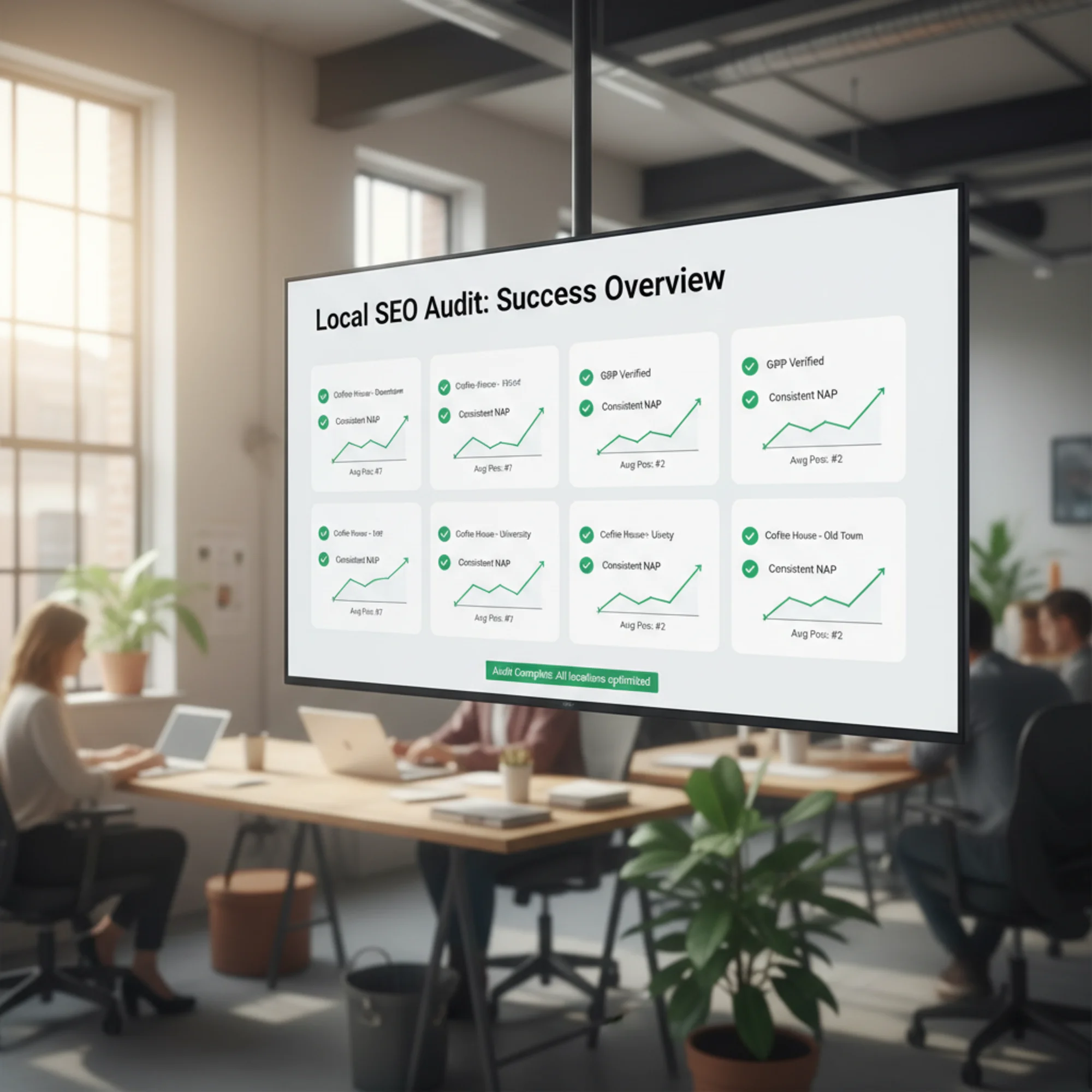
Start With a Site Audit
Before you dive into directory-by-directory checks, start with your own website. Are your location pages technically sound? Do they load fast on mobile? Is your structured data valid?
Run a free audit with FreeSiteAudit to check your site's technical health, performance, and SEO fundamentals. It takes less than a minute and gives you a clear starting point — so you can fix on-site issues before tackling the broader local SEO landscape.
Sources
- Google Search Central: Creating Helpful Content — https://developers.google.com/search/docs/fundamentals/creating-helpful-content
- Google Business Profile Help: Edit Your Business Profile — https://support.google.com/business/answer/3038177
- Google Search Central: LocalBusiness Structured Data — https://developers.google.com/search/docs/appearance/structured-data/local-business
- Web.dev: Core Web Vitals — https://web.dev/articles/vitals
Check your website for free
Get an instant score and your top 3 critical issues in under 60 seconds.
Get Your Free Audit →