Local SEO Audit for Service-Area Businesses: A Practical Checklist
A practical local SEO audit checklist for plumbers, electricians, cleaners, and other service-area businesses that travel to customers without a storefront.
# Local SEO Audit for Service-Area Businesses: A Practical Checklist
If you run a plumbing company, a mobile pet grooming service, a house cleaning business, or any other operation where you go to the customer instead of the customer coming to you, local SEO works a little differently. You don't have a storefront on a map. You don't get foot traffic. Your "location" is a service radius, not an address.
That changes what an audit should look for. Standard local SEO advice usually assumes a physical place customers visit. Service-area businesses need a different checklist.
This article walks through that checklist in plain English. No tricks, no buzzwords. Just the things that actually matter when your customers are searching for "emergency plumber near me" at 11 PM on a Tuesday.
What makes a service-area business different
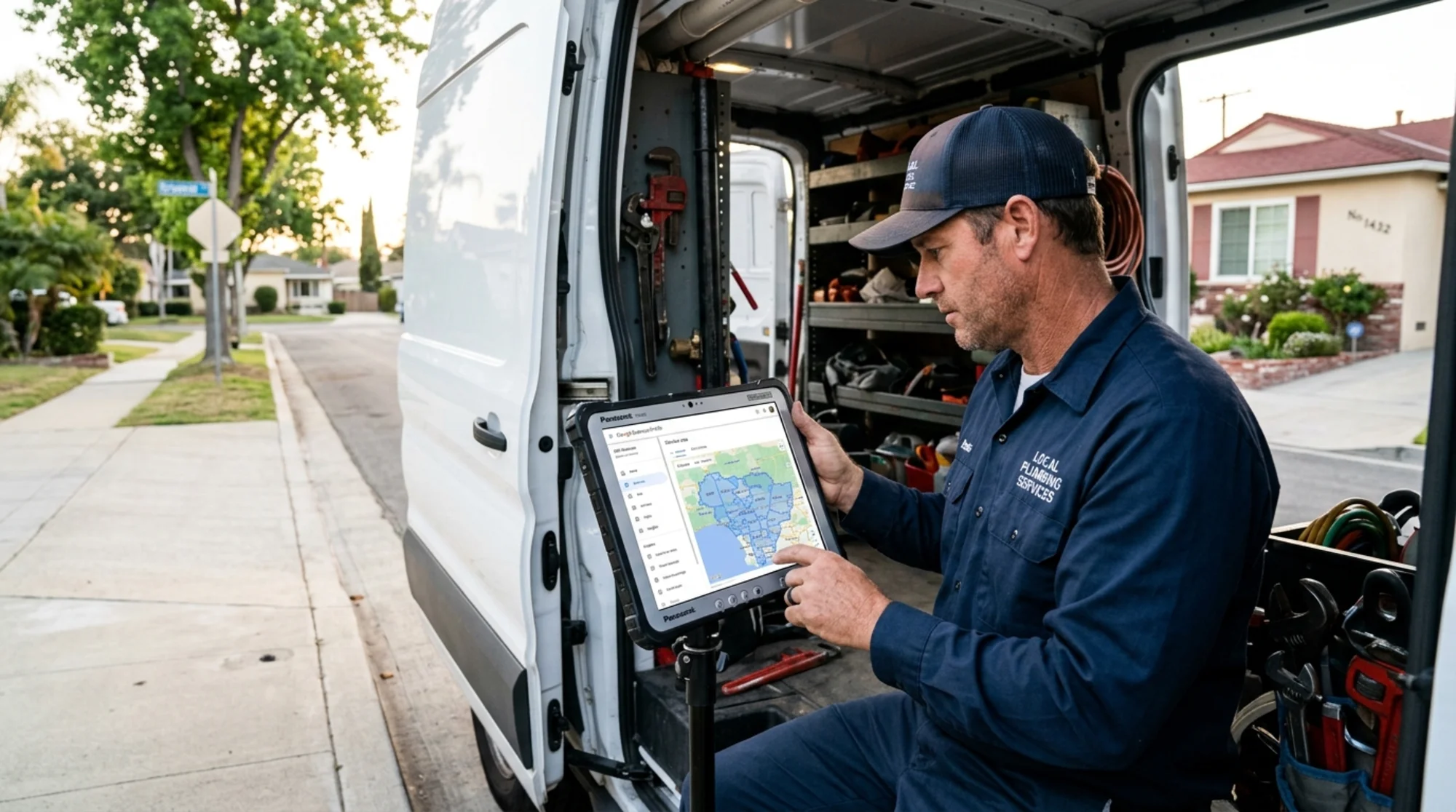
A service-area business (SAB) is one that travels to customers. You might have a home office, a warehouse, or a yard where you park vehicles, but you don't want customers showing up there. Examples:
- Plumbers, electricians, HVAC technicians
- Carpet cleaners, house cleaners, window washers
- Locksmiths, mobile mechanics, mobile detailing
- Lawn care, pest control, tree services
- Mobile pet groomers, in-home tutors, personal trainers
- Roofers, painters, fencing contractors
The local search ecosystem (Google Business Profile, Maps, Bing Places, Yelp, Apple Business Connect) handles SABs differently than storefronts. You can hide your address. You can define a service area. You can list multiple cities. Each of these settings has consequences, and getting them wrong is one of the most common reasons SABs underperform in local search.
The core audit: ten things to check
Each item below is a yes/no question. If the answer is "no" or "I don't know," you have something to fix.
1. Is your Google Business Profile set to "service-area business" mode?
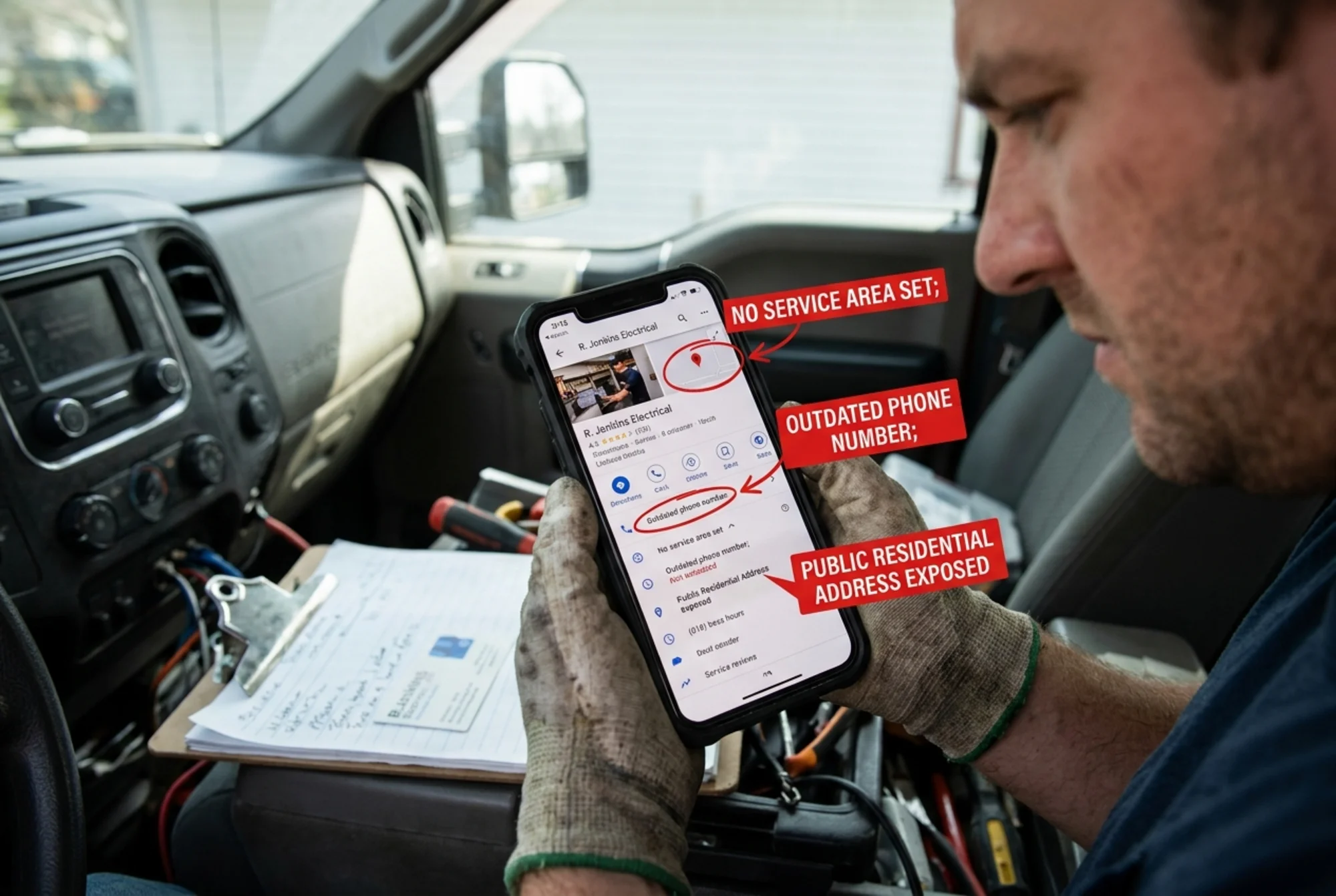
In Google Business Profile, you can show a physical address customers visit, hide the address and show only a service area, or both. If customers don't come to you, hide the address. Listing a residential address on Google Maps is a common rookie mistake that confuses customers and can trigger profile suspensions.
To check: log in to Google Business Profile, go to the Info or Edit Profile section, and look for "Show businesses to customers at your address." If that's on but customers don't visit, switch it off.
2. Are your service areas defined accurately?
Service areas are the cities, zip codes, or regions you'll travel to. Google lets you add up to 20. Two common mistakes:
- Adding every city within 200 miles to "cast a wider net." This dilutes relevance and looks spammy.
- Only adding your home city when you actually service surrounding suburbs.
Be honest. List the places you actually serve, prioritized by where most of your customers come from.
3. Is your business name your real legal name?
Stuffing keywords into your business name ("Joe's Plumbing - Emergency 24/7 Drain Cleaning") violates Google's guidelines and risks suspension. The name on your profile must match the name on your signage, paperwork, and trucks. If you legitimately do business as "Joe's Plumbing & Drain," that's fine. If you just want to rank for "drain cleaning," that's not.
4. Is your phone number consistent everywhere?
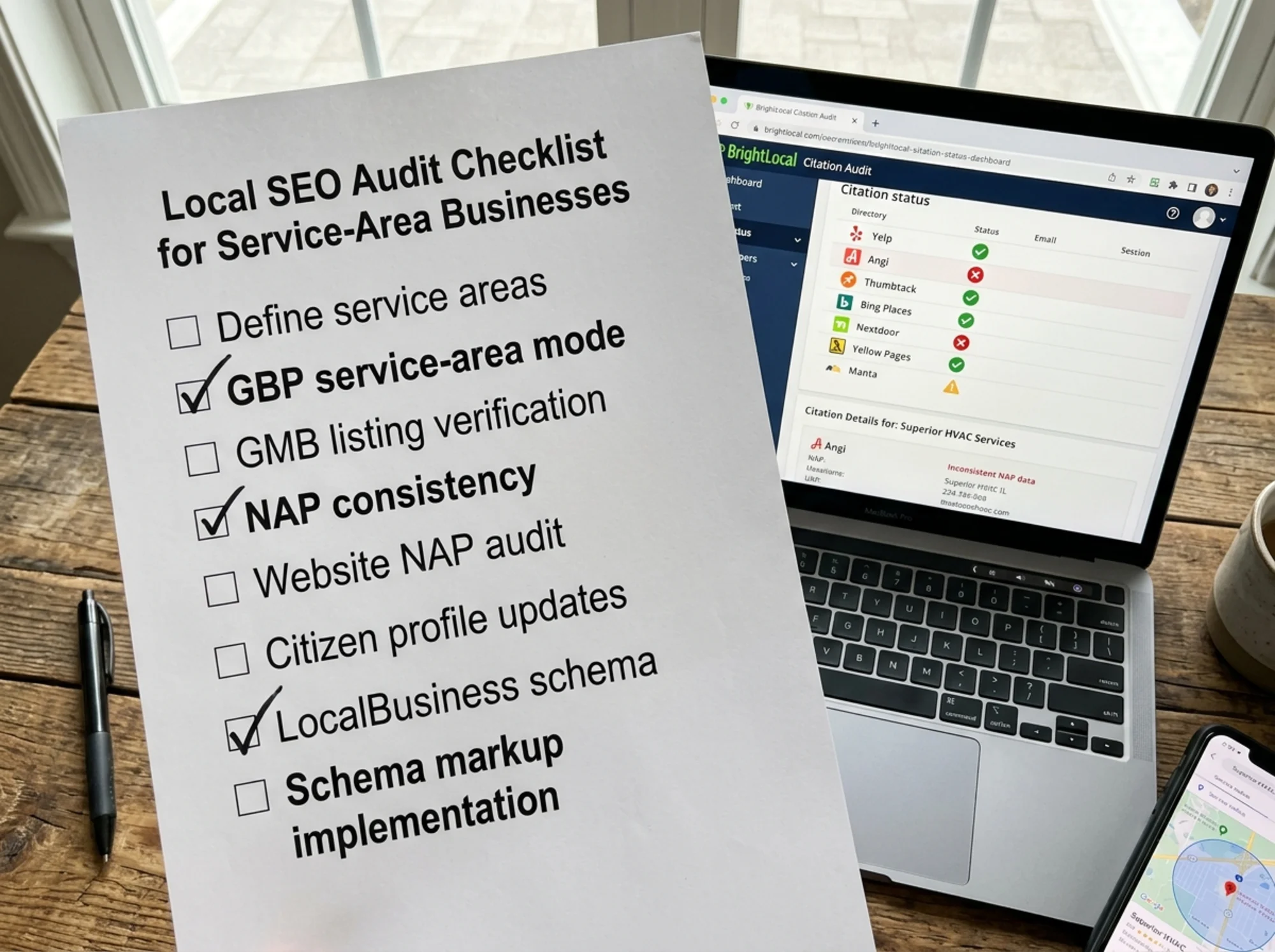
NAP (Name, Address, Phone) consistency is one of the oldest local ranking factors, and it still matters. Your business phone number should appear identically across:
- Your website (header, footer, contact page)
- Google Business Profile
- Bing Places, Apple Business Connect
- Yelp, Angi, Thumbtack, HomeAdvisor, Houzz
- Facebook, Instagram, LinkedIn
- Your industry-specific directories (BBB, Nextdoor, local chamber of commerce)
A free site audit can flag where your NAP is inconsistent across your own pages. For external citations, check each one manually or use a citation tool.
5. Do you have location-specific pages on your website?
If you serve five suburbs, you need more than just a homepage. Customers in each area search for "[service] in [their city]," and Google needs to see that you actually serve that area.
Where many SABs go wrong: thin, duplicated pages where only the city name changes. Google's helpful content guidance is clear that pages should provide unique value to a real person, not be generated for search engines. A good service-area page includes:
- The specific service offered there
- Real examples of past jobs (with permission)
- Local landmarks or neighborhoods you regularly work in
- Realistic response times for that area
- Customer reviews from that area, if you have them
- Pricing ranges if you're comfortable sharing them
If you can't write something genuinely useful about a location, don't make a page for it.
6. Does your website load fast on mobile?
Most "near me" searches happen on phones. If your site takes eight seconds to load on a 4G connection, the customer is gone before they see your phone number. Core Web Vitals measure how quickly the main content appears (LCP), how responsive the page is to input (INP), and how stable the layout is while loading (CLS).
You don't need to be a developer to test this. Run Google's PageSpeed Insights, plug in your URL, and look at the mobile score. Anything in the red, especially on Largest Contentful Paint, is costing you customers.
7. Do you have schema markup for your business?
Schema (structured data) is code that tells search engines what your page is about in a machine-readable way. For SABs, use LocalBusiness schema with the right business subtype (Plumber, Electrician, HousePainter, etc.) and the areaServed property listing your service regions. Google publishes reference documentation for structured data that's worth bookmarking.
You don't need to hand-code it. Most CMSs have plugins, and Google's Rich Results Test will tell you whether your markup is valid. To verify it exists, view your page source and search for "schema.org."
8. Are reviews coming in steadily, and do you respond to them?
For SABs, reviews are the single most visible trust signal. A profile with 12 reviews from three years ago looks dead. A profile with 80 reviews and a new one every couple of weeks looks alive.
Audit-style questions:
- Do you have a system for asking customers for reviews after a job?
- Do you respond to every review (positive and negative) within a week?
- When you reply, do you sound human, or do you use a copy-pasted template?
- Have you flagged reviews that are clearly fake or from competitors?
9. Is your website's content actually about what customers search for?
Many SAB websites are written for the business owner, not the customer. They say "Family-owned since 1987" on the homepage and bury the actual services in a sub-menu.
A useful test: pull up your homepage and ask, "If a customer landed here at 11 PM with a burst pipe, would they know within three seconds that we can help, where we work, and how to reach us?" If the answer is no, your homepage is failing its job.
10. Have you claimed citations on the directories that matter for your industry?
Beyond Google, certain directories carry weight in specific industries. Plumbers and electricians benefit from Angi, HomeAdvisor, and BBB. Cleaners do well on Thumbtack and Yelp. Roofers should be on GAF or Owens Corning contractor directories. Find the three or four directories that matter most in your trade and make sure each listing is claimed, complete, and consistent.
A walkthrough: auditing a fictional plumbing company
Pretend you run Northshore Plumbing in suburban Chicago. You serve Evanston, Wilmette, Glencoe, Winnetka, and Skokie. You operate out of a home office in Skokie. You've been in business for six years, have a website built on Wix, and a Google Business Profile your nephew set up three years ago.
You run a free site audit. Here's what it flags:
- Your website lists your phone number as (847) 555-0142 in the header, but the footer says (847) 555-0124. A typo from years ago. Fix it.
- Your homepage loads in 6.4 seconds on mobile, mostly due to an oversized hero image. Resize and compress it.
- You have one page called "Service Areas" that lists all five towns in a single paragraph. Split it into five real pages, each with examples and reviews from that area.
- Your Google Business Profile shows your home address publicly. Switch to service-area mode.
- Your profile name reads "Northshore Plumbing | 24/7 Emergency Drain Cleaning Evanston." Change it to just "Northshore Plumbing."
- You have 22 Google reviews. Eleven are from 2022 or earlier. Build a habit of asking every customer after a completed job. A simple text message with the review link works fine.
- You have no schema markup. Add LocalBusiness schema with the "Plumber" subtype.
That's a week of focused work, not a six-month project. Most of it costs nothing.
What doesn't matter as much as people claim
SAB owners get sold a lot of nonsense. A few things you can usually ignore:
- Buying backlinks from random "SEO packages." Most are spam. They can hurt you.
- Posting daily on your Google Business Profile. Weekly is plenty. Daily won't move rankings.
- Obsessing over keyword density. Write naturally. Mention the service and the area. That's it.
- Buying fake reviews. Customers can smell them, and Google removes them in waves.
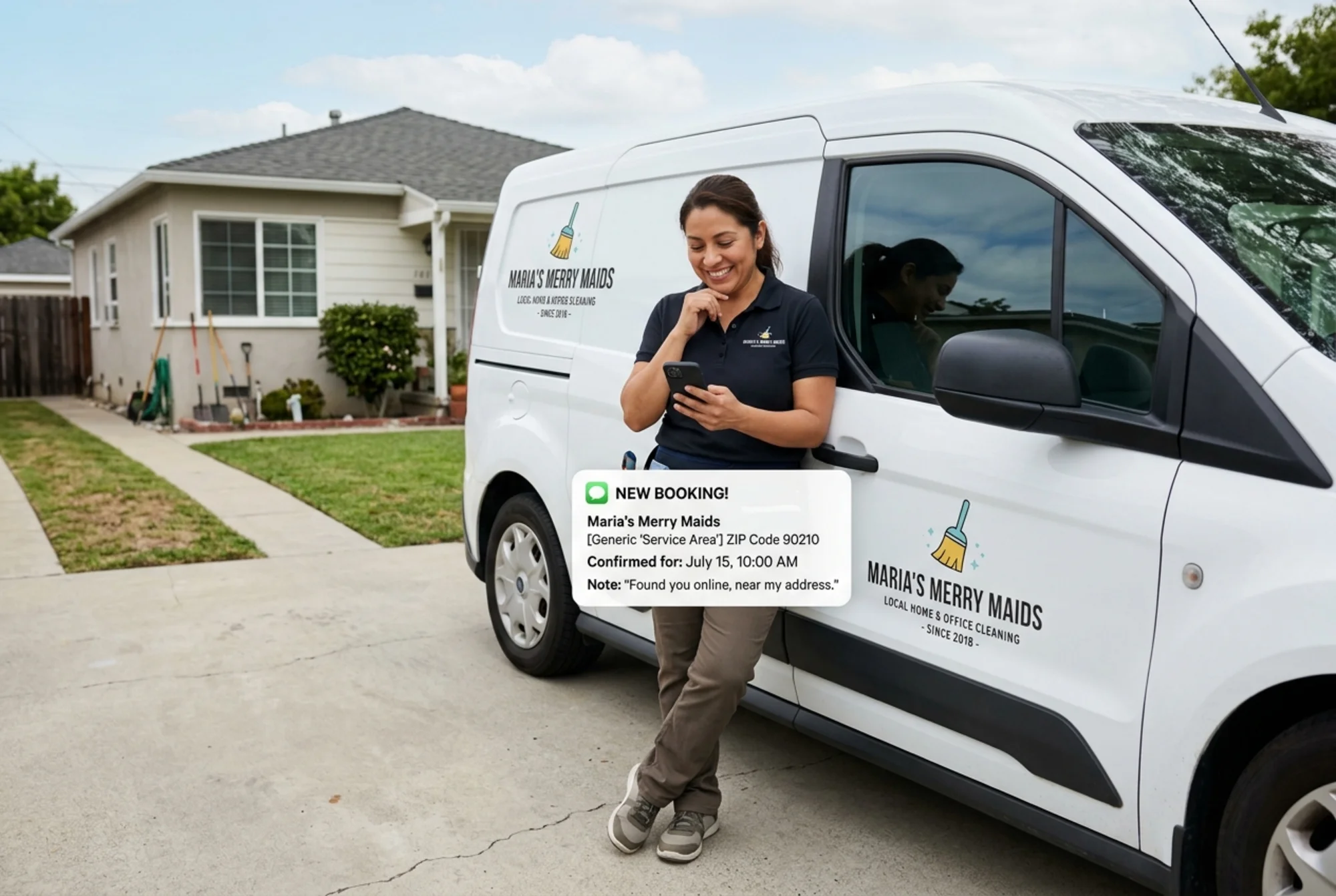
- Targeting cities you don't actually serve. You'll get calls you have to turn down, which wastes everyone's time and signals to Google that your profile isn't reliable.
A simple monthly maintenance routine
Once the big issues are fixed, local SEO for an SAB is more about consistency than effort. A reasonable monthly rhythm:
- Week 1: Reply to any reviews from the previous month. Check Google Business Profile for messages, suggested edits, and new Q&A questions.
- Week 2: Pick one location page and improve it. Add a customer story, refresh photos, or update pricing.
- Week 3: Spot-check three citation sites (Yelp, Angi, BBB, whatever's relevant) for accuracy.
- Week 4: Look at your top three competitors in one of your service areas. What do they have that you don't? A review prompt on every invoice? Better photos? A FAQ section?
An hour a week, every week, beats a frantic six-hour binge once a year.
The bigger picture
The companies that win local search aren't the ones with the slickest tricks. They're the ones whose information is accurate everywhere customers might look, whose websites load fast and answer real questions, and who treat reviews as a feedback loop rather than a vanity metric.
That's good news for small operators. None of this requires a marketing department. It requires attention.
Run your audit now
The fastest way to find issues on your own site is to look at it through the lens of a customer and a search engine at the same time. FreeSiteAudit scans your site, flags the technical and on-page problems, and gives you a prioritized list of fixes, including the items that matter most for service-area businesses: page speed, mobile experience, NAP consistency, schema, and the structure of your location pages.
It's free, takes about a minute, and gives you a real report you can act on this week.
Run a free website audit and start working through the list. If you're in the trades or home services, the local services guide and the NAP consistency fixes page go deeper on the items above.
Sources
- Google Search Central: Creating helpful, reliable, people-first content
- Google Search Central: Article structured data
- web.dev: Core Web Vitals
Check your website for free
Get an instant score and your top 3 critical issues in under 60 seconds.
Get Your Free Audit →