Local SEO for Multi-Location Franchises: The Audit Checklist That Actually Works
Audit local SEO across every franchise location with a clear checklist covering GBP, citations, on-page signals, reviews, and duplicate listing fixes.
# Local SEO for Multi-Location Franchises: The Audit Checklist That Actually Works
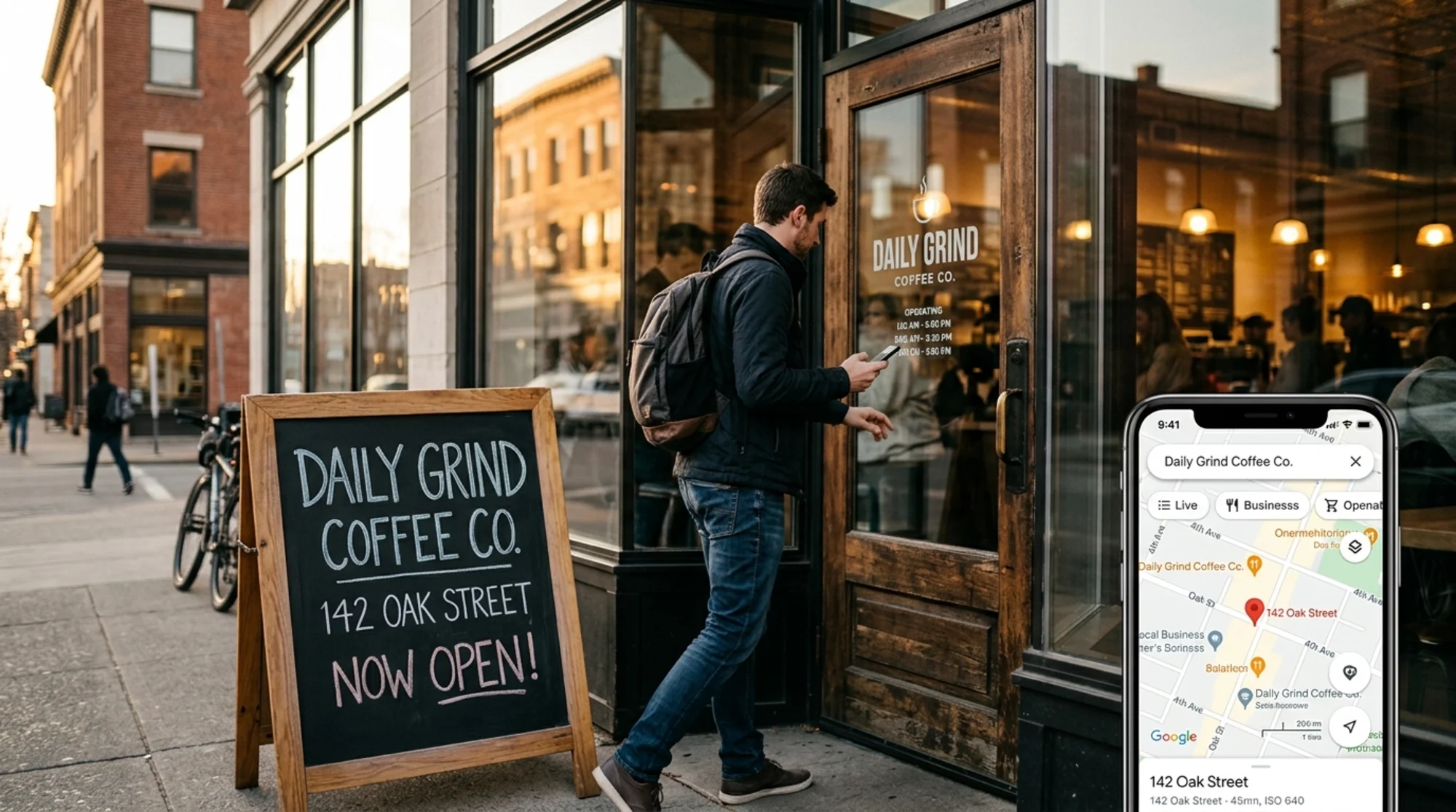
If you run a single coffee shop, local SEO is mostly common sense. Claim your Google Business Profile, ask happy customers for reviews, and don't lie about your hours.
Now multiply that by 47 locations across three states, with regional managers who change every 18 months and a head office that updated the brand phone number last quarter but never told franchisees. Suddenly "common sense" looks like 47 different versions of the truth, half of them wrong.
This is the actual problem with franchise local SEO. It isn't strategy. It's drift. Information goes stale, listings get duplicated, and nobody owns the cleanup. This checklist walks through what to audit, in what order, and what to do when you find a mess.
Why franchises break local SEO in unique ways
A single business has one phone number, one address, one set of hours. A franchise has dozens, and each one shows up in Google in slightly different ways:
- Corporate created listings years ago, then handed them off
- A new franchisee created a second listing not knowing one existed
- A previous owner used their personal cell as the business phone
- The strip mall renumbered the unit, but only the post office got the memo
- Holiday hours got updated for 12 locations and forgotten for 35
None of these are technical SEO problems. They're operational problems that show up as SEO problems. The audit needs to look like an operational audit, not a keyword research exercise.
Step 1: Build the master location list
Before you audit anything, you need a single source of truth. Pull together a spreadsheet with one row per location and these columns:
- Internal location ID (yours, not Google's)
- Legal business name (exactly as it appears on the lease)
- Street address (no abbreviations — write "Street," not "St.")
- Suite or unit number in its own column
- City, state, ZIP
- Local phone number (not the corporate 800)
- Opening date
- Manager name and email
- Service area, if relevant
- Hours of operation
- URL of the location-specific landing page
If this list doesn't exist, you don't have a local SEO problem. You have a data problem. Solve that first or the rest of the audit will give you garbage answers.
Step 2: Audit Google Business Profiles location by location
For each row in your master list, check:
Does a verified profile exist? Search the brand name plus the city in an incognito window. Multiple cards for the same physical location means duplicates. Flag them.
Does the address match exactly? "123 Main St, Suite 4" and "123 Main Street #4" look identical to a human but read as different addresses to Google. Match it character for character with your master list.
Is the primary category correct? "Pizza restaurant" and "Italian restaurant" rank for different searches. Use the most specific category that's actually accurate.
Are the hours current? Check today's hours, holiday hours, and special hours for the next two months.
Are the photos current and on-brand? A photo of the manager from 2019 who left in 2022 signals nobody is paying attention.
Does the description avoid keyword stuffing? Write it like you'd describe the location to a customer, not to a robot. Google's helpful content guidance is explicit: write for people first.
Track each item in your spreadsheet as pass, fail, or unknown. The unknowns are where most of the work hides.
Step 3: Hunt down duplicate and unclaimed listings
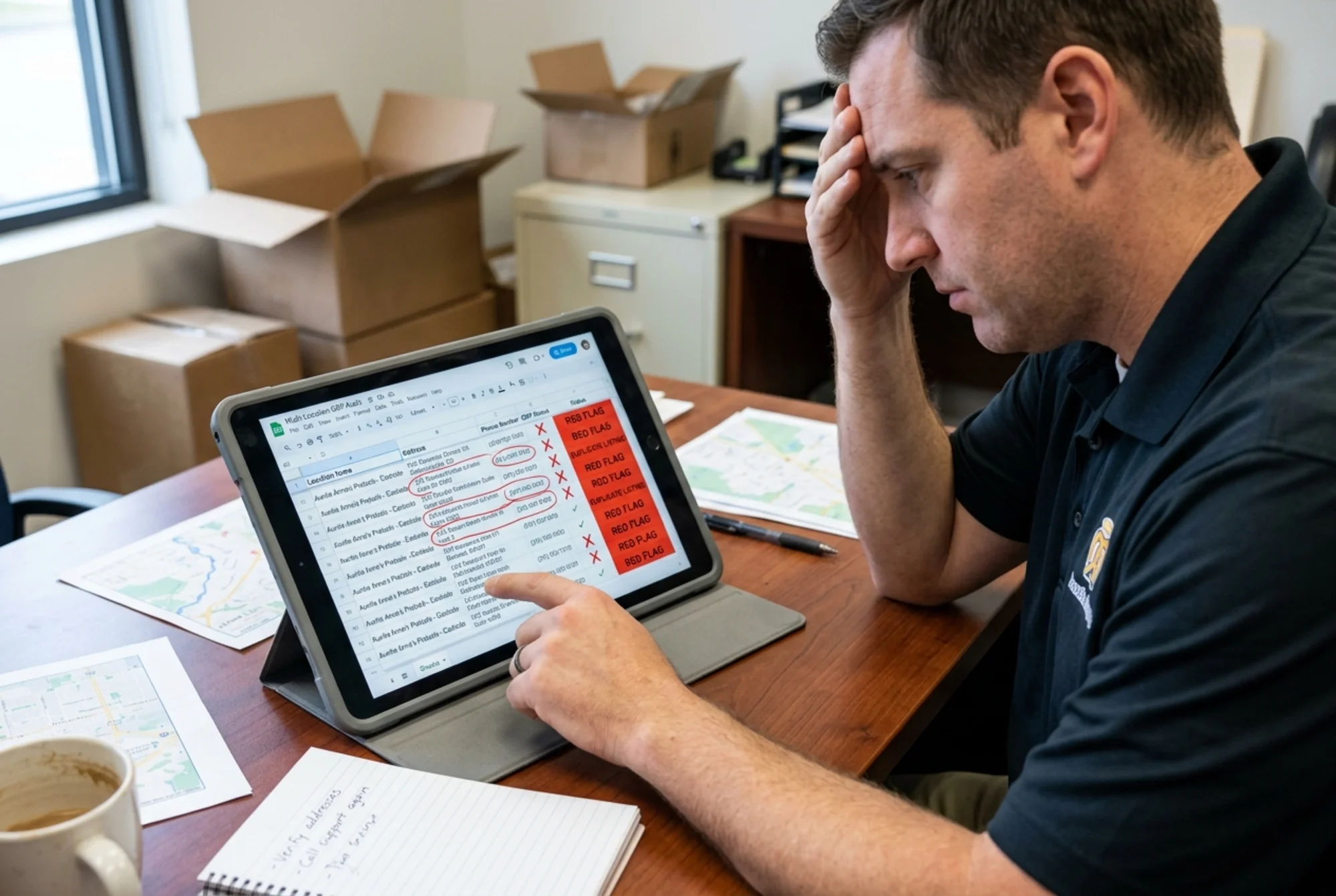
Duplicates are the silent killer of franchise local rankings. They split reviews, confuse customers, and signal to Google that you don't have your act together.
For each location, search:
- The exact business name plus the street
- The phone number in quotes
- The old phone number, if it changed
- The old address, if the location moved
- Common misspellings of your brand name
You're looking for:
- Cards you don't recognize
- Cards with the wrong category
- Cards marked "permanently closed" that shouldn't be
- Cards with no photos and zero reviews (often abandoned duplicates)
For each duplicate, decide whether to merge, suppress, or claim and update. Google's "Suggest an edit" and the duplicate-merging tool inside Google Business Profile both work, but be patient. Some merges take weeks.
Step 4: Audit NAP consistency across the web
NAP stands for Name, Address, Phone. Search engines cross-reference your information across hundreds of directories. When they disagree, your local rank suffers.
You don't need to manually check 200 directories. Pick the ones that actually matter:
- Apple Maps / Apple Business Connect
- Bing Places
- Yelp
- Industry-specific directories (Tripadvisor for food, Avvo for legal, Healthgrades for medical)
- Local Chamber of Commerce
- Better Business Bureau
For each, confirm the name, address, and phone match your master list exactly. Inconsistencies don't have to be huge to cause problems. "1-800-555-0100" and "(800) 555-0100" are the same to a human and different to a crawler. Standardize the format.
If you find an old address that won't update because the directory doesn't recognize your ownership, claim the listing first. Then update.
Step 5: Audit your location pages on your own website
Every location needs its own landing page on your domain. Not a PDF, not a tab on a single page — an indexable URL with real content.
For each location page, check:
URL structure. A clean pattern like /locations/austin-mueller is far better than /store?id=4729. Predictable, descriptive URLs help both crawlers and humans.
Title tag. Include the brand, the location, and the city. "Brand Name | Austin Mueller | Texas" reads naturally and ranks well.
H1 heading. Match the page intent. "Brand Name in Austin Mueller" works fine.
NAP block. Address, phone, and hours in plain text, not embedded in an image. Crawlers can't read addresses inside JPGs.
Embedded map. A Google Maps embed of the actual location, not a generic city map.
Unique content. This is the single biggest failure on franchise sites. If 47 location pages share the same five paragraphs with the city name swapped in, Google treats them as duplicate content and the pages stop ranking. Each page needs something genuinely different: the manager's name, a paragraph about the neighborhood, local landmarks nearby, parking instructions, services specific to that location.
LocalBusiness structured data. Schema markup tells search engines what type of business this is, where it's located, and when it's open. Google's Article structured data documentation is one of the schema families to consider for content pages; for the location pages themselves, LocalBusiness is the workhorse. Implement it correctly and your pages become eligible for richer results.
Page speed. Slow location pages don't just hurt SEO. They lose customers trying to find your hours or your phone number. Run Core Web Vitals checks on a sample of location pages and fix anything red — LCP under 2.5s, INP under 200ms, CLS under 0.1.
Step 6: Audit reviews and response patterns
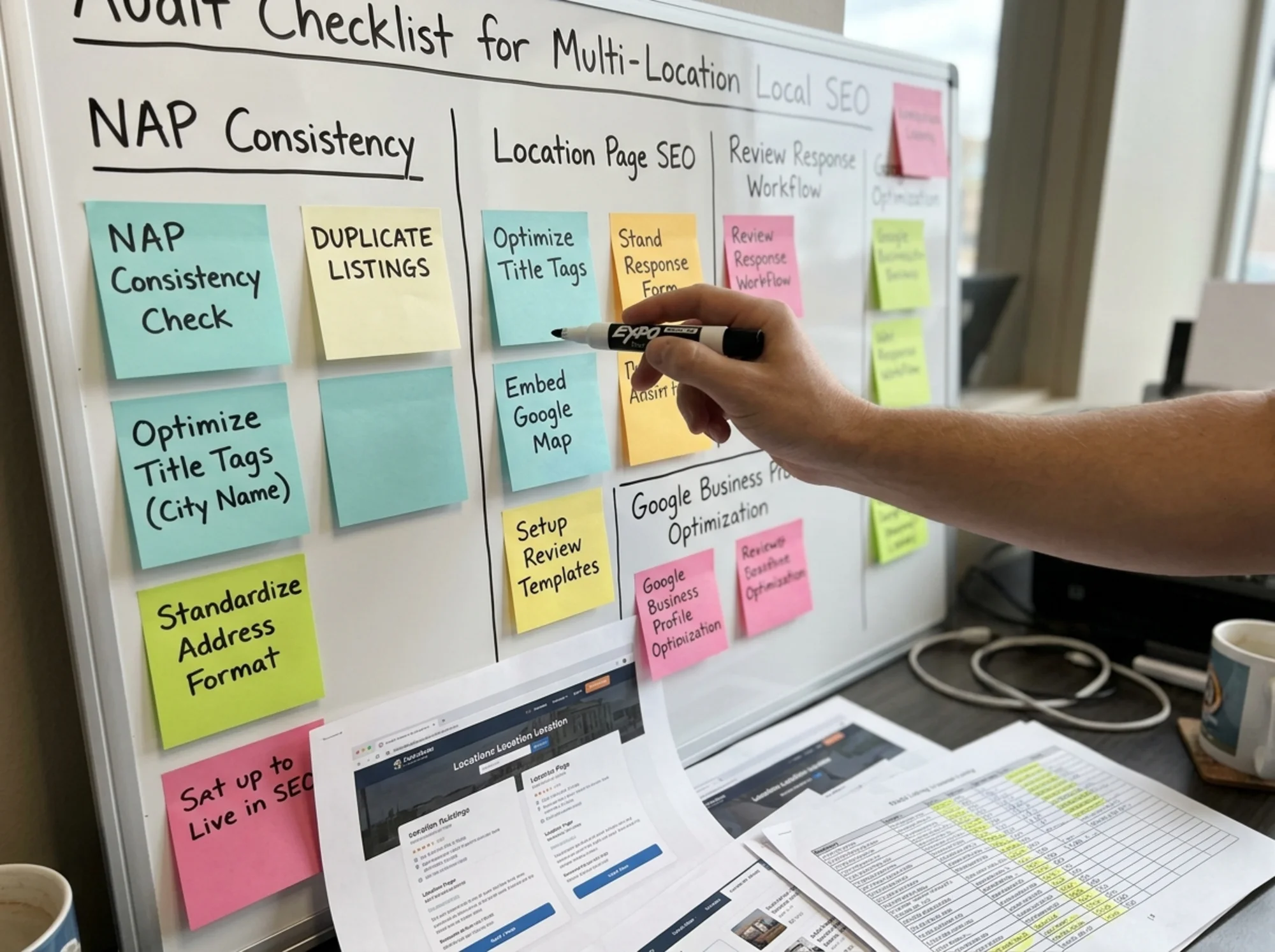
For each location, track:
- Total reviews
- Average rating
- Reviews in the last 90 days
- Percentage of reviews that get a response
- Average response time
Locations with fewer than 10 reviews are vulnerable — one bad review tanks the average. A steady trickle of new reviews is more valuable than a one-time push.
Look at response patterns. Generic "Thank you for your feedback!" responses copy-pasted across hundreds of reviews aren't helping. A real response that addresses the specific complaint or compliment, even briefly, signals an attentive operator.
For negative reviews, the response is for the next customer reading it, not the person who left it. A calm, specific, non-defensive response repairs more damage than the original review caused.
Step 7: Audit citations and local backlinks
Citations are mentions of your business across the web. Local backlinks are links from local sources. Both feed local rankings.
For each location, look for:
- Local newspaper coverage
- Local blog mentions
- Local sponsorships, charity events, sports teams
- Chamber of Commerce listings
- Local "best of" lists
Locations that participate in their community generate these naturally. Locations that don't tend to be invisible in local search. This isn't a technical audit. It's a marketing audit. But it directly affects local rank.
A specific walkthrough: the missing hours problem
Here's a real pattern. A 30-location fitness franchise notices that 8 specific locations are getting fewer "Get Directions" taps from Google Maps than their peers. The corporate marketing lead pulls up the dashboard, sees the dip, and emails the regional managers asking what changed.
Nothing changed at those locations. The hours are right. The address is right. The phone is right.
She does a single-location audit on one of the underperformers. Google Business Profile looks fine. Apple Maps looks fine. Then she searches the address in Bing. The Bing listing shows closed on Sundays, when the location is actually open. She checks the other 7 underperformers. Same pattern. Bing has stale hours on all 8.
The Bing listings were created by a previous agency three years ago and never synced. Updating them takes about 20 minutes per location. Three weeks later, "Get Directions" taps on Google Maps recover. Why? Because Bing data flows back to other directories, and those directories influence what Google considers trustworthy. One stale source of truth was poisoning the well across the ecosystem.
This is the kind of issue you only find by auditing each location, each platform, methodically. It doesn't show up in any single dashboard.
The recurring audit cadence
A one-time audit is useful. A recurring audit is what keeps franchise local SEO healthy.
A reasonable schedule:
- Weekly: New reviews, recent edits to Google Business Profile, any "permanently closed" flags
- Monthly: Hours accuracy, photo freshness, response rate to reviews
- Quarterly: Full NAP audit across major directories, location page content review, citation building
- Annually: Master list reconciliation, manager handoffs, brand guideline updates
Assign owners. "Everyone is responsible" means nobody is.
Tools that make this manageable
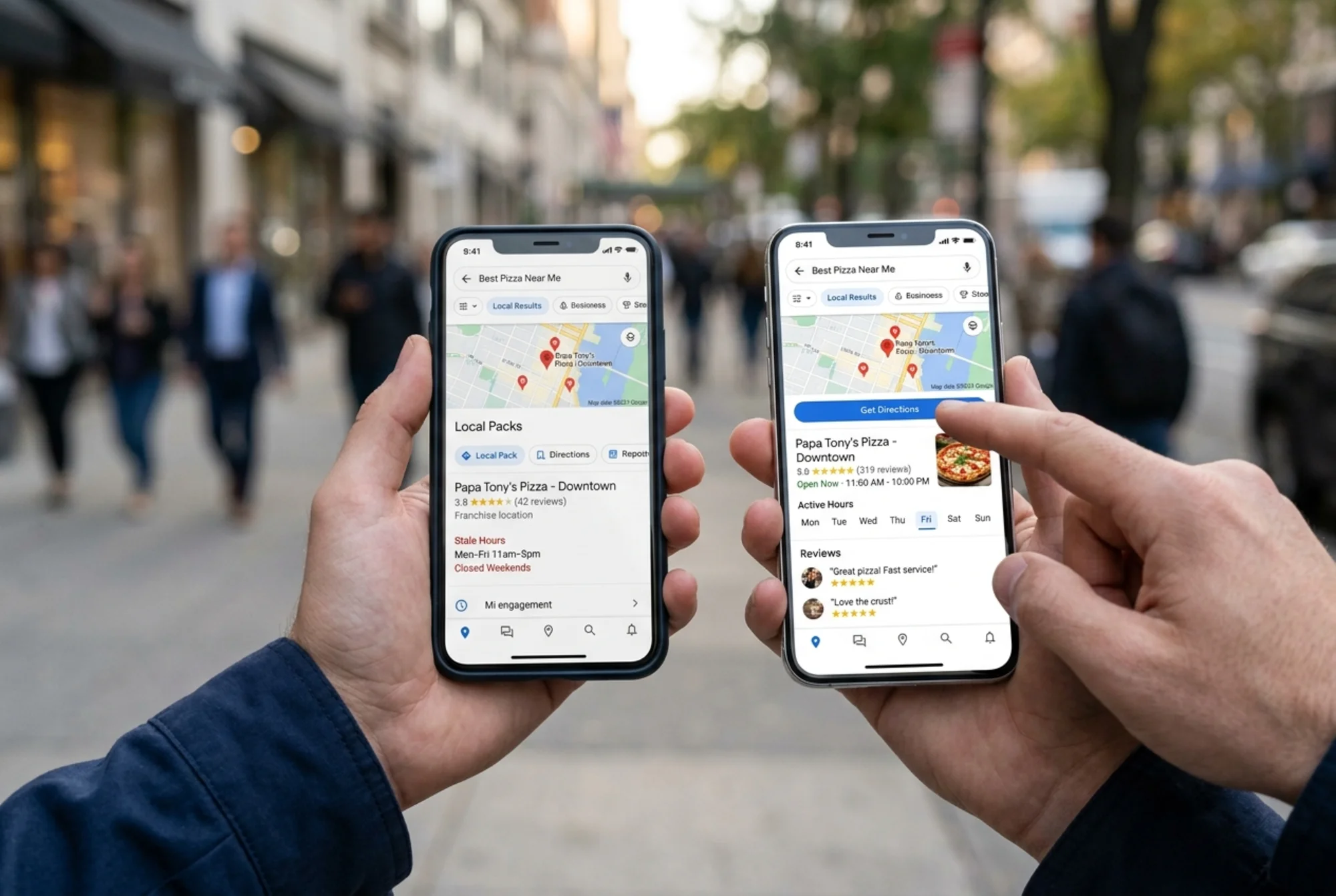
Doing this by hand for 5 locations is fine. For 50, you need help.
A few things to look for in any tooling:
- Scans all your location pages at once for technical issues
- Detects duplicate or orphaned listings
- Validates structured data on location pages
- Tracks Core Web Vitals per location URL
- Monitors reviews across major platforms
- Tracks citations on the directories that matter for your industry
If you want a starting point that surfaces the technical issues on your location pages, run a free website audit with FreeSiteAudit. It checks NAP markup, structured data, page speed per location URL, and the on-page elements that influence local search. Use it as the first pass, then dig into the manual work for the issues that need human judgment.
For franchise-specific patterns, the franchise industry guide covers location page architecture and common rollout mistakes. If you find NAP inconsistencies, the NAP consistency fix guide walks through cleanup order, and duplicate listing removal covers the merge and suppress process step by step.
The bottom line
Multi-location SEO is operational hygiene, not a one-time project. The franchises that win local search aren't the ones with the cleverest content strategy. They're the ones whose addresses are right, whose hours are current, whose reviews get answered, and whose location pages aren't carbon copies of each other.
Build the master list. Audit one location at a time. Fix the broken stuff. Set a cadence. Assign owners. Repeat.
That's the whole playbook. The hard part is doing it consistently.
Sources
Check your website for free
Get an instant score and your top 3 critical issues in under 60 seconds.
Get Your Free Audit →