Lovable Website Audit: How to Check if Your Lovable Site Is Hurting Your SEO
Learn how to audit your Lovable-built website for SEO, performance, and technical issues. Fix what's costing your small business search traffic and customers.
# Lovable Website Audit: How to Check if Your Lovable Site Is Hurting Your SEO
Lovable is an AI-powered website builder that generates working sites from a text description. For small business owners who need a professional web presence without hiring a developer, it's a compelling option.
The results often look impressive. But looking good and ranking well in search are different problems. A website that impresses visitors who land on it is only useful if people can find it in the first place.
This guide covers the specific SEO, performance, and technical issues that commonly appear on Lovable-built websites — and how to find and fix them.
Why Lovable Sites Need a Dedicated Audit
Lovable generates sites using React-based frameworks, typically producing single-page applications or component-heavy builds. The visual output is polished. But the underlying HTML that Google reads often tells a different story.
The core issue: AI website builders optimize for what looks good to humans. Search engines need content that's readable to crawlers. These goals overlap but don't fully align.
Common issues on Lovable sites include:
- Client-side rendering that hides content from search engine crawlers
- Generic or missing meta titles and descriptions across pages
- No structured data (schema markup) to help Google understand your business
- Oversized images that slow page loads, especially on mobile
- Thin or duplicated content when the AI generates similar copy across sections
- Missing alt text on images, hurting both accessibility and image search visibility
Because Lovable generates the entire site automatically, these issues tend to appear consistently across every page rather than just one or two.
Five Areas to Audit on a Lovable Site
1. Page Titles and Meta Descriptions
This is the most common issue on AI-generated websites. Lovable often produces pages with vague titles like "Home" or repeats the same title across every page.
Your page title is the blue link in Google search results. Your meta description is the snippet below it. Together, they determine whether someone clicks your listing or scrolls past it.
What to check:
- Does every page have a unique title tag under 60 characters?
- Does every page have a unique meta description between 150 and 160 characters?
- Do titles include your primary keyword and location (for local businesses)?
- Could someone guess the page content from the title alone?
Example: A Lovable-built dog grooming site in Portland might title every page "PawPerfect." That tells Google nothing. A better services page title: "Dog Grooming Services in Portland, OR — PawPerfect."
You can check all your page titles at once using a meta tag analyzer to spot duplicates and gaps quickly.
2. Page Load Performance
Lovable sites ship a lot of JavaScript to the browser. Google uses Core Web Vitals as a direct ranking signal — three metrics that measure real user experience:
- Largest Contentful Paint (LCP): Time until the main content is visible. Target: under 2.5 seconds.
- Interaction to Next Paint (INP): Response time when someone clicks or taps. Target: under 200 milliseconds.
- Cumulative Layout Shift (CLS): How much the layout jumps during load. Target: under 0.1.
Lovable sites frequently struggle with LCP because content renders via JavaScript. The browser must download, parse, and execute JS before anything appears on screen. On a mobile connection, this can push LCP well past the 2.5-second threshold.
What to check:
- Run your homepage and two or three key pages through a performance audit
- Focus on LCP — it's the metric most affected by JavaScript-heavy builds
- Check whether images use modern formats (WebP or AVIF) and appropriate sizes
- Look for render-blocking scripts that delay the initial paint
Quick win: If your Lovable site loads a large hero image, compress it. An uncompressed 3MB hero image on a page already waiting for JavaScript to render is the most common cause of slow Lovable sites we've audited.
3. Crawlability and Rendering
This is where Lovable sites face their biggest technical challenge. When Google's crawler visits a page, it reads the raw HTML first. If your content only appears after JavaScript executes, Google may not see it immediately — or at all.
Depending on deployment, the HTML reaching Google's crawler might be a nearly empty shell: a single and a bundle of JavaScript files. Your service descriptions, business hours, location details — none of it appears in the initial HTML.
Google can render JavaScript, but it does so in a delayed second pass. This means:
- Content may take days or weeks to get indexed
- Some pages might never get fully rendered
- Internal links inside JavaScript components may not get discovered

What to check:
- View your page source (right-click → "View Page Source," not "Inspect Element") and look for your actual content
- If you see mostly JavaScript and an empty body, your site is client-side rendered
- In Google Search Console, check which pages are indexed
- Look for "Discovered — currently not indexed" entries, which often signal rendering problems
How to fix it: If your Lovable site is purely client-side rendered, deploy it with server-side rendering (SSR) or static site generation (SSG). This is the single highest-impact SEO change you can make. If you've connected your Lovable project to Vercel or Netlify, SSR options may already be available in the deployment settings.
4. Structured Data
Structured data tells Google explicitly what your content represents. It's how you become eligible for rich results — star ratings, business hours, FAQ dropdowns, and local map pack listings.
Lovable does not add structured data by default. For local businesses especially, this is a significant missed opportunity.
Google's structured data documentation explains how proper schema markup helps search engines understand content and can make your listing more prominent in results.
What to add (depending on your business type):
- LocalBusiness schema: Name, address, phone, hours, and service area
- FAQ schema: Marks up FAQ sections so answers can appear directly in search results
- Product or Service schema: For businesses listing products or services with prices
- BreadcrumbList schema: Helps Google understand your site hierarchy
Example: A Lovable-built landscaping company could add LocalBusiness schema with their service area, hours, and a link to their Google Business Profile. This makes them eligible for the local knowledge panel and map pack — where most local customers actually click.
5. Content Quality and Depth
Lovable generates copy as part of the build process. The output is grammatically correct and professional-sounding but tends to be generic. Google's helpful content guidelines are clear: content should demonstrate first-hand experience and provide value beyond what's already available elsewhere.
Signs your Lovable content needs work:
- Service descriptions that could apply to any business in your industry
- No mention of your specific location, service area, or customers
- Pages that repeat the same general advice without concrete details
- Missing specifics like pricing ranges, timelines, process steps, or examples
What to do: Keep the design Lovable gave you. Replace the copy. Rewrite your service descriptions with specifics: what you do, who you serve, where you operate, and what makes your approach different. One page of genuinely specific content will outrank ten pages of polished-but-generic AI copy.
Audit Walkthrough: Local Bakery on Lovable
Here's what an audit looks like in practice.
The site: A bakery in Austin, TX built with Lovable. Clean layout, appealing food photography, clear navigation. Three months live, almost no organic search traffic.
What the audit found:
- Page titles: Every page was titled "Sweet Rise Bakery" — the menu page, catering page, about page. All identical. Google couldn't distinguish between them.
- Meta descriptions: None on any page. Google was auto-generating snippets from navigation text and footer content.
- Performance: LCP of 4.8 seconds on mobile. The hero image was an uncompressed 2.4MB PNG. The JavaScript bundle totaled 1.2MB.
- Crawlability: Page source showed an empty body. All content was client-side rendered. Google Search Console showed 3 of 8 pages indexed.
- Structured data: Nothing present. No LocalBusiness schema, no bakery schema, no breadcrumbs.
- Content: The "About" page had three sentences. The "Menu" listed items without descriptions, prices, or categories. "Catering" had two paragraphs of generic text about "making your event special."
Fix priority list:
| Priority | Fix | Impact | Effort |
|---|---|---|---|
| 1 | Add unique titles and meta descriptions | High | Low |
| 2 | Compress hero image, convert to WebP | High | Low |
| 3 | Add LocalBusiness and Bakery schema | Medium | Low |
| 4 | Enable SSR or pre-rendering | High | Medium |
| 5 | Rewrite content with Austin-specific details | High | Medium |
| 6 | Add alt text to all food images | Medium | Low |
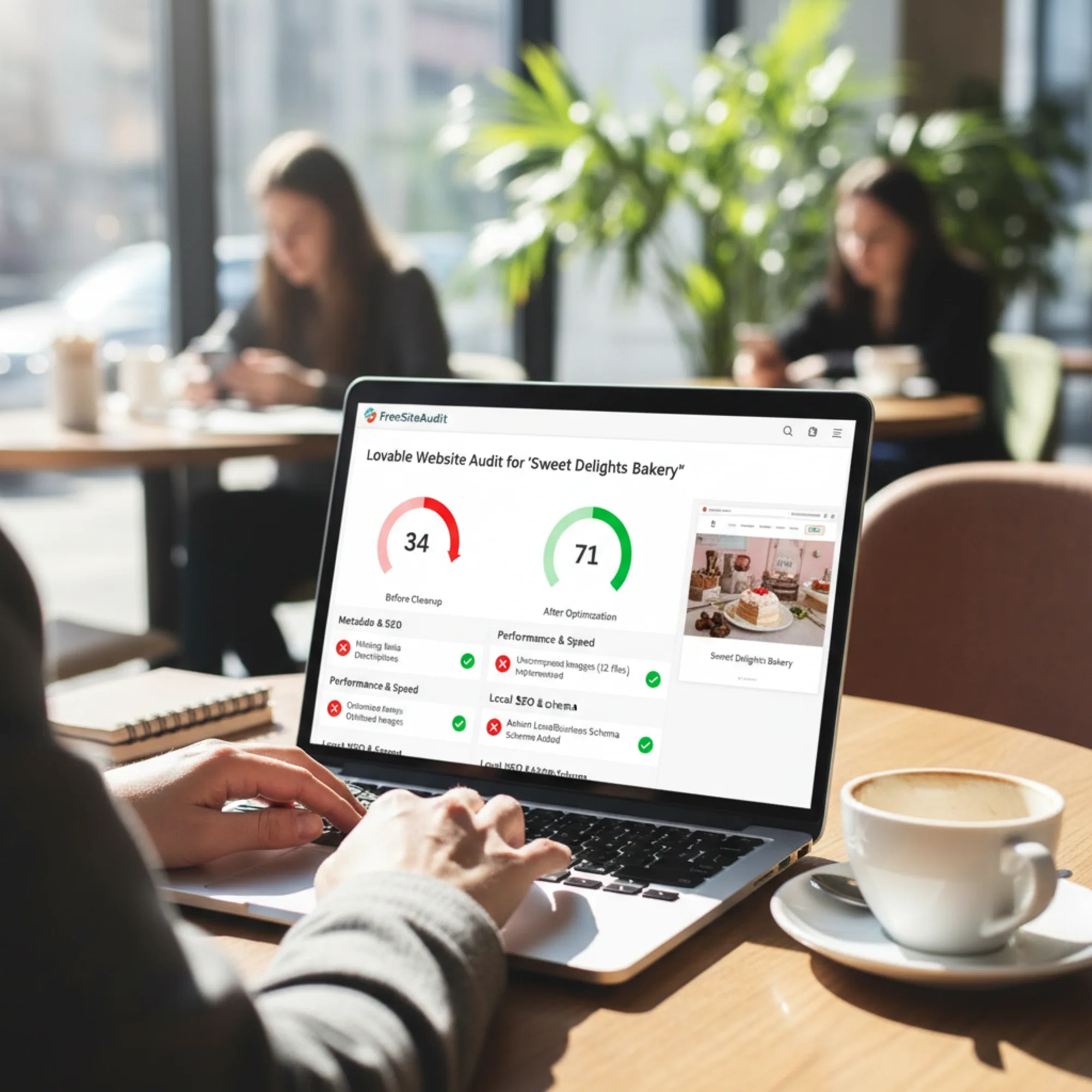
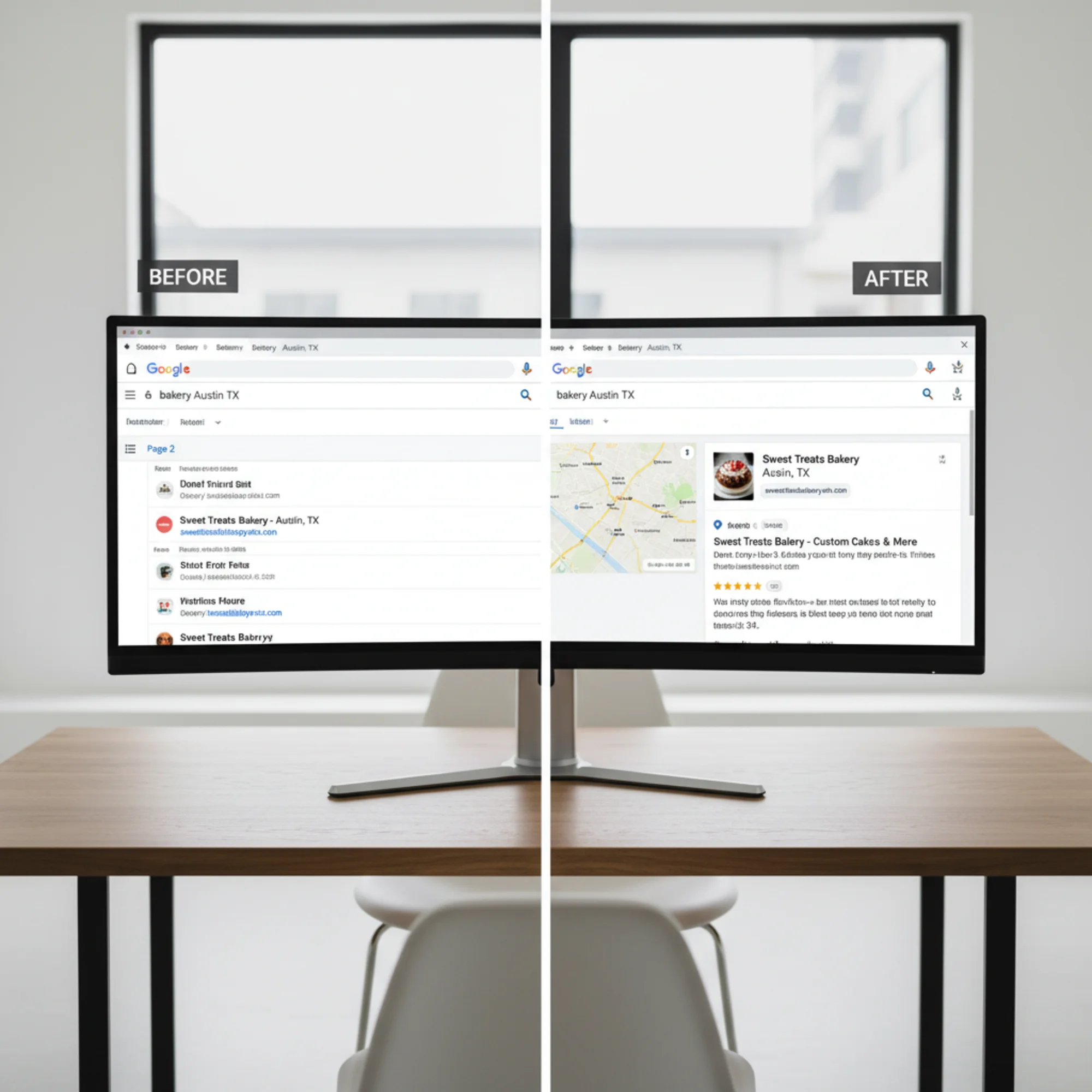
After implementing fixes 1–3 and 6 (roughly two hours of work), the audit score jumped from 34 to 71. Fixes 4 and 5 took another week but pushed the score to 88. Within six weeks, the site appeared in local results for "bakery Austin TX" and "custom cakes Austin."
Lovable Site Audit Checklist
Use this to quickly assess your own Lovable site:
Meta and Content
- [ ] Every page has a unique, descriptive title tag
- [ ] Every page has a unique meta description
- ] [No pages have missing meta descriptions
- [ ] H1 tags are present and unique on each page
- [ ] Content is specific to your business, location, and customers
- ] [All images have descriptive alt text
Performance
- [ ] LCP is under 2.5 seconds on mobile
- [ ] Images are compressed and served in WebP format
- [ ] No single JavaScript bundle exceeds 200KB
- [ ] CLS is under 0.1
Technical SEO
- [ ] Page source contains actual content (not just JavaScript)
- [ ] Google Search Console shows all important pages indexed
- [ ] XML sitemap exists and is submitted to Google
- [ ] Robots.txt allows crawling of all important pages
- [ ] LocalBusiness structured data is present (if applicable)
- [ ] Internal links use descriptive anchor text
Mobile
- [ ] Site is fully functional on mobile devices
- [ ] Text is readable without zooming
- [ ] Tap targets are large enough to hit accurately
- [ ] No horizontal scrolling required
Run Your Free Lovable Site Audit
You don't need to check all of this manually. Run a free audit on FreeSiteAudit to get a detailed report covering SEO, performance, accessibility, and technical issues in about 30 seconds. Enter your URL and we'll analyze your Lovable site against the same criteria Google uses to rank pages.
The report shows exactly what's working, what's broken, and what to fix first — prioritized by impact so you focus on changes that actually move the needle.
Common Lovable Issues and Quick Fixes
"Google shows the wrong description for my site."
You're missing meta descriptions. Lovable may not have generated them, or they're set in JavaScript that Google doesn't execute on its initial crawl. Add meta descriptions directly in the of each page.
"My page speed score is low but the site feels fast."
You're likely on a fast connection with a powerful device. Test on a throttled 3G connection in Chrome DevTools, or check Core Web Vitals in Google Search Console for real user data.
"Google isn't indexing all my pages."
Check if your pages are client-side rendered. Also verify you have an XML sitemap submitted in Google Search Console. On Lovable sites, both issues commonly occur together.
"I added keywords everywhere but rankings didn't improve."
Keyword stuffing doesn't work. Write genuinely useful content that answers real customer questions. One well-written page about "wedding cake pricing in Austin" will outperform a page with "Austin wedding cakes" forced into every paragraph.
The Bottom Line
Lovable gets a good-looking website live quickly. But a good-looking site and a well-optimized site aren't the same thing. The gap between them is where small businesses lose customers to competitors who rank higher for the same searches.
Most Lovable SEO issues are fixable without rebuilding. A focused audit identifies the problems, and the highest-impact fixes are often the simplest: unique page titles, compressed images, structured data, and content that's genuinely about your business.
Start with an audit. Fix the easy wins first. Then tackle the bigger changes like SSR and content rewrites. That's how you turn a sharp-looking Lovable site into one that actually brings in customers.
Sources
- Google Search Central — Creating Helpful, Reliable, People-First Content
- Google Search Central — Article Structured Data
- web.dev — Web Vitals
Check your website for free
Get an instant score and your top 3 critical issues in under 60 seconds.
Get Your Free Audit →