Meta Descriptions That Boost CTR for Service Businesses
Write meta descriptions that earn more clicks for your service business. Includes proven formulas, real before-and-after examples, and a publishing checklist.
# Meta Descriptions That Boost CTR for Service Businesses
You could rank on page one of Google and still get fewer clicks than the result below you. The difference is often one thing: the meta description.
That short snippet of text under your page title in search results is your pitch. It tells someone scanning Google whether your page is worth their time. For service businesses — plumbers, dentists, landscapers, accountants, cleaners — a good meta description can mean the difference between a phone call and a scroll-past.
This guide covers exactly how to write meta descriptions that earn clicks for service businesses. No filler — just what works and why.
What a Meta Description Actually Does
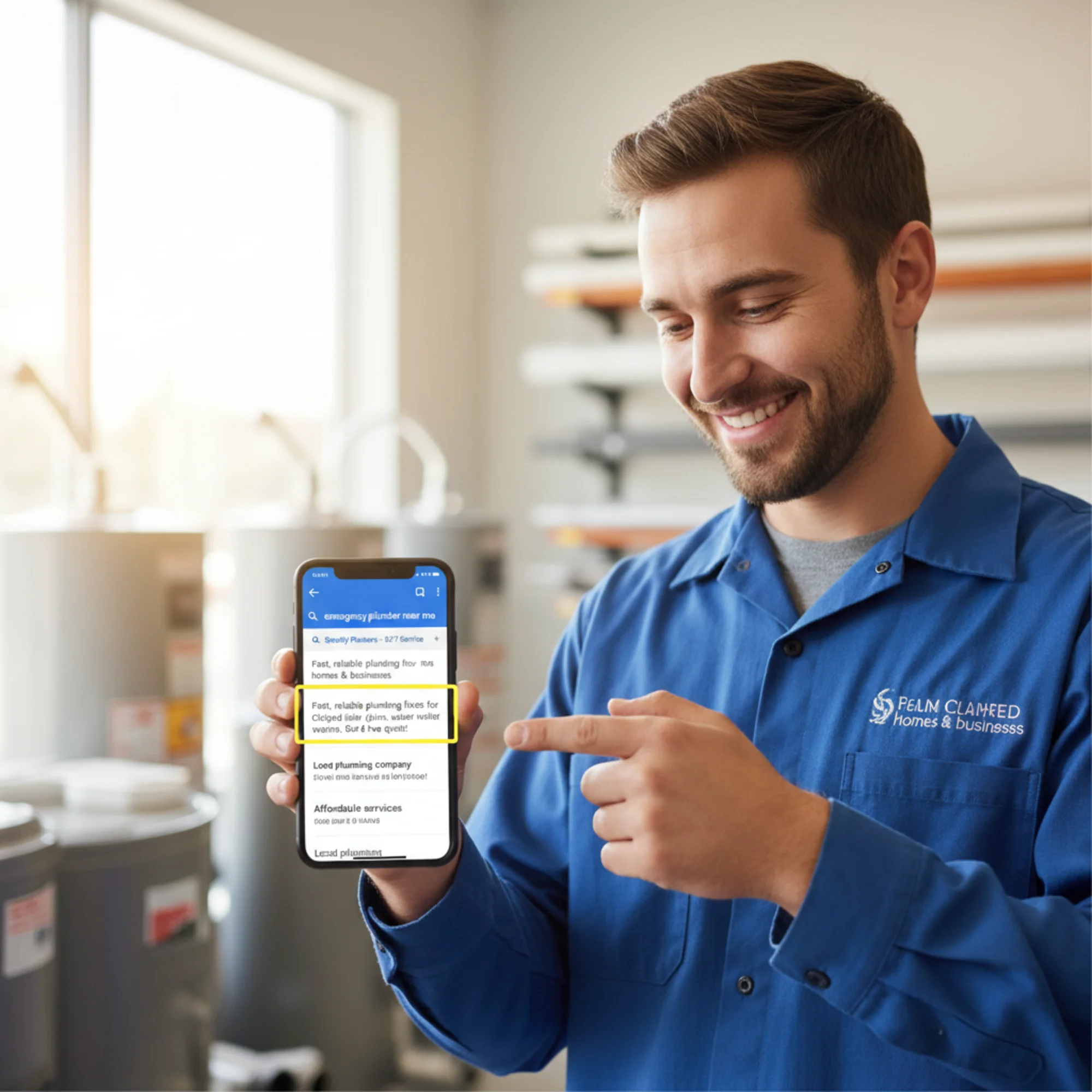
A meta description is an HTML tag that suggests what snippet Google shows below your page title in search results. It looks like this in your code:
html
Google does not always use your meta description — sometimes it pulls text from your page content instead. But when you write a clear, relevant description that matches the search query, Google uses it most of the time.
Meta descriptions are not a direct ranking factor. Google confirmed this years ago. But they absolutely affect click-through rate (CTR), and CTR determines whether people actually visit your site. A page that ranks third but gets clicked more than position one is doing something right.
For service businesses, this matters more than you might think. When someone searches "emergency plumber in Austin," every result on that page is probably a plumber in Austin. The meta description is what separates you from the pack.
Why Most Service Business Descriptions Fail
Here is what a typical service business meta description looks like:
> "We are a full-service plumbing company offering residential and commercial plumbing services. Contact us today for all your plumbing needs."
That says nothing. It could describe any plumber anywhere. There is no reason a searcher would pick that result over any other.
Common mistakes:
- Too vague. "We offer professional services" tells no one what you actually do or where.
- Missing entirely. If you leave the description blank, Google pulls random text from your page — often a cookie notice or navigation link.
- Stuffed with keywords. "Plumber Austin TX plumbing services Austin plumber near me" reads like spam and gets ignored.
- Identical across pages. If your homepage, services page, and about page share the same description, Google may ignore them all.
- Truncated. Descriptions over 155–160 characters get cut off mid-sentence with "..." — losing your most important information.

The Anatomy of a High-CTR Meta Description
Good meta descriptions for service businesses share a few traits: they are specific, they speak to the searcher's intent, and they give a reason to click.
Here is a simple formula:
[What you do] + [Where or for whom] + [Proof or differentiator] + [Next step]
Fill in those four pieces and you have a description that works harder than 90% of what is out there.
Before and After
Before (generic):
> "Quality HVAC services for your home and business. Call us today."
After (specific):
> "Same-day furnace repair in Denver. Licensed techs, upfront pricing, no overtime charges. Book online or call for a free estimate."
The second version tells the searcher exactly what they get (same-day furnace repair), where (Denver), why this company (licensed, upfront pricing, no overtime), and what to do next (book online or call).
That is 154 characters. It fits. It works.
Writing Descriptions for Different Page Types
A service business website typically has several page types. Each needs a different approach.
Homepage
Cover what you do, where, and your strongest differentiator.
Example — Landscaping company:
> "Full-service landscaping in Portland, OR. Design, installation, and year-round maintenance. Family-owned since 2012. Free consultations."
This works because it covers the service, location, a trust signal (family-owned since 2012), and a call to action (free consultations).
Service Pages
Be specific to that service. Do not copy your homepage description.
Example — Dental cleaning page:
> "Gentle dental cleanings in Marietta, GA. Same-week appointments, insurance accepted, no surprise bills. New patients welcome."
This addresses common concerns (gentle, no surprise bills) and removes friction (same-week appointments, insurance accepted).
Location Pages
If you serve multiple areas, each location page needs its own description mentioning that specific area.
Example — Cleaning service:
> "House cleaning in Beaverton, OR. Bonded and insured teams, eco-friendly products, flexible scheduling. Book your first clean at 20% off."
Blog Posts and Resource Pages
Describe the value of the content, not your company.
Example — Blog post about drain maintenance:
> "5 things you can do this weekend to prevent clogged drains. Simple, no-tools-needed steps from a licensed plumber."
This promises specific, actionable content and establishes authority (from a licensed plumber).
Walkthrough: Fixing a Real Site's Meta Descriptions
Say you run a small house cleaning business called Sparkle Clean in Charlotte, NC. You have five main pages: Homepage, Residential Cleaning, Move-Out Cleaning, Office Cleaning, and About Us.
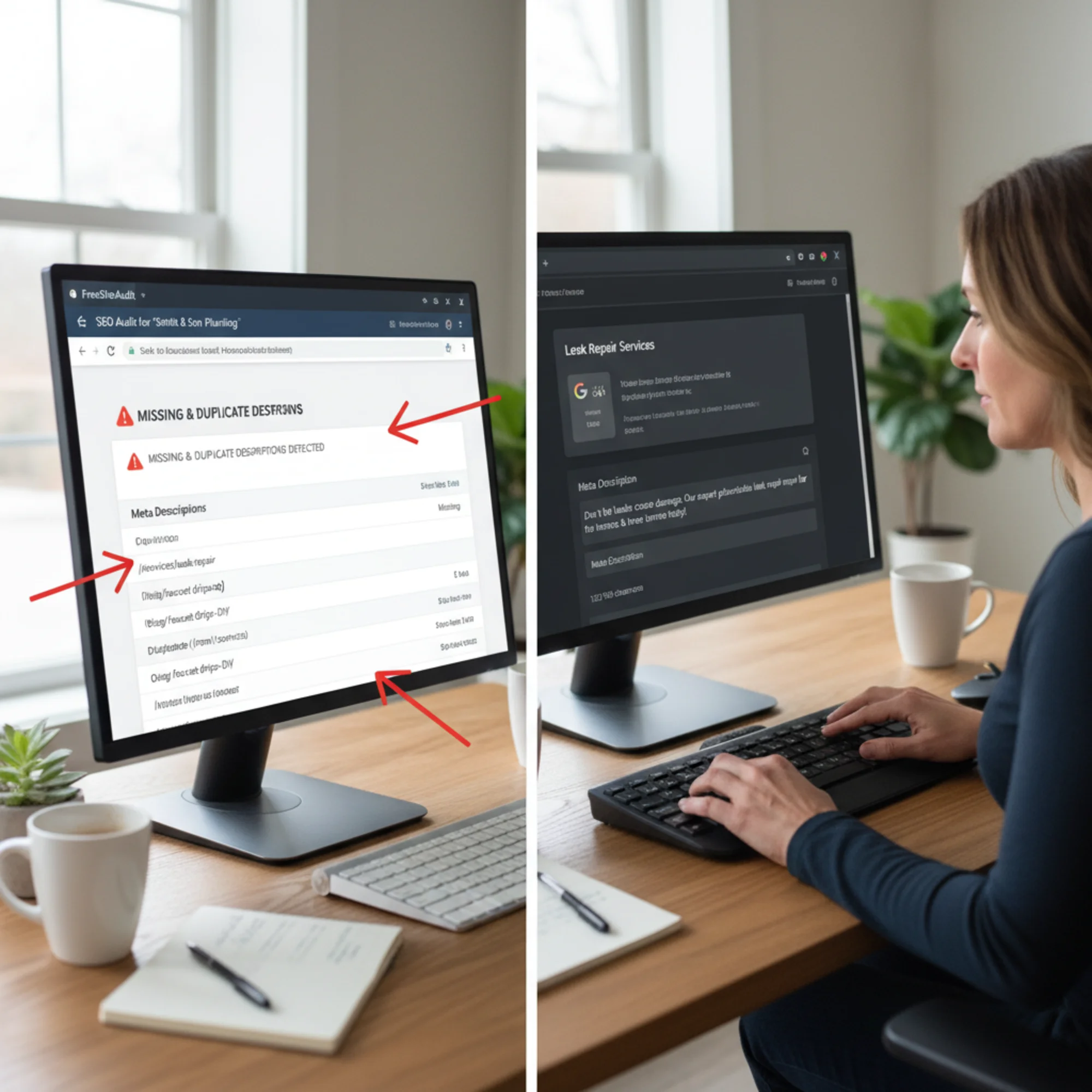
You check your site with FreeSiteAudit and discover three problems:
- Your homepage and residential cleaning page have identical descriptions
- Your move-out cleaning page has no description at all
- Your office cleaning description is 187 characters long and gets truncated
Here is how you fix each one:
Homepage:
> "Professional house cleaning in Charlotte, NC. Bonded, insured, 5-star rated. Weekly, biweekly, and one-time deep cleans. Book online in 60 seconds."
Residential Cleaning:
> "Recurring house cleaning in Charlotte. Background-checked cleaners, eco-friendly products, satisfaction guaranteed. Get a free quote in under a minute."
Move-Out Cleaning:
> "Move-out cleaning in Charlotte, NC. We handle the scrubbing so you get your deposit back. Same-week availability. Flat-rate pricing, no hidden fees."
Office Cleaning:
> "Office cleaning in Charlotte for small businesses. After-hours service, flexible contracts, no long-term commitment. Free walkthrough and quote."
About Us:
> "Meet the Sparkle Clean team. Family-owned in Charlotte since 2018. 1,200+ five-star cleans and counting. See why local homeowners trust us."
Each description is unique, under 160 characters, specific to the page topic, and includes at least one reason to click.
The Meta Description Checklist
Use this before publishing or updating any page:
- [ ] Is it unique? No two pages on your site should share the same description.
- [ ] Is it 120–155 characters? Google may truncate anything longer.
- [ ] Does it name the specific service? "Plumbing services" is weaker than "tankless water heater installation."
- [ ] Does it include your location? City and state help searchers confirm you are local.
- [ ] Does it include a differentiator? Same-day service, licensed, free estimates, years in business — pick one or two.
- [ ] Does it have a call to action? "Book online," "Get a free quote," "Call today."
- [ ] Does it match the page content? If your description promises free estimates but the page does not mention them, Google may override it.
- [ ] Does it read naturally? Read it out loud. If it sounds robotic, rewrite it.
Common Questions
Does Google always use my meta description?
No. According to industry research, Google rewrites snippets in a majority of cases. But a well-written, relevant description is far more likely to be used than a vague one — and even when Google rewrites it, having a strong description helps Google understand your page context.
Should I include my business name?
Usually not — it already appears in your title tag. Use those 155 characters for information the searcher cannot get from the title alone. The exception is if your brand name itself is a local trust signal.
Should I use my target keyword?
Yes, naturally. When someone's search query appears in your meta description, Google bolds those words in the snippet, which draws the eye. But do not force it. "Emergency plumber Austin TX emergency plumbing" is worse than writing a clear sentence that includes the keyword once.
What about emoji or special characters?
Google sometimes strips them. For service businesses, they tend to look unprofessional. Stick with clean text. If you want visual separation, a pipe character (|) or dash works fine.
How do I check my current meta descriptions?
Run your site through FreeSiteAudit. It flags pages with missing descriptions, duplicates, and descriptions that are too long or too short. You can also check manually: right-click any page, select "View Page Source," and search for meta name="description".
How to Edit Your Meta Description
Where you edit depends on your platform:
- WordPress: Use Yoast SEO or Rank Math. Edit the description in the SEO box below each page editor.
- Squarespace: Page settings → SEO tab → SEO Description field.
- Wix: Page settings → SEO (Google) → Edit meta description.
- Shopify: Online Store → Pages → select page → scroll to "Search engine listing preview" → Edit.
- Custom HTML: Add or edit the
tag in your page'ssection.
If your platform is not listed, search "[your platform] edit meta description" — every major website builder supports it.
Measuring Whether Your Descriptions Work
After updating your meta descriptions, give it two to four weeks for Google to recrawl your pages. Then check:
- Google Search Console: Go to Performance → Pages. Compare CTR for changed pages against the previous period.
- Search for your own business: Google your services plus your city. Check whether Google is using your description or pulling something else.
- Re-audit your site: Run FreeSiteAudit again to confirm all pages now have unique, properly-sized descriptions.
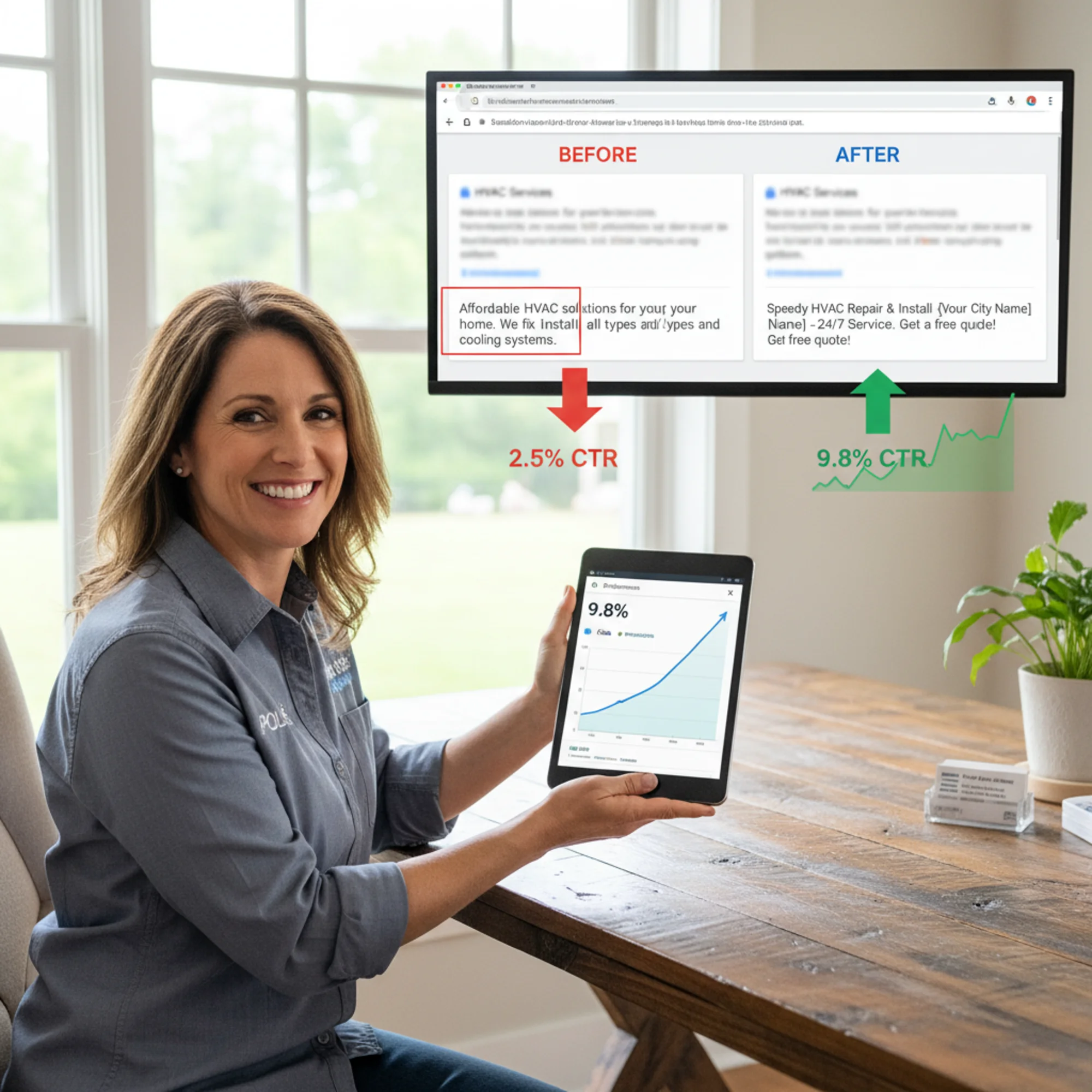
A reasonable improvement from well-written meta descriptions is 15–30% more clicks at the same ranking position. For a service business getting 500 impressions per month, that could mean 30–60 additional visitors who are actively looking for your service.
Quick-Reference Formulas
If you are staring at a blank field, grab one of these:
Formula 1 — The Straightforward:
> [Service] in [City]. [Differentiator]. [Call to action].
"Roof repair in Tampa. Licensed, insured, free inspections. Call for a same-day estimate."
Formula 2 — The Problem-Solver:
> [Problem]? [Your solution] in [City]. [Proof]. [Next step].
"Leaking roof? Fast, affordable repair in Tampa by licensed contractors. 500+ five-star reviews. Book online today."
Formula 3 — The Trust Builder:
> [Service] from [Trust signal] in [City]. [Benefit]. [Call to action].
"Tax preparation from a CPA with 15 years in Nashville. Maximize your refund, minimize your stress. Free consultation."
Pick whichever fits your page, fill in the blanks, and count your characters.
Start Fixing Your Descriptions Today
Most service business websites have meta description problems — missing descriptions, duplicates, truncated text, or vague copy that could belong to any competitor. Every one of those is a missed opportunity to earn a click from someone already searching for what you offer.
The fix is straightforward: write a unique, specific, 120–155 character description for every important page on your site. Use the formulas above, follow the checklist, and measure the results.
Not sure where your site stands? Run a free audit with FreeSiteAudit to find every meta description issue on your site in under a minute. You will get a clear report showing exactly which pages need attention so you can start improving your click-through rates today.
Sources
Related Tools
Check your website for free
Get an instant score and your top 3 critical issues in under 60 seconds.
Get Your Free Audit →