Old Website SEO Audit: What's Actually Hurting Your Rankings (and How to Fix It)
Your old website is silently losing search traffic. Learn what breaks over time, how to audit an aging site yourself, and which fixes deliver results fastest.
# Old Website SEO Audit: What's Actually Hurting Your Rankings (and How to Fix It)
Your website worked fine when you launched it. Customers found you on Google, the phone rang, and you moved on to running your business. But somewhere between then and now, traffic dropped. Leads slowed. A competitor who opened two years after you somehow shows up above you in search results.
The problem usually isn't one dramatic failure. It's dozens of small things that broke, expired, or became outdated while you weren't looking. An old website doesn't crash — it decays. And that decay is measurable and fixable.
This guide walks through what goes wrong with aging websites, how to audit yours without hiring anyone, and which fixes actually move the needle.
Why Old Websites Lose Rankings Over Time
Google doesn't penalize websites for being old. Domain age can even be an advantage. What Google stops rewarding is stale content, broken technical foundations, and poor user experience.
Here's what typically happens to a website over three to five years:
Content goes stale. Your "About" page mentions a discontinued service. Blog posts reference tools that no longer exist. Pricing is wrong. Hours are outdated. Google's helpful content guidelines explicitly state that content should demonstrate first-hand expertise and be kept current. Outdated information signals the opposite.
Technical standards shift. When your site launched, Core Web Vitals didn't exist as ranking factors. Mobile-first indexing may not have been enforced. HTTPS may not have been required. A website built on a 2019-era template that hasn't been updated is almost certainly failing modern performance benchmarks.
Links break. Pages get moved or deleted without redirects. Images hosted on third-party services disappear. External links point to domains that expired. Every broken link is a dead end for users and crawlers alike.
Competitors improve. Even if your site stayed exactly the same, the bar keeps rising. Competitors added structured data, faster hosting, and better content. Standing still means falling behind.

The Real Cost of Doing Nothing
Say you're a plumber in Denver. In 2020, your website ranked on page one for "emergency plumber Denver." You were getting 15–20 calls a month from organic search.
By 2026, your site still exists, but:
- It loads in 6.8 seconds on mobile (Google recommends under 2.5 seconds)
- Your SSL certificate lapsed for two weeks last year and you didn't notice
- Three of your five service pages have duplicate meta descriptions
- Your Google Business Profile links to a page that returns a 404
- A competitor added schema markup, fast hosting, and fresh blog content
Now you're on page three. Those 15–20 monthly calls became 2–3. You're spending $800/month on Google Ads to compensate for traffic you used to get for free.
This isn't hypothetical. It's the pattern we see repeatedly when small business owners run their first audit in years.
What to Check: The Old Website SEO Audit Checklist
You don't need to understand code to audit your site. You need a checklist and a free tool. Here's what to examine, in priority order.
1. Page Speed and Core Web Vitals
Google measures three specific metrics, collectively called Core Web Vitals:
- Largest Contentful Paint (LCP): How fast your main content loads. Target: under 2.5 seconds.
- Interaction to Next Paint (INP): How quickly your site responds when someone clicks or taps. Target: under 200 milliseconds.
- Cumulative Layout Shift (CLS): How much page content jumps around while loading. Target: under 0.1.
Old websites commonly fail all three. Oversized images, outdated JavaScript libraries, and unoptimized hosting are the usual culprits.
Quick check: Run your homepage through FreeSiteAudit. The report breaks down which vitals are passing and which aren't, with specific fix recommendations.
2. Mobile Usability
Google uses mobile-first indexing, meaning it primarily evaluates the mobile version of your site for rankings. If your website was built before 2020 and never updated, there's a good chance it either:
- Uses a separate mobile subdomain (m.yourdomain.com) that's poorly maintained
- Has a "responsive" design that technically resizes but has tiny tap targets, overlapping elements, or unreadable text
- Serves desktop-sized images to mobile devices, crushing load times
What to look for: Text smaller than 16px, buttons closer together than 48px, horizontal scrolling on any page, and images wider than the viewport.
3. Meta Tags and Title Tags
This is where we see the most neglect on old sites:
- Duplicate title tags across multiple pages (or every page says "Home")
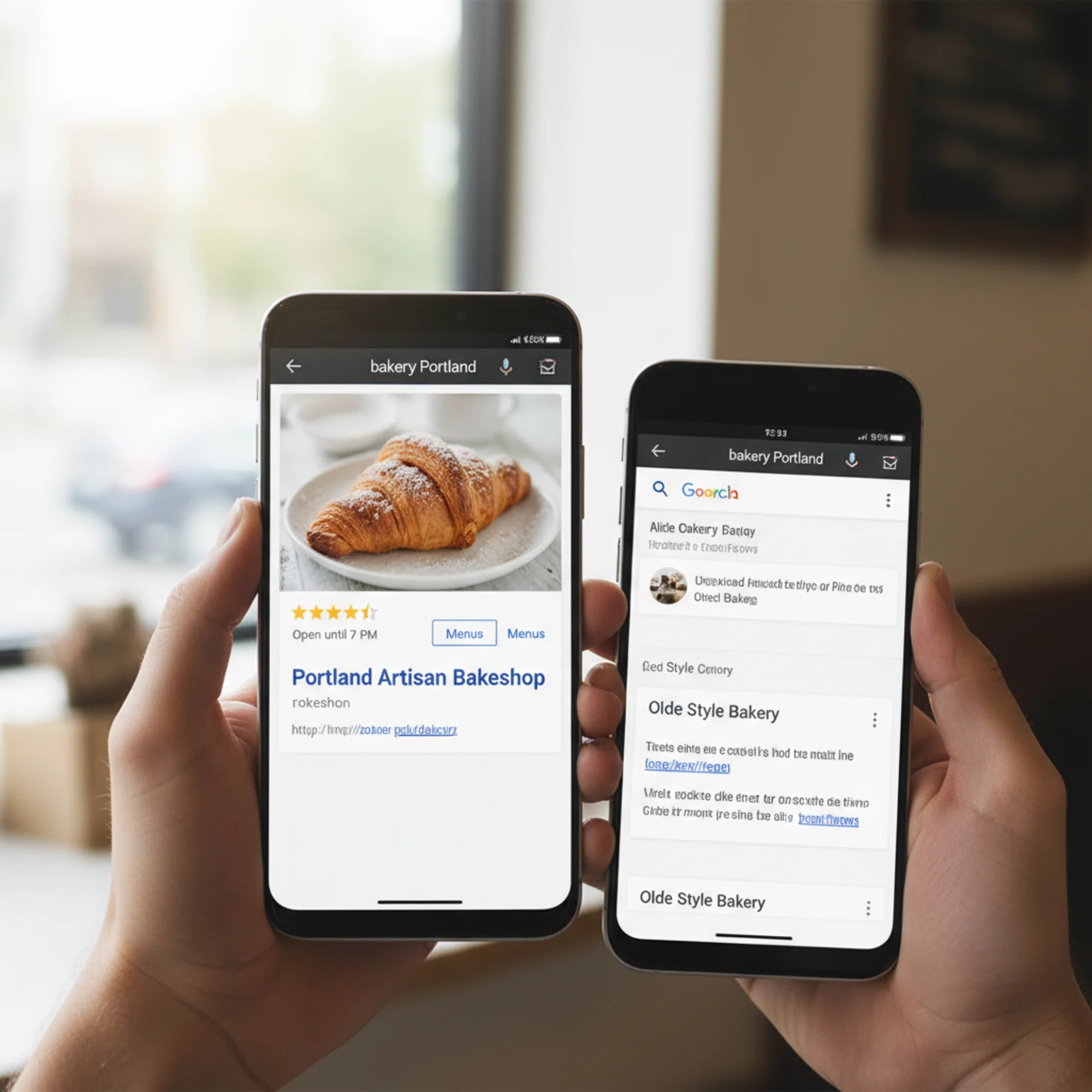
- Missing meta descriptions so Google auto-generates snippets that may not represent your business well
- Title tags that are too long (over 60 characters) or too short (under 30)
- No keyword relevance — titles that say "Welcome to Our Website" instead of "Emergency Plumber in Denver | 24/7 Service"
Each page should have a unique, descriptive title tag and meta description. Check yours with a meta tag analyzer — you might be surprised how many are missing or duplicated.
4. Broken Links and 404 Errors
Old websites accumulate broken links like a house accumulates dust. Check for:
- Internal broken links: Pages you deleted or moved without setting up redirects
- External broken links: Links to other websites that have since gone offline
- Broken images: Image files that were deleted, renamed, or hosted on a service that shut down
- Orphan pages: Pages that exist but aren't linked from anywhere on your site
Every broken link hurts twice: visitors hit dead ends, and search engines waste crawl budget on pages that don't exist.
5. HTTPS and Security
If your site still loads on HTTP (no padlock icon), you're losing rankings and scaring away visitors. Browsers now display "Not Secure" warnings for HTTP sites. Even if you installed an SSL certificate years ago, check that:
- The certificate hasn't expired
- All pages redirect from HTTP to HTTPS (not just the homepage)
- No mixed content warnings appear (HTTP images or scripts loaded on HTTPS pages)
6. Structured Data
Structured data (schema markup) tells Google exactly what your content means. It enables rich results — enhanced search listings with star ratings, business hours, FAQs, and event dates.
Most websites built before 2021 have no structured data at all. Adding even basic LocalBusiness or Article schema can meaningfully improve how your pages appear in search results.
Check your current structured data with a structured data checker. If the result comes back empty, that's one of your biggest quick wins.
7. Content Freshness and Accuracy
Walk through every page on your site and ask:
- Is this information still accurate?
- Does this page mention products, services, or team members that no longer exist?
- Are there visible dates that make the content look abandoned? ("Last updated: March 2021")
- Does the content answer the questions customers actually ask today?
Google's helpful content system evaluates whether your content demonstrates genuine expertise and provides real value. Outdated information fails both tests.
8. Crawlability and Indexing
Your site might have technical issues preventing Google from seeing your pages:
- Robots.txt blocking important pages — sometimes set during development and never removed
- Noindex tags accidentally left on pages
- Sitemap.xml missing or outdated — not reflecting current page structure
- Slow server response causing crawlers to give up before finishing
Walkthrough: Auditing a Five-Year-Old Bakery Website
Sarah owns a bakery in Portland. Her website was built in 2021 on WordPress with a free theme. She hasn't touched it since launch beyond updating her hours once.
Step 1: Run the audit. Sarah enters her URL into FreeSiteAudit. Within a minute, she gets a health score and a full breakdown of issues.
Step 2: Review critical issues. Her report flags:
- Health score: 38/100
- LCP: 5.2 seconds (images are uncompressed PNGs from 2021)
- Missing meta descriptions on 8 of 12 pages
- Three broken links to a catering partner that went out of business
- No structured data
- SSL certificate valid but mixed content on two pages (HTTP image URLs)
- Blog section with four posts, all from 2021, under a "Recent News" heading
Step 3: Prioritize fixes. Sarah focuses on the highest-impact items first:
- Compress and convert images to WebP — drops LCP from 5.2s to 1.8s
- Add unique meta descriptions to all 12 pages — takes 30 minutes
- Fix the three broken links — update URLs or remove the links
- Add LocalBusiness structured data — includes hours, address, and menu link
- Fix mixed content — change two image URLs from HTTP to HTTPS
- Update the blog — remove the stale "Recent News" heading, add one post about her new seasonal menu
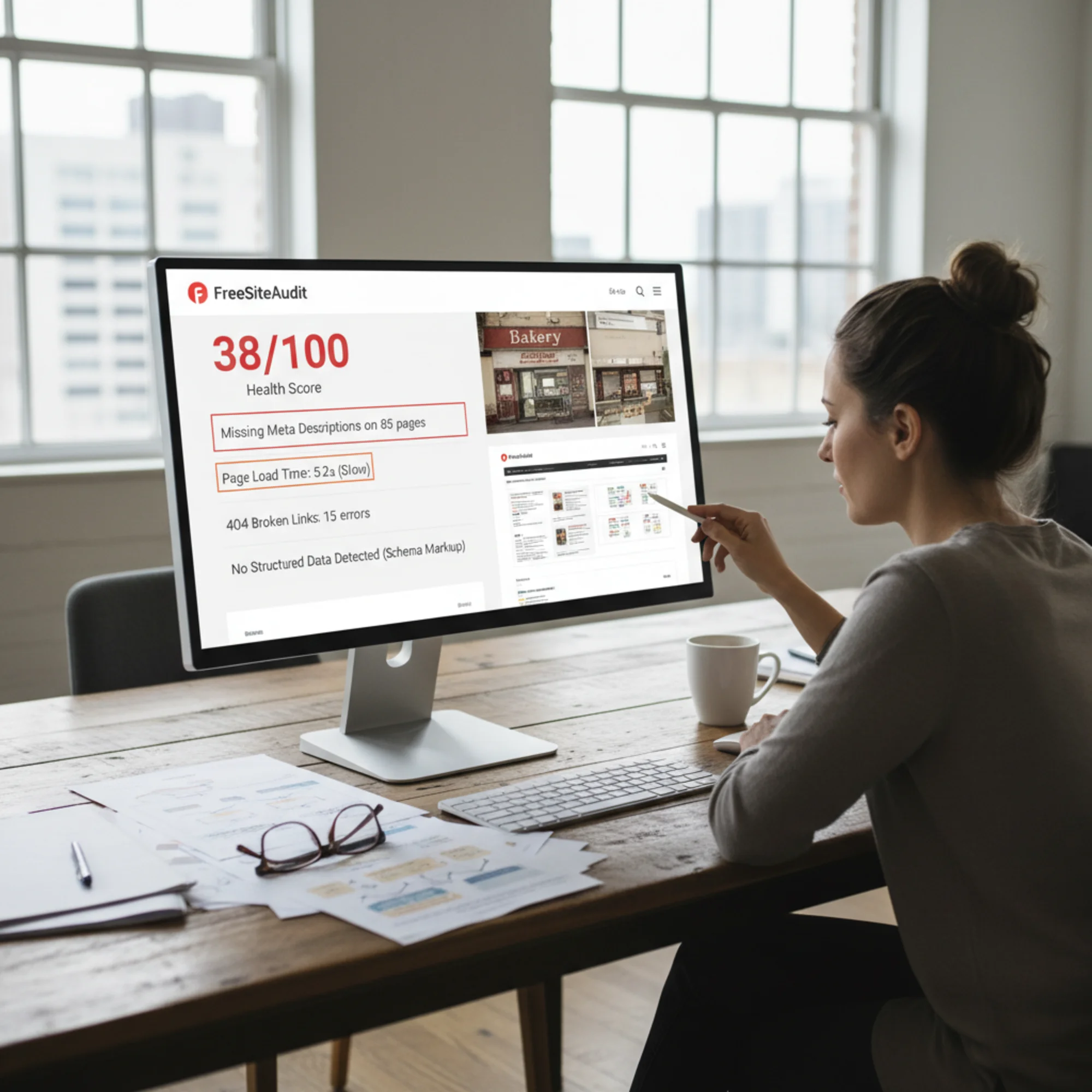
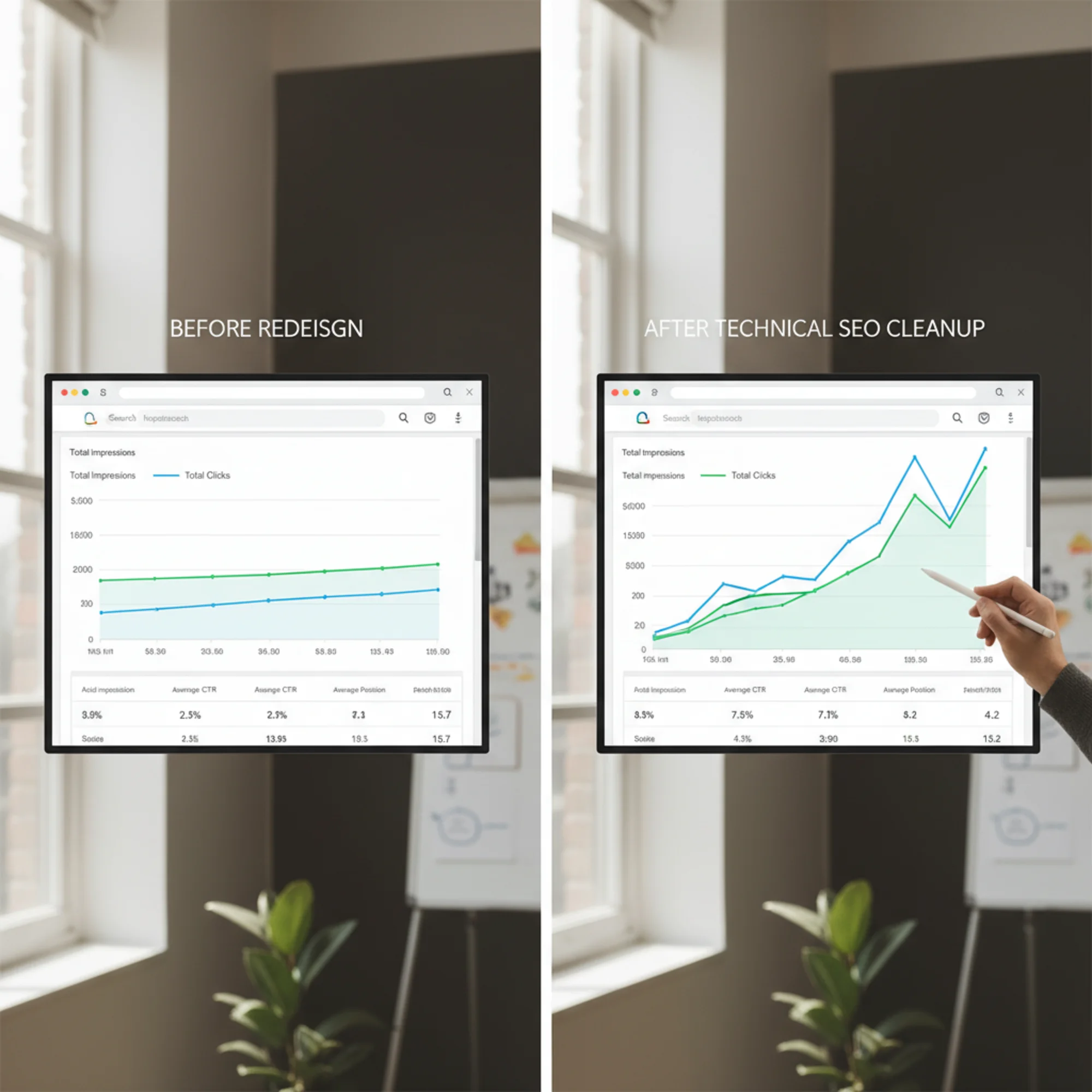
Step 4: Re-audit. Two weeks after making changes, Sarah runs FreeSiteAudit again. Her health score jumps to 74/100. Three weeks later, she's getting more Google Business Profile views and appears on page one for "bakery Portland Oregon" for the first time in over a year.
Priority Fix List: What to Do First
If you're staring at a long list of issues, here's the order that typically delivers the fastest results:
This Week
- Fix any HTTPS/SSL issues
- Compress all images (convert to WebP if possible)
- Add unique title tags and meta descriptions to your top 5 pages
- Fix or remove broken links
- Update your copyright year and any obviously outdated information
This Month
- Add LocalBusiness structured data (check yours here)
- Fix Core Web Vitals failures (speed fix guide)
- Update or remove stale blog content
- Ensure every page is mobile-friendly
- Submit an updated sitemap to Google Search Console
This Quarter
- Rewrite thin or duplicate content pages
- Add fresh content addressing current customer questions
- Review and update internal linking structure
- Set up a recurring monthly audit to catch new issues early
Common Mistakes When Updating an Old Site
Don't delete pages without redirects. If a page has been indexed by Google — even if it's outdated — deleting it creates a 404. Set up a 301 redirect to the most relevant existing page instead.
Don't redesign everything at once. Complete redesigns often introduce as many problems as they solve. URL structures change, content gets lost, redirects get missed. Incremental fixes are safer and often more effective.
Don't stuff keywords. Updating meta tags is smart. Cramming "best plumber Denver affordable emergency plumber Denver CO" into every title is not. Write for humans first.
Don't ignore your Google Business Profile. Your website and Google Business Profile work together. If your URL, hours, or services don't match across both, each suffers. Update them in tandem.
How Often Should You Audit?
An annual deep audit is the minimum. Quarterly is better. Monthly is ideal if search traffic drives meaningful revenue for your business.
Things break constantly — plugins update, hosting configurations change, SSL certificates expire, and new content creates opportunities for errors. A free audit takes less than a minute and catches problems before they compound.
Run Your Free Audit Now
If your website is more than two years old and you haven't audited it recently, you're almost certainly leaving traffic on the table. The issues are predictable, the fixes are straightforward, and the results are measurable.
Run a free website audit with FreeSiteAudit → and see exactly what's holding your site back. No account required, no credit card, and your full report is ready in under a minute.
Your website doesn't need to be new. It just needs to not be neglected.
Sources
Check your website for free
Get an instant score and your top 3 critical issues in under 60 seconds.
Get Your Free Audit →