Privacy Policy Audit: Is Your Site Legally Compliant?
A plain-English privacy policy audit checklist for small business sites covering GDPR, CCPA, cookie consent, and third-party tracker gaps most owners miss.
# Privacy Policy Audit: Is Your Site Legally Compliant?
If your website has a contact form, a newsletter signup, an analytics tag, or a shopping cart, you are collecting personal data. That triggers obligations under at least one privacy law, and usually several. Most small business sites we audit have a privacy policy, but very few have one that reflects what the site is actually doing.
A privacy policy audit is not a legal opinion. It is a structured check to confirm that the document on your site matches the data you collect, the tools you use, and the rights your visitors actually have. This guide walks you through that check in plain English, with a checklist you can run today.
Why the generic template is the biggest risk
The most common privacy policy on a small business site is a template copied from a generator three years ago and never touched. It lists practices that may not apply, omits tools you have since installed, and references laws in ways that no longer reflect current rules.
Three patterns we see repeatedly:
- Placeholder text left in production. The policy still says "[Your Company]" or "Last updated: [DATE]." A visible signal that nothing has been reviewed.
- No mention of the tools loading on the page. The policy claims you use only "essential cookies," but the homepage loads Google Analytics, Meta Pixel, Hotjar, and a chat widget.
- A copy-pasted GDPR section with no real process behind it. The policy promises a right to access and delete data, but there is no email address, form, or workflow to handle the request.
A privacy policy is a public commitment. If it does not match reality, the policy itself becomes evidence of non-compliance.
The laws that apply to most small business sites
You do not need to be a global enterprise to fall under privacy laws. The trigger is usually whose data you collect, not where you are based.
- GDPR (EU and UK). Applies if you offer goods or services to EU/UK residents, or monitor their behavior (analytics counts).
- CCPA / CPRA (California). Applies if you do business in California above specific revenue or data thresholds. Many smaller businesses comply voluntarily because California traffic is hard to exclude.
- Other US state laws. Virginia, Colorado, Connecticut, Utah, Texas, Oregon, Montana, and others have passed comprehensive privacy laws. Thresholds vary; disclosures look similar.
- PIPEDA (Canada), LGPD (Brazil), POPIA (South Africa). Each adds requirements if you have meaningful traffic from those regions.
The practical takeaway: if you have a public site with any US-wide or international reach, write your policy to satisfy the strictest applicable law. It is far cheaper than maintaining ten regional versions.
A short walkthrough: auditing a real small business site
Let's audit a fictional but realistic example. "Maple Lane Bakery" sells custom cakes online. The site has:
- A contact form
- A newsletter signup via Mailchimp
- A Shopify store with Stripe checkout
- Google Analytics 4 and Meta Pixel for retargeting
- A Tidio live chat widget
- A reviews app pulling testimonials from Google
The owner installed a privacy policy generator two years ago. What does the audit reveal?
Data collected. The current policy mentions "name and email." It does not mention IP addresses (GA4, Meta Pixel), purchase history (Shopify, Stripe), chat transcripts (Tidio), or behavioral data like scroll depth and session recordings.
Third parties. The policy lists "service providers" generically. It does not name Mailchimp, Stripe, Google, Meta, Tidio, or Shopify, and does not link to their policies, which most laws require or strongly recommend.
Cookies and tracking. The site loads Meta Pixel on page load, before any consent banner appears. Under GDPR and most state laws, advertising cookies require opt-in consent before they fire.
User rights. The policy says EU users can request deletion by emailing the contact inbox. Good. But there is no internal process: the owner does not know which tools to delete data from, or how to confirm deletion within the required window.
Last updated date. Missing entirely.
Five concrete findings on one small site, none of which required a lawyer to identify. They required someone willing to compare the document to the actual website.
Small business owner at a coffee shop laptop screen showing a generic copy-pasted privacy policy document with visible unresolved placeholders like "[YOUR COMPANY NAME]" and "Last updated: [DATE]" highlighted on the page
The privacy policy audit checklist
Run through this in order. Each item is something you can check yourself in under ten minutes.
1. Identify every data collection point
Walk through your site like a new visitor. List every form, signup, account creation, comment field, chat widget, file upload, and purchase flow. For each, note what fields you ask for and where that data goes (CRM, email tool, database, third-party service).
2. Inventory every third-party script
Open your homepage in a browser. Open developer tools, go to the Network tab, and filter by domain. Every third-party domain is a potential data processor. Common ones include google-analytics.com, googletagmanager.com, connect.facebook.net, hotjar.com, intercom.io, tidio.co, and hubspot.com.
Browser extensions like Ghostery, or the built-in privacy reports in Safari and Firefox, will list trackers. Cross-reference against your policy. If a tool is loading and is not in the policy, that is a gap.
3. Confirm the policy names what you collect
Your policy should describe categories in concrete terms:
- Identifiers (name, email, phone)
- Account credentials
- Payment information (typically handled by your processor, not stored by you)
- Device and usage data (IP, browser, pages visited)
- Cookies and similar technologies
- Communications (support tickets, chat transcripts)
- Inferences (if you do retargeting or segmentation)
A policy that says "we collect information you provide" without listing what is too vague to be useful.
4. Verify the legal basis or purpose for each category
GDPR requires a legal basis (consent, contract, legitimate interest) for each processing purpose. US state laws focus more on purpose limitation and disclosure. Either way, your policy should explain why you collect each category, not just that you do.
Example: "We use your email to send the newsletter you subscribed to (consent), to send order confirmations and shipping updates (contract), and to share occasional product announcements you can opt out of at any time (legitimate interest)."
5. List third parties by name where required
Some laws expect you to name service providers. Even where categories are permitted, naming them builds trust and reduces ambiguity. At minimum, group them: analytics, advertising, payments, hosting, email, and CRM. Link to their privacy policies where possible.
6. Check your cookie banner against your stack
If you load any non-essential cookies (analytics in many jurisdictions, advertising in almost all), you need a consent mechanism. Three things to verify:
- The banner appears before non-essential scripts fire. Many sites display the banner but load Meta Pixel anyway.
- "Reject" is as easy to find as "Accept." Hidden reject buttons are a known violation under GDPR enforcement guidance.
- The choice persists. Reloading the page should not re-prompt or re-fire trackers.
7. Confirm user rights and the process behind them
Your policy should list available rights (access, correction, deletion, portability, opt-out of sale or sharing) and explain how to exercise them. Then test it: can a user actually email the address you listed and get a response? Do you know how to fulfill a deletion request across Mailchimp, your CRM, your analytics tool, and your backups?
If the answer is "I would figure it out," document the process now. A request will arrive eventually.
8. Check the date and version
Every policy should carry a clear "Last updated" date. If yours is more than 12 months old and you have changed any tool since, it is out of date. Update the date when you make changes and keep a short changelog at the bottom for material updates.
9. Make the policy easy to find
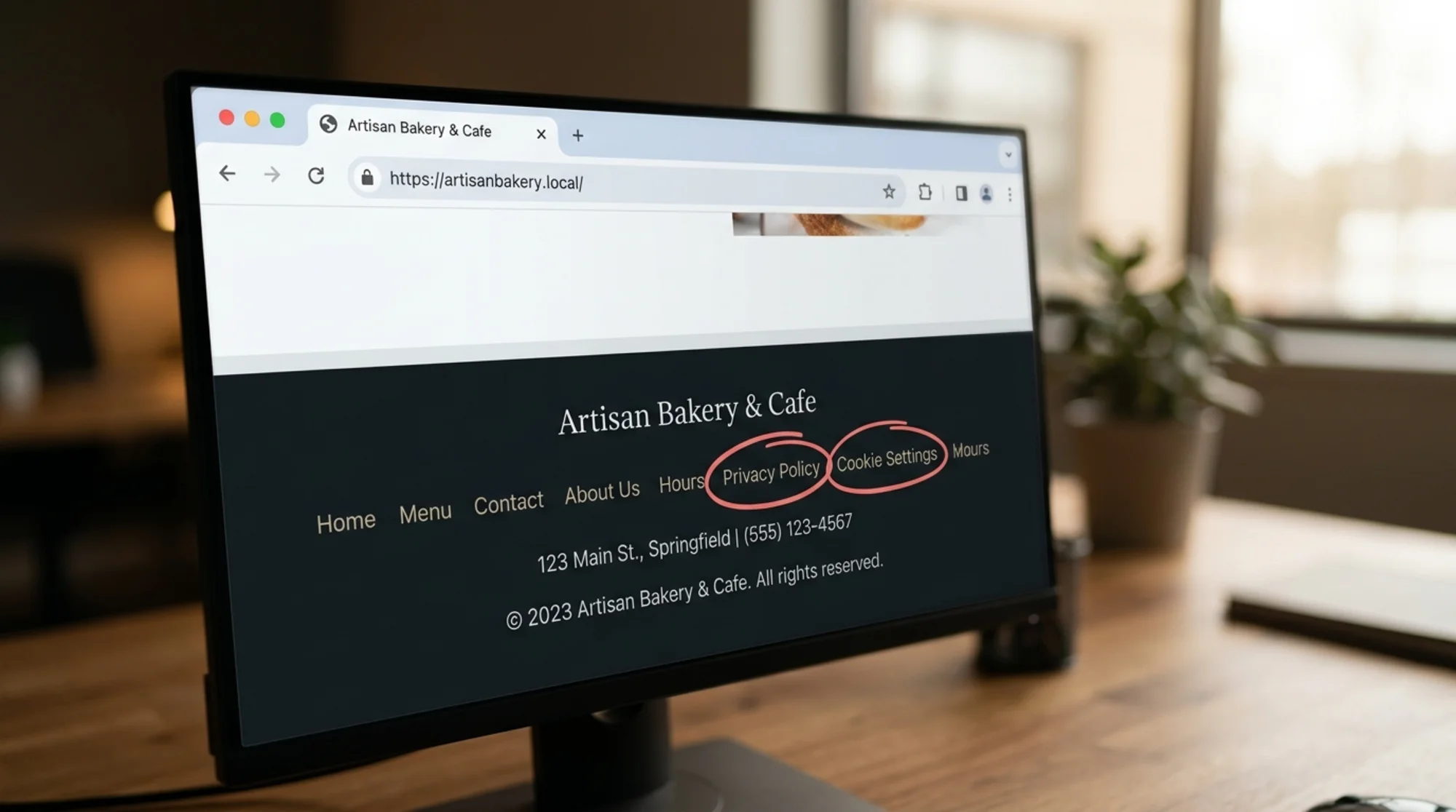
The policy should be linked from the footer of every page and from any form that collects data. The link text should be clear ("Privacy Policy"), not buried in a paragraph.
10. Cross-link related documents
Most small business sites need at least three documents: a privacy policy, a cookie notice (often a section within the privacy policy plus a banner), and terms of service. If you sell anything, you likely need a refund policy too. Each should reference the others where relevant.

Common red flags
A few patterns that signal a deeper problem:
- The policy is one long paragraph. Privacy policies are read in fragments. Use headings, short sections, and bulleted lists.
- It says "we may use cookies." "May" is a hedge. Either you do or you don't. Describe what is actually happening.
- It promises 100% security. No policy should claim guaranteed security. State that you use reasonable measures and that no system is fully immune.
- The contact for privacy questions is a generic info@ inbox no one monitors. Designate a real owner of privacy requests, even if it is just you.
- The policy was written before you added the chat widget, retargeting pixel, or AI assistant. Each new tool is a chance for the policy to drift from reality.
How privacy policy quality intersects with trust and SEO
Google's helpful content guidance emphasizes signals that a site is trustworthy and operated by a real organization with clear accountability. A vague, outdated privacy policy quietly undermines that signal. It will not directly tank rankings, but it contributes to the broader trust impression that affects conversion and how reviewers, partners, and platforms evaluate your site. If you publish articles or guides, pairing accurate disclosures with proper article structured data reinforces the same accountability story.
For ecommerce sites in particular, a clear privacy policy reduces cart abandonment at checkout. Visitors who pause at the payment step often check the footer first.
Updating the policy: a simple cadence
You do not need a quarterly legal review. You need a habit.
- Whenever you add or remove a tool that collects data, update the policy the same day. This includes installing a new chat widget, adding a pixel, switching email providers, or turning on a new analytics product.
- Once a year, do a full audit using the checklist above. Pick a fixed date so it does not slip.
- Whenever a major law changes in a jurisdiction you serve, review the relevant section. Industry newsletters, your email service provider, and your payment processor will usually flag big shifts.
Each update should bump the "Last updated" date and, ideally, log the change at the bottom of the policy.
What a clean policy looks like after the audit
Back to Maple Lane Bakery. After running the audit, the owner spends an afternoon doing the following:
- Lists every form and tool: contact form, newsletter, Shopify checkout, GA4, Meta Pixel, Tidio chat, Google Reviews app.
- Rewrites the data collection section to describe identifiers, order data, device data, chat transcripts, and inferences from advertising tools.
- Adds named third parties with links to their policies.
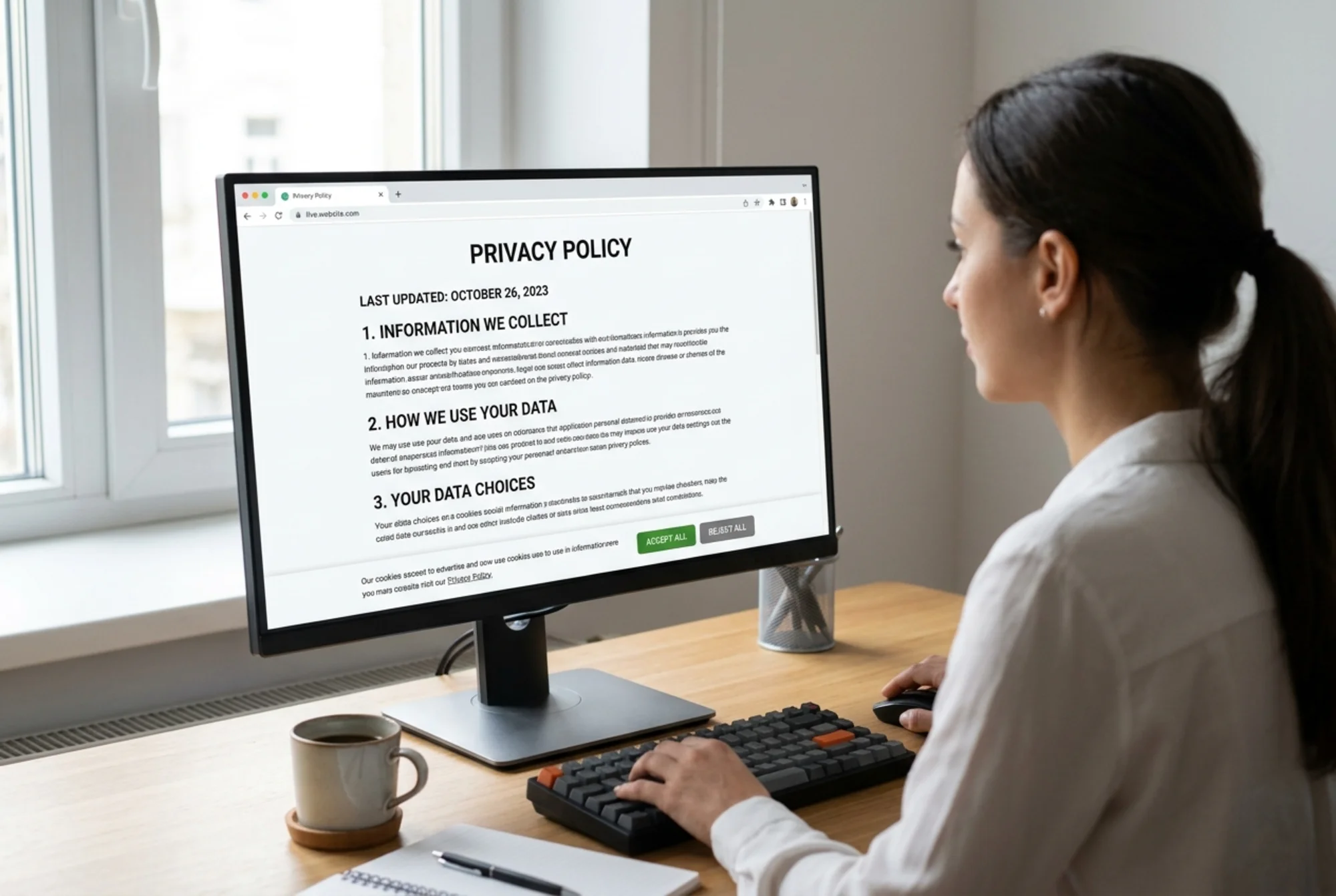
- Reconfigures the cookie banner so Meta Pixel and GA4 do not fire until consent is given, and adds an equally visible Reject button.
- Sets up a simple internal checklist for deletion requests: remove from Shopify customer list, unsubscribe from Mailchimp, delete contact in CRM, exclude from advertising audiences, confirm by email.
- Adds a "Last updated" date and a one-line changelog.
- Links the policy from the footer and from below every form.
The whole process took about three hours. The result is a policy that matches the site, supports trust at checkout, and gives the owner a defensible position if a request or complaint arrives.
Run a free site audit
A privacy policy audit is one piece of a broader site health check. Consent banner issues, missing footer links, slow third-party scripts, and unclear trust signals all show up in a comprehensive audit alongside SEO, performance, and accessibility findings.
If you would like an automated starting point, run a free website audit with FreeSiteAudit. It flags missing privacy links, detects third-party trackers loading on your pages, and gives you a prioritized privacy policy fix list to work through this week. For ecommerce operators specifically, see the ecommerce industry guide for sector-specific checks.
Final thought
Privacy compliance is not about owning a perfect document. It is about your site doing what your site says it does. If you walk away with one habit, make it this: every time you install a new tool, open the privacy policy and ask whether it still tells the truth. If it does not, fix the policy the same day. That single habit prevents the slow drift that turns a reasonable policy into a liability.
Sources
Check your website for free
Get an instant score and your top 3 critical issues in under 60 seconds.
Get Your Free Audit →