Service Area Pages That Rank Without Becoming Doorway Pages
Learn how to create service area pages that rank in Google without triggering doorway page penalties, with a unique content checklist for local businesses.
# Service Area Pages That Rank Without Becoming Doorway Pages
If you run a business that serves multiple cities or neighborhoods, you've probably considered creating a page for each one. "Plumbing in Austin." "Plumbing in Round Rock." "Plumbing in Cedar Park." You want to show up when someone in each area searches for what you do.
But there's a line between helpful location pages and what Google calls doorway pages — and crossing it can tank your rankings across your entire site.
This guide walks you through how to build service area pages that genuinely rank, without tripping Google's spam filters.
What Google Actually Means by "Doorway Pages"
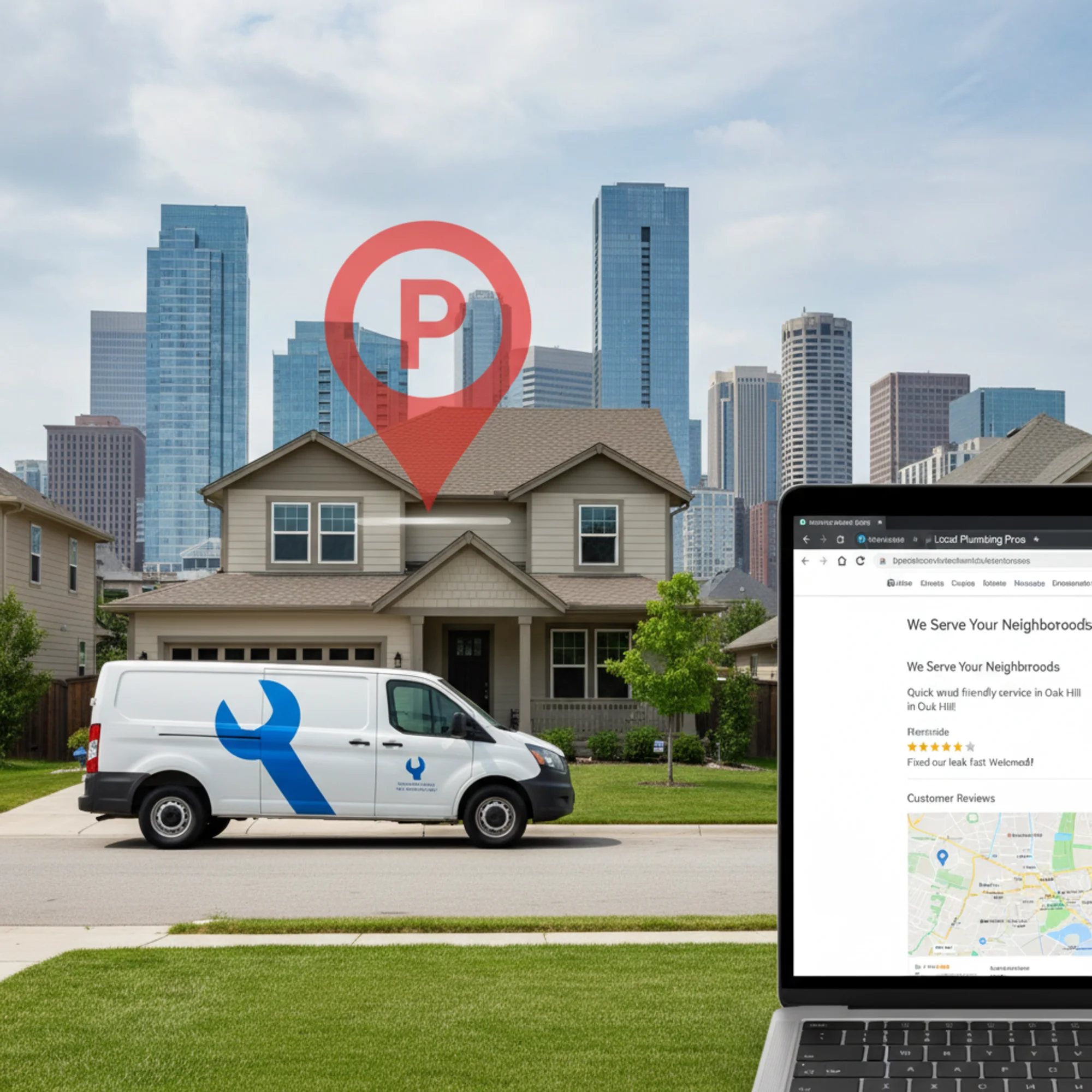
Google's spam policies define doorway pages as pages created primarily to rank for specific search queries and funnel users to a single destination. The classic example: fifty city pages that are identical except for the city name swapped in.
Google penalizes them because:
- They add no unique value for the searcher
- They exist only to capture clicks, not to help anyone
- They create a frustrating experience — you click a "Portland" page and get the same generic content you'd find on the "Seattle" page
Google's helpful content guidelines reinforce this. The core question: "Would someone visiting this page find it useful?" If your Round Rock page is your Austin page with "Austin" find-and-replaced, the honest answer is no.
The Real Problem: Thin Location Pages at Scale
Most small businesses don't set out to create doorway pages. What usually happens:
- Someone reads that you need a page for every city you serve
- They duplicate their main service page ten or twenty times
- They swap out the city name in the title, H1, and a few paragraphs
- They publish everything at once
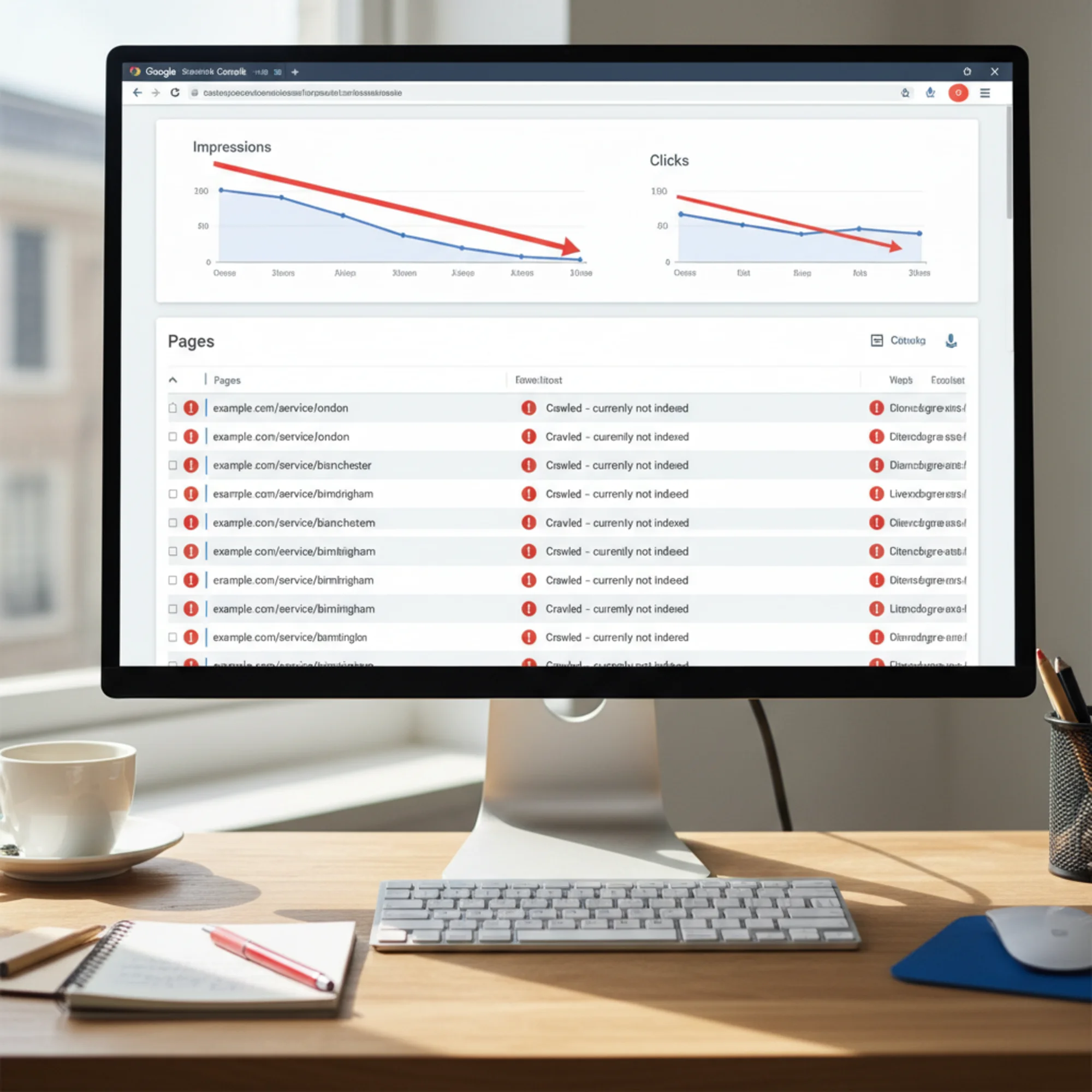
The result is a cluster of nearly identical pages that Google easily detects. Even without a manual penalty, these pages typically:
- Cannibalize each other — Google doesn't know which one to rank, so none of them rank well
- Dilute your site's quality signals — 40 thin pages plus 10 good ones looks worse than just the 10 good ones
- Waste crawl budget — Google spends time on pages that don't deserve indexing instead of your strongest pages
If you run a site audit and see dozens of location pages with duplicate content warnings, that's the symptom.
What Makes a Service Area Page Legitimate
A legitimate service area page earns its place in Google's index by being genuinely useful to someone in that specific location. It contains information that wouldn't make sense on any other location page.
Unique Content Checklist
- [ ] Area-specific service details — Different services, hours, or response times in this area
- [ ] Local pricing context — Even a general range like "Most residential drain cleanings in Cedar Park run $150–$250" adds value
- [ ] Neighborhood knowledge — Specific neighborhoods, landmarks, or conditions. "Older homes in Hyde Park often have cast iron pipes that need specialized tools."
- [ ] Real photos from the area — Your team at an actual job in that city, not a stock photo
- [ ] Customer reviews from that area — Reviews that mention the specific city or neighborhood
- [ ] Local contact information — A local phone number or meet-up point if you have one
- [ ] Relevant local context — Building codes, common housing types, weather-related issues, local regulations
If you can't check at least four of these boxes, the page isn't ready to publish.
Building a Service Area Page That Works
Say you're an HVAC company based in Nashville that also serves Franklin, Murfreesboro, and Hendersonville. Here's how to build a Franklin page that ranks on its own merit.
Step 1: Start With What's Different About Franklin
Don't open with your boilerplate service description. Lead with what makes Franklin different:
- Franklin has a historic downtown with older commercial buildings that often need ductwork retrofitting
- Many Franklin neighborhoods (Westhaven, Fieldstone Farms) were built in the 2000s housing boom with specific HVAC system types
- Franklin's building permit process for HVAC replacement requires specific documentation
This is information a Franklin homeowner actually cares about that wouldn't appear on your Murfreesboro page.
Step 2: Add Real Social Proof
Include reviews that specifically mention Franklin:
> "Called them for an AC repair in Westhaven — they knew the Carrier units in our neighborhood tend to have condenser issues and came prepared. Fixed in one visit." — K. Martinez, Franklin
If you don't have location-specific reviews yet, that's a signal you might not have enough presence in that area to justify a dedicated page. Build the presence first.
Step 3: Include Practical Local Details
Demonstrate you actually work in this area:
- Response time: "We're typically on-site in Franklin within 60–90 minutes during business hours"
- Coverage: "We cover all of Franklin including Berry Farms, McKay's Mill, and Cool Springs"
- Local credentials: "Licensed and permitted with the City of Franklin for all residential and commercial HVAC work"
Step 4: Let Content Dictate Structure
Your Franklin page shouldn't mirror the exact layout of your Nashville page. Maybe Franklin warrants a section on historic building HVAC challenges. Maybe Murfreesboro needs a section about new construction. Let the local content drive the page structure, not a template.

Three Questions Before You Publish
Before any service area page goes live:
- If I removed the city name, could someone tell which city it's about? If no, the page isn't unique enough.
- Would a resident find information here they couldn't find on my main service page? If no, you're creating a doorway page with extra steps.
- Would I be comfortable showing this page to a customer from this area? If it would feel thin to them, it'll feel that way to Google too.
These three questions catch most doorway page problems before they become ranking problems.
Technical Setup That Supports Your Pages
Good content can be undercut by poor technical implementation. Get these right:
URL Structure
Keep it clean and logical:
- Good:
/services/hvac/franklin-tn - Good:
/areas/franklin-tn/hvac-repair - Bad:
/hvac-repair-franklin-tn-nashville-area-best-hvac
Internal Linking
Each service area page should be linked from your main services page, your service areas overview page, and relevant blog posts. Each area page should link to your main service page, a few nearby area pages (a brief "We also serve" section), and your contact or booking page.
Don't create orphan pages. Don't link every area page to every other area page in a massive grid — that pattern looks unnatural to Google.
Structured Data
Add LocalBusiness structured data with areaServed to tell Google exactly which geographic area each page covers:
{
"@context": "https://schema.org",
"@type": "HVACBusiness",
"name": "Your Company Name",
"areaServed": {
"@type": "City",
"name": "Franklin",
"address": {
"@type": "PostalAddress",
"addressRegion": "TN"
}
}
}
Canonical Tags and Indexing
Each service area page needs a self-referencing canonical tag. Never point multiple area pages to a single canonical — that tells Google only one page matters.
If you have area pages you're not confident about, noindex them temporarily rather than letting Google crawl weak content. Improve them, then open them up for indexing.
How Many Service Area Pages Is Too Many?
There's no magic number, but here's a practical rule:
Only create a page for an area where you can write at least 500 words of genuinely unique, useful content.
If you serve 30 cities but can only produce unique content for 8, build 8 pages. Add more as you accumulate real experience, reviews, and local knowledge in additional areas.
Some businesses try to create pages for every ZIP code or micro-neighborhood. Unless you're a very large company with deep local data, this almost always produces doorway pages. A landscaper with 200 ZIP code pages will trigger every spam signal Google has.
A better approach for broad coverage:
- Dedicated pages for your top 5–10 cities where you have real local content
- A single "Service Areas" page listing all other areas you cover, with a brief mention and a way to contact you
- Blog posts about specific jobs in areas where you don't yet have enough material for a full service page
Common Mistakes That Turn Good Pages Into Doorway Pages
Mistake 1: Template Content With City Name Variables
"We provide {service} in {city}, {state}. Our {city} team is ready to help with all your {service} needs." This is the textbook doorway page pattern. Google's algorithms are built to detect exactly this.
Mistake 2: Identical Images Across All Pages
Reusing the same hero image on every location page signals to both users and Google that the pages aren't truly unique. Use real job-site photos from each area.
Mistake 3: Publishing All Pages at Once
Launching 20 city pages on the same day looks automated — because it usually is. Roll out pages as you create genuine content for each one.
Mistake 4: No Local Engagement Signals
If your Franklin page has no Franklin reviews, no Franklin photos, and no evidence you've worked in Franklin, the page has no reason to exist.
Mistake 5: Ignoring Analytics After Launch
If a service area page gets zero clicks, high bounce rate, and no conversions after several months, that data is telling you the page isn't useful. Fix it or remove it.
Audit Your Existing Service Area Pages
If you already have location pages, check them against this maintenance list:
- [ ] Run a content similarity check — if any two area pages are more than 70% identical, one needs significant rework
- [ ] Check Google Search Console for "Crawled – currently not indexed" on your area pages
- [ ] Verify each page has at least one unique image
- [ ] Confirm each page has at least one location-specific review or testimonial
- [ ] Review internal links — make sure no area pages are orphaned
- [ ] Validate structured data on each page
- [ ] Check engagement metrics — consolidate or remove pages with no traffic after 6 months
A full site audit can catch many of these issues at once — duplicate content, missing structured data, orphaned pages, and thin content warnings all surface in a comprehensive crawl.
Run a free audit of your site with FreeSiteAudit to see which service area pages might be at risk and get a prioritized fix list.
The Bottom Line
Service area pages can be the highest-converting pages on a local business website. They capture searchers with strong intent in specific locations. But only if each page earns its spot in Google's index by being genuinely useful to someone in that area.
The difference between a page that ranks and a doorway page that gets penalized: did you build it for the searcher, or for the search engine?
Build fewer pages with more depth. Add real local knowledge. Use actual photos and reviews from each area. Test every page against the three quality questions before it goes live.
Your service area pages should be assets, not liabilities.
Sources
Check your website for free
Get an instant score and your top 3 critical issues in under 60 seconds.
Get Your Free Audit →