The Local Landing Page Template That Balances SEO and UX
A section-by-section local landing page template that balances search rankings with real conversions, plus a checklist to audit your own city and service pages.
# The Local Landing Page Template That Balances SEO and UX
If you run a local business and want more customers from Google, you need local landing pages. Not your homepage. Not a generic "Services" page. Dedicated pages built for the specific services and areas you cover.
But most small businesses get this wrong: they either build pages stuffed with keywords that read like spam, or they build beautiful pages that Google can't figure out how to rank.
The goal is a page that does both — ranks for local searches and convinces real people to pick up the phone or fill out a form.
This guide gives you a repeatable template for building those pages, the reasoning behind each section, and a checklist you can follow.
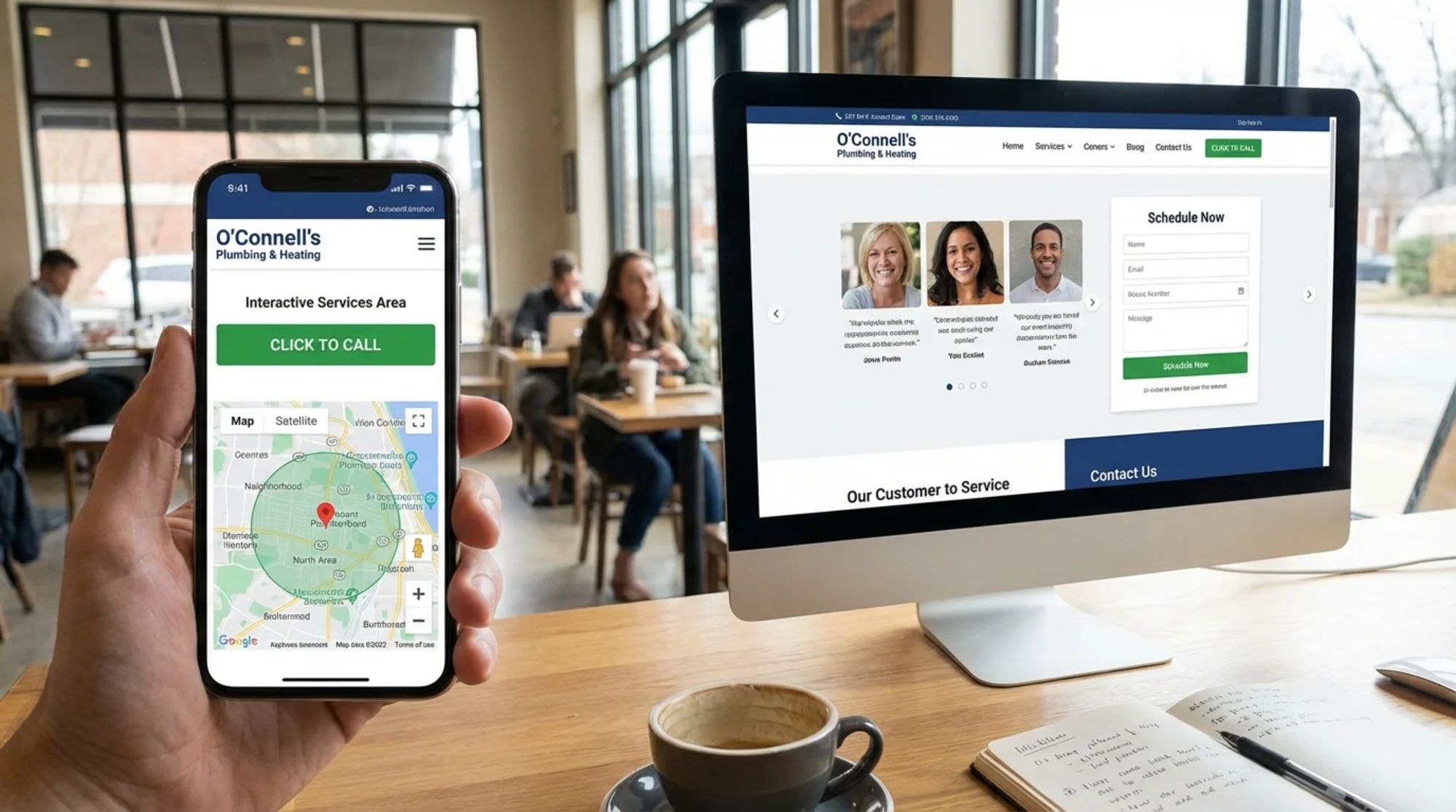
Why Local Landing Pages Matter
When someone searches "roof repair austin tx" or "family dentist near me," Google looks for pages that specifically address that query. Your homepage mentions everything you do. A local landing page focuses on one service in one area.
Google's guidance on helpful content makes this clear: content should demonstrate first-hand expertise and provide a satisfying experience for the searcher. A page built for "emergency plumbing in Riverside" does that far better than a homepage listing 15 services across 30 cities.
The math is straightforward. If you offer four services across five cities, that's 20 potential landing pages. Each one targets a specific search query. Each one has a chance to rank. Your homepage can't do that job alone.
The Problem With Most Local Landing Pages
Most local landing pages fall into one of two traps.
Trap 1: SEO-first, humans second. These pages jam the city name and service into every heading, every paragraph, every image alt tag. They read like they were written by a robot in 2011. Visitors land on them and bounce because the page feels spammy and untrustworthy.
Trap 2: Design-first, search engines ignored. These pages look great — big hero images, smooth animations, clever copy. But there's no clear location signal, no structured data, thin content, and Google has no reason to rank them for local queries.
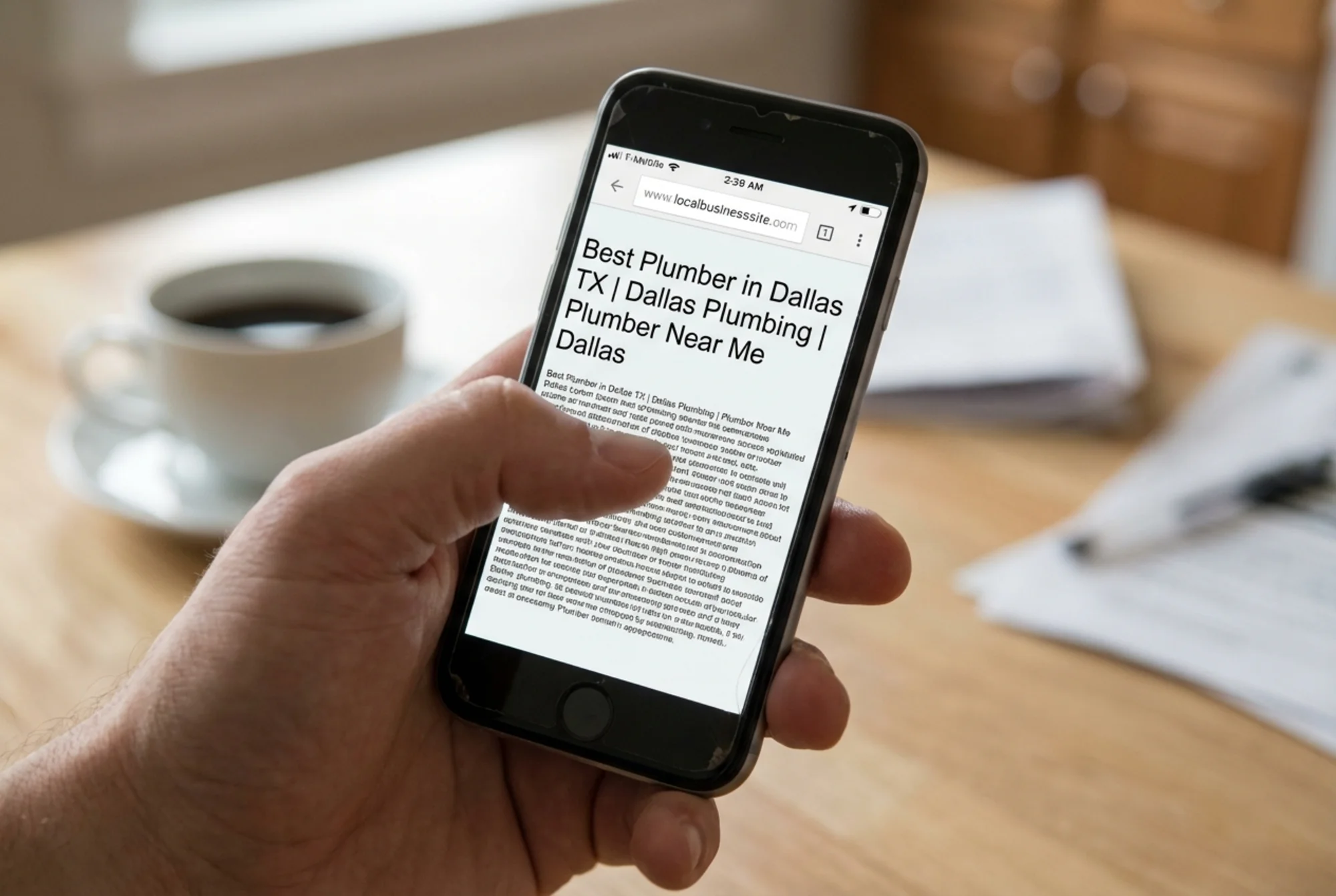
The template below avoids both traps. Every section serves a dual purpose: it helps Google understand what the page is about, and it helps a real visitor decide to contact you.
The Template: Section by Section
Here's the full structure. We'll walk through each section, explain what it does for SEO, and what it does for UX.

1. Hero Section
What it includes:
- H1 heading with service + location (e.g., "Roof Repair in Austin, TX")
- One-sentence description of what you do and who you serve
- Primary call to action (phone number or form button)
SEO purpose: The H1 tells Google exactly what this page is about. The location in the heading reinforces geographic relevance.
UX purpose: A visitor knows within two seconds whether they're in the right place. The CTA is immediately visible.
What to avoid: Don't stack keywords. "Roof Repair Austin | Austin Roof Repair | Best Roofer Austin TX" as your H1 is a red flag for both Google and visitors.
Good example:
H1: Roof Repair in Austin, TX
Subtext: Fast, licensed roof repair for homes and small businesses in the Austin metro area.
Button: Get a Free Estimate → (links to form or tel: link)
2. Trust Signals Bar
What it includes:
- Years in business
- Number of jobs completed or customers served
- License/insurance badges
- Review rating (e.g., "4.8 stars from 120 Google reviews")
SEO purpose: Minimal direct impact, but it reduces bounce rate. Google notices when visitors stay and engage.
UX purpose: Trust is the biggest barrier for local businesses online. This section handles the "can I trust these people?" question before the visitor scrolls further.
Keep it honest. Real numbers only. If you have 23 reviews, say 23 reviews. Nobody believes "thousands of satisfied customers" from a three-person operation.
3. Service Description (The Core Content)
This is where most local pages fail. They either write two sentences or copy-paste the same text across 20 city pages with only the city name swapped out.
What it includes:
- 200–400 words describing the specific service
- What the service involves, common problems you solve, your approach
- Natural mention of the local area (not forced)
- Location-specific details (local building codes, common weather issues, typical home styles)
SEO purpose: This is your main content. Google needs enough substance to understand depth and relevance. Unique content per page is critical — duplicate content across city pages will get filtered.
UX purpose: This is where you demonstrate expertise. A homeowner reading about roof repair wants to know you understand their specific problem. "Austin's clay soil causes foundation shifts that stress rooflines" tells them you know the area.
Mini-checklist for service content:
- [ ] Is this content unique to this page, not copied from another city page?
- [ ] Does it mention at least one location-specific detail?
- [ ] Does it explain what the service involves in plain language?
- [ ] Would a potential customer learn something useful from reading it?
- [ ] Is it free of keyword stuffing?
4. Service Area Details
What it includes:
- List of neighborhoods, suburbs, or zip codes you serve
- Embedded Google Map showing your service area
- Response times or travel radius
SEO purpose: Neighborhood and zip code mentions help you appear in hyper-local searches. The embedded map reinforces geographic relevance and supports your Google Business Profile's service area settings.
UX purpose: Visitors want to confirm you actually serve their area. A map makes this instant. Listing neighborhoods by name catches people who search for their suburb rather than the metro area.
5. Social Proof Section
What it includes:
- 2–4 customer reviews or testimonials
- Customer name and neighborhood (with permission)
- Specific details about the work done
SEO purpose: Review content adds unique, relevant text. If reviews mention the service and location naturally, that's additional keyword relevance you didn't manufacture.
UX purpose: Often the most-read section on the page. Specific reviews ("They fixed a leak in our South Austin duplex in under two hours") are far more persuasive than generic ones ("Great service!").
6. FAQ Section
What it includes:
- 3–5 frequently asked questions, or a step-by-step explanation of how your service works
- Use actual questions your customers ask (check your email, voicemail, and Google Business Profile Q&A)
SEO purpose: FAQ content can earn featured snippets. Use FAQPage schema markup in JSON-LD to tell Google these are questions and answers — you may see them appear directly in search results.
UX purpose: This section handles objections. "How much does it cost?" "Do I need to be home?" "Are you licensed?" Answer these and you remove friction from the decision to contact you.
7. Final Call to Action
What it includes:
- Clear, specific CTA ("Schedule Your Free Roof Inspection" not "Contact Us")
- Phone number (clickable on mobile)
- Simple form (name, phone, brief description — nothing more)
- Business hours
SEO purpose: A form or phone number confirms to Google this is a legitimate local business page.
UX purpose: Make acting easy. Every extra form field reduces conversions.
Mobile-specific: Your phone number should be a sticky element or prominently placed. Over 60% of local searches happen on phones. If someone has to scroll back up to find your number, you've lost them.
Full-Page Checklist
Run through this before publishing any local landing page:
Content:
- [ ] H1 includes service + city (once, naturally)
- [ ] Page title follows the format: "Service in City, ST | Business Name"
- [ ] Meta description mentions the service, location, and includes a call to action
- [ ] Service description is at least 200 words and unique to this page
- [ ] At least one location-specific detail (weather, local code, neighborhood reference)
- [ ] No duplicate content from other city/service pages
Technical:
- ] Page loads in under 3 seconds (check your [Core Web Vitals)
- [ ] Mobile responsive with readable text and tappable buttons
- [ ] LocalBusiness or relevant schema markup in JSON-LD
- [ ] FAQPage schema if FAQ section is present
- [ ] Canonical URL is set correctly
- [ ] Internal links to related services or nearby location pages
Trust and Conversion:
- [ ] Phone number is clickable on mobile
- [ ] Form has 4 or fewer fields
- [ ] At least 2 real customer reviews with specifics
- [ ] License/insurance/credentials mentioned
- [ ] Business hours listed
- [ ] Google Map embedded or linked
Walkthrough: Building a Page for "House Cleaning in Portland, OR"
Let's put the template into practice.
H1: House Cleaning in Portland, OR
Hero subtext: Reliable, thorough house cleaning for Portland homes. Licensed, insured, and locally owned since 2018.
Trust bar: 8 years in business · 4.9 stars (87 Google reviews) · Licensed & insured · Locally owned
Service description (unique content):
> Portland homes have their own quirks. Older Craftsman-style houses in SE Portland collect dust in detailed woodwork. Newer condos in the Pearl need careful handling of high-end finishes. We adjust our cleaning approach based on your home's style, size, and what matters most to you.
>
> Our standard clean covers kitchens, bathrooms, floors, dusting, and surface wipe-downs. Deep cleans add ovens, inside refrigerators, baseboards, and window tracks. We bring all supplies — eco-friendly products unless you prefer otherwise.
>
> Most Portland homes take 2–4 hours depending on size. We work in two-person teams so you're not waiting all day.
Notice how Portland-specific details are woven in naturally. This isn't keyword stuffing — it's showing you know the area.
Service area: "We serve Portland, Beaverton, Lake Oswego, Tigard, Milwaukie, Sellwood, St. Johns, and surrounding neighborhoods. Same-week availability for most bookings."
Reviews:
> "They've been cleaning our Alberta Arts District bungalow biweekly for two years. Consistently great." — Sarah M., NE Portland
> "Booked a deep clean before we listed our house in Hillsdale. The place looked brand new." — James R., SW Portland
FAQ section:
- What products do you use? Plant-based, low-VOC cleaners. If you have preferences or allergies, let us know.
- Do I need to be home? No. Many clients give us a door code or leave a key. We're bonded and insured.
- How do you price? By home size and cleaning type. A 2-bedroom standard clean starts around $140.
Final CTA: "Book Your Portland Home Cleaning" with a form: name, phone, home size (dropdown), preferred date.
Every section earns its place by serving the visitor and giving Google what it needs.
Common Mistakes to Watch For
Swapping only the city name across pages. If your Portland page and your Seattle page are identical except for the city name, Google will likely ignore one or both. Each page needs genuinely unique service content, reviews, and area details.
Hiding the phone number. Your phone number should be visible without scrolling on mobile. A "Contact" link in the navigation is not enough.
Skipping structured data. LocalBusiness schema takes 15 minutes to add and gives Google explicit information about your business name, address, service area, and hours. It's free ranking help. Google's structured data documentation covers the exact format.
Forgetting page speed. A page that takes 6 seconds to load on mobile will underperform a plain page that loads in 2. Google's Core Web Vitals are a ranking factor, and slow pages drive visitors away before they see your content. Use tools like a free site audit to catch speed issues early.
Too many pages too fast. If you're tempted to publish 50 city pages in a weekend, don't. Build a few strong pages first, monitor their performance, then expand. Ten excellent pages outrank fifty thin ones.
Check Your Existing Pages
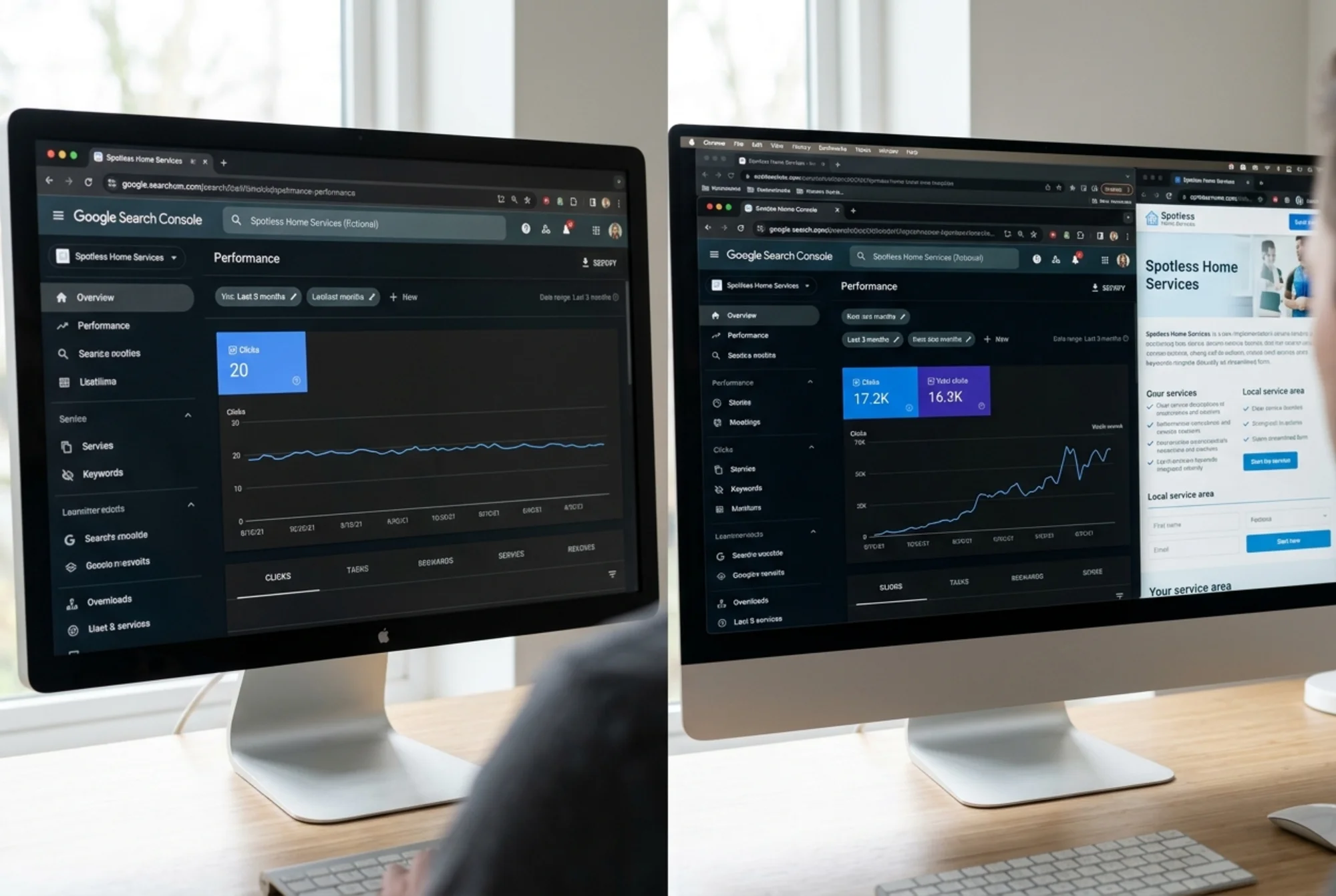
If you already have local landing pages, they might be hurting more than helping. Thin content, slow load times, missing structured data, and duplicate text across city pages are common problems that are easy to miss.
Run a free audit with FreeSiteAudit to see how your pages score on technical SEO, page speed, mobile usability, and content quality. It takes less than a minute and shows you exactly what to fix first.
Sources
- Google Search Central: Creating Helpful, Reliable, People-First Content — https://developers.google.com/search/docs/fundamentals/creating-helpful-content
- Google Search Central: Article Structured Data — https://developers.google.com/search/docs/appearance/structured-data/article
- web.dev: Web Vitals — https://web.dev/articles/vitals
Check your website for free
Get an instant score and your top 3 critical issues in under 60 seconds.
Get Your Free Audit →