Trust Signals Checklist for Home Services, Healthcare, and Legal Sites
Use this trust signals checklist to find missing reviews, credentials, and proof on your home service, healthcare, or legal site that cost you phone calls.
# Trust Signals Checklist for Home Services, Healthcare, and Legal Sites
When someone searches for a plumber at 10 PM with a burst pipe, a dentist for their kid's toothache, or a lawyer after a car accident, they are not browsing. They are making a high-stakes decision under pressure.
Your website has roughly five seconds to answer one question: Can I trust these people?
If your site does not answer that fast, visitors leave. They do not scroll down to find your credentials or click through to your About page. They hit the back button and pick the next result.
This checklist covers the specific trust signals that matter for home services, healthcare, and legal websites. Not vague advice — specific elements you can check and fix today.
Why Trust Signals Matter More in These Industries
Home services, healthcare, and legal services share three characteristics that make trust signals non-negotiable:
- People are letting you into their home, body, or legal life. The stakes are personal and the risk of a bad choice is real.
- Buyers cannot evaluate quality before purchase. You cannot test-drive a root canal or preview a lawsuit outcome.
- Regulation creates verifiable credentials. Licenses, bar numbers, NPI numbers, and certifications exist — and visitors expect to see them.
Google's helpful content guidelines emphasize experience, expertise, authoritativeness, and trustworthiness (E-E-A-T). For these industries, that is not an abstract SEO concept. It is a conversion requirement.
A home services site without a license number looks sketchy. A healthcare site without provider credentials feels unsafe. A law firm without attorney bios and bar information looks like a lead generation trap.
Universal Trust Signals: The Baseline Every Site Needs
Before getting into industry-specific items, make sure your site covers these fundamentals.
Contact and Identity
- [ ] Real business name, address, and phone number visible on every page (header or footer)
- [ ] Phone number is clickable on mobile
- [ ] Physical address matches your Google Business Profile
- [ ] A real email address on a branded domain (not gmail.com or yahoo.com)
- [ ] Business hours listed clearly
Social Proof
- [ ] Google Reviews widget or link showing actual review count and star rating
- [ ] At least 3 specific testimonials with the customer's first name and city
- [ ] Review count visible above the fold on your homepage
Visual Authenticity
- [ ] Real photos of your team, office, or work — not stock photos
- [ ] Photos include faces — people trust people, not logos
- [ ] Images load fast and are not blurry or stretched
Technical Trust
- [ ] HTTPS enabled across the entire site (no mixed content warnings)
- [ ] Site loads in under 3 seconds on mobile — Google's Core Web Vitals benchmarks treat anything slower as a poor user experience
- [ ] No broken links on key pages
- [ ] Privacy policy page linked in the footer
- [ ] Accessible design — readable fonts, sufficient contrast, mobile-friendly layout
Content Trust
- [ ] Clear description of what you do within the first screen of your homepage
- [ ] Service area or locations served stated explicitly
- [ ] No vague claims without backup ("best in the state" without any award or data to support it)
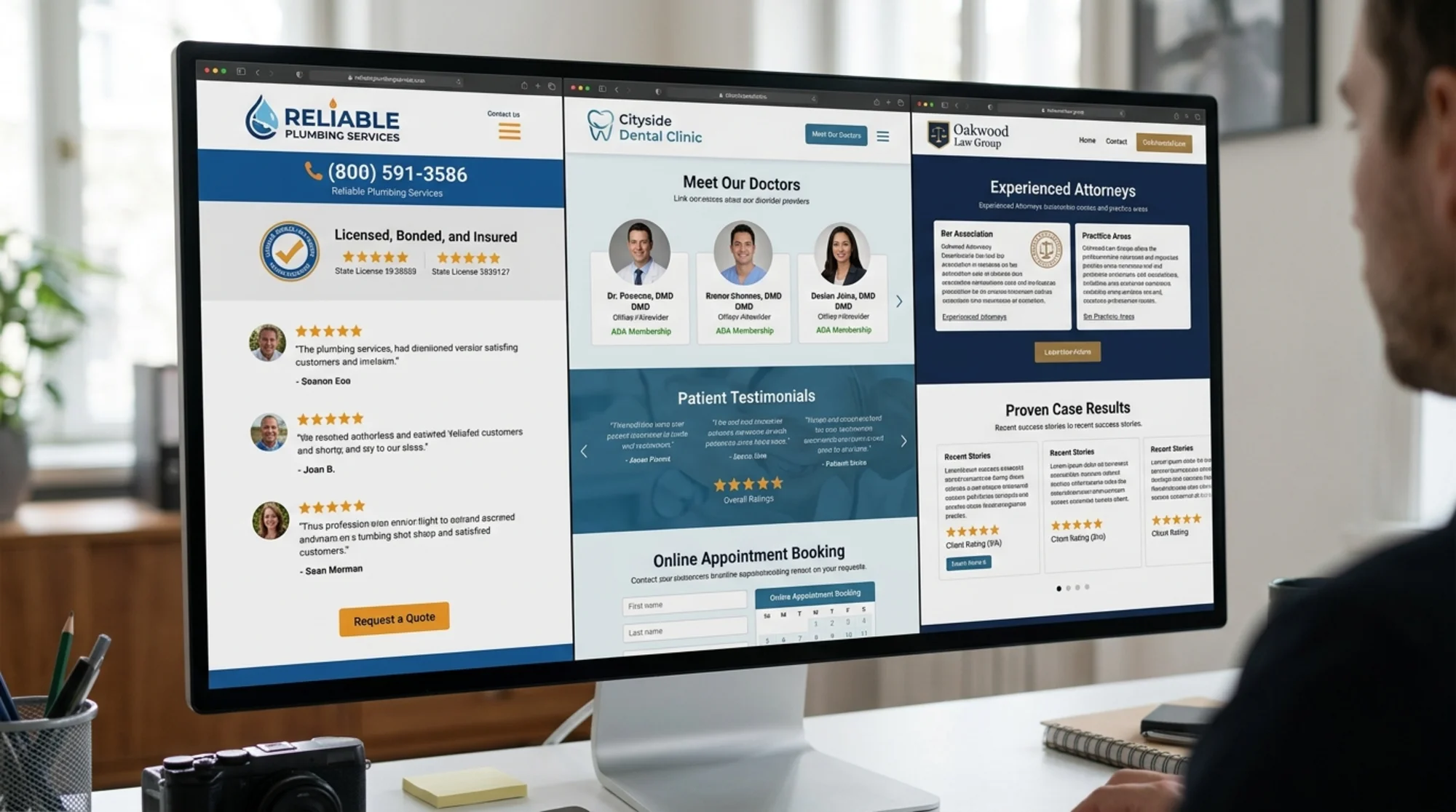
Home Services Trust Signals
Home service businesses — plumbers, electricians, HVAC techs, roofers, cleaners, landscapers — face a specific trust problem: you are asking strangers to let you into their home.
Licensing and Insurance
- [ ] License number displayed on your homepage and footer
- [ ] "Licensed, bonded, and insured" with specifics — not just the phrase, but which license and what coverage
- [ ] Link to your state license verification page if available
- [ ] Insurance certificate available on request mentioned on the site
Work Quality
- [ ] Before-and-after project photos with descriptions of the work done
- [ ] At least 5 project examples relevant to your core services
- [ ] Photos show actual finished work, not renderings or manufacturer stock images
- [ ] Video walkthroughs of completed projects (even phone-recorded ones add credibility)
Safety and Professionalism
- [ ] Background check policy mentioned if applicable
- [ ] Uniformed, branded team photos
- [ ] Manufacturer certifications or partnerships listed (e.g., Carrier Certified Dealer, GAF Certified Roofer)
- [ ] Warranty information clearly stated for services and parts
Pricing Transparency
- [ ] Starting prices or price ranges listed for common services
- [ ] "Free estimates" prominently displayed if offered
- [ ] No-surprise-billing guarantee or similar commitment
Scenario: The Midnight Emergency
A homeowner discovers a water leak at 11 PM. They search "emergency plumber near me" and click two results.
Site A: Generic homepage. Stock photo of a wrench. Phone number buried on the contact page. No reviews visible. No license number.
Site B: "Licensed Emergency Plumber — [City Name] — Available 24/7" in the headline. License number in the header. Google rating (4.8 stars, 247 reviews) under the logo. Real photo of a technician in a branded uniform. Click-to-call button fixed at the top of mobile. "No overtime charges for emergency calls" stated clearly.
Site B gets the call. Not because it is prettier, but because it answered every trust question before the visitor had to ask.

Healthcare Trust Signals
Healthcare websites carry a unique burden: patients evaluate both clinical competence and personal comfort. HIPAA compliance and medical credentials are table stakes, but warmth and transparency are what convert visitors to patients.
Provider Credentials
- [ ] Individual provider bios with photo, credentials, education, and specialties
- [ ] Board certifications listed with specialty board names
- [ ] NPI number or "verify my credentials" link for each provider
- [ ] Years in practice and fellowship training included in bios
- [ ] Professional memberships (ADA, AMA, state medical societies)
Patient Experience
- [ ] Google Reviews or Healthgrades rating visible on the homepage
- [ ] Patient testimonials that describe specific experiences (not just "great doctor")
- [ ] New patient process explained step by step
- [ ] Insurance plans accepted listed clearly (not "call to verify")
Compliance and Safety
- [ ] HIPAA notice linked in the footer
- [ ] Online forms use HTTPS and state data protection measures
- [ ] Patient portal login clearly accessible
- [ ] Telehealth availability mentioned if offered
Accessibility and Communication
- [ ] Languages spoken listed
- [ ] Office accessibility information (wheelchair access, parking)
- [ ] Response time expectation for online inquiries
- [ ] Online booking or clear call-to-action to schedule an appointment
Practice Transparency
- [ ] Office photos showing clean, modern environment
- [ ] Technology and equipment mentioned where relevant
- [ ] Treatment philosophy or approach stated in plain language
- [ ] Financial policies and payment options listed
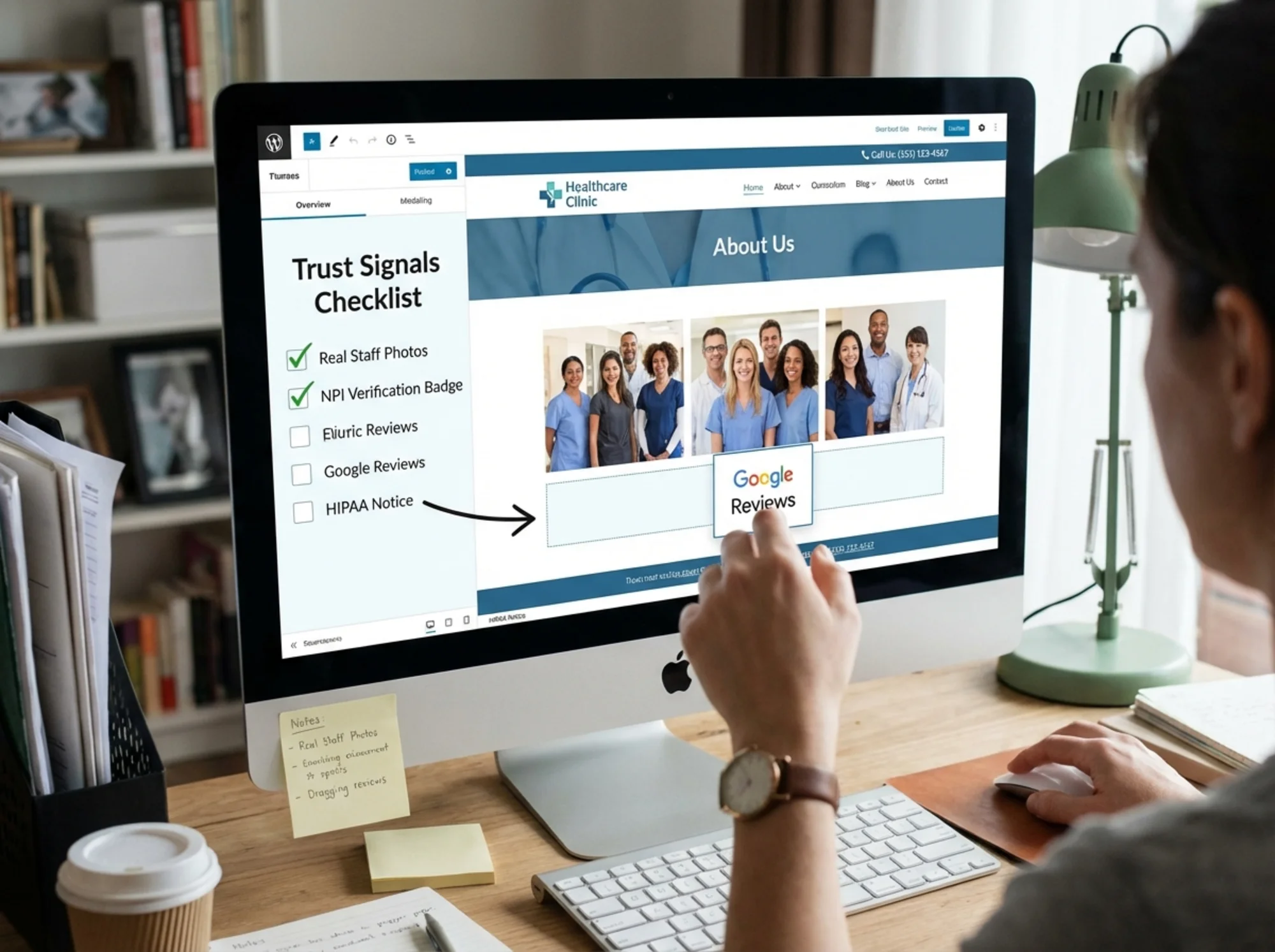
Quick Win for Healthcare Sites
If you do nothing else, add individual provider photos and bios. Search for any medical practice in your area and compare the ones with real doctor photos against those with just a logo and a phone number. The ones with faces and credentials dominate the local results and get more clicks. Google's structured data documentation for articles and profiles confirms that author-level detail helps search engines connect content to real expertise.
Legal Trust Signals
Legal websites face the toughest trust gap. Visitors are often in distressing situations — injury, divorce, criminal charges — and the legal industry's advertising reputation means every element either reduces skepticism or confirms it.
Attorney Credentials
- [ ] Individual attorney bios with headshot, bar admissions, education, and practice areas
- [ ] Bar number displayed for each attorney
- [ ] "Verify my bar status" link to your state bar's lookup page
- [ ] Years of experience stated per attorney
- [ ] Notable case results or settlements with context (case type and outcome, no confidential details)
- [ ] Awards or peer recognitions listed with year
Practice Transparency
- [ ] Practice areas clearly defined with individual pages for each
- [ ] Fee structure explained — contingency, hourly, flat fee, or free consultation
- [ ] "Free consultation" prominently displayed if offered
- [ ] What happens when you call explained step by step
Client Social Proof
- [ ] Client testimonials with case type mentioned (with appropriate disclaimers)
- [ ] Google Reviews rating and link
- [ ] Avvo, Martindale-Hubbell, or similar ratings displayed
- [ ] Case study summaries showing the problem, approach, and outcome
Ethical Trust Markers
- [ ] Required disclaimers present (varies by state — "past results do not guarantee future outcomes")
- [ ] Attorney advertising disclosure if required by your jurisdiction
- [ ] No misleading guarantees ("We win every case" is a red flag and possibly an ethics violation)
- [ ] Secure contact form with confidentiality notice
Accessibility
- [ ] Multiple contact methods — phone, email, contact form, and chat if possible
- [ ] Response time commitment stated
- [ ] Office location with directions and parking information
- [ ] Languages spoken and interpreter availability
Scenario: Choosing a Personal Injury Attorney
Someone is rear-ended on the way home from work and searches "personal injury lawyer [city]" the next day from their phone. They land on two firm websites.
Firm A: "We fight for you" headline with a gavel stock photo. List of practice areas. Contact form. No attorney photos. No case results. No reviews visible. Fee structure not mentioned.
Firm B: Lead attorney's headshot and name in the header. "Free consultation — no fee unless we win" in the subheadline. Three case results on the homepage: "$340K — rear-end collision," "$185K — slip and fall," "$520K — commercial truck accident." Google badge showing 4.7 stars (89 reviews). Bar number under each attorney's name. "When you call, you speak directly with an attorney within 2 hours."
Firm B converts that visitor. Every trust question got answered on the first screen.
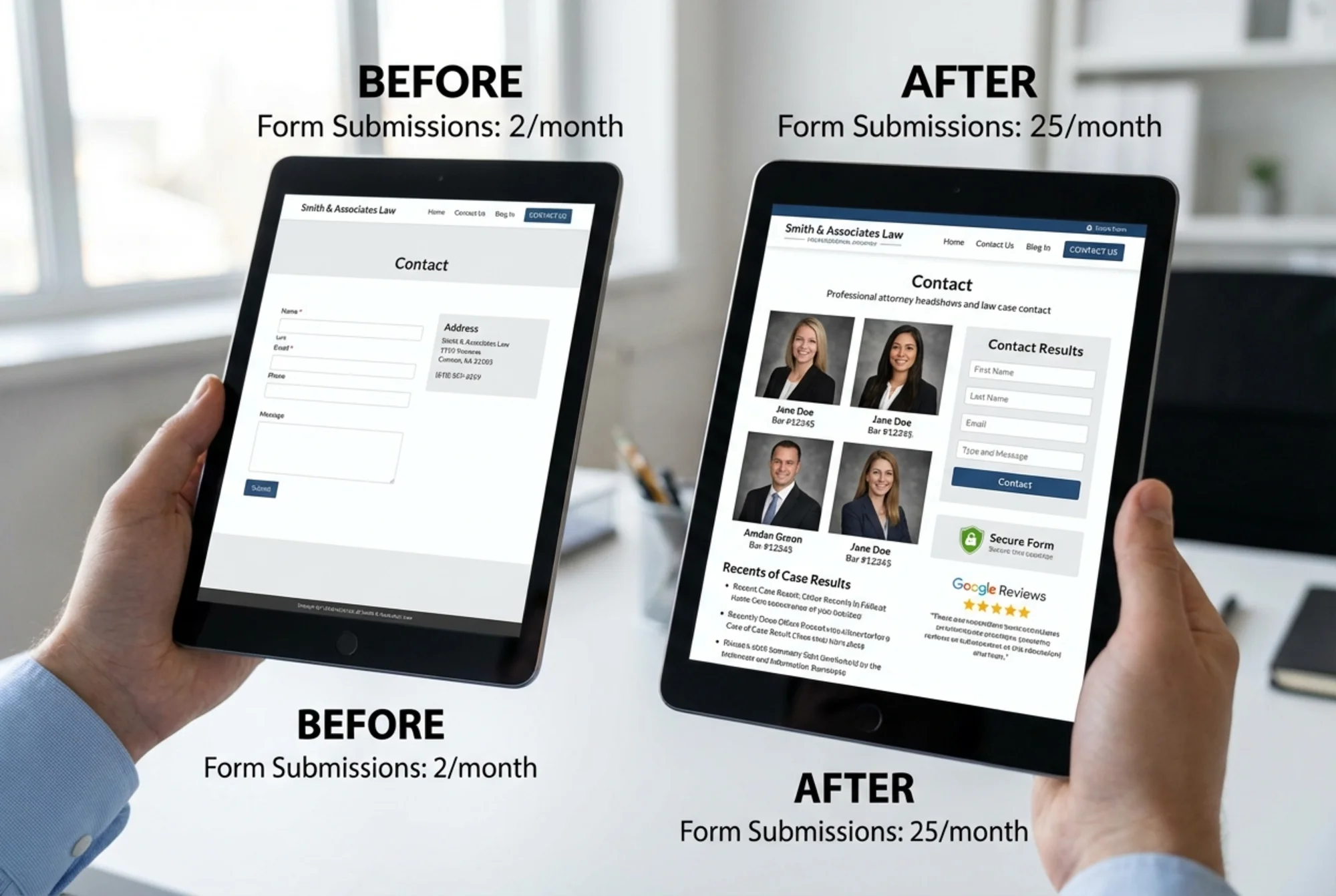
How to Prioritize: The 30-Minute Trust Audit
You do not need to implement every item today. Start with the signals that have the highest impact for the lowest effort.
Do these first (15 minutes):
- Add your license/bar/NPI number to your homepage header or footer
- Make sure your phone number is clickable on mobile
- Add your Google Reviews rating and count to your homepage
- Confirm your site loads over HTTPS with no warnings
Do these next (30 minutes):
- Write or update individual bios with a real photo for each provider or attorney
- Add 3 specific testimonials to your homepage
- Add your service area to your homepage
- List your fee structure or pricing approach
Do these when you can (1-2 hours):
- Add before/after photos (home services) or case results (legal)
- Create a "What to expect" section for new clients or patients
- Add structured data markup for your business type — Google's article structured data documentation explains how to help search engines parse credentials, authorship, and practice details
- Build out individual service or practice area pages
Check Your Trust Signals Right Now
Not sure where your site stands? Run a free audit at FreeSiteAudit and get a breakdown of what is working and what needs attention — including trust-related issues like missing HTTPS, slow load times, broken links, and missing structured data.
The audit takes less than a minute and shows you what visitors and search engines actually see when they land on your site.
You can also explore how your site compares to others in your industry:
The Bottom Line
Trust signals are not decoration. For home services, healthcare, and legal websites, they are the difference between a visitor who calls and one who bounces.
Most of your competitors are not doing this well. Real photos, visible credentials, specific results, and genuine reviews are not hard to add. They just require intention.
Pick five items from this checklist. Implement them this week. Then watch what happens to your calls and form submissions.
Sources
Check your website for free
Get an instant score and your top 3 critical issues in under 60 seconds.
Get Your Free Audit →