Vibe Coded Website SEO Audit: What AI-Built Sites Get Wrong (and How to Fix It)
Vibe-coded websites look polished but often fail basic SEO. Learn the seven most common technical SEO problems in AI-built sites and how to fix them fast.
# Vibe Coded Website SEO Audit: What AI-Built Sites Get Wrong (and How to Fix It)
Vibe coding changed the game. You describe what you want, an AI builds it, and ten minutes later you have a working website. Tools like Bolt, Replit Agent, Cursor, and v0 let anyone ship a polished-looking site without writing a single line of code by hand.
But here is the problem nobody talks about: most vibe-coded websites are invisible to Google.
They look fantastic. They function correctly. But under the hood, they are missing the technical foundations that search engines need to find, understand, and rank your pages. If Google cannot properly crawl your site, it does not matter how good your product is.
This guide walks you through the specific SEO problems that show up in vibe-coded websites, why they happen, and exactly how to fix them.

What Is Vibe Coding, and Why Does It Create SEO Problems?
Vibe coding is the practice of building software by describing what you want to an AI tool in plain English. Instead of writing HTML, CSS, and JavaScript yourself, you tell the AI "build me a modern landing page for my bakery with a menu section and contact form," and it generates the entire site.
The term was coined by AI researcher Andrej Karpathy in early 2025, and it caught on fast. For small business owners, it felt like a breakthrough — no more hiring developers for a simple website, no more wrestling with WordPress themes.
The issue is that AI code generators optimize for what looks right, not what ranks well. They produce code that works visually in a browser but ignores the invisible layer of structure that Google depends on. The AI was never told to care about SEO, so it does not.
This is not a knock on vibe coding itself. But treating the output as production-ready without an SEO check is like opening a store with no sign on the door.
The Seven Most Common SEO Failures in Vibe-Coded Sites
After auditing hundreds of AI-generated websites, these are the problems that show up repeatedly.
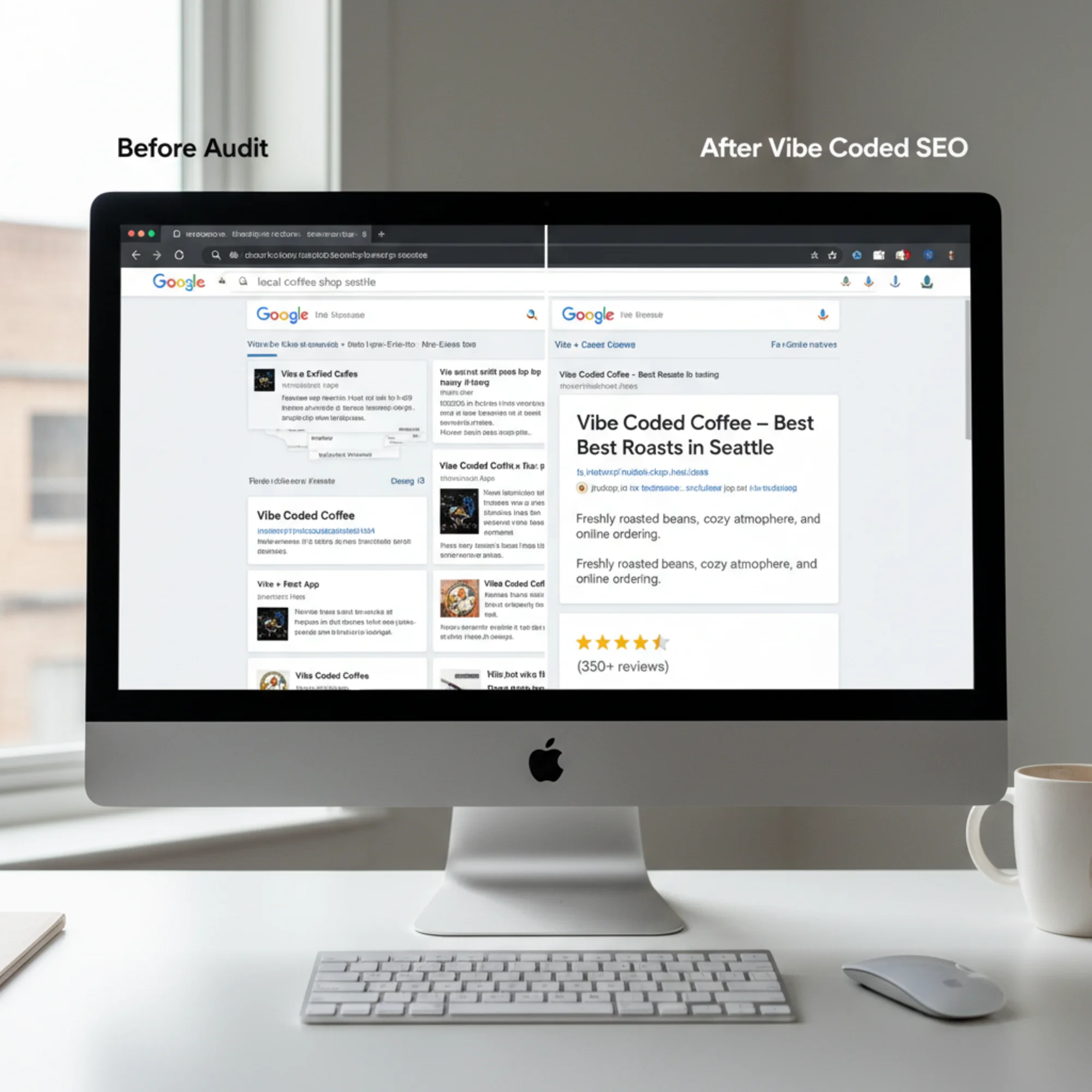
1. Client-Side Rendering With No Fallback
This is the single biggest issue. Most vibe coding tools default to single-page application (SPA) frameworks like React or Vue. These frameworks render content in the browser using JavaScript. When Googlebot visits your page, it sees an empty shell until JavaScript executes.
Google can render JavaScript — eventually. But it uses a two-phase indexing process: first it crawls the raw HTML, then it queues pages for rendering. That rendering queue can take days or weeks. During that time, your content effectively does not exist in search results.
What to check: View your page source (right-click → View Page Source, not Inspect Element). If you see a nearly empty tag with just a and a bundle of JavaScript files, your content is client-side rendered.
The fix: Switch to server-side rendering (SSR) or static site generation (SSG) if your vibe coding tool supports it. In Next.js, use Server Components or getStaticProps. If you are stuck with a pure SPA, add pre-rendering with a tool like Prerender.io.
2. Missing or Duplicate Title Tags and Meta Descriptions
AI generators frequently produce pages with generic titles like "Home" or "My App," or the same title on every page. Meta descriptions are often left completely empty.
Your title tag is the single most important on-page SEO element — it is the clickable headline in search results. A missing or generic title means Google has to guess what your page is about, and it usually guesses poorly.
What to check: Look at your browser tab. Does it say something specific and useful, or does it say "Vite + React" or "Next App"? Check every page, not just the homepage.
The fix: Every page needs a unique title tag under 60 characters that includes your primary keyword. Every page needs a meta description under 155 characters that accurately describes the content. If your framework uses a layout file, make sure individual pages override the default.
3. Broken Heading Hierarchy
Vibe-coded sites regularly use heading tags ( through ) based on visual size rather than document structure. You will find pages with three H1 tags, or pages where the hierarchy jumps from H1 to H4 because the AI chose the heading level based on font size.
Headings tell Google the structure and topic hierarchy of your content. A page with multiple H1 tags or skipped levels signals confused or disorganized content.
What to check: Every page should have exactly one H1. Subheadings should follow a logical order: H2 for main sections, H3 for subsections, and so on. No skipping levels.
The fix: Restructure your headings to follow proper hierarchy. Use CSS for visual styling instead of picking heading levels based on appearance.
4. Images Without Alt Text
AI tools generate beautiful image layouts but almost never include meaningful alt text. You will see alt="" or alt="image" or no alt attribute at all.
Alt text serves two purposes: it makes your site accessible to screen readers, and it tells Google what your images contain. Missing alt text means Google cannot index your images, and you lose potential traffic from Google Image Search.
What to check: Right-click any image on your site and inspect it. The alt attribute should contain a brief, accurate description of what the image shows.
The fix: Add descriptive alt text to every meaningful image. Be specific — instead of alt="photo", write alt="freshly baked sourdough loaves on a wooden cooling rack". Decorative images that add no information can use alt="".
5. No Structured Data
Structured data (schema markup) explicitly tells Google what type of content is on your page — whether it is a business, a product, an article, or an FAQ. It powers the rich snippets you see in search results: star ratings, price ranges, FAQ dropdowns, and business hours.
Vibe-coded sites almost never include structured data. The AI was not prompted to add it, so it does not exist.
What to check: Run your URL through Google's Rich Results Test. If it finds no structured data, you are missing out on enhanced search visibility.
The fix: Add JSON-LD structured data to your pages. For a local business, start with LocalBusiness schema. For blog posts, use Article schema as described in Google's documentation. Place the JSON-LD in a