Website Audit After Buying a Business: The First 30 Days
Bought a business? Audit its website in the first 30 days to uncover technical debt, SEO gaps, and conversion issues before they erode your investment.
# Website Audit After Buying a Business: The First 30 Days
You just signed the papers. The business is yours — the brand, the customers, the revenue, and the website.
That website might look fine on the surface. The homepage loads, the contact form seems to work, and there are some blog posts. But underneath? There could be years of technical debt, SEO neglect, broken functionality, and security vulnerabilities that the previous owner either ignored or never noticed.

Before you change the logo, rewrite the copy, or launch a new marketing campaign, you need to know exactly what you're working with. This guide walks you through a structured website audit in the first 30 days of ownership — what to check, what to fix first, and how to avoid the most common mistakes new owners make.
Why You Can't Skip This Step
When you buy a physical business, you inspect the building — the plumbing, the electrical, the roof. A website deserves the same treatment.
Here's what can go wrong if you don't audit early:
- Lost search rankings: Google evaluates sites continuously. If the previous owner let technical SEO slip — broken links, missing meta tags, duplicate content — your organic traffic may already be declining. You won't notice until it's gone.
- Security vulnerabilities: Outdated CMS versions, expired SSL certificates, or old plugins with known exploits can get your site hacked or blacklisted. Fixing a hacked site costs 10x more than preventing it.
- Broken conversion paths: Forms that don't submit, phone numbers that ring old lines, checkout processes that error out on mobile — each one is a customer you'll never know you lost.
- Hosting and domain risks: If the domain registration is about to expire or the hosting is tied to the seller's personal account, you could lose the entire site overnight.
Week 1: Secure the Foundations
Before you touch anything visible, lock down the infrastructure.
Transfer and Verify All Accounts
Work through this methodically:
- [ ] Domain registrar access (GoDaddy, Namecheap, Cloudflare, etc.)
- [ ] Hosting account (or Vercel/Netlify/platform login)
- [ ] CMS admin access (WordPress, Shopify, Squarespace, etc.)
- [ ] Email service provider
- [ ] Google Search Console and Google Analytics
- [ ] Google Business Profile
- [ ] Social media accounts linked from the site
- [ ] Payment processor (Stripe, PayPal, Square)
- [ ] Third-party integrations (CRM, email marketing, scheduling tools)
Common trap: The seller says "I'll transfer everything after closing." Get it in writing with deadlines. Set calendar reminders. Accounts that aren't transferred within 30 days often never get transferred at all.
Check Domain and SSL Status
Look up your domain's expiration date at your registrar. If it expires within 90 days, renew immediately and enable auto-renewal.
Verify your SSL certificate is valid. An expired SSL shows visitors a browser warning that kills trust instantly — and Google treats HTTPS as a ranking signal.
Verify Hosting Stability
Log in to your hosting panel and check:
- Current plan limits (storage, bandwidth, PHP version if applicable)
- Whether backups are enabled and recent
- Server location relative to your target audience
- Uptime history if available
If the site is on shared hosting with frequent downtime, plan a migration — but not in week one. Stabilize first.
Week 2: Run a Full Technical Audit
Now it's time to see what's happening under the hood. This is where most new owners are surprised.
Start With an Automated Scan
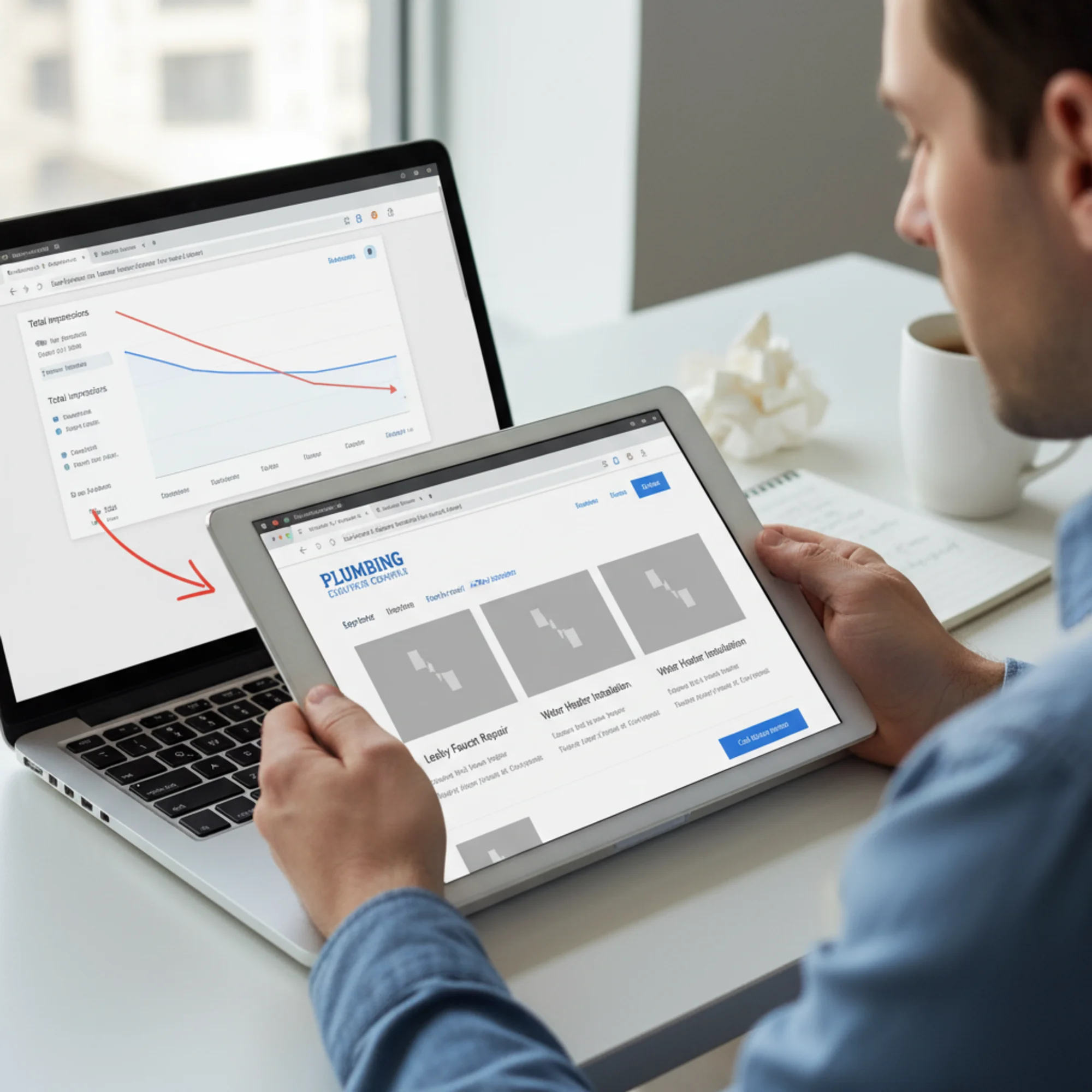
Run your site through FreeSiteAudit to get a baseline health score. An automated audit catches issues invisible to manual browsing:
- Page speed and Core Web Vitals scores
- Missing or duplicate meta titles and descriptions
- Broken internal and external links
- Missing alt text on images
- Mobile responsiveness problems
- Missing structured data
- Redirect chains and 404 errors
- Security headers
This gives you a prioritized list instead of a guessing game. You'll know immediately whether you're dealing with a few quick fixes or a site that needs serious work.
Check Core Web Vitals
Google uses three Core Web Vitals as ranking signals, as documented on web.dev:
- Largest Contentful Paint (LCP): How fast the main content loads. Target: under 2.5 seconds.
- Interaction to Next Paint (INP): How quickly the site responds to clicks and taps. Target: under 200 milliseconds.
- Cumulative Layout Shift (CLS): How much the page layout jumps during loading. Target: under 0.1.
Business websites built three or four years ago and never optimized typically fail at least one. Common culprits include unoptimized images (the number one cause of slow LCP), excessive third-party scripts, missing width/height attributes on images, and render-blocking CSS or JavaScript.
Crawl for Broken Links
Broken links are among the most common problems on acquired websites. The previous owner may have deleted pages without redirects, changed URL structures, linked to external sites that no longer exist, or let product pages go stale. Every broken link is a dead end for visitors and search engines alike.
Real Example: The Plumbing Company Acquisition
Sarah bought a local plumbing company that had been operating for 12 years. The website looked decent — clean design, service listings, customer reviews.
Her audit revealed:
- 37 broken links — old blog posts deleted without redirects, plus service area pages for cities they no longer covered
- Expired SSL certificate — it had lapsed four months earlier and nobody noticed
- Mobile speed score of 28/100 — uncompressed images at 3–5 MB each
- Duplicate meta titles on every service page (all reading "Plumbing Services | ABC Plumbing")
- No Google Search Console connected — zero visibility into search performance
- A broken contact form — submissions went to an email address the seller had deactivated
That broken contact form was costing her leads every day. Without the audit, she might not have found it for weeks.
Week 3: Evaluate SEO and Content

With the technical foundation assessed, turn your attention to search performance and content quality.
Audit Search Performance
If you secured Google Search Console access (and you should insist on it during the sale), review:
- Impressions and clicks over the last 6–12 months. Stable, growing, or declining?
- Top performing pages. Which pages bring in organic traffic? Do not break or remove these.
- Top queries. What terms is the site ranking for? This tells you what Google thinks the site is about.
- Index coverage issues. Are there pages Google can't crawl or has excluded?
If traffic has been declining for months, you may have inherited a content quality problem or a compounding technical issue. Google's helpful content guidelines stress that sites should demonstrate first-hand expertise and provide genuine value — thin, generic content can drag down an entire domain.
Review Content Quality
Go through the main pages and blog posts with these questions:
- Does this content answer real customer questions?
- Is it accurate and current?
- Does it reflect how the business operates now — services, pricing, service areas?
- Is there duplicate or near-duplicate content across pages?
Content triage checklist:
- [ ] Homepage clearly states what the business does and where
- [ ] Service/product pages have unique, detailed descriptions
- [ ] Contact information is correct everywhere it appears
- [ ] Business hours are current
- [ ] About page reflects current ownership
- [ ] Blog posts from the last year are still relevant
- [ ] No pages with thin content (under 200 words with no real substance)
Check Structured Data
Structured data helps Google display rich results — star ratings, business hours, FAQ dropdowns. Many small business sites have none.
Check for:
- LocalBusiness schema (critical for local businesses)
- Article schema on blog posts, following Google's structured data guidelines
- Product or Service schema where relevant
- FAQ schema on appropriate pages
- Breadcrumb schema for navigation
Adding structured data where it's missing entirely is one of the highest-impact SEO improvements available — and relatively straightforward to implement.
Review the Backlink Profile
Use Google Search Console's Links report to examine who links to your site:
- Spammy backlinks: If the previous owner bought links or used questionable SEO tactics, toxic backlinks may be dragging down your domain.
- Valuable backlinks: Links from local directories, industry associations, news outlets, and partners. Ensure the pages they point to still exist.
- Recoverable link value: If authoritative sites link to broken pages on your domain, fixing those pages or setting up redirects recovers that equity.
Week 4: Prioritize and Plan
You now have a complete picture. Sort your findings into three buckets.
Bucket 1: Fix This Week (Critical)
Issues actively losing you money or putting the site at risk:
- Broken contact forms or checkout flows
- Expired SSL certificate
- Site not mobile-friendly
- Broken links on high-traffic pages
- Incorrect business information (phone, address, hours)
- Security vulnerabilities (outdated CMS, exposed admin panels)
Bucket 2: Fix This Month (Important)
Issues hurting rankings and user experience but not emergencies:
- Core Web Vitals failures, especially on mobile
- Missing or duplicate meta titles and descriptions
- Missing structured data
- Broken internal links
- Image optimization (compression, sizing, alt text)
- Proper analytics and Search Console tracking
Bucket 3: Fix This Quarter (Strategic)
Improvements that build long-term value:
- Content strategy overhaul
- Redesign or UX improvements
- New functionality (online booking, chat)
- Local SEO (citations, Google Business Profile optimization)
- Backlink outreach and cleanup
Create Your Baseline
Before you start making changes, document your starting point:
- Run a FreeSiteAudit scan and save the report as your day-one benchmark
- Screenshot your Search Console performance dashboard
- Record current rankings for your most important keywords
- Note page speed scores for key pages
In three months, run everything again and measure improvement. Without a baseline, you'll never know if your work is paying off.
Common Mistakes New Owners Make
Redesigning before auditing. A fresh design on a broken foundation is still broken. Fix technical issues first.
Deleting content without redirects. Every indexed page with backlinks has SEO value. If you remove a page, set up a 301 redirect to the most relevant replacement.
Changing the domain name immediately. If the business has existing rankings and backlinks on its current domain, a domain change is one of the riskiest moves you can make. If rebranding is necessary, plan the migration with proper redirects for every URL.
Ignoring historical analytics. Even imperfect tracking data reveals which pages matter, where traffic comes from, and what's been trending. Extract these insights before disconnecting anything.
Trying to fix everything yourself. An audit tells you what's wrong. Some fixes are simple — updating a phone number, compressing images. Others require a developer — server configuration, hosting migration, structured data implementation. Know the difference and budget accordingly.
Get Your Baseline Audit Today
The first step is knowing where you stand. Run a free audit with FreeSiteAudit and get a detailed report on your newly acquired website's health — covering performance, SEO, accessibility, and security.
It takes less than a minute, and you'll have a clear, prioritized list of what needs attention. Think of it as the home inspection for your new digital property.
Your SEO audit covers meta tags, structured data, and content issues. The performance audit measures Core Web Vitals and load times. And if broken links are a concern — they usually are with acquired sites — the broken links checker will map every dead end on your domain.
You didn't buy this business to watch it lose customers to a broken form or a slow page. Audit first, fix fast, build from a solid foundation.
Sources
- Google Search Central — Creating Helpful, Reliable, People-First Content
- Google Search Central — Article Structured Data
- web.dev — Web Vitals
Check your website for free
Get an instant score and your top 3 critical issues in under 60 seconds.
Get Your Free Audit →