Website Audit Before Running Google Ads: The Checklist That Saves Your Budget
Running Google Ads to a broken landing page wastes money. This pre-launch audit checklist catches the issues killing your conversions before you spend.
# Website Audit Before Running Google Ads: The Checklist That Saves Your Budget
You're about to spend real money on Google Ads. Every click costs you whether or not that visitor becomes a customer.
Here's the uncomfortable truth: most small businesses launch ad campaigns pointing to websites that actively push visitors away. Slow pages, broken forms, missing information, confusing layouts — problems that turn paid clicks into wasted dollars.
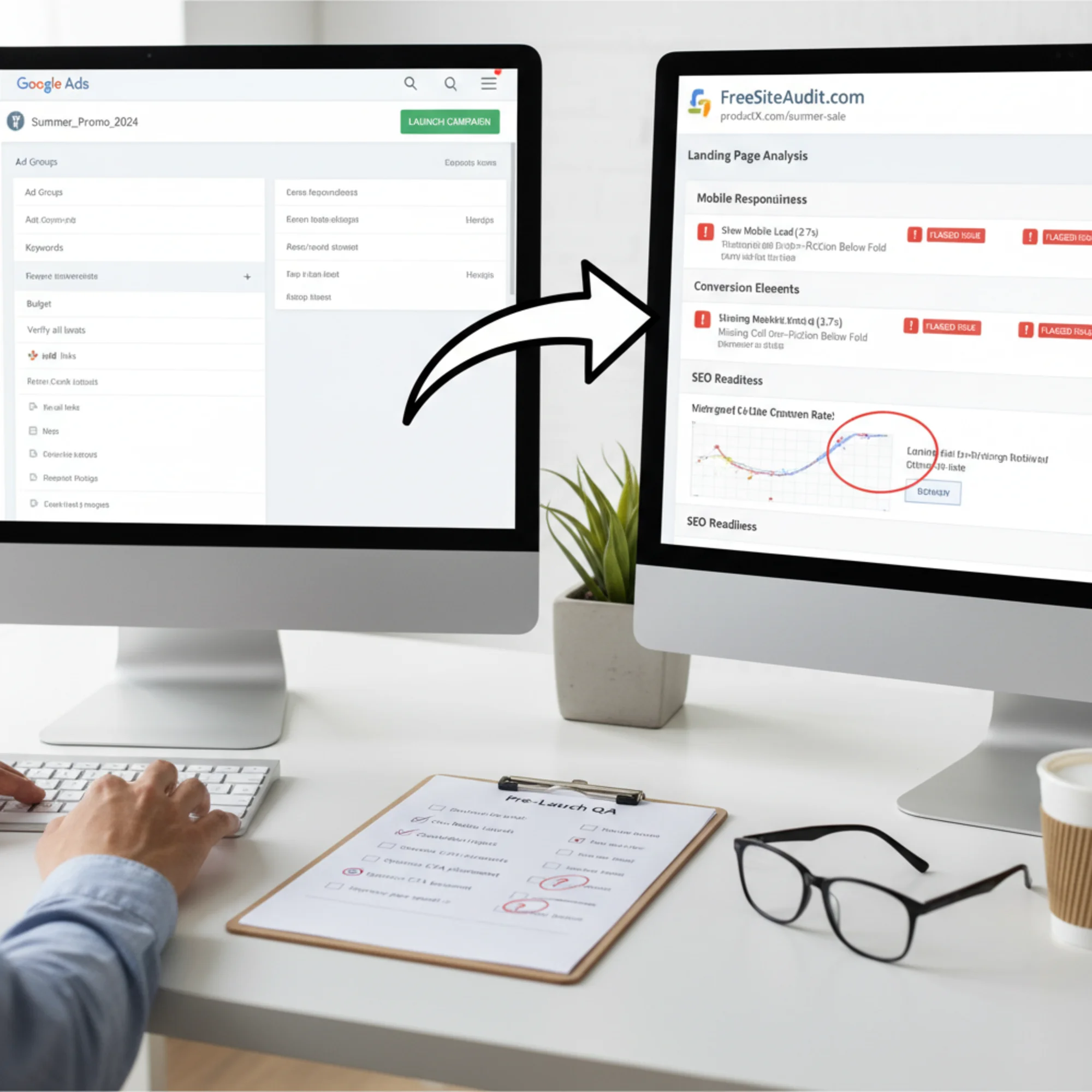
Before you set a daily budget and hit "launch," audit the specific pages those ads will send people to. Not your whole website — just the landing pages where paid traffic will arrive.
This guide covers exactly what to check, why each issue matters for ad performance, and how to fix the problems that eat your budget.
Why Your Website Matters More Than Your Ad Copy
Google Ads runs on an auction, but the highest bidder doesn't always win. Google uses Quality Score to rank ads, and a major component is landing page experience.
What that means in practice:
- Google evaluates the page your ad sends people to
- If that page is slow, irrelevant, or hard to use, your Quality Score drops
- A lower Quality Score means you pay more per click than competitors with better pages
- In extreme cases, Google won't show your ad at all
Two businesses can bid the same amount on the same keyword, and the one with the better landing page pays less and ranks higher.
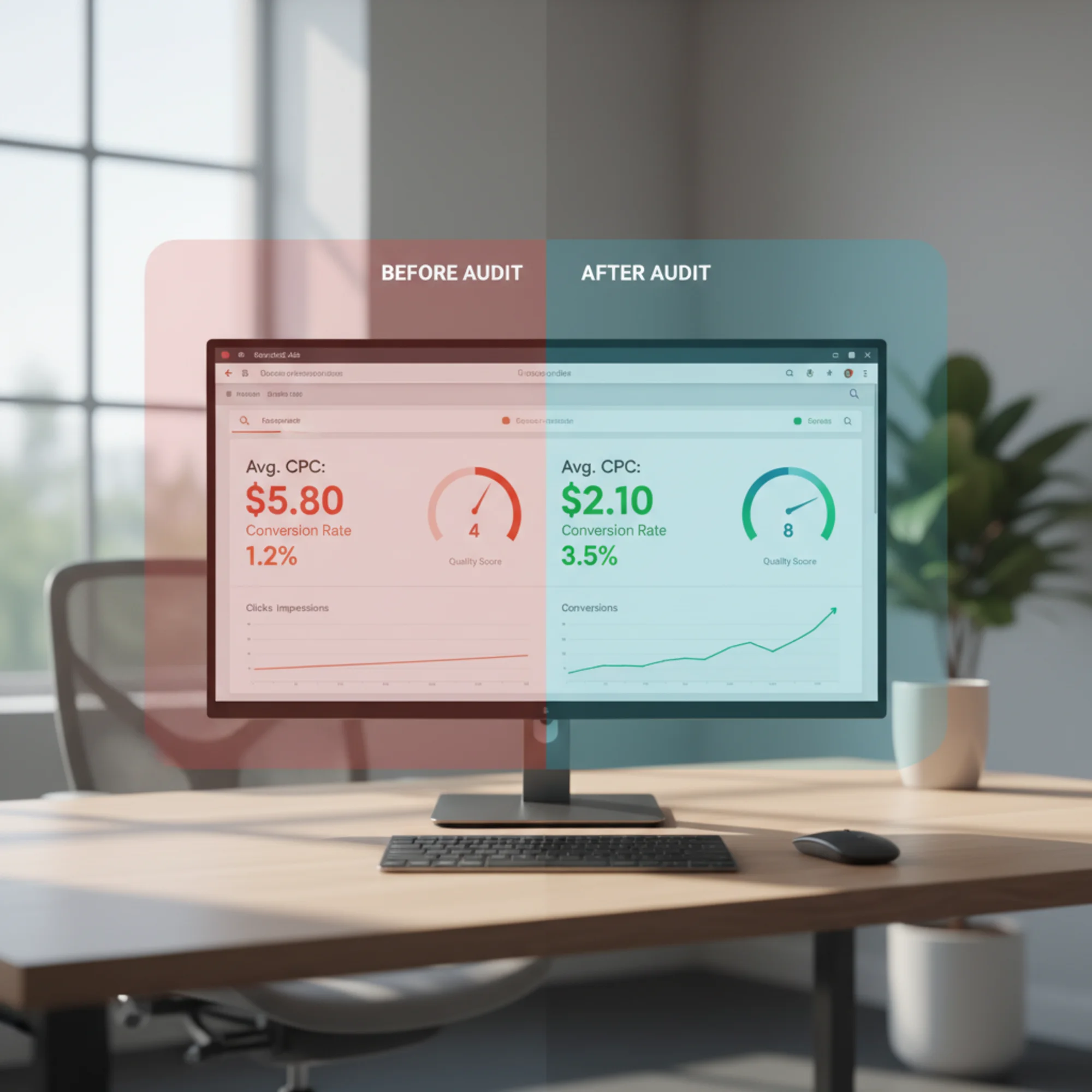
Then there's the conversion math. If your landing page converts 1% of visitors at $3 per click, each customer costs $300 in ad spend. Fix the page to convert at 3%, and that drops to $100. Same budget, three times the customers.
The Pre-Ads Website Audit Checklist
Every item below directly affects your Google Ads Quality Score, your conversion rate, or both.
1. Page Speed — The 3-Second Rule
When someone clicks your ad, they've shown intent. But if your page takes more than three seconds to load, roughly half of mobile visitors leave before seeing anything.
Google's Core Web Vitals measure three things that matter here:
- Largest Contentful Paint (LCP): Time until the main content is visible. Target: under 2.5 seconds.
- Interaction to Next Paint (INP): How quickly your page responds to taps and clicks. Target: under 200 milliseconds.
- Cumulative Layout Shift (CLS): Whether elements jump around while loading. Target: under 0.1.
What to check:
- Run your landing page URL through a speed test
- Check mobile speed separately — it's almost always worse than desktop
- Look for oversized images (the most common speed killer for small business sites)
- Check for render-blocking scripts that delay page display
Common fixes:
- Compress images to WebP format (often cuts file size by 70%)
- Remove unused plugins or scripts
- Enable browser caching
- Upgrade hosting if server response time exceeds 600ms
You can check your page speed and Core Web Vitals with a free website audit that flags exactly which elements are slowing things down.
2. Mobile Experience — Where Most Ad Clicks Happen
Over 60% of Google searches happen on mobile. For local businesses, even more. If your ads target local customers, assume most clicks come from phones.
What to check:
- Load your landing page on an actual phone, not just a resized desktop browser
- Can visitors read text without zooming?
- Are buttons large enough to tap with a thumb?
- Does the contact form work on mobile?
- Is your phone number clickable (tap-to-call)?
- Does the page scroll smoothly without horizontal overflow?
A real scenario: A plumbing company spending $2,000/month on "emergency plumber near me" had a landing page that looked fine on desktop. On mobile, the call-to-action was hidden below a large image, the phone number wasn't clickable, and the contact form required pinch-zooming. They were paying for clicks from people who wanted a plumber right now — and making it nearly impossible to make contact.
After fixing the mobile issues — tap-to-call, CTA above the fold, resized form — their conversion rate doubled in two weeks. Same spend, twice the calls.
For detailed mobile fixes, see our mobile-friendly guide.
3. Landing Page Relevance — Match Your Ad to Your Page
Google checks whether your landing page delivers what your ad promises. This directly affects Quality Score.
What to check:
- Does your landing page headline align with your ad headline?
- Does the page contain the keywords you're bidding on?
- Is the primary content about the specific service or product in your ad?
- Can a visitor understand your offer within five seconds?
What to avoid:
- Sending all ads to your homepage (it tries to do everything — your landing page should do one thing)
- Using generic pages for specific ad groups
- Promising a discount in the ad that doesn't appear on the page
If your ad says "Free Roof Inspection in Austin," your landing page should mention free roof inspections in Austin within the first visible section. Not your general services page. A focused page about exactly that offer.
4. Trust Signals — Why Should a Stranger Trust You?
People clicking your ad have never heard of you. Your landing page must answer fast: "Can I trust this business?"
What to check:
- Real customer reviews visible on the page
- Physical address listed (critical for local businesses)
- A real phone number displayed
- Privacy policy linked from forms
- Relevant trust badges, certifications, or association logos
- Professional, current-looking design
What kills trust instantly:
- Obviously fake stock photos
- No contact method except a form
- A copyright date from years ago in the footer
- Broken links or missing images
- HTTP instead of HTTPS (the missing padlock)
The HTTPS point deserves emphasis. Without an SSL certificate, Chrome labels your site "Not Secure" in the address bar. A visitor who just clicked your ad sees that warning and leaves. Google also factors HTTPS into Quality Score.
5. Conversion Path — Make the Next Step Obvious
Every landing page needs one clear action: call, fill out a form, book an appointment, buy. That action should be unmissable.
What to check:
- Is there a clear call-to-action visible without scrolling?
- Does the CTA stand out visually from the rest of the page?
- Is there only one primary action? (Competing CTAs reduce conversions.)
- Does your form actually work? Submit a test entry.
- How many form fields are required? Every additional field reduces completions.
- Does something happen after submission? (Confirmation page, thank-you message, auto-reply?)
Form mini-checklist:
- [ ] Form submits successfully on desktop and mobile
- [ ] Confirmation message appears after submission
- [ ] You actually receive the submission in your email or CRM
- [ ] Required fields are clearly marked
- [ ] Error messages are specific and helpful
- [ ] No unnecessary fields (fax number, company size for a local bakery)
6. Tracking Setup — Measure What Matters
Launching ads without tracking means you'll know how much you spent but not what you got for it. This is the only way to know if your ads are working.
What to check:
- Google Analytics installed and receiving data
- Google Ads conversion tag on your confirmation/thank-you page
- Call tracking configured if phone calls matter
- Conversion actions defined in Google Ads (form submission, call, purchase)
- Test the full path: click through, complete the action, verify it registers
Without conversion tracking, Google Ads can't optimize your campaigns. Smart Bidding and automated strategies rely on conversion data to allocate budget toward clicks most likely to convert. No tracking data means Google is spending blind.
7. Technical SEO Basics — The Foundation Under Everything
Some technical issues don't affect how your page looks but directly impact how Google evaluates it.
What to check:
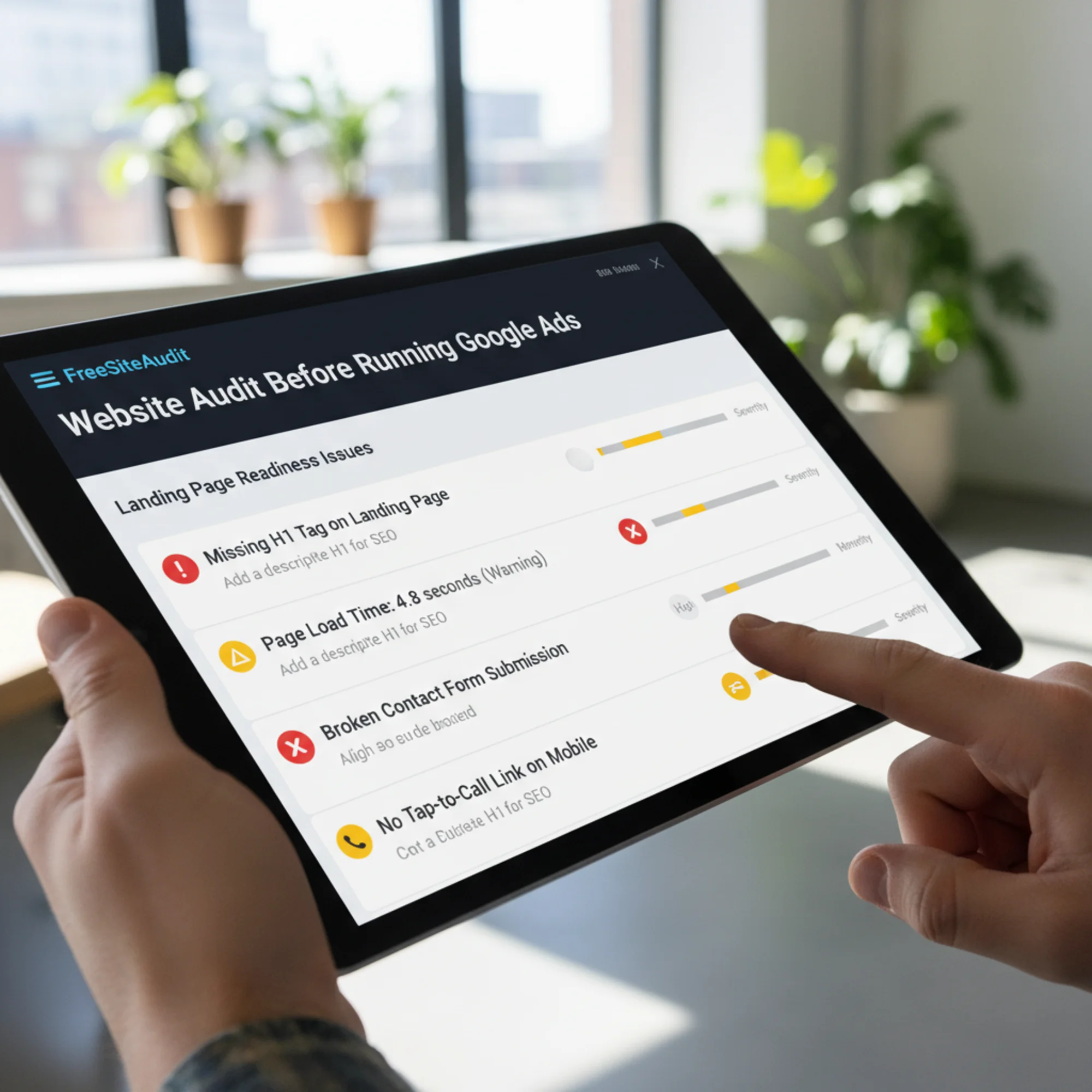
- Proper H1 heading tag on the page
- Meta description present (Google may use this in ad extensions)
- Images using alt text
- Page returns a 200 status code (no redirect chains or soft 404s)
- Page is indexable (no accidental noindex tags)
- Structured data present (LocalBusiness schema helps Google understand your business context)
Google's landing page evaluation considers more than what visitors see. Clean HTML, proper heading structure, and fast server responses all quietly raise or lower your cost per click.
Pre-Launch Walkthrough: A Practical Example
Sarah owns a dog grooming business in Portland. She's ready to spend $1,000/month on Google Ads targeting "dog grooming Portland."
Before launching, she audits her landing page:
Speed: Page takes 4.8 seconds on mobile. The culprit: a 3MB hero image. She compresses it to WebP, bringing load time to 1.9 seconds.
Mobile: The booking form works on desktop but the Submit button is partially hidden on iPhones. She adjusts the layout so the form and button are fully visible.
Relevance: Her ad says "professional dog grooming in Portland" but the page headline says "Welcome to Fluffy Paws." She changes it to "Professional Dog Grooming in Portland — Book Today."
Trust: She has 47 five-star Google reviews but none are on the landing page. She adds three featured testimonials and a link to her Google Business profile.
Conversion: Three competing CTAs — "Book Now," "Call Us," and "Learn More." She makes "Book Now" dominant and reduces the others to secondary text links.
Tracking: She installs the conversion tag on her booking confirmation page and sets up call tracking.
Technical: The page is missing an H1 tag — the business name was styled as a heading but coded as a Result: Sarah launches with a Quality Score of 8/10 instead of 4/10 — paying roughly 40% less per click than she would have with the original page. Every dollar you spend on Google Ads goes further when your landing page is ready for that traffic. The issues above aren't theoretical — they're the specific problems that drain small business ad budgets daily. Most of these fixes are straightforward. You don't need to rebuild your website. You need to check the pages your ads point to and fix what's broken. Run a free website audit with FreeSiteAudit to get a detailed report on your landing page's speed, mobile experience, technical health, and SEO readiness. It flags the exact issues in this checklist — so you fix them before your first ad dollar is spent, not after. You're about to invest real money driving people to your website. Make sure the website is ready. Print this or keep it open while you prepare your landing pages: Get an instant score and your top 3 critical issues in under 60 seconds.Run Your Audit Before You Spend
Quick-Reference Checklist
Sources
Check your website for free