Website Audit Checklist for Chiropractors: What to Fix First
A practical, plain-English website audit checklist for chiropractic clinics — covering local SEO, page speed, booking flow, trust signals, and reviews.
# Website Audit Checklist for Chiropractors: What to Fix First
Most chiropractic websites lose patients before the first adjustment. Not because the care is bad — but because the site is slow, the booking flow is confusing, or the clinic doesn't show up when someone in pain searches "chiropractor near me" at 9 PM.
This checklist is built for solo practitioners and small multi-location clinics. No jargon, no SEO theater. Just the things that actually move new-patient bookings.

Why chiropractic websites are different
Chiropractic search is overwhelmingly local and high-intent. Someone searching for you is usually in pain right now, on their phone, comparing two or three clinics within a five-mile radius. They want to know three things in under ten seconds:
- Are you close to me?
- Can I book today or tomorrow?
- Do other people trust you?
If your site doesn't answer those questions immediately, they bounce to the next clinic on the map. Every audit item below flows from this reality.
The 7-part audit checklist
1. Local SEO and Google Business Profile alignment
Your website and your Google Business Profile (GBP) need to tell the exact same story. Mismatches confuse Google's local algorithm and erode trust with patients who cross-reference.
Quick checks:
- Clinic name, address, and phone (NAP) match exactly between your website footer, contact page, and GBP. "Suite 200" vs. "Ste. 200" counts as a mismatch.
- Hours on the site match GBP, including holiday hours.
- Service area is explicit — list the neighborhoods or towns you serve on a dedicated page, not buried in a paragraph.
- Embedded Google Map on your contact page points to the exact pin used in GBP.
A clinic in Tampa was ranking #4 locally despite great reviews. Their website said "Open until 7 PM," but GBP said "Open until 6 PM." Fixing the mismatch — and aligning NAP across all pages — moved them to #2 within six weeks.
2. Page speed and Core Web Vitals
Patients searching in pain are not patient with slow sites. Google's Core Web Vitals measure three things that matter: how fast your largest content appears (LCP), how stable the layout is while loading (CLS), and how quickly the page responds to taps (INP).
What to look for:
- LCP under 2.5 seconds on mobile. The hero image of your clinic is usually the culprit — compress it, serve it as WebP, and set explicit width and height.
- No layout shift when the page loads. If your "Book Now" button jumps down because an image loaded late, you're losing taps.
- Buttons respond instantly when tapped. Heavy third-party widgets — chatbots, review sliders, tracking pixels — are the usual suspects.
If you don't know where to start, run a free website audit — it'll flag the specific images, scripts, and elements dragging your scores down.
3. The booking flow
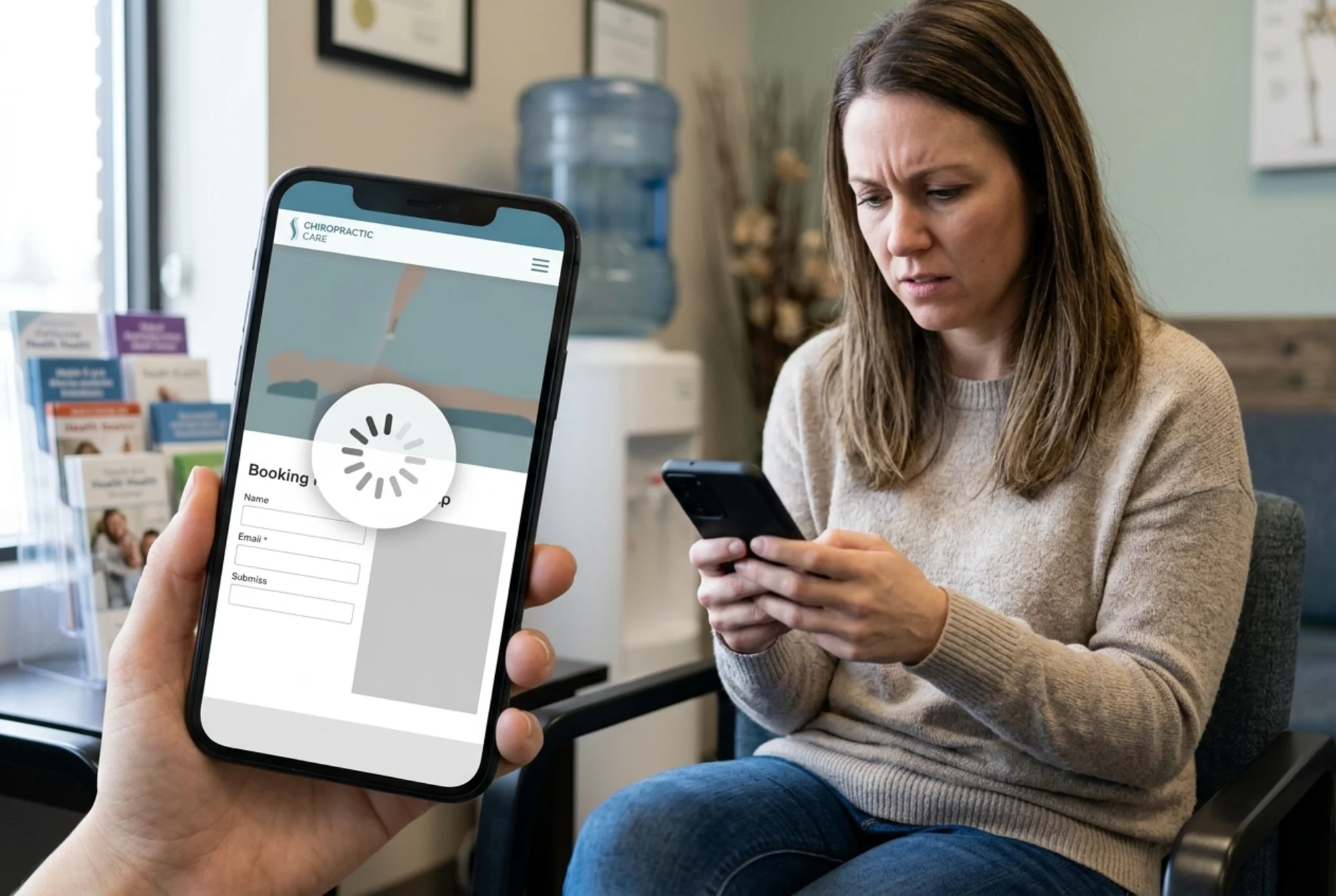
This is the single highest-leverage item on the entire checklist. A 30-second booking flow converts. A 3-minute one doesn't.
Mini-checklist:
- "Book Appointment" button visible in the header on every page, including mobile.
- Phone number is a tappable
tel:link, not plain text. - New-patient form asks for the minimum needed: name, phone, reason for visit, preferred time. Insurance and intake forms can wait until after they've committed.
- Online scheduling tool (Jane, ChiroTouch, SimplePractice, etc.) loads inside your site or opens cleanly in a new tab — never a broken redirect.
- Confirmation email arrives within 60 seconds and includes the clinic address, your phone, and what to bring.
4. Trust signals above the fold
Chiropractic is a trust-heavy purchase. People are letting a stranger adjust their spine. The home page hero needs to communicate competence in the first viewport.
What belongs above the fold:
- A real photo of you or your team — not a stock photo of a generic spine model.
- Star rating with review count (e.g., "4.9 stars, 312 Google reviews").
- One sentence on what you specialize in: sports injuries, prenatal care, auto accident recovery, family wellness, etc.
- The "Book Appointment" CTA.
What doesn't belong: vague slogans like "Your path to wellness starts here," sliders that auto-rotate before anyone can read them, or three competing CTAs.
5. Service pages that match search intent
Google's helpful content guidelines reward pages written for people, not for search engines. For chiropractors, that means one focused page per service — not a single "Services" page listing twelve treatments in bullet form.
Pages worth having:
- One page per major condition you treat (low back pain, sciatica, headaches, sports injuries, auto accident).
- One page per technique if it's a differentiator (Gonstead, Activator, Webster, ART).
- A new-patient page that explains exactly what happens at the first visit, including cost, time, and what to wear.
Each page should answer: What is it? Who is it for? What does the first visit look like? How much does it cost (or "starts at $X")? How do I book?
If you can't write 400+ words of genuinely useful content on a service, don't make a page for it.
6. Reviews and social proof
Reviews are the closest thing chiropractors have to a sales rep. They need to be visible, recent, and verifiable.
Quick wins:
- Embed a live Google review widget on the home page and key service pages — not a copy-pasted screenshot.
- Display total review count and average rating prominently.
- Link out to your GBP reviews so visitors can verify they're real.
- Add a short, specific testimonial to each service page. "Helped me get back to running after sciatica" beats "Great clinic!"
Aim for at least one new Google review per week. Patients who just had a good adjustment are the easiest ask — a follow-up text with a direct review link works better than a printed card.
7. Structured data and schema markup
Schema markup tells Google what your business is, in a language it understands. For chiropractors, three schema types matter most:
- LocalBusiness (or the more specific
Chiropractortype) — clinic name, address, phone, hours, geo coordinates. - MedicalBusiness — services offered, accepted insurance, languages spoken.
- Article schema on blog posts, following Google's article structured data guidelines.
Most modern site builders (Squarespace, Wix, WordPress with Yoast or Rank Math) handle the basics automatically. The audit question is whether it's actually firing correctly — paste any URL into Google's Rich Results Test to verify.
A walkthrough: auditing a real clinic site
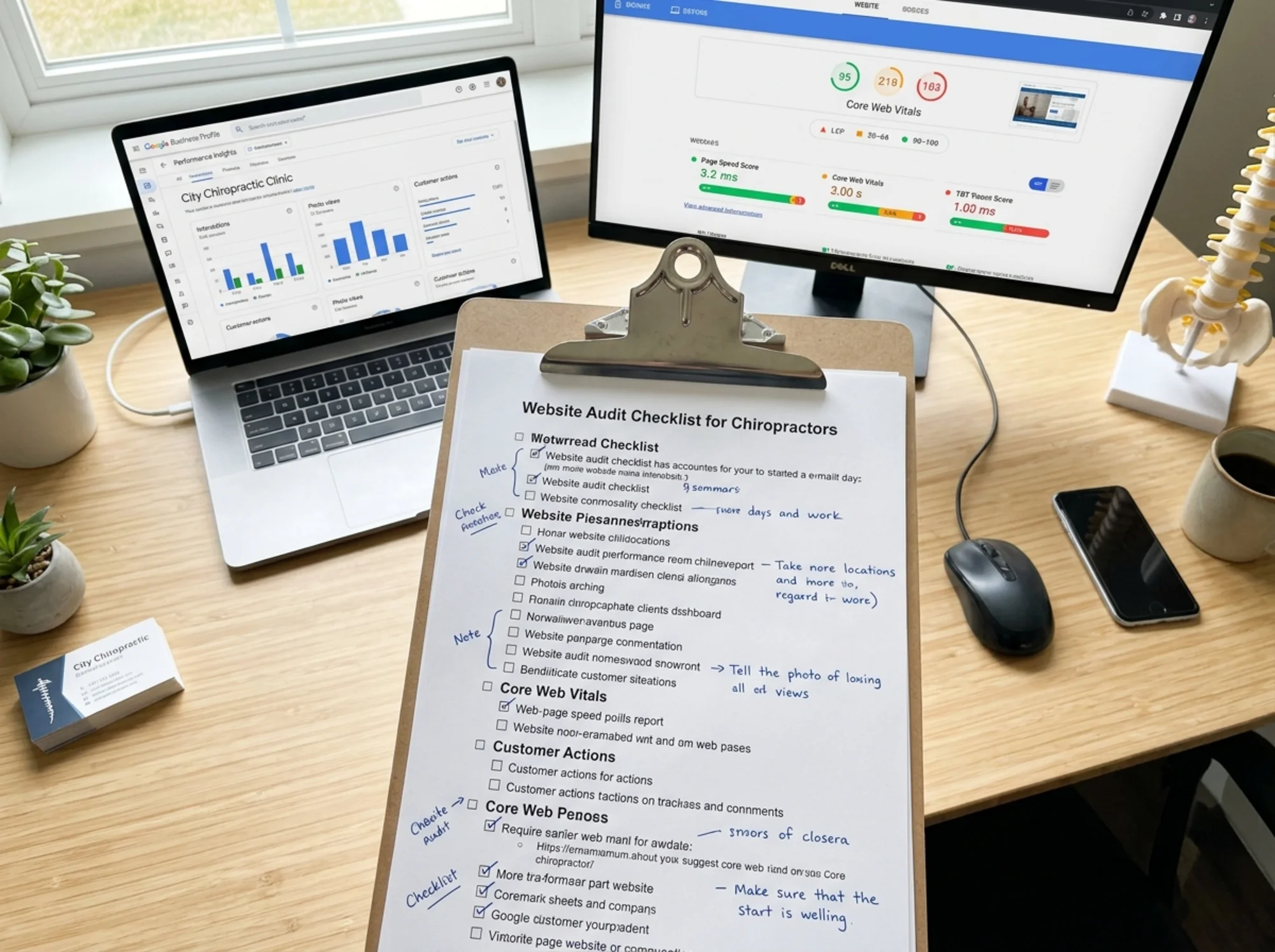
Let's run through this on a hypothetical clinic — "Riverside Family Chiropractic" — to make it concrete.
Starting point: The clinic gets about 200 site visits per week from local search, but only 4–6 new patients book online. The owner suspects the site is the problem.
Audit findings:
- Local SEO: GBP lists hours as 8 AM–6 PM. Site footer says 9 AM–7 PM. Address on the site uses "Riverside Dr." while GBP uses "Riverside Drive." Two fixable mismatches.
- Speed: Mobile LCP is 4.8 seconds. The hero image is a 3.2 MB JPEG of the clinic exterior. A chat widget loads on every page, adding 1.1 seconds.
- Booking flow: "Book Now" button only appears on the home page, not in the header. The booking link opens a third-party scheduler that takes 6 seconds to load. The new-patient form asks for insurance information before time selection.
- Trust signals: Hero image is a stock photo of a spine. No reviews visible above the fold. Tagline reads "Aligning Your Life, One Adjustment at a Time."
- Service pages: One "Services" page lists 14 treatments in bullets. No individual pages for sciatica, headaches, or prenatal — three of their most-searched local terms.
- Reviews: 247 Google reviews at 4.8 stars, but none displayed on the site.
- Schema: LocalBusiness schema is present but missing
openingHoursandpriceRange.
Priority fixes (in order):
- Fix NAP and hours mismatches (30 minutes).
- Compress hero image, defer the chat widget, add header-level "Book" button (2 hours).
- Build three service pages for the most-searched conditions (one day of writing).
- Embed Google reviews widget on home and service pages (1 hour).
- Replace the stock hero photo with a real photo of the owner and team (one afternoon shoot).
Sites that fix the top three items typically see meaningful lift in bookings from the same traffic within 8–12 weeks. The remaining items compound over the following quarter.
What to skip (for now)
A few things that often get audit attention but shouldn't be priorities for a small chiropractic clinic:
- Blog post volume. One genuinely useful post per month beats four thin ones. If you don't enjoy writing, skip it entirely and focus on service pages.
- Backlink building campaigns. Local citations (chamber of commerce, healthcare directories, your alma mater) matter. Cold outreach for guest posts doesn't.
- Redesigns. A full redesign rarely fixes the problems above. Fix the booking flow on your current site first.
- AI chatbots. They slow the site, frustrate patients in pain, and rarely convert better than a clear "Book" button.
Putting it together
The pattern across every chiropractic site that converts well is the same: fast load, clear local signals, one-tap booking, real photos, real reviews. Everything else is decoration.
Pick the three items from this checklist where your site is weakest. Fix those first. Re-measure in 30 days. Then move to the next three.
If you want a starting point that tells you exactly where your site stands on each of these items, run a free website audit — it scans your site against the same checklist above and gives you a prioritized list of fixes. For more chiropractic-specific guidance, see our chiropractor industry resources, and if Core Web Vitals are your weak spot, our Core Web Vitals fixes guide and local SEO fixes walk through the specifics.
Sources
Check your website for free
Get an instant score and your top 3 critical issues in under 60 seconds.
Get Your Free Audit →