Website Audit for Home Cleaning Services: A Practical Guide
A practical website audit for home cleaning services: speed, local SEO, trust signals, and a booking flow that turns mobile searchers into booked jobs.
# Website Audit for Home Cleaning Services: A Practical Guide
If you run a home cleaning service, your website has one job: turn a curious local searcher into a booked appointment. Not "raise awareness." Not "tell our story." Book the job.
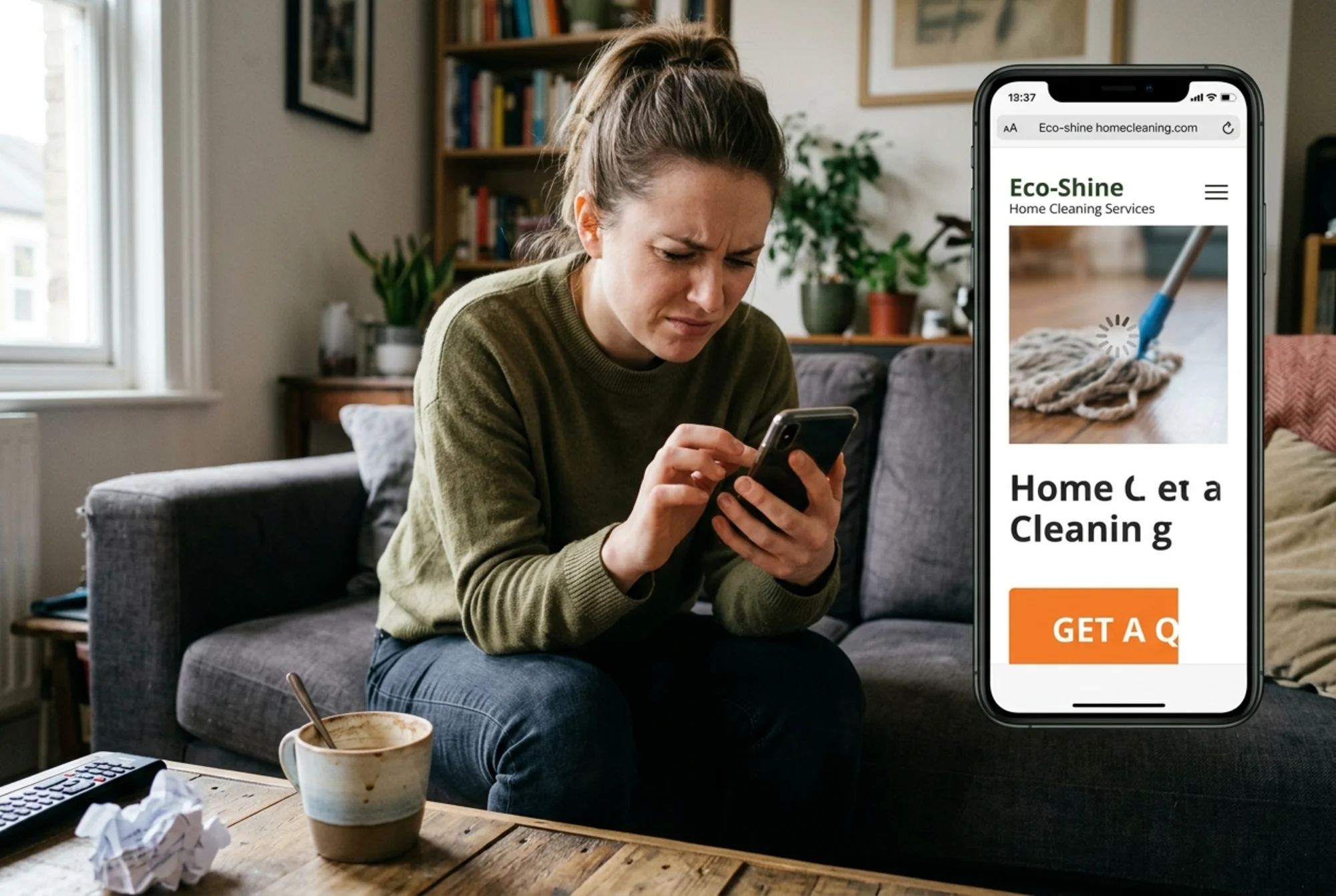
Most cleaning company websites get in their own way. They bury the phone number, hide the service area, dump a generic "About" paragraph above the fold, and load so slowly that a parent juggling a toddler and a dirty kitchen taps back before the booking form even shows up.
This guide walks you through a website audit specifically for home cleaning services. No jargon, no vanity metrics — just the things that actually decide whether someone books with you or your competitor down the street.
Why cleaning service websites are different
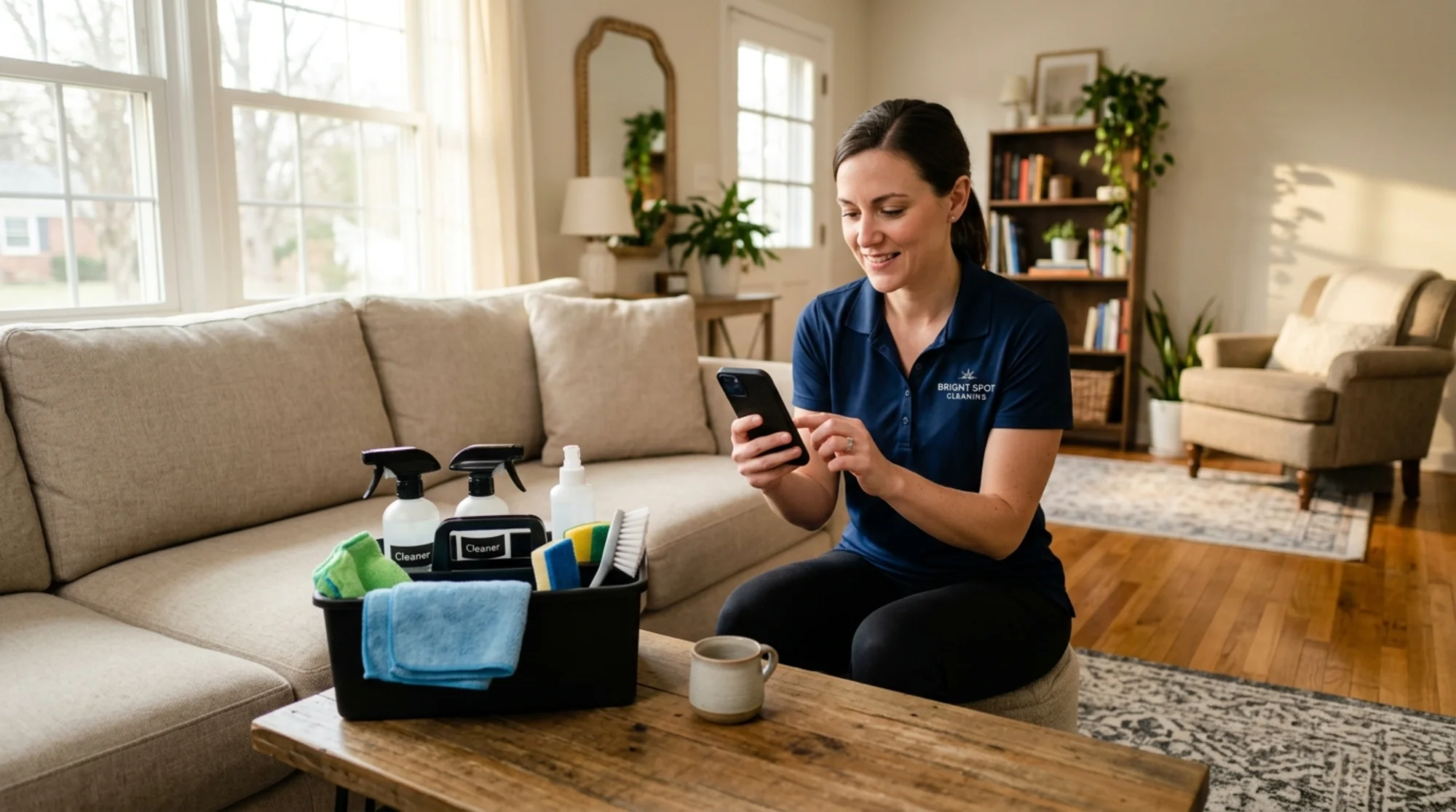
Most cleaning customers behave the same way. They search "house cleaning near me" or "move-out cleaning [their city]" on a phone, usually while standing in a messy room they don't have time to deal with. They open two or three results, glance at price ranges and reviews, and either book the easiest option or pick up the phone.
That means your audit priorities are different from a SaaS company or a blog. You don't need long-form content strategy. You need:
- A fast, mobile-friendly site
- Clear local signals (city, neighborhoods, service area)
- Obvious pricing or quote process
- Trust signals (reviews, insurance, background checks)
- One-tap booking or calling
Everything else is secondary. Audit with that filter on.
Step 1: The 5-second mobile test
Open your homepage on your phone — not desktop, not your saved bookmark. Search your business name in Google and tap the result like a real customer would.
In the first five seconds, can you answer these without scrolling or thinking?
- What service does this company offer?
- What city or area do they serve?
- How do I get a price or book?
- Is there a phone number I can tap?
If any of those take longer than five seconds to find, that's your first fix. Above the fold on mobile, you need: business name, what you clean (homes, offices, Airbnbs, move-outs), where you clean (city and a few neighborhoods or "the greater [city] area"), and a single primary action — Book Now, Get a Quote, or Call.
A common mistake is using a big hero image with a vague tagline like "Cleaning Done Right" and burying everything useful below. The image looks nice in a design mockup. It loses you bookings.
Step 2: Page speed and Core Web Vitals
Google's Core Web Vitals measure real-world loading speed, responsiveness, and visual stability. They affect search ranking and correlate strongly with whether mobile users stick around long enough to book.
The three metrics to know:
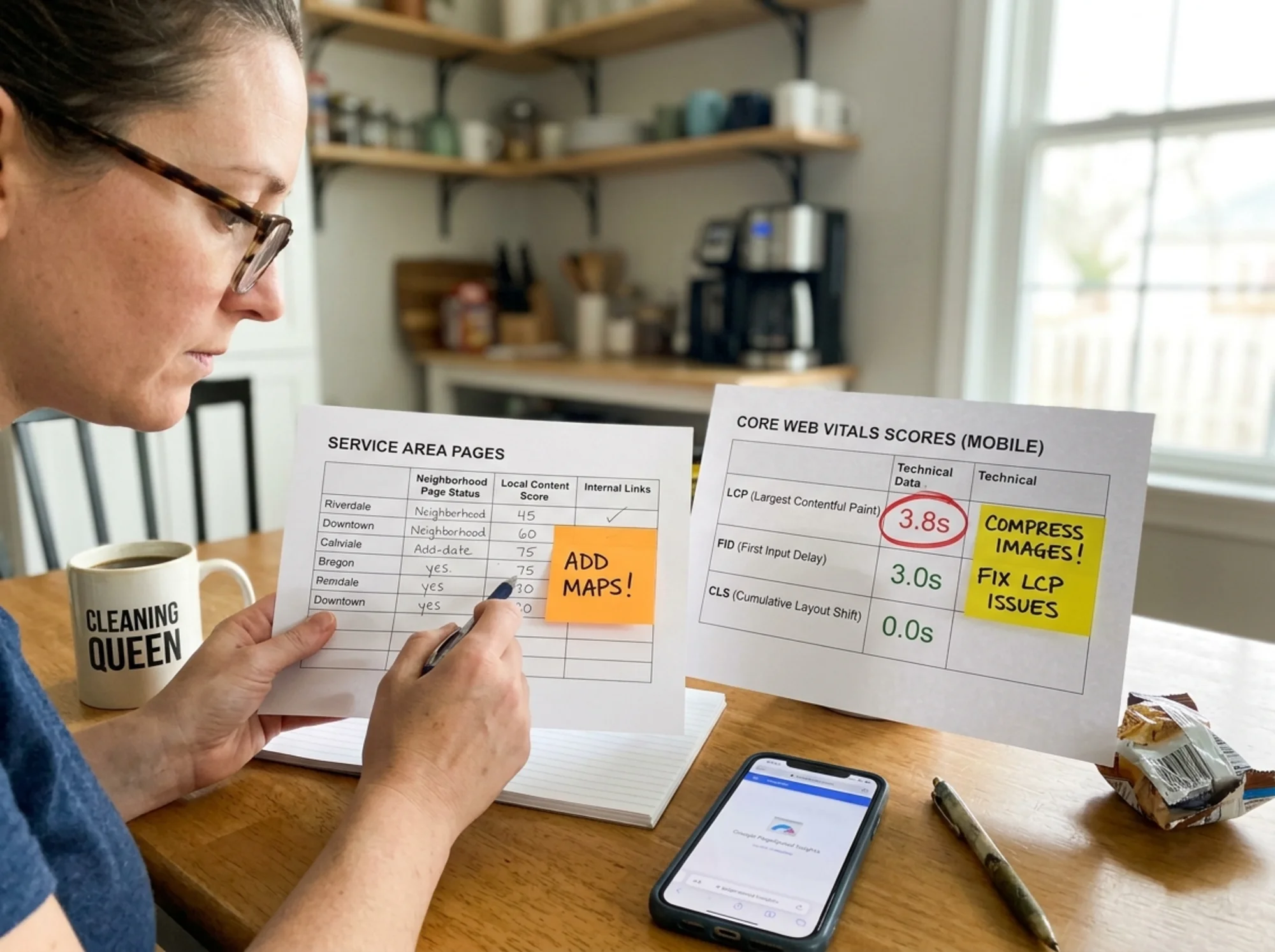
- LCP (Largest Contentful Paint): how long until the main content shows up. Aim for under 2.5 seconds.
- INP (Interaction to Next Paint): how quickly your site responds when someone taps. Aim for under 200 milliseconds.
- CLS (Cumulative Layout Shift): how much things jump around as the page loads. Aim for under 0.1.
Cleaning sites commonly fail LCP because of one thing: a giant unoptimized hero photo. A 4 MB JPEG of a smiling cleaner with a mop will tank your score on 4G. Compress hero images to under 200 KB, serve them as WebP, and specify width and height so layout doesn't shift.
CLS issues usually come from ad widgets, late-loading fonts, or chat bubbles that push content down after the page renders. Run a free audit to see your scores in plain English with fix suggestions, or dig deeper at /fixes/core-web-vitals.
Step 3: Local SEO signals
A home cleaning business lives or dies by local search. Someone two zip codes away is not your customer. The audit needs to confirm Google understands exactly where you operate.
Check these:
- NAP consistency: Name, Address, Phone identical across your website, Google Business Profile, Yelp, and directories. Even "St." vs "Street" can confuse the local algorithm.
- City and neighborhood mentions: Your homepage, service pages, and footer should naturally name the places you serve. Not stuffed — present.
- Service area pages: If you serve multiple cities, each needs its own page with unique content, not a copy-paste with the city name swapped. Mention landmarks, neighborhoods, and local context ("We clean a lot of brownstones in Park Slope and condos near Atlantic Yards").
- Google Business Profile link: Link to your profile from your site, and make sure your site URL is correct in your profile.
- Schema markup: At minimum, use LocalBusiness schema with address, hours, phone, and service area. Invisible to visitors — helpful to Google.
Quick test: search "your service] [your city]" in an incognito window. Are you in the map pack? On page one? If not, your local signals likely need work. See [/fixes/local-seo for specifics.
Step 4: Trust signals
A stranger is about to give you their address and let you into their home. Trust isn't optional.
Confirm these are obvious, not hidden:
- Reviews and ratings: A Google reviews badge or testimonials block on the homepage. Real names, real photos when possible. A real 4.7 average outperforms a suspicious 5.0 every time.
- Insurance and bonding: "Licensed, bonded, and insured" goes a long way. If you can display the certificate, even better.
- Background checks: If your cleaners are background-checked, say so. This is a deciding factor for many customers, especially parents.
- Photos of real cleaners: Not stock photos. Your actual team in branded shirts. Customers can tell the difference.
- Pricing transparency: Even "Starting at $X for a 2-bed/1-bath" gives buyers confidence. Sites that hide pricing entirely lose customers who assume the worst.
- Cancellation and satisfaction policy: A one-line guarantee reduces booking hesitation.
If your site has none of this above the fold and only a glossy "Our Story" paragraph, you're asking customers to trust you on vibes alone. Most won't.
Step 5: The booking flow
This is where most cleaning sites lose money. Walk through your own booking process on a phone. Time it.
A solid flow:
- Tap "Book Now" or "Get a Quote" from any page
- Pick service type (standard, deep, move-out, recurring)
- Pick home size (beds/baths or square footage)
- See a price or price range immediately
- Pick a date and time
- Enter contact info and address
- Confirm
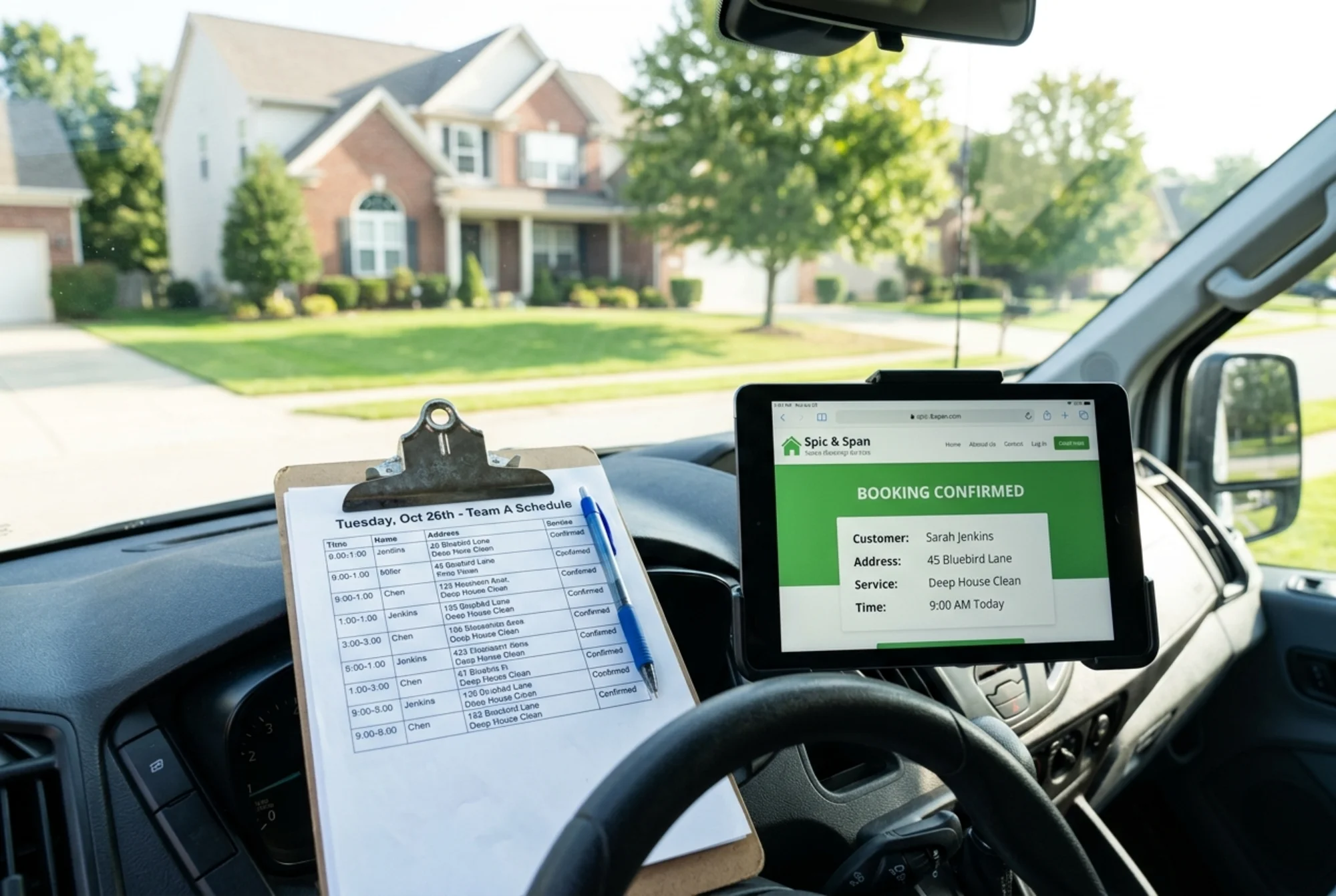
If your "booking form" is actually a contact form that says "We'll get back to you within 48 hours," you lose the customer who wanted to book at 9 PM on a Sunday after a long day. They booked your competitor by 9:05.
If you can't offer instant booking, at least offer an instant quote. A simple calculator that takes home size and service type and returns a price range beats "Contact us for pricing." And every page on your site should have a sticky call or booking button on mobile — don't make customers scroll back up to find it.
Step 6: Content that actually helps
Google's helpful content guidelines reward pages written for real customers, not for search engines. For a cleaning business, that means:
- A clear page for each service you offer (standard clean, deep clean, move-in/move-out, post-construction, Airbnb turnover, recurring)
- Each service page explains what's included, what's not, how long it takes, and what it costs
- An FAQ that answers real questions: "Do I need to be home?", "Do you bring supplies?", "What if I'm not satisfied?", "How do you handle pets?"
- A short "How it works" section: book online → confirmation → cleaner arrives → review
Skip the blog full of "10 reasons a clean house is good for you." It doesn't book jobs. If you write content, write it for specific local searches: "Move-out cleaning checklist for [city] renters" or "What does deep cleaning include?" — the questions actual customers ask.
If you do publish articles, mark them up with Article structured data so Google can display them properly.
A walkthrough: Maria's Cleaning Co.
Maria runs a five-cleaner team in Tampa. She gets most jobs through word of mouth but wants more online bookings. Her audit reveals:
- Homepage loads in 4.8s on mobile because of a 6 MB hero video. LCP fails.
- Service area is listed only in the footer as "Tampa Bay area" — no specific neighborhoods.
- Pricing says "Call for a quote." No calculator.
- Booking is a contact form that emails Maria. She replies the next morning. Most leads ghost.
- Reviews exist on Google but aren't shown on the site.
- Insurance isn't mentioned anywhere.
Her fix list, in priority order:
- Replace the hero video with a compressed image. LCP drops to 1.9s.
- Add a simple quote calculator: home size × service type = price range.
- Create service area pages for South Tampa, Hyde Park, Westchase, and Carrollwood.
- Add a reviews widget pulling from Google. 4.8 average, 200+ reviews — instant trust.
- Add "Licensed, bonded, insured" with the insurance certificate as a downloadable PDF.
- Add a sticky "Book Now" button on mobile.
None of this requires a redesign. None of it costs more than a weekend of work and maybe a small dev fee for the calculator. Together, they typically take a cleaning business from "the website doesn't really bring us much" to a steady source of bookings.
Quick audit checklist
Copy this and walk through your site:
- [ ] Above the fold on mobile shows what you do, where, and how to book
- [ ] LCP under 2.5s, CLS under 0.1, INP under 200ms
- [ ] Hero image under 200 KB, served as WebP
- [ ] Phone number is tappable on mobile and present in the header
- [ ] Service area is named (city + neighborhoods)
- [ ] Each service has its own page with what's included, time, price
- [ ] Pricing or instant quote is visible (not just "contact us")
- [ ] Google reviews displayed on the homepage
- [ ] "Licensed, bonded, insured" stated clearly
- [ ] LocalBusiness schema in place
- [ ] NAP consistent across web, GBP, directories
- [ ] Booking flow takes under 60 seconds on mobile
- [ ] Sticky booking/call button on mobile
- [ ] FAQ answers the top 6-8 real customer questions
If you can check all of these, you're in the top 10% of cleaning service sites. Most aren't even close.
Run a free audit on your site
You don't have to do this manually. FreeSiteAudit runs every check above in about 30 seconds — page speed, mobile-friendliness, local SEO signals, schema, trust signals — and gives you a plain-English report with the exact fixes that matter most for a home cleaning business. See more on the home cleaning industry page or jump straight in.
Run a free website audit on your cleaning company's site and see what's costing you bookings. No credit card. No sales call. Just a real report you can act on this week.
Sources
Check your website for free
Get an instant score and your top 3 critical issues in under 60 seconds.
Get Your Free Audit →