Website Audit for Nonprofits and Charities: A Practical Guide
A plain-English website audit playbook for nonprofits: what to check, what to fix first, and how to turn slow pages into more donations and volunteer signups.
# Website Audit for Nonprofits and Charities: A Practical Guide
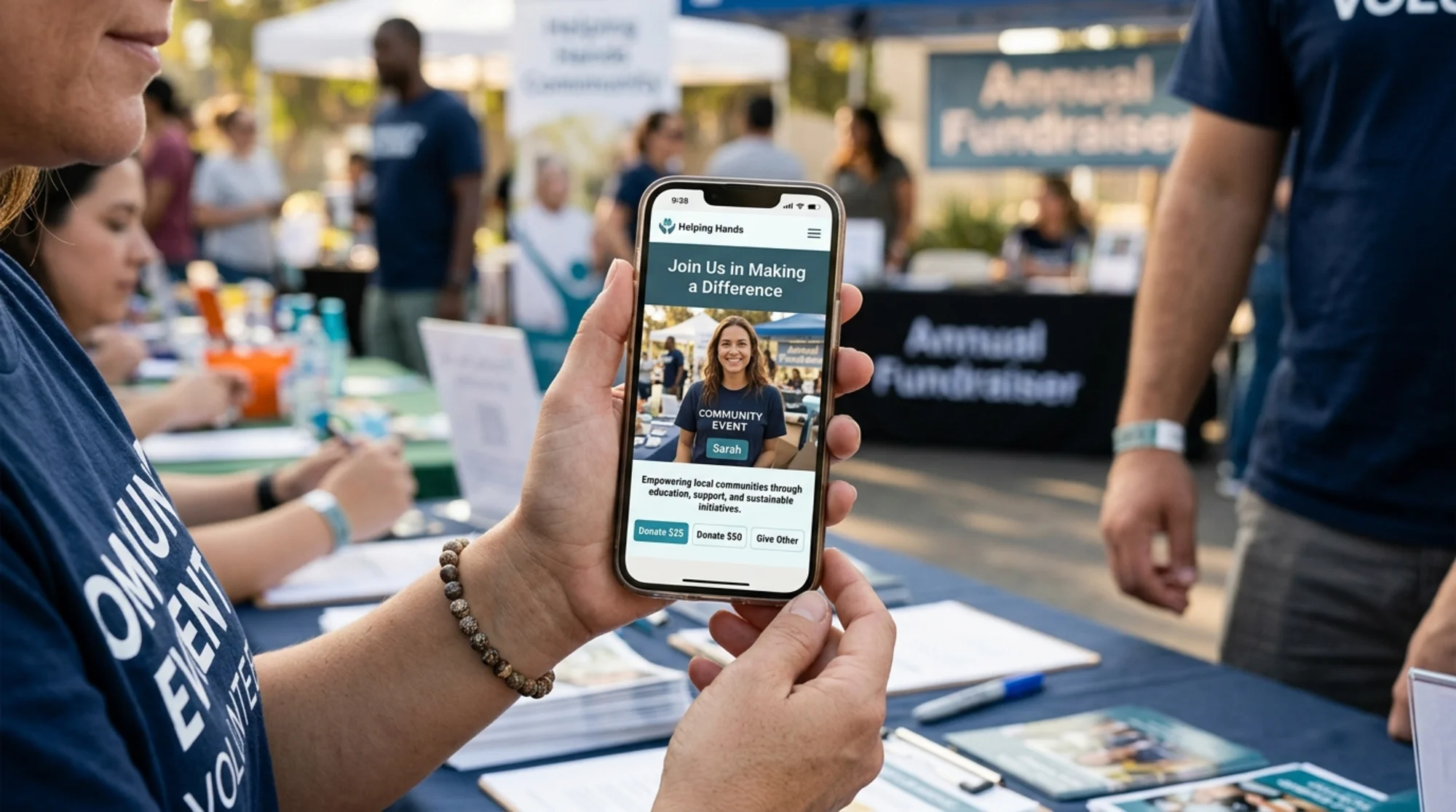
Your nonprofit's website is doing more work than you think. It's the volunteer signup form, the donation processor, the press kit, the program directory, and often the first impression a major donor gets before writing a check. When any of that breaks — even quietly — you lose money and momentum you can't easily measure.
A website audit is how you find the leaks. You don't need an agency or a developer on retainer to do one. You need a checklist, an honest hour, and the willingness to fix the cheap stuff first.
This guide walks through what actually matters for nonprofit sites, in plain English, with checks a small communications team or solo executive director can run themselves.
Why nonprofit sites need a different audit lens
Most generic SEO checklists were written for ecommerce or SaaS. They assume your goal is product purchases and your traffic is paid. Nonprofits operate differently:
- The conversions are emotional and varied. A donation, a newsletter signup, a volunteer application, an event RSVP, and a grant report download are all "wins." They don't share the same funnel.
- The audience is split. Recurring donors, one-time givers, journalists, board members, beneficiaries, and grant officers all visit the same site looking for different things.
- The budget is real. You can't paper over a bad site with paid ads.
- Trust signals carry extra weight. A small typo on a Shopify store is a minor irritation. A small typo on a charity homepage feels like a red flag.
So when we audit a nonprofit site, we look at four overlapping layers: technical health, content clarity, conversion paths, and trust. Skip any of them and you'll either rank for nothing or rank for something and then lose the visitor.
Layer 1: Technical health
This is the unglamorous foundation. If pages are slow, broken, or invisible to search engines, nothing else you do matters.
Core Web Vitals
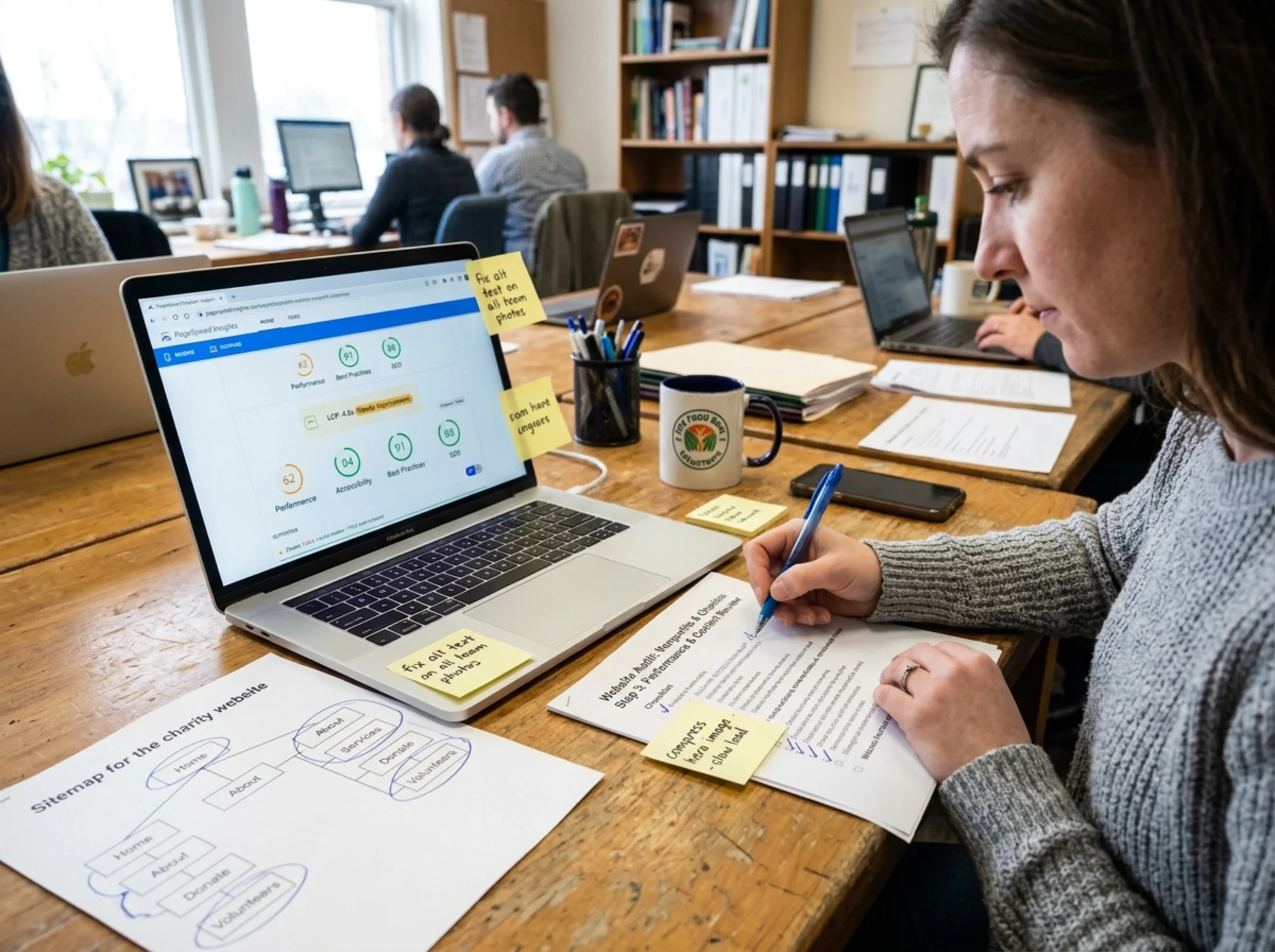
Google measures three real-world loading metrics — Largest Contentful Paint (LCP), Interaction to Next Paint (INP), and Cumulative Layout Shift (CLS). These reflect how a real visitor on a real phone experiences your page. Google publishes the thresholds at web.dev/articles/vitals and uses them as a ranking signal.
For a nonprofit donation page, slow LCP is the most expensive failure. Every additional second between click and "ready to give" is a donor who closes the tab.
Quick checks:
- Open your homepage and your main donate page on a phone, on a regular cellular connection (not your office Wi-Fi). Count the seconds before the main content appears.
- Run both URLs through a free Core Web Vitals tool.
- Look at your hero image. If it's over 300 KB or larger than 2000 pixels wide, it's almost certainly your LCP problem.
Mobile rendering
Most charity traffic is mobile. Open your site on a phone and ask honestly:
- Can you read the body text without zooming?
- Does the donate button sit above the fold?
- Are tap targets at least the size of a thumb?
- Does the menu open and close without jank?
If you have a slider, popup, or chat widget, kill them one at a time on a test page and re-measure speed. They're usually the worst offenders.
Crawlability and indexing
Search engines can only rank pages they can find and read. Two free checks:
- In Google Search Console, open the Pages report. How many of your pages are indexed versus excluded? An excluded program page is invisible to grant officers Googling your organization.
- Open
yourdomain.org/robots.txtandyourdomain.org/sitemap.xml. If either returns a 404 or blocks important sections, that's a fixable problem your CMS plugin can solve in minutes.
Broken links and redirects
Nonprofits accumulate dead links faster than businesses. Old campaign pages, retired program URLs, board members who moved on — everything turns into a 404 over time.
Crawl your site with any free link checker. Pay special attention to:
- The footer (often the oldest, most-linked section)
- Press kit and media pages
- Annual report PDFs
- Old blog posts that may reference deprecated donation forms
Layer 2: Content clarity
Google's own helpful-content guidance is blunt: write for people, not for search engines, and demonstrate first-hand expertise. For a charity, that translates to specific, concrete, locally-grounded content — not vague mission language.
The "what do you actually do" test
Open your homepage. Imagine a board candidate is looking at it for the first time. Within five seconds, can they answer:
- What problem does this organization solve?
- Who does it serve?
- Where does it operate?
- How is it funded?
- What does it want me to do next?
If any answer requires hunting through the About page, you have a homepage clarity problem. Most nonprofit homepages over-index on inspirational photography and under-index on plain answers. A line like "We provide free legal aid to immigrants in the Greater Boston area" outperforms three paragraphs of mission-speak every time.
Program pages
Every distinct program should have its own page with:
- A specific outcome ("served 412 families in 2025" beats "we help many people")
- The geography
- Who qualifies and how to apply
- Real photos with proper consent (not abstract stock-style imagery)
- A clear next step (apply / refer / donate / volunteer)
These pages do double duty as landing pages for grant applications and press inquiries.
Impact and transparency content
This is where a lot of nonprofits leave SEO and trust on the table. Pages like:
- Annual report (HTML, not just a PDF)
- Financials and 990s
- Board and leadership with photos and bios
- Recent press
- Outcomes and methodology
These pages rarely rank for high-volume queries, but they convert. A major donor who Googles "[your org] board" and finds nothing is a donor you've lost without ever knowing.
Structured data for articles and events
If you publish blog posts, news, or run events, mark them up with structured data. Google's documentation at developers.google.com explains the Article and Event schemas. Most modern CMS plugins handle this automatically — your audit is just confirming it's actually on the page.
This isn't about gaming rankings. It's about being eligible for richer search results, which matter when your organization name appears next to a competitor's.
Layer 3: Conversion paths
A nonprofit website with great content and great technical health can still fail if visitors can't act. Audit the conversion paths the same way you'd audit checkout on an ecommerce site.
The donation path
Walk through it on a phone. Time it. Count the clicks.
- How many taps from the homepage to a completed donation?
- Is there a recurring giving option in the same flow?
- Are the suggested amounts grounded in real giving levels for your org?
- Is there an explanation of what each amount funds?
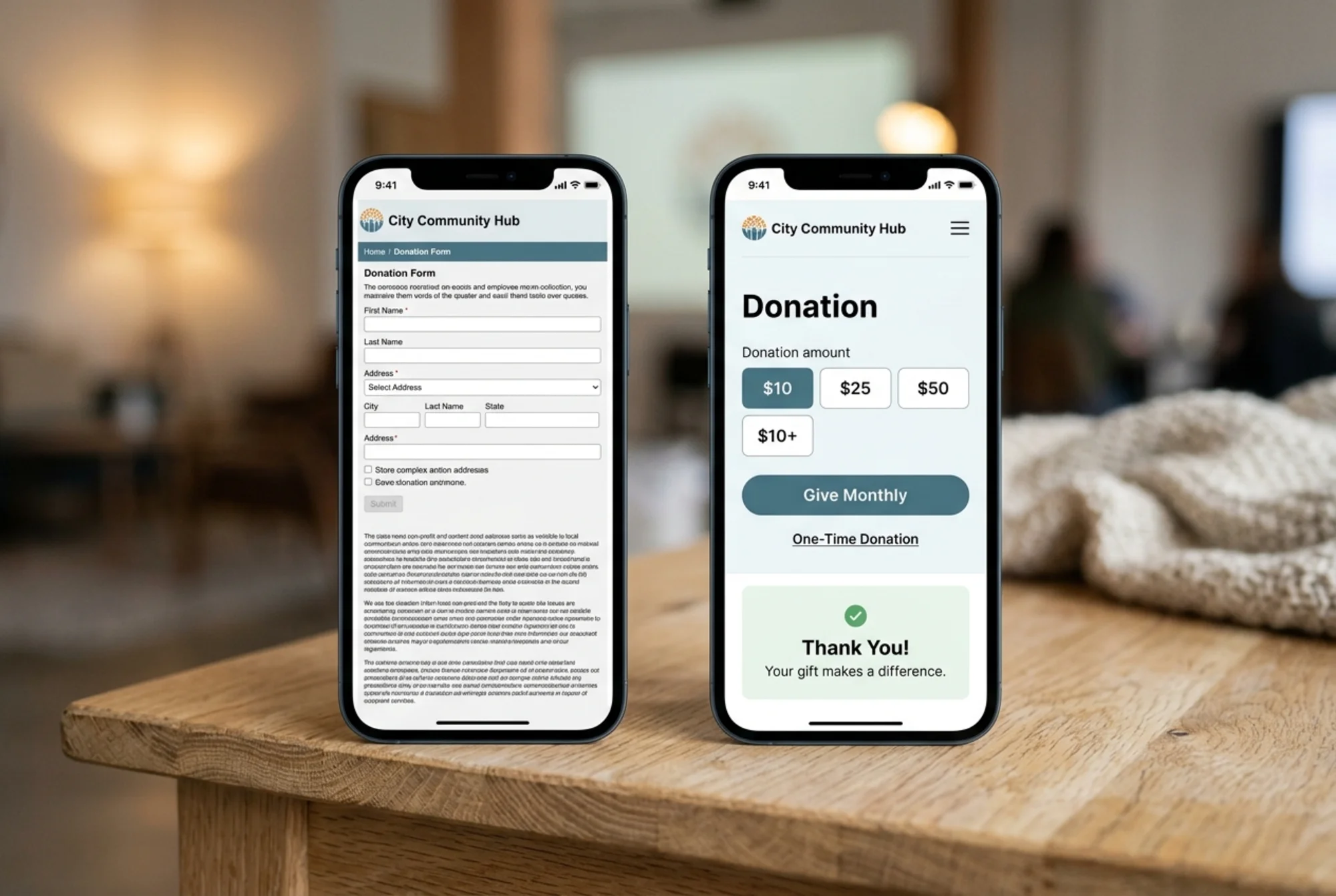
- Does the form ask for things you don't need (employer, title, optional fields that look mandatory)?
- Is there a clear confirmation page after giving — not just an email receipt?
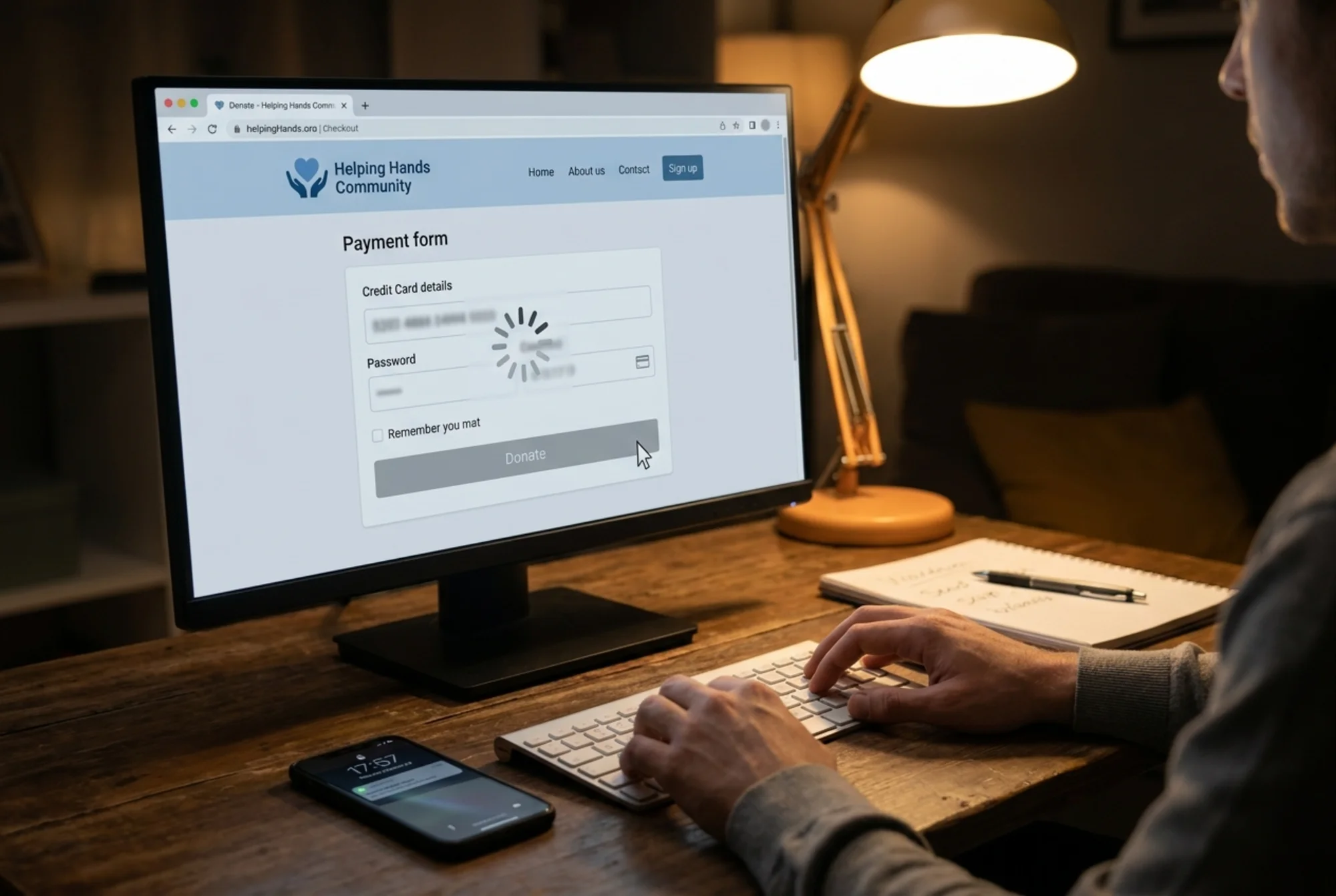
A common pattern: nonprofits send all donation traffic to a third-party processor (Donorbox, Classy, Givebutter) and never test the handoff on mobile. Open it on a slow connection and watch what happens. If the embedded iframe takes seven seconds to load, your donate button is a bounce button.
The volunteer and newsletter paths
These should be lower-friction than donating, but they often aren't.
- Newsletter signup should be one field (email) plus a button, ideally in the footer and at least one other obvious place.
- Volunteer applications often live in Google Forms with no context page in front of them. Wrap them in a real page that explains expectations, time commitment, and what happens after submission.
Forms that work
Open every form on your site and submit a test entry. You'd be surprised how many nonprofits have a contact form that quietly stopped routing to anyone after a staff turnover. Audit the email destinations the same way you audit the form fields.
Layer 4: Trust signals
Donors are giving you their money and their judgment. The site needs to earn both.
Trust checklist:
- HTTPS is enabled site-wide (the padlock shows up on every page, not just donate)
- A real physical address appears in the footer
- A real human is listed as the executive director or board chair, with a photo
- Charity registration numbers (EIN in the US, charity number in the UK, etc.) are visible
- Third-party validators (Candid/GuideStar, Charity Navigator, BBB Wise Giving) link out where applicable
- A clear privacy policy explains what happens to donor data
- The last blog post or news item is from this year, not 2022
That last one matters more than you'd guess. A homepage with "Latest News: November 2022" tells visitors the organization may not be active. Either keep it current or remove the dated module entirely.
A walkthrough: auditing a small community arts nonprofit
To make this concrete, here's what an hour-long audit might look like for a hypothetical small arts org on WordPress.
Minute 0–10: First impressions on a phone. Site loads in 6.2 seconds on a 4G connection. The hero is a 4 MB photo of a recent gala. Donate button is below the fold. Menu opens, but the "Programs" dropdown is unreadable because the text is white on light gray.
Minute 10–20: Technical scan. LCP is 5.8 seconds (poor). CLS is 0.31 (poor) because a banner for the next event loads late and pushes everything down. Two of the three program pages are not indexed in Google. The sitemap is missing.
Minute 20–35: Content review. The homepage says "We use the arts to transform lives." It doesn't say where the org operates, what kind of arts, or who's served. The "Youth Program" page has no outcomes, no photos, and no application form — just a phone number for someone who retired in 2024.
Minute 35–50: Conversion paths. Donate flow takes seven taps and routes through a third-party form that doesn't render correctly on iPhone SE-sized screens. No recurring option appears until the third step. The newsletter signup at the footer submits to a Mailchimp list that hasn't been emailed in 18 months.
Minute 50–60: Trust signals. EIN visible. Charity Navigator badge visible. Privacy policy linked. Last blog post: March 2023.
The fix list, ranked:
- Compress the hero image (free, 10 minutes)
- Update the homepage headline to specify what, where, and who (free, 30 minutes)
- Replace the dead phone contact on Youth Program with a working form (free, 15 minutes)
- Resubmit the sitemap to Google Search Console (free, 5 minutes)
- Move the donate button above the fold on mobile (free, 15 minutes)
- Test the third-party donation form on mobile and switch providers if it doesn't render cleanly (variable cost)
- Either publish fresh blog content or remove the news module from the homepage (free, 30 minutes)
None of that requires a developer. All of it moves the needle.
A short, recurring checklist
Audits aren't a one-time project. Sites drift. Plugins update. Staff turn over. Run a quick version of this every quarter:
- Are Core Web Vitals still in the green on mobile?
- Are all forms still routing to the right inbox?
- Does the homepage reflect what the org is doing this year?
- Are the donation amounts and impact statements current?
- Are the latest annual report and 990 linked?
- Are there any 404s in Google Search Console?
- Has the volunteer or program staff contact info changed?
Block 60 minutes on your calendar every three months. That's it.
How to use FreeSiteAudit for your nonprofit
You can do the manual walk-through above with nothing but a phone and a notepad. If you want a faster starting point — a single report that flags broken links, slow pages, missing meta tags, accessibility gaps, and structured data issues — run your URL through our free website audit. It's designed for non-technical site operators, including small nonprofit teams, and it produces a plain-English action list you can hand directly to your web volunteer or contractor.
We also publish industry-specific guidance at /industries/nonprofits and targeted fix guides for image optimization and Core Web Vitals, which tend to be the two biggest wins for charity sites.
A better-performing website doesn't replace fundraising strategy or programmatic work. But it does stop quietly costing you donors, volunteers, and credibility — and that's the cheapest fundraising work you'll ever do.
Sources
- https://developers.google.com/search/docs/fundamentals/creating-helpful-content
- https://developers.google.com/search/docs/appearance/structured-data/article
- https://web.dev/articles/vitals
Check your website for free
Get an instant score and your top 3 critical issues in under 60 seconds.
Get Your Free Audit →