Website Audit for Physical Therapists and Rehab Clinics: A Practical Guide
A practical website audit for PT and rehab clinics covering local SEO, page speed, trust signals, intake forms, and booking flow that bring in more patients.
# Website Audit for Physical Therapists and Rehab Clinics: A Practical Guide
Most physical therapy and rehab clinic websites look fine at a glance. A nice photo of the treatment room, a list of conditions treated, maybe a contact form. But "fine" is what's costing you patients. The person searching at 9pm with a sore shoulder isn't going to scroll. They're going to tap the first clinic that loads fast, looks trustworthy, and tells them exactly how to book.
This guide walks through a website audit built for PT and rehab clinics. No jargon. No vague advice. Just the things that move the needle when someone in pain is choosing between you and the clinic down the road.

Why Clinic Websites Underperform
Clinic sites tend to fail in three predictable ways:
- They were built once and forgotten. A web designer made it in 2019. Nothing has changed since.
- They talk about the clinic, not the patient. Pages start with "Welcome to..." instead of "Knee pain when running stairs?"
- They make booking hard. A contact form emails the front desk, which gets checked Tuesday morning, by which time the patient already booked elsewhere.
Most of this is fixable in an afternoon. You don't need a rebuild. You need an audit.
What an Audit Actually Covers
A useful audit checks four things:
- Findability: Can patients in your area find you on Google?
- Speed: Does the site load before they give up?
- Trust: Does it look like a real, credentialed clinic?
- Conversion: Can someone book or call without thinking?
Let's go through each.
1. Findability: Local SEO for Clinics
People search for physical therapy the same way they search for pizza. "Physical therapist near me." "Shoulder pain clinic [city]." "Sports rehab [neighborhood]." If your site doesn't tell Google exactly where you are and what you treat, you won't show up.
Mini-checklist for findability
- Address, phone, and clinic name appear in plain text in the footer of every page (not baked into an image).
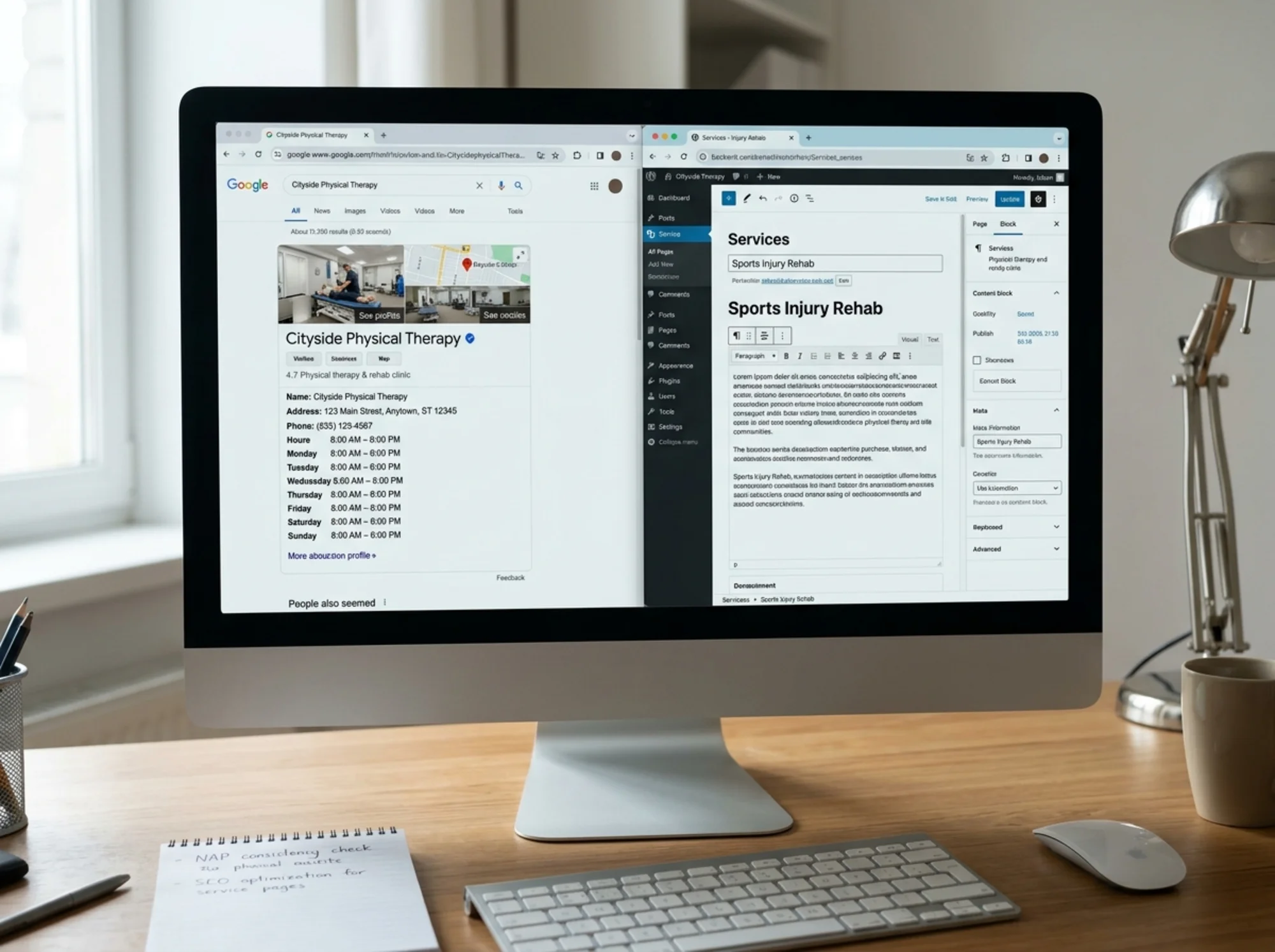
- A Google Business Profile that is verified and matches the address on your site exactly. Same suite number, same abbreviations, same everything.
- A dedicated page for each service you offer: ACL rehab, vestibular therapy, dry needling, pediatric PT, post-surgical care. One service per page, not a single "Services" page with a bullet list.
- A page for each location if you have more than one clinic, with unique content per page rather than the same paragraph with the city name swapped.
- A page for each insurance you accept, or at least a clear list. "Does this PT take BCBS?" is a common search.
Google's published guidance is that content should be "people-first" — written for the patient, not for search engines. That doesn't mean ignore SEO. It means a page about plantar fasciitis should actually help someone with plantar fasciitis, not just repeat the phrase 14 times.
Scenario: the two-location problem
Say you run two clinics, one in Maplewood and one in Cedar Grove. A common mistake is one homepage that says "Serving Maplewood and Cedar Grove." Google has no idea which patients to send where.
Fix: create /locations/maplewood and /locations/cedar-grove. Each page has its own address, phone, hours, photos of that clinic, and the therapists who work there. Now you're competing for both city searches instead of neither.
2. Speed: The Patient Won't Wait
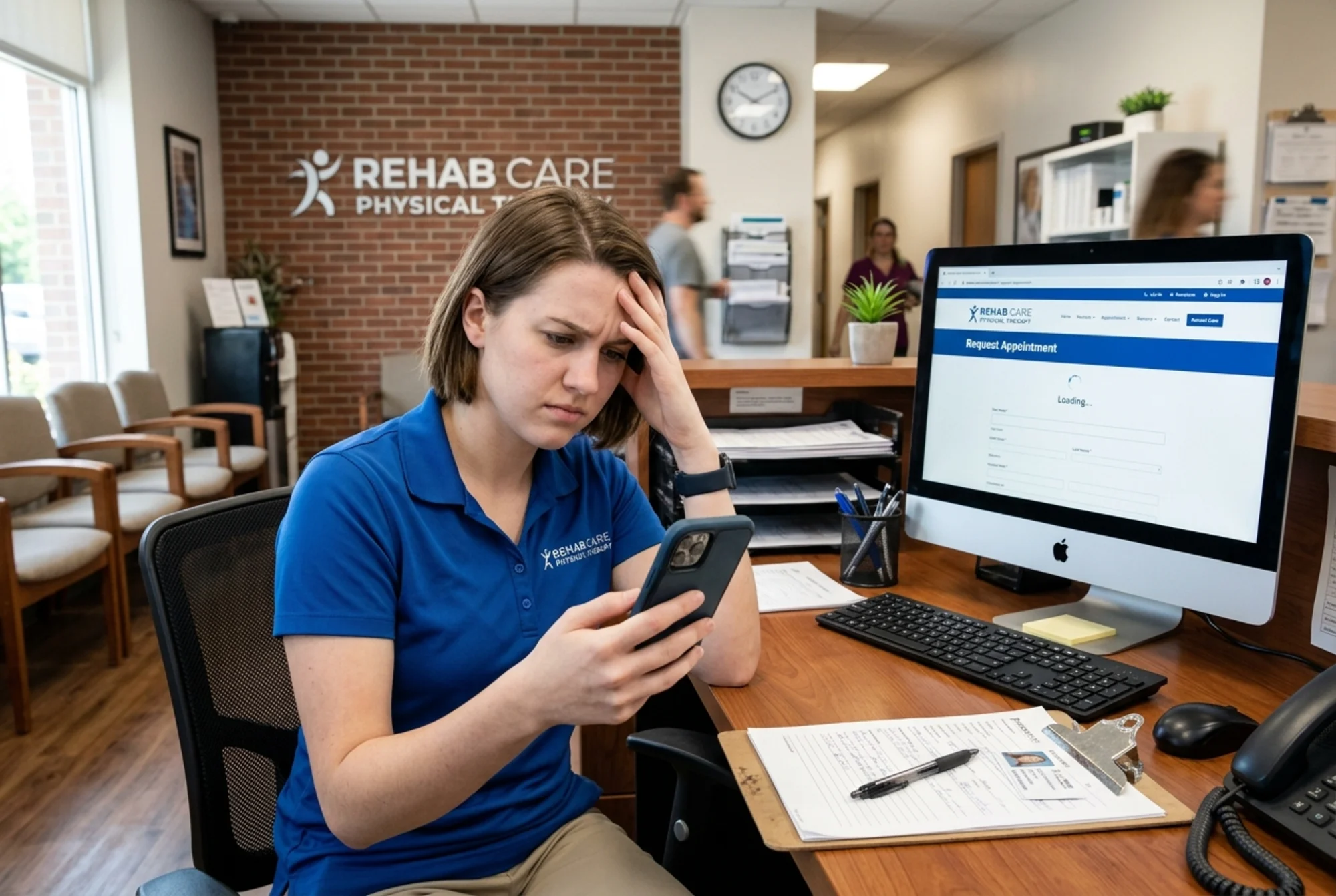
People searching for a PT are often in pain or worried about an injury. They're impatient. If your homepage takes six seconds to load on cellular, half of them are gone before your logo appears.
Google measures three things, called Core Web Vitals, that capture how fast and stable a page feels:
- LCP (Largest Contentful Paint): how long the biggest visible element takes to render. Target: under 2.5 seconds.
- INP (Interaction to Next Paint): how fast the page reacts when you tap. Target: under 200ms.
- CLS (Cumulative Layout Shift): whether the page jumps around as it loads. Target: under 0.1.
You don't need to memorize these. You just need to know that slow sites lose patients, and Google knows your site is slow.
Common speed killers in clinic sites
- Huge hero images. That 4MB photo of your treatment room is the reason your homepage is slow. Resize and compress it.
- Auto-playing video backgrounds. Looks fancy. Kills load time. Remove it.
- Too many tracking scripts. Facebook pixel, Google Ads, a chat widget, a review widget, a booking widget, a heatmap tool. Each one adds delay. Audit what you actually use.
- A bloated theme. WordPress sites built on generic themes often load 200KB of code to render a button. Sometimes the answer is a simpler theme.
If you don't know where to start, run a free website audit. It will flag the largest, heaviest, slowest things and tell you which to fix first.
3. Trust: Does This Look Like a Real Clinic?
Healthcare is a trust business. Patients are handing you their bodies and their insurance information. The website is the first credibility test.
Trust signals patients look for
- Therapist bios with photos, names, and credentials. "DPT, OCS, CSCS" matters. Generic stock photos of someone in scrubs hurt you.
- Years in practice. "Serving Maplewood since 2008" is one line that does real work.
- Conditions you treat, in plain English. Not "musculoskeletal dysfunction." Try "knee pain after running" or "stiffness after rotator cuff surgery."
- Real reviews, embedded from Google. Not italic testimonials that could be made up. Pull them in from your Google Business Profile.
- Insurance accepted, clearly listed. Patients are scared of surprise bills. Make this visible without making them call.
- HIPAA-aware intake. If you collect health info through an online form, it needs to be on an HTTPS page and ideally flow through a HIPAA-compliant intake tool, not plain email.
What to remove
- Stock photos of generic "doctors" pointing at clipboards.
- "Award-winning care" without naming the award.
- Lorem ipsum on the About page — yes, this still happens.
- A blog whose last post is from 2021. Either keep it current or remove it.
Google's helpful-content guidance is explicit: visitors should feel they're getting trustworthy information from someone who actually knows the subject. For a clinic, that means real therapists, real conditions, real outcomes.
4. Conversion: From Visit to Booking
Findability and speed get them to the page. Conversion is what turns them into a patient. This is where most clinic sites quietly bleed money.
The clinic site conversion checklist
- Phone number in the top right of every page, clickable on mobile (
tel:link). - Book online button in the header — direct link to your scheduling tool. Not "Contact us." Use "Book Evaluation" or "Request Appointment."
- Hours visible without scrolling on the homepage. Include weekend and evening hours if you offer them.
- A clear path for new vs. returning patients. They have different needs.
- An intake form that asks the minimum. Name, phone, reason for visit. Don't ask for insurance details, medical history, and emergency contact upfront — you'll lose most submissions. Collect the rest at the first visit.
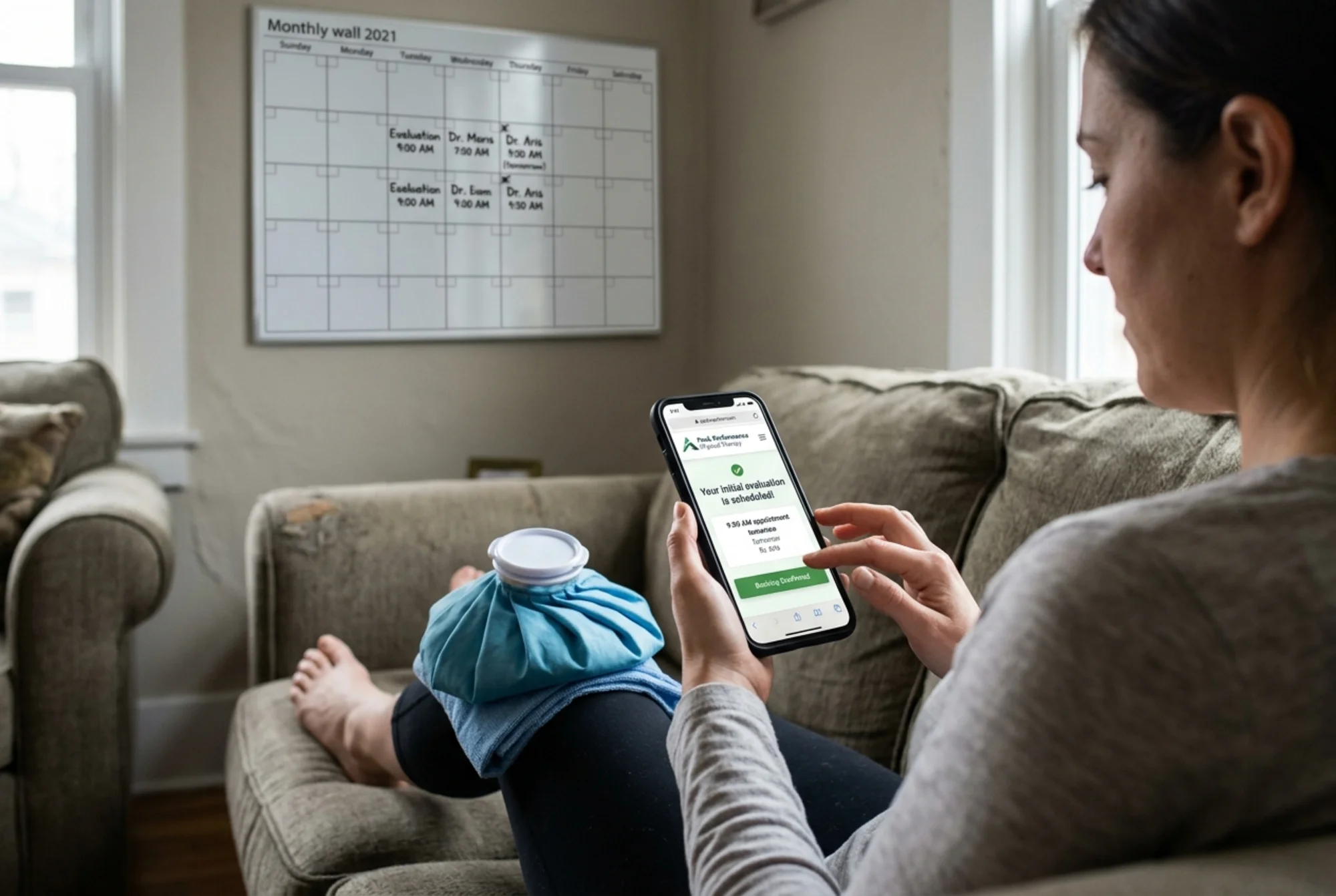
- A confirmation message that tells them what happens next. "We'll call you back within 4 business hours" beats "Thank you for your submission."
Test your own booking flow
Open your site on your phone. Pretend you have a stiff lower back and want to book an evaluation. Time yourself.
- How many taps to reach a working booking page or phone number? Target: 1-2.
- Is the form readable without zooming?
- Does it work on a slow connection? Throttle to 3G and try again.
- Does the confirmation tell you what happens next?
Most clinic owners are shocked when they do this. The form was broken on iPhone. The button covered the legal disclaimer. The page asked for date of birth before asking the appointment reason. This 5-minute exercise is more valuable than 90% of marketing audits.
Schema: The Hidden Layer Google Reads
Schema is structured data — extra code that tells Google explicitly "this is a medical business, here's the address, the phone, the hours." It doesn't change what patients see, but it changes how Google displays your listing in search results.
Useful schema for a clinic:
- LocalBusiness or MedicalBusiness with name, address, phone, hours.
- Physician for each therapist.
- Service for each treatment you offer.
- Review if you have aggregate ratings.
If you publish a blog, Article schema helps Google display posts properly in search results.
You don't write this by hand. Most decent website platforms add it automatically, or there are plugins. An audit will tell you whether yours is present and correct.
Should a Clinic Even Have a Blog?
Maybe. Be honest about whether you'll keep it up.
A blog with one post a year hurts trust more than it helps. A blog with eight well-written articles answering common patient questions — "How long is recovery after meniscus surgery?", "What does physical therapy for vertigo look like?" — can pull in steady search traffic for years.
If you write articles, they should:
- Answer a specific patient question.
- Be written by a real therapist, with their name on the byline.
- End with a clear next step ("If you're dealing with this, book an evaluation").
- Be at least 800 words and genuinely useful.
If you can't commit to that, skip the blog. Put a single solid FAQ page on your site instead.
A Mini-Audit You Can Run in 20 Minutes
Grab a pen. Open your site on your phone.
- Does your homepage load in under 3 seconds on cellular?
- Can you see the phone number without scrolling?
- Is there a clear "Book" button above the fold?
- Do you have a dedicated page for each service?
- Do you have a page (or section) per location?
- Are insurance providers listed clearly?
- Are therapist bios real, with photos and credentials?
- Does the booking form work on iPhone Safari and Android Chrome?
- Do your Google Business Profile address and hours match your website exactly?
- Are there fresh Google reviews from the last 90 days?
Count your yeses. Anything under 8 is leaving patients on the table.
What to Fix First
If you're overwhelmed, do these three things this week:
- Make the phone number tap-to-call and put it in the header. This alone often increases call volume noticeably.
- Compress your hero image. Use any free tool. Get it under 200KB.
- Update your Google Business Profile so it matches the site exactly.
Everything else can follow. But those three move the needle the day they ship.
Run a Free Audit
You can run the manual checks above, and you should. But a software audit catches things you can't see — slow scripts, broken schema, mobile usability flags, missing meta tags, image weight, redirect chains.
Run a free website audit on your clinic site. You'll get a prioritized list of what's hurting your visibility, your speed, and your booking flow, with specific fixes for each. No login wall. No sales call.
Your next patient is searching right now. Make sure the site is ready when they tap.
Sources
- Google Search Central — Creating Helpful, Reliable, People-First Content: https://developers.google.com/search/docs/fundamentals/creating-helpful-content
- Google Search Central — Article Structured Data: https://developers.google.com/search/docs/appearance/structured-data/article
- web.dev — Core Web Vitals: https://web.dev/articles/vitals
Check your website for free
Get an instant score and your top 3 critical issues in under 60 seconds.
Get Your Free Audit →