Website Audit for Tattoo Studios and Piercing Shops: A Practical Guide
A plain-English website audit guide for tattoo and piercing studios covering portfolio performance, booking flow, local SEO, structured data, and trust.
# Website Audit for Tattoo Studios and Piercing Shops: A Practical Guide
A tattoo or piercing studio website has one job: turn a curious visitor into a booked client. The slick design, the artist bios, the gallery of healed work — they only matter if they support that job.
The trouble is that most studio websites do a lot of things half-right. The portfolio loads slowly. The booking page is buried three clicks deep. Google can't tell which neighborhood you serve. The mobile menu hides your hours. You don't need a full rebuild to fix any of this — you need an audit.
This guide walks through what to check, in plain English, with examples specific to studios that sell art on skin.
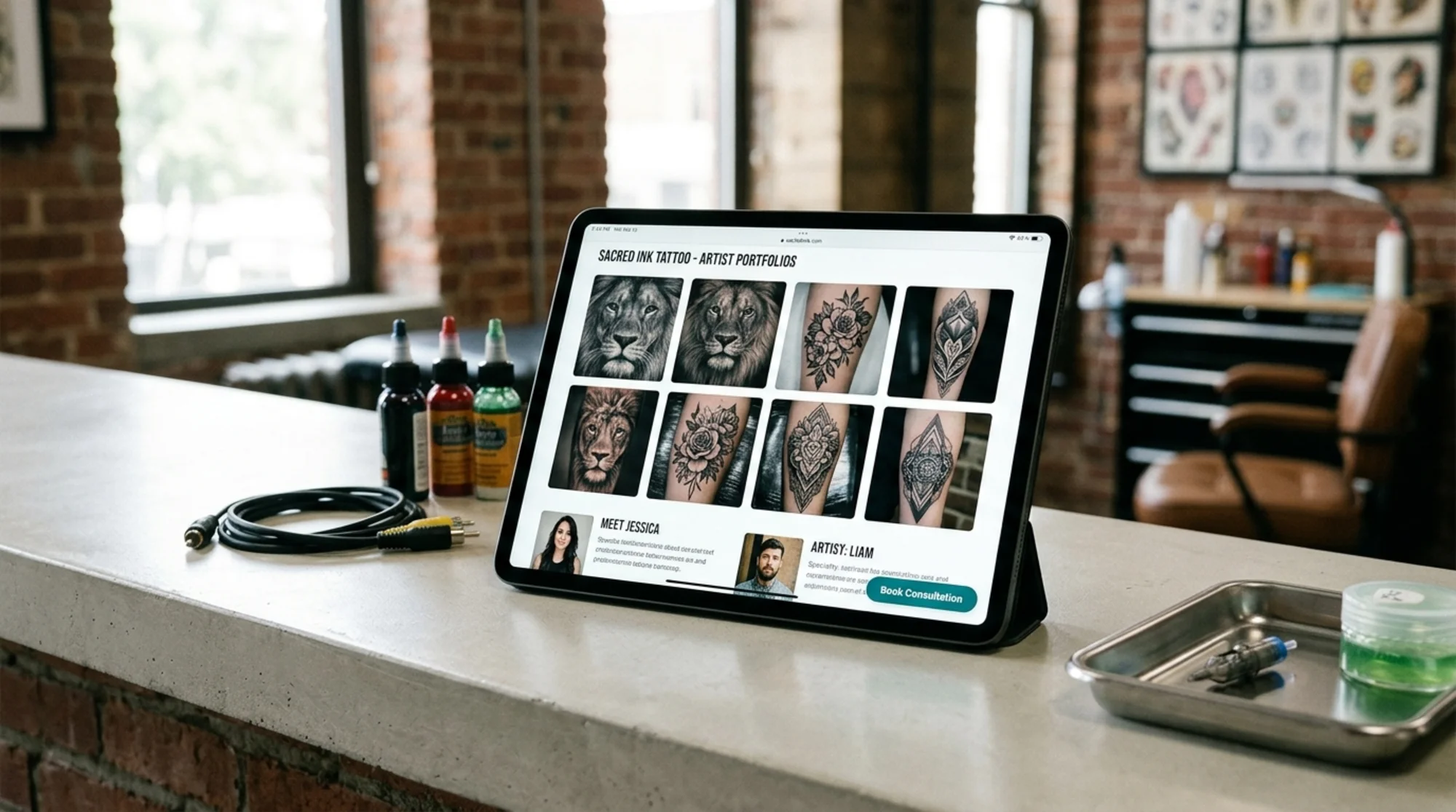
Why studio websites have unique audit problems
Most small-business audit advice assumes a text-heavy service site: a plumber, a dentist, an accountant. Tattoo and piercing studios break those assumptions three ways:
- You are image-heavy by necessity. Your portfolio is the product. A studio site with 200+ high-resolution photos is normal — and a serious performance problem if those images aren't handled properly.
- Your booking is consultation-based. A custom tattoo usually starts with a conversation, a deposit, and a stencil. Your booking flow has to handle that nuance without scaring people off.
- Trust is non-negotiable. Clients are letting someone permanently mark their body. Every element on the page either builds confidence or undermines it. A broken link or a "Last updated 2021" timestamp does more damage here than on most sites.
A real audit looks at all three together. Let's go section by section.
1. Performance: your portfolio is killing your load time
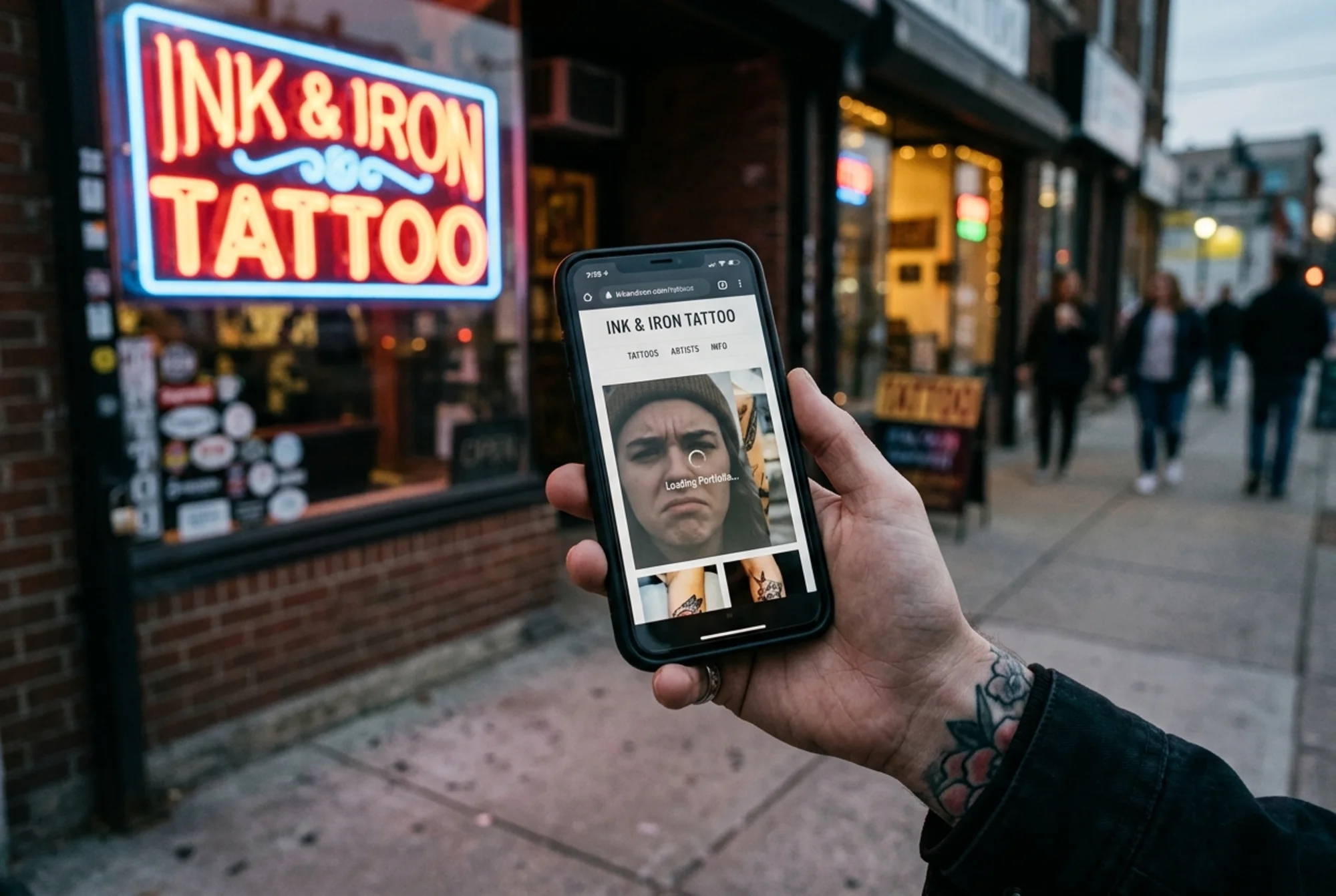
Open your homepage on a phone over a 4G connection. Count the seconds until the page is usable. If it's more than three or four, you're losing bookings before the visitor reads a single word.
The usual culprit is images. Studios upload portfolio photos straight from a phone or a DSLR — 4 MB each, 4000 pixels wide, no compression. Multiply by twelve thumbnails on the homepage and you have a 50 MB page.
Google measures this through Core Web Vitals: how fast the main content appears (Largest Contentful Paint), how stable the layout is while loading (Cumulative Layout Shift), and how quickly the page responds to a tap (Interaction to Next Paint). All three suffer when images are oversized.
Quick checklist:
- Resize and compress portfolio images before uploading. Aim for under 200 KB per gallery thumbnail and under 500 KB per full-size view.
- Use modern formats (WebP or AVIF) with a JPEG fallback.
- Lazy-load images below the fold so the homepage doesn't fetch every gallery photo on first paint.
- Set explicit width and height on every image so the layout doesn't jump as photos load.
- Test on a real phone over cellular data, not on your studio Wi-Fi.
If you're not sure where to start, a free scan at /tools/free-audit will tell you which images are dragging your scores down. For the underlying fixes, see /fixes/image-optimization.
2. The booking flow: stop hiding the call to action
A potential client finds your Instagram, taps the link in your bio, lands on your homepage, and immediately starts scrolling for one thing: how do I book this person?
If the answer is "fill out the contact form at the bottom of the page" or "DM us on Instagram," you're putting friction between a warm lead and a deposit.
Audit your booking path:
- Is "Book a Consultation" visible in the header on every page, including mobile?
- When someone clicks it, do they land on a focused page — not a generic contact form?
- Does the form ask for the right things: artist preference, placement, size estimate, reference images, budget range?
- Is there a clear next step after submission ("We'll reply within 48 hours, Tue–Sat")?
- Do you accept a deposit online, or is the prospect dropped into email limbo?
A piercing shop has different needs: walk-ins might be welcome, but appointments still need a structured flow. List jewelry options and prices clearly. Make aftercare guidance easy to find — not hidden in a PDF.
3. Local SEO: making sure the right neighborhood finds you
Most of your clients live within 15 miles of the shop. Google needs to know that. If your site says "We serve clients worldwide" and never names your actual city, you're missing the easiest SEO win you have.
The local checklist:
- Your studio name, address, and phone number appear in plain text (not just inside an image) in the footer of every page.
- That same NAP information matches your Google Business Profile exactly. Even a "St." vs "Street" mismatch can hurt.
- You have a dedicated location page for each studio if you have more than one.
- Page titles include your city ("Custom Tattoos in Brooklyn | [Studio Name]"), not generic phrases.
- Your homepage mentions neighborhoods and landmarks naturally: "five-minute walk from the L train at Bedford Avenue."
- Reviews on Google are responded to, including the critical ones.
For a deeper dive, see /fixes/local-seo.
4. Content: write the way clients actually think
Google's guidance on helpful content is straightforward: write for humans, not for search engines. For studios, that means answering the questions a nervous first-time client actually has.
Walk through the journey:
- Before booking: How much does a tattoo cost? What's the deposit policy? Can I bring my own reference? Do you do custom work or only flash? What's the age requirement? Walk-ins?
- Before the appointment: What should I eat? Can I bring a friend? What should I wear?
- After: What does aftercare look like? When can I swim? When should I worry?
If your FAQ is three lines long and reads like a legal disclaimer, rewrite it. Each question is a chance to rank for a real search query and reduce phone calls your front desk has to handle.
A small example. Instead of:
> Q: What is your cancellation policy?
> A: Deposits are non-refundable.
Try:
> Q: What happens if I need to reschedule?
> A: You can reschedule once with at least 72 hours' notice and your deposit moves with you. Inside 72 hours, the deposit goes toward the artist's time — but reach out anyway, life happens.
Same policy, very different tone. The second version reads like a human and answers the real question underneath.
5. Trust signals: prove you're real before you ask for a deposit
A first-time tattoo client is making an emotional, permanent decision. Your site has to feel safe.
Things that build trust:
- Real photos of the studio interior, not stock imagery.
- Artist bios with credentials, years of experience, and specializations.
- Sterilization and licensing info, plainly stated. ("We use single-use needles. Our autoclave is spore-tested monthly. Our shop is inspected by [Health Department] and our license is posted at the front desk.")
- Healed work, not just fresh. Most galleries only show day-of photos. Healed photos are rare and reassuring.
- Pricing transparency. Hourly rates, minimums, and consultation fees in writing.
- Recent timestamps. A blog whose last post is from 2022 signals an abandoned site, even if the studio is thriving.
Things that quietly destroy trust:
- Broken links to artist Instagrams.
- "Coming Soon" pages that have been coming soon for two years.
- Contact forms that don't send confirmation emails.
- A copyright year stuck on 2021.
- A 404 page with no navigation back to the site.
Crawl your own site once a quarter and click everything. Half the broken links you'll find are on pages you forgot existed.
6. Structured data: helping Google describe your business correctly
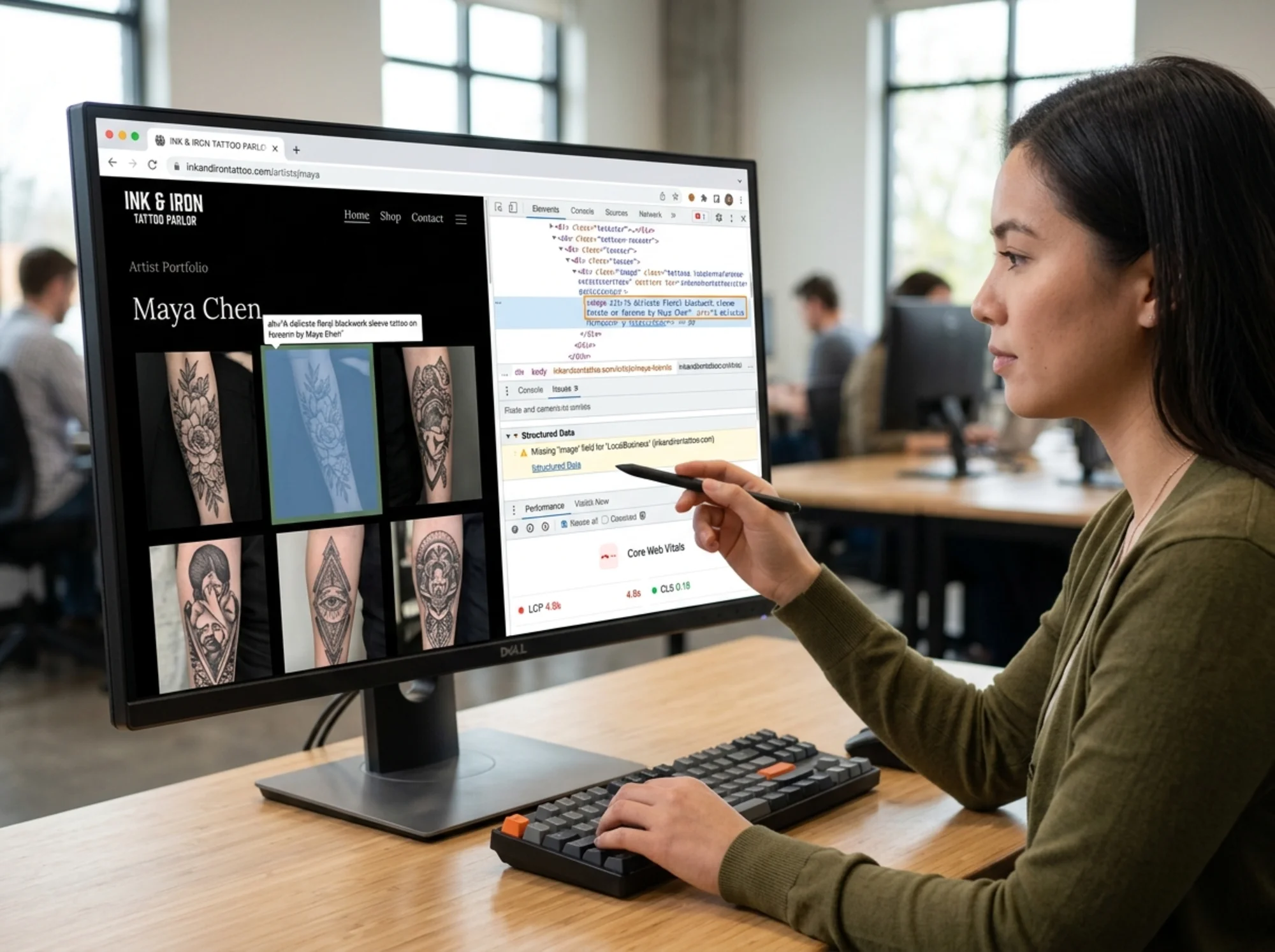
Structured data is a small block of code that tells search engines what kind of business you are, what services you offer, and where you're located. Done right, it surfaces your hours, reviews, and address directly in search results.
For studios, the relevant schema types are:
LocalBusiness(or the more specificTattooParlor/HealthAndBeautyBusiness) for your homepage and location pages.Personfor each artist's bio page.Articlefor blog posts, especially aftercare and process guides.FAQPagefor your FAQ sections.Reviewif you're displaying client reviews — with their permission and accurate data.
Don't fake reviews or add schema that doesn't match what's visible on the page. Google's documentation is clear: structured data must reflect the actual content of the page. Getting caught can sink your rankings entirely.
7. Mobile experience: assume mobile-first, always
The majority of traffic to a typical studio website comes from a phone. Audit your site on a phone, not a 27-inch monitor.
Specific mobile checks:
- Does the mobile menu open and close cleanly? Does it cover the booking button?
- Are gallery images swipeable, or do they require pinch-to-zoom to see detail?
- Are tap targets (buttons, links, form fields) large enough for thumbs?
- Does the click-to-call link on your phone number actually work?
- Does the click-to-directions link open Maps with the correct address?
- Is text readable without zooming? Aim for 16px minimum body text.
Try booking a consultation on your own site from your phone with no autofill. Time yourself. If it takes more than two minutes, simplify.
A 20-minute walkthrough you can do today
Here's a compressed audit a non-technical owner can run right now:
- Open your homepage on your phone. Time how long until the hero image is sharp and the page is usable.
- Find the "Book" button. How many taps from the homepage to a submitted consultation request?
- Search Google for "[your city] tattoo studio." Where do you appear? Is your Google Business Profile claimed and current?
- Open your portfolio. Tap five images. Do any take more than a second or two to load?
- Scroll to the footer. Are your address, phone, and hours visible on every page?
- Click every link in your main navigation. Anything broken or stale?
- Open your most recent blog post or news item. What's the date? If it's over a year old, consider whether the site looks active.
- Read your FAQ out loud. Does it sound human?
That exercise alone will surface a handful of fixable issues.
A specific scenario: the slow portfolio fix
A two-artist studio in Portland has a beautiful site with a gallery of 80 photos on the homepage. Each photo is around 3 MB, exported directly from Lightroom. The homepage takes about 8 seconds to become usable on a phone. Bounce rate is high. The owner assumes the design is the problem and considers a rebuild.
The actual problem is the images. The fix:
- Resize every gallery photo to a max of 1600px on the long edge.
- Re-export at 80% quality WebP, with a JPEG fallback.
- Show 12 thumbnails on the homepage with a "View Full Portfolio" link to a dedicated page.
- Lazy-load everything below the fold.
- Add width and height attributes to prevent layout shift.
After: page weight drops from 50 MB to under 2 MB. Time-to-usable drops from 8 seconds to under 2. No design changes, no rebuild. The site just works the way the owner thought it already did.
This is the kind of finding a structured audit surfaces in minutes. Guessing at it can cost months of lost bookings.
Run the audit, then prioritize
You don't have to fix everything at once. Rank issues by impact:
- Critical: anything blocking a booking (broken form, broken phone link, slow homepage on mobile).
- High: local SEO basics (NAP consistency, Google Business Profile), image weight, missing structured data.
- Medium: content rewrites, FAQ expansion, healed-work photos.
- Low: small visual polish, copyright dates, blog freshness.
Knock out the critical and high items first. Most of them are an afternoon of work, not a rebuild. For industry-specific examples and benchmarks, see /industries/tattoo-studios.
Get a real audit, free
If you want a concrete list of what's actually wrong with your studio's website — not a generic checklist, an actual scan of your URL — run a free audit at /tools/free-audit. It checks performance, SEO, structured data, mobile usability, and trust signals in one pass, and gives you a prioritized fix list you can hand to a freelancer or work through yourself.
Your portfolio deserves a site that loads as fast as your clients expect. Start there.
Sources
Check your website for free
Get an instant score and your top 3 critical issues in under 60 seconds.
Get Your Free Audit →