Website Audit for Wedding Vendors and Event Planners: A Practical Guide
A practical website audit guide for wedding vendors and event planners: fix mobile speed, galleries, inquiry forms, and trust signals that win bookings.
# Website Audit for Wedding Vendors and Event Planners: A Practical Guide
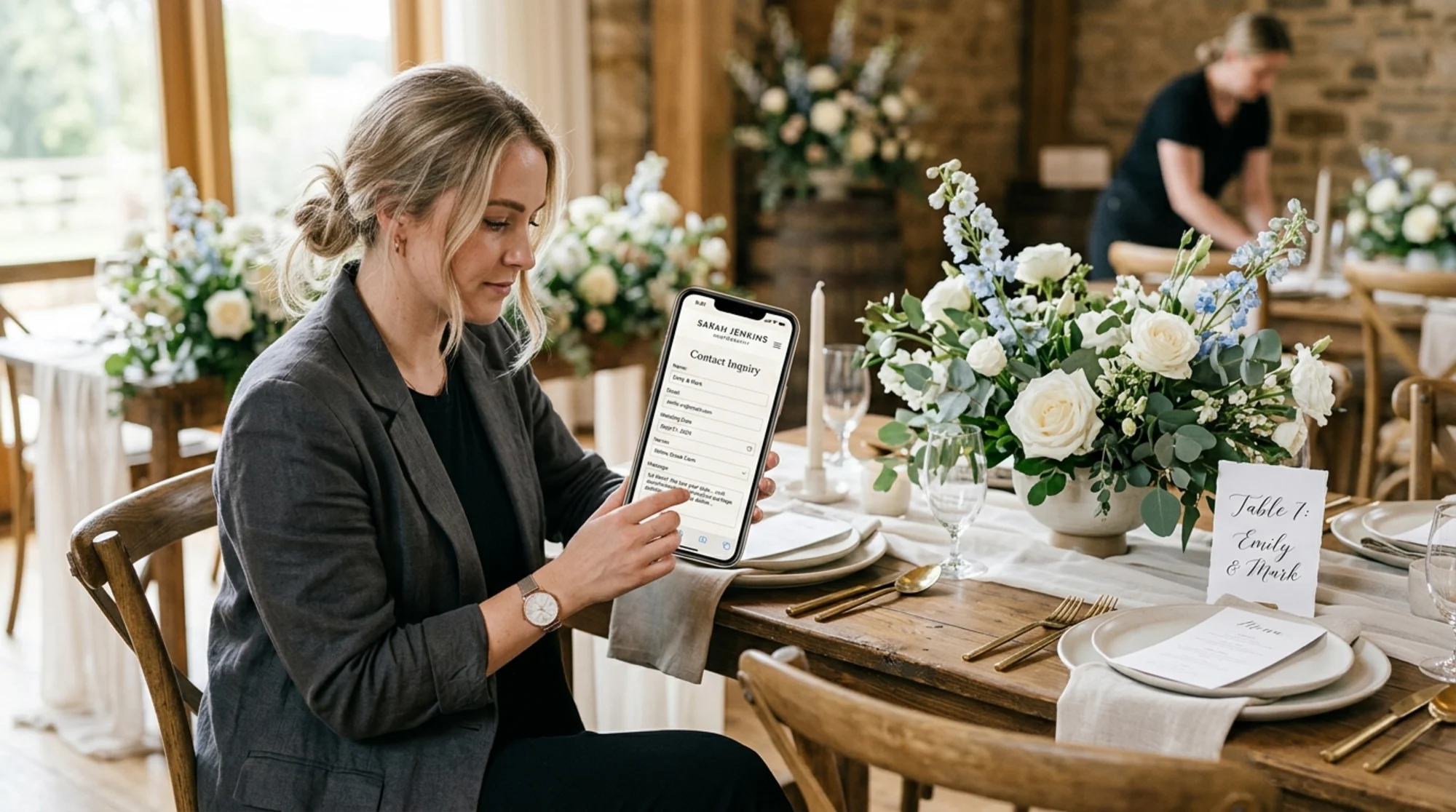
Wedding and event work is a referral business with a digital front door. A couple gets your name from a friend, a venue, or an Instagram tag. Then they go straight to your website on their phone, usually at night, often comparing you against two or three other vendors in adjacent browser tabs. If your site is slow, your gallery is broken, or your inquiry form looks suspicious, you lose the booking before you even know they existed.
This guide walks through a website audit aimed at florists, photographers, planners, venues, DJs, officiants, caterers, and rentals. The goal: find the specific things that quietly cost you bookings every month, and fix them in a weekend.
What a website audit actually means for a vendor
An audit is a structured check of your site against the things couples (and Google) care about. For wedding vendors, that boils down to five questions:
- Does the site load fast on a phone with a mediocre signal?
- Can a stranger figure out what you do, where you do it, and what it costs in under 30 seconds?
- Do the photos look stunning without breaking the page?
- Is the inquiry path frictionless and trustworthy?
- Does Google understand your service area, services, and pricing well enough to show you in search?
The SEO checklists, schema markup, and alt text discussions all plug into one of those five. If a fix doesn't move one of them, deprioritize it.
Step 1: Run the audit on a phone first
Open your site on your phone, clear the cache, and time the load. If the hero image hasn't appeared in three seconds, fix that before anything else.
Wedding sites are uniquely image-heavy. Photographers post full galleries. Florists upload high-resolution arrangements. Venues use drone shots. Most of those images are uploaded straight from Lightroom at 4–6MB each. A homepage with 20 such photos is a 60MB page, and no amount of Wi-Fi forgives that on a phone.
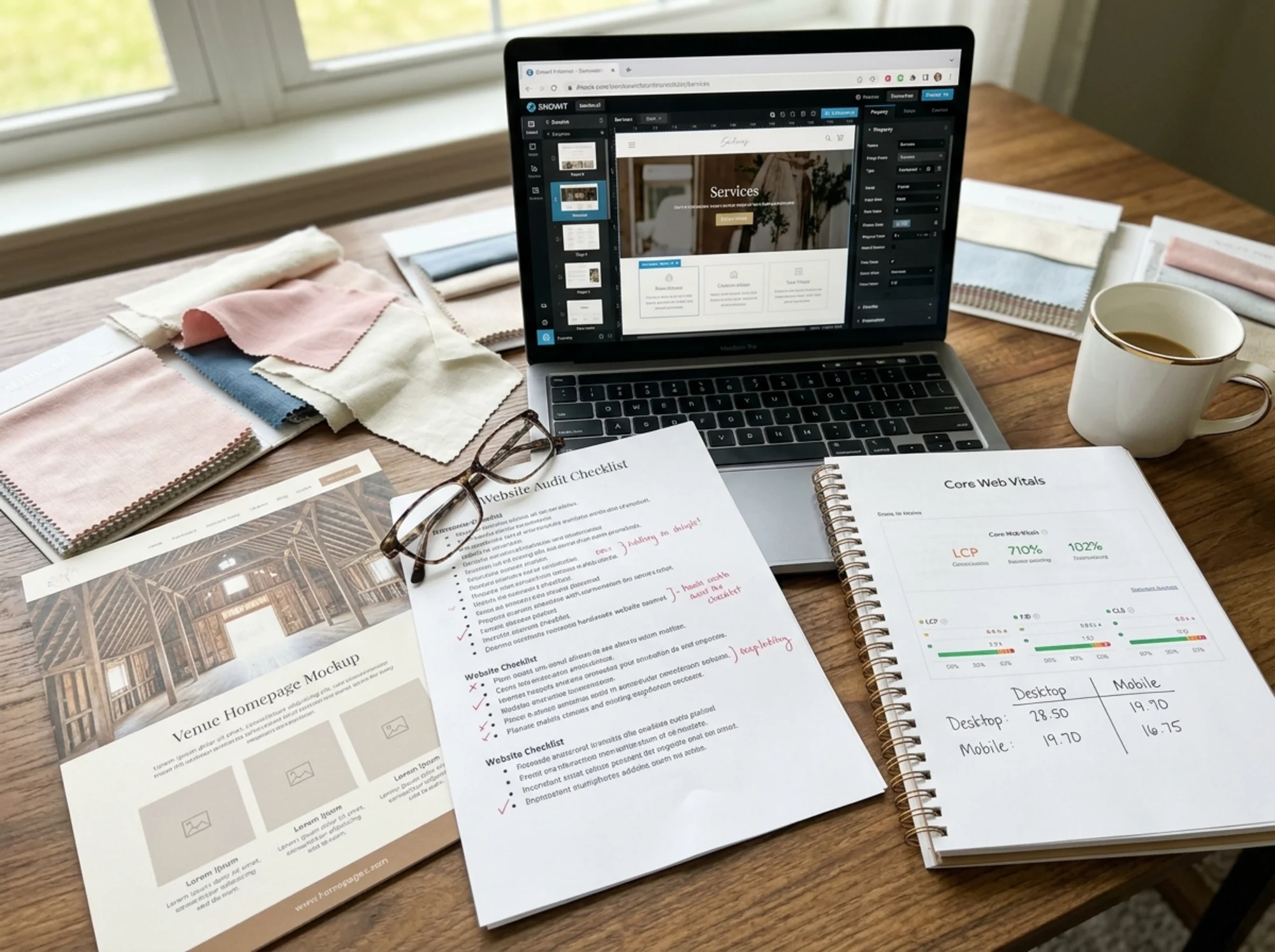
Google's Core Web Vitals are the technical name for "is your site fast and stable on mobile." The three metrics are LCP (largest contentful paint), INP (interaction responsiveness), and CLS (cumulative layout shift). You don't need to memorize the acronyms. You need to know that an image-heavy homepage that loads in eight seconds will rank worse, convert worse, and feel worse than one that loads in two.
Quick wins for image weight:
- Export gallery images at no more than 1600px wide, JPEG quality 75–80
- Use WebP or AVIF if your platform supports it (Showit, Squarespace 7.1, Wix, and most WordPress themes do)
- Lazy-load anything below the fold so the page paints first, then fills in
- Reserve space for images so the page doesn't jump as they load
The problem is almost always uploads, not the platform.
Step 2: The 30-second clarity test
Have someone who has never seen your site look at it on their phone for 30 seconds. Then ask three questions:
- What does this person do?
- Where do they work?
- What does it cost, roughly?
If they can't answer all three, your homepage isn't doing its job.
Wedding vendors love beautiful, mood-driven homepages. Couples love them too, right up until they need to know if you serve their county and fit their budget. The fix isn't to ruin the aesthetic. It's to add one band of clear information near the top: who, what, where, starting-at price.
Example for a wedding florist:
> Full-service wedding florals in Asheville and the Blue Ridge. Bouquets, ceremony installs, and reception design. Couples typically invest $4,500 and up.
That single block answers all three questions, sets expectations, and politely filters out the bride looking for a $400 DIY package. Both of you win. Google's helpful content guidance points to this same principle: clear, people-first answers to what a visitor actually wants to know.
Step 3: Audit the inquiry path
This is where most vendors leak the most bookings, and most don't know it. The inquiry form is the conversion. Everything else is preamble.
Walk through your own form on your phone. Count the fields. Count the seconds. Note any friction.
Common problems found in real audits:
- 14-field forms asking for budget, guest count, planner's name, venue, and a 500-character "tell me your story" textarea. Cut to 5–6 fields for first contact. Ask the rest after they reply.
- No reassurance on the contact page. Add a short line: "I respond to inquiries within 24 hours, Monday through Friday."
- No success confirmation beyond a tiny "thanks!" message. Couples submit, see nothing change, and submit again, or assume it failed.
- Email goes to a Gmail account that buries it. Send inquiries to a dedicated inbox, set up a notification, audit your spam folder weekly.
- No phone or text option for couples who prefer to call. Even a "text me at..." link converts.
A working inquiry form for a wedding vendor needs: name, email, event date, venue or city, services interested in, and a short message. That's it. Pricing tier and guest count can come in your reply.
Step 4: Check your gallery and portfolio mechanics
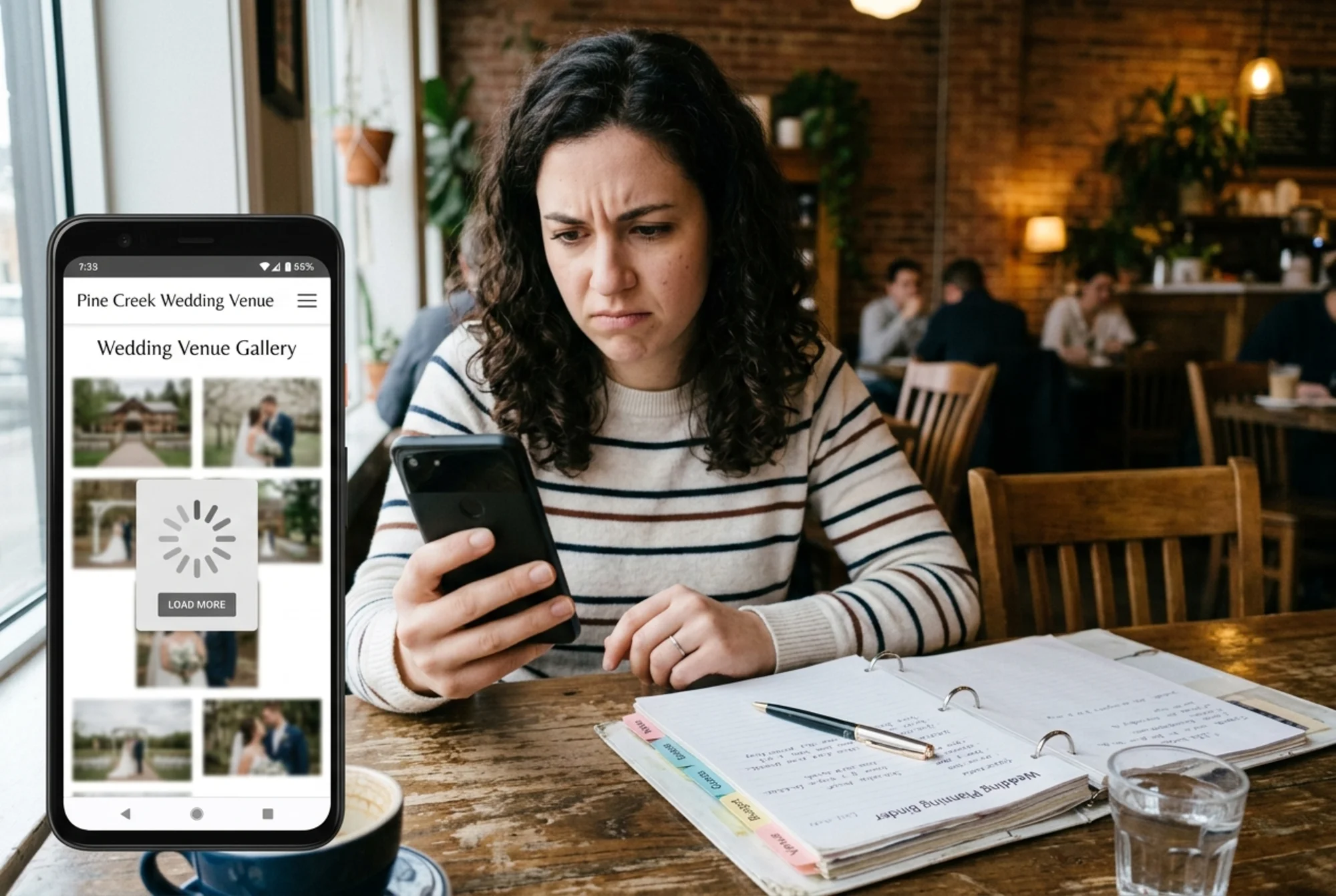
Galleries are the single most-clicked section on a vendor site. They're also where most performance problems hide.
Things to check:
- Do thumbnails load progressively, or does the page stall until all 40 images download?
- Can you tap a thumbnail and swipe through full-size images smoothly?
- Do images have descriptive alt text? Not "IMG_4582.jpg" — something like "Outdoor ceremony at Biltmore Estate with white peony arch."
- Are galleries organized by something useful: venue, style, season, or service type?
Alt text matters for two reasons. Accessibility — blind couples and family members book weddings. And Google Image search drives real inquiries for wedding vendors, especially venues. A well-described image can surface for "outdoor wedding venue North Carolina" and pull a couple straight to your site.
If you publish wedding features as blog posts, adding Article structured data helps Google understand them and can earn richer search results. Most modern themes handle this automatically; check by running a page through Google's Rich Results Test.
Step 5: Trust signals, the boring stuff that closes bookings
Couples are about to send you thousands of dollars for an event that cannot be redone. They're looking for reasons to trust you. Make those reasons easy to find.
- Real testimonials with the couple's first names, wedding date, and venue. Not anonymous quotes.
- A visible About section with your face, your name, and a few sentences of personality. Not "We are a team of..."
- Press or vendor recognition if you have it, listed once.
- Vendor partnerships — other photographers, planners, or venues you work with often, ideally with reciprocal links.
- Clear pricing posture. A starting price, a range, or an honest "starting investments begin at $X" line. Hiding pricing entirely reads as evasive and filters poorly.
- An FAQ answering the boring questions: travel fees, deposit terms, rain plans, cancellation policy, how far in advance to book.
Two more quiet wins: an SSL certificate (your URL should start with https) and an updated copyright year in the footer. A site stamped "© 2022" makes couples wonder if you're still in business.
Step 6: Local SEO and service area clarity
Wedding vendors are local businesses. Most of your search traffic is "wedding [thing] near [place]" or "[place] wedding [thing]." If your site doesn't make the place clear, you lose those searches.
A short local SEO audit:
- Is your city or region in your page title? "Asheville Wedding Photographer | Jane Doe" beats "Jane Doe Photography."
- Do you have a dedicated page for each major service area? A planner serving Charleston, Hilton Head, and Savannah benefits from three lightweight area pages, each with venues worked, real weddings shot there, and travel notes.
- Is your service area listed on the contact page and footer? Even without a physical studio, naming the region helps.
- Have you claimed and filled out your Google Business Profile? Real photos, accurate hours, and recent reviews matter.
A common mistake: trying to rank for every city in the state. If you actually travel for weddings, fine. If you mostly work within 90 minutes of home, focus your pages there. Google penalizes thin, near-duplicate location pages.
Step 7: A specific walkthrough
Let's audit a realistic example: a solo wedding florist named Rosa, based outside Austin, who feels inquiries dropped this season.
The audit finds:
- Homepage loads in 6.8 seconds on mobile. Hero image is 3.2MB.
- The phrase "wedding florist" appears nowhere on the homepage. Tagline reads "Petals & Poetry."
- Service area is not stated until the third paragraph of the About page.
- Inquiry form has 11 fields including "Pinterest board URL" and "Inspiration words."
- Gallery is one page of 80 photos, all named "DSC_xxxx.jpg."
- Pricing is nowhere on the site.
- Last blog post is dated 2023.
The fixes, ranked by impact:
- Replace the hero with a 280KB optimized version. Load time drops to 2.4 seconds.
- Add "Wedding florist serving Austin and the Hill Country. Full-service florals starting at $3,800." under the hero.
- Trim the inquiry form to 6 fields. Move Pinterest URL to the follow-up email.
- Break the gallery into three pages: Bouquets, Ceremony Installs, Reception Design. Add descriptive alt text.
- Add a Pricing & Packages page with starting investments for three tiers.
- Hide or archive the stale blog, or write one new post about a recent wedding.
None of these require a redesign. All can be done in a weekend. The combined effect on inquiry quality and quantity is usually obvious within a month or two.
Step 8: Track what changes after the audit
Before you change anything, screenshot or record:
- Current mobile load time (use PageSpeed Insights or web.dev/measure)
- Inquiries received last month
- Average time on site from analytics
- Mobile bounce rate
After your changes have been live for 30 days, check the same numbers. If load time dropped and inquiries went up, you've validated the work. If load time dropped but inquiries didn't, the issue is further down the funnel: messaging, pricing, gallery, or trust signals.
The 20-minute mini-audit checklist
If you only have 20 minutes, do this:
- [ ] Load your homepage on your phone, time it. Under 3 seconds?
- [ ] Read your homepage in 10 seconds. Are your service, location, and rough price obvious?
- [ ] Submit a test inquiry. Does it work? Where does it go? Are you notified?
- [ ] Open your gallery. Does it load smoothly? Are images organized?
- [ ] Check the footer for current copyright year and contact info.
- [ ] Search your business name in Google. Does your site rank first? Is your Google Business Profile filled in?
- [ ] Open the site in incognito. Does anything look broken to a stranger?
If any of those failed, you have your starting point.
Run a free audit before you make changes
You can do all of this manually, and many vendors do. You can also have a tool walk through the technical parts in a couple of minutes, flag the specific issues, and give you a punch list to work from.
Run a free website audit with FreeSiteAudit and you'll get a report covering Core Web Vitals, mobile usability, image weight, broken links, basic SEO, and accessibility flags. It takes about 90 seconds and doesn't require signup for the initial report. For wedding vendors and planners, the report covers the technical half of this audit before you've finished your coffee.
The qualitative work — the 30-second clarity test, the trust signals, the inquiry form rewrite — is still on you. But once the technical foundation is solid, the messaging and conversion work has something to stand on.

Couples are deciding between you and the next vendor in their tab. A clean, fast, trustworthy site doesn't replace your craft, but it makes sure your craft is the thing they're actually evaluating.
Sources
- Google Search Central: Creating Helpful, Reliable, People-First Content — https://developers.google.com/search/docs/fundamentals/creating-helpful-content
- Google Search Central: Article Structured Data — https://developers.google.com/search/docs/appearance/structured-data/article
- web.dev: Core Web Vitals — https://web.dev/articles/vitals
Check your website for free
Get an instant score and your top 3 critical issues in under 60 seconds.
Get Your Free Audit →