Website Audit Guide for Gyms and Fitness Studios
A website audit checklist for gym and fitness studio owners covering mobile speed, class schedules, local SEO, and conversion fixes that drive memberships.
# Website Audit Guide for Gyms and Fitness Studios
Most gym and fitness studio websites lose potential members before anyone clicks "Join." The homepage loads slowly on a phone, the class schedule is buried three clicks deep, and there's no obvious way to book a trial. These aren't cosmetic problems — they cost you sign-ups every week.
A website audit identifies what's broken, what's slow, and what's missing, then tells you what to fix first. This guide covers the specific issues gym and studio websites tend to have and shows you how to check for them.

Why Gym Websites Need a Different Kind of Audit
Generic website advice doesn't account for how people actually find and choose a gym. Fitness businesses are different in three ways:
Almost all searches are local. Someone searching "yoga classes near me" or "gym in [neighborhood]" is ready to visit. Your website needs to show up in that search, load fast on their phone, and answer their questions in under 30 seconds.
The decision happens fast. A potential member wants to know three things: what classes you offer, how much it costs, and how to try it. If your site doesn't answer those quickly, they check the next gym on the list.
Scheduling is the product. Your "inventory" is your class schedule and availability. If that information is hard to find, outdated, or unreadable on mobile, you've lost the sale.
The Five Areas That Matter Most
A full website audit covers dozens of factors. For gyms and fitness studios, these five areas account for most problems that affect membership sign-ups.
1. Mobile Speed and Performance
Over 70% of local searches happen on phones. Google uses mobile page speed as a ranking factor, and visitors treat it as a trust signal. According to Google's Core Web Vitals research, a page that takes more than three seconds to load loses roughly half its visitors.
Common gym website speed problems:
- Hero images and background videos that aren't compressed (a single unoptimized gym photo can be 4–8 MB)
- Embedded booking widgets that load heavy third-party scripts
- Multiple tracking scripts from your booking system, review platform, and social media pixels all loading simultaneously
- Web fonts blocking text rendering, leaving a blank page for 2–3 seconds
Quick check: Open your website on your phone using cellular data (turn off WiFi). Count the seconds until you can read the page and tap a button. More than three seconds means you have a speed problem.
What to fix first:
- [ ] Compress all images to WebP format — most gym photos can drop from 3 MB to 200 KB with no visible quality loss
- [ ] Defer non-essential scripts (tracking pixels, chat widgets) so they load after main content
- [ ] If you use a hero video, set it to load only after the page content is ready
- [ ] Test your booking widget's impact — some popular gym scheduling tools add 1–2 seconds of load time
2. Class Schedule Visibility and Accuracy
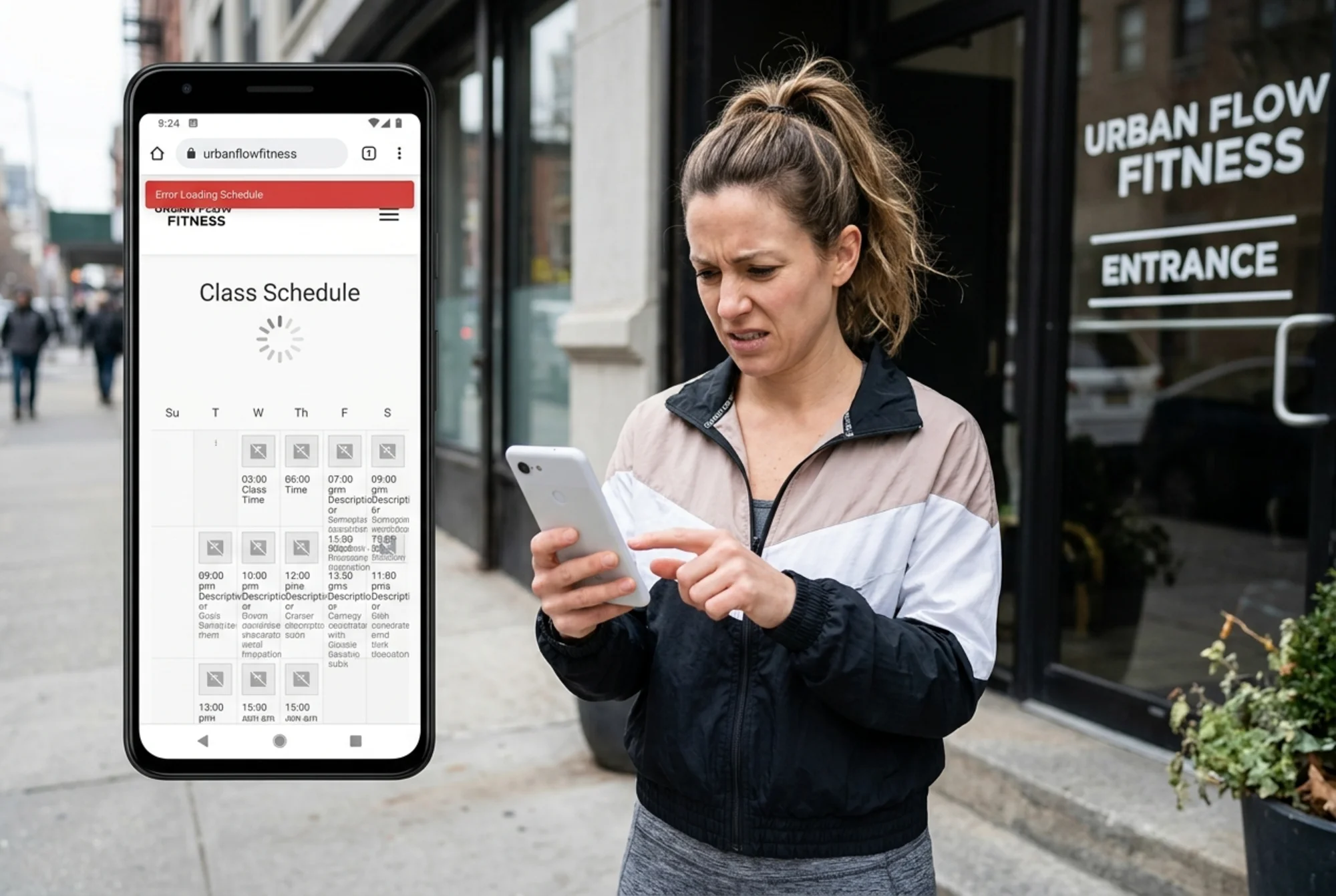
Your class schedule is the most visited page on your gym website after the homepage. If it's hard to find, hard to read, or out of date, people leave.
Problems that come up constantly:
- Schedule embedded as a PDF that's impossible to read on mobile
- Schedule buried under "Programs > Group Fitness > Weekly Schedule" instead of one click from the homepage
- Times listed without the day of the week, or using unclear abbreviations
- No indication of which classes are beginner-friendly
- Schedule not updated after seasonal changes
The PDF schedule trap. Many gyms still link to a downloadable PDF schedule. On mobile, these require pinching and zooming to read, and users frequently abandon the page entirely. Converting the schedule to a responsive HTML layout with a filter-by-day option — linked directly from the homepage — removes one of the most common friction points between a visitor and a booked trial class.
Schedule audit checklist:
- [ ] Can you reach the full class schedule in one tap from the homepage?
- [ ] Is the schedule readable on a phone without zooming?
- [ ] Does each class listing include: time, instructor name, difficulty level, and duration?
- [ ] Is there a "Book This Class" or "Try This Class" button next to each listing?
- [ ] Has the schedule been updated in the last 30 days?
3. Local SEO Fundamentals
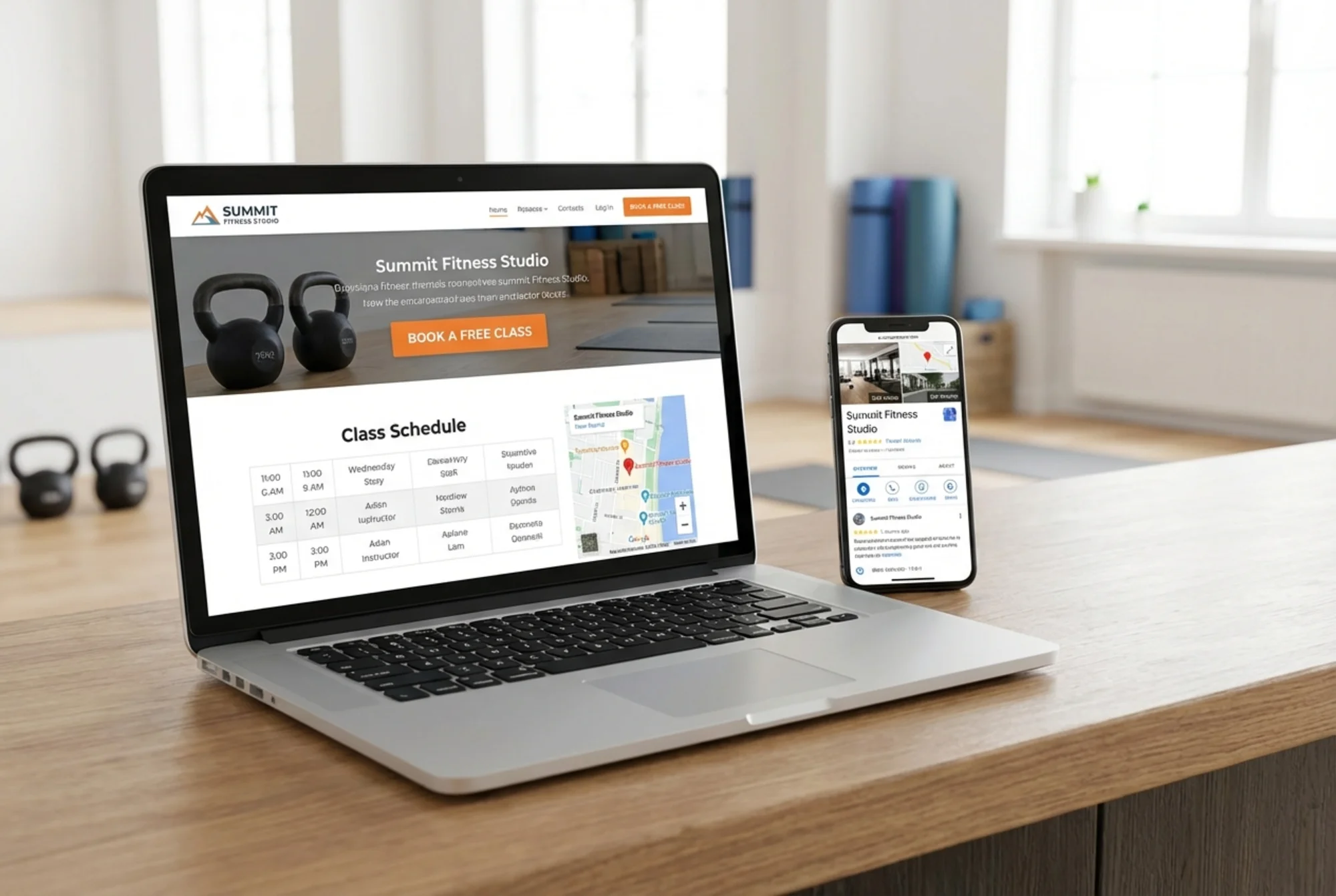
When someone searches "fitness studio near me," Google decides which businesses to show based on your Google Business Profile and your website's local SEO signals. Many gym websites miss basic elements that help Google connect the site to local searches.
Check these local SEO elements:
- [ ] Your full business name, address, and phone number (NAP) appear on every page — typically in the footer — and match your Google Business Profile exactly
- [ ] Your city and neighborhood names appear naturally in page titles and headings (e.g., "Yoga Classes in Midtown Atlanta" not just "Yoga Classes")
- [ ] You have a dedicated page for each location if you operate more than one
- [ ] Your Google Maps embed works and shows the correct pin location
- [ ] Your site includes LocalBusiness structured data (schema markup) so Google can read your hours, address, and services programmatically
Structured data matters. Google's structured data documentation highlights that local businesses benefit from including specific schema types like @type: "GymOrSportsActivityLocation" or @type: "HealthClub". This markup tells Google exactly what your business is and can improve how you appear in search results, including rich results with hours, ratings, and location info.
A quick test: Google your gym's name. Does a Knowledge Panel appear on the right side with your hours, phone number, photos, and reviews? If not, your local SEO needs work. If it appears but the information is wrong, that's even more urgent to fix.
4. Conversion Path: From Visitor to Trial Member
A conversion path is the series of steps between someone landing on your site and taking action — booking a trial class, requesting a tour, or signing up. Most gym websites make this path too long, confusing, or hidden.
Audit your conversion path: Open your website as if you've never seen it. Try to book a trial class or get pricing information. Note every click, page load, and form field.
Common conversion killers:
- No call to action above the fold. If visitors have to scroll to find "Book a Free Class" or "Get a Free Day Pass," many won't.
- Too much information required upfront. A trial booking form that asks for address, emergency contact, and health history before letting someone pick a time slot loses most people. Book the slot first, collect details later.
- No phone number visible on mobile. Many potential members — especially those over 40 — prefer to call. A click-to-call number in your header can be your highest-converting element.
- Pricing hidden entirely. You don't need exact prices, but showing starting-at rates or a tier overview builds trust. "Contact us for pricing" makes people suspicious.
Conversion checklist:
- [ ] Is there a visible CTA above the fold on every page?
- [ ] Can someone book a trial class in three clicks or fewer?
- [ ] Is your phone number clickable on mobile?
- [ ] Does your homepage mention pricing in any form?
- [ ] Do you include directions or a Google Maps link for first-time visitors?
- [ ] Does every page have a clear next step (no dead ends)?

5. Trust Signals and Social Proof
Joining a gym is a personal decision. People want to know what it's actually like before they walk in. Your website needs to answer the unspoken question: "Will I feel comfortable here?"
Trust elements to audit:
- [ ] Real member testimonials (not just star ratings) visible on the homepage
- [ ] Photos of your actual facility, not stock photos of models in a generic gym
- [ ] Instructor bios with photos and credentials
- [ ] Mention of your cancellation policy (transparency builds trust)
- [ ] Links to or embedded Google reviews
- [ ] Visible certifications or affiliations (CrossFit affiliate, NASM-certified trainers, etc.)
Stock photos backfire. When your website shows a pristine, empty, massive gym but your actual studio is a welcoming 2,000-square-foot space, the mismatch destroys trust. Visitors who show up expecting the stock photo version feel misled. Use real photos, even phone snapshots. Authentic beats polished every time.
Running Your Own 15-Minute Audit
You don't need to be technical to catch the biggest issues:
Step 1: The Phone Test (3 minutes)
Open your site on your phone over cellular data. Can you read everything without zooming? Find the class schedule in one tap? Book a class or call without scrolling?
Step 2: The Google Test (3 minutes)
Search your gym name on Google. Verify that hours, phone number, and address are correct in the Knowledge Panel. Then search "[your service] near [your neighborhood]" and check whether you appear.
Step 3: The Speed Test (2 minutes)
Run your homepage through a mobile speed test. Check your Largest Contentful Paint (LCP) score — that's how long it takes for your main content to appear. Under 2.5 seconds is good. Over 4 seconds needs immediate attention.
Step 4: The Stranger Test (5 minutes)
Ask someone who's never visited your gym to find three things on your site: the class schedule, membership pricing (or how to get it), and how to book a trial. Watch where they get stuck.
Step 5: The Link and Info Check (2 minutes)
Click every navigation link. Open the class schedule. Confirm your hours match your Google listing. Send a test message through your contact form. Broken links and stale info are more common than you'd expect.
What to Fix First
After your audit, prioritize by impact:
Fix immediately (this week):
- Broken links or forms
- Wrong business hours, phone number, or address
- No mobile-friendly class schedule
- No click-to-call on mobile
- Page load time over 5 seconds
Fix soon (this month):
- Missing or broken structured data
- No clear CTA above the fold
- Uncompressed images slowing page loads
- Missing Google Maps embed or directions
- No testimonials or reviews on the site
Improve over time:
- Individual class or service pages for SEO
- Instructor bio pages
- Neighborhood-specific landing pages for multi-area businesses
- A blog with workout tips and local fitness content to build topical authority
Get a Complete Audit for Free
The manual checks above catch visible problems. But there's a lot happening under the hood — structured data errors, redirect chains, missing meta descriptions, accessibility gaps, and performance bottlenecks that you can't spot by looking at the page.
Run a free website audit with FreeSiteAudit to get a full technical report on your gym or studio's website. It checks mobile performance, local SEO signals, content quality, and dozens of other factors, then tells you exactly what to fix and in what order. No sign-up required for your first report.
Key Takeaways
Your gym website has one job: turn local searchers into trial members.
- Speed beats design. A fast, simple site converts better than a slow, beautiful one.
- The class schedule is your most important page. Make it mobile-friendly, easy to find, and always current.
- Local SEO is your biggest growth lever. NAP consistency, structured data, and location-specific content put you where searchers are looking.
- Remove friction from booking. Every extra click or form field between "I'm interested" and "I'm booked" costs you members.
- Be authentic. Real photos, honest pricing, and genuine testimonials outperform polished marketing.
Start with the audit, fix what matters most, and you'll see the difference in your trial bookings.
Sources
Check your website for free
Get an instant score and your top 3 critical issues in under 60 seconds.
Get Your Free Audit →