Website Audit Guide for Landscaping Businesses
A plain-English website audit guide for landscaping businesses covering local SEO, gallery performance, lead forms, Core Web Vitals, and trust signals.
# Website Audit Guide for Landscaping Businesses
If you run a landscaping business, your website is either bringing in estimate requests every week or sitting there looking pretty while competitors get the calls. There's rarely a middle ground.
The difference usually isn't design. It's a handful of technical and content choices most landscaping sites get wrong. The good news: you don't need to rebuild anything. You need to audit what's there, fix the parts leaking leads, and keep doing the basics well.
This guide walks through exactly what to check, in plain English.
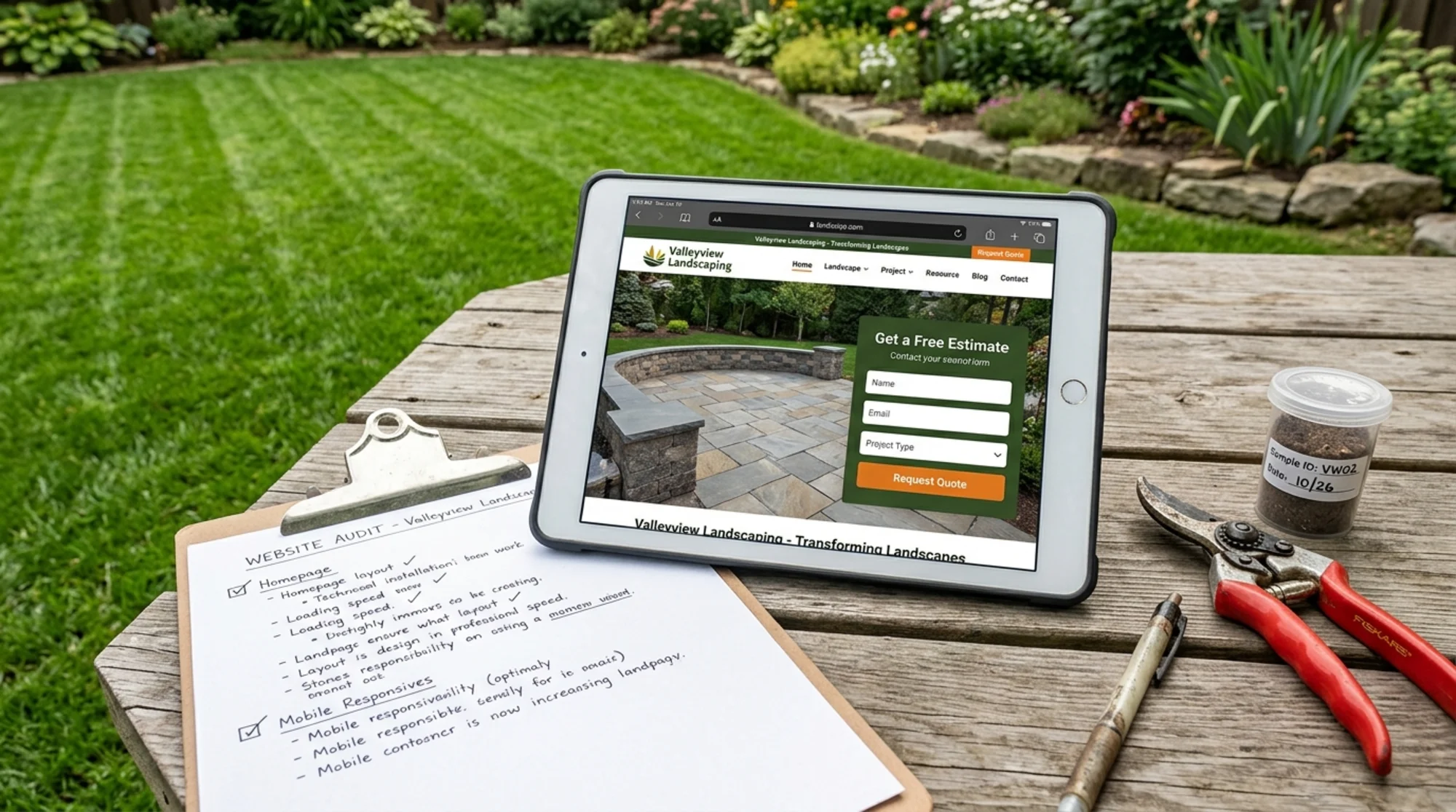
Why landscaping sites need a different audit
Most generic SEO advice assumes you sell something nationally and ship it in a box. Landscaping is the opposite. You serve a 20-40 mile radius, your work is intensely visual, and your customers make a high-trust decision based on photos, reviews, and how easy you are to contact.
Your audit needs to focus on four things that don't always show up in a standard checklist:
- Local discoverability — Can someone in the next town find you when they search "paver patio installer near me"?
- Photo performance — Are your before/after galleries loading fast, or killing your page speed?
- Lead capture friction — How many taps does it take to send you a quote request?
- Trust signals — Do you look like a real business, or a one-person operation with a free template?
Part 1: Local SEO basics
Landscaping is a local-intent business. Almost every search that matters to you ends with "near me," includes a town name, or carries an implicit local context Google figures out from the searcher's location.
Check your Google Business Profile first
Before touching your website, make sure your Google Business Profile is fully filled out. It drives more landscaping leads than your homepage does. Confirm:
- Service area is set correctly. If you serve five towns, list five towns.
- Categories include your primary (e.g., "Landscape designer") and relevant secondary ones ("Lawn care service," "Snow removal service" if seasonal).
- Hours are accurate, including seasonal changes.
- Photos are recent jobs, not stock or shots of your truck.
- Q&A has answers you've written yourself, not just user-submitted ones.
NAP consistency
Your business Name, Address, and Phone number need to match exactly across your website, Google Business Profile, Yelp, Houzz, Angi, BBB, and any local directory. "Smith Landscaping LLC" on one site and "Smith Landscaping" on another is a small signal that you're two different businesses.
Quick check: open a private browser window and search your business name. Click through the first ten listings. Note any mismatches. Fix them in a single afternoon.
Local service pages
If you serve multiple towns, you need a dedicated page for each — but not the kind that just swaps the town name in a template. Google's helpful content guidance explicitly warns against scaled, low-value content. A genuinely useful local page includes:
- Specific neighborhoods or developments you've worked in
- Photos from actual jobs in that town
- A short note about local conditions (soil, climate zone, typical lot sizes, HOA considerations)
- Driving directions or your typical response time from your shop to that area
A "Lawn Care in Newton, MA" page with three paragraphs of real local context will outperform ten thin duplicate pages every time.
Part 2: The photo problem
Landscaping sells through pictures. Before/after shots, finished patios, lush lawns, custom water features — these are your inventory. And almost every landscaping site I audit makes the same two mistakes.
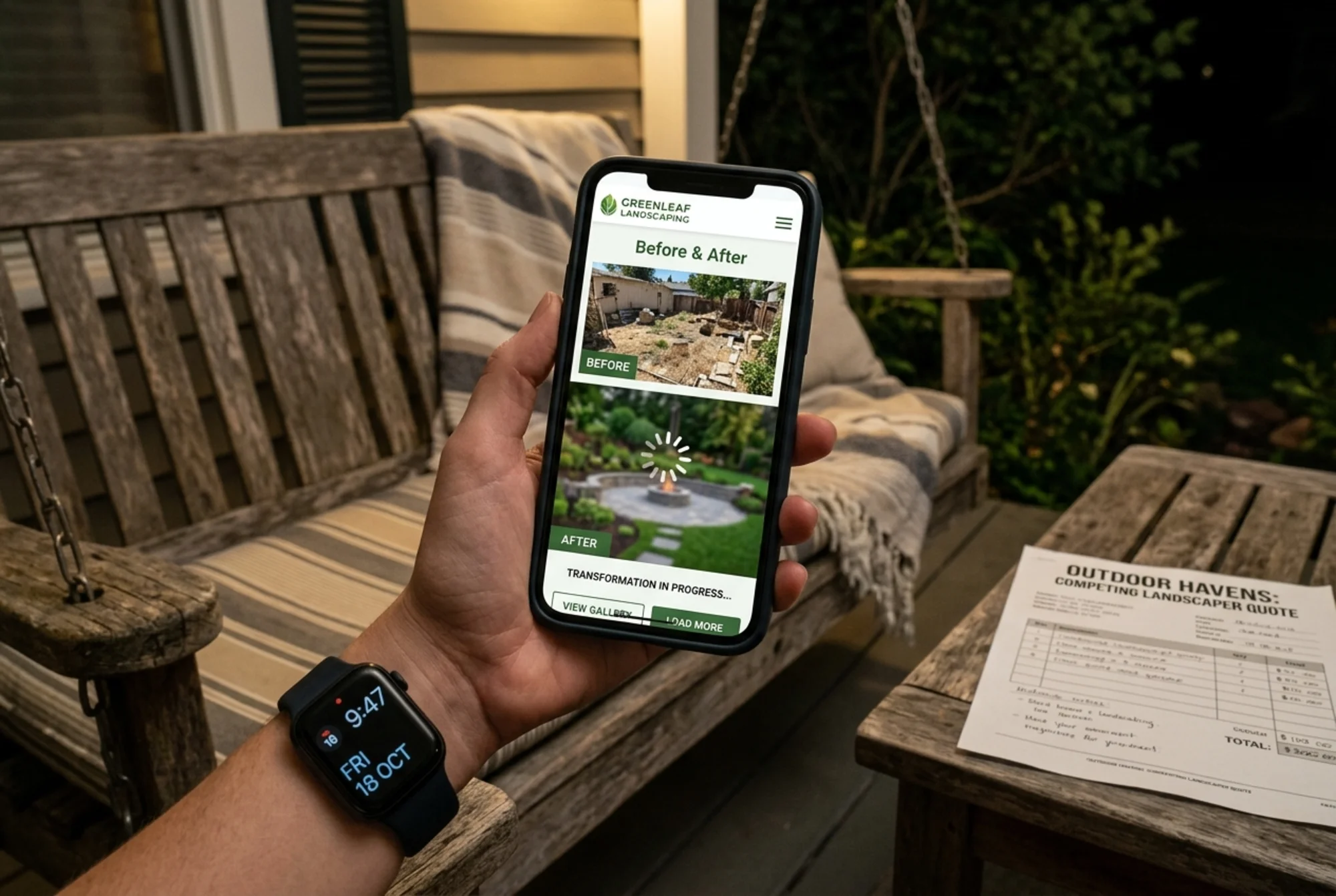
Mistake 1: Images are way too large
A portfolio page with 20 photos, each a 4MB JPEG straight from a phone camera. The page takes 12 seconds to load on mobile. The homeowner taps back to Google before your second photo finishes rendering.
Your images should be:
- Resized to the dimensions they actually display at (a 600px-wide gallery thumbnail doesn't need a 4000px source file)
- Compressed to under 200KB each for galleries, under 400KB for hero images
- Served in modern formats like WebP, with JPEG as a fallback
- Lazy-loaded below the fold so off-screen images only load as someone scrolls
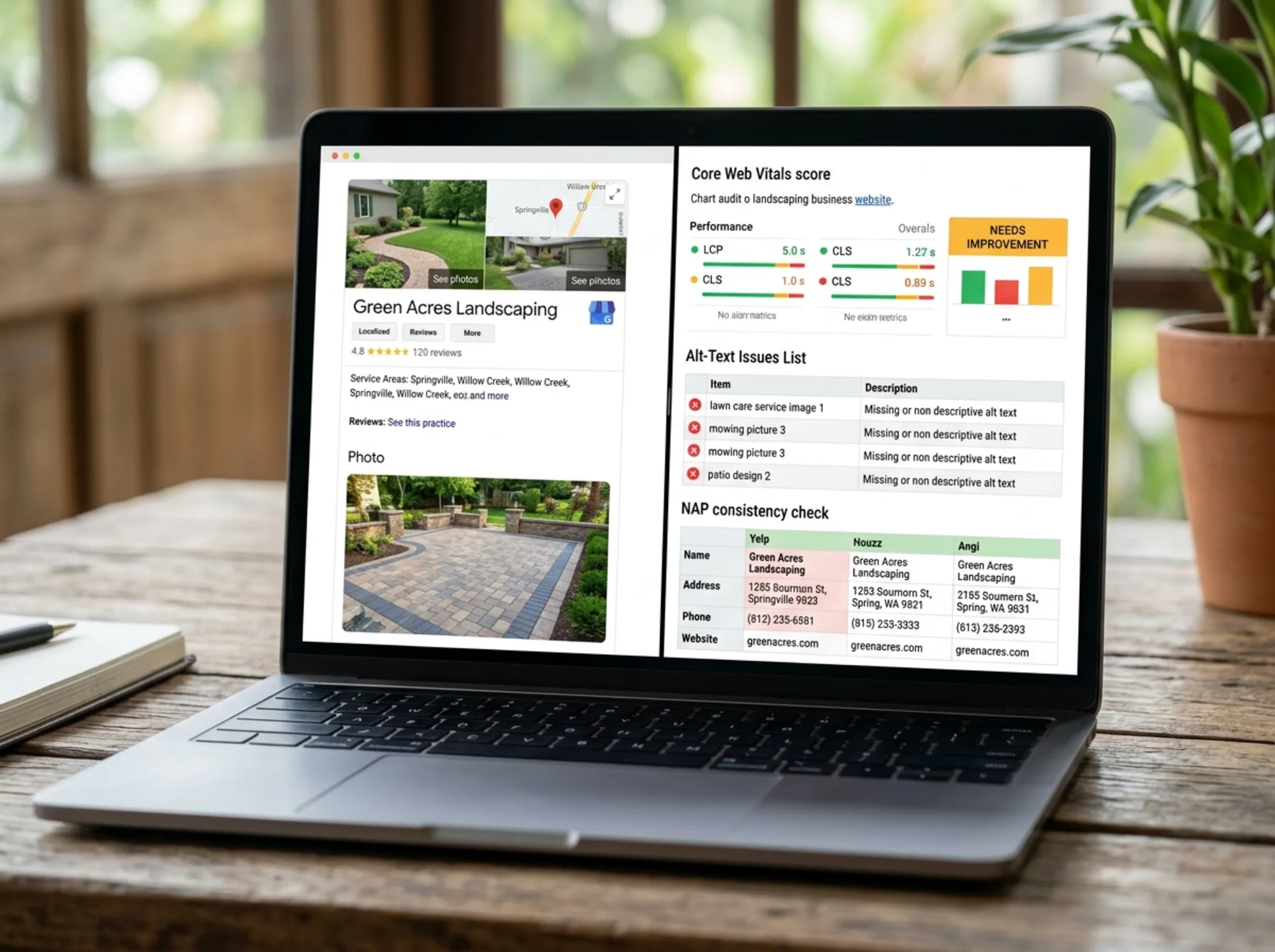
This directly affects your Core Web Vitals — specifically Largest Contentful Paint (LCP), a Google ranking signal. web.dev defines a "good" LCP as under 2.5 seconds. Most landscaping galleries I audit are at 5-8 seconds.
Mistake 2: No alt text or context
Every photo should have descriptive alt text. Not "IMG_2847.jpg" or "patio." Something like "Bluestone patio with built-in fire pit and stone bench seating, installed in Wellesley." This helps accessibility, helps Google understand the photo, and naturally surfaces service types and locations.
A simple gallery checklist
For every image, ask:
- Is the file under 250KB?
- Does the filename describe the photo (not IMG_xxxx)?
- Does the alt text describe what's in the photo and where it was taken?
- Is it served as WebP when the browser supports it?
- Is it lazy-loaded if it's below the fold?
If you can't answer yes to all five for most photos, that's where to start.
Part 3: Lead capture without friction
The most expensive mistake: making it hard to contact you.
I audited a landscaping company last year with great photos, decent SEO, and a contact page that asked for fourteen fields including preferred consultation date, budget range, square footage of property, and rent-vs-own status. Their form completion rate was about 2%.
A homeowner researching landscapers on their phone at 9 PM doesn't want to fill out a project intake. They want to know: can this company do my job, are they in my area, and will they actually call back?
The four-field rule
Your primary lead form should ask for four things, max:
- Name
- Phone or email (let them pick)
- Town or zip code
- One free-text field: "Tell us about your project"
Everything else can come in the follow-up call. If you need square footage for a quote, ask for it then. Don't make the form do the salesperson's job.
Mobile-first contact
Open your site on your phone right now. Without scrolling, can you see:
- A tappable phone number (one tap to call, not copy/paste)?
- A clear "Get a Quote" or "Request Estimate" button?
- Your service area, so they know if you serve them?
If any of those require scrolling, fix it. Most landscaping traffic is mobile, often from someone standing in their own yard.
Multiple contact paths
Some people want to call. Some want to fill out a form. Some want to text. Give them options:
- Phone number with
tel:link - Email with
mailto:link - Web form
- SMS number if you offer it
- A scheduling link if you do free in-person estimates
Don't force everyone through one path.
Part 4: Trust signals
Hiring a landscaper means letting a stranger work on your home, often for thousands of dollars. The trust bar is high. Your site needs to clear it.
What homeowners look for
- Real photos of real jobs (not stock photos of generic landscaping)
- Customer reviews with names, towns, and project types — not just stars
- Insurance and licensing info (state license number, general liability proof)
- Years in business and service area
- Owner's name and photo — homeowners want to know who they're hiring
- Professional affiliations like NALP or manufacturer certifications (Belgard, Unilock, ICPI)
Structured data for services and reviews
If you have customer reviews on your site, consider implementing structured data (schema markup) so Google can display them as rich snippets. Google's structured data documentation covers the formats for LocalBusiness, Service, and Review schema. This isn't a ranking boost, but it makes your listing more visible and clickable.
One caution: only use review schema for reviews genuinely on your page and verifiable. Faking it can trigger a manual action.
A real walkthrough
Here's what an audit looks like in practice. Take a fictional company, "Green Acres Landscaping," serving suburban Boston.
Step 1: Pull up the homepage on a phone.
- Hero image loads in 4.2 seconds. Too slow. The image is 3.8MB unoptimized.
- No phone number visible without scrolling. Bad.
- "Free Estimate" button exists but is below the fold on iPhone 13.
Step 2: Check the services pages.
- Six services listed: lawn care, hardscaping, irrigation, mulch delivery, snow removal, landscape design.
- Each has its own page. Good.
- But three are 150 words of generic text with no photos. Not enough.
Step 3: Check local pages.
- One page covers the entire service area ("We serve metro Boston"). Missed opportunity. Six towns served could mean six dedicated pages with real local content — easily double the long-tail traffic.
Step 4: Check the contact form.
- 11 fields including "How did you hear about us?" (drop it — ask on the call) and "Preferred contact method" (give tappable options instead).
- Submit button labeled "Submit." Change to "Request My Estimate."
Step 5: Run a Core Web Vitals check.
- LCP: 4.8s (poor)
- CLS: 0.18 (needs improvement — caused by ads loading and shifting content)
- INP: 240ms (needs improvement)
Step 6: Check Google Business Profile.
- Filled out, but no recent photos in 4 months. Hours don't reflect the winter season change.
Total fix list: roughly 18 items, maybe 12 hours of focused work. Realistic impact: noticeably more estimate requests within 60 days, better local ranking within 90.
Your landscaping site audit checklist
Walk through this once a quarter.
Local SEO
- Google Business Profile complete and recently updated
- NAP consistent across all directories
- Dedicated, useful page for each town served
- LocalBusiness schema markup in place
Photos and performance
- All gallery images under 250KB
- WebP format with fallback
- Lazy loading below the fold
- Descriptive filenames and alt text
- LCP under 2.5s, CLS under 0.1
Lead capture
- Phone number visible above the fold on mobile
- Lead form under 5 fields
- Multiple contact methods (phone, email, form, text if available)
- Clear, action-oriented CTA button labels
Trust
- Real customer reviews on site, not just on Google
- Insurance and licensing displayed
- Owner/team photos
- Years in business stated
- Recent jobs (within 60 days) shown
Content
- Each service has a dedicated, photo-rich page
- No duplicate or template-swapped local pages
- Seasonal content reflects current season
Where to start
If you can only do three things from this guide, do these:
- Resize and compress every photo on your site
- Cut your contact form to four fields
- Build out one strong local service page for your top town
That's a week of work that will outperform months of generic SEO effort.
If you want a faster way to find what's broken on your specific site, run a free website audit — it'll flag your Core Web Vitals issues, oversized images, missing alt text, and structured data gaps in about 60 seconds. From there you'll know exactly where to spend your time.
Sources
Check your website for free
Get an instant score and your top 3 critical issues in under 60 seconds.
Get Your Free Audit →