Website Audit Guide for Med Spas and Salons
A practical website audit checklist for med spas and salons covering booking flow, service pages, local SEO, mobile UX, and trust signals that drive bookings.
# Website Audit Guide for Med Spas and Salons
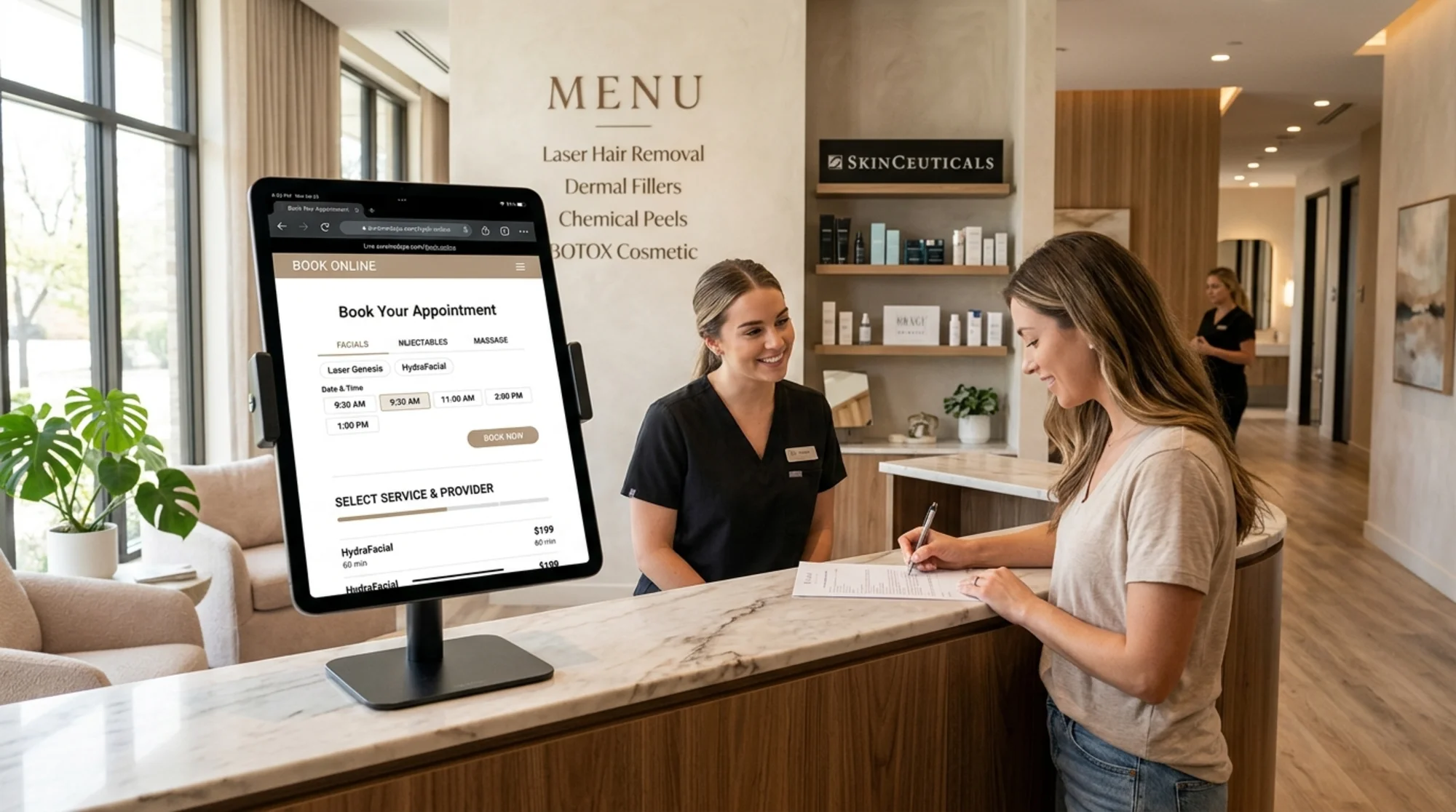
Your website is your front desk before anyone walks through the door. For med spas and salons, that first digital impression decides whether someone books a consultation or scrolls to a competitor three blocks away.
Most med spa and salon websites look fine on the surface. The colors match the brand, the photos are polished. But underneath, broken booking links, missing service pages, slow load times, and weak local SEO quietly send potential clients elsewhere.
This guide walks you through a website audit tailored to med spas and salons. No jargon — just the things that affect whether people find you, trust you, and book with you.
Why Med Spas and Salons Need a Specific Audit
Generic website audits check page speed and broken links. Those matter, but they miss what makes beauty and wellness businesses different:
- Booking is the conversion. You are not selling a product that ships in a box. Every page should make it easy to schedule an appointment.
- Trust is visual. Clients want to see your work, your space, and your credentials before committing to a treatment.
- Local search is everything. Nobody flies across the country for a facial. Your clients are within a 15-mile radius, and your site needs to reflect that.
- Services are complex. You might offer 30+ treatments across multiple categories. If someone cannot find the specific service they want in under 10 seconds, they leave.
A proper audit for this industry covers five areas: booking flow, service pages, local SEO, mobile experience, and trust signals.
1. Audit Your Booking Flow
If booking is difficult, nothing else on your site matters.
What to check
- Can someone book in three clicks or fewer? Start from your homepage and count the clicks to a confirmed appointment. More than three means you are losing people.
- Is the booking button visible on every page? Not just the homepage — every service page, blog post, and gallery page. A sticky header button or floating CTA works well.
- Does the booking system actually work? Click through the entire flow yourself. Choose a service, pick a date, enter contact info. Booking widgets break after software updates more often than you would expect.
- Does it work on mobile? More than half your visitors are on phones. If your booking widget requires pinching and zooming, fix it immediately.
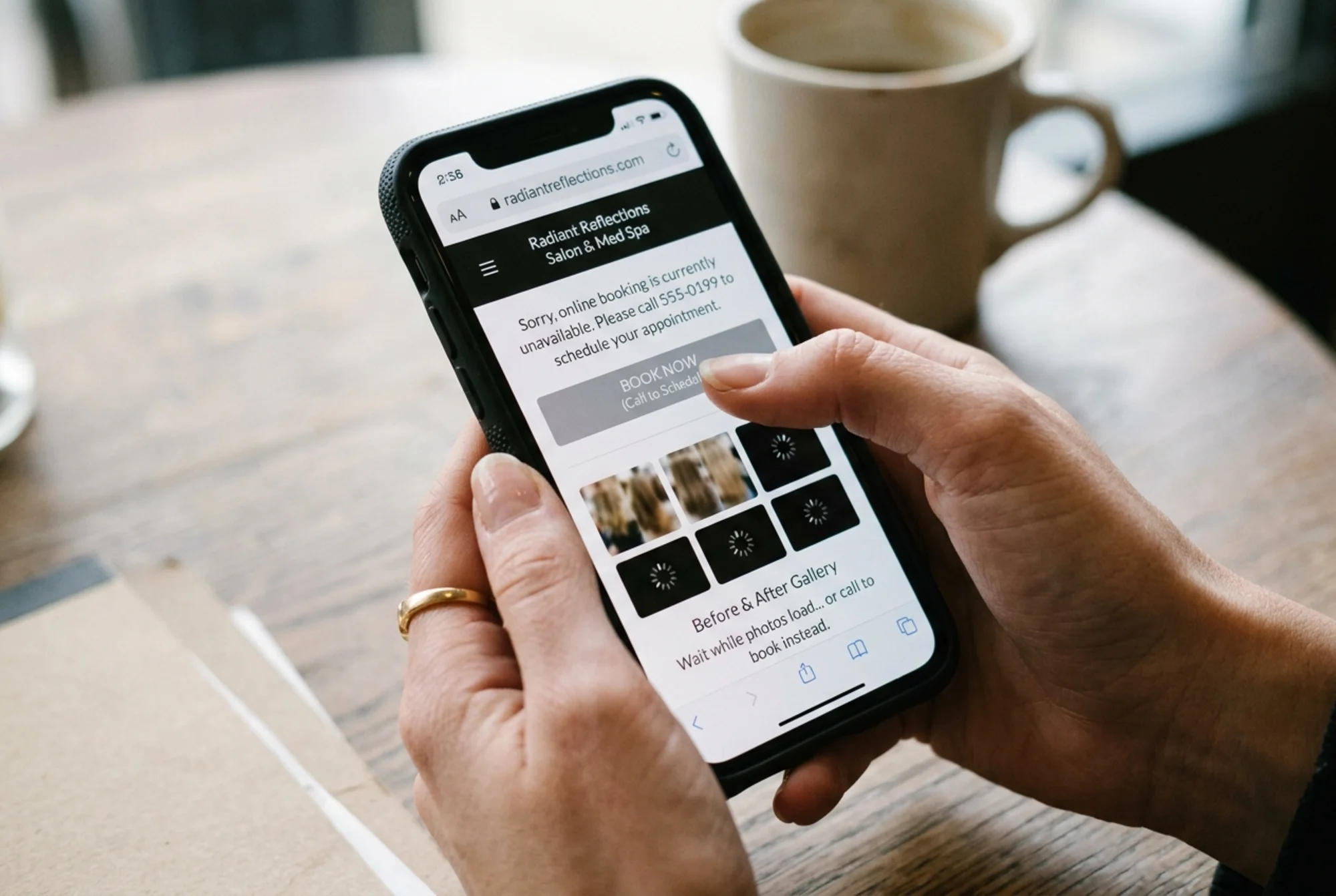
- Do you offer online booking at all? "Call to schedule" is a conversion killer. People want to book at 10 PM without talking to anyone.
Booking flow checklist
- [ ] Book button visible in header on all pages
- [ ] Booking works on mobile without issues
- [ ] Three clicks or fewer from homepage to confirmed appointment
- [ ] Booking widget loads in under two seconds
- [ ] Confirmation email sends automatically after booking
The invisible booking button
Consider a common scenario: a med spa with custom photography, elegant design, and detailed service descriptions — but the booking button is a small text link buried in the footer. The bounce rate on service pages sits above 70%.
Moving the booking button into a sticky header and adding a "Book This Treatment" CTA at the bottom of every service page can dramatically increase online bookings without changing any other content. Same design, same copy. The only difference is making it obvious how to take the next step.
2. Audit Your Service Pages
Each treatment you offer should have its own dedicated page — not a section on a long scrolling page, but its own URL.
What to check
- Does every service have a dedicated page? "Injectables" should not be one page listing Botox, fillers, Kybella, and PRP together. Each gets its own page.
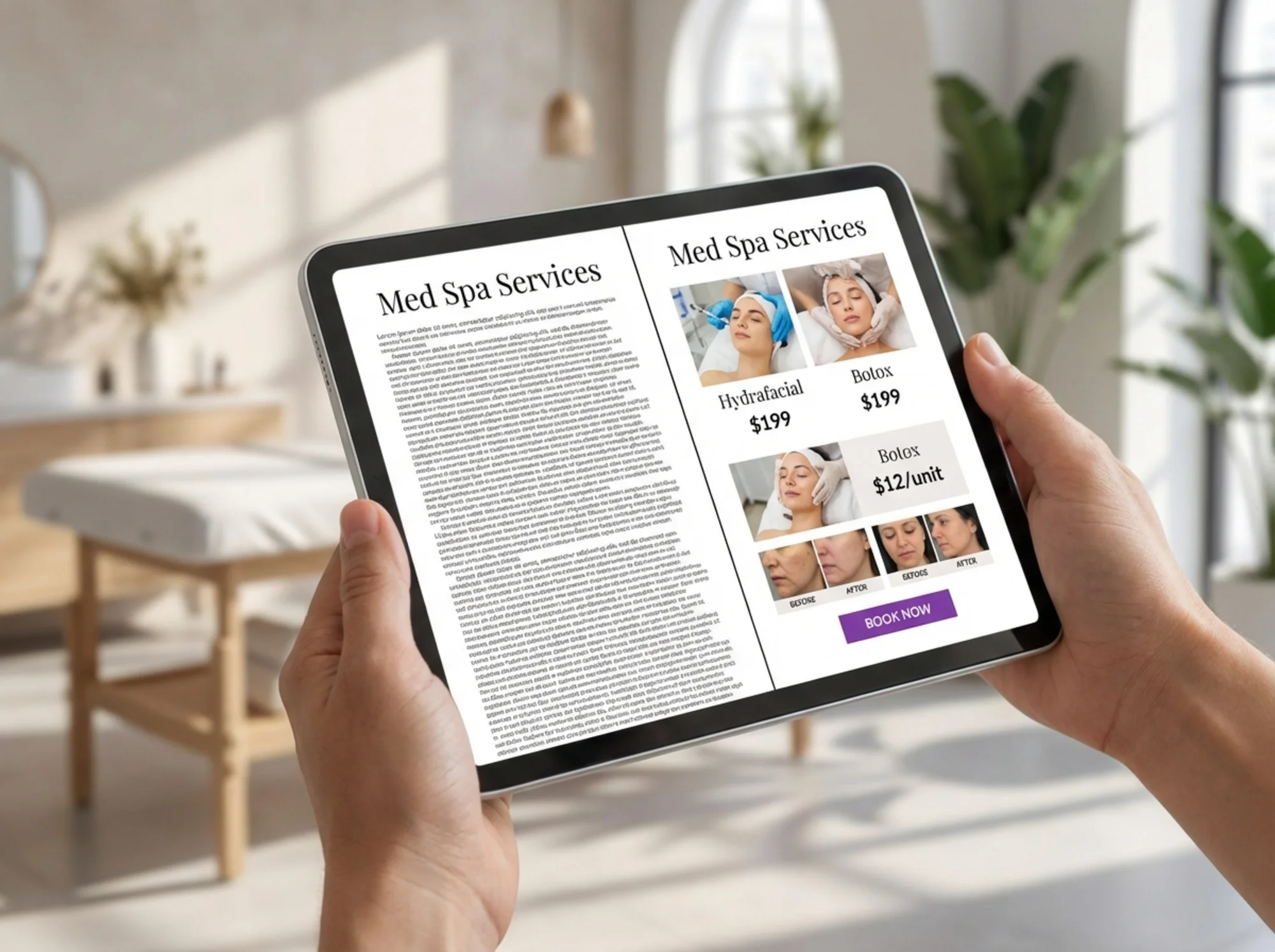
- Do service pages answer client questions? What does the treatment do? How long does it take? How much does it cost? What is the downtime?
- Is pricing included? Even a range like "$300–$600 per session" is better than nothing. "Call for pricing" makes people assume you are expensive and move on.
- Are there before-and-after photos? For aesthetic services, visual proof matters more than any written description.
- Is the page title specific? "Botox in [Your City]" beats "Injectables" for both search engines and users.
Service page checklist
- [ ] Each service has its own URL (e.g., /services/botox, /services/hydrafacial)
- [ ] Page includes treatment description, duration, pricing, and downtime
- [ ] At least one before-and-after photo per service
- [ ] Specific page title including service name and city
- [ ] Book button on every service page
- [ ] FAQ section addressing common client questions
What good structure looks like
A strong med spa service page follows this order:
- Headline with the treatment name and a one-line benefit
- Hero image of the treatment or result
- What it is — two to three sentences explaining the treatment
- What to expect — duration, sensation, number of sessions
- Pricing — starting price or range
- Before-and-after gallery — real client results
- FAQs — three to five common questions
- Book button — prominent call to action
This structure mirrors the order in which clients evaluate a treatment: what it is, what it involves, what it costs, whether it works, and how to get it.
3. Audit Your Local SEO
When someone searches "med spa near me" or "best salon in [city]," local SEO determines whether your website shows up.
What to check
- Is your business name, address, and phone number on every page? Put it in the footer at minimum. Make sure it matches exactly what is on your Google Business Profile.
- Do you have a Google Business Profile? If not, stop and go set one up. It is free and the single biggest factor in local search visibility.
- Does your website mention your city and neighborhood? Not stuffed awkwardly into every sentence, but naturally included in page titles and headings. "Botox Treatments in Scottsdale" beats "Botox Treatments."
- Do you have LocalBusiness structured data? Schema markup for LocalBusiness helps search engines understand your business type, hours, and service area.
- Are you listed in relevant directories? Yelp, RealSelf, StyleSeat, Booksy, and industry-specific directories send both traffic and trust signals.
Local SEO checklist
- [ ] Name, address, phone consistent across website, Google Business Profile, and directories
- [ ] City and neighborhood mentioned naturally in key page titles and headings
- [ ] Google Business Profile complete with photos, hours, services, and reviews
- [ ] LocalBusiness schema markup on the site
- [ ] Listed on at least five relevant directories
The structured data detail
Adding LocalBusiness schema to your website helps Google understand key details about your business. For med spas and salons, include:
- Business type (e.g., BeautySalon, HealthAndBeautyBusiness, or DaySpa)
- Address and service area
- Opening hours
- Price range
- Accepted payment methods
Google's documentation on structured data explains how markup helps your content appear in rich search results. Most website builders have plugins or settings to add schema without writing code.
4. Audit Your Mobile Experience
At least half of your visitors are browsing on their phones — searching during lunch, comparing options from the couch, or looking you up right after a friend's recommendation. A site that does not work on mobile is invisible to these people.
What to check
- Does the site load in under three seconds on mobile? Google's Core Web Vitals measure loading performance, interactivity, and visual stability. These metrics directly affect your search ranking.
- Is text readable without zooming? Font size should be at least 16px on mobile.
- Do images load quickly? Large, unoptimized photos are the top speed killer for med spa and salon sites. Before-and-after galleries are common culprits.
- Can you tap buttons easily? Tap targets should be at least 48px by 48px. No tiny text links or buttons crammed together.
- Does the navigation work? Open the hamburger menu on your phone. Can you reach every important page? Does the menu close properly?
Mobile experience checklist
- [ ] Page loads in under three seconds on mobile (test on your actual phone)
- [ ] Text readable without zooming
- [ ] All images optimized and compressed
- [ ] Tap targets at least 48px by 48px
- [ ] Navigation menu works smoothly
- [ ] Booking button accessible without scrolling
For more on fixing mobile performance issues, see our guide on mobile performance improvements.
5. Audit Your Trust Signals
Med spas handle medical procedures. Salons handle personal appearance. In both cases, trust is not optional — your website needs to prove you are qualified, experienced, and legitimate.
What to check
- Are provider credentials visible? For med spas, list the medical director and providers with their qualifications. For salons, highlight certifications and years of experience.
- Do you display reviews? Embed Google reviews or link to your review profiles. Real client reviews are more persuasive than any marketing copy.
- Is there an About page with real photos? Stock photos of random models damage trust. Use real photos of your team and your space.
- Do you have before-and-after galleries? This is the strongest trust signal for aesthetic businesses. Real results from real clients.
- Is your site secure? HTTPS is non-negotiable. Browsers flag HTTP sites as "not secure," and clients notice.
- Do you have clear policies? Cancellation policy, privacy policy, and consent information should be easy to find.
Trust signals checklist
- [ ] Provider bios with credentials and real photos
- [ ] Google reviews embedded or linked
- [ ] Before-and-after gallery with real client results
- [ ] About page with team photos and business story
- [ ] HTTPS enabled across the entire site
- [ ] Cancellation and privacy policies accessible from footer
Google's guidelines on creating helpful content emphasize that content demonstrating experience, expertise, authoritativeness, and trustworthiness ranks better. For med spas, showing credentials is not just good for clients — it directly supports search visibility.
Your Audit Workflow
Tackle the audit in this order:
- Booking flow first. Most direct impact on revenue. Fix anything that makes booking harder than it should be.
- Service pages second. Create dedicated pages for your top services with pricing, before-and-afters, and clear CTAs.
- Mobile experience third. Test everything on your actual phone. Fix speed and usability issues.
- Trust signals fourth. Add credentials, reviews, and real photography. Remove stock photos.
- Local SEO fifth. Clean up business information, add schema markup, and claim directory listings.
This order is intentional. Booking flow and service pages have the fastest impact on actual bookings. Mobile and trust signals reinforce those improvements. Local SEO builds long-term visibility.
You do not need to do everything at once. Start with your weakest area and work through the list over a few weeks.
Get a Free Audit of Your Med Spa or Salon Website
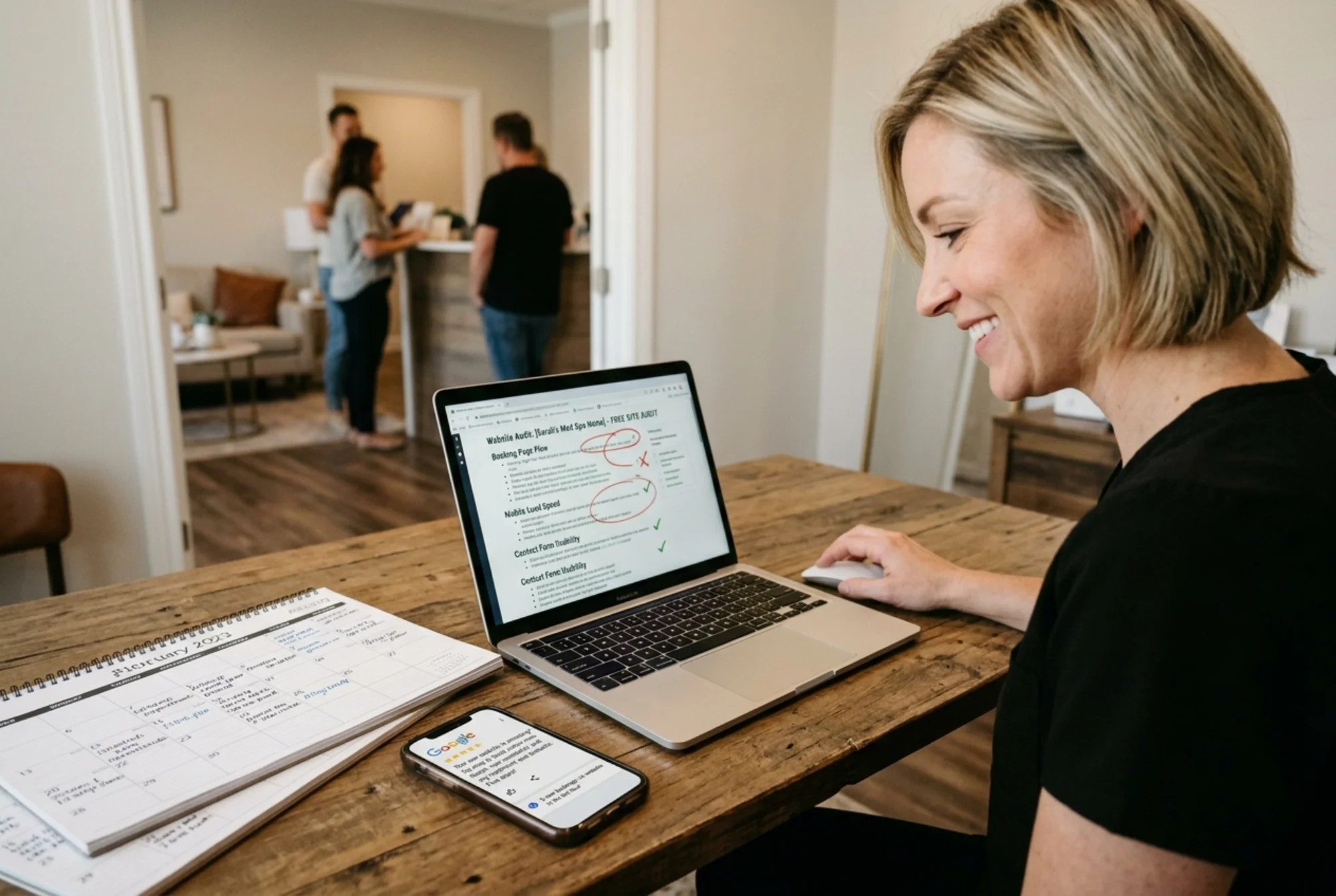
You can work through this checklist manually, or get a head start with an automated audit.
Run a free website audit with FreeSiteAudit to instantly check your site for speed issues, broken links, missing meta tags, mobile problems, and more. The report takes about 30 seconds and gives you a prioritized list of what to fix first.
An automated audit will not evaluate your booking flow or before-and-after photos — those require human judgment. But it catches the technical issues that are easy to miss and hard to find without tools.
Whether you run the automated audit or work through this guide manually, the goal is the same: a website that makes it easy for clients to find you, trust you, and book with you.
Sources
Check your website for free
Get an instant score and your top 3 critical issues in under 60 seconds.
Get Your Free Audit →