Website Audit Guide for Multi-Location Dentists
Website audit checklist for multi-location dental practices. Covers local SEO, page speed, structured data, and the common mistakes costing you patients.
# Website Audit Guide for Multi-Location Dentists
Running one dental practice website is straightforward. Running a website that serves three, five, or fifteen locations without cannibalizing your own search rankings is a different problem entirely.
Multi-location dental practices face issues that single-office dentists never deal with. Duplicate content across location pages. Confused Google Business Profiles. Slow load times from oversized hero images. Structured data that lists the wrong address. These problems send potential patients to the wrong office or, worse, to a competitor down the street.
This guide walks through the website audit steps that matter for multi-location dental practices. No jargon — just the things that affect whether patients find you and book appointments.
Why Multi-Location Dental Sites Need a Different Audit
A standard website audit checks page speed, broken links, and mobile responsiveness. Those matter. But multi-location dental practices have a layer of complexity that generic audits miss:
- Each location competes for different local keywords. "Dentist in Buckhead" and "dentist in Decatur" are separate searches with separate intent.
- Google needs to understand which page represents which location. If your structured data is wrong or missing, Google may show the wrong address in search results.
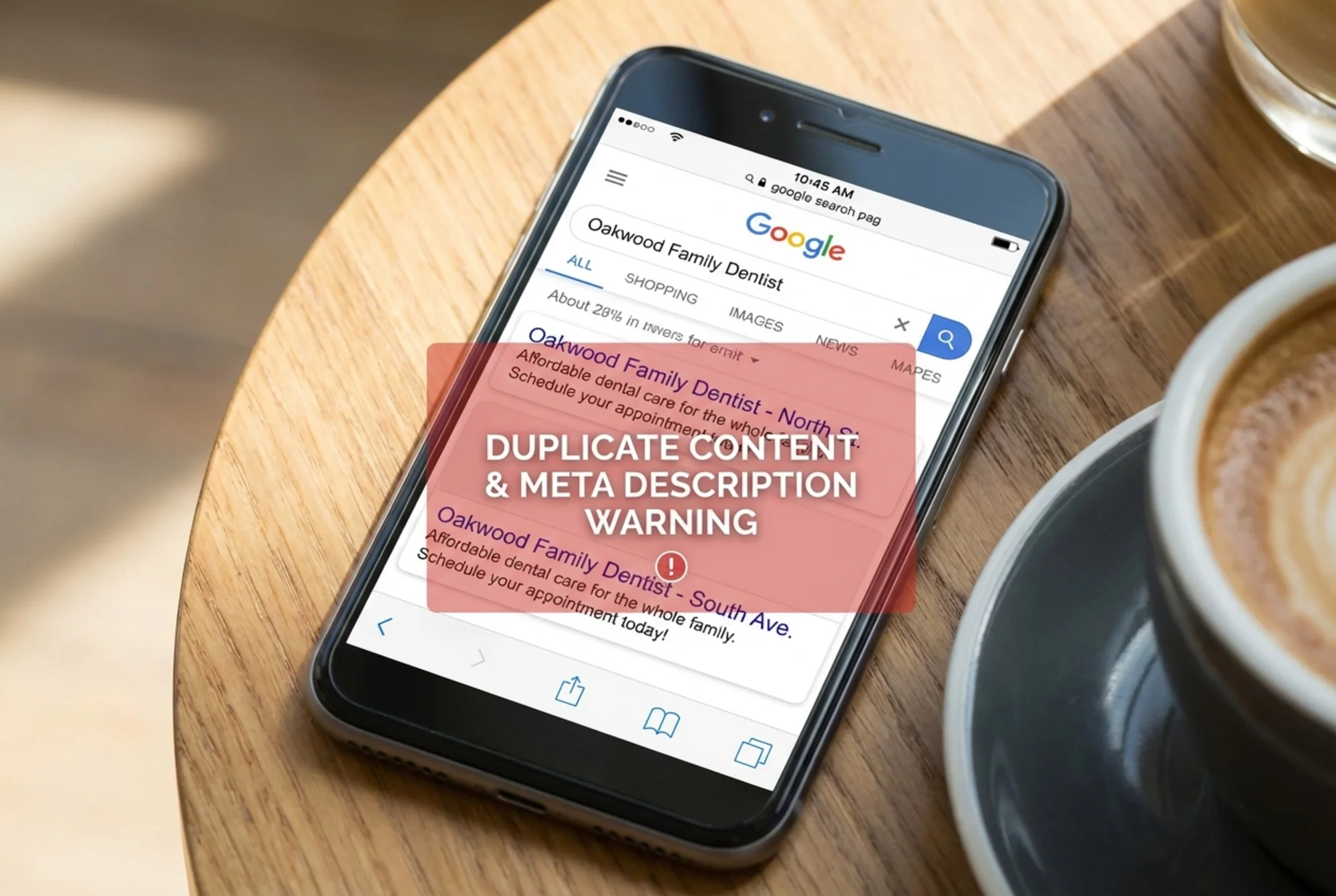
- Duplicate content penalties hit multi-location sites hard. If your Marietta page and Kennesaw page have the same text with only the city name swapped, Google may index only one — or neither.
- Patients expect location-specific information. Hours, parking, accepted insurance, staff photos. Generic pages don't convert.
Step 1: Audit Your Location Page Structure
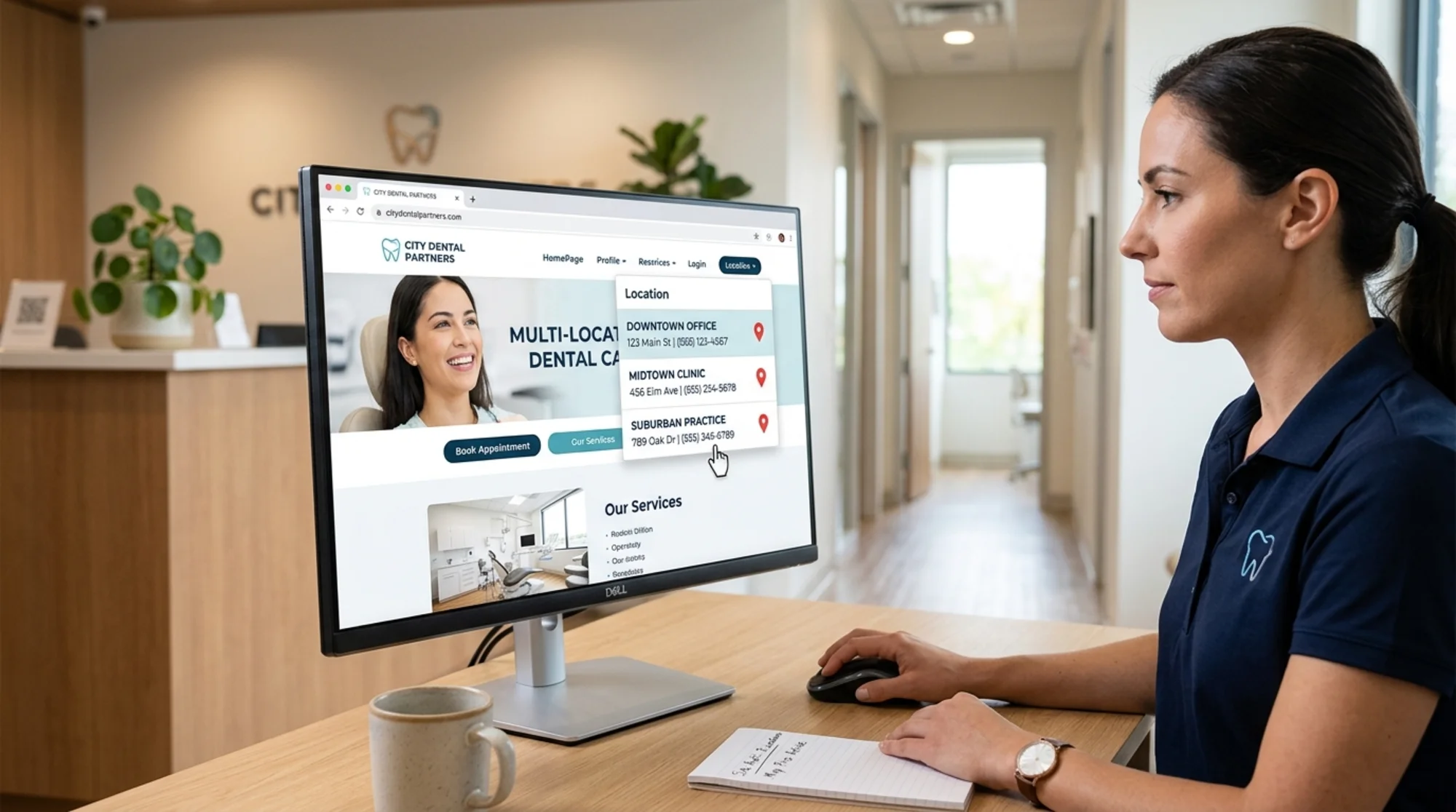
The single most important element on a multi-location dental website is the location page architecture. Get this wrong and everything else — SEO, conversions, paid ads — suffers.
Does each location have its own dedicated page?
This sounds obvious, but many practices list all locations on a single "Locations" page with anchor links. That approach fails because Google can't rank a single page for multiple local searches effectively.
Each office needs its own URL:
yourdentalpractice.com/locations/buckhead/
yourdentalpractice.com/locations/decatur/
yourdentalpractice.com/locations/marietta/
Is the content on each page actually unique?
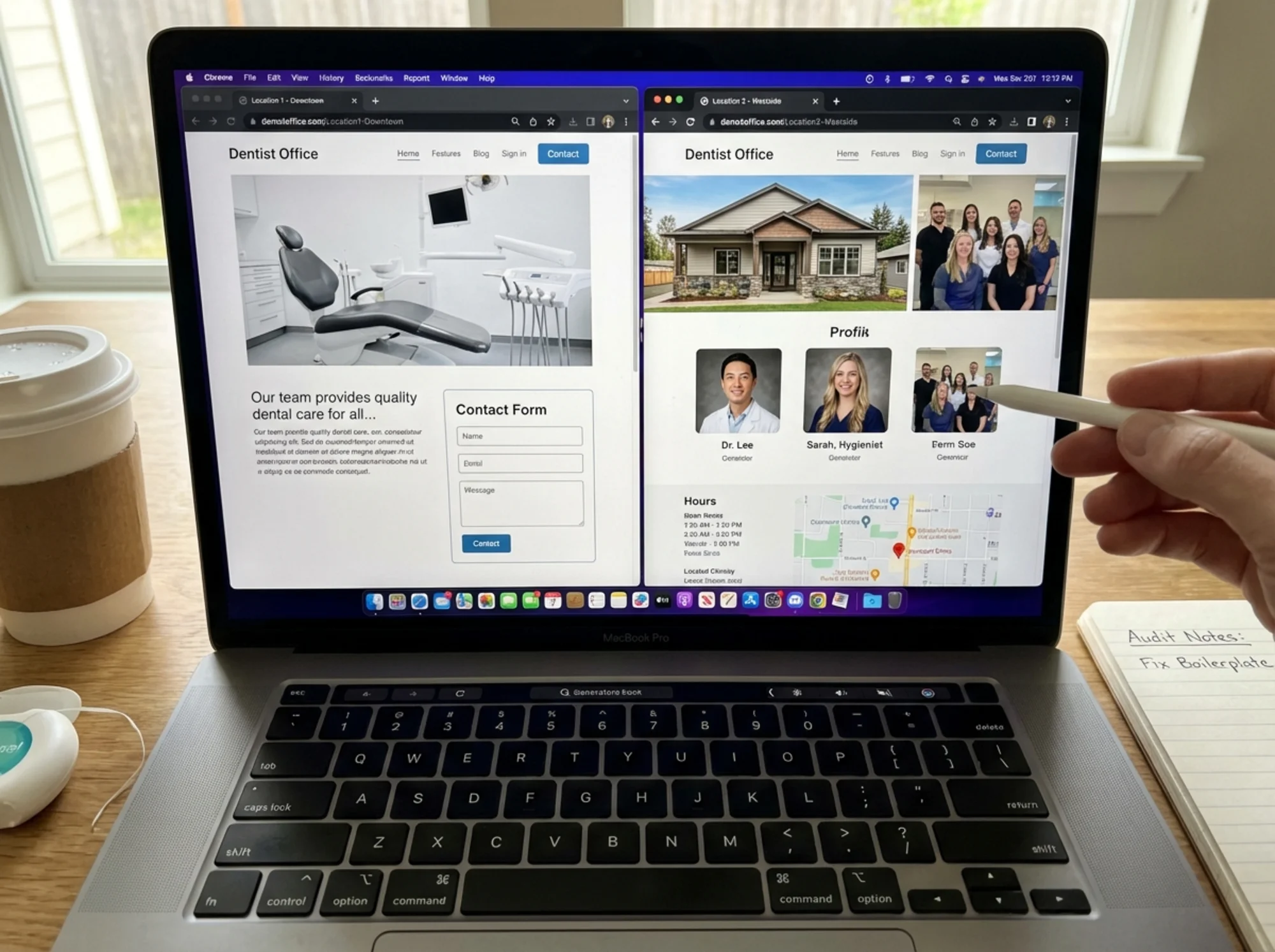
Open two of your location pages side by side. If you can swap the city names and the pages would be identical, you have a duplicate content problem.
Each location page should include:
- [ ] Unique introductory paragraph mentioning the neighborhood, nearby landmarks, or community
- [ ] Office-specific photos (the actual waiting room, not stock photography)
- [ ] Staff names and headshots for that location
- [ ] Specific hours for that office
- [ ] Parking and transit directions for that address
- [ ] Insurance providers accepted at that location (these sometimes vary)
- [ ] A unique meta title and meta description
Is the internal linking logical?
Your homepage should link to a locations hub page, which links to each individual location. Each location page should link to your services pages. Don't orphan location pages or bury them three clicks deep in navigation.
Step 2: Check Your Local SEO Fundamentals
Local SEO is where multi-location dental practices either dominate or get buried. The audit here focuses on consistency and completeness.
NAP Consistency
NAP stands for Name, Address, Phone number. For each location, these three pieces of information must be identical everywhere they appear:
- On the location page itself
- In the page's structured data
- On your Google Business Profile
- In directory listings (Yelp, Healthgrades, Zocdoc)
- In the footer of your website
A common mistake: the website footer shows the headquarters address while location pages show individual office addresses. Google sees conflicting signals and trusts neither.
Quick audit: Pick one location. Google the exact address in quotes. Check the first ten results. Does every listing show the exact same name, address format, and phone number? If one listing says "Suite 200" and another says "Ste. 200," that's an inconsistency worth fixing.
Google Business Profile Alignment
Each location needs its own verified Google Business Profile, and each profile should link to that location's dedicated page — not your homepage.
Check these for every location:
- [ ] GBP links to the correct location-specific page
- [ ] Business hours on GBP match the website
- [ ] Phone number on GBP is the direct line for that office
- [ ] Categories are set correctly (primary: Dentist; additional as relevant: Cosmetic Dentist, Pediatric Dentist, etc.)
- [ ] Photos on GBP are actual photos of that office
Local Schema Markup
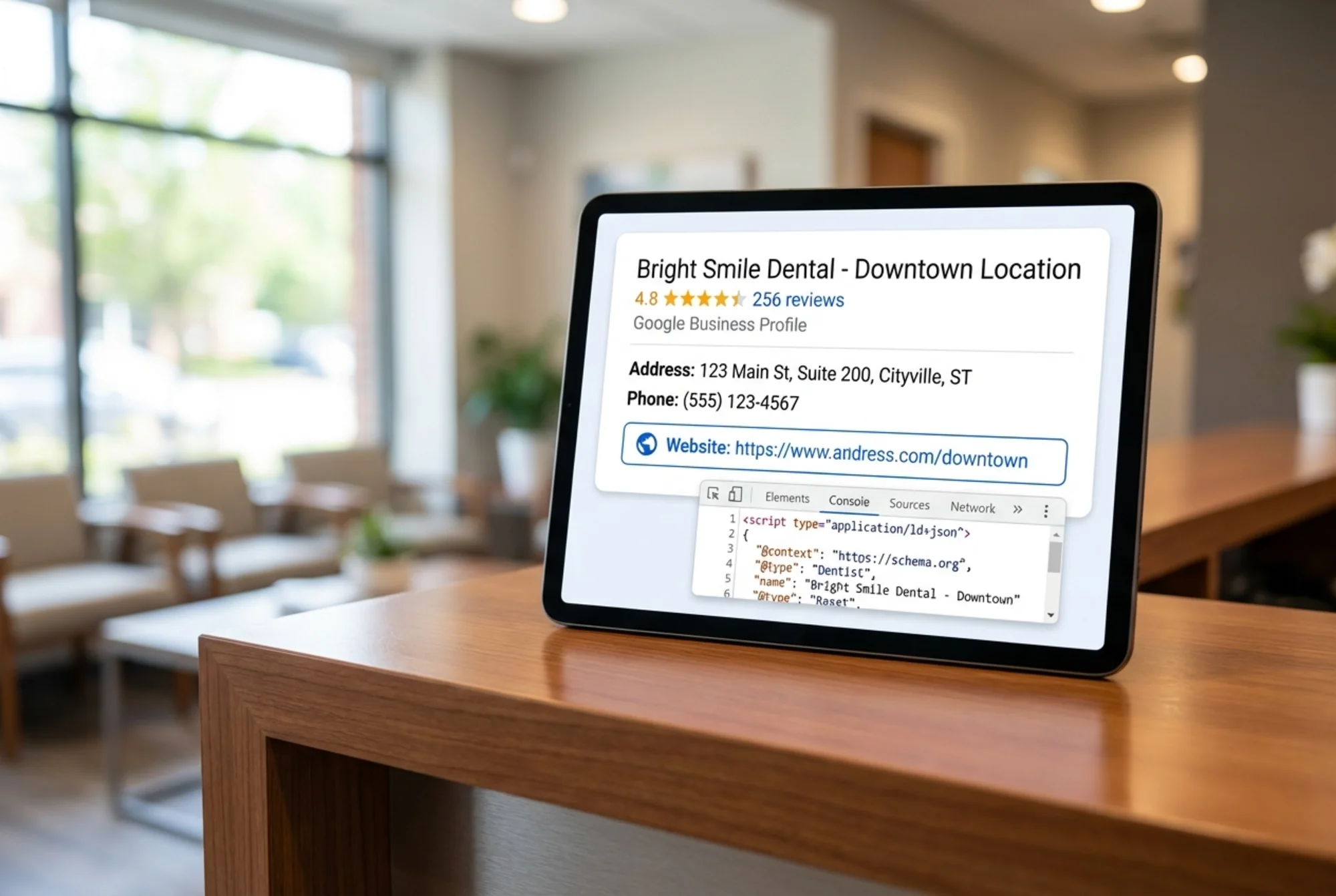
Each location page should have Dentist structured data (a subtype of LocalBusiness). This tells Google exactly what each page represents.
Here's what the structured data should include for each location:
{
"@context": "https://schema.org",
"@type": "Dentist",
"name": "Bright Smile Dental - Buckhead",
"address": {
"@type": "PostalAddress",
"streetAddress": "3456 Peachtree Rd NE, Suite 200",
"addressLocality": "Atlanta",
"addressRegion": "GA",
"postalCode": "30326"
},
"telephone": "+1-404-555-0123",
"openingHours": "Mo-Fr 08:00-17:00",
"url": "https://brightsmile.com/locations/buckhead/",
"image": "https://brightsmile.com/images/buckhead-office.jpg",
"priceRange": "$$"
}
The audit check: View source on each location page or use Google's Rich Results Test. Is the schema present? Does it reference the correct address and phone number for that specific location? A common bug is all location pages sharing the same schema block with the headquarters address.
Step 3: Audit Page Speed Across All Locations
Google's Core Web Vitals data shows that 53% of mobile visitors leave a page that takes longer than three seconds to load. For a dental practice, that's a potential patient who bounced to the next search result.
Multi-location sites often have speed problems that single-location sites avoid:
- Large location hero images. Each office page has a high-resolution photo of the building or waiting room. Uncompressed, these add 2–4 seconds to load time.
- Embedded Google Maps. Map iframes are heavy. Loading a Google Map on every location page at page load is a significant performance hit. Lazy-load the map so it renders only when the user scrolls to it.
- Third-party booking widgets. Many practices use scheduling tools that inject heavy JavaScript. Test your page speed with and without the widget to isolate its impact.
What to Measure
Use Core Web Vitals as your benchmark:
- Largest Contentful Paint (LCP): Under 2.5 seconds. Measures how fast the main content loads.
- Interaction to Next Paint (INP): Under 200 milliseconds. Measures responsiveness when a patient clicks "Book Appointment."
- Cumulative Layout Shift (CLS): Under 0.1. Measures whether the page jumps around as it loads — common when map embeds or image carousels load late.
Test every location page individually. It's common for the homepage to pass Core Web Vitals while location pages fail because of unoptimized office photos or heavy map embeds.
Speed Fixes Checklist
- [ ] Compress all office photos to WebP format, under 200KB each
- [ ] Lazy-load Google Maps embeds and booking widgets
- [ ] Use responsive images (don't serve a 2000px-wide photo to a phone screen)
- [ ] Minimize third-party scripts on location pages
- [ ] Enable browser caching for static assets
For a detailed walkthrough, see our page speed fixes guide.
Step 4: Mobile Experience Audit
Over 60% of dental searches happen on mobile. People search for dentists when they're in pain, on a lunch break, or between errands. Your mobile experience needs to work flawlessly.
Pull up each location page on your actual phone — not just a browser resize.
- [ ] Can you tap the phone number to call directly?
- [ ] Is the "Book Appointment" button visible without scrolling?
- [ ] Does the address link open in the phone's map app?
- [ ] Are office photos viewable without horizontal scrolling?
- [ ] Is text readable without pinching to zoom?
- [ ] Does the navigation work on a small screen?
The five-second test: A patient Googles "emergency dentist near me" at 9pm and lands on your Decatur location page. Within five seconds, can they tell if you're open, where you are, and how to call? If the answer is no to any of those, your mobile experience needs work.
Step 5: Content Quality and Duplicate Content Check
Google's helpful content guidelines are clear: content should be created for people first. For multi-location dental sites, this means each location page needs to provide genuine value to someone looking for a dentist in that specific area.
The Duplicate Content Trap
Here's how most multi-location dental sites create content:
- Write one location page template
- Copy it for every office
- Find-and-replace the city name
- Call it done
Google sees through this. If 90% of two pages is identical, Google may index only one, or rank neither well for local searches.
How to Make Each Location Page Unique
Beyond the basics (address, hours, staff), add:
- Neighborhood context. "Our Buckhead office is two blocks south of Lenox Square, with free parking in the building garage." This helps patients find you and helps Google understand your local relevance.
- Location-specific services. Maybe your Decatur office has a pediatric specialist and your Marietta office focuses on cosmetic dentistry. Highlight what makes each location different.
- Patient reviews from that location. Embed or quote Google reviews specific to that office.
- Community involvement. Does that office sponsor a local event or partner with nearby schools? Mention it.
For more on resolving these issues, see our duplicate content guide.
Step 6: Technical SEO Checks
Beyond LocalBusiness schema, multi-location dental sites should audit several technical elements.
Canonical tags: Each location page should have a self-referencing canonical tag. If your CMS sets all location pages to canonicalize to the first one created, Google will ignore the rest.
XML sitemap: Your sitemap should include every active location page. Check that it doesn't include old, redirected, or deleted location URLs.
Robots.txt: Make sure you're not blocking location pages from crawling. This happens more than expected, especially after CMS migrations.
Redirects for closed locations: If you've closed or moved a location, the old URL should 301 redirect to the nearest office or your locations hub. A 404 means lost patients and wasted link equity.
Title Tags and Meta Descriptions
Each location page needs unique, descriptive metadata. A working formula:
Title tag: [Service] in [Neighborhood/City] | [Practice Name] - [Differentiator]
Example: Family Dentist in Buckhead | Bright Smile Dental - Same-Day Appointments
Meta description: [What you offer] at our [Location] office. [Specific detail]. [Call to action].
Example: Comprehensive family dentistry at our Buckhead office on Peachtree Rd. Evening and Saturday hours available. Book your appointment online or call 404-555-0123.
If two of your location pages share the same meta description, fix it today.
Your Complete Audit Checklist
Location Page Structure
- [ ] Each location has a dedicated URL
- [ ] Content is unique on every location page
- [ ] Internal linking connects locations logically
Local SEO
- [ ] NAP is consistent across website, GBP, and directories
- [ ] Each location has a verified Google Business Profile
- [ ] GBP links to the correct location page
- [ ] Dentist schema markup is present on every location page with correct data
Page Speed
- [ ] Core Web Vitals pass on every location page
- [ ] Images are compressed and properly sized
- [ ] Maps and booking widgets are lazy-loaded
Mobile
- [ ] Click-to-call works on every location page
- [ ] Book Appointment is visible without scrolling
- [ ] Address opens in map app
Content
- [ ] No find-and-replace duplicate content
- [ ] Each page has a unique meta title and description
- [ ] Location-specific details (staff, reviews, neighborhood) are present
Technical
- [ ] Correct canonical tags on all location pages
- [ ] XML sitemap includes all current locations
- [ ] Old location URLs redirect properly
Start With a Free Audit
Going through this checklist manually takes time, especially across multiple locations. A website audit tool can flag the biggest issues in minutes so you know where to focus first.
Run a free website audit with FreeSiteAudit to get an instant snapshot of your site's health. It checks page speed, mobile usability, structured data, and dozens of other factors across your entire site. Start with your homepage, then run each location page individually to catch location-specific problems.
For multi-location practices, audit at least your homepage and your two highest-traffic location pages as a starting point. The results will show you exactly where to spend your time.
Sources
Related Industries
Check your website for free
Get an instant score and your top 3 critical issues in under 60 seconds.
Get Your Free Audit →