Website Audit Guide for Roofers: Fix the Issues Costing You Leads
A practical walkthrough of the website problems most roofing companies miss — page speed, local SEO, schema, and how to fix each before they cost you calls.
# Website Audit Guide for Roofers: Fix the Issues Costing You Leads
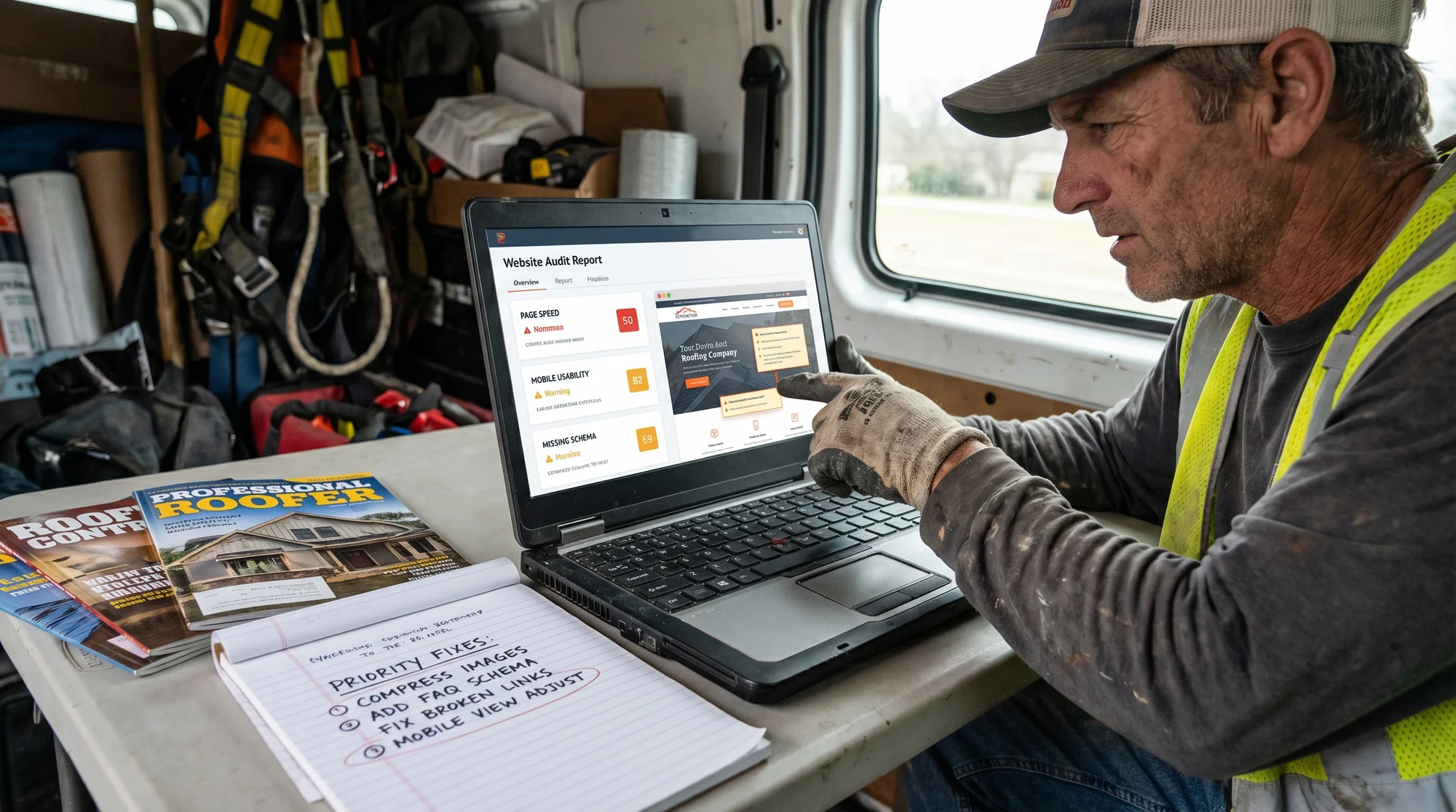
Most roofing companies get their website built once and then ignore it. A few years later, the phone slows down and it's not obvious why. The van is branded. The reviews are solid. The work is good. But the website quietly stopped doing its job.
A website audit tells you exactly what's broken, what's underperforming, and what to fix first. This guide walks through the most common problems roofing websites have, why they matter, and what you can do about them — without needing a developer for every fix.
Why Roofing Websites Have Specific Problems
Roofing is a local, high-trust, high-ticket service. When someone needs a new roof, they're making a $10,000–$25,000 decision. They're Googling contractors in their city, reading reviews, checking photos, and looking for signs that a company is real and responsive.
Your website has to show up in local search, load fast on mobile, make it easy to call, and build enough trust that a stranger submits their address. Most roofing sites fail on at least two of those. An audit tells you which ones and how badly.
Step 1: Check Your Core Web Vitals
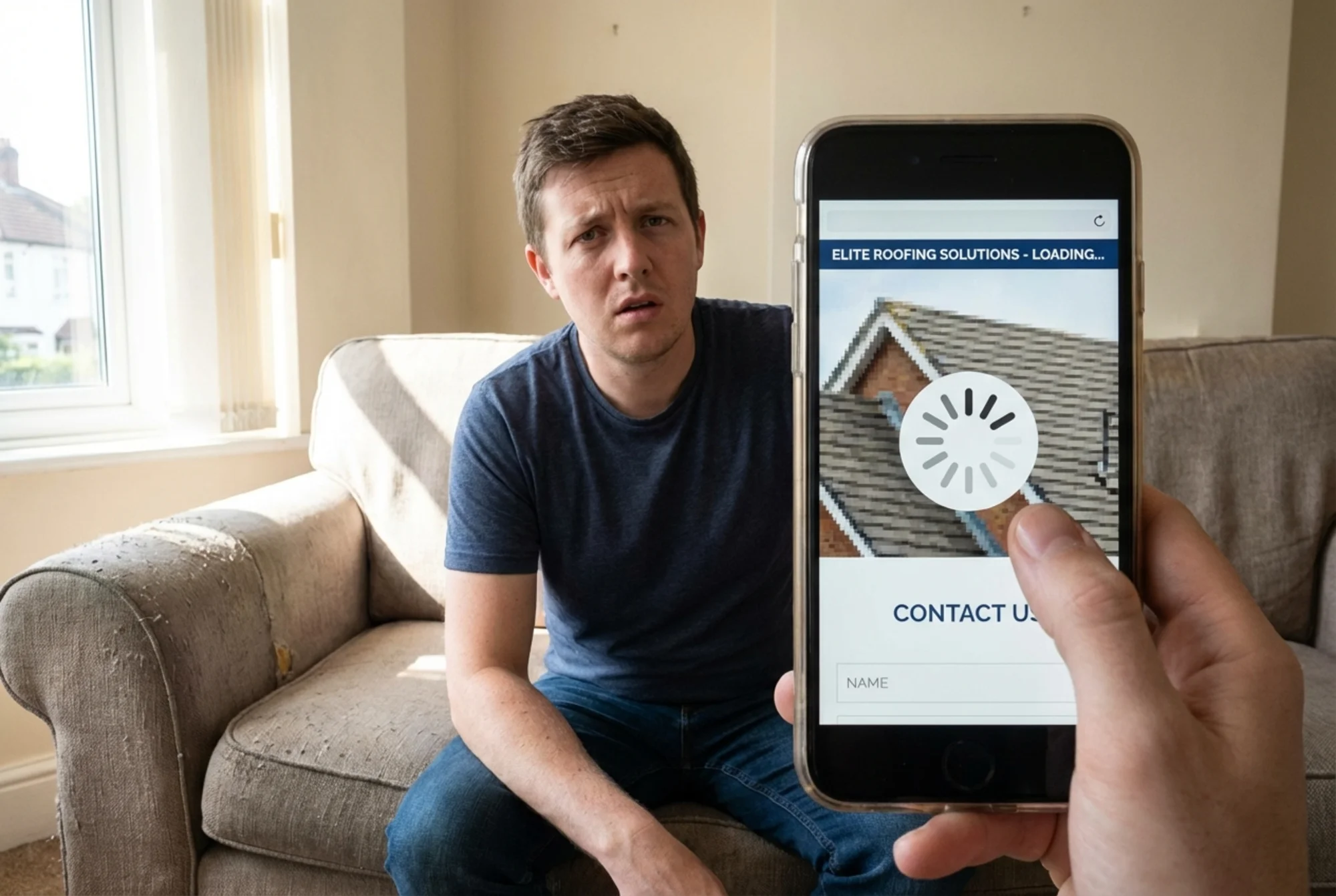
Google uses Core Web Vitals as a ranking signal. More practically, they measure whether your site is actually fast and usable. For a roofing company — where a large share of traffic comes from mobile phones, often from someone standing in front of storm damage or a leaking ceiling — this matters more than most business owners realize.
The three metrics to know:
Largest Contentful Paint (LCP) — How long until the main content on the page is visible. Google's target is under 2.5 seconds. Most roofing sites with large, uncompressed roof photos fail this.
Cumulative Layout Shift (CLS) — Whether the page jumps around as it loads. If your phone number or "Call Now" button shifts after load, users miss it or click the wrong thing. Target: under 0.1.
Interaction to Next Paint (INP) — How quickly the page responds when someone taps a button or fills out a form. Target: under 200ms.
How to check: Use PageSpeed Insights and enter your homepage URL. Run it on mobile — the mobile score is what matters for roofing leads, and it's almost always worse than the desktop result.
Common fixes for roofing sites:
- Compress roof and job site photos before uploading (Squoosh or TinyPNG handle this in under a minute)
- Set explicit width and height on images so the browser reserves space before they load, reducing layout shift
- Remove unused page builder plugins or third-party scripts that fire on every page load
- Use a CDN if your hosting plan supports it
Step 2: Audit Your Local SEO Foundation
Most roofing companies compete locally. Your website needs to clearly signal to Google which cities and service areas you operate in.
Check these five things:
1. Is your NAP consistent?
NAP stands for Name, Address, Phone Number. Google cross-references what's on your website with your Google Business Profile, Yelp listing, and other directory citations. If your address is written differently across sources — "Rd." vs. "Road," or an old phone number still on a directory — it creates confusion. Audit every place your business information appears and make it identical.
2. Does your Google Business Profile match your site?
Your GBP and website should reference the same service areas, hours, and business name. If they conflict, you're leaving coverage on the table.
3. Do you have service area pages?
If you serve five cities but only one page on your site mentions those city names, you're invisible in four of those markets. Each city you actively serve should have a dedicated page that:
- Names the city in the H1 heading and page title
- Describes your work there specifically — not a copy-paste template with only the city name swapped
- Includes at least one photo from a local job if possible
- Has your contact info and a CTA
This is one of the highest-leverage moves a roofing company can make. See /industries/local-service-businesses for a deeper breakdown of how service area pages work for field service businesses.
4. Is your phone number in text, not an image?
Some websites embed phone numbers inside header graphics. Google can't read those, and neither can someone who wants to tap-to-call on their phone.
5. Do you show up for your own branded search?
Search your company name in Google. Does your website appear? If you don't rank for your own name, there may be a title tag issue, a duplicate domain, or a penalty worth investigating.
Step 3: Review Your Schema Markup
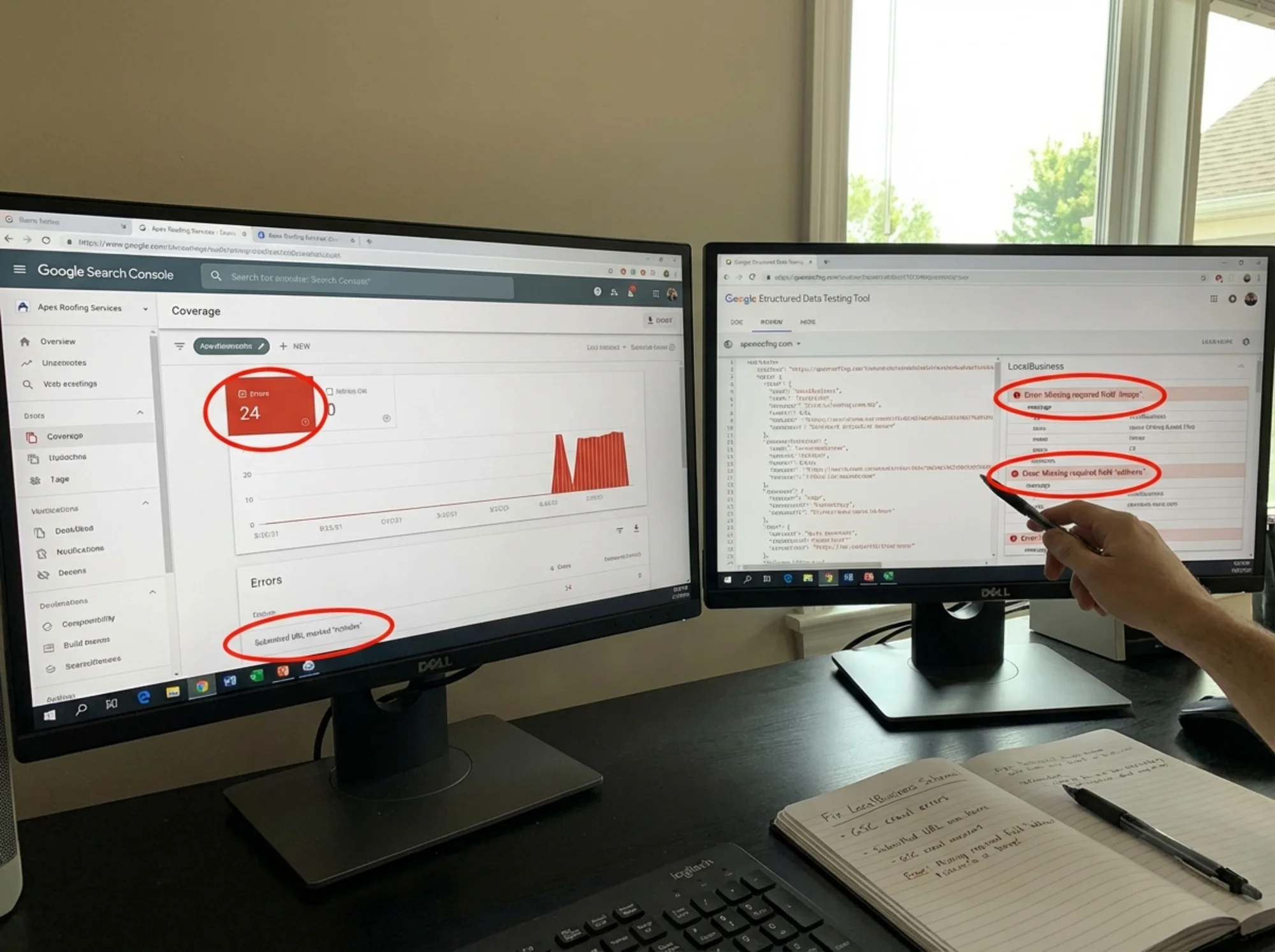
Schema markup is structured data that helps Google understand what your page is about. For a roofing company, the most important type is LocalBusiness (specifically RoofingContractor under HomeAndConstructionBusiness).
Adding this schema to your homepage tells Google your business name, address, phone number, service area, hours, and aggregate review rating. This can improve how your site appears in search results — including enabling rich snippets that show star ratings directly in the listing.
What to check:
Use Google's Rich Results Test and paste your homepage URL. If no structured data is found, you're missing a significant opportunity. If schema is found but has errors, those errors can cancel out the benefit.
A minimal LocalBusiness schema for a roofing company:
{
"@context": "https://schema.org",
"@type": "RoofingContractor",
"name": "Peak Roofing Co.",
"telephone": "+1-555-867-5309",
"address": {
"@type": "PostalAddress",
"streetAddress": "1420 Elm Street",
"addressLocality": "Austin",
"addressRegion": "TX",
"postalCode": "78701"
},
"areaServed": ["Austin", "Round Rock", "Cedar Park", "Pflugerville"],
"url": "https://www.peakroofingco.com",
"openingHours": "Mo-Fr 07:00-18:00"
}
Most WordPress sites can add this through an SEO plugin like Yoast or Rank Math. If you're on a website builder, you may need to add it via a custom HTML block. The fix is usually under an hour of work and the benefit is lasting.
Step 4: Audit Your On-Page Content
Google's helpful content guidance is direct: write for people, not search engines. For roofing companies, this means your pages should answer the questions real customers have — not just repeat "roofing contractor in [city]" twenty times.
Walk through your homepage and ask: Is it immediately clear what you do and where you work? Is your phone number visible above the fold on mobile? Does the copy explain what makes your company the right choice in concrete terms — years in business, licensed and insured, materials you use — or just vague claims like "quality workmanship"?
A quick scenario: Imagine a homeowner in Naperville, IL whose roof was damaged in a hailstorm yesterday. They're on their phone, stressed, comparing four roofing companies from a Google search. They land on your site.
In the first five seconds they should see: your company name, a local phone number they can tap, a headline that tells them you handle storm damage and serve their area, and some signal that you're a real, established business — a review count, a "Licensed & Insured in Illinois" badge, or a line about serving the Naperville area since a specific year.
If they see a slow-loading generic hero image, a vague headline like "Your Trusted Roofing Experts," and a phone number buried in the footer, they're already gone.
Content audit checklist:
- [ ] Homepage H1 includes your service and primary city
- [ ] Phone number visible above the fold on mobile
- [ ] CTA button ("Get a Free Estimate," "Call Now") visible without scrolling
- [ ] At least one photo of your actual work
- [ ] Licensing, insurance, or certification mentioned explicitly
- [ ] Service area named on the homepage
- [ ] At least one customer review or review count displayed
Step 5: Check Your Technical Health
These issues won't be obvious to visitors, but they affect whether Google can crawl and index your site correctly.
Run a crawl check in Google Search Console. If you haven't set it up, do it now — it's free and takes about 15 minutes to verify. Look at:
- Coverage report: Any pages marked as errors or excluded? A "noindex" tag left on by accident after a site launch is a common problem that makes entire pages invisible to Google.
- Mobile usability: Any pages flagged as not mobile-friendly?
- Core Web Vitals report: Which pages are flagged as poor?
Check for duplicate content. Many roofing websites accidentally have the same content accessible at multiple URLs — http:// and https:// versions both resolving, or www and non-www versions showing the same pages. Use a redirect checker to confirm that all traffic funnels to one canonical version of your domain.
Check your title tags. Every page should have a unique title tag that includes the primary keyword and your location. "Home | Peak Roofing" tells Google nothing. "Roofing Contractor in Austin, TX | Peak Roofing Co." is far better.
Technical audit checklist:
- [ ] Site verified in Google Search Console
- [ ] No accidental noindex tags on important pages
- [ ] HTTP redirects to HTTPS
- [ ] www and non-www redirect to one version
- [ ] Each page has a unique, descriptive title tag
- [ ] Each page has a meta description
- [ ] No broken internal links to contact or estimate pages
Step 6: Evaluate Your Conversion Path
You can rank well and still get no calls if your site doesn't convert visitors into leads. For roofing companies, this usually comes down to three things:
Phone number accessibility. On mobile, your number should be a tap-to-call link. If someone has to copy and paste it, you're losing calls. Test this by visiting your own site on your phone.
Form simplicity. Estimate request forms that ask for more than five fields have lower completion rates. Name, phone number, email, and a brief description of the work needed is enough to start the conversation. Don't ask for budget, preferred timeline, and roof dimensions before you've even spoken to someone.
Response time signals. Adding a line like "We respond within 2 hours during business hours" next to your form sets expectations and increases submission rates. If you can back it up, it's a competitive advantage.
Putting It All Together: A Roofing Audit Walkthrough
Here's how this plays out in practice.
A roofing company in Columbus, Ohio — five years in business, solid reviews, good word-of-mouth — was getting fewer calls than expected from their website. A free audit found:
- Page speed: LCP on mobile was 6.2 seconds. Their homepage had a 4MB hero image that had never been compressed.
- Schema: No structured data at all. Competitors showing star ratings in search results had a visible edge in click-through rate.
- Service areas: They served eight cities but had pages for only two. Six markets had no dedicated content.
- Title tags: Every page had the same title tag — the company name only.
- Mobile CTA: The phone number was plain text in the top navigation, not a tap-to-call link.
After compressing the image (30 minutes), adding schema via their SEO plugin (1 hour), and creating four new service area pages over two weeks, organic traffic from the Columbus metro increased and call volume from the website picked up noticeably. None of these fixes required a developer — just knowing what to look for.
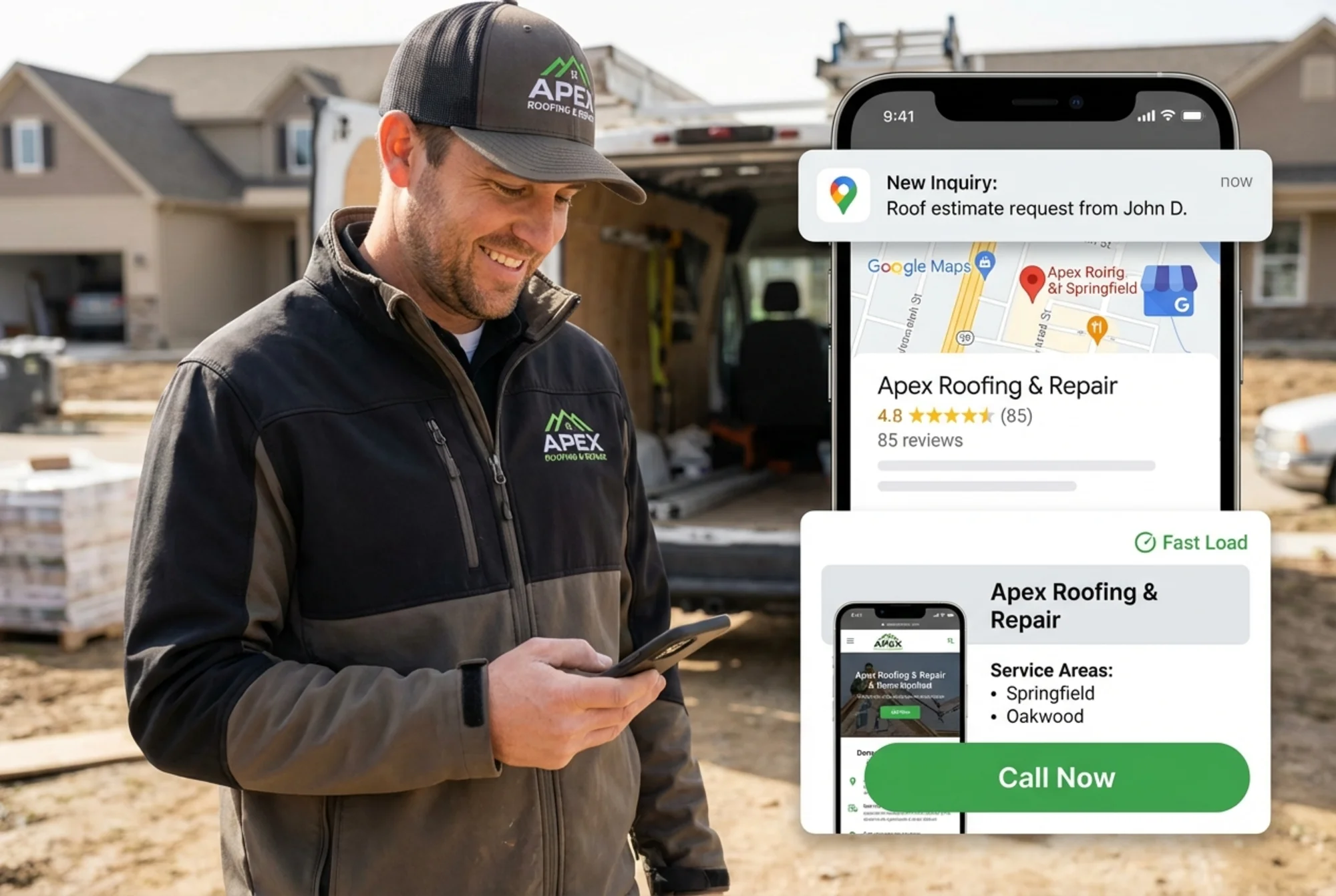
Run a Free Audit on Your Roofing Website
You don't need to check all of this manually. FreeSiteAudit scans your site automatically and flags the specific issues that matter most for local service businesses — page speed problems, missing schema, mobile usability issues, and more.
Run your free website audit at FreeSiteAudit →
It takes about 60 seconds. You'll get a prioritized list of issues with explanations of what each one means and how to fix it — written for business owners, not developers.
Quick Reference: Roofing Website Audit Checklist
Performance
- [ ] LCP under 2.5s on mobile
- [ ] Images compressed and sized correctly
- [ ] No unnecessary third-party scripts
Local SEO
- [ ] NAP consistent across site and all directories
- [ ] Google Business Profile matches site content
- [ ] Service area pages for every city you actively serve
- [ ] Phone number in text, not an image
Schema
- [ ] LocalBusiness / RoofingContractor schema on homepage
- [ ] No schema errors in Rich Results Test
On-Page Content
- [ ] H1 includes service + location
- [ ] Phone number above the fold on mobile
- [ ] Actual job photos on homepage
- [ ] Licensing/insurance mentioned
Technical
- [ ] Google Search Console set up with no critical errors
- [ ] No accidental noindex tags
- [ ] Unique title tags on every page
- [ ] HTTPS with proper redirects
Conversion
- [ ] Tap-to-call phone number on mobile
- [ ] Short estimate request form (5 fields or fewer)
- [ ] Clear response time expectation near the form
Sources
- Google Search Central — Creating helpful, reliable, people-first content: https://developers.google.com/search/docs/fundamentals/creating-helpful-content
- Google Search Central — Structured data for articles and rich results: https://developers.google.com/search/docs/appearance/structured-data/article
- web.dev — Core Web Vitals: https://web.dev/articles/vitals
Check your website for free
Get an instant score and your top 3 critical issues in under 60 seconds.
Get Your Free Audit →