Why Your Chat Widget May Be Hurting Conversions
Chat widgets can slow your site, block content, and annoy visitors instead of helping them. Here is how to tell if yours is doing more harm than good.
# Why Your Chat Widget May Be Hurting Conversions
You added a chat widget because it seemed like a no-brainer. Customers can ask questions instantly, feel supported, and convert faster. More conversations should mean more sales, right?
Not always. For many small business websites, chat widgets quietly do the opposite. They slow pages down, cover important content on mobile, irritate visitors who want to browse in peace, and create a worse experience than having no chat at all.
This is not an argument against live chat as a concept. It is a practical look at when chat widgets backfire, how to diagnose whether yours is helping or hurting, and what to do about it.
The Hidden Performance Cost
When you install a chat widget, you are adding a third-party JavaScript application to every page of your site. That script has to load, initialize, connect to external servers, download its own stylesheets, and often pull in additional resources like fonts and images.
Here is what that typically adds behind the scenes:
- 2-5 additional HTTP requests just to bootstrap the widget
- 100-400 KB of extra JavaScript that must be parsed and executed
- A persistent WebSocket connection running as long as the page is open
- Additional DOM elements injected into your page layout
For a small business site that might otherwise load in 2 seconds, a poorly configured chat widget can add 1-3 seconds. That matters. Google's research shows that as page load time increases from 1 to 3 seconds, the probability of a visitor bouncing increases by 32 percent. From 1 to 5 seconds, it jumps by 90 percent.
Your chat widget might be generating a handful of conversations per week while silently driving away dozens of visitors who never waited for the page to finish loading.
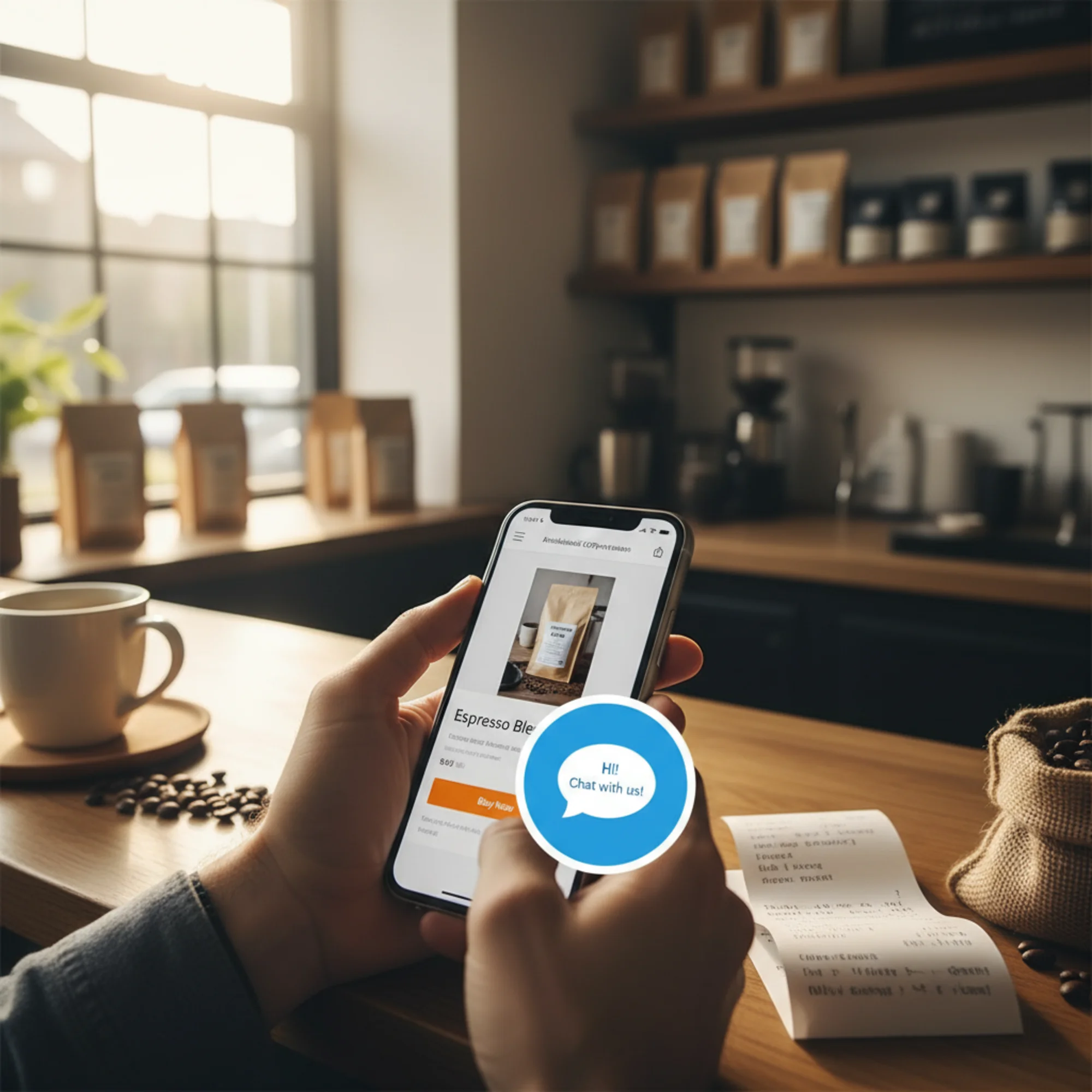
Five Ways Chat Widgets Hurt Conversions
1. They Slow Down Your Most Important Pages
The pages where you most want chat available — product pages, pricing pages, contact pages — are exactly where speed matters most. A visitor comparing options or ready to buy will not wait for a sluggish page.
Chat widgets affect Core Web Vitals directly:
- Largest Contentful Paint (LCP): Extra scripts compete for bandwidth and main-thread CPU time, delaying when your primary content becomes visible.
- Interaction to Next Paint (INP): Heavy JavaScript on the main thread means clicks and taps feel sluggish. When a visitor taps "Add to Cart" and nothing responds for 300 milliseconds because the chat widget is executing code, that is a conversion killer.
- Cumulative Layout Shift (CLS): When the chat widget loads after initial render, it can push content around. The button a visitor was about to tap suddenly moves — one of the most frustrating experiences on the web.
You can measure how your chat widget affects these metrics by running a free site audit and comparing scores with and without the widget enabled.
2. They Block Content on Mobile
On a desktop monitor, a chat bubble in the corner is unobtrusive. On a phone — where more than half of web traffic now originates — that same bubble sits directly on top of content your visitors need.
Common elements chat widgets cover on mobile:
- Call-to-action buttons ("Buy Now," "Get a Quote," "Book Appointment")
- Navigation menus and footer links
- Product images and descriptions
- Form submit buttons and price information
One common scenario: a business adds a chat widget that looks fine on desktop, but on mobile the bubble lands directly on top of the primary conversion button on every product page. Mobile conversions drop for months before anyone connects it to the widget, because the site always "looked fine" when checked from a laptop.
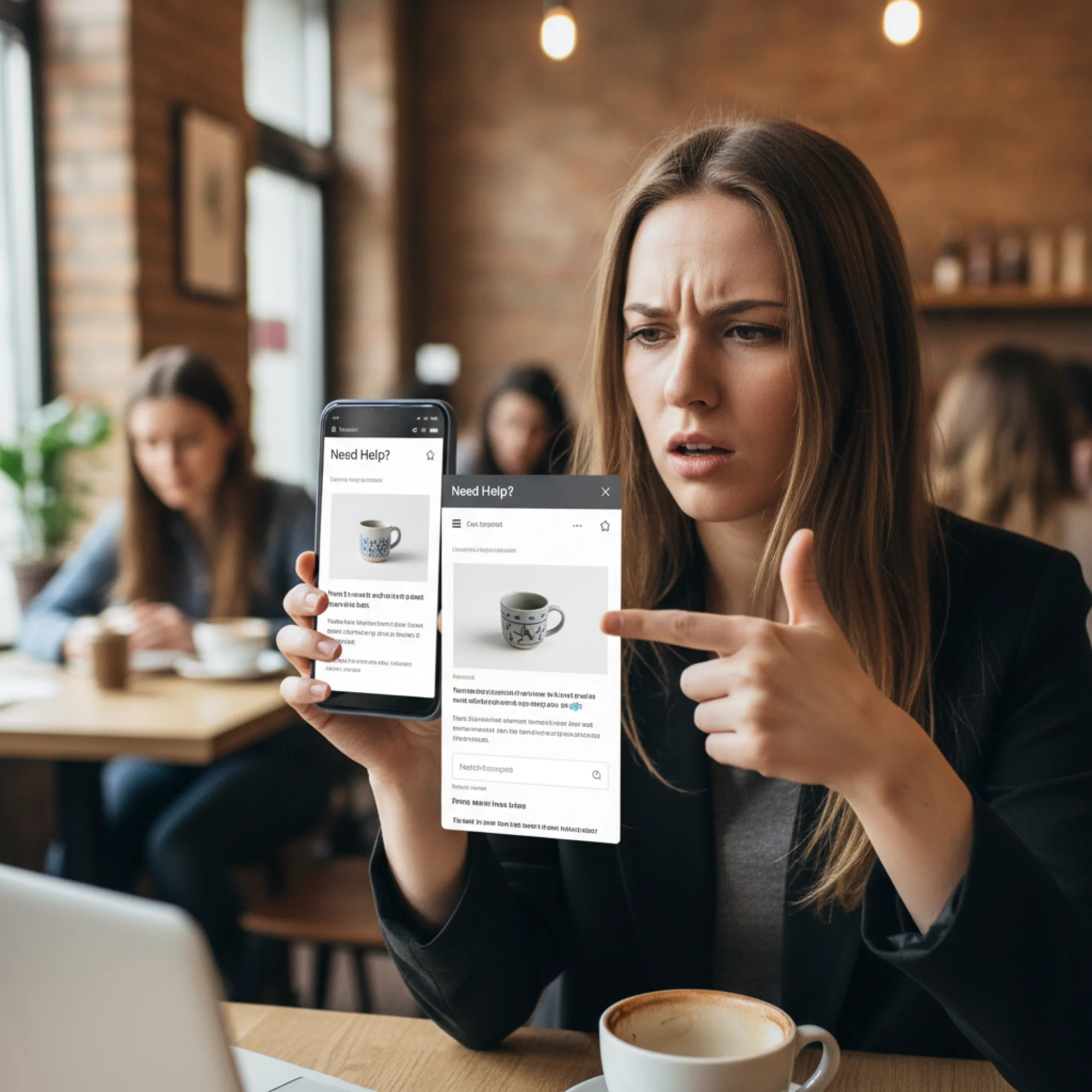
3. They Auto-Open and Interrupt Browsing
Many chat widgets pop open automatically after a few seconds with "Hi! How can I help you today?" This feels helpful from the business side. From the visitor's perspective, it is an uninvited interruption.
Think about walking into a store. You want to look around first. If someone approaches the moment you walk in and asks what you need, most people find that off-putting. The same psychology applies online, and Nielsen Norman Group's research on chat UX confirms that unsolicited pop-ups reduce user trust.
Auto-opening chat is especially damaging when:
- The visitor just arrived and has not formed a question yet
- The pop-up covers content the visitor is actively reading
- The visitor is on mobile and must find a tiny close button
- The message is clearly automated, not from a real person
Each interruption trains visitors to dismiss your widget. After being interrupted once, many will not use chat even when they do have a genuine question.
4. Nobody Is Actually There to Respond
This is the most common problem with small business chat widgets. The widget promises instant help. A visitor types a question. They wait. After 30 seconds, an auto-response says someone will be with them shortly. After two minutes with no reply, they leave — more frustrated than if chat had never been offered.
Setting an expectation of real-time help and then failing to deliver is worse than not offering chat at all. It signals that you do not value the visitor's time.
If you cannot staff live chat consistently during business hours, a chat widget is the wrong tool for your site.
5. They Add Privacy and Compliance Overhead
Most chat widgets set cookies, track visitor behavior across pages, and send data to third-party servers. For privacy-conscious visitors, seeing a chat pop-up ask for their name and email before they can even type a question feels invasive.
In regions with strict privacy laws like the EU (GDPR) or California (CCPA), your chat widget may be adding compliance requirements you have not accounted for — cookie consent, data processing agreements, and right-to-deletion obligations.
How to Tell If Your Chat Widget Is Hurting You
Before you remove your chat widget, gather data. Here is a practical diagnostic process.
Performance Check
- Run your site through a website audit tool and note your LCP, INP, and CLS scores
- Temporarily disable the chat widget and run the audit again
- Compare the results — if scores improve noticeably, the widget is dragging performance down
Mobile Experience Check
- Open your site on your actual phone, not a resized desktop browser
- Navigate to your most important pages (homepage, service pages, contact)
- Check whether the chat bubble covers any buttons, links, or critical content
- If it auto-opens, try to dismiss it — is the close button easy to tap on a small screen?
Usage Check
Log into your chat platform and pull the last 90 days of data:
- How many conversations actually happened?
- How many led to a sale, booking, or meaningful outcome?
- What was the average response time?
- How many visitors opened the chat but left before getting a response?
The Math That Matters
Suppose your chat widget adds 1.5 seconds to page load time and your site gets 3,000 visitors per month. That extra load time could cost you roughly 7-10 percent of visitors — 210 to 300 people who bounce before seeing your content.
Now check your chat data. If the widget generates 15 conversations per month and 3 become customers, you are trading 210-plus lost visitors for 3 chat-assisted conversions. Those numbers differ for every business, but running this comparison often reveals the widget is a net negative.
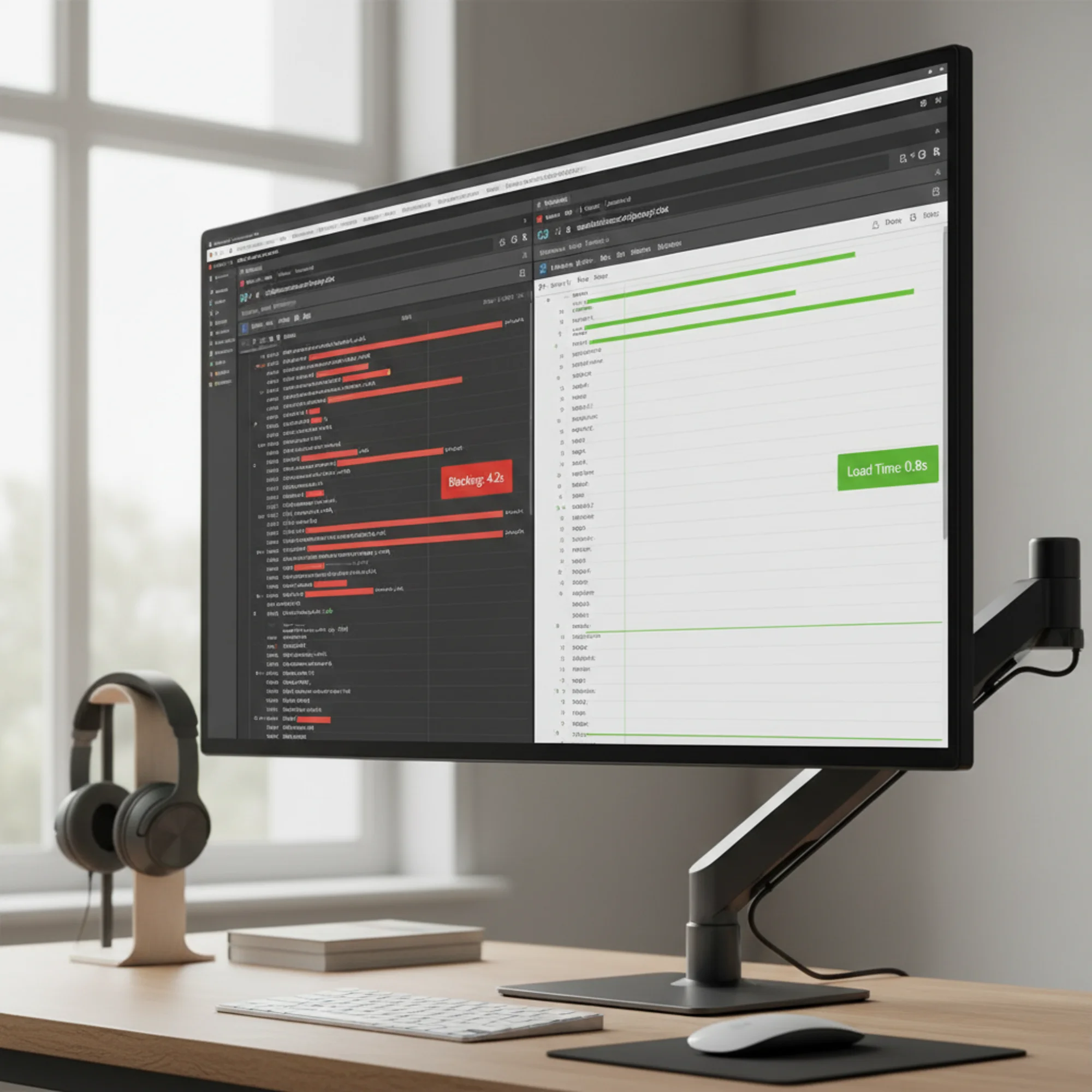
Real-World Example: A Local Plumber's Chat Widget
The setup: A plumbing company installs a chat widget so customers can request quotes quickly.
What actually happens:
- The widget adds 280 KB of JavaScript to every page
- On mobile, the chat bubble covers the phone number — the primary conversion action
- The auto-open message fires after 5 seconds on every visit, including return visitors
- During business hours, average response time is 4 minutes. After hours, no response until the next morning
The result:
- Mobile page load time: 4.8 seconds (was 2.9 seconds without the widget)
- Mobile bounce rate on the services page: jumped from 38 to 51 percent
- Chat conversations per month: 22, of which 4 led to booked jobs
- Estimated visitors lost to slower loads and covered CTAs: over 150 per month
The fix: The company removed the chat widget and added a prominent tap-to-call button plus a simple contact form with a "We respond within 2 hours" promise. Booked jobs from the website increased the following month.
What To Do Instead
If your data shows the chat widget is not earning its keep, here are practical alternatives.
Option 1: Remove It Entirely
For many small businesses, this is the right call. Replace the chat widget with:
- A clear, visible phone number (make it a tap-to-call link on mobile)
- A simple contact form with a response time promise you can actually keep
- A FAQ page answering the questions your chat was handling
Option 2: Load It Smarter
If chat genuinely drives value but hurts performance, change how it loads:
- Lazy-load the widget: Do not load it until the visitor has been on the page for 30-plus seconds or scrolls past the fold
- Limit it to key pages: Your blog posts do not need live chat. Put it on pricing and contact pages only
- Disable auto-open: Let visitors initiate the conversation
- Use a lightweight trigger: Show a small static button that loads the full widget only on click, avoiding hundreds of KB of JavaScript for visitors who never use it
Here is a simple click-to-load approach:
html
Chat with us
Your page loads fast for everyone. Only visitors who want to chat pay the performance cost.
Option 3: Switch to Asynchronous Messaging
Instead of promising real-time chat you cannot staff, set honest expectations. A message form that says "We typically respond within 1 hour during business hours" requires no always-on staffing and adds zero JavaScript weight to your pages.
Quick Audit Checklist
Run through this before making changes:
- Measure your baseline: Run a free audit of your website to see current performance scores, especially on mobile
- Check mobile layout: Visit your top 5 pages on a real phone and note anything the widget covers
- Pull chat data: Conversations, response times, and conversions for the last 90 days
- Do the math: Compare visitors lost from performance impact versus customers gained from chat
- Test removal: Disable the widget for two weeks and monitor your page speed metrics, bounce rate, and conversions
- Decide based on data: If the numbers favor keeping it, optimize how it loads. If they favor removal, remove it
The Bottom Line
Chat widgets are not inherently bad. For businesses with dedicated support teams, high-value products, and complex buying decisions, live chat can genuinely lift conversions.
But for most small business websites, the chat widget was added because it seemed like a good idea, not because data supported it. It loads hundreds of kilobytes of JavaScript, covers buttons on phones, pops open to talk to nobody, and quietly makes the site worse for the majority of visitors who never wanted to chat.
The best conversion tool is a fast website with clear information and an obvious way to get in touch. Sometimes that means live chat. Often it means a phone number, a contact form, and a page that loads in under 3 seconds.
Not sure how your chat widget is affecting your site? Run a free audit with FreeSiteAudit to see your performance scores, mobile usability issues, and specific recommendations for improving your conversion rate.
Sources
Check your website for free
Get an instant score and your top 3 critical issues in under 60 seconds.
Get Your Free Audit →