Why Your Google Business Profile Isn't Showing in Maps (And How to Fix It)
A plain-English guide for small business owners on the real reasons your Google Business Profile isn't appearing in Maps, with a step-by-step fix checklist.
# Why Your Google Business Profile Isn't Showing in Maps (And How to Fix It)
You typed your own business name into Google Maps. Nothing. Or worse — a competitor two blocks away showed up first, and your listing was nowhere.
That's a brutal feeling when you know customers are searching for what you sell right now. The good news is the problem almost always comes down to a short list of fixable issues. The bad news is Google won't tell you which one is hitting you, so you have to work through them yourself.
This guide walks through the real reasons a Google Business Profile (GBP) doesn't show in Maps, in the order you should check them. No filler, no "growth hacks" — just the actual mechanics.
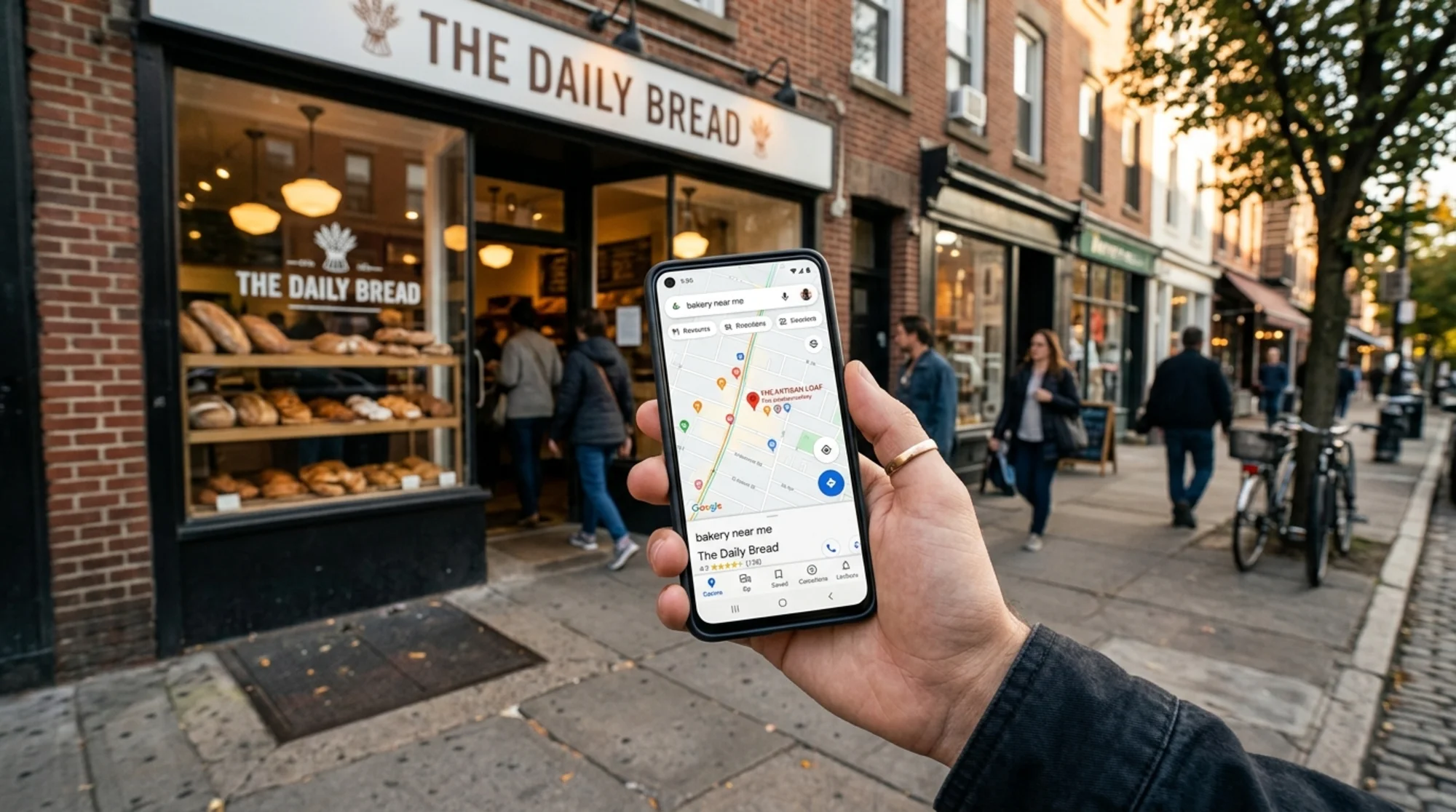
First, figure out which problem you actually have
"Not showing" can mean three very different things, and the fix depends on which one applies:
- Your profile doesn't exist or is unverified. Maps has no entry to display.
- Your profile exists but is suspended. Google hid it on purpose.
- Your profile is verified but ranks low. It's there if you scroll far enough, but it doesn't appear in the top 3-pack or even the top 20.
Most owners assume they have problem #3 when they actually have #1 or #2. Before you start tweaking categories and adding photos, confirm which scenario you're in.
Quick test: Search your exact business name plus city. If your profile doesn't appear, you likely have a verification or suspension problem. If it appears for your name but not for what you sell (e.g., "florist near me"), you have a ranking problem.
Reason 1: Your profile is unverified
Unverified profiles don't appear in Maps. Google won't put a business in front of searchers if it can't confirm the business is real.
How to check: Sign in at business.google.com. If you see a "Verify now" prompt, that's your answer.
How to fix:
- Request verification through the dashboard.
- Google offers postcard, phone, email, or video verification depending on your business type.
- Video verification is now the default for many service-area businesses. You'll record a walkthrough showing your signage, equipment, and proof you operate at the address.
- Don't fake anything. Filming a "storefront" that's actually a UPS Store mailbox gets your profile killed permanently.
Verification takes a few days to two weeks. Until it's done, nothing else you fix will matter.
Reason 2: Your profile is suspended
Suspensions are common and often catch owners by surprise. There are two flavors:
- Soft suspension: You can still log in and see your profile, but it doesn't appear publicly.
- Hard suspension: The profile is gone from the dashboard entirely.
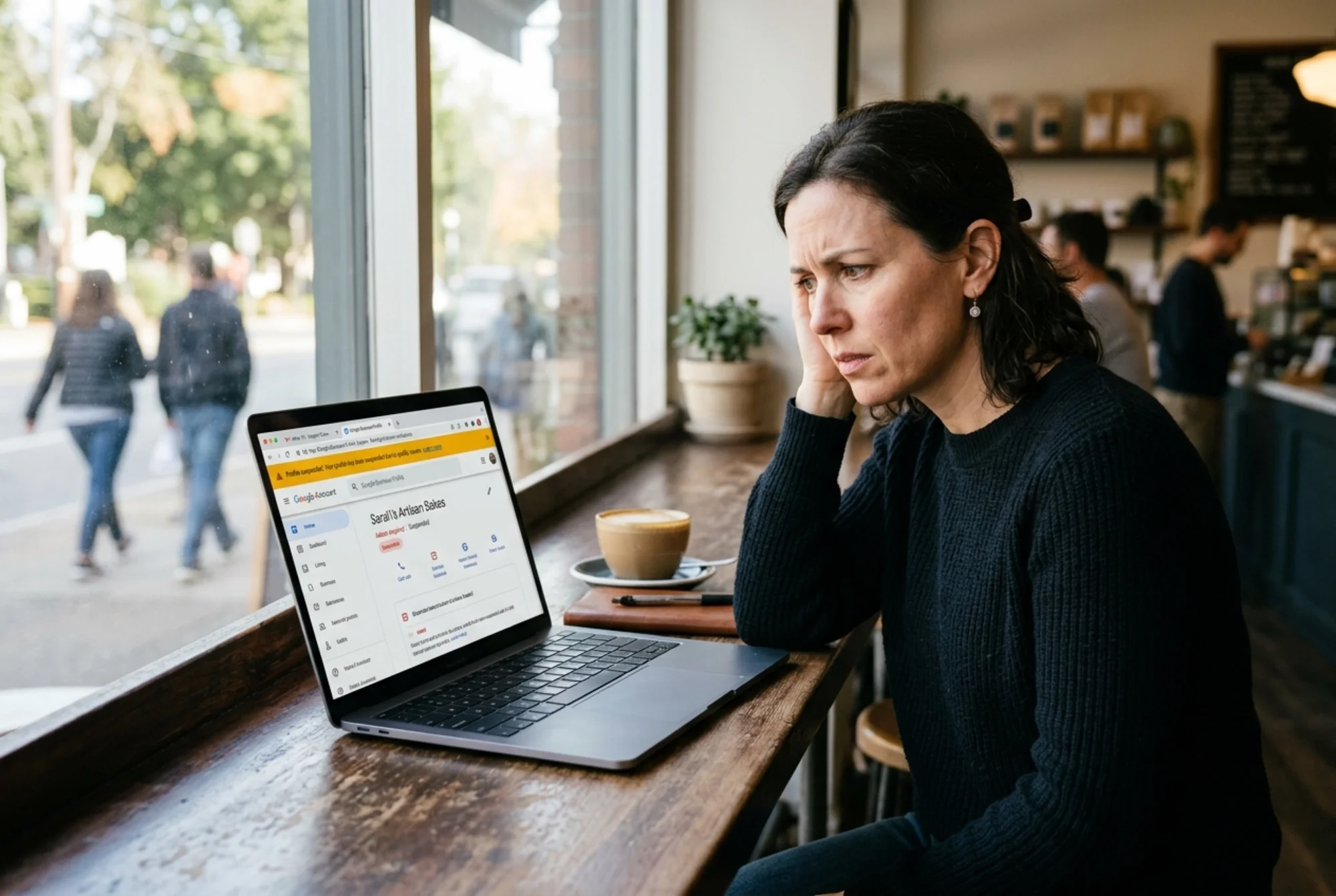
Common suspension triggers:
- Address looks like a virtual office, coworking space, or PO box.
- Business name contains keywords that aren't part of the real legal name ("Joe's Plumbing — 24/7 Emergency Drain Service Near You" is a magnet).
- Multiple profiles at the same address for businesses with overlapping categories.
- A major edit (address change, name change, category swap) tripped a fraud filter.
- Service-area business with a storefront address that isn't actually open to walk-ins.
How to fix a suspension:
- Submit a reinstatement request through the support form or the GBP Help Community.
- Have proof ready: utility bill, lease, business license, signage photos, and a video of your operating location if relevant.
- Fix the underlying issue before requesting reinstatement. If you got flagged for keyword-stuffing your name, change it back to the real name first.
Reinstatement can take a week or longer. Don't submit multiple appeals — that slows things down.
Reason 3: Wrong business category
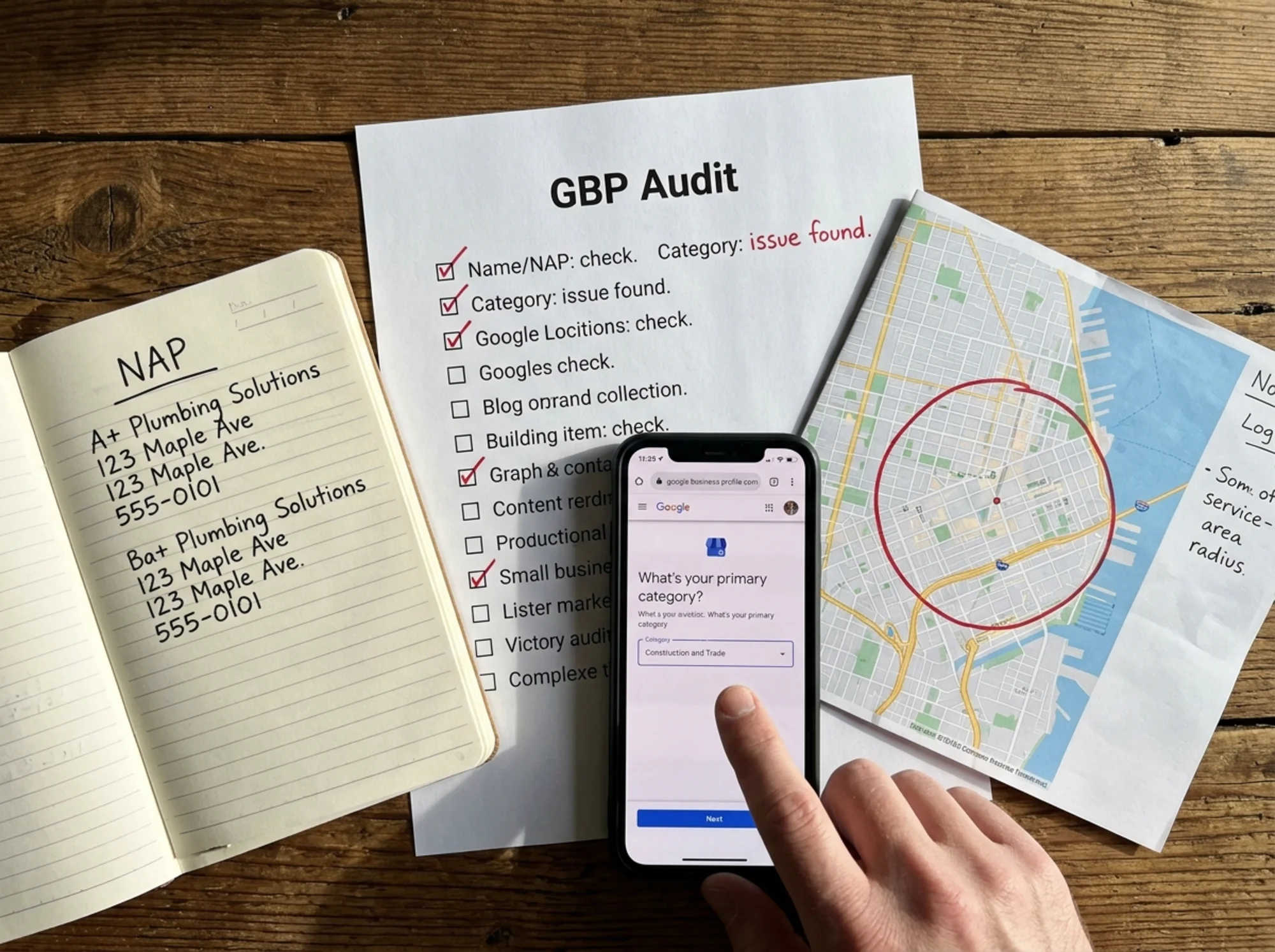
Categories are the single biggest ranking factor for Maps that you actually control. If you pick the wrong primary category, you won't show up for the queries that matter.
A real example: an owner running a wood-fired pizza catering service picked "Caterer" as the primary category. They didn't show up for "pizza catering" searches. Switching the primary to "Pizza catering service" (an actual GBP category) restored visibility within a few weeks.
Checklist:
- The primary category should describe what you most want to be found for.
- Add 3–9 relevant secondary categories. Don't add irrelevant ones — Google notices and it hurts you.
- Don't copy a category just because a competitor uses it. Use the one that's actually accurate.
- Re-check your category list every six months. Google adds new ones frequently.
Reason 4: NAP inconsistency across the web
NAP stands for Name, Address, Phone. Google cross-checks the NAP on your GBP against citations across the web — Yelp, Facebook, Apple Maps, BBB, industry directories, and your own website. When they don't match, Google trusts your listing less and your Maps rank drops.
Common NAP errors:
- An old phone number lingering on three directories.
- "Suite 200" on Yelp but "Ste. 200" on Google.
- Business renamed two years ago, but the old name still appears on five citation sites.
- Website footer says one address; GBP says another.
How to fix:
- Pick one canonical version of your name, address, and phone. Match it character-for-character everywhere.
- Update the big ones first: your own website, Facebook, Yelp, Apple Maps, Bing Places, BBB.
- Use a citation tool or work a spreadsheet. A typical small business has 15–30 places to fix.
If you want a faster way to spot mismatches between your website and your live profile, run a free website audit and review the local SEO findings — it'll flag missing or inconsistent contact info on your site.
Reason 5: Service area set incorrectly
Service-area businesses (plumbers, mobile groomers, landscapers, cleaners) often hide their address and define a service area instead. Google supports this, but two things break visibility:
- Service area too large. A solo carpet cleaner claiming an entire tri-state region looks suspicious, and Google won't rank you well outside your core radius anyway.
- Service area too small or missing. If you forgot to set one after a recent move, Maps might only show you at the dead-center pin.
Rule of thumb: Set your service area to the cities or zip codes you genuinely serve and can prove with invoices or service records. Don't include towns you've never visited.
Reason 6: You're searching from outside your relevant area
This catches people off-guard. Maps results are heavily influenced by the searcher's location. If you're sitting at home 25 miles from your shop and search "best coffee," you'll see results near your house — not your business.
How to test properly:
- Search from inside your business or very close to it.
- Set the location explicitly when testing on desktop.
- Use the GBP "Performance" tab to see which queries actually showed your listing.
Don't draw conclusions from tests run at home or from a different city. Test from where your customers actually search.
Reason 7: Your profile is thin or stale
Google ranks profiles that look active and trustworthy. A profile with no photos, no description, two reviews from 2021, and no recent posts looks abandoned. It will lose to a competitor with weekly photos, 80 reviews, and full attributes.
Things that move the needle:
- A full business description (use up to the 750-character limit, written for humans).
- Hours, including special hours for holidays.
- Categories and attributes filled out (wheelchair access, outdoor seating, payment options).
- At least 10–20 real photos, with new ones added monthly.
- Products or services listed inside GBP, not only on your website.
- Q&A answered by the owner — you can seed reasonable questions yourself.
- Regular GBP posts. Even one a month signals an active business.
This isn't about gaming Google. It's about not looking dead. Google's guidance on creating helpful, people-first content applies here too — useful, specific information beats keyword padding.
Reason 8: Review count, recency, and response rate
Reviews influence rank in three ways:
- Count matters relative to competitors. If they have 200 reviews and you have 8, you won't take the 3-pack.
- Recency matters more than most owners realize. No reviews in 14 months reads as stale.
- Owner response rate signals an active business. Respond to every review — positive and negative — within a week.
Don't do this: buy reviews, offer discounts for reviews, or have employees post from store Wi-Fi. Any of these can get you suspended.
Do this: send a follow-up text or email a day after service with a direct link to your review form. Make it one tap.
Reason 9: Your website doesn't back up your profile
Google looks at your website to confirm what your GBP claims. If your profile says you're a "Roofing contractor" but your website is mostly about "general contracting," that's a weak signal.
Checklist:
- Your homepage should clearly state what you do and where.
- Each major service should have its own page.
- Location pages (city + service) help service-area businesses.
- Embed a Google Map on your contact page.
- Add LocalBusiness structured data so search engines parse your details cleanly. Google's structured data documentation covers the format.
- Make sure your site loads quickly. Slow pages with poor Core Web Vitals undermine the package, especially on mobile where most Maps clicks happen.
A real diagnostic walkthrough
You run a small accounting practice and you're not showing for "accountant [your city]." Here's the order to work through it:
- Search your business name + city. You appear. Good — not suspended, not unverified.
- Check your primary category. It says "Tax preparation service," but most of your work is small-business bookkeeping. You change the primary to "Accountant" and add "Bookkeeping service" and "Tax preparation service" as secondaries.
- Audit your NAP. Your old office address is still on three directories from before you moved last year. You update them.
- Check service area. You only set it to your immediate town. You add the four surrounding towns where you actually have clients.
- Reviews. You have 12 reviews, none in the last 8 months. You email your last 30 clients with a review link.
- Website. Your homepage says "Personal and business tax services" — no mention of bookkeeping. You rewrite the headline and add a dedicated bookkeeping page.
- Photos. You upload 8 photos: office exterior, sign, conference room, team.
Over the next 4–8 weeks, your Maps visibility for "accountant" and "bookkeeper" queries improves across your service area. No single fix was dramatic. The compound effect moved you.
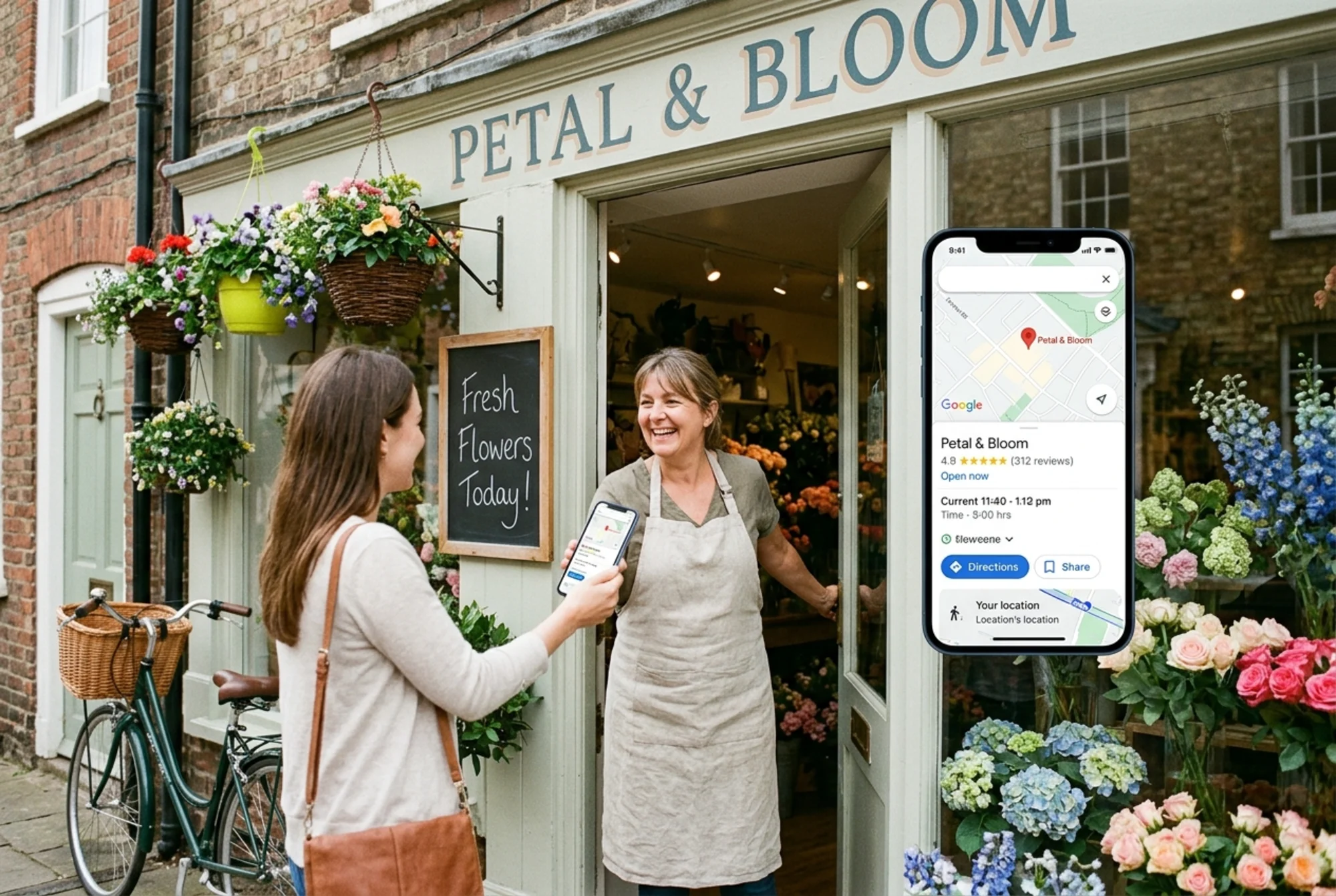
How long do fixes take to show up?
- Verification and suspension fixes: visible the day they're approved.
- Category changes: usually visible within days, sometimes a couple of weeks.
- NAP cleanup: slower. Google has to re-crawl citations. Expect 4–12 weeks.
- Review and content additions: gradual lift, no day-zero moment.
- Website improvements: 4–8 weeks for Google to re-evaluate.
Don't make ten changes on the same day and panic on day three. Pick the issues that matter, fix them properly, document what you changed and when, and check progress monthly.
Don't fall for these traps
- "Pay $X/month and we guarantee #1 rankings." There is no guarantee, and the riskier providers will get you suspended.
- "Pack keywords into your business name." Suspension risk.
- "More categories is always better." Irrelevant ones hurt you.
- "Have friends leave reviews." Accounts that have never reviewed anything else and all post in the same week are easy to spot.
A 15-minute monthly habit
Most of GBP visibility is just keeping the profile alive:
- Add one or two new photos.
- Write one GBP post (a new product, a tip, an FAQ).
- Respond to any new reviews.
- Check the Performance tab for trends.
- Update hours for holidays, vacation, or schedule changes.
You don't need a content calendar or a marketing agency. You need to not let your profile rot.
Where to start today
If you're not sure where to begin, do this in order:
- Confirm you're verified and not suspended.
- Fix your primary category if it's wrong.
- Audit your NAP across the top 5–10 sites.
- Make sure your service area or storefront address is accurate.
- Send a review request to your last 20 customers.
That's a one-weekend project for most owners, and it handles the majority of "not showing in Maps" cases.
If you also want to check whether your website is sending strong signals that match your GBP — proper structured data, fast load times, clear local content — run a free website audit. It'll flag the technical and on-page issues that quietly undermine local visibility even when your GBP looks perfect.
Sources
- https://developers.google.com/search/docs/fundamentals/creating-helpful-content
- https://developers.google.com/search/docs/appearance/structured-data/article
- https://web.dev/articles/vitals
Check your website for free
Get an instant score and your top 3 critical issues in under 60 seconds.
Get Your Free Audit →