Article Schema vs BlogPosting Schema: Which One Should You Use?
A plain-English guide to choosing between Article and BlogPosting schema for your small business website, with examples and a simple decision checklist.
# Article Schema vs BlogPosting Schema: Which One Should You Use?
Schema markup sounds more complicated than it is. One of the first questions small business owners ask once they start adding it: should I use Article or BlogPosting?
Short answer: Google treats them the same for rich result eligibility, but there's still a right choice for most cases. This guide walks you through what each one is, when to use it, and a checklist so you can stop second-guessing and move on.
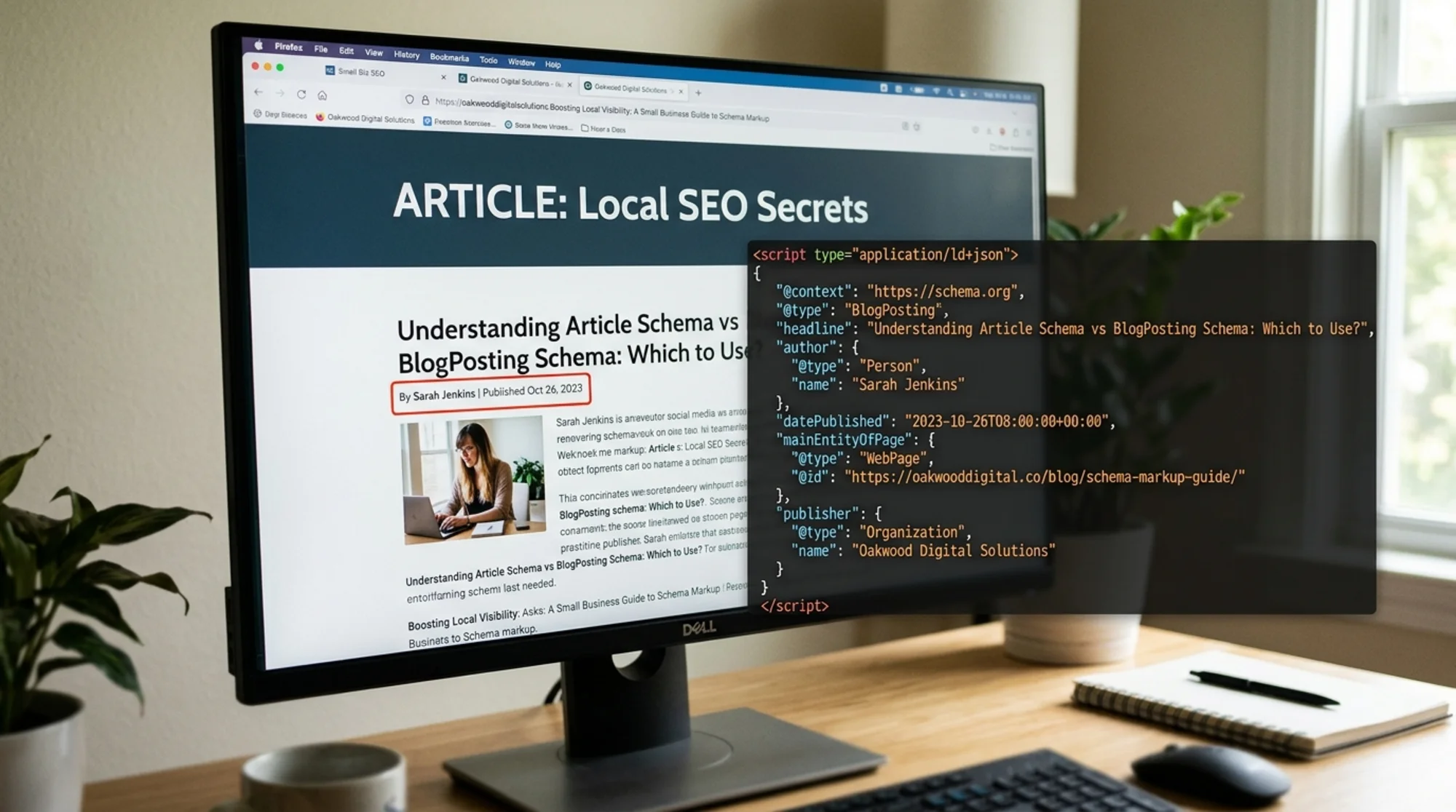
What schema markup actually does
Schema is structured data you add to your page's HTML, usually as a JSON-LD block. It tells search engines exactly what the page is: the headline, the author, the publish date, the images.
Google uses this to:
- Understand your content more confidently
- Show richer search results (author names, dates, thumbnails)
- Decide whether your page qualifies for special features in search
It doesn't directly boost rankings. But when paired with helpful, original content, it can change how your page appears in search and how often people click. On a small site with limited traffic, that click-through difference matters.
What is Article schema?
Article is the broadest type in this family. Schema.org defines it as any "article, such as a news article or piece of investigative report."
Think of it as the parent category. If you're writing:
- A news piece
- A press release
- A longer-form report
- An evergreen guide that doesn't fit neatly into "blog post" or "news"
…then Article is a safe choice.
Google's structured data documentation treats Article, NewsArticle, and BlogPosting as variants of the same feature. They all qualify for the same article rich results.
What is BlogPosting schema?
BlogPosting is a subtype of Article. It inherits everything Article has and adds the context that the content is part of a blog.
Use BlogPosting when your content is:
- Published in a clearly defined blog section (e.g.,
/blog/) - Written in a conversational or editorial style
- Part of a series you publish regularly
- Authored by a person or small team rather than a publication
For most small business websites, this is the more accurate choice for posts that sit under your blog.
The honest truth about which one Google prefers
Google has been clear: for rich result eligibility, it doesn't matter whether you use Article or BlogPosting. Both are accepted. Both produce the same article rich result. Both share the same required and recommended properties.
So why does the choice exist? Because schema isn't just for Google. It's a shared vocabulary used by other search engines, AI systems, and tools that read structured data. Using the more specific type makes your content easier to interpret across the broader ecosystem.
The rule of thumb: be as specific as you accurately can be, but don't lie about what your content is.
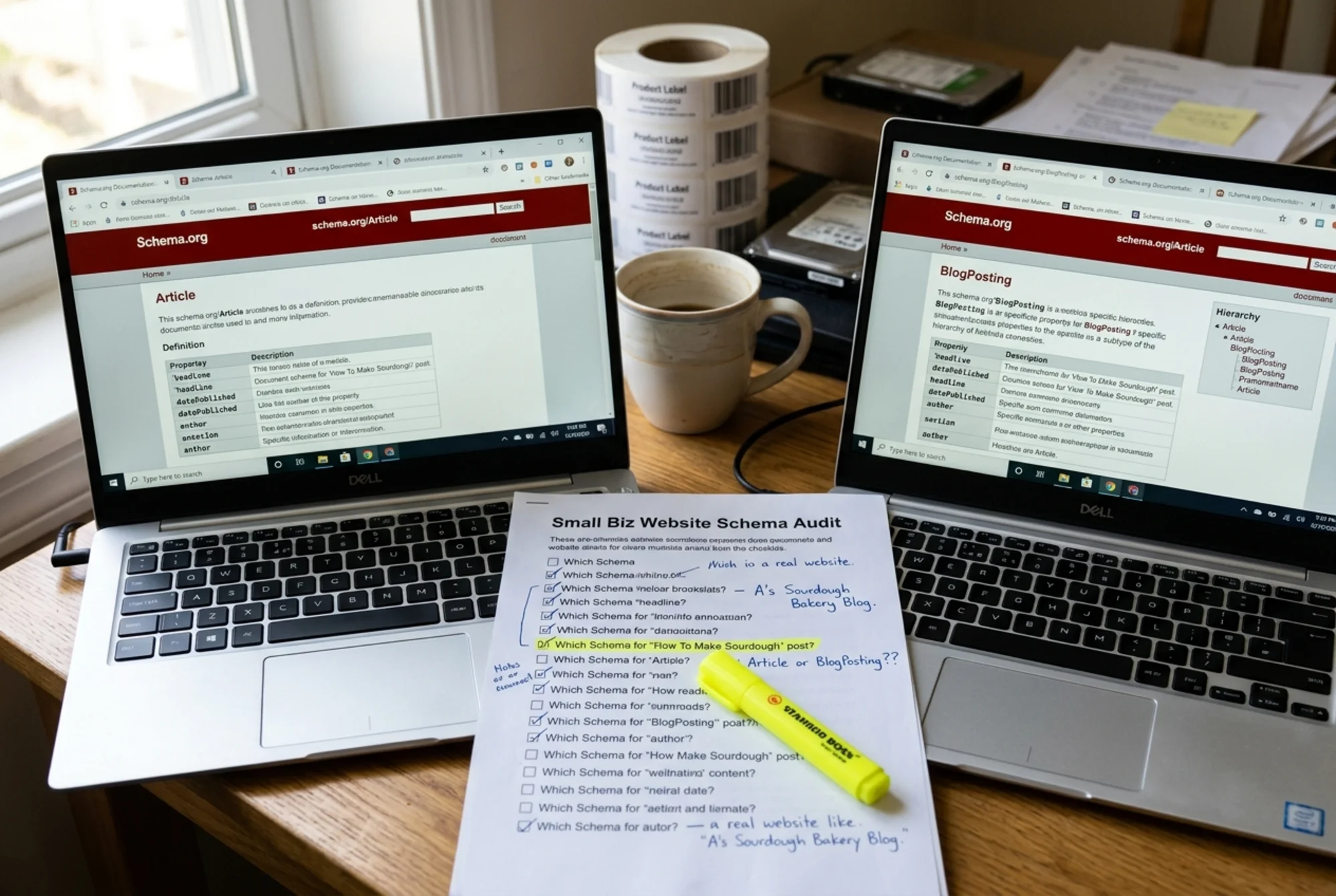
A simple decision checklist
Run through these questions:
- Is the content published in a clearly labeled blog section? Use
BlogPosting. - Is it news, a press release, or a reported piece? Use
NewsArticle. - Is it an evergreen report, pillar page, or guide that doesn't fit either? Use
Article. - Not sure? Use
Article. It's the safest fallback because it's the parent type.
That's it.
A small business example: the bakery scenario
Imagine you run a bakery in Portland with three types of content:
- A weekly blog with recipes, baking tips, and sourdough stories
- A "Press" page with features about your business
- A holiday landing page with an in-depth guide on ordering custom cakes
Here's what each should use:
- The weekly blog:
BlogPosting. It's editorial, written by you, and lives under/blog/. - The press features:
NewsArticleif you wrote them; otherwise link to the original on the journalist's publication. - The holiday cake guide:
Article. It's evergreen and doesn't feel like a blog post or news piece.
This nuance won't make or break your SEO, but it makes your structured data feel intentional rather than copy-pasted.
What goes inside the markup
Whichever type you choose, the required and recommended fields are the same. Here's a stripped-down example:
{
"@context": "https://schema.org",
"@type": "BlogPosting",
"headline": "How to Store Sourdough for Maximum Freshness",
"image": [
"https://example.com/images/sourdough-1x1.jpg",
"https://example.com/images/sourdough-4x3.jpg",
"https://example.com/images/sourdough-16x9.jpg"
],
"datePublished": "2026-05-20T08:00:00-07:00",
"dateModified": "2026-05-22T10:30:00-07:00",
"author": [{
"@type": "Person",
"name": "Sara Patel",
"url": "https://example.com/about/sara"
}],
"publisher": {
"@type": "Organization",
"name": "Patel's Sourdough",
"logo": {
"@type": "ImageObject",
"url": "https://example.com/logo.png"
}
}
}
To swap to Article, change exactly one thing: "@type": "BlogPosting" becomes "@type": "Article". Everything else stays the same.
The fields most small businesses get wrong
Even with the right type, people fumble the details. Watch these:
headline: Match your actual visible page title closely. Don't stuff keywords that aren't in your visible content.image: Provide multiple aspect ratios (1x1, 4x3, 16x9) when you can. Use real, accessible URLs.datePublishedanddateModified: Use accurate ISO 8601 dates. Don't fake "fresh" dates on old content — Google can spot it.author: Use a real person and link to a real bio page. Generic entries like "Admin" or "Team" weaken your E-E-A-T signals.publisher: The organization that owns the site, not the same value as the author.
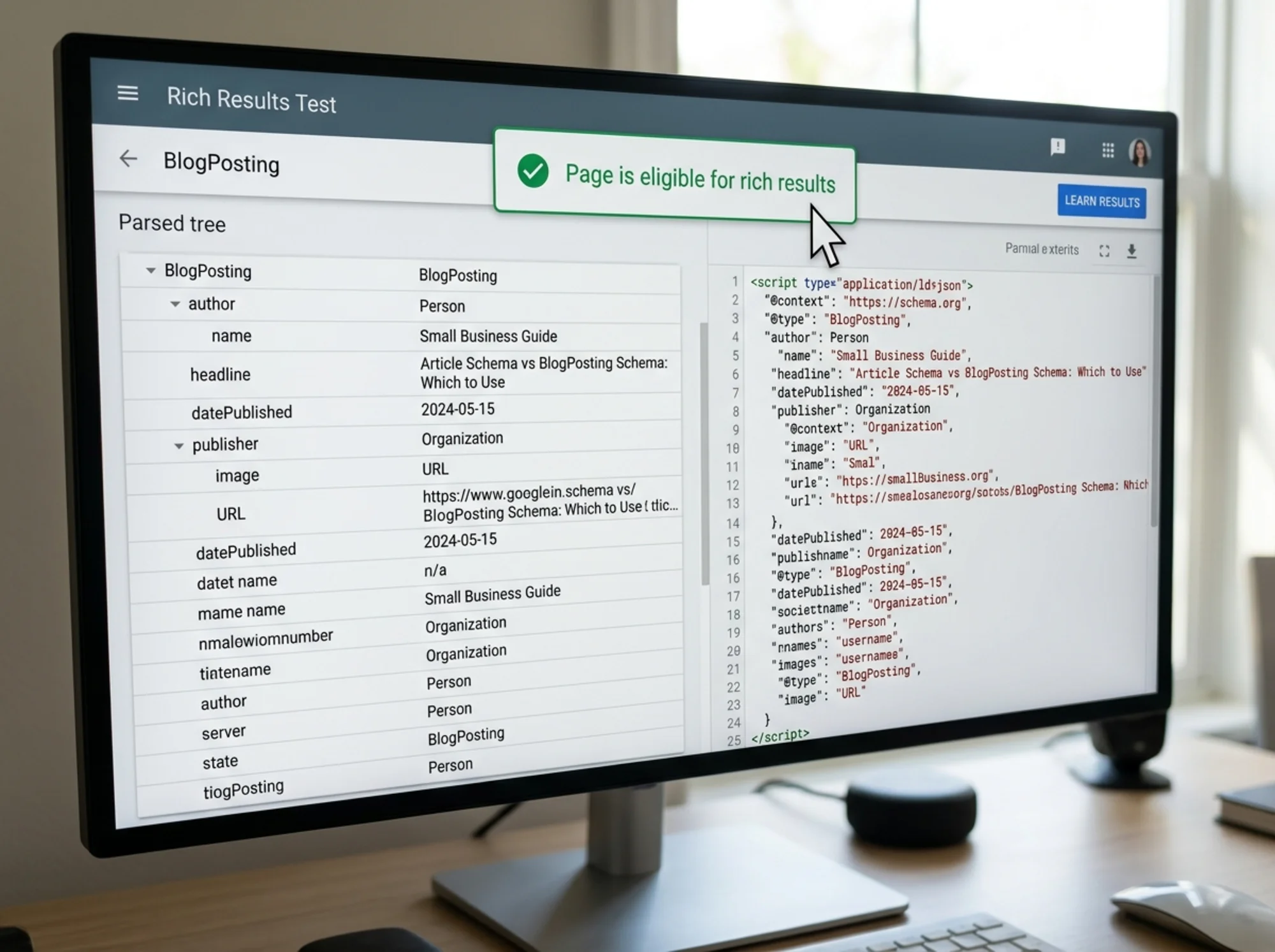
How to add it without touching code (mostly)
You don't need to be a developer:
- WordPress: Plugins like Yoast SEO, Rank Math, or The SEO Framework add
ArticleorBlogPostingschema automatically. Check the plugin settings and confirm which type it's using. - Shopify: Most themes include basic article schema by default. Check the theme docs and audit it.
- Squarespace: Adds blog post schema automatically. Use code injection if you need to override fields.
- Wix: Generates basic schema by default and offers a custom JSON-LD option for advanced users.
If you're hand-coding, paste your JSON-LD inside a