Breadcrumb Schema: The Easy SEO Win Most Small Business Sites Miss
Breadcrumb schema replaces messy URLs in Google with a clean navigation trail. A plain-English guide to what it does, how to add it, and how to validate it.
# Breadcrumb Schema: The Easy SEO Win Most Small Business Sites Miss
If you've ever searched for your own business on Google and seen a result with a long, messy URL — something like yourshop.com/wp-content/?p=4827 — you've already met the problem that breadcrumb schema solves.
Breadcrumbs are those little navigation trails you see on websites: Home > Services > Plumbing > Emergency Repairs. They tell visitors where they are. Breadcrumb schema is the small piece of code that tells Google the same thing, so your search listing can show that tidy trail instead of a confusing URL.
It's one of the lowest-effort, highest-clarity wins available to a small business site. You don't need to rewrite anything. In many cases you just need to flip a switch on a plugin that's already installed.

What breadcrumb schema actually does
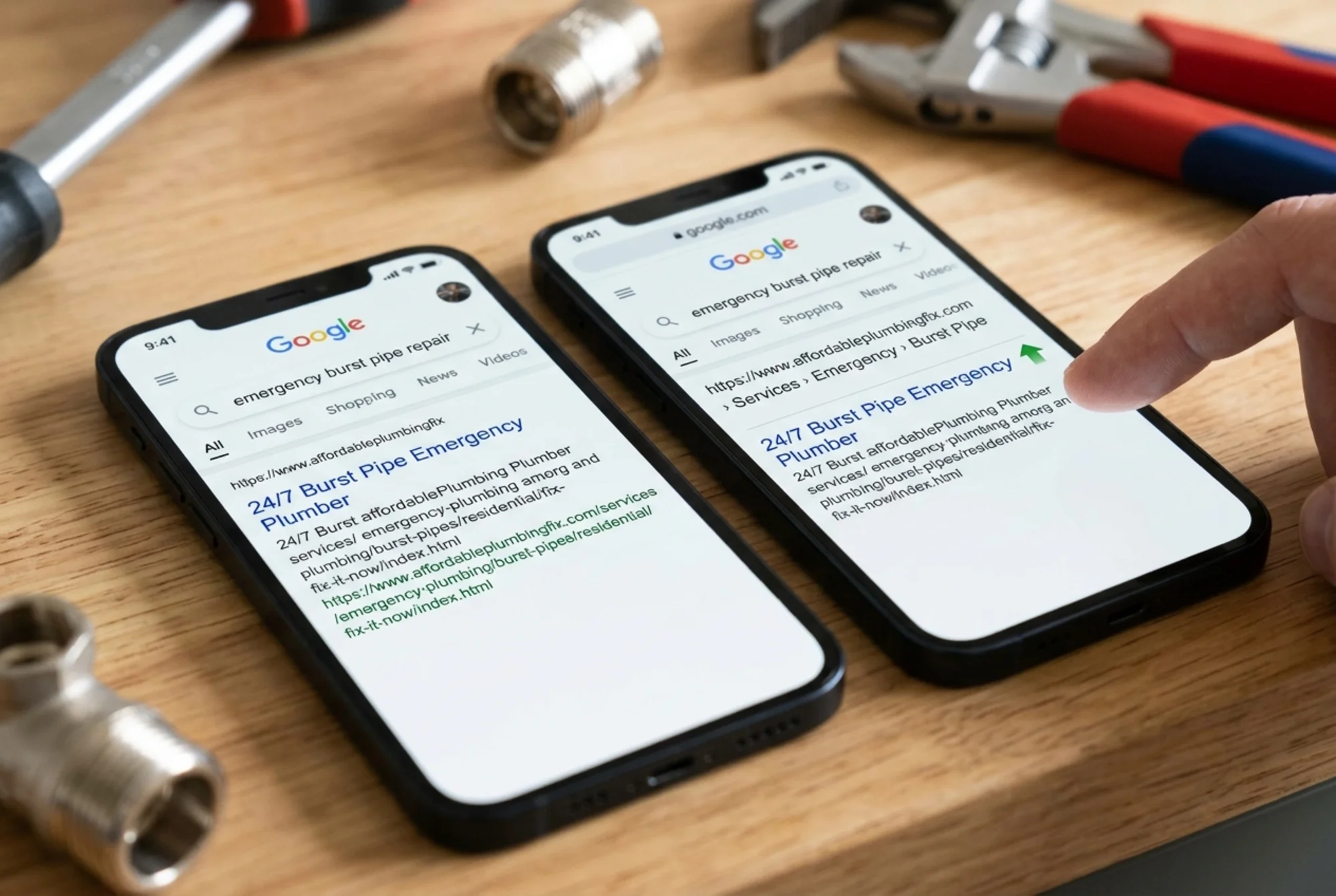
Breadcrumb schema is a small block of structured data — usually written in JSON-LD — that lists the path a user took to reach a page. Google reads it and uses it to display a breadcrumb trail in your search result, replacing the URL line.
So instead of this in search results:
sweetlanebakery.com/wp-content/category/cakes/wedding/three-tier
You get this:
sweetlanebakery.com › Cakes › Wedding › Three-Tier
That's the whole point. It does three useful things:
- It makes your listing easier to read. People skim search results. A clean path tells them what they're clicking into.
- It signals site structure to Google. Search engines use breadcrumb data alongside other signals to understand how pages relate to each other.
- It can improve click-through rate. Listings that look organized and trustworthy tend to get clicked more often than messy-looking ones.
Google's documentation describes breadcrumb structured data as an officially supported way to help search engines understand your site's hierarchy and present it to users. It's not a hack.
When breadcrumbs matter most
Not every site needs them. A single-page portfolio doesn't. But you almost certainly do if your site looks like any of these:
- An ecommerce store with categories and subcategories (Home > Bags > Leather > Crossbody)
- A service business with multiple service pages (Home > Services > HVAC > Heat Pump Repair)
- A local business serving multiple areas (Home > Locations > Austin > Plumbing)
- A blog or resource section organized by topic (Home > Blog > SEO > Schema Markup)
- A help center or knowledge base with nested articles
The general rule: if your site has more than two levels of pages, breadcrumb schema is worth adding.
The problem it solves for small businesses
Most small business websites grow over time. You add a page here, a category there, a blog post, a landing page for a new service. After a couple of years, the URLs get long and ugly. WordPress, Shopify, Wix and Squarespace each have their own URL quirks — some end up with /category/ or /product/ paths or random IDs baked in.
When Google shows that URL in search results, it's showing visitors raw plumbing they shouldn't have to think about. A breadcrumb replaces it with something a human can scan at a glance.

There's also a content-quality angle. Google's guidance on helpful content emphasizes pages that are clear about their purpose and easy to navigate. Breadcrumbs — both the visible kind on your page and the schema kind in the code — are one of the cleanest ways to signal "this page sits inside a logical structure."
What a breadcrumb schema snippet looks like
Imagine you're a plumber with a page at yoursite.com/services/emergency/burst-pipe. The schema for that page looks like this:
You don't need to memorize this — most CMS plugins generate it automatically. But it helps to recognize what's going on:
- Each step in the path is a
ListItem. positionnumbers them in order, starting at 1.nameis the human-readable label.itemis the URL of that step.
Four steps, in order, with names and links. That's it.
A specific walkthrough: a small ecommerce site
Say you sell handmade ceramics at clayhouse.com. You have a homepage, a "Shop" category, a "Mugs" subcategory, and a product called "Speckled Stoneware Mug" at clayhouse.com/shop/mugs/speckled-stoneware-mug.
Step 1: Decide your breadcrumb trail. Home > Shop > Mugs > Speckled Stoneware Mug. Each one is a real page someone can navigate to.
Step 2: Add visible breadcrumbs to the page. Before touching any code, make sure the page itself shows breadcrumbs to visitors at the top. Google specifically recommends that the markup reflects what's actually on the page. Don't add schema for a path that doesn't visibly exist.
Step 3: Add the structured data.
- On Shopify, most modern themes emit breadcrumb schema automatically — check your theme settings.
- On WordPress with Yoast SEO, Rank Math, or All in One SEO, breadcrumb schema is built in. You turn it on once and it applies site-wide.
- On Wix and Squarespace, support varies by template. Custom code blocks are an option for the rest.
- On Webflow, use a CMS breadcrumb component or add a JSON-LD embed.
Step 4: Test it. This is the step most people skip. Run the page URL through Google's Rich Results Test. It will tell you whether your breadcrumb schema is valid and what trail Google will see.
Step 5: Check Search Console. Once the page is reindexed, Search Console will report any breadcrumb errors under the "Enhancements" section. Check a week or two after adding the markup.

A 10-minute checklist
If you want the short version:
- [ ] Pick a page with a clear hierarchy (a product, a service page, a blog post in a category)
- [ ] Confirm visible breadcrumbs exist on the page itself
- [ ] Make sure each step in the breadcrumb links to a real URL returning a 200 status
- [ ] Add or enable BreadcrumbList schema (via plugin, theme, or manual code)
- [ ] Validate the page in Google's Rich Results Test
- [ ] Wait 1–2 weeks, then check Search Console for breadcrumb errors
Once you've done it for one template (say, your product page), the same schema applies to every product on your site. You only do it once per page type.
Common mistakes to avoid
A few things trip people up:
- Marking up paths that don't exist. If your breadcrumb names "Mugs" but
clayhouse.com/shop/mugsreturns a 404, Google flags it as an error. Every step needs to be a real, reachable URL. - Inconsistent labels. If your visible breadcrumb says "Our Services" but your schema says "Services," that's a mismatch. Keep them identical.
- Breadcrumbs that don't match the URL structure. A page at
/blog/post-nameshouldn't have a breadcrumb claiming it lives under/articles/. Match the actual structure. - Duplicate breadcrumb schemas on one page. If your theme adds breadcrumb schema and your SEO plugin also does, you'll have two. Pick one source.
- Forgetting to revalidate after a redesign. If you change URL structure, old paths will start returning 404 — and your breadcrumb schema needs to follow.
How breadcrumb schema fits with other structured data
Breadcrumb is one of several structured data types small business sites should know about:
- Article schema for blog posts and editorial content
- Product schema for ecommerce items (with price, availability, reviews)
- LocalBusiness schema for businesses with a physical location
- Organization schema for your homepage
Breadcrumb plays well with all of these. You can — and should — have multiple schema blocks on one page when they describe different things. A product page can carry BreadcrumbList and Product schema. A blog post can carry BreadcrumbList and Article schema. They don't conflict.
If you're already using one of these and haven't added breadcrumbs yet, this is usually the quickest next step in your structured data backlog.
How to check if you already have it
Before adding anything, check whether your site already emits breadcrumb schema. Three quick ways:
- View page source. Right-click any product or article page and choose "View Page Source." Search for
BreadcrumbList. If you find it, you've already got it. - Use Google's Rich Results Test. Paste any internal URL into the tool. It lists every type of structured data on the page.
- Check Search Console. Under "Enhancements," look for a "Breadcrumbs" report. If it exists with valid pages, you're already running it.
Many small business sites are halfway there — the theme is emitting schema, but visible breadcrumbs are missing or inconsistent. Fixing the visible side is often the bigger win.
What kind of result to expect
Be realistic. Breadcrumb schema is a clarity win, not a ranking miracle:
- It changes how your URL displays in search results, often within days of being reindexed.
- It can nudge click-through rate up, especially on listings where the raw URL was long or unclear.
- It helps Google understand site structure, which compounds as your site grows.
What it doesn't do: directly move you up the rankings, guarantee Google will display the breadcrumb in every listing (Google decides case by case), or fix bad content, slow page speed, or other underlying issues.
Pulling it together
Breadcrumb schema is one of those small jobs that pays off quietly in the background. It doesn't transform your business. It makes your site easier for Google to understand and easier for humans to scan. Once it's in place, it keeps working on every new page that fits the same template.
If you have a small business site with more than a handful of pages organized into categories or service areas, this is worth an afternoon of your time.
Run a free audit before you start
The fastest way to know what structured data your site already has — and what's missing — is to audit it. FreeSiteAudit will scan your site and flag pages missing breadcrumb schema, validation errors, and other structured data wins. Run a free website audit and get a plain-English list of what to fix.
Sources
- https://developers.google.com/search/docs/appearance/structured-data/breadcrumb
- https://developers.google.com/search/docs/appearance/structured-data/article
- https://developers.google.com/search/docs/fundamentals/creating-helpful-content
Related Tools
Related Fixes
Check your website for free
Get an instant score and your top 3 critical issues in under 60 seconds.
Get Your Free Audit →