FAQ Pages That Help Humans and AI Search Engines
How to build FAQ pages that answer real questions, rank in Google AI Overviews, and get cited by ChatGPT and Perplexity using proper FAQ schema markup.
Here's your FAQ page. Not the boring kind buried in your website's footer that nobody reads. The kind that actually brings in traffic, answers real questions, and gets your business cited by AI tools like ChatGPT, Perplexity, and Google's AI Overviews.
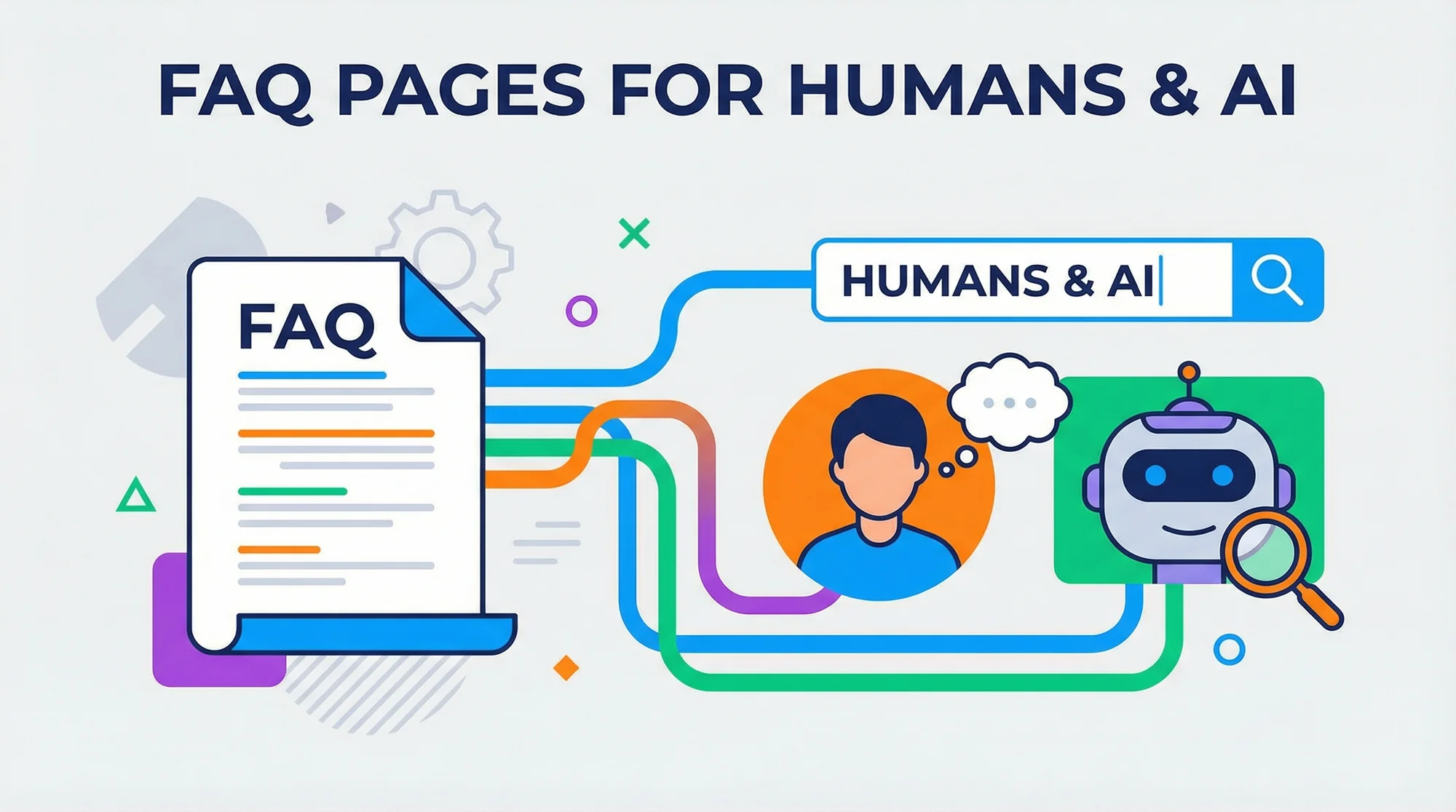
If that sounds like a lot for a simple FAQ page to do, keep reading. Because in 2026, your FAQ page might be the hardest-working page on your entire site.
Why FAQ Pages Matter More Than Ever
Let's talk about what's changed.
A few years ago, FAQ pages were an afterthought. You'd slap up five generic questions, write some corporate-sounding answers, and move on. Nobody visited the page. It didn't rank for anything. It existed because "every website should have one."
That world is gone.
Today, Google's AI Overviews pull directly from well-structured FAQ content to answer search queries right at the top of results. When someone asks Google "how much does a root canal cost without insurance," Google's AI doesn't just show ten blue links — it assembles an answer. And FAQ pages with clear, direct answers are exactly where it pulls from.
It's not just Google. ChatGPT, Perplexity, Copilot, and every other AI search tool are doing the same thing. They're scanning the web for content that directly answers specific questions. Your FAQ page is literally formatted as questions and answers. See where this is going?
Businesses with strong FAQ pages are showing up in AI-generated answers — even when their overall domain authority is modest. A local plumber in Austin can get cited alongside WebMD if their FAQ answers the question better.

The Dual Purpose: Humans and Machines
Here's what makes FAQ pages special in 2026: they serve two audiences simultaneously.
For your human visitors, a good FAQ page reduces friction. It answers the questions your receptionist fields ten times a day. It builds trust before someone picks up the phone. It saves you time.
For AI search engines, a good FAQ page is a structured data goldmine. AI systems are trained to identify question-answer pairs and serve them to users. Your FAQ page is already in that format — you just need to make sure the machines can read it properly.
This dual purpose is rare. Most pages on your site serve one audience well. Your FAQ page can genuinely serve both — if you build it right.
What Is FAQ Schema Markup (And Why Should You Care)?
Schema markup is code you add to your website that helps search engines understand what's on the page. Think of it as labels on a filing cabinet. The content is the same, but the labels make it infinitely easier to find.
FAQ schema (technically called FAQPage structured data) tells Google and other search engines: "Hey, this page contains questions and answers. Here they are, neatly organized."
When you add FAQ schema, a few things happen:
- Google can display your questions directly in search results as rich snippets — those expandable dropdowns you've seen under some search results
- AI Overviews are more likely to cite your answers because the structured data removes ambiguity
- Other AI tools can parse your content more reliably, making your business more citable across platforms
Without schema, your FAQ page is just text on a page. Search engines can probably figure out it's a FAQ, but "probably" isn't a strategy. Schema removes the guesswork.
The good news? You don't need to write code yourself. Most website builders (WordPress, Squarespace, Wix) have plugins or built-in tools that add FAQ schema for you. You just need to know it matters — and verify it's actually working. More on that later.

Writing Questions People Actually Ask
This is where most businesses get it wrong. They write FAQ questions from their own perspective, not their customers'.
Bad example: "What makes Johnson Plumbing the best choice for your home?"
Nobody types that into Google. That's marketing, not a FAQ.
Good example: "How much does it cost to fix a leaking faucet in Denver?"
That's a real question. Someone is sitting in their kitchen with a dripping faucet, Googling exactly that. If your FAQ answers it with a real number — "Most faucet repairs in Denver run between $120 and $250 depending on the fixture type" — you've just become the most useful result on the page.
How to Find the Right Questions
Here are three ways to find questions your customers actually ask:
- Ask your front desk or sales team. What do people ask on the phone before booking? Those are your FAQ questions, verbatim.
- Use Google's "People Also Ask" section. Search for your main service and location. Google will show you 4-8 related questions. Those are real queries from real people.
- Check your Google Business Profile reviews. Customers often mention what they didn't know before hiring you. Turn those gaps into FAQ answers.
The sweet spot is long-tail, conversational questions. Not "our services" but "how long does a dental crown take from start to finish?" Not "pricing" but "do most insurance plans cover water heater replacement?"

Common FAQ Page Mistakes (And How to Avoid Them)
Too Few Questions
Five questions isn't a FAQ page. It's a placeholder. Aim for 15-30 well-written questions minimum. More is fine if they're genuinely useful. Each question is a potential entry point from search.
Marketing Fluff Instead of Real Answers
"At Smith & Associates, we pride ourselves on delivering exceptional service with a commitment to excellence." That's not an answer. That's a brochure.
Answer the actual question. Use numbers, timeframes, and specifics. "Most personal injury cases settle in 8-14 months. If your case goes to trial, expect 18-24 months." That's an answer someone can use.
No Schema Markup
You wrote 25 great questions with detailed answers. But without FAQ schema, you're leaving visibility on the table. It takes 15 minutes to add. Don't skip it.
Hiding FAQs in Accordions That Search Engines Can't See
This one surprises people. If your FAQ questions are hidden behind JavaScript-powered accordion toggles, some search engines can't see the answers until a user clicks to expand them.
Google has gotten better at rendering JavaScript, but "better" isn't "perfect." And other AI crawlers may not render JavaScript at all. If your answers are hidden by default, they might as well not exist for AI purposes.
The fix? Make sure your FAQ content is in the HTML source code, not just loaded on click. Your developer can check this in about two minutes.
Duplicate Content Across Pages
Don't copy the same FAQ questions onto every service page. Google sees duplicate content and gets confused about which page to rank. Write unique questions for each page, or keep your FAQ centralized on one dedicated page.
Organizing FAQs for Different Audiences
Not all FAQ questions serve the same purpose. Think of them in three tiers:
Tier 1: Customer Questions (Trust Builders)
These answer the practical concerns of someone about to hire you:
- "Do you offer free estimates?"
- "What areas do you serve?"
- "Are you licensed and insured?"
- "What happens if I'm not satisfied with the work?"
These reduce anxiety and move people toward booking.
Tier 2: Search-Focused Questions (Traffic Drivers)
These target specific queries people type into Google:
- "How much does it cost to replace a sewer line in Phoenix?"
- "Is teeth whitening safe during pregnancy?"
- "Can I sue for a slip and fall at a grocery store?"
These bring new visitors to your site who've never heard of you.
Tier 3: AI-Optimized Questions (Citation Magnets)
These are designed to be cited by AI tools — clear, factual, comprehensive:
- "What are the signs you need a new roof vs. a repair?"
- "What's the difference between a crown and a veneer?"
- "How long do you have to file a personal injury claim in Texas?"
AI tools love definitive, well-structured answers to common questions. These get you cited.
The best FAQ pages blend all three tiers naturally.
Industry-Specific Examples
Plumbers
- "How much does it cost to unclog a main sewer line?" → Include a price range for your area
- "Should I repair or replace my water heater?" → Give the 8-10 year rule with specifics
- "Do you charge extra for weekend emergency calls?" → Be transparent about rates
Dentists
- "How long do dental implants last?" → Cite the 20-25 year average with proper care
- "Does dental insurance cover Invisalign?" → Explain what most PPO plans cover
- "What's the difference between a deep cleaning and a regular cleaning?" → Break it down simply
Lawyers
- "How much does a personal injury lawyer cost?" → Explain contingency fees in plain English
- "What should I do immediately after a car accident?" → Give a numbered checklist
- "How long will my divorce take in [state]?" → Provide realistic contested vs. uncontested timelines
Contractors
- "Do I need a permit to build a deck?" → Explain local rules with square footage thresholds
- "How long does a kitchen remodel take?" → Give ranges for different scopes
- "What's included in your estimate?" → List exactly what's covered and what's not
Notice the pattern? Every question is something a real person would search. Every answer includes specifics. That's what works.
How to Check If Your FAQ Markup Is Actually Working
Here's the thing about FAQ schema: you can add it and think it's working, but it might not be. Broken markup, missing fields, syntax errors — any of these silently kill your rich snippet eligibility.
You can't tell just by looking at your page. The schema lives in the code, and errors are invisible to visitors.
That's exactly what our schema checker is built for. FreeSiteAudit scans your page, finds your FAQ markup, validates it against Google's requirements, and tells you exactly what's working and what isn't.
We check for:
- Missing FAQ schema entirely — the most common issue
- Malformed JSON-LD — syntax errors that invalidate your markup
- Incomplete question-answer pairs — questions without proper answers
- Schema that doesn't match visible content — a red flag for Google
- Multiple schema conflicts — when different plugins add competing markup
It takes under 60 seconds and costs nothing.
Ready to check if your FAQ page is working as hard as it should?
Our schema checker will tell you instantly whether your FAQ markup is set up correctly — and what to fix if it's not.
Sources
This article references best practices and data from authoritative sources including:
- Google Search Central - Structured Data Guidelines
- Schema.org - FAQPage Documentation
- Google AI Overviews - How AI Overviews Work
- Web.dev - Structured Data Best Practices
Last updated: March 25, 2026
Related Tools
Related Industries
Check your website for free
Get an instant score and your top 3 critical issues in under 60 seconds.
Get Your Free Audit →