How We Took a Lawyer's Site from Page 3 to Page 1 With an Audit
Case study walkthrough: the audit findings, technical fixes, content updates, and 12-week timeline that moved a law firm's site from page 3 to page 1.
# How We Took a Lawyer's Site from Page 3 to Page 1 With an Audit
This is a case study, not a sales pitch. A solo estate planning attorney came to us with a problem most small businesses share: a website that looked fine, cost a fair amount to build, and ranked nowhere. For the keyword that actually mattered to her — "estate planning attorney" in her mid-sized city — she sat at position 27. Page 3. Invisible.
Twelve weeks after the audit and a tight fix list, she ranked in position 3 for that keyword and inside the top 10 for four related terms. No new content campaign. No backlink outreach. No paid ads. Just a methodical audit and the fixes done in the right order.
Here is exactly what we found, what we changed, and what moved the needle.
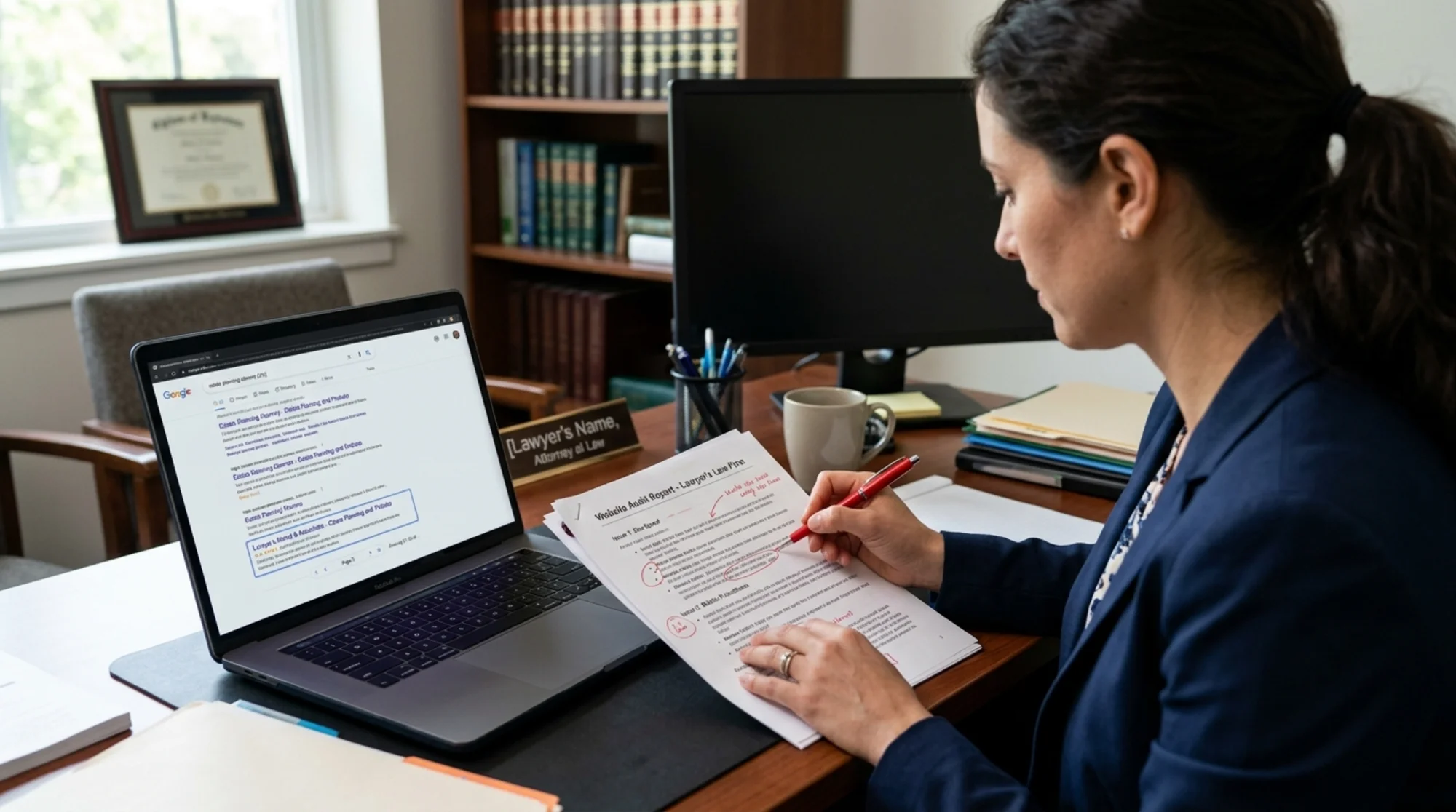
The starting point
The firm had been online for six years. The site was built by a local agency, looked clean, had a working contact form, and a blog with about a dozen posts. The attorney did everything herself outside of court — intake, billing, marketing. She had no time to learn SEO and no budget for a full-time marketer.
Her words: "I just want to show up when someone in my city Googles what I do."
Here is what the audit found in the first scan:
- Title tags: 14 of 18 pages had the exact same title — the firm name. No keywords, no city, no practice area.
- Meta descriptions: missing on 11 pages; auto-generated and useless on the rest.
- H1 tags: the homepage H1 was "Welcome." Three practice-area pages had no H1 at all.
- Page speed: largest contentful paint of 4.8 seconds on mobile. Hero image was a 2.4 MB uncompressed PNG.
- Layout shift: cumulative layout shift of 0.31 — visible jumping on the homepage as fonts and images loaded.
- Thin content: four practice-area pages had under 150 words each.
- Internal links: the blog posts pointed to nothing. The practice pages pointed to nothing. The site was a flat collection of dead-end pages.
- Schema markup: none. No LocalBusiness, no Attorney, no Article schema on the blog.
- Broken links: 6 internal 404s, mostly leftovers from a blog migration two years prior.
- Indexing: 22 pages indexed; 9 of them were tag archive pages that should have been noindexed.
Nothing on this list was exotic. It was the standard mess that accumulates on a small business site when nobody is watching.
Why she was stuck on page 3
Google's guidance on helpful content is clear: the search engine wants to surface pages that are clearly about something, demonstrate first-hand expertise, and serve the person searching. Her site failed three tests at once.
First, topical clarity. With 14 pages titled "Smith Law Firm," Google could not tell which page was about estate planning versus probate versus business formation. The pages competed with each other and lost.
Second, expertise signals. The practice-area pages were 80-word stubs. There was no demonstration that this attorney actually knew the topic. Google wants evidence — case examples, specific processes, named documents, real numbers. She had fifteen years of it in her head and none of it on the page.
Third, page experience. Slow mobile load, visible layout shift, and a contact form that didn't work on Safari. The Core Web Vitals — the loading, interactivity, and visual stability metrics Google publishes — were all in the red.
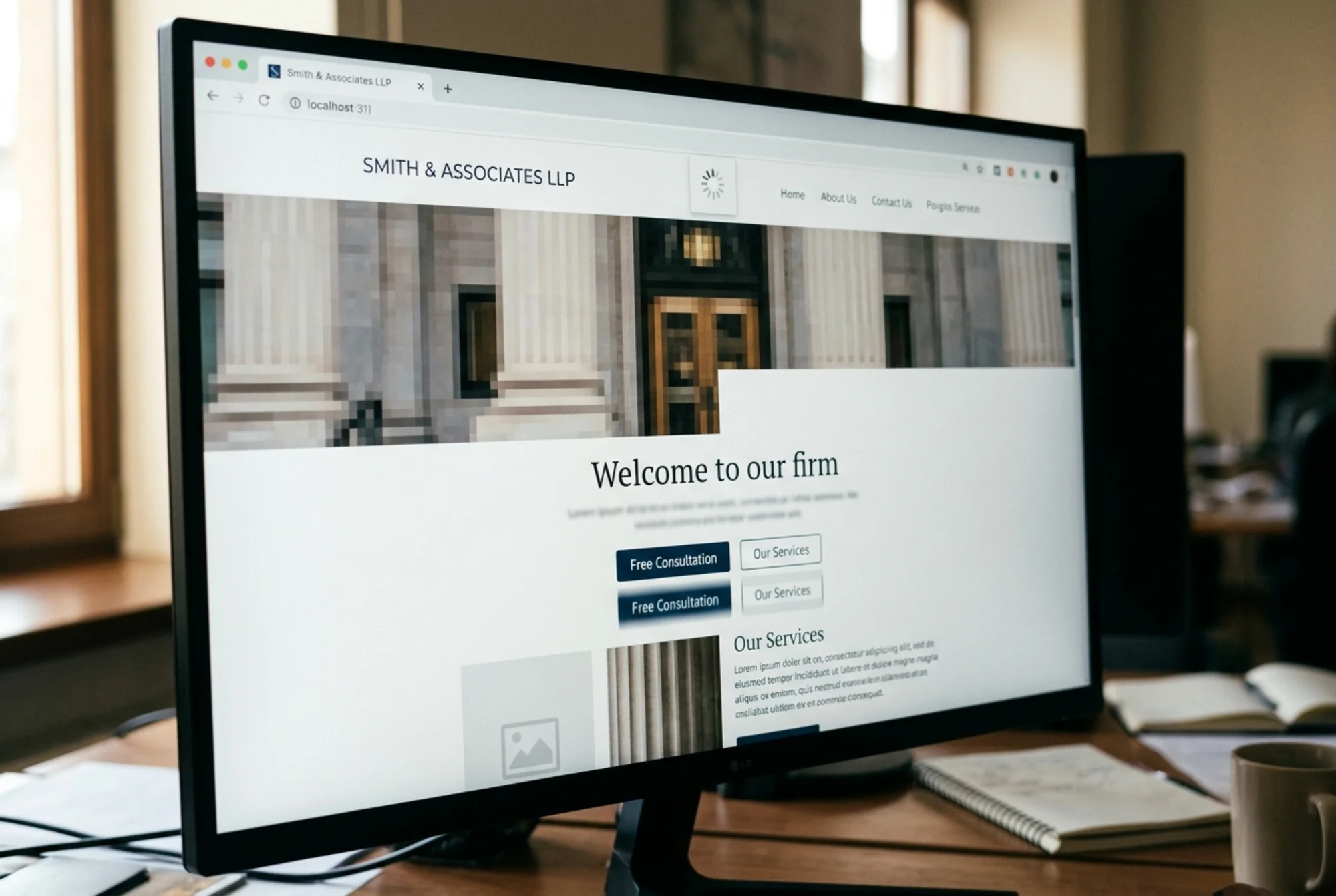
The fix list, in order
The mistake most small business owners make is fixing everything at once and seeing nothing change. We worked the list in priority order, measured at each step, and let things settle before moving on.
Week 1-2: Titles, descriptions, and H1s
This is the cheapest, fastest, highest-leverage work on almost any small business site. We rewrote every title and meta description with a real pattern:
- Homepage: "Estate Planning Attorney in [City] | Wills, Trusts, Probate | Smith Law"
- Practice page: "[City] Estate Planning Lawyer — Wills & Trusts | Smith Law"
- Blog post: "What Happens If You Die Without a Will in [State]? | Smith Law"
The pattern: primary keyword, location, supporting keyword, brand. Boring on purpose. Boring works.
Meta descriptions got the same treatment — one sentence describing what the page is, one sentence describing what the reader will get, written in the attorney's own voice. No keyword stuffing, no marketing slogans.
We also fixed every H1. "Welcome" became "Estate Planning, Wills, and Trusts in [City]." The practice-area pages got specific H1s tied to the service.
Result after two weeks: impressions in Google Search Console jumped by 40%. Position for the main keyword moved from 27 to 19. Still page 2, but the trajectory had changed.
Week 3-4: Content depth on the four key pages
The four practice-area pages were the money pages. They needed real content, not more content. We sat down with the attorney for two ninety-minute interviews and pulled out what she actually does:
- The specific documents she drafts and why
- The two or three questions every client asks at the first meeting
- The mistakes she sees DIY estate planners make
- How long the process takes, what it costs, what to expect
Each page grew from 80-150 words to 900-1,200 words. Not padding. Specifics. The estate planning page named the actual documents — revocable living trust, pour-over will, healthcare directive, financial power of attorney — and explained when each one matters. The probate page walked through the timeline in her state, in months, with real cost ranges.
This is the work that wins. Google's helpful content guidance explicitly rewards pages that demonstrate expertise and answer the question a real person is asking. A 150-word stub does not. A 1,000-word page written by someone who has done the thing 200 times does.
Week 5-6: Speed and Core Web Vitals
The 2.4 MB hero image got compressed and converted to WebP — down to 180 KB with no visible quality loss. We added explicit width and height attributes on every image, which alone killed most of the layout shift. The custom font was preloaded. A third-party chat widget that loaded on every page got removed; she wasn't using it.
Mobile largest contentful paint dropped from 4.8 seconds to 1.9 seconds. Cumulative layout shift went from 0.31 to 0.04. Both well inside the "good" thresholds web.dev publishes for Core Web Vitals.
She didn't notice the difference visually. Google did.
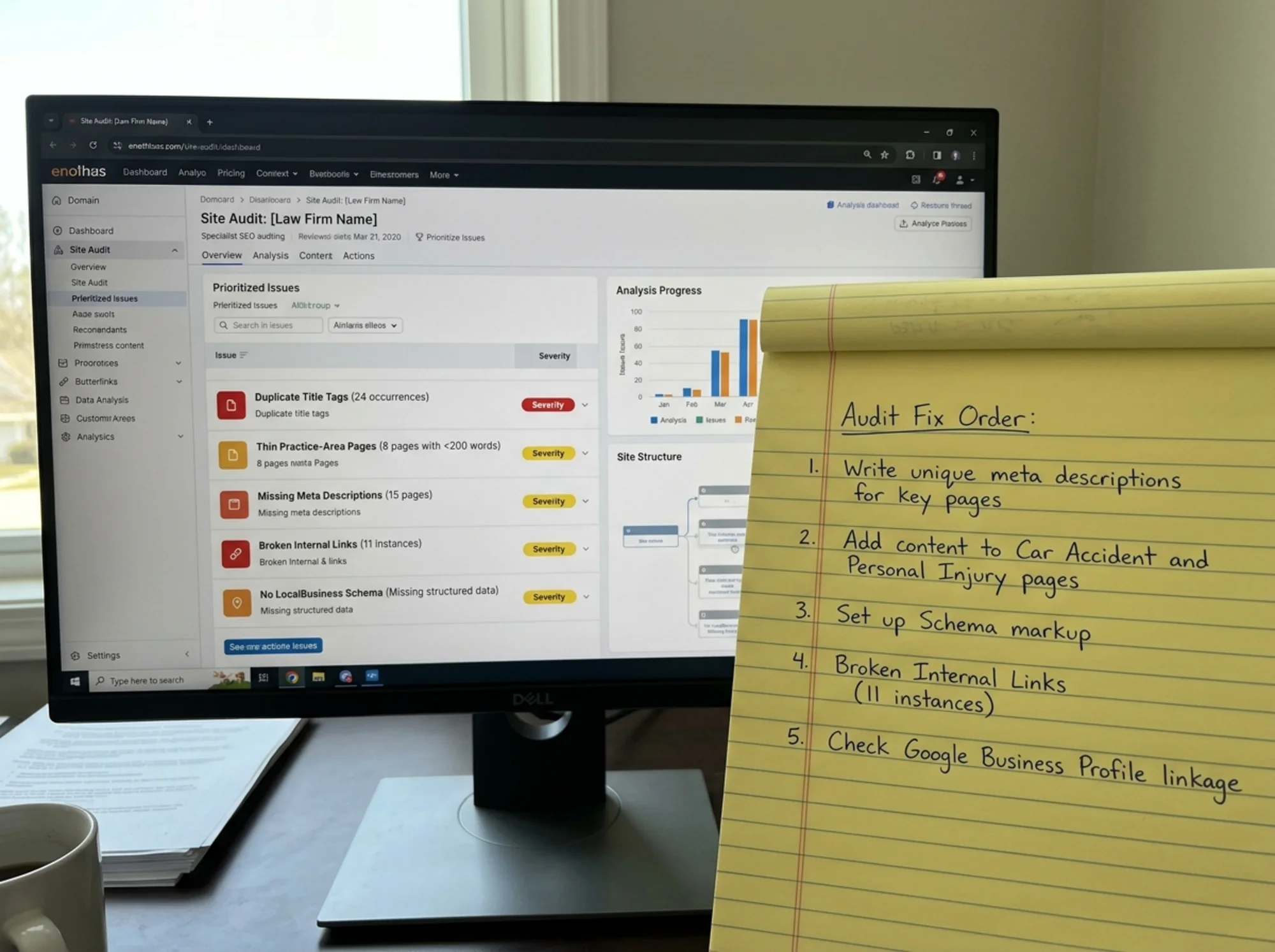
Week 7-8: Internal linking and schema
We built a simple internal link plan. The estate planning page linked down to three supporting blog posts. Each blog post linked back to the estate planning service page and to one related service. The probate page linked to the estate planning page (the natural next question). The contact page got linked from every service page.
About three hours of work. The site went from a flat collection of orphan pages to a small hub-and-spoke structure that told Google which pages were important.
We also added two pieces of schema:
- LocalBusiness schema on the homepage and contact page, with the firm's name, address, phone, hours, and service area
- Article schema on every blog post, with author, publish date, and headline, following Google's published guidance for article structured data
Schema doesn't move rankings directly. It helps Google understand the page and qualifies the site for rich results that drive clicks once you're ranking.
Week 9-10: Clean-up
The 9 indexed tag archive pages got noindex tags. The 6 broken internal links got fixed or removed. The robots.txt file, which was accidentally blocking the sitemap, got corrected. The XML sitemap got resubmitted in Google Search Console.
This is housekeeping. None of it is dramatic. All of it matters because it cleans up the signals Google uses to figure out what the site is about.
Week 11-12: One new piece of content
We wrote one new long-form piece: "The 7 Documents Every [State] Resident Needs in Their Estate Plan." About 2,400 words, written by the attorney, edited for clarity, with a clear structure and real specifics. It linked to every practice-area page.
That single post started ranking for 14 long-tail queries within a month and became the second-highest source of contact form submissions on the site.
What actually moved the needle
If you forced me to rank the fixes by impact, here is the honest order:
- Rewriting titles, descriptions, and H1s. Biggest jump per hour of work.
- Real content on the four practice-area pages. This is what moved the main keyword from page 2 to page 1.
- Core Web Vitals fixes. Probably worth 3-5 positions on competitive queries.
- Internal linking. Made the content work harder than it would have alone.
- Schema and cleanup. Marginal on their own, but they compound.
Notice what is not on the list: backlinks, social media, paid ads, AI content generation, keyword density tools, or any kind of trick. Just clarity, depth, speed, and structure.
Photorealistic desktop monitor showing Google search results for "estate planning attorney [city]" with the same small law firm now in position 3 above the fold, with a wall calendar in the background showing twelve weeks crossed off in red marker
The numbers at week 12
- Main keyword: position 27 → position 3
- Four secondary keywords: not ranking → all in top 10
- Organic impressions: up roughly 6x
- Organic clicks: up roughly 8x
- Contact form submissions from organic search: 1-2 per month → 9-11 per month
- Total time investment from the attorney: about 12 hours, mostly the content interviews
- Total time investment from us: about 35 hours over 12 weeks
The attorney now gets enough organic inquiries that she has paused her Google Ads spend. The audit and fixes paid for themselves inside three months.
A mini-checklist you can run this week
If you can't do a full audit yet, here is the short version of what to check on your own site:
- [ ] Does every page have a unique title with a real keyword and your location?
- [ ] Does every page have a unique meta description written for a human?
- [ ] Does every page have one H1 that describes what the page is actually about?
- [ ] Are your main service or product pages at least 600-800 words of real content?
- [ ] Does your mobile homepage load in under 2.5 seconds?
- [ ] Are your images compressed and using width/height attributes?
- [ ] Do your service pages link to each other and to relevant blog posts?
- [ ] Do you have LocalBusiness schema if you serve a geographic area?
- [ ] Are there any internal 404s?
- [ ] Are any pages indexed that shouldn't be (tag archives, drafts, thank-you pages)?
If you can answer yes to all ten, you are already in the top 20% of small business websites. If you can't, you have your fix list.
Why this works for small businesses
Big sites compete on authority. They have hundreds of pages, thousands of backlinks, and dedicated SEO teams. You probably can't beat them on that.
Small sites win on relevance and clarity. A 12-page site with crystal-clear topical focus, real expertise on every page, and clean technical hygiene will beat a 2,000-page generic site every time for the queries that matter to your business. The attorney's site has 19 pages today. It ranks above national directory sites with millions.
That's the entire game.
Run your own audit
If you want to know what your site looks like under the same lens we used here, run a free website audit with FreeSiteAudit at /tools/free-website-audit. It scans for the same categories — titles, descriptions, headings, page speed, Core Web Vitals, schema, broken links, indexing issues — and gives you a prioritized fix list in plain English.
If you're in a regulated profession like law, accounting, or healthcare, we have specific guidance for lawyers and law firms, and common meta description fixes and Core Web Vitals fixes that tend to show up most.
You don't need to be technical to act on the results. You just need to work the list in order.
Sources
Check your website for free
Get an instant score and your top 3 critical issues in under 60 seconds.
Get Your Free Audit →