LocalBusiness Schema Errors That Cost You Rich Results
The most common LocalBusiness schema mistakes that block rich results in Google, and how small business owners can fix them without touching complex code.
# LocalBusiness Schema Errors That Cost You Rich Results
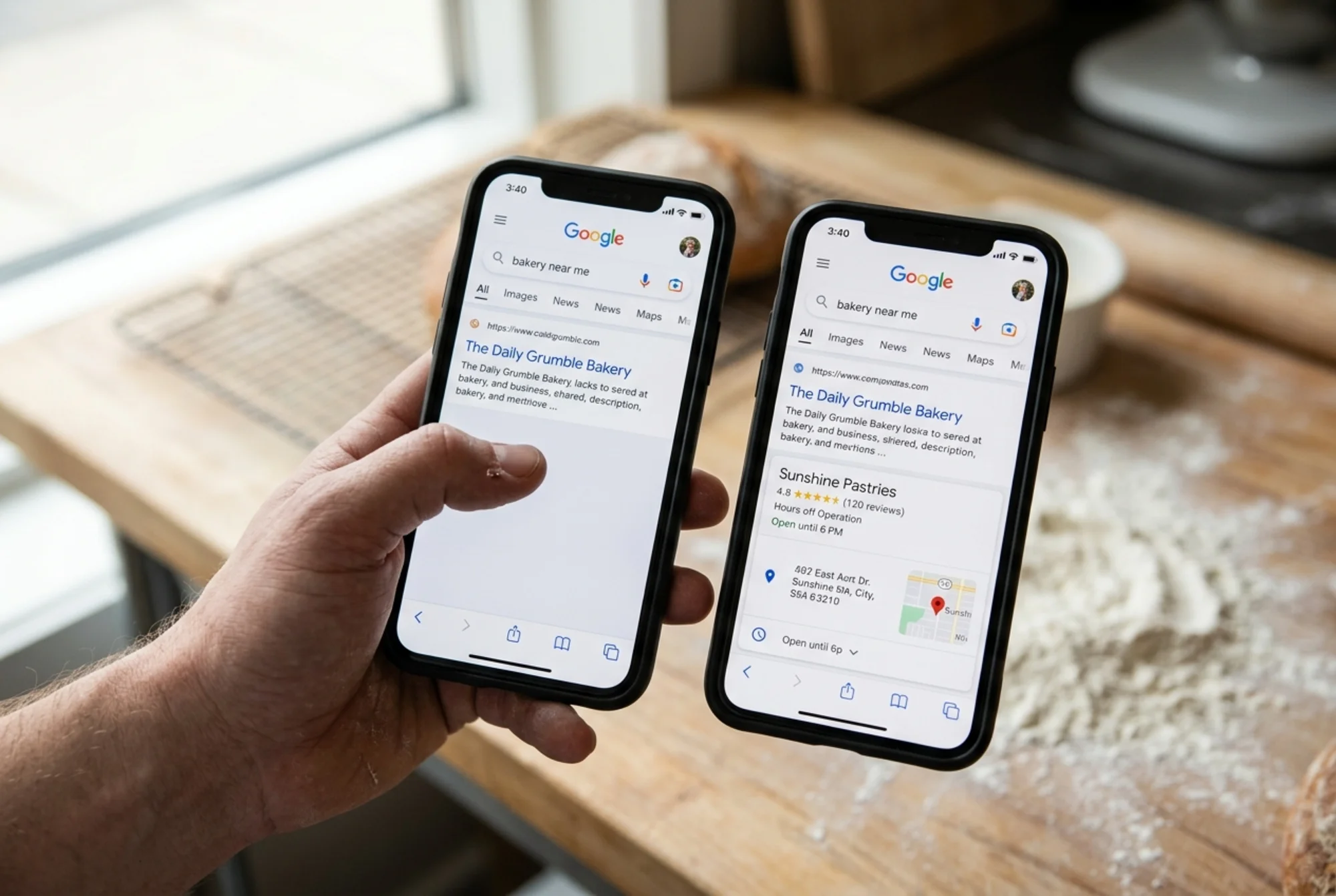
You added structured data to your site. Maybe a developer set it up. Maybe a plugin generated it. Maybe you pasted some JSON-LD from a tutorial. And then nothing happened. Your Google listing still looks plain. No stars. No opening hours. No address pulled neatly into the result.
If that sounds familiar, you almost certainly have a LocalBusiness schema error. Google is strict about what it will display as a rich result, and small mistakes that look harmless silently disqualify your business from the exact feature you installed the schema to get.
This post walks through the most common LocalBusiness schema errors, why they happen, and how to fix them. No theory. Just the problems that keep showing up on small business sites and what to do about each one.
What LocalBusiness schema actually does
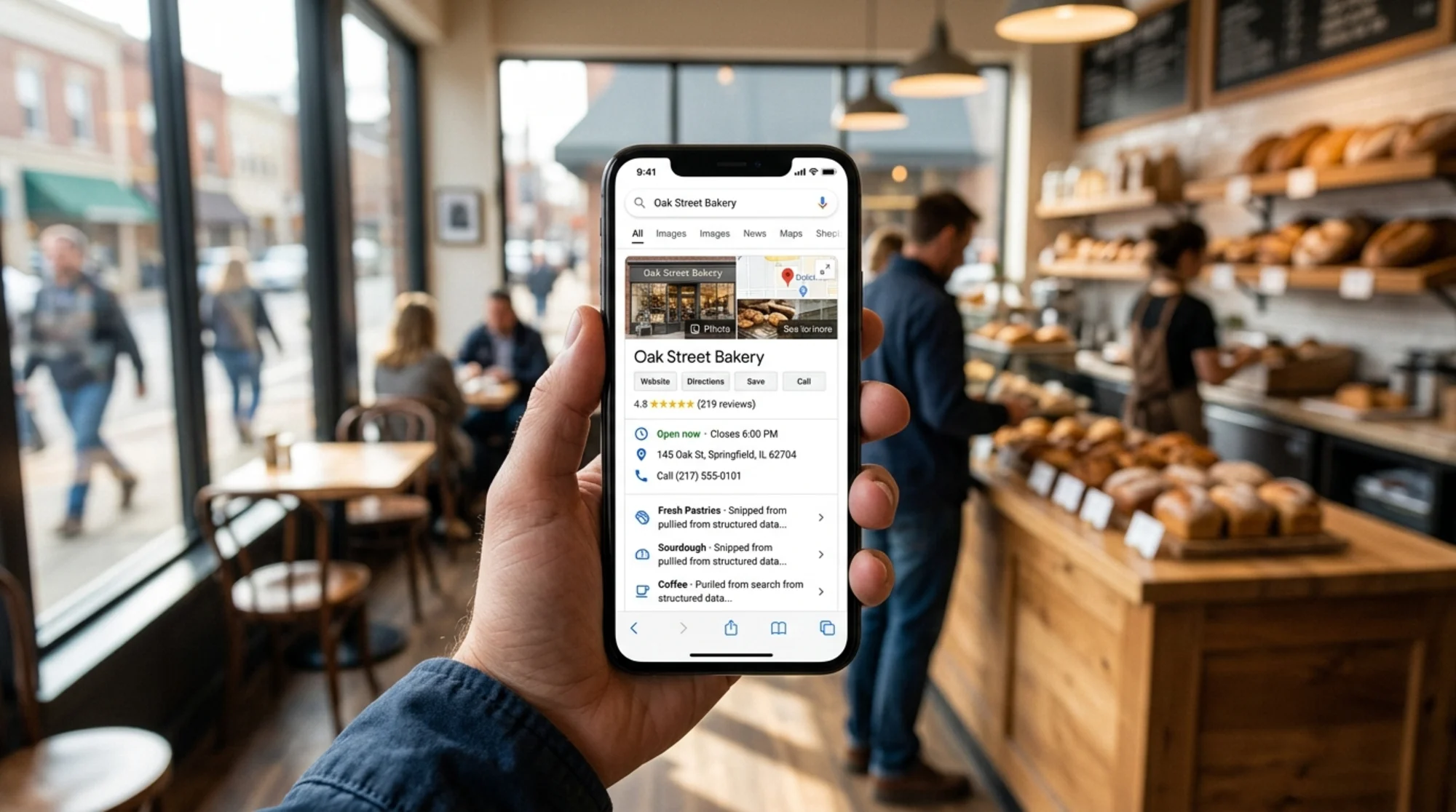
LocalBusiness schema is a small block of code on your site that tells Google what your business is in a structured format: name, address, phone, hours, category, price range, and so on. When Google trusts the data, it can enhance how your business appears in search.
Instead of a plain blue link, your result can show:
- Your business name and category
- Opening hours and an "Open now" indicator
- Star rating and review count
- Address and a small map
- Phone number with click-to-call
- Price range
These enhancements are called rich results. Schema is the language you use to ask for them. Asking is not the same as getting — Google will ignore your schema entirely if anything is off.
Why so many small business sites get this wrong
LocalBusiness schema is fiddly. There are dozens of properties, several required, several conditionally required, and the rules change. Most small business schema comes from one of three sources:
- A plugin (Yoast, RankMath, Schema Pro, Wix or Squarespace built-ins)
- A copy-pasted snippet from a tutorial or competitor
- A developer who set it up once and never looked at it again
Each source produces a different failure pattern. Plugins fill in safe defaults but miss anything custom. Copy-paste leaves example data ("Acme Bakery", "555-555-1234") in production. Developer-built schema goes stale when the business moves, changes hours, or rebrands.
The result: schema is technically present but full of issues that quietly block rich results.
The errors that cost you rich results
1. Wrong @type for the business
The @type property tells Google what kind of business you are. Generic "LocalBusiness" works, but Google strongly prefers a specific subtype when one exists.
A bakery should use "Bakery". A dentist should use "Dentist". A law firm should use "Attorney" or "LegalService". There are hundreds of subtypes. Using the right one helps Google understand what you do.
Fix: Look up your business in Google's LocalBusiness documentation and pick the most specific match. Fall back to "LocalBusiness" only if nothing fits.
2. Missing or malformed address
The address property must be a PostalAddress object with subfields. A common mistake is passing the address as a single string like "123 Main St, Portland, OR 97201". Google will not parse that. Fields must be broken out:
"address": {
"@type": "PostalAddress",
"streetAddress": "123 Main Street",
"addressLocality": "Portland",
"addressRegion": "OR",
"postalCode": "97201",
"addressCountry": "US"
}
Common mistakes:
- Missing
addressCountry(Google considers it required) - City stuffed into
streetAddress "USA"instead of the two-letter code"US"- Blank postal code
3. Phone number formatting
The telephone property looks easy but trips up plenty of sites. Google wants international format. (503) 555-0199 is not enough. +1-503-555-0199 is correct.
Without a country code, Google may accept the number but is more likely to drop it from rich results. International format is safer.
4. Inconsistent NAP across the site
NAP stands for Name, Address, Phone. Google cross-checks your schema against what is visible on the page. If your schema says +1-503-555-0199 but your footer says 503.555.0188, Google notices. If your schema name is "Portland Pacific Bakery" but your header says "Pacific Bakery PDX", that is a mismatch too.
Inconsistency lowers Google's confidence in your data. Lower confidence means fewer enhancements.
Fix: Pick one canonical version of your name, address, and phone, and use it identically everywhere — schema, footer, contact page, Google Business Profile, Yelp, Facebook.
5. Broken opening hours
The openingHoursSpecification property has its own structure and goes wrong constantly. The usual errors:
- Human-readable strings like
"Mon-Fri 9am-5pm"instead of objects - Missing closing time for split shifts
- Hours in 12-hour format with AM/PM
- Schema never updated when seasonal hours change
Correct format:
"openingHoursSpecification": [
{
"@type": "OpeningHoursSpecification",
"dayOfWeek": ["Monday", "Tuesday", "Wednesday", "Thursday", "Friday"],
"opens": "09:00",
"closes": "17:00"
},
{
"@type": "OpeningHoursSpecification",
"dayOfWeek": "Saturday",
"opens": "10:00",
"closes": "14:00"
}
]
Note the 24-hour format ("17:00", not "5:00 PM").
6. Fake or self-generated review markup
This is the one that gets sites penalized, not just ignored. Google explicitly forbids self-serving review markup. You cannot mark up reviews you wrote about yourself. You cannot fabricate ratings. You cannot pull reviews from your own internal system and pass them off as third-party.
If you want star ratings in your rich result, the safest path is to let Google Business Profile handle reviews. Third-party platforms with verified widgets are sometimes acceptable, but be cautious — if the markup is on your own page and the reviews are not independently verifiable, Google may treat it as spam.
Fix: If you are not 100% sure your review markup is compliant, remove it. A clean listing without stars is better than a flagged listing that gets demoted.
7. Missing geo coordinates
The geo property is optional but valuable. Latitude and longitude help Google place you accurately on the map, especially in dense areas where address parsing is ambiguous.
"geo": {
"@type": "GeoCoordinates",
"latitude": 45.5152,
"longitude": -122.6784
}
Find your coordinates by searching your address on Google Maps and copying them from the URL.
8. Wrong or missing image
LocalBusiness schema requires an image property. Many plugins skip it or fill in a tiny favicon. Google wants high resolution (1200px wide or more), supported format (JPG, PNG, WebP), and crawlable (not blocked by robots.txt).
A small icon will not trigger a rich result. A blurry photo will not either. Use a clear photo of your storefront, your product, or your logo at proper resolution.
9. URL mismatch
The url property should be the canonical URL of your homepage. Not a UTM-tagged tracking URL. Not a redirect. The final URL.
If your site resolves to https://www.example.com but your schema says http://example.com, Google sees those as different URLs. Pick the canonical version and use it consistently.
10. Schema on the wrong page
LocalBusiness schema belongs on the page that represents the business — usually the homepage or a dedicated location page. Some plugins inject it on every page, which is acceptable but can dilute signals if the schema differs slightly across pages.
For multi-location businesses, each location should have its own page with its own LocalBusiness schema, linked to a parent organization via the parentOrganization property.
A short scenario: Pacific Bakery in Portland
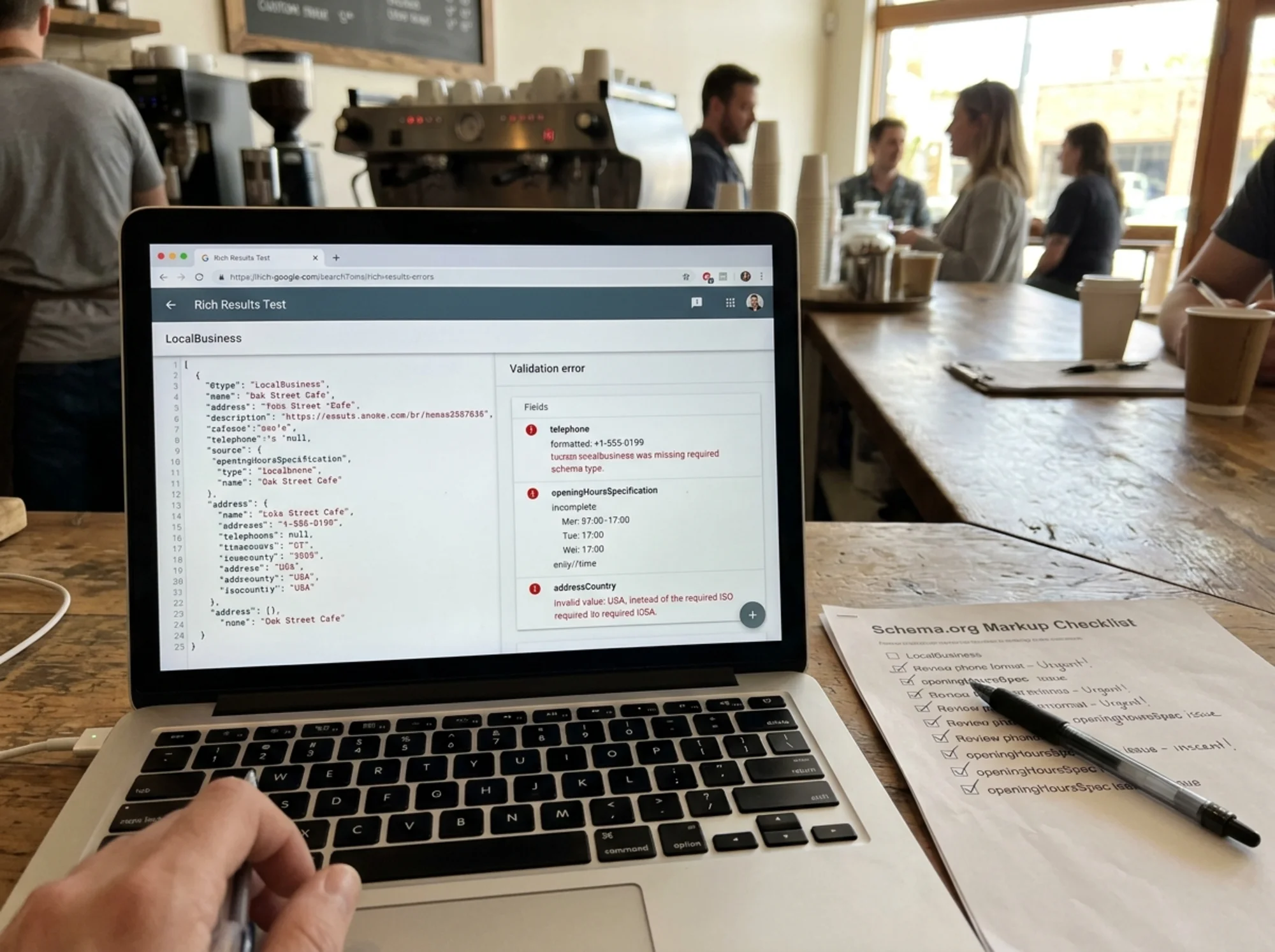
Pacific Bakery installed a popular WordPress schema plugin two years ago and never touched the settings. Running the homepage through Google's Rich Results Test surfaces six issues:
@typeis"LocalBusiness"— should be"Bakery"addressis filled in butaddressCountryis missingtelephoneis"(503) 555-0199"— no country codeopeningHoursSpecificationis missing entirely (the plugin only fills it if you connect Google Business Profile)imageis a 200x200 favicon — too smallaggregateRatingis sourced from an old testimonials page on the site — self-serving
None of these are catastrophic alone. Together, they explain why the bakery has not shown a single rich result in two years.
The fix takes about thirty minutes:
- Change
@typeto"Bakery" - Add
"US"as the country - Reformat the phone to
+1-503-555-0199 - Manually enter opening hours in 24-hour format
- Replace the favicon with a 1200px storefront photo
- Remove the aggregateRating block and rely on Google Business Profile for reviews
Within two weeks of these changes being indexed, the bakery starts seeing opening hours and a map appear in branded search results. Stars take longer because they depend on Google Business Profile reviews, which the owner now actively requests from customers in person.
A mini-checklist you can use today
Open your site and work through this list. You do not need to be technical — most of it is just looking at what is there.
Identity
- [ ]
@typeis the most specific subtype that fits your business - [ ]
namematches what you call yourself everywhere else - [ ]
urlis the canonical homepage URL
Contact
- [ ]
telephoneis in international format with country code - [ ]
addressis aPostalAddressobject with all fields filled in - [ ]
addressCountryis a two-letter country code
Hours
- [ ]
openingHoursSpecificationuses the object format, not a string - [ ] Hours are in 24-hour time
- [ ] Every day the business is open has a specification
Visuals
- [ ]
imageis a real photo, at least 1200px wide - [ ] Image is crawlable and not blocked by robots.txt
Location
- [ ]
geocoordinates are included and accurate
Reviews
- [ ] No fake or self-serving review markup
- [ ] If
aggregateRatingis present, it is sourced from a legitimate, verifiable system
Consistency
- [ ] NAP matches the visible content on the page
- [ ] NAP matches your Google Business Profile, Yelp, and major directories
How to test your schema
Two free Google tools tell you exactly what is wrong:
- Rich Results Test — paste your URL and Google reports whether your schema is eligible for any rich results, plus every error and warning.
- Schema Markup Validator — a more general validator that catches structural issues, not just rich-result eligibility.
Both are free and require no signup. Start with Rich Results Test because it focuses on the features that actually affect your appearance in search.
If you see warnings on "optional" fields, do not ignore them. Google's warnings often translate to "we will not show the rich result." Treat warnings as errors when rich results matter.
What to do after fixing the errors
Schema changes do not produce rich results overnight. Google needs to recrawl the page, re-evaluate the structured data, and decide whether to show enhanced results. That usually takes a few days to a few weeks.
To speed it up:
- Submit the corrected page in Google Search Console using "Request Indexing"
- Make sure no
noindextag is blocking the page - Confirm your sitemap includes the page
- Expect rich results to appear in stages — hours first, then map, then stars
If after four to six weeks the Rich Results Test reports no errors and you still see no rich results, the issue is usually trust: a new domain, thin content, or low overall authority. Schema cannot override Google's confidence in your site as a whole. It only unlocks features for sites Google already trusts.
The bigger picture
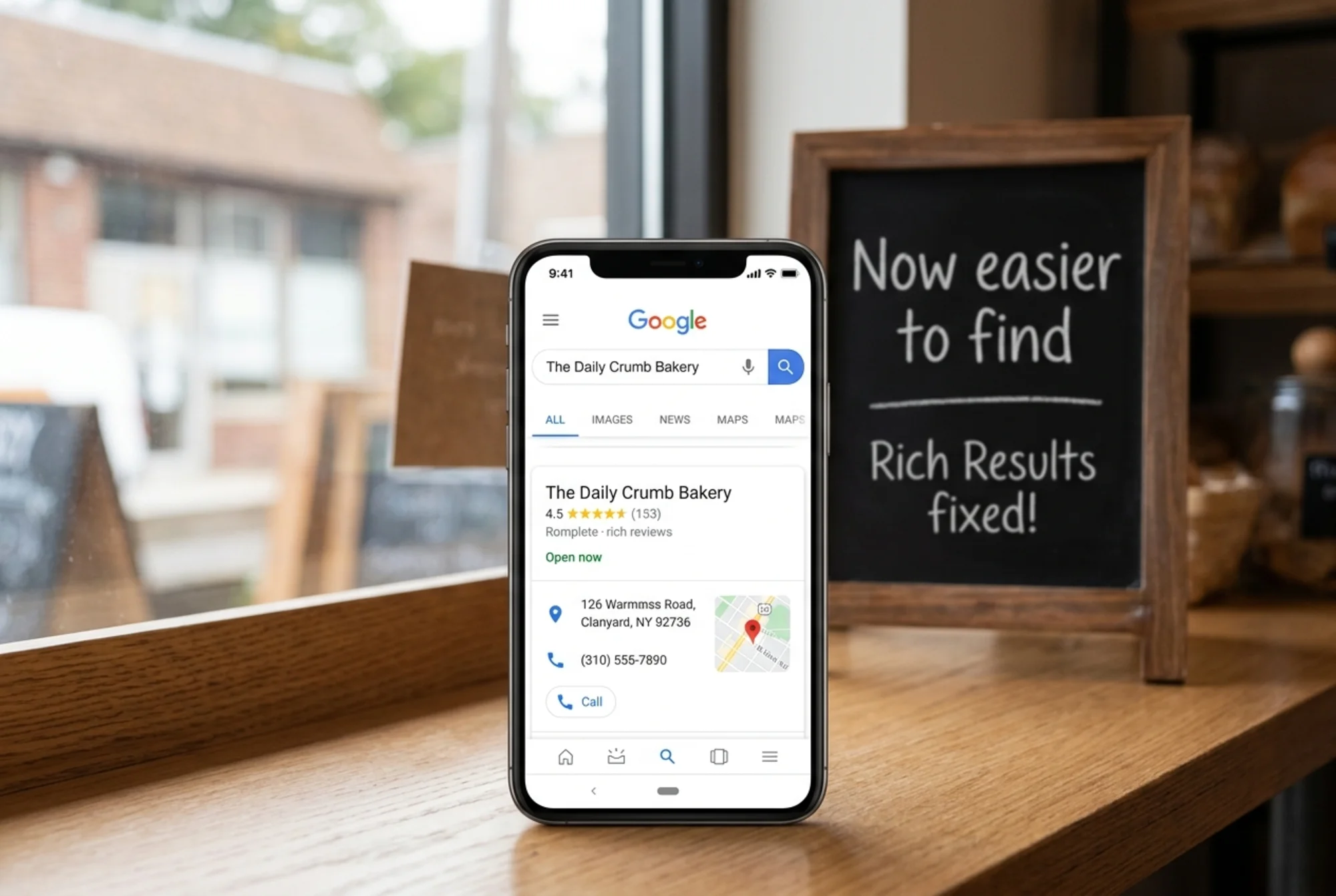
Schema is one of the rare technical SEO areas where small business sites can outrank larger competitors. Big brands often carry bloated, conflicting structured data from years of dev teams adding and removing markup. A small business with a clean, accurate, complete LocalBusiness schema can leapfrog them in local results.
The win is not only visual. Rich results have higher click-through rates because they answer the searcher's question right in the result — when are you open, where are you, are you any good. Every answered question is one less reason to click a competitor.
The work is also mostly one-time. Set it up right, audit it once a year, update it when your business changes.
Run a free check on your site
If you want to know exactly which schema errors are on your site without manually pasting URLs into testing tools, run a free website audit with FreeSiteAudit. The audit checks your LocalBusiness schema for the common errors above, flags missing required fields, and gives you a prioritized list of fixes.
You can also browse our structured data fixes library for step-by-step guides to specific schema problems, or see our local business resources for more tactics that work for owner-operated sites.
Rich results are not magic. They are the reward for clean data. Get the data clean and the rewards follow.
Sources
Related Tools
Related Fixes
Check your website for free
Get an instant score and your top 3 critical issues in under 60 seconds.
Get Your Free Audit →