Organization Schema: The Trust Signal Search Engines Love
Learn what Organization schema is, why search engines reward it, and how small businesses can add it to their website in 20 minutes—no developer needed.
# Organization Schema: The Trust Signal Search Engines Love
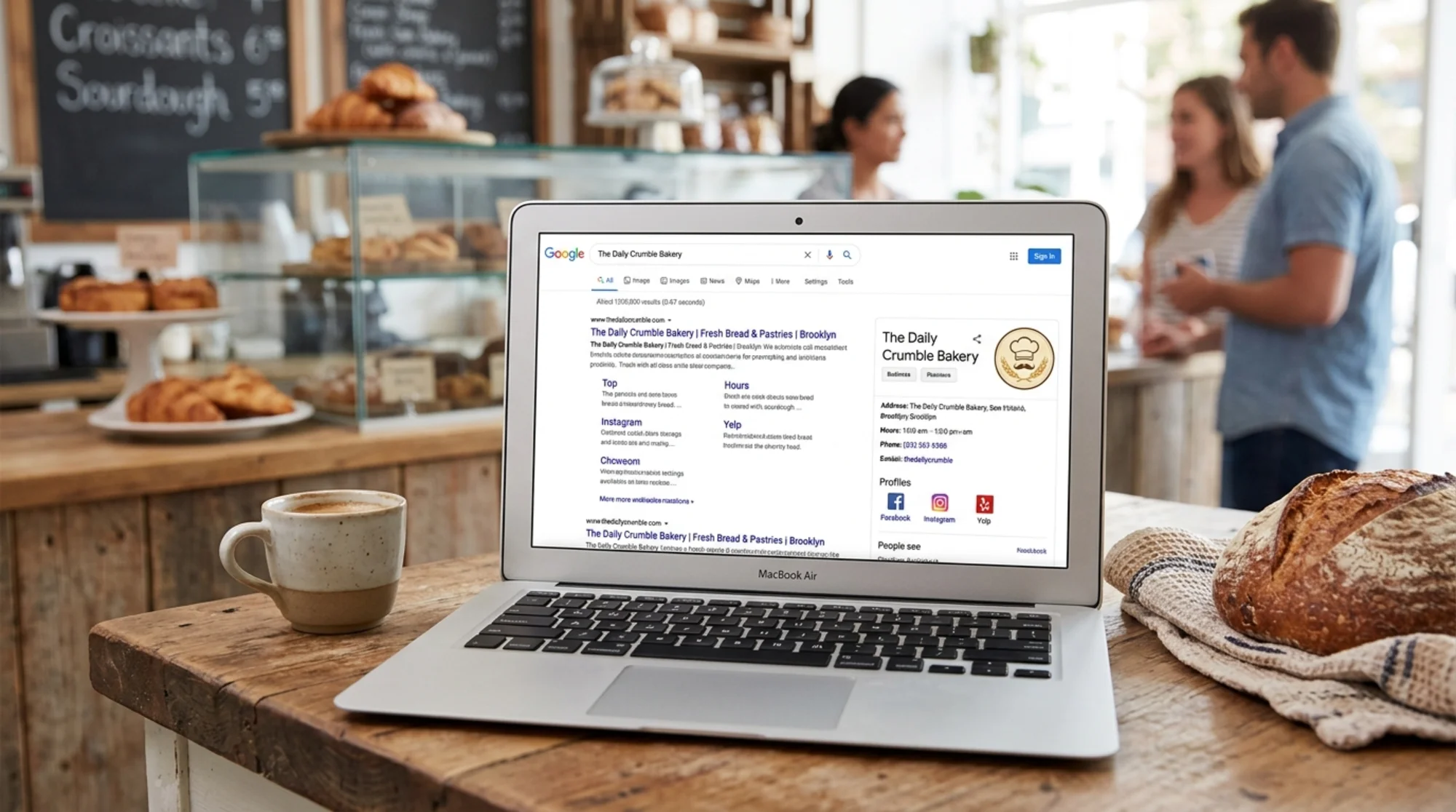
If you've searched for a competitor and seen their logo, address, and social links appear cleanly in a Google knowledge panel while your business shows up as plain blue text, the gap usually isn't luck or budget. It's structured data—specifically, Organization schema.
Organization schema is a small block of code that tells search engines, in machine-readable terms: this is who we are, this is what we look like, this is where to find us. Google, Bing, and other engines use it to assemble the rich, trust-building results you see for established brands.
The good news: you don't need a developer to understand it, and in most cases you don't need one to implement it. This guide covers what Organization schema is, why it matters for small businesses, and exactly how to add it.
What Organization schema actually is
Search engines read your website differently than humans do. When a person lands on your homepage, they instantly understand that the image top-left is your logo, the number at the bottom is your contact, and the footer icons link to your social profiles.
A search engine sees HTML. It has to guess which logo is official, which phone number is the main one, and whether those social links actually belong to you.
Organization schema removes the guesswork. It's a structured block of code—usually written in a format called JSON-LD—that explicitly labels:
- Your legal or trade name
- Your official logo URL
- Your website URL
- Your social media profiles
- Your contact information
- Your physical address (if you have one)
Google's structured data documentation describes this as a way to help search systems understand entities and their relationships, which in turn feeds knowledge panels, rich results, and how your brand is represented across the search ecosystem.
Think of it as a name tag for your business, written in a language search engines can read at a glance.
Why it matters for small businesses
Larger brands get knowledge panels somewhat automatically because they're cited across thousands of sources—Wikipedia, news outlets, directories. Search engines have so much data on them they can confidently assemble a knowledge graph entry.
Small businesses don't have that luxury. You might be referenced on a dozen pages across the web with inconsistent names, missing logos, and stale phone numbers. Organization schema lets you stop relying on what other sites say about you and start declaring it yourself, directly from the source.
Three practical wins follow:
1. Logo appearance in search results. When Google can confidently match your site to your logo, that logo may appear next to your search result or inside the knowledge panel. A single visual cue makes your listing more clickable than a competitor's text-only result.
2. Cleaner brand representation. Schema reduces the chance Google pulls a random favicon, an old logo from a third-party directory, or no logo at all.
3. Verified social profiles. The sameAs property tells search engines, "these social accounts officially belong to us." This disambiguates your business from similar names and lowers the risk of impersonator accounts ranking above the real ones.
What missing schema looks like
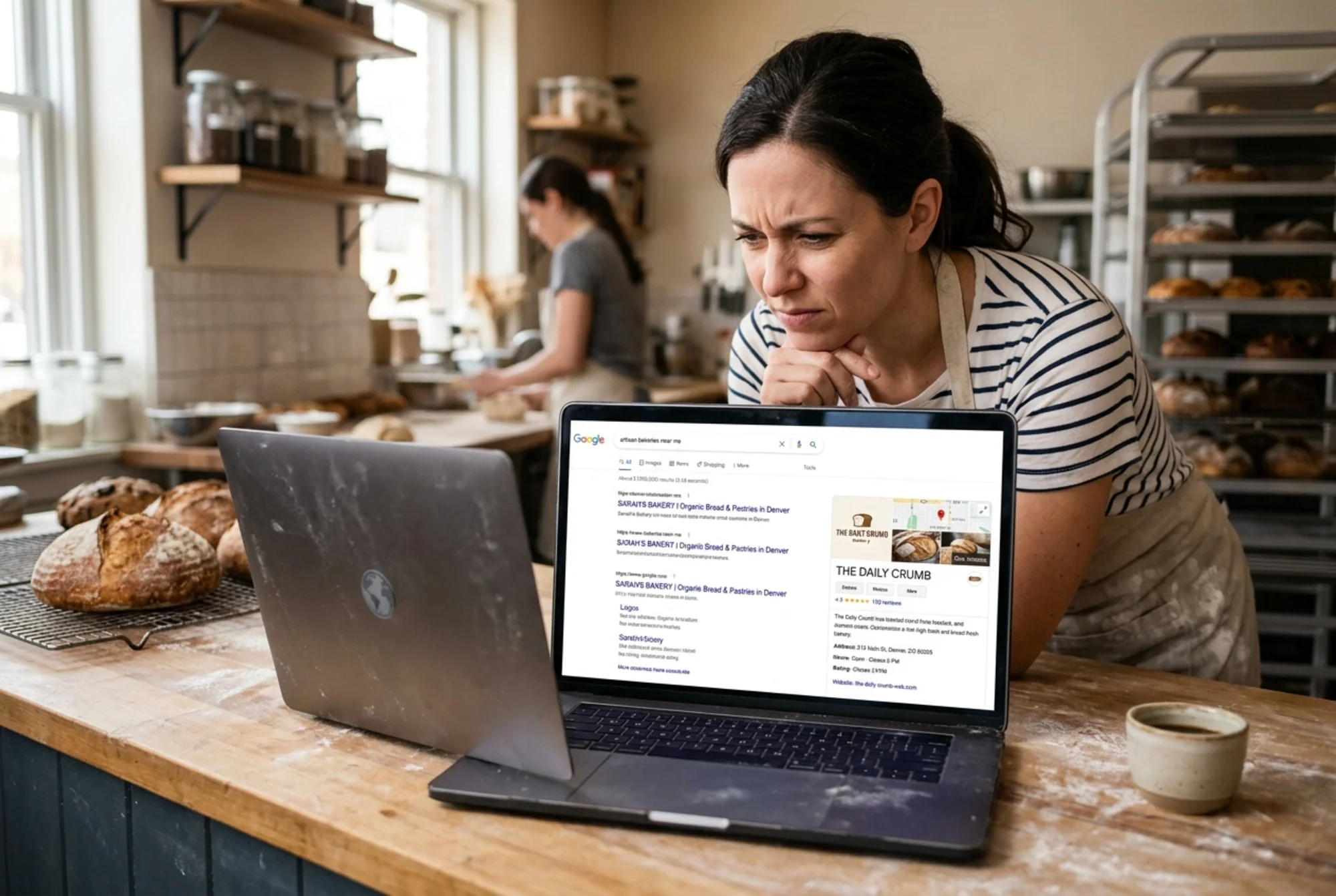
Here's what typically happens to a small business with no Organization schema:
- Brand searches return a plain blue link with a generic favicon
- The knowledge panel is empty, or worse, populated with mismatched info pulled from third-party sources
- Logos in mobile search results are missing or replaced by initials
- Social profile links are inconsistent—LinkedIn appears sometimes, Instagram never does
- Voice assistants stumble over your name or pull the wrong contact info
None of these issues are fatal individually. Together, they quietly erode trust. A first-time visitor searching your name wonders: Is this place still in business? Is this the right company? You don't get a chance to answer. They click away.
What goes in an Organization schema block
A minimum-viable Organization schema includes:
@context— Always"https://schema.org".@type— Usually"Organization", or a more specific subtype like"LocalBusiness","Restaurant","Dentist", or"Store".name— Your business name, exactly as you want it to appear.url— The canonical URL of your homepage.logo— A direct URL to your logo image. At least 112×112 pixels, square or near-square, hosted on your own domain.sameAs— An array of URLs pointing to your official social profiles and authoritative third-party listings.
Optional but useful fields: description, address (using PostalAddress subtype), telephone, contactPoint, founder, foundingDate.
A clean example for a fictional small bakery:
{
"@context": "https://schema.org",
"@type": "LocalBusiness",
"name": "Maple Street Bakery",
"url": "https://maplestreetbakery.example",
"logo": "https://maplestreetbakery.example/logo.png",
"description": "Family-owned bakery serving fresh bread, pastries, and custom cakes since 2014.",
"telephone": "+1-555-123-4567",
"address": {
"@type": "PostalAddress",
"streetAddress": "212 Maple Street",
"addressLocality": "Springfield",
"addressRegion": "OR",
"postalCode": "97477",
"addressCountry": "US"
},
"sameAs": [
"https://www.facebook.com/maplestreetbakery",
"https://www.instagram.com/maplestreetbakery",
"https://www.linkedin.com/company/maple-street-bakery"
]
}
That block gets wrapped in a